Free Merch Maker Online

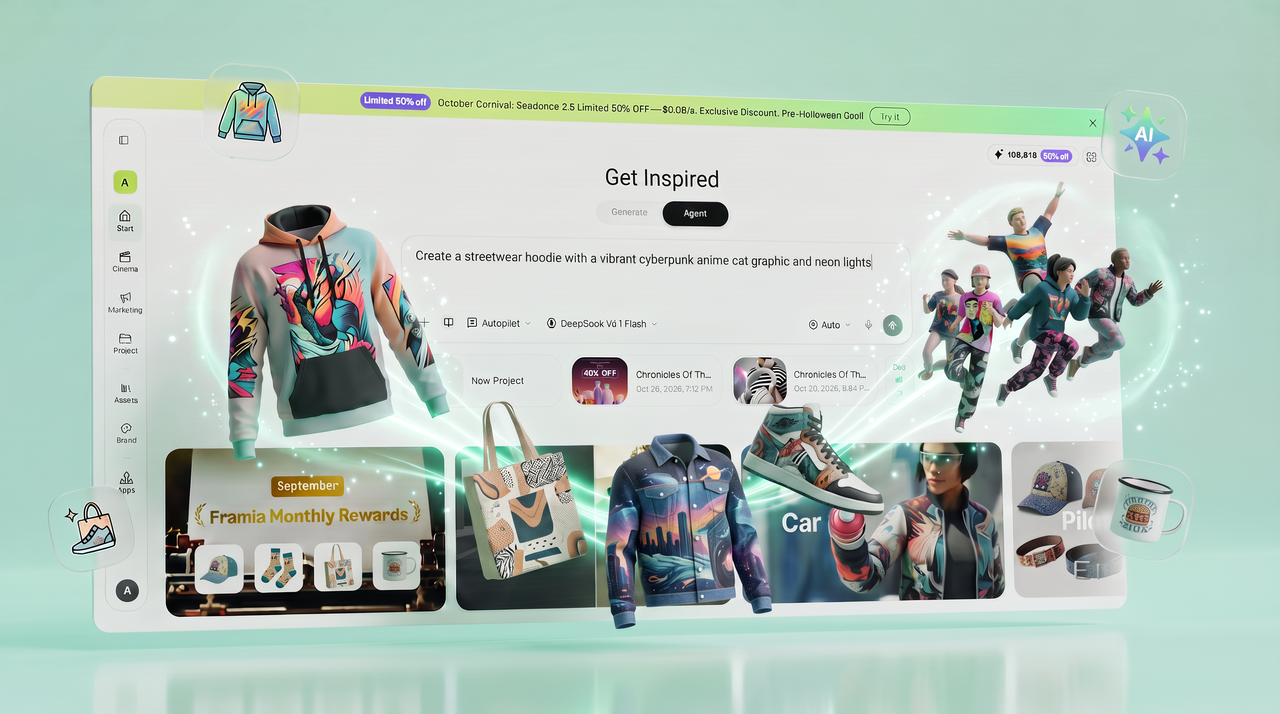
Design and customize your product merch with AI. You can make merch, preview it, and get it ready for selling.

Start for Free

Preparing editor…

What is a merch maker?

A merch maker is an online tool that lets you create custom designs for products such as T-shirts, hoodies, mugs, tote bags, stickers, and hats. It can provide templates, design elements, and AI tools to turn your ideas into artwork for merchandise. You can add text, upload images, choose a style, and adjust the design to match your needs.

Sample prompts to get you started

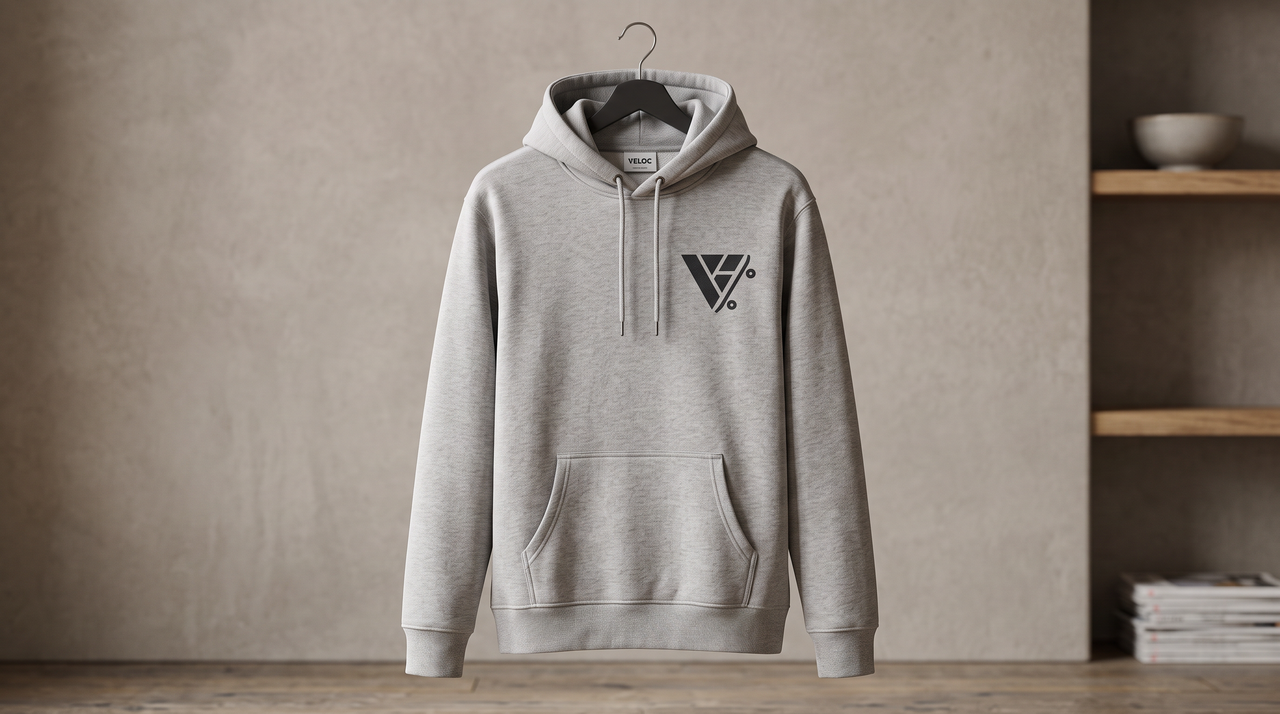
Minimalist streetwear hoodie with a geometric logo for a skateboarding brand."

1794563269926-2f7b570e-796a-46fe-9cec-ea14b64c1f17
1778212886393-20260508-120115

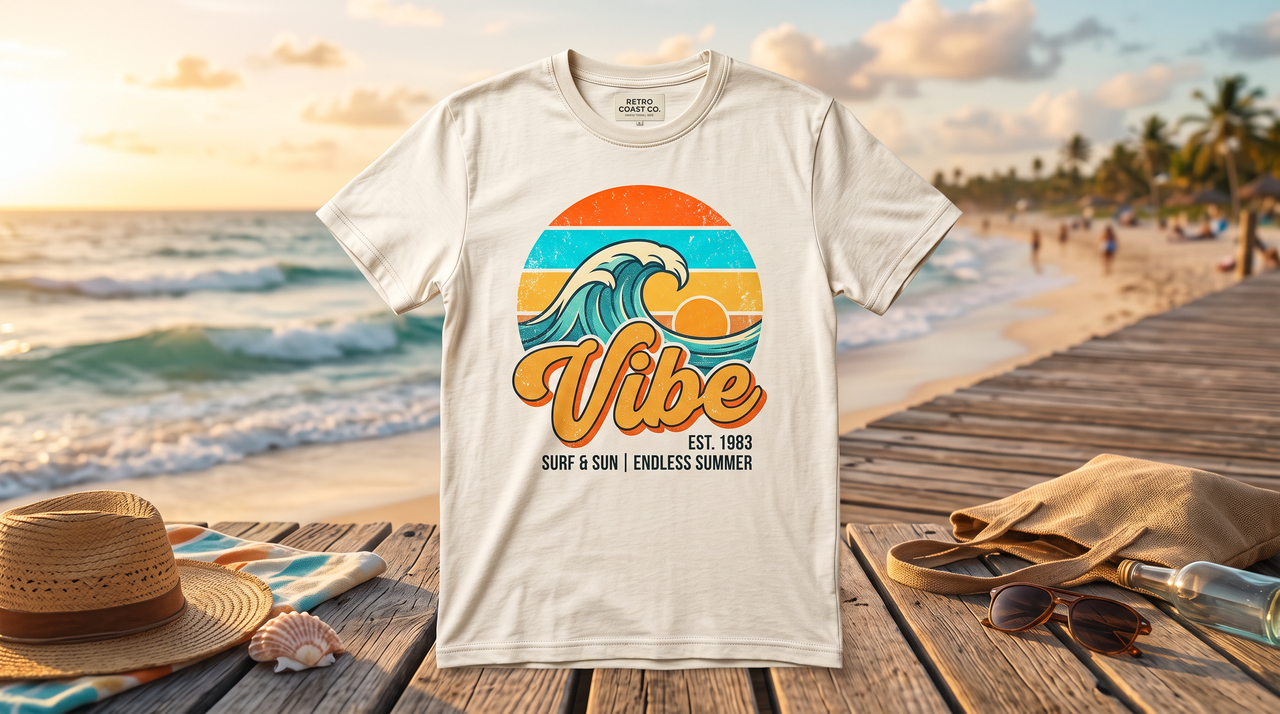
Bright retro summer t-shirt with a sunset wave and the word 'Vibe'."

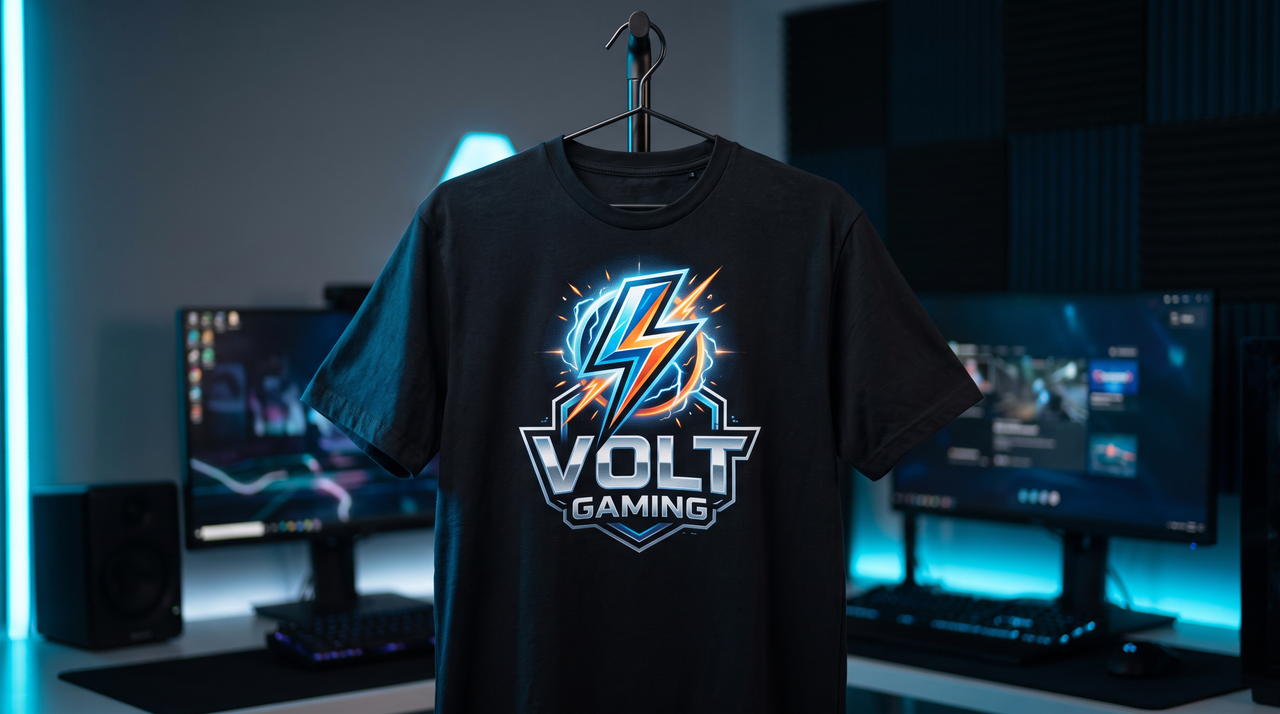
Make custom merch for a YouTube channel: dark tee, lightning bolt icon, channel name."

1778212921472-20260508-120150
1778212958973-20260508-120229

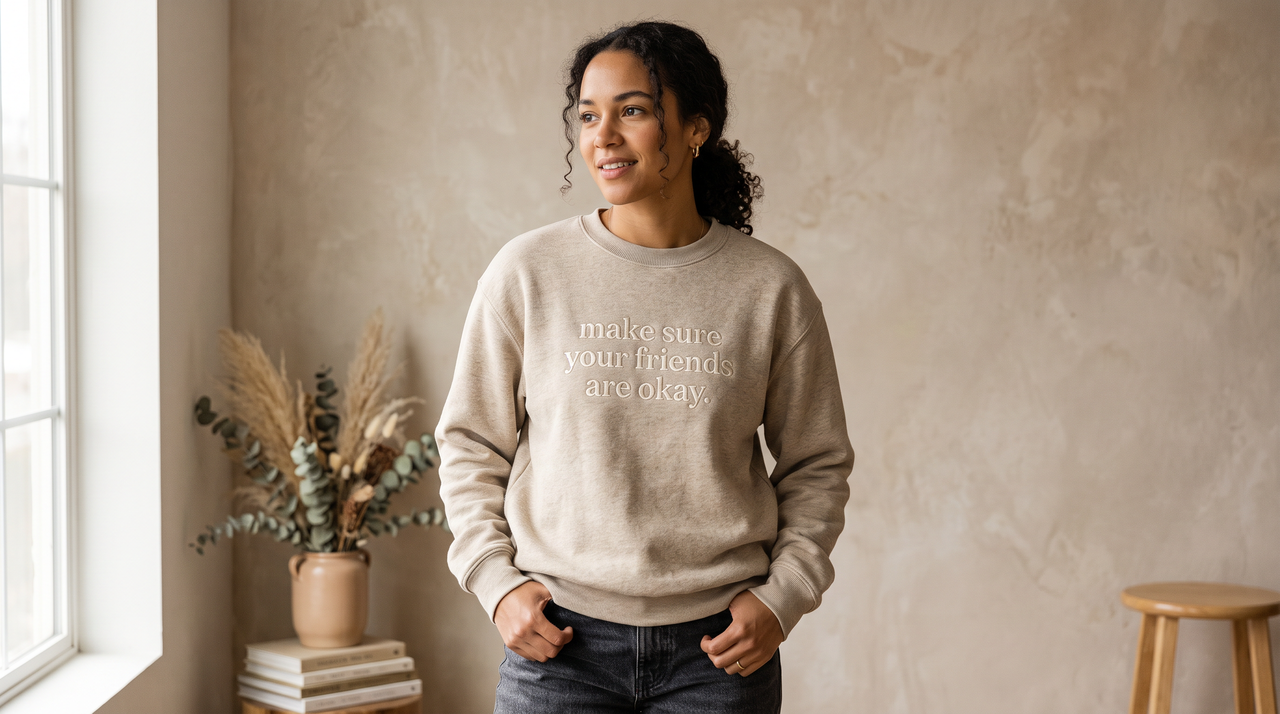
Make a crewneck merch with the phrase 'make sure your friends are okay.'"

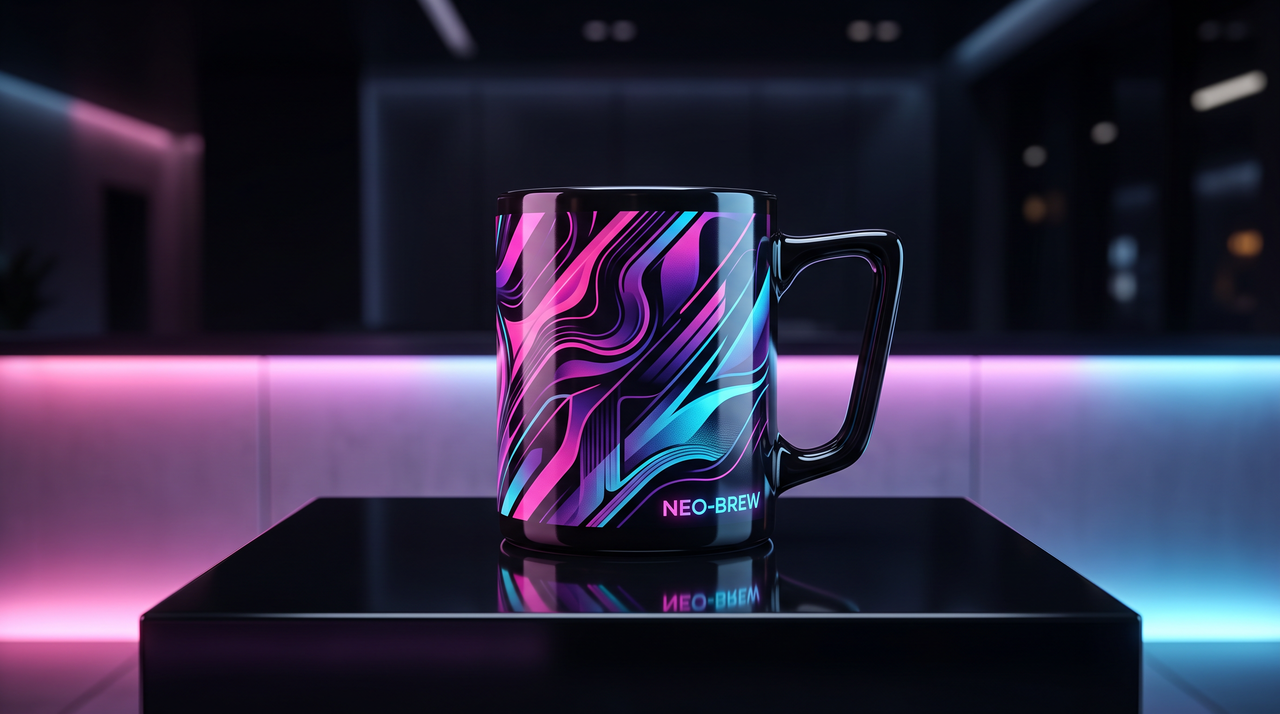
Create a futuristic mug design with neon gradients and abstract shapes."

1778212988813-20260508-120257
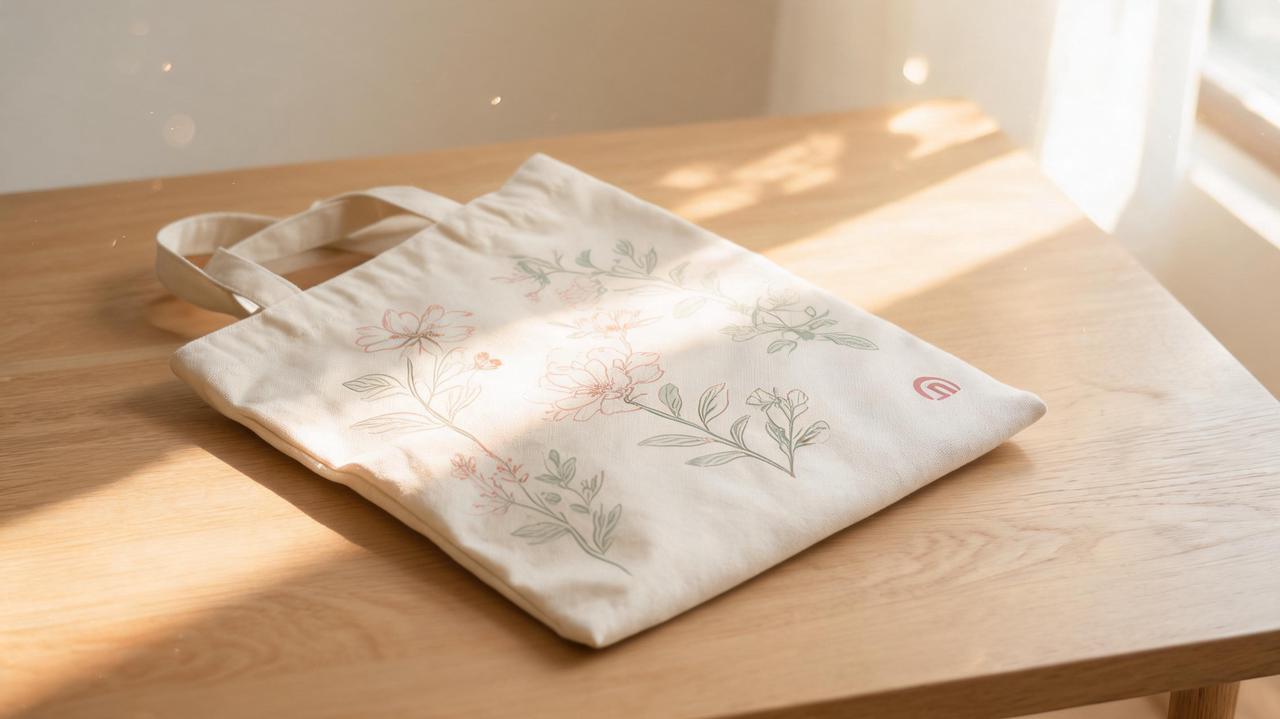
- Design a pastel tote bag with a floral pattern and a small signature logo."

Design a pastel tote bag with a floral pattern and a small signature logo."

How to make merch with Framia Pro?

Follow simple steps to turn your idea into a merch design you can preview, refine, and export.

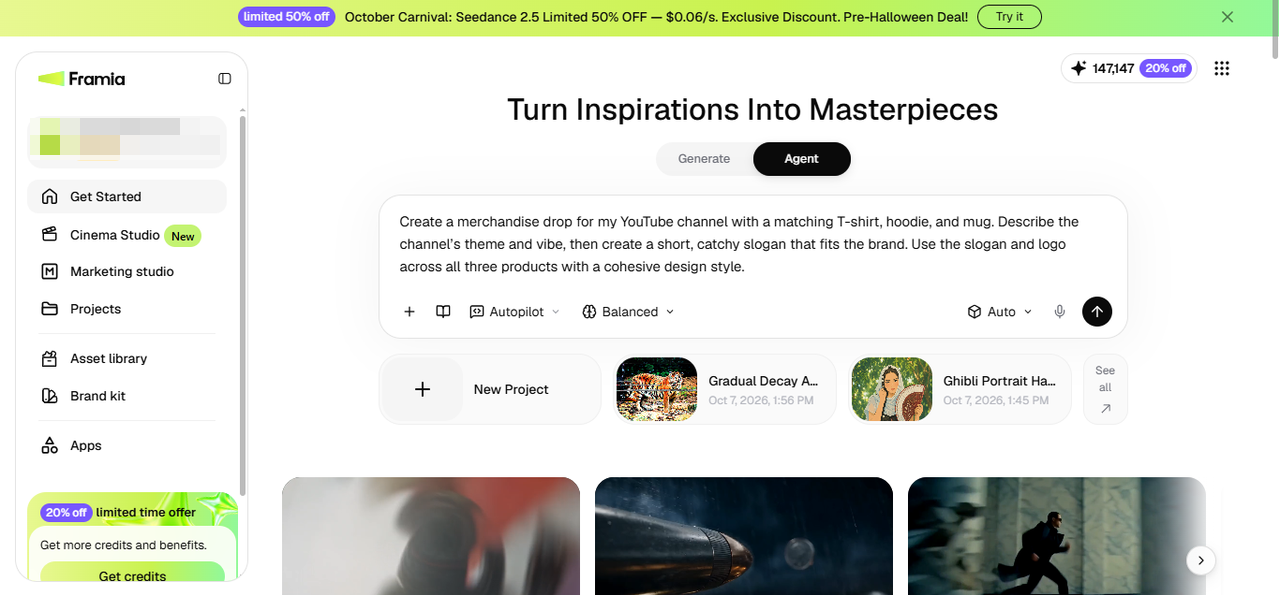
Step 1: Open Workflow Canvas
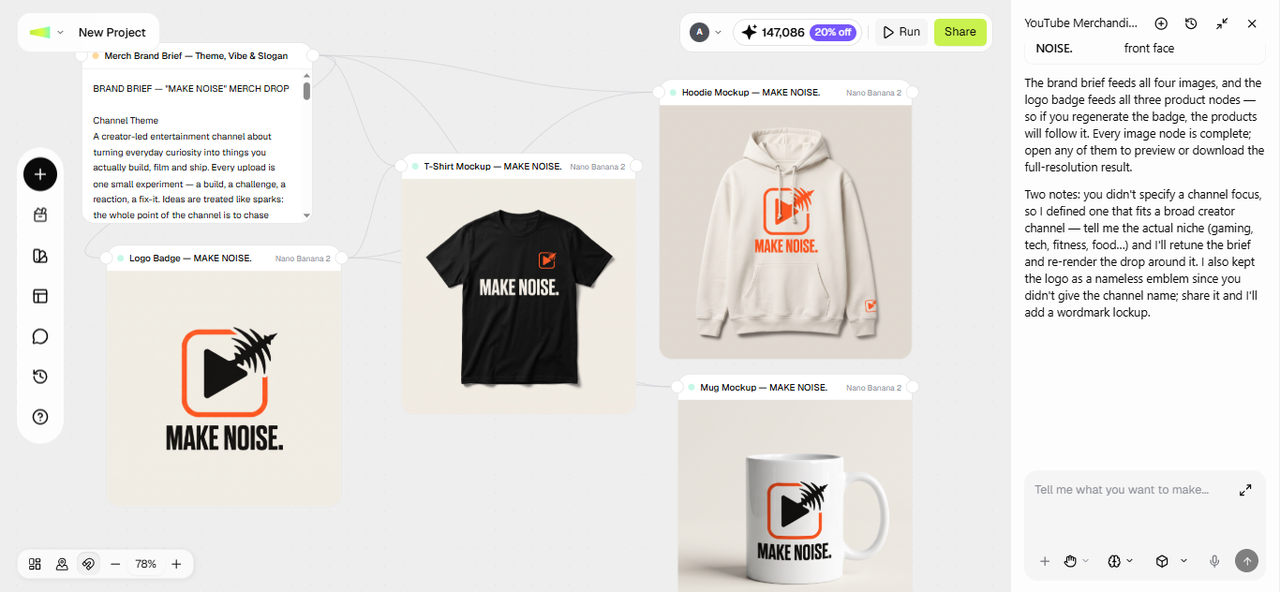
Say you run a YouTube channel and want a tee, a hoodie, and a mug in one drop. Open Agent Canvas from the Framia Pro dashboard and start a new project. Describe your channel, the vibe, and the products you want. After that, click + to add your logo as a reference, pick the Design Planner skill, and choose an image model or leave it on auto. Set the reasoning mode to Fast, Balanced, High, or Extra High and click Generate.
Step 1: Open Workflow Canvas
Step 2: Set up each node
Framia Pro writes a merch brief with slogan ideas, a color palette, and design prompts in the first Text node, then arranges connected Image nodes around it. You can edit the Text node to change the brief and re-run the Image node to create a different output after updating the resolution, aspect ratio, and model settings.
Step 2: Set up each node
Step 3: Edit and download
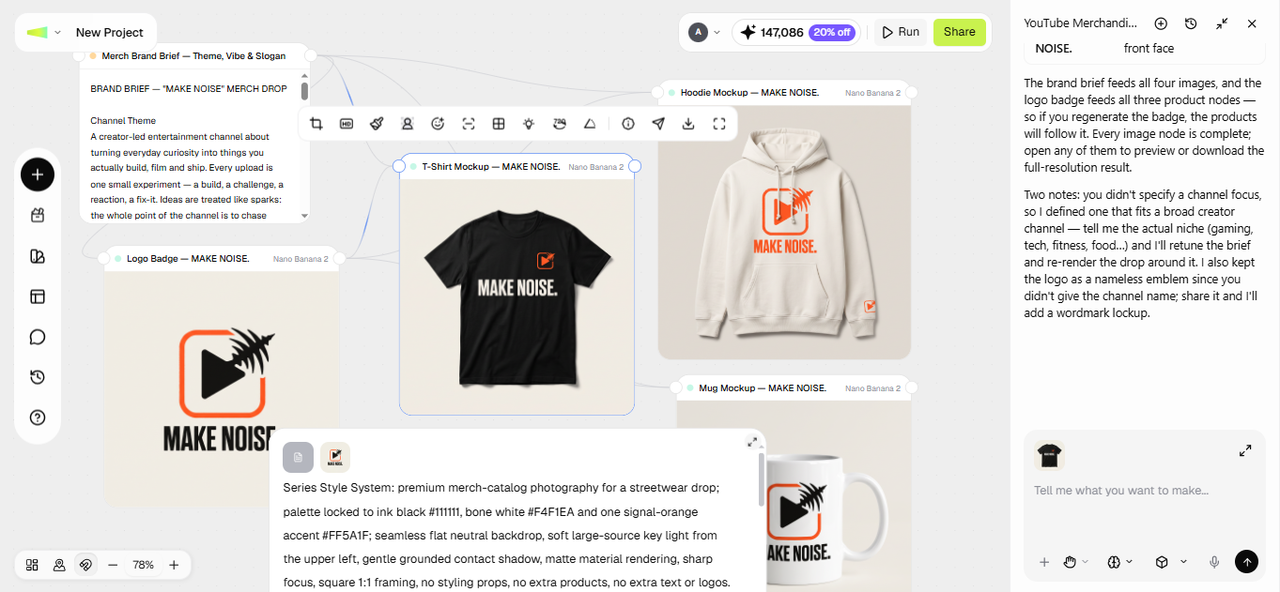
You can now use the built-in toolbar to edit a specific part of the generated merch image, upscale the resolution, change the angle, crop out unnecessary frames, or create a grid for your Instagram page. After you are done, click Download to save the merch design to your device or click Share to publish it online on your connected social platform.
Step 3: Edit and download

Key features of Framia Pro's merch design maker

Explore tools that turn ideas into merch designs, refine details, and prepare files for print or selling.

Make your own merch using text prompts

Type a description, and our merch maker runs it through Nano Banana 2, Seedream 5.0, GPT Image 2, MidJourney v7, Qwen Image, or Flux Max. Flux. Produce detailed graphics that match style, mood, and product theme in one flow.

Make your own merch using text prompts
Edit & customize your custom merch designs

Edit & customize your custom merch designs

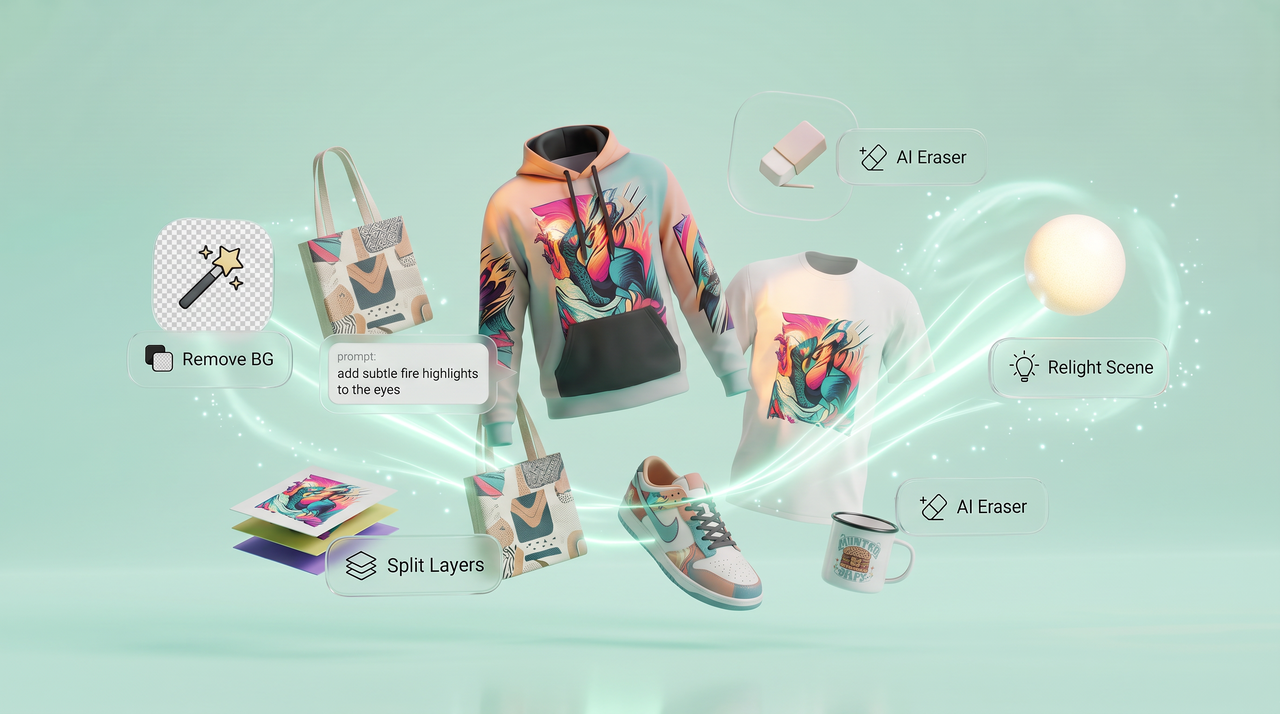
Refine your design using purpose-built tools to remove backgrounds, split layers, erase unwanted elements with AI, relight the scene, edit text, or crop to fit your needs. You can also apply prompt-based edits that update specific parts of the design.

Browse and apply trending merch design styles

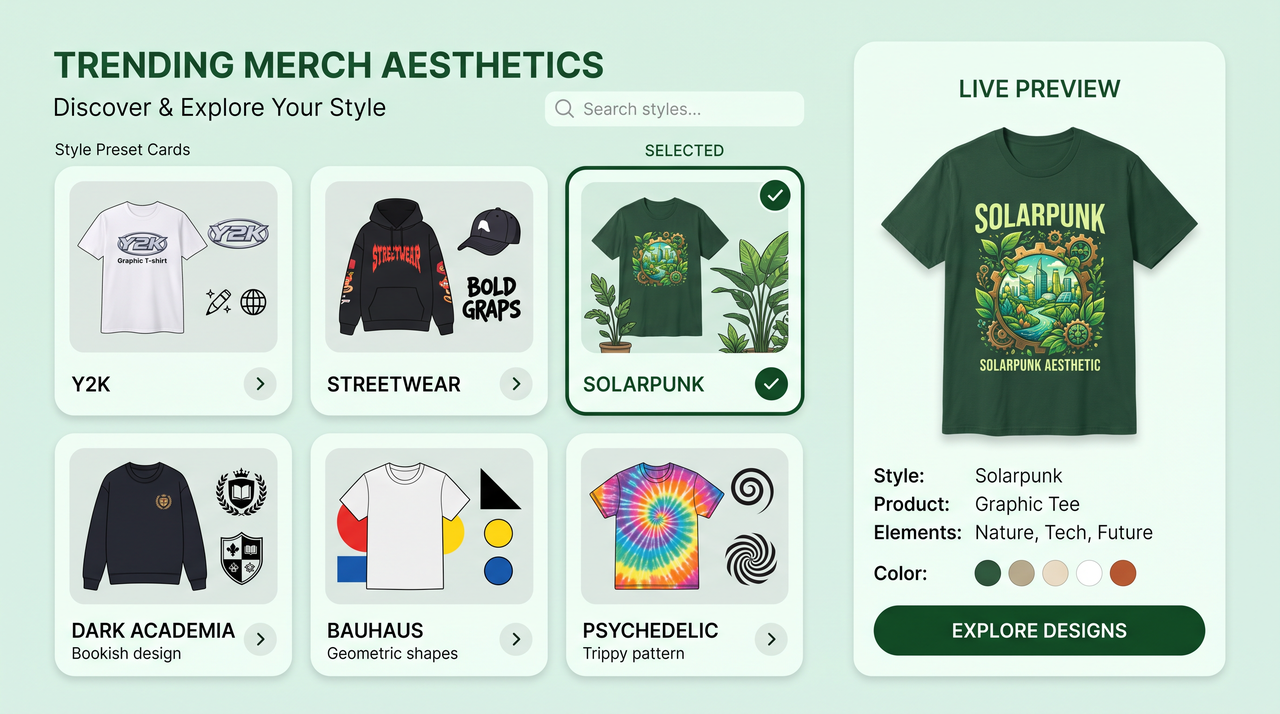
Search trending styles from the web inside Framia Pro and apply any look to your design. Use prompt to make a merch design in minimalist, hand-drawn, nostalgic, mixed media, Y2K, streetwear, Bauhaus, gorpcore, solarpunk, dark academia, psychedelic, retro sports, or other styles.

Browse and apply trending merch design styles
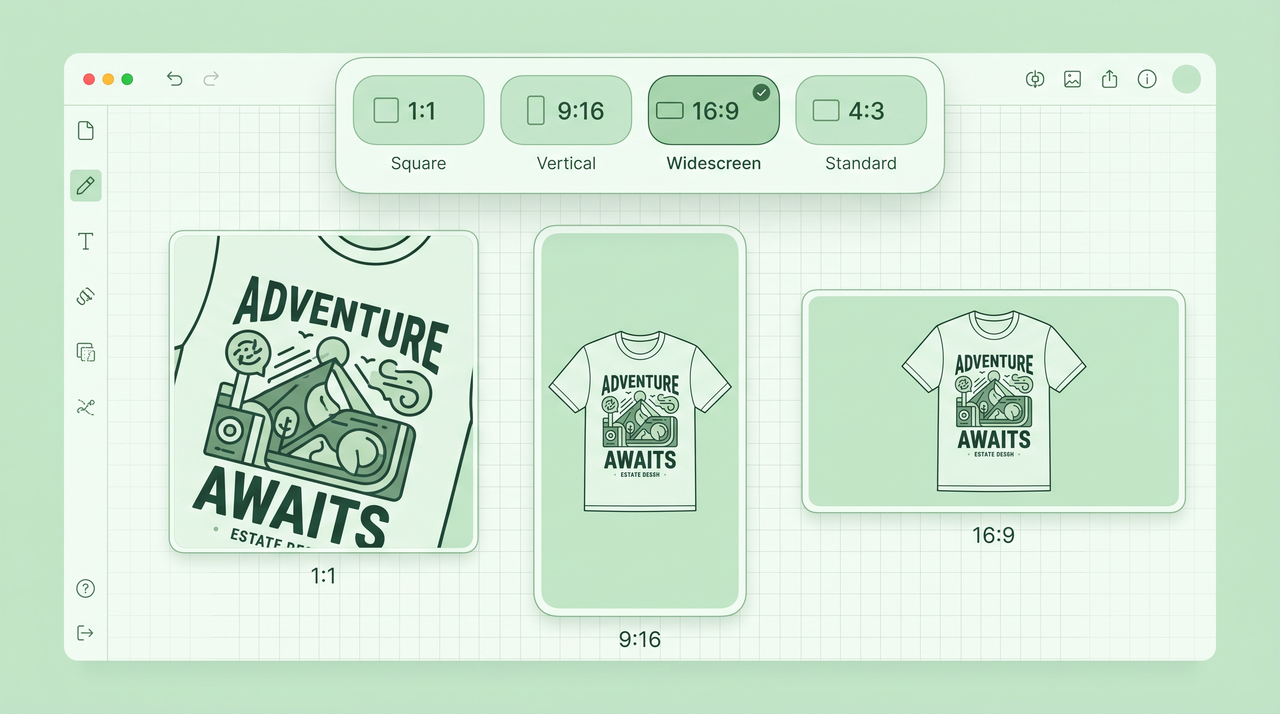
Select from any aspect ratio for your design

Select from any aspect ratio for your design

Adjust canvas size for square, vertical, or horizontal formats before finalizing your design using our AI merch maker. Fit merch graphics for product printing, social previews, or storefront displays using flexible size controls inside the workspace.

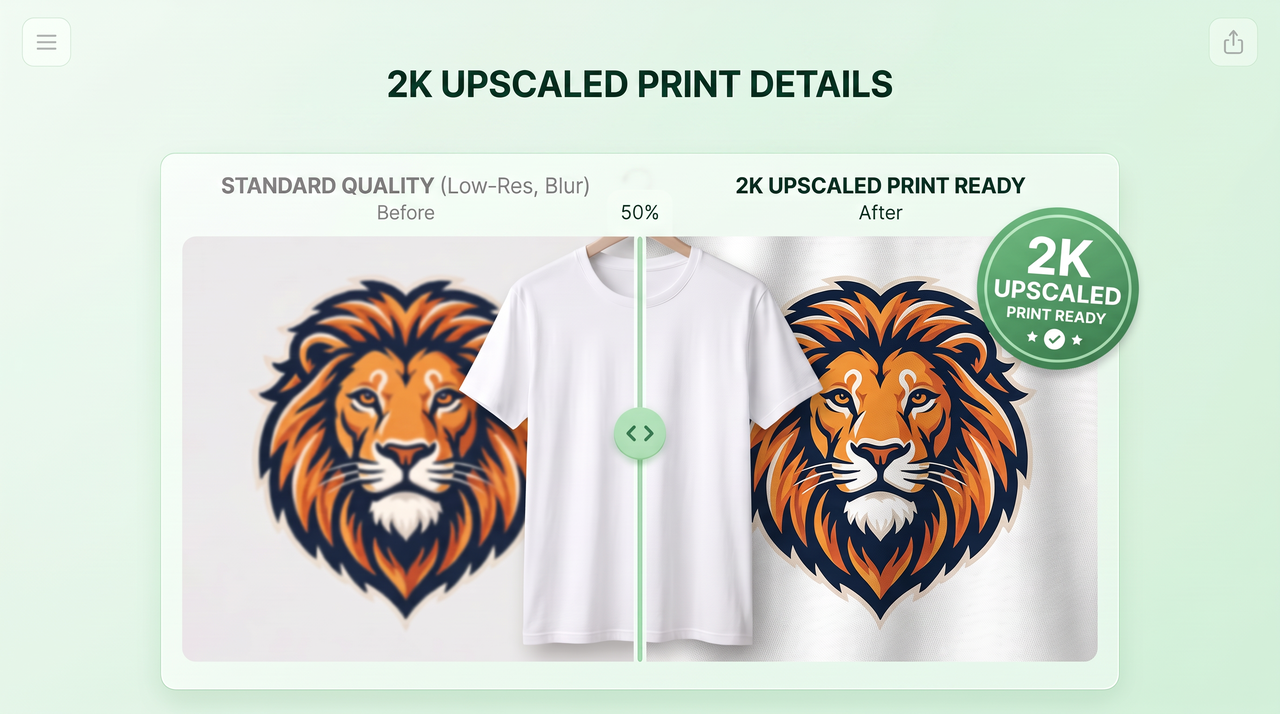
Easily upscale merch design to 2K

Increase resolution using the AI upscaler to recreate fine details and sharpen edges. Prepare merch files for print or digital use with clear visuals that remain accurate, clean, and sharp for larger formats or high-quality product displays.

Easily upscale merch design to 2K

What can you create with our custom merch maker?

Turn any idea, brand, or moment into physical products people actually want to wear, carry, and gift.

YouTube and creator merch
Design branded t-shirts, hoodies, and accessories that match your channel's brand identity. List them on your merch shelf and let your audience rep your brand. Framia Pro generates print-ready files so you can upload directly to any print-on-demand platform.
Small business-branded products
Put your logo on mugs, tote bags, and apparel that your customers take everywhere. Branded products extend your visibility far beyond your storefront. Export your designs from our merch maker as high-resolution files for any commercial printer or POD service.
Event and group merchandise
Design matching apparel for team trips, reunions, sports days, or community events. Upload a group name, pick a style, and generate a design quickly. Send the final file to any printer and order exactly the quantity needed.
Fan and community merch
Make a merch line around a fandom, niche interest, or online community using Framia Pro's AI merch maker. Designs tied to specific references and shared identity tend to sell faster. Generate multiple variations so your drops stay fresh.
Fundraiser and cause merch
Launch a limited merch drop to raise money for a cause or campaign. Use Framia Pro to generate an engaging design that reflects the message, then export the file and upload it to your preferred print-on-demand store.
Personal gifts and marketing posters
Turn a photo, quote, or inside joke into a one-of-a-kind custom merch design for someone special. Framia Pro also makes marketing posters, promotional banners, and event graphics from a single text prompt and adds your merch designs to them.

Testimonials from people who use our merch maker for free

See how real creators describe their experience using this merch maker through quick stories and honest thoughts.

I typed a simple idea for my channel merch and expected something average. Framia Pro surprised me with a strong visual. I adjusted text and colors, then added it to my store. My audience kept asking where that design came from.
Axel Monroe
Axel Monroe
YouTube Creator
I struggled to get product visuals right for my shop. This merch maker gave me designs that matched my brand style. I refined layouts and fixed small details. My listings now appear quite engaging and give buyers more trust.
Lena Cross
Lena Cross
Small Business Owner
I tested hoodie ideas on this custom merch maker late at night just to see the results. It produced styles that felt current. I adjusted elements until everything matched my vision. That control saved me from repeating the same work.
Ryder Quinn
Ryder Quinn
Streetwear Designer
I needed merch visuals for a campaign and tried this AI merch maker. The designs came together in one smooth flow. I updated backgrounds and text using simple instructions. My team approved the first version, which rarely happens.
Sienna Vale
Sienna Vale
Social Media Manager
I uploaded a product idea and watched it turn into something I could sell. Framia Pro produced clean details, and I adjusted the layout easily. It replaced long editing sessions I used to handle through different tools.
Jaxon Pierce
Jaxon Pierce
E-commerce Seller
I wanted to practice merch design and tried Framia Pro for that purpose. The interface felt easy to understand right away. I changed parts step by step and saw clear results. It gave me confidence to explore new ideas.
Nova Sinclair
Nova Sinclair
Graphic Design Student
We've compiled the most important information to help you get the most out of your experience. Can't find what you're looking for?Contact us

FAQs about merch maker

How do I create my own merch?
Open Framia Pro, select "Design," type your idea as a prompt, choose an AI model, and generate a design instantly. You can then edit it or export it to your device.
Where can I make merch for free?
You can use a free merch maker like Framia Pro to design products. You can check the pricing page for details about available credits and plans.
How to make and sell your own merch?
Design your merch using Framia Pro, then upload it to an online store or marketplace. Set prices, share links with your audience, and manage orders through platforms that handle printing and shipping.
What type of merch sells the most?
Popular merch includes t-shirts, hoodies, and accessories with simple graphics or bold text. Designs that connect with trends, humor, or community identity often attract more buyers and repeat interest.
How to make YouTube merch?
Type your channel name, colors, and vibe into Framia Pro's merch maker. Generate a design, download the file, and upload it directly to your YouTube merch shelf.
What is the best custom merch maker for beginners?
A good custom merch maker offers simple tools and clear previews. Framia Pro fits beginners by letting you generate designs, edit details, and prepare files for different products easily.
Can I make custom merch with my own logo?
Yes. Click "+" on the home page and upload your logo or a product photo, then describe how it should appear. You can also save your logo in a brand kit and reuse it on every design.
Is there a merch maker free to use?
Framia Pro provides free credits that let you explore its available features. Visit the pricing page for current credit limits and plan details.
Can I make merch with a quote or slogan?
Yes. Type the exact words in your merch prompt, such as "make sure your friends are okay," and choose a font style. Check that your phrase is not a trademark before you sell it.
Can I sell merch designed with AI?
Many creators sell AI-designed merch, but commercial rights depend on your plan and the platform you sell on. Read Framia Pro's terms and your store's rules first, and avoid logos or characters you do not own.

Still have questions?

Have questions or need assistance? Our team is here to help!

Make your own merch with AI

Design merch with clear steps, refine visuals, and export files that fit products, stores, or personal use with smooth control.

Free Merch Maker Online – Design and Sell Custom Merch Easily