


Upload your photo
Start by first uploading your photo and selecting Framia Pro's "Design" agent. Additionally, select your preferred AI image generation model.

Transform your photos instantly with our free color picture changer. Framia Pro lets you easily edit object hues and swap backgrounds online.

Explore the top features of our advanced color picture changer to boost your creative art.
Select specific objects in your photos and instantly modify their appearance without affecting the background. This intuitive tool helps you avoid complicated masking processes, ensuring you achieve flawless and realistic adjustments with just a single click during every single session.
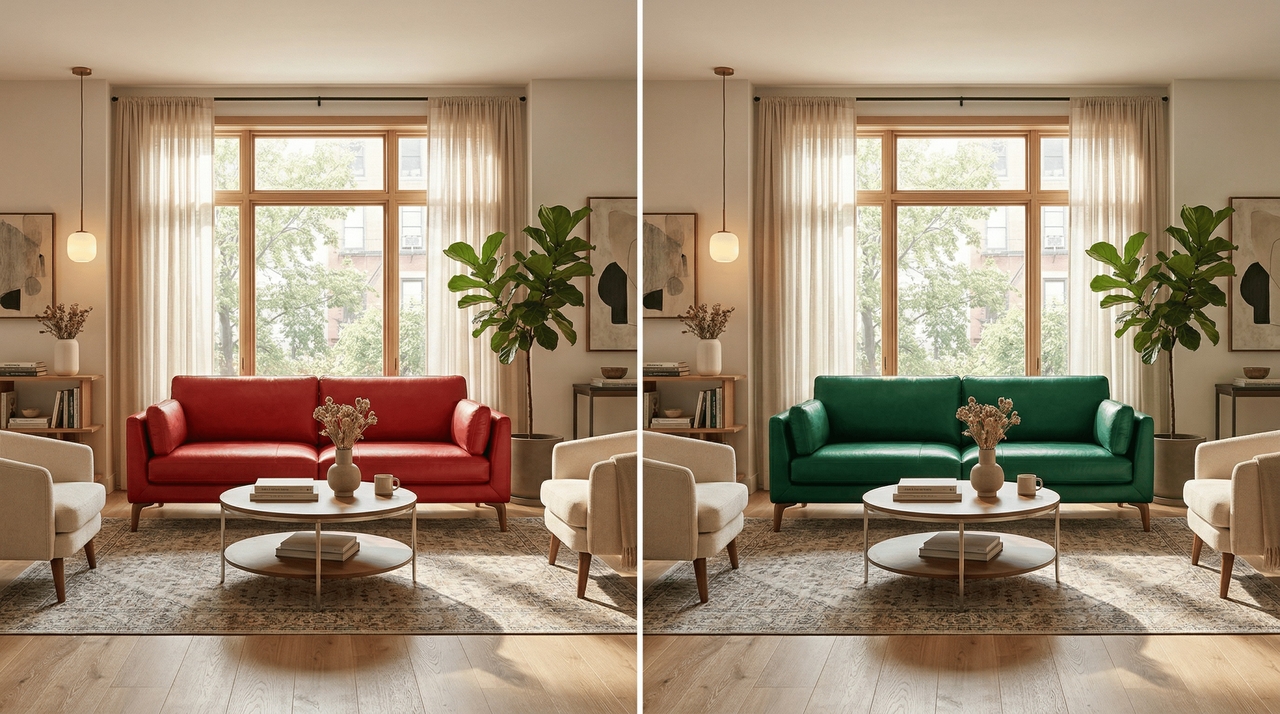

Brighten dull scenes effortlessly while restoring the natural vibrancy of your cherished moments. You can change a picture color by fixing unwanted tints caused by terrible lighting, transforming gloomy shadows into spectacular highlights that will make your entire personal photography portfolio look absolutely breathtaking..
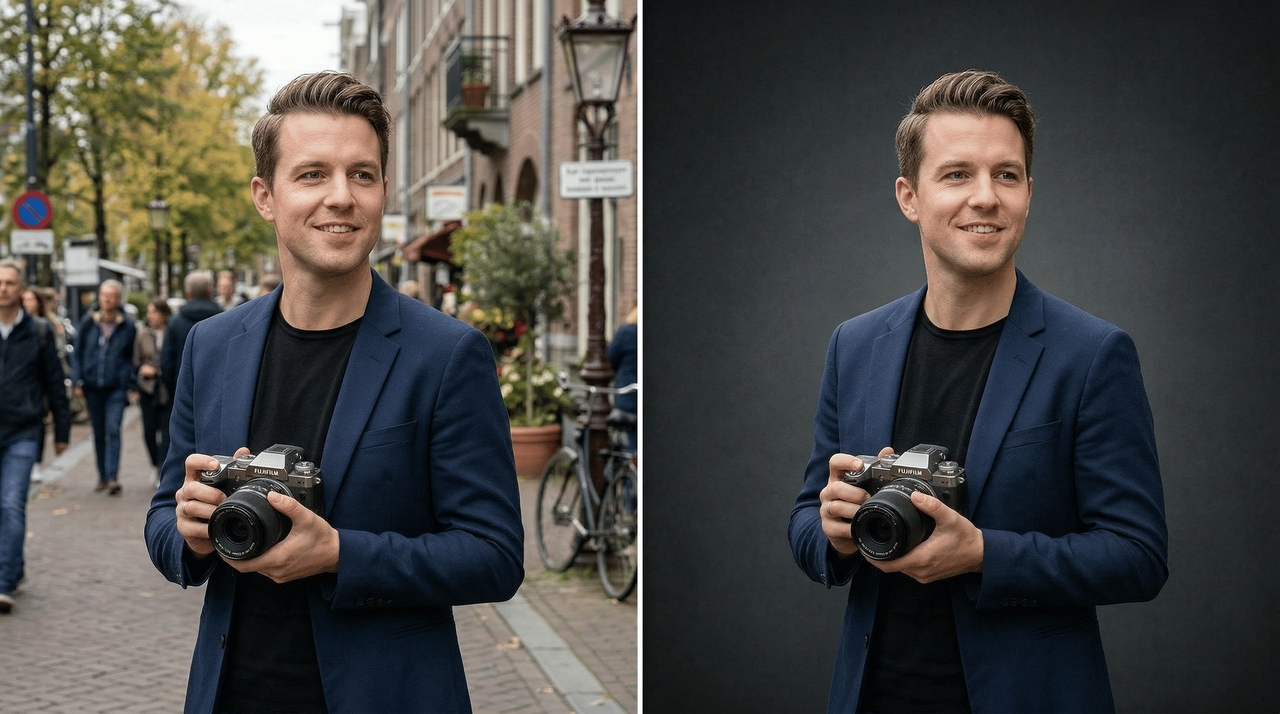
Alter the entire atmosphere of your portraits by swapping distracting backgrounds with complementary shades. This changing picture background color feature guarantees that your subjects remain the central focus, completely eliminating any visual clutter that might ruin your otherwise professionally composed and captured spectacular shot.
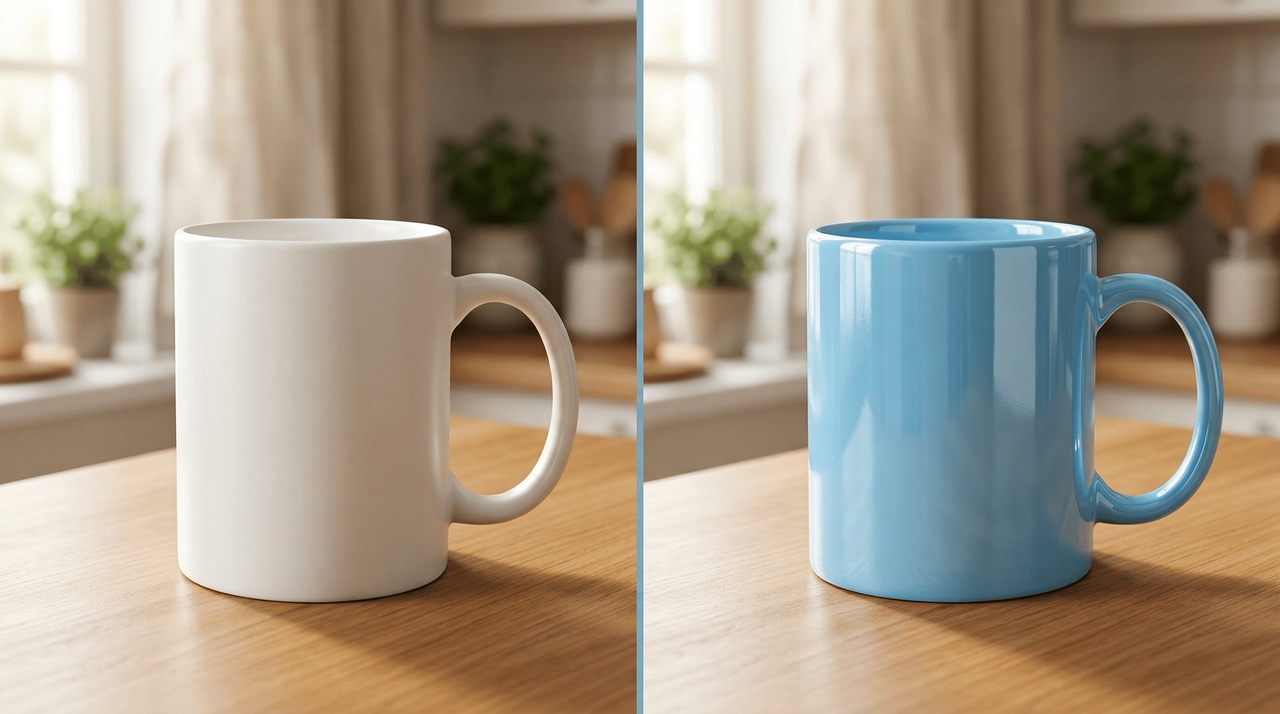
Harmonize all your digital marketing materials by tweaking product photos to reflect exact brand hex codes. This powerful functionality removes the frustration of inconsistent catalog displays, ensuring your online store looks unified, professional, and highly appealing to all potential visiting customers.
Discover exactly why our remarkable color picture changer is perfect for your daily tasks.
Review six amazing examples of what our dynamic color picture changer can easily generate
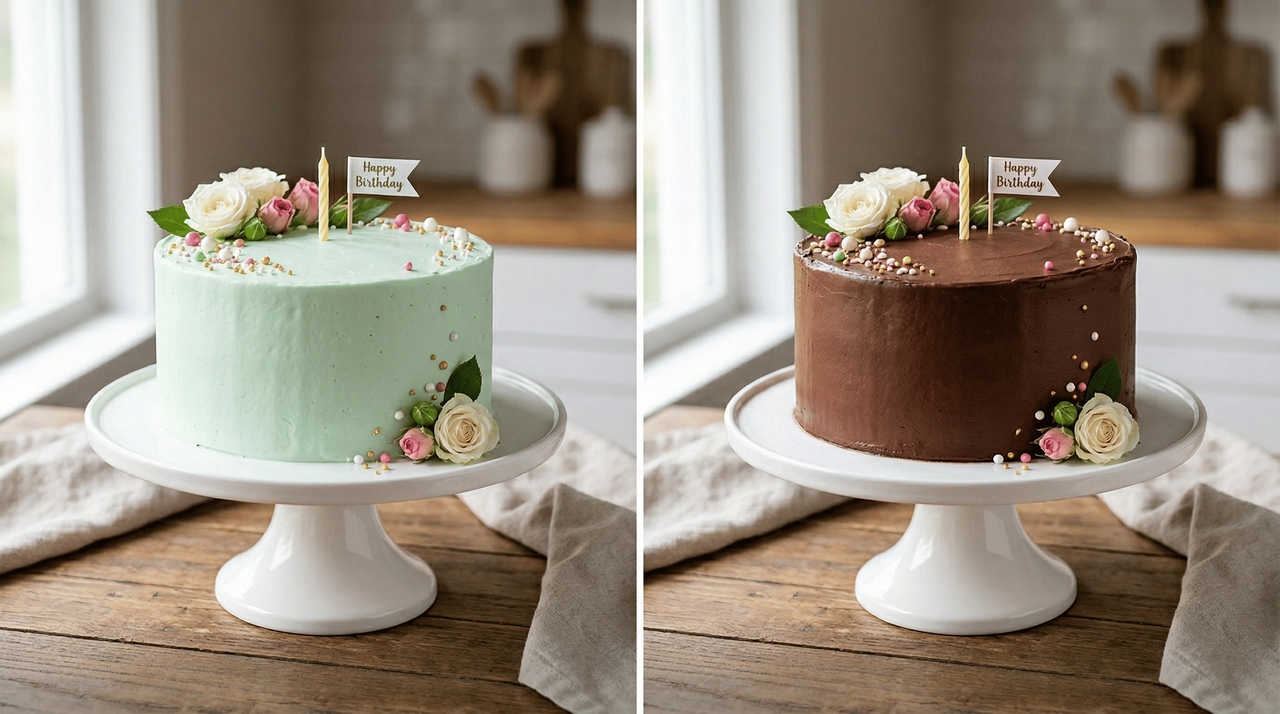
Prompt: Alter the pale green icing on the vanilla birthday cake to a rich chocolate brown.
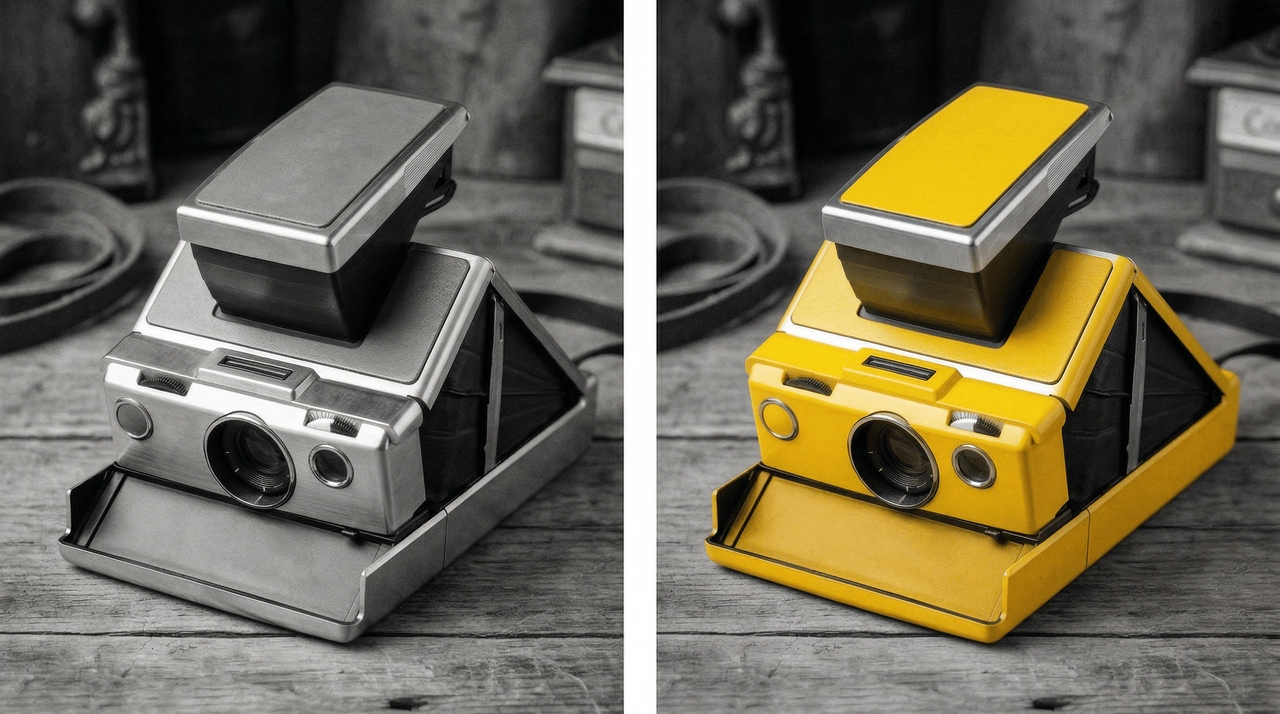
Prompt: Change the old vintage polaroid camera in this black and white picture to a bright yellow.
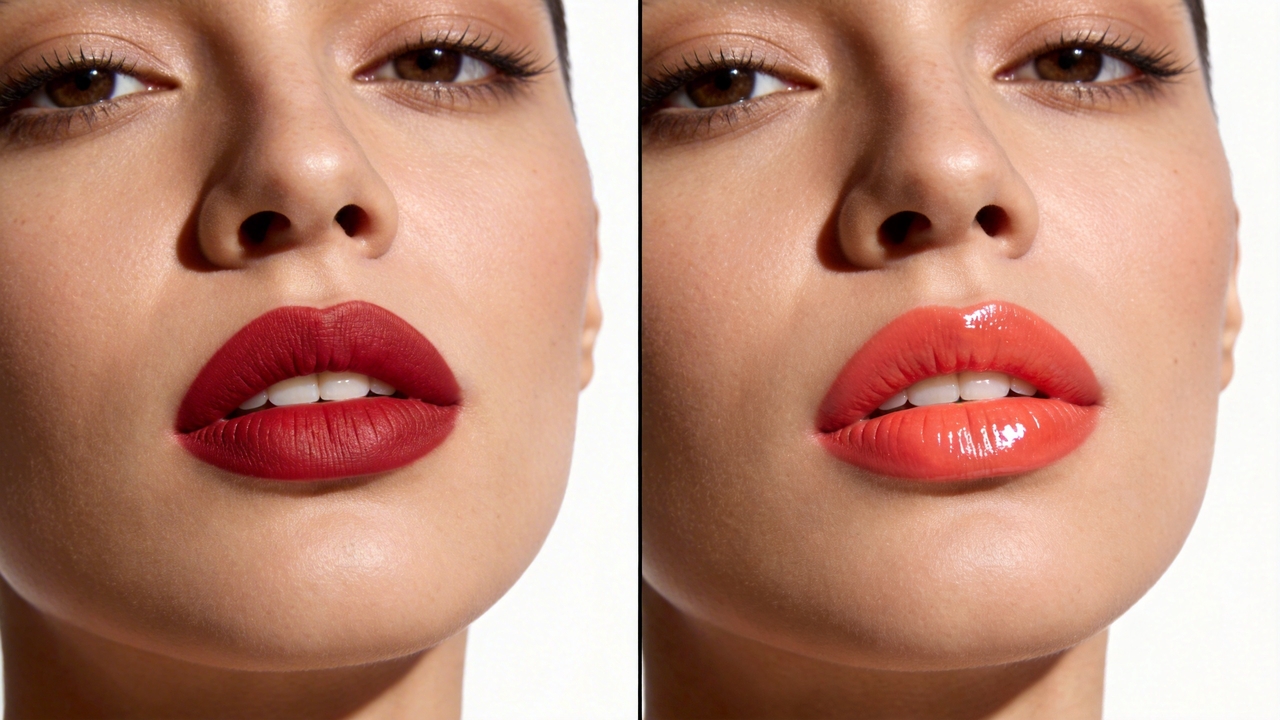
Prompt: Change the model's matte red lipstick to a glossy and vibrant coral shade.
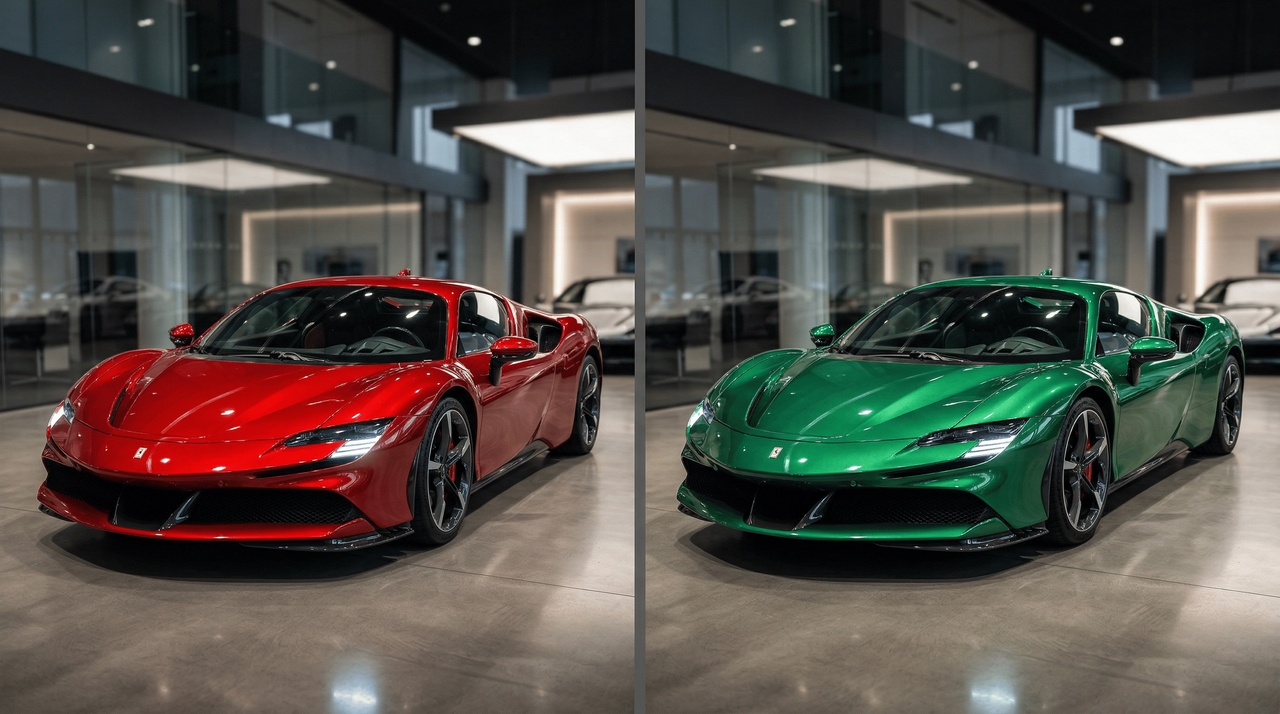
Prompt: Transform the shiny red sports car paint into an eye-catching metallic emerald green.
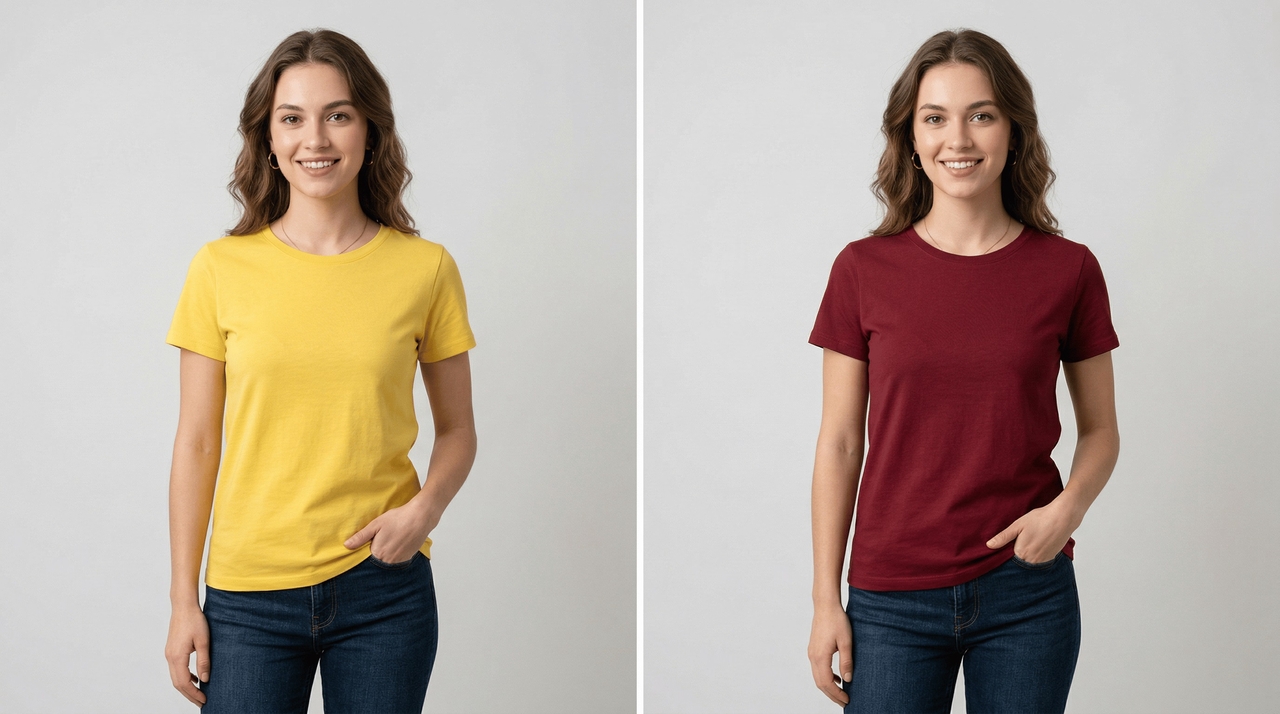
Prompt: Alter the model's standard yellow cotton t-shirt into a stylish deep burgundy red
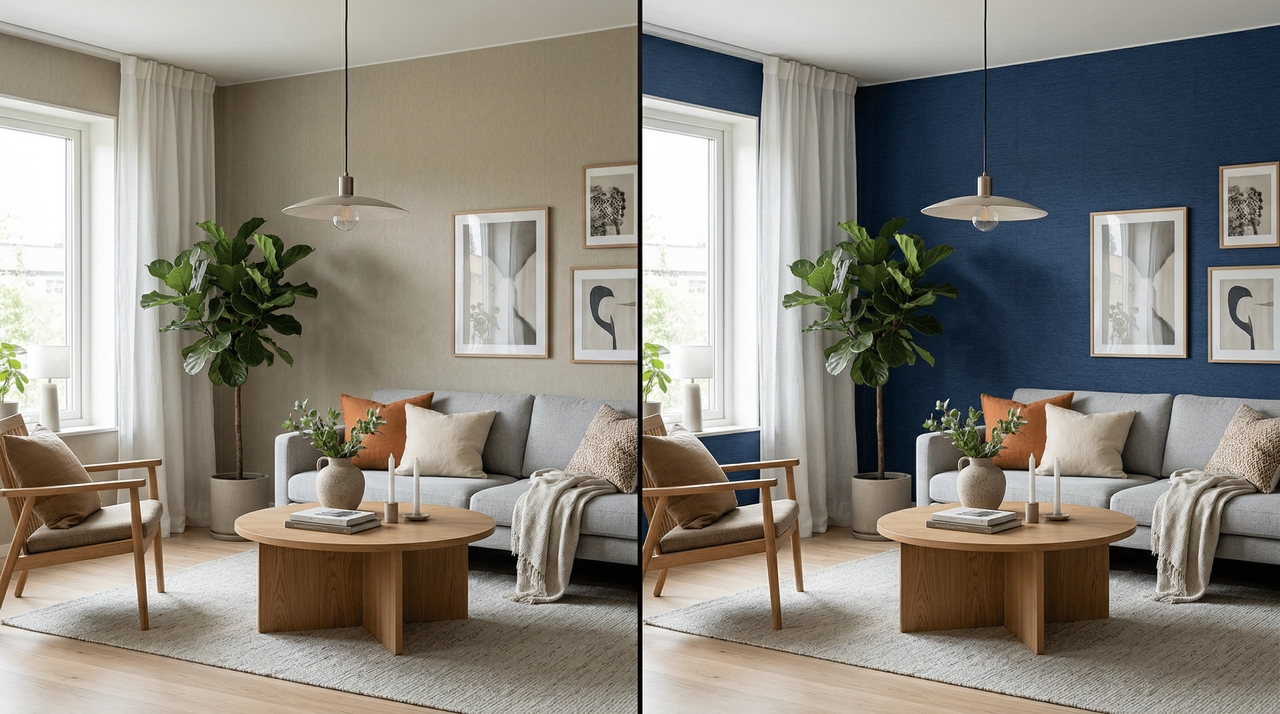
Prompt: Replace the dull beige living room wallpaper with a rich navy blue texture.
Uncover three amazing use cases showing how our color picture changer tool saves you time.
Digital marketers frequently rely on our advanced application to adapt campaign visuals according to seasonal trends. You can seamlessly transform standard advertisements into exciting festive promotions by simply swapping background shades, instantly capturing more audience engagement without designing new assets.

Online retailers consistently utilize Framia Pro to generate multiple product variations from a single master photograph. This incredibly efficient workflow drastically minimizes expensive studio photography sessions while ensuring all your merchandise appears perfectly consistent across the entire digital shopping platform.


Real estate agents absolutely love utilizing this software to showcase properties under various lighting conditions. Adjusting harsh exterior shadows or changing unappealing wall colors helps potential buyers visualize their dream homes clearly, ultimately accelerating the overall property selling process significantly.
Portrait photographers and digital artists frequently use Framia Pro to subtly enhance or completely change subject eye colors. You can change eye color in pictures to enable stunning character transformations for creative cosplay shoots without requiring uncomfortable physical contact lenses during lengthy studio sessions.
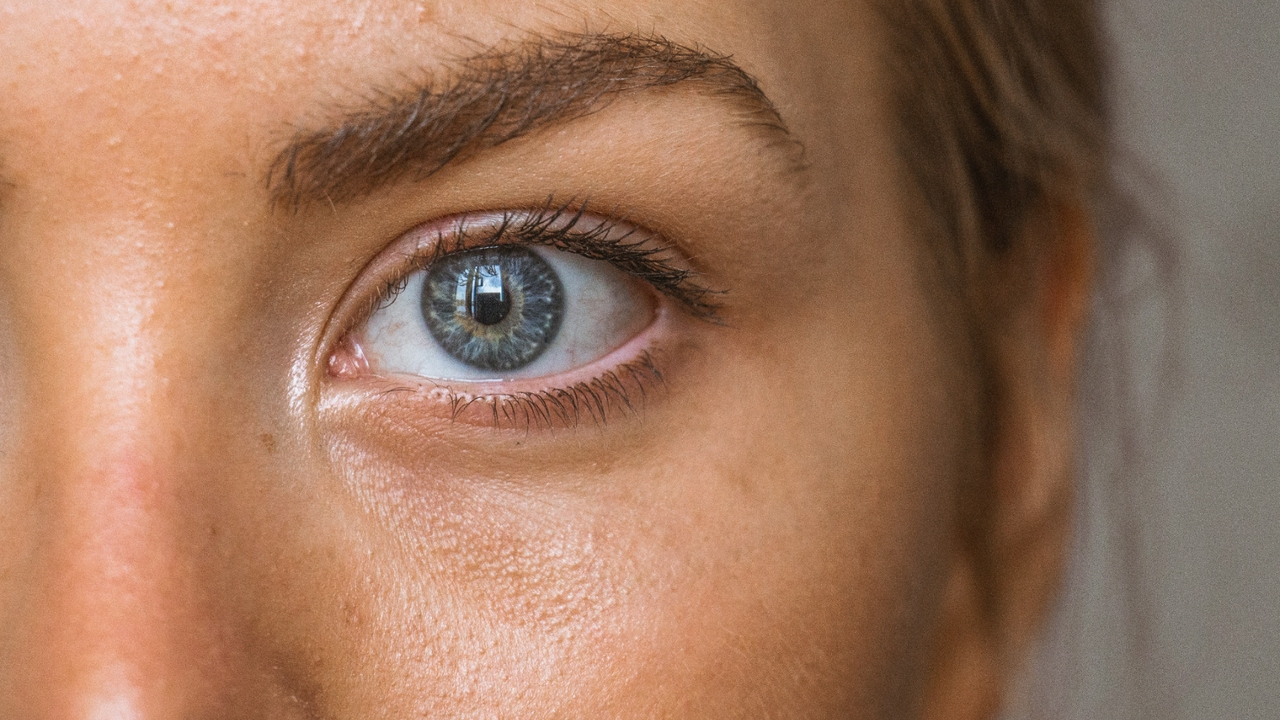

Professional agencies regularly rely on this intuitive software to standardize employee headshots effortlessly. You can change the color of a picture background to match specific company branding, maintaining a perfectly uniform digital presence across your entire corporate website and official professional networking profiles.
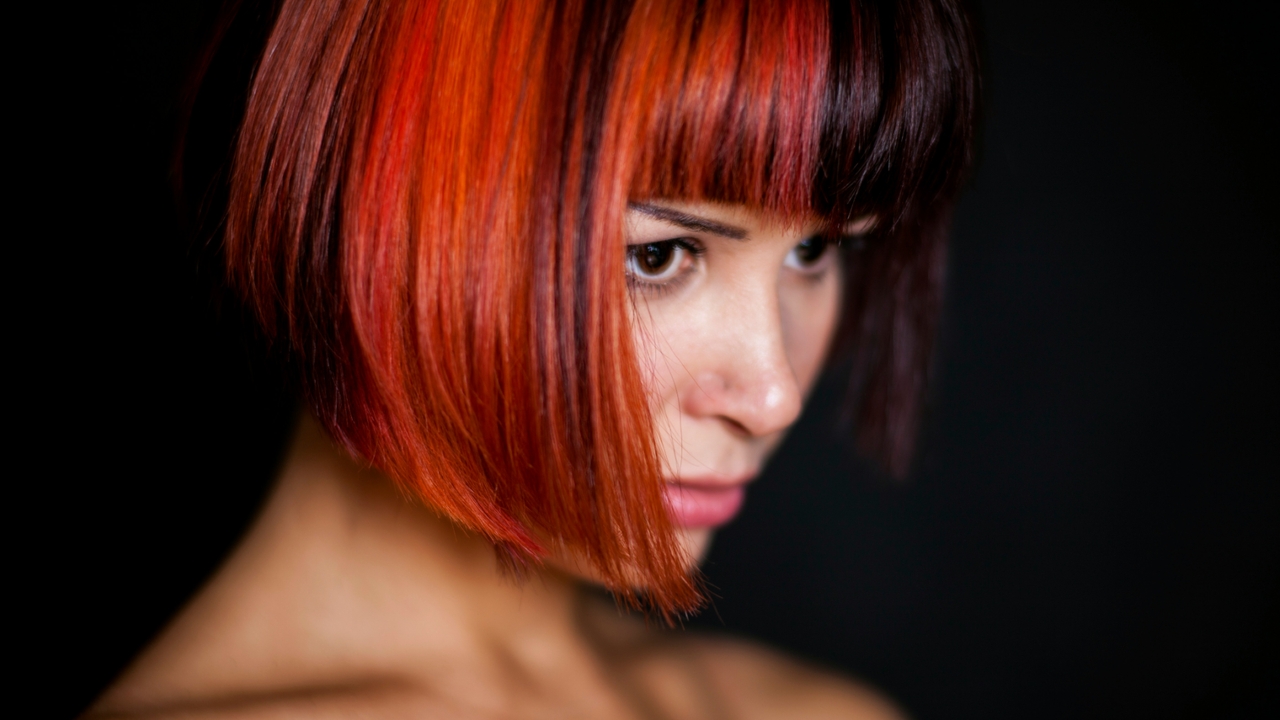
Professional salons and beauty influencers use Framia Pro's changing hair color in picture feature to showcase diverse hair dye options virtually. This remarkable feature allows clients to preview vibrant new shades before committing to permanent chemical treatments, ensuring complete satisfaction and significantly boosting overall customer confidence.
Read amazing testimonials highlighting how our color picture changer helps creators today.






Have questions or need assistance? Our team is here to help!
With Framia Pro's AI color picture changer, you can now change the overall look of your image in just a matter of seconds.
