AI ID Card Maker

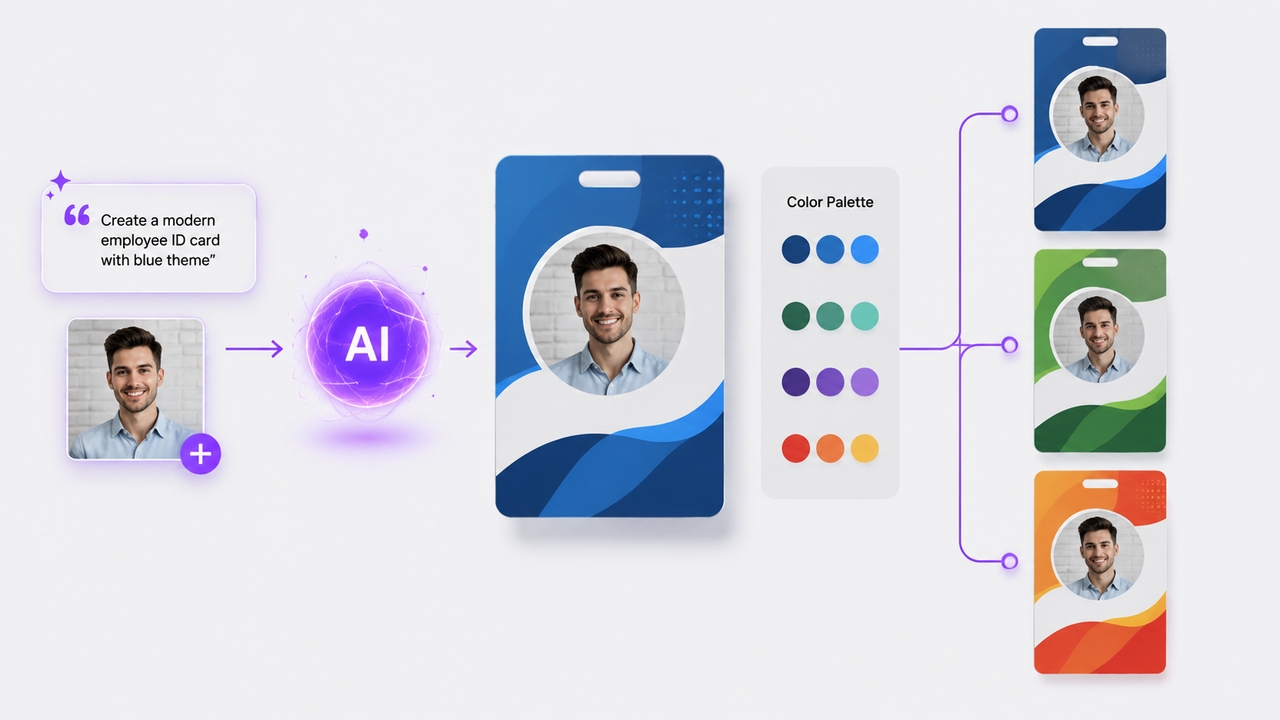
Bring your branding to life with our AI ID maker to create professional employee badges, event passes, or creative novelty IDs in seconds.

Upload imagesClick to browse or drag & drop file here
Free ID Card Maker Online

What is an AI ID card maker?

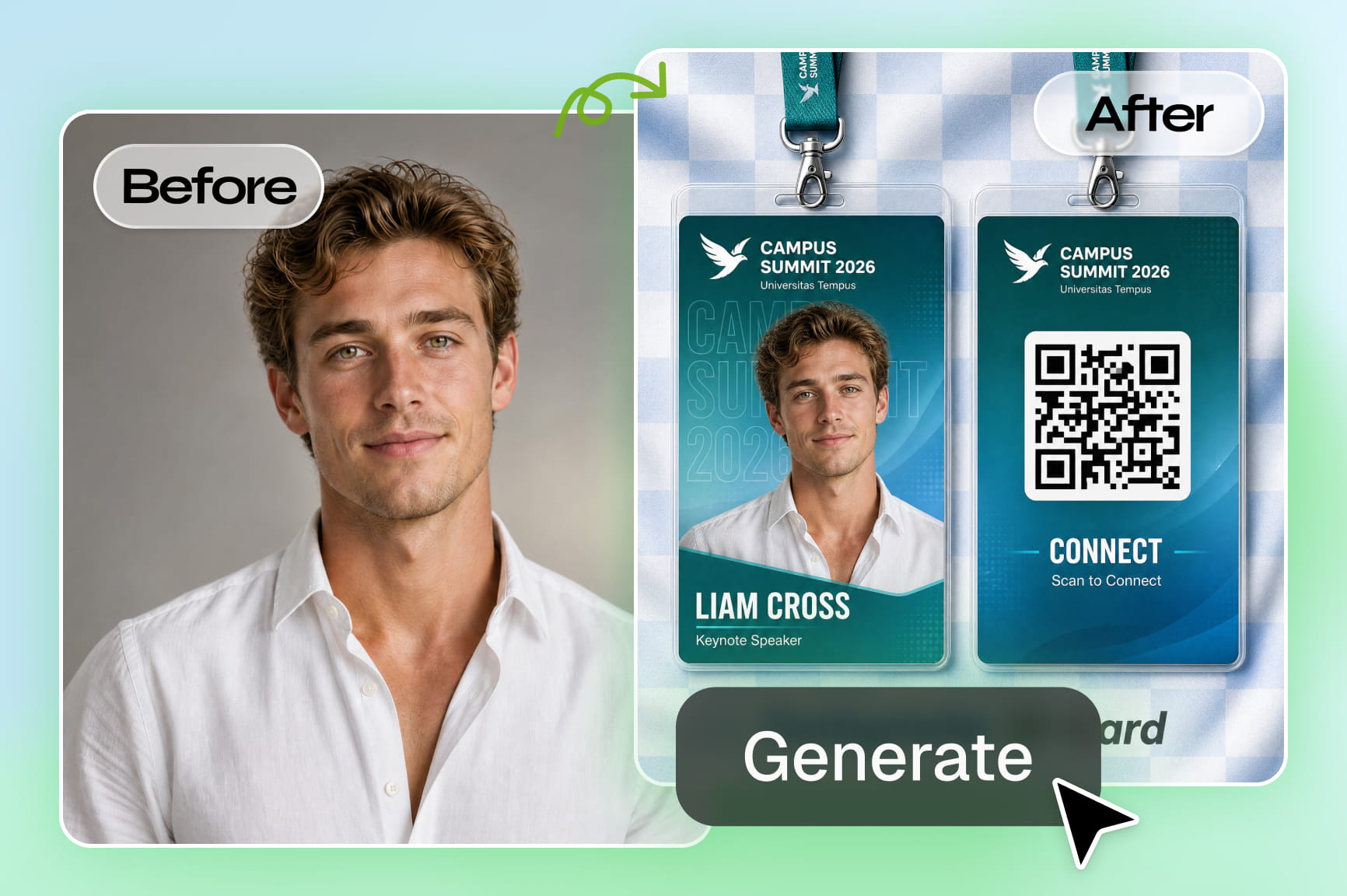
An AI ID card maker is a tool that generates custom ID card layouts from a text description, handling the design structure, typography, color palette, and visual hierarchy automatically without any graphic design skills required. A standard ID card has more layout constraints than most design formats. Text zones, photo placeholders, barcode positions, and branding elements all need to sit in precise, readable positions, and the proportions shift depending on orientation and card size. Getting that structure right manually takes time most people do not have. An AI ID maker handles all of those structural decisions from the description alone.

Elevate your designs with our advanced AI ID maker

Unlock professional layout capabilities and transform simple text concepts into polished identification cards with Framia Pro's intuitive generation tools.

Instant text-to-design layouts

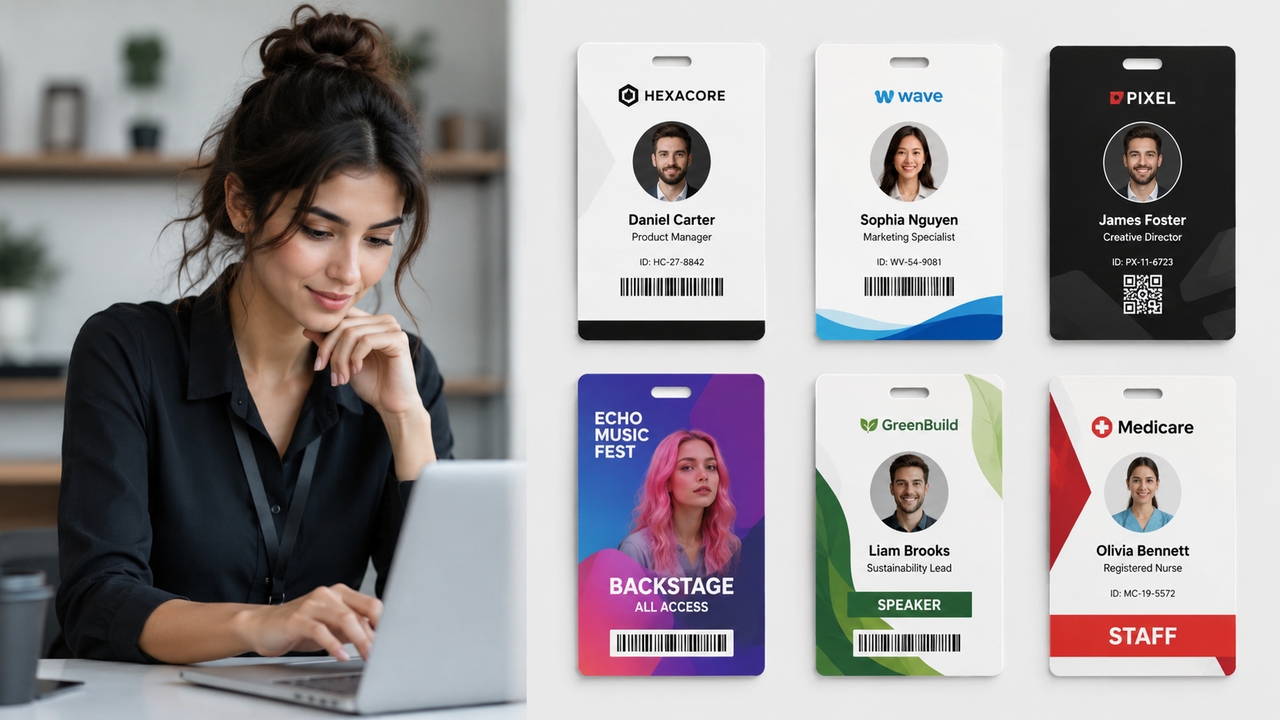
Skip the blank canvas phase completely. Simply describe the type of ID you need—whether it’s a minimalist corporate badge or a colorful backstage pass—and watch the AI generate perfectly proportioned layouts, complete with text zones, barcode placements, and branding elements.

Instant text-to-design layouts
Smart photo alignment and enhancement

Smart photo alignment and enhancement

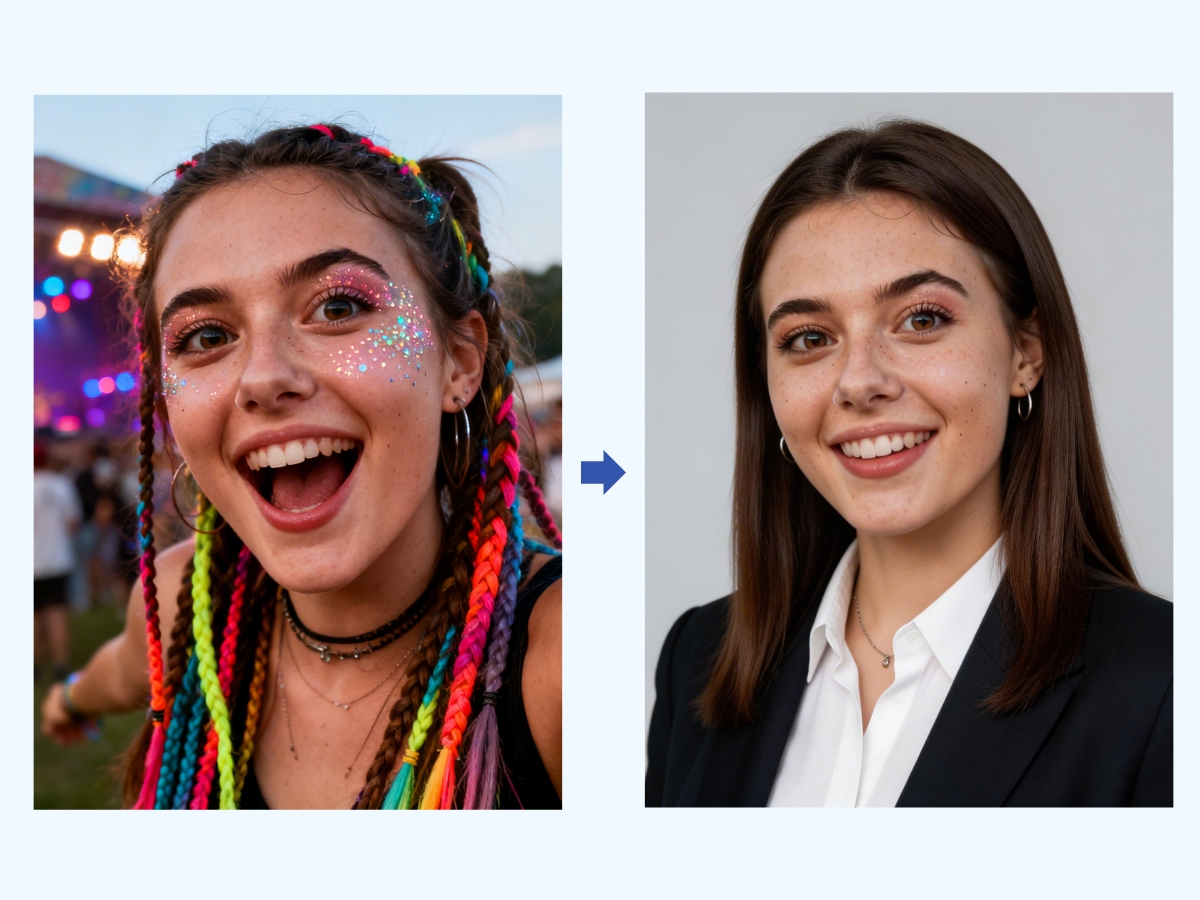
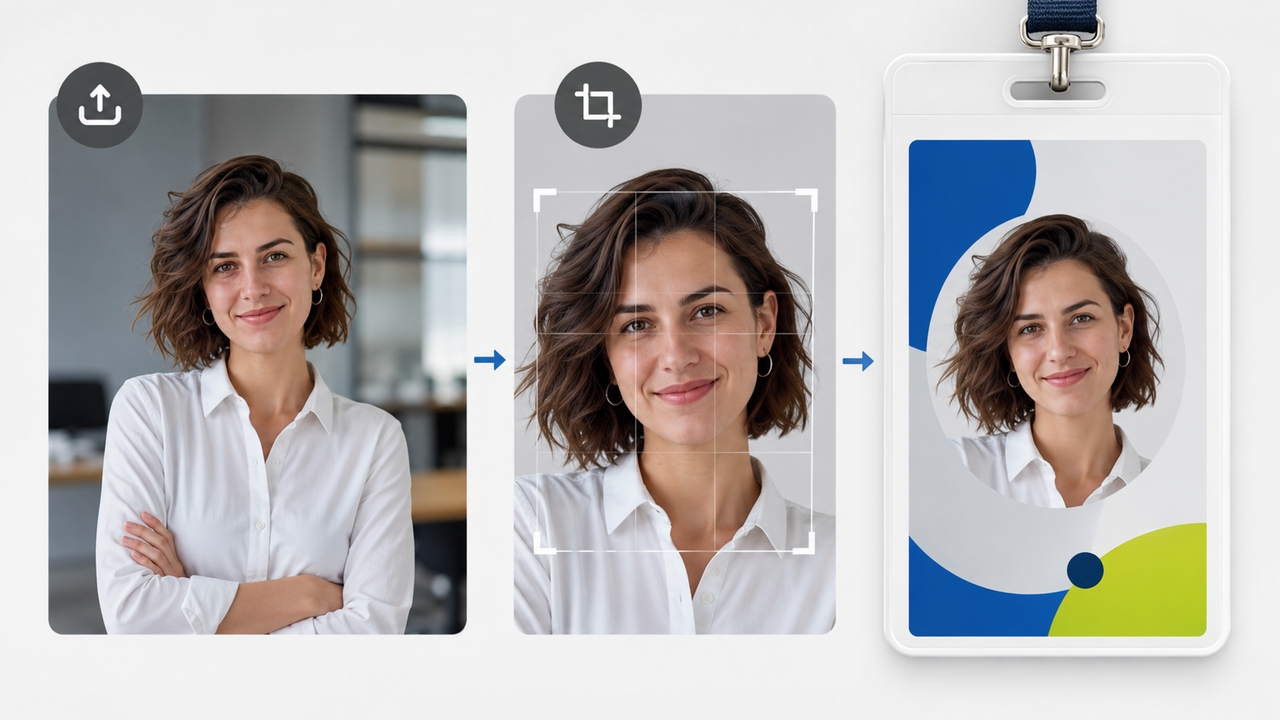
Ensure flawless presentation on every single badge. The AI automatically crops, centers, and balances the lighting on uploaded portraits. Pair your custom badge design with a flawless portrait using a dedicated profile picture maker to ensure every team member looks their absolute best.

Full creative control and customization

Never feel restricted by rigid templates. Once your initial design is generated, you can refine your layouts, adjust corporate color palettes, or swap logos effortlessly directly within our AI image editor for pixel-perfect precision and branding consistency.

Full creative control and customization
Versatile theme-based styling

Versatile theme-based styling

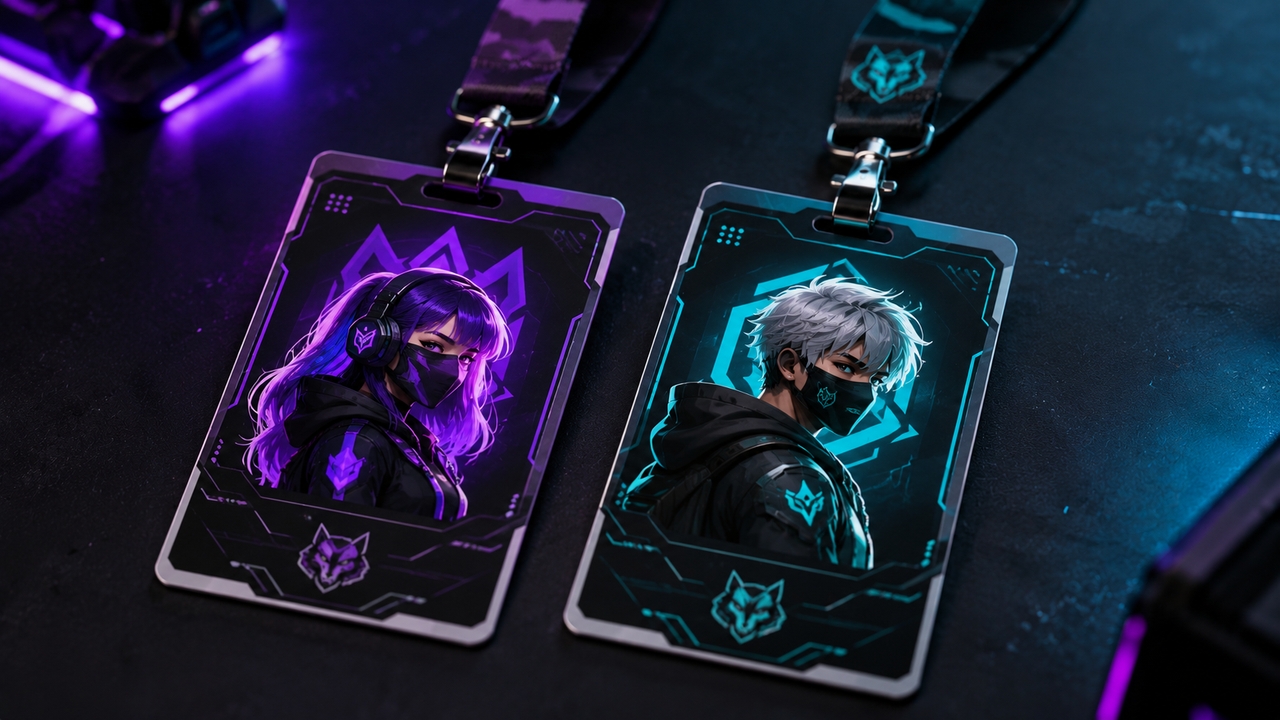
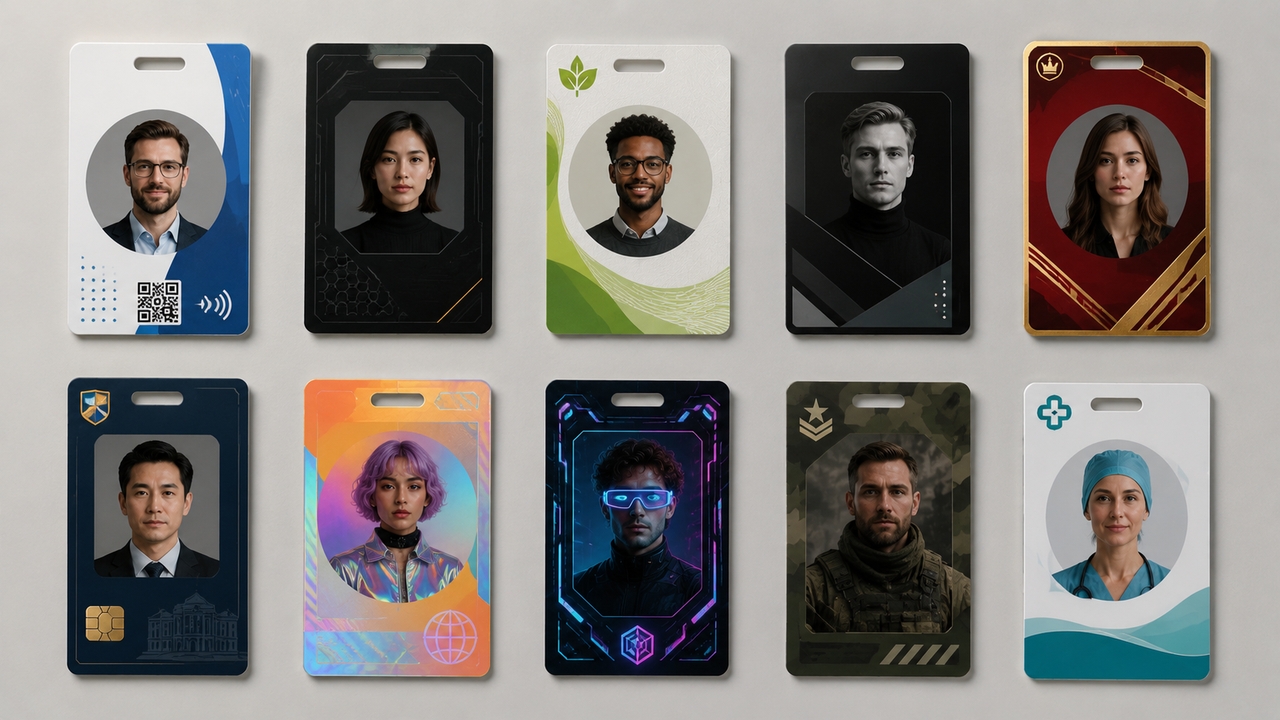
Generate cards in a wide spectrum of aesthetics. From ultra-secure government-style layouts to vibrant, sci-fi-inspired gaming passes, the AI intelligently applies the correct typography, framing, and visual weight to match your requested theme perfectly.

How to design an AI-generated ID card

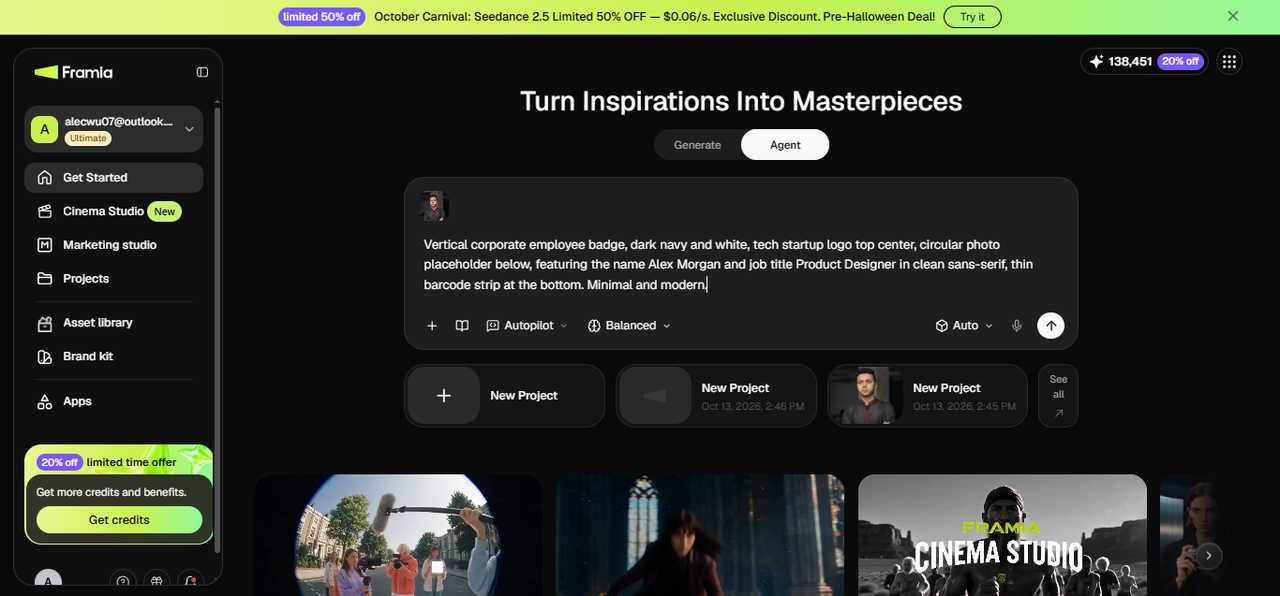
Step 1: Open the canvas and describe your ID card
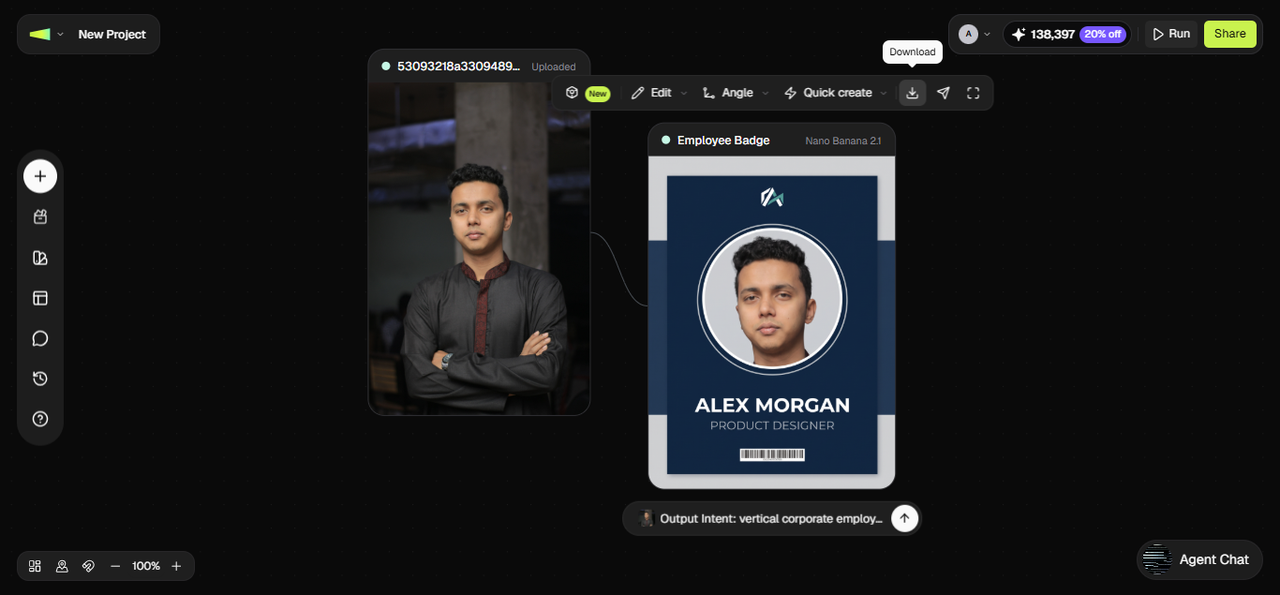
From the Framia Pro dashboard, open the Workflow canvas and start a new project. In the prompt field, describe the card in detail, such as purpose, orientation, color scheme, branding, and any specific elements you need. For example, "Vertical corporate employee badge, dark navy and white, tech startup logo top center, circular photo placeholder below, featuring the name Alex Morgan and job title Product Designer in clean sans-serif, thin barcode strip at the bottom. Minimal and modern."
Step 1: Open the canvas and describe your ID card
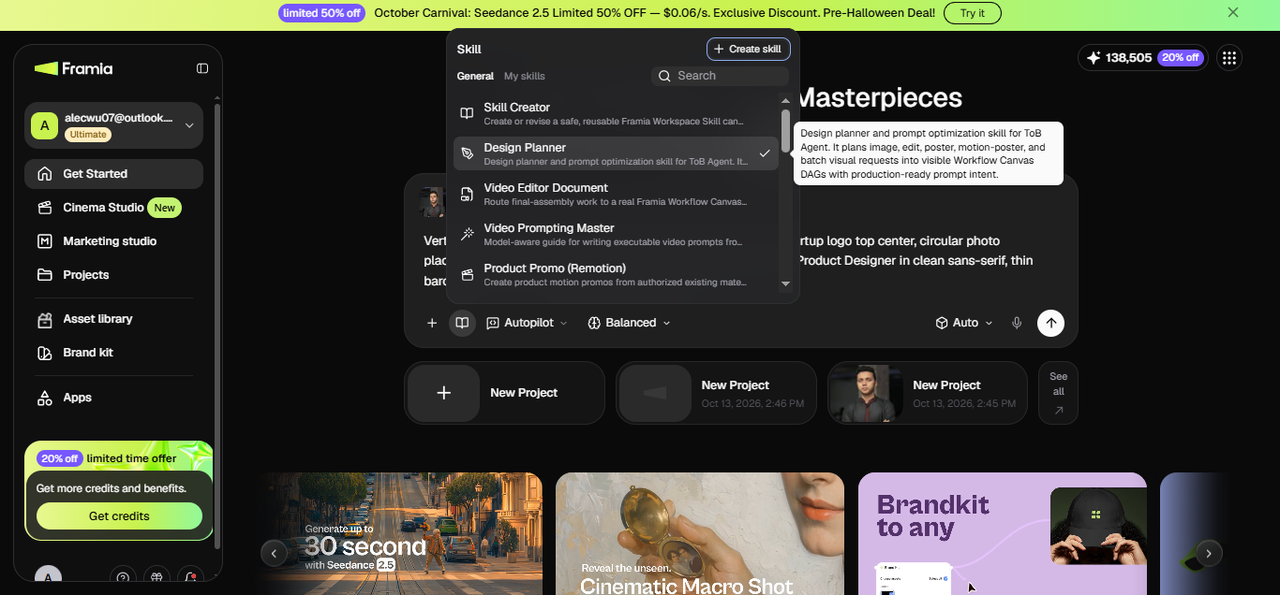
Step 2: Review the Image node and refine the layout
From the Skills menu, select Design Planner, choose your image model, set the reasoning mode to Balance, Fast, or High, and hit Generate. The canvas generates an image node with the ID card layout. Check the proportions, text zone placement, photo area positioning, and color balance.
Step 2: Review the Image node and refine the layout
Step 3: Apply final edits and export print-ready
If a detail needs adjusting, use Local edit to select the area and type a correction, such as "Move the barcode to the very bottom edge and increase the name field font weight." Click HD to upscale if needed, then download at full resolution in a print-ready format. The exported file is ready for a PVC card printer, a digital wallet, or a lanyard supplier.
Step 3: Apply final edits and export print-ready

Why teams and creators love our ID card generator?

Discover why office managers, event coordinators, and digital artists trust Framia Pro to streamline their badge creation process without sacrificing quality.

Zero graphic design experience required
Bypass complicated design software and expensive freelance fees. Framia Pro's AI image generator allows anyone to produce print-shop-quality ID cards using simple, everyday language and intuitive controls.
Explore a shared design for employee badges
Create a master badge concept for a fictional company or an authorized internal project. Test it with two or three sample employee profiles, using different names, job titles, and portrait images. Compare the results to check whether the layout remains usable before planning a larger set.
Crisp, print-ready resolutions
An ID card needs to be legible. Our AI ensures that micro-text, QR codes, barcodes, and fine design details remain exceptionally sharp, preventing any blurriness during the physical printing process.
Rapid bulk ideation
When planning a massive convention or onboarding a large team, time is critical. Generate multiple layout variations rapidly to present options to stakeholders before finalizing the ultimate design.
Adaptable for any project scope
Whether you are printing five highly secure access cards for a tech startup or creating a thousand colorful passes for a weekend music festival, the generation engine scales to meet the aesthetic demands of any project.
Secure, private data processing
We understand that identification involves sensitive aesthetics. All generated layouts and uploaded assets are processed securely, ensuring your internal branding concepts remain entirely private.

Popular ways to use an AI generated ID

Explore the diverse applications of Framia Pro's generation tools across professional, entertainment, and personal environments.

Corporate office badges

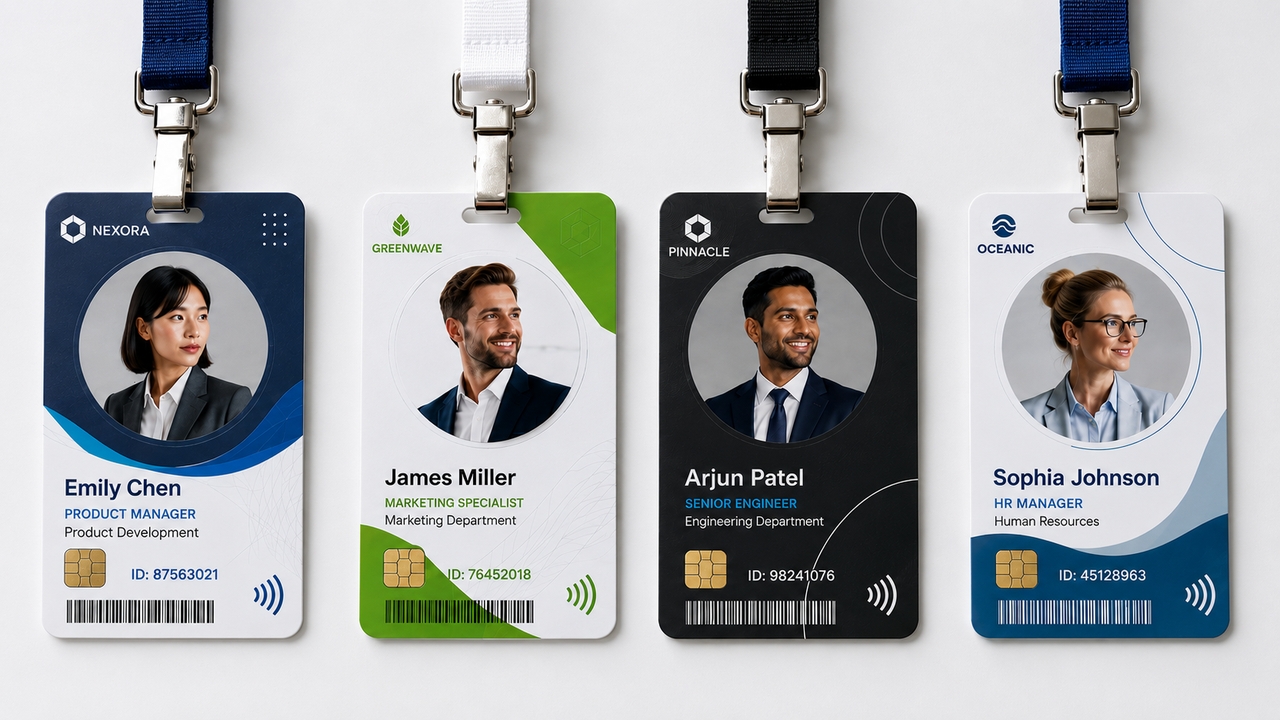
Design sleek, modern access cards that display employee names, titles, and RFID chips in a clean, easily scannable format that reflects a professional corporate identity.

1. Corporate office badges
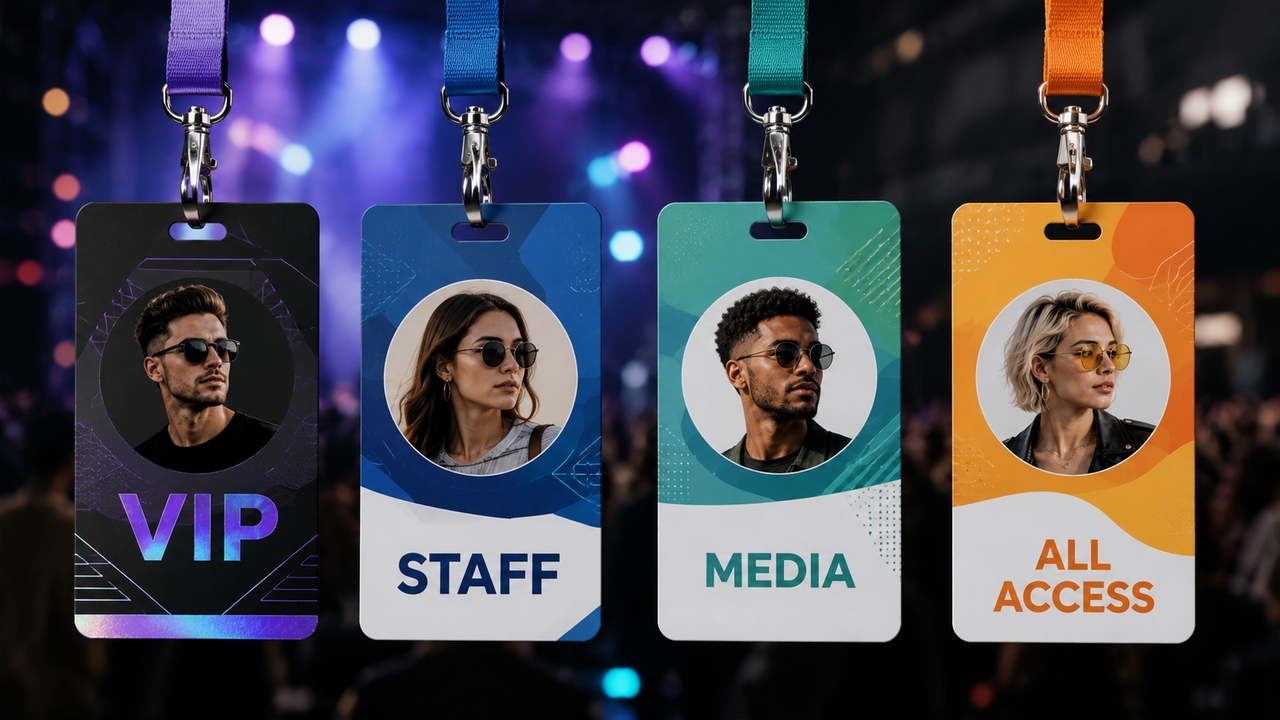
2. VIP and event access passes

VIP and event access passes

Create highly visual, vibrant lanyards for concerts, conventions, or trade shows. Differentiate between staff, media, and VIP attendees using distinct, AI-generated color variations.

Filmmaking and theatrical props

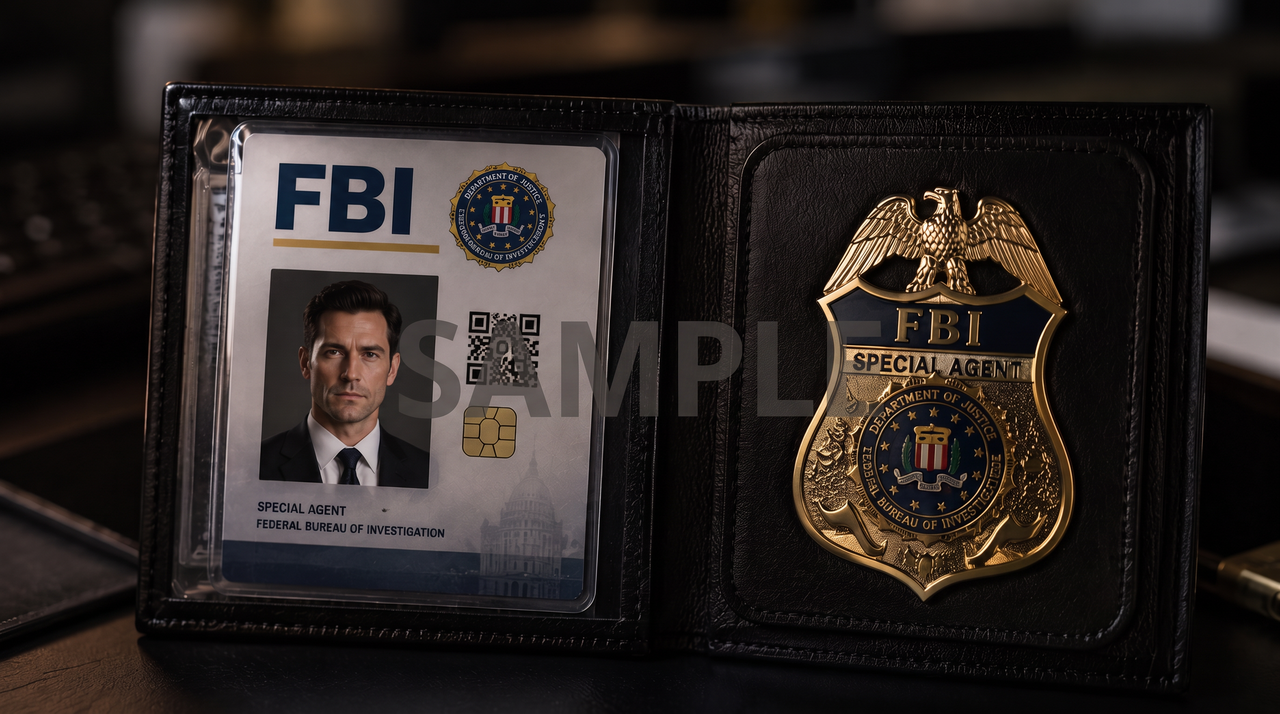
Production designers frequently require an AI fake ID generator to craft highly realistic, fictional identification for characters. Easily mock up driving licenses, FBI badges, or sci-fi access cards that look completely authentic on camera.

5. School and university cards
Gaming clans and esports teams

Gaming clans and esports teams

Build immersive team identities. Design unique guild passes or tournament badges featuring custom characters built through a dedicated AI avatar generator to bring your digital esports persona to life.

School and university cards

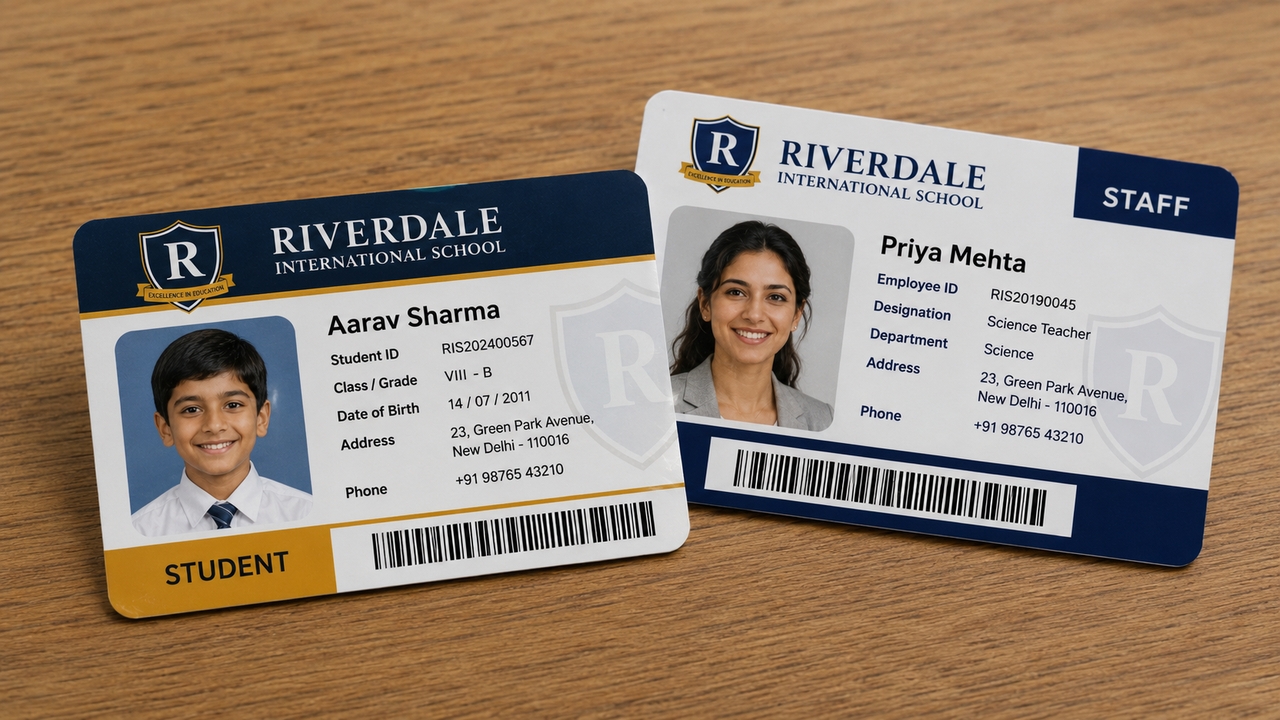
Generate approachable, highly readable student and faculty IDs that incorporate school colors, mascots, and library barcodes in a well-balanced, academic layout.

School and university cards

Real success stories from Framia Pro's ID card maker users

See how professionals across various industries are streamlining their workflows with our intelligent generation tools.

"We recently rebranded and needed to update 200 employee badges. The AI ID generator gave us five incredible layout concepts in seconds. It saved our design team days of manual layout work."
Marcus V
Marcus V
HR Director
"Sourcing realistic props on a budget is tough. I used Framia Pro as an AI fake ID generator for a sci-fi short film I was directing. The futuristic security badges it designed looked like a million bucks on screen.
Elena S
Elena S
Indie Filmmaker
"For our annual gaming convention, we wanted the staff passes to look like RPG inventory items. I typed that exact prompt in, and the result was phenomenal. The attendees absolutely loved them."
David K.
David K.
Event Coordinator
"Designing student IDs used to be a headache of bad templates. This tool let us create a modern, clean design that perfectly incorporated our school crest and colors without any hassle."
Sarah M.
Sarah M.
School Administrator
"We used the ID card generate AI feature to make digital 'press passes' for our streaming team. It gave our whole brand a massive legitimacy boost and took about three minutes to do."
Julian R.
Julian R.
Esports Team Manager
"I needed a simple, professional ID for myself and my two employees for when we do home consultations. It generated a trustworthy, beautiful layout on the very first try."
Chloe T.
Chloe T.
Small Business Owner
We've compiled the most important information to help you get the most out of your experience. Can't find what you're looking for?Contact us

Frequently asked questions

Can I use this as a fake ID card generator?
Framia Pro can generate prop IDs, novelty passes, and fictional identification for creative use such as filmmaking, theatrical productions, roleplaying games, and storytelling. These use cases are what the tool is built for in that context. Creating any ID that misrepresents a real identity, impersonates a real person or organization, or is intended to deceive falls outside accepted use and violates Framia Pro's terms of service.
Are the generated ID cards ready to print?
Absolutely. All designs generated can be downloaded in high-resolution formats, ensuring that text, photos, and branding remain razor-sharp when sent to a PVC card printer or local print shop.
Do I need design skills to use the AI ID maker?
Not at all. The AI handles the complex aspects of spatial balancing, typography pairing, and color theory. You simply describe what you want, and the tool builds it for you.
Is it safe to design my company badges here?
Framia Pro handles projects and generated assets according to its applicable privacy policy and data-handling practices. Review the current policy to understand how uploaded materials, generated designs, and project data are stored and processed. Avoid uploading sensitive employee information unless you are authorized to do so.
Can I create several design options from one prompt?
Yes, you can explore different design concepts by changing the prompt or generating additional outputs where supported. Compare the results for layout, colors, portrait placement, and readability before selecting a design.
Can I generate multiple badge variations from one design?
Yes. Once the base layout is approved on the canvas, duplicate the Image node and adjust the prompt for each variation. Each version generates from the same structural template with the specified change applied, so the set stays visually consistent across all variations without rebuilding the layout each time.
What size should I use for a standard ID card
A standard CR80 card measures 85.6 × 54 mm. Specify the corresponding proportions in your prompt and check the generated design before printing. You may also need to account for bleed, safe margins, and your printer's resolution and file requirements.
Can I make ID cards for my whole team at once?
Yes. Once the base layout is approved, duplicate the Image node and swap in the details for each team member. The layout, colors, and branding stay consistent across every card.

Still have questions?

Have questions or need assistance? Our team is here to help!

More essential AI design tools on Framia Pro

Brand Kit Generator
Establish a unified visual identity instantly. Generate matching color palettes, typography sets, and visual guidelines to keep your brand consistent across all platforms.
Brand Kit Generator
Logo Maker
Bring your brand to life with stunning, AI-generated logos. Describe your company's vibe and instantly receive professional, high-quality vector designs.
Logo Maker
AI Headshot Generator
Turn everyday selfies into polished, studio-quality professional portraits perfect for LinkedIn, company websites, and your newly generated ID cards.
AI Headshot Generator

Create Your Custom ID Cards Instantly

Stop struggling with blank templates and complicated software. Describe your perfect badge and let Framia Pro's AI ID card maker design it for you today.

Free AI ID Card Maker: Generate Custom ID Cards Fast