Free Video Merger Online

Transform your creative workflow by using Framia Pro's suite to merge videos with professional precision and unmatched speed.

Start for Free

Why choose Framia Pro's video merger?

Transform your creative workflow by using Framia Pro's suite to merge videos with professional precision and unmatched speed.

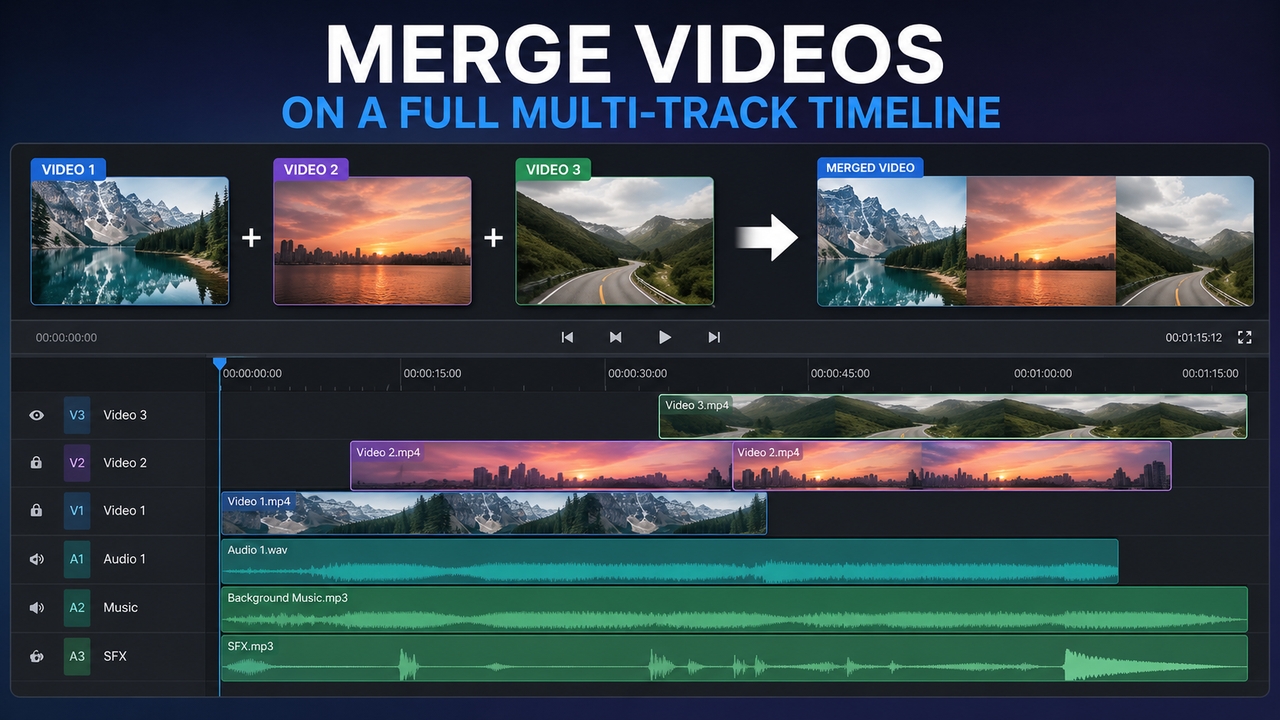
Merge videos on a full multi-track timeline

Framia Pro's online video merger lets you join multiple clips into one seamless file. Place each clip where it belongs, fine-tune timing to the frame, trim edges, and preview changes instantly — no rendering wait, no software needed.
Merge videos on a full multi-track timeline
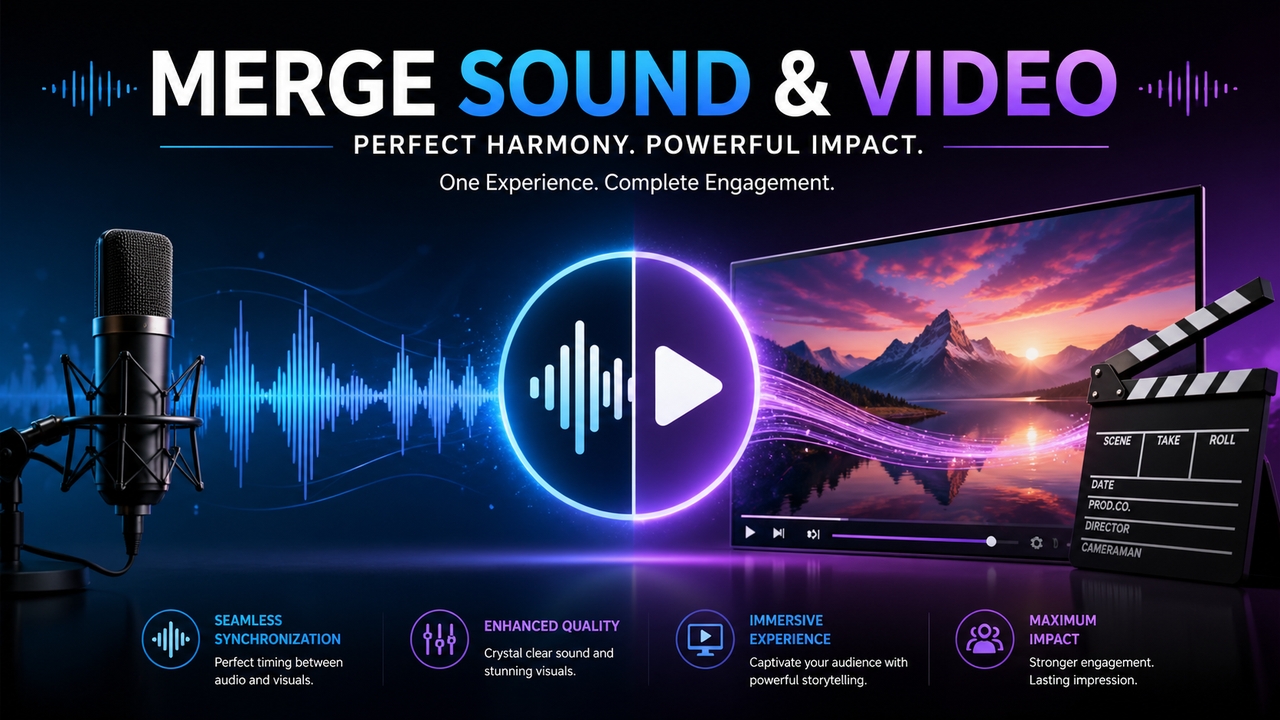
Merge sound and video with master precision

Merge sound and video with master precision

Synchronize multiple audio tracks with your visual content effortlessly. Whether adding background music or voiceovers, our professional-grade timeline allows you to merge video with audio, adjust volume levels, and ensure perfect lip-syncing for a high-quality, polished final output every time.

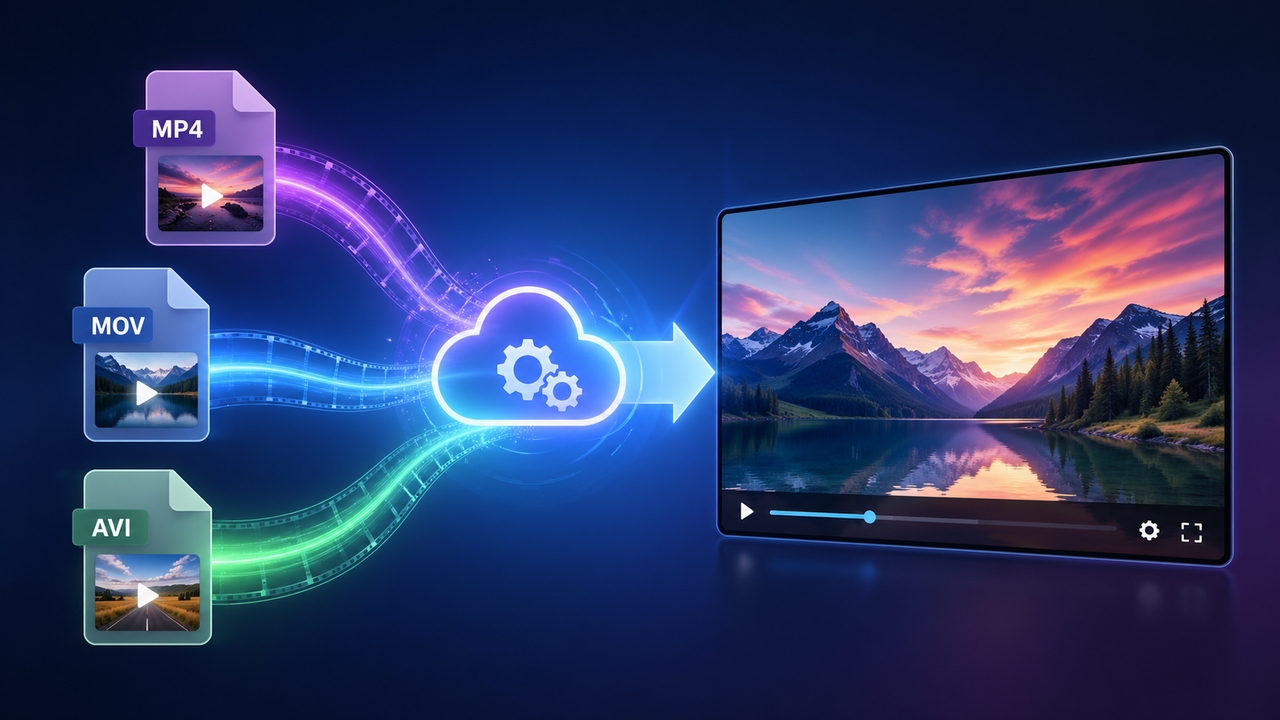
Support for all major video file formats

Eliminate file compatibility issues by using Framia Pro to merge MP4 videos, MOV, and AVI files into one cohesive HD masterpiece. Our cloud-based engine automatically handles conversion during the process, ensuring your high-resolution output remains clean, compatible, and crystal-clear.
Support for all major video file formats
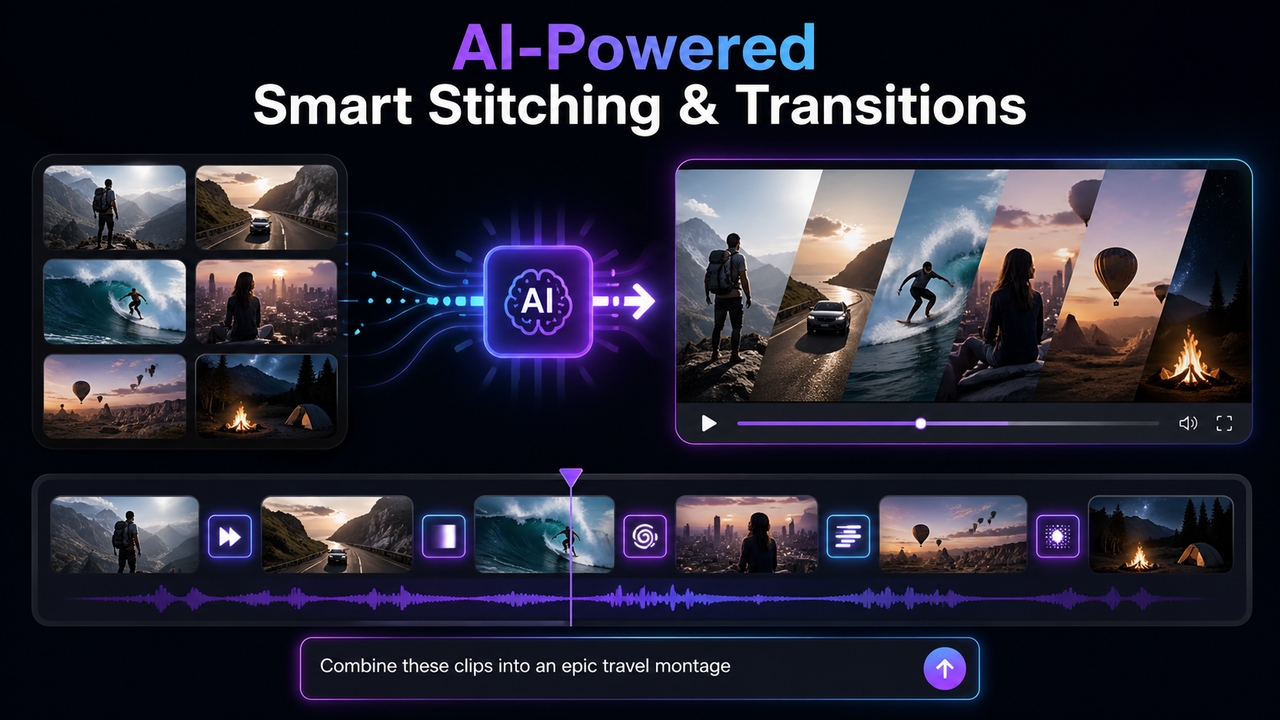
AI-powered smart stitching & transitions

AI-powered smart stitching & transitions

If speed is the priority, use Framia Pro's AI video editor. Upload your clips, describe how they should be combined. The AI video generation models automatically stitches them together with smooth transitions — delivering a polished, export-ready result in seconds.

How to merge videos online with Framia Pro?

Upload videos
Upload two or more video clips from your device. Framia Pro supports MP4, MOV, AVI, MKV, and more.
Describe your vision
Describe how your clips should be merged. Tell the AI the order, transitions, and audio preferences. Then hit generate to start stitching.
Refine and generate
Preview the merged result, make quick adjustments if needed, and export your final high-quality video ready to share anywhere.

Benefits of using Framia Pro to merge videos

Elevate your video production quality by leveraging Framia Pro’s advanced cloud infrastructure, designed to streamline your creative process.

Instant browser-based access
Experience the freedom of a video merger online that requires no downloads or installations. Access your projects from any device with an internet connection, allowing you to merge video online whenever inspiration strikes, without taxing your hardware's local resources.
AI-driven creative efficiency
Automate the tedious parts of editing with intelligent AI agents. Simply describe your desired flow to merge videos, and let our AI modes, such as Kling 3.0, Seedance 2.0 handle complex alignment and transition logic, significantly reducing your total production time per project.
Cost-effective solution
Access premium editing tools using our free-to-start tier. Avoid expensive software subscriptions while still utilizing professional-grade features, making high-quality production accessible for independent creators and small business marketing teams alike.
Supports multiple video formats
Combine diverse file types including MP4, MOV, AVI, and HEVC without the hassle of manual conversion. Our engine seamlessly integrates different containers into a single project, ensuring you can work with footage from any camera or smartphone in one session.
Lossless high-definition output
Preserve every pixel of your original footage with our advanced rendering technology. While other tools compress and degrade your content, we ensure your final export maintains crystal-clear resolution and vibrant color accuracy for a truly professional cinematic look.
Real-time collaborative previews
Review your edits instantly without the frustration of waiting for long render times. Our cloud engine allows you to merge videos and preview changes in real-time, enabling a fast, iterative workflow that ensures your final vision is perfect.

Merge videos for every use case

Explore how Framia Pro's free online video merger powers every creative workflow — from viral social content to professional business presentations and beyond.

1. Content creators & YouTubers

Content creators & YouTubers

Stitch together multiple clips, intros, and outros into one seamless YouTube video or short-form reel. Framia Pro keeps your workflow fast so you spend less time editing and more time creating.

Marketers & Business teams

Combine product demos, client testimonials, and event highlights into a single polished video. Framia Pro makes it easy to produce professional marketing content without a dedicated video editing team.


Marketers & Business teams
Educators & Online trainers

Educators & Online trainers

Merge screen recordings, slide walkthroughs, and talking-head footage into one cohesive tutorial. Framia Pro helps educators deliver structured, engaging video lessons without complex editing software.

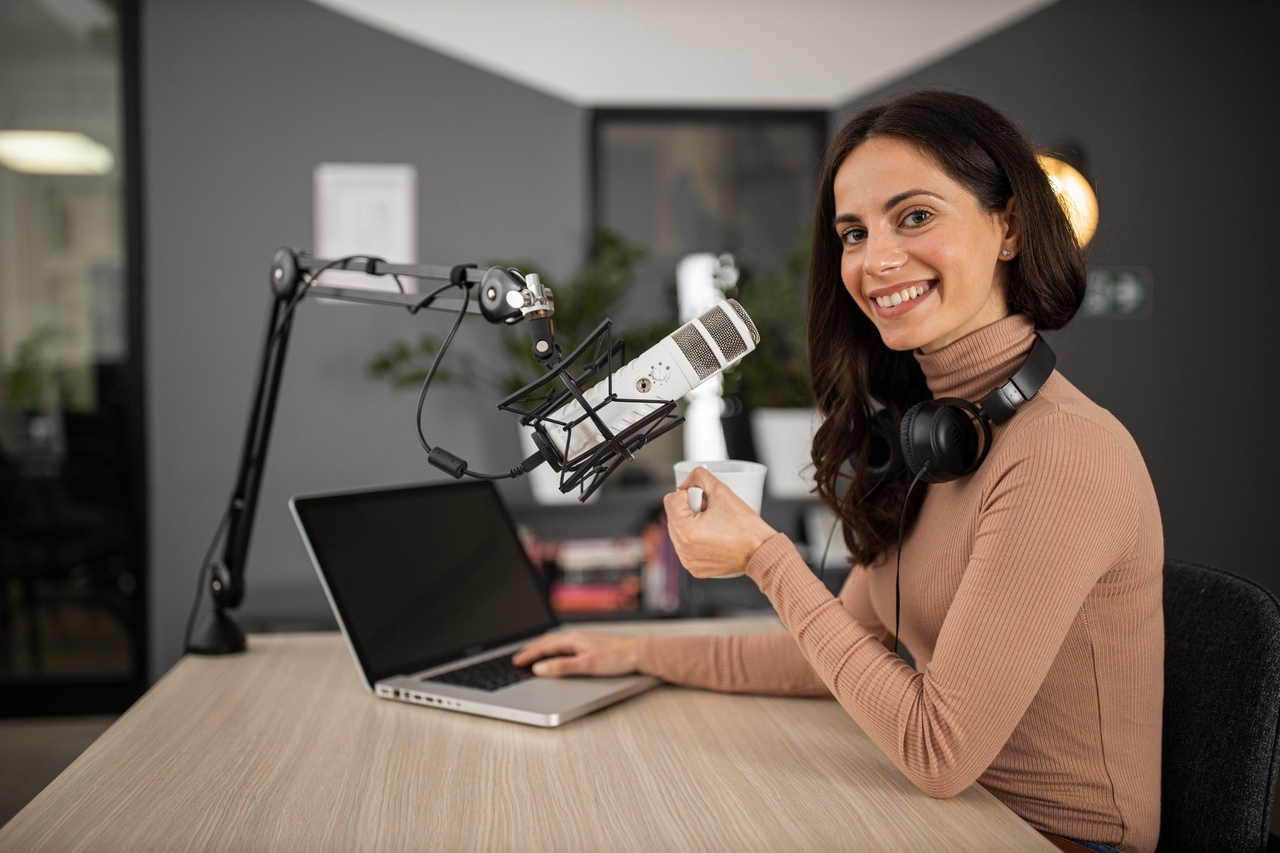
Podcasters & Musicians

Sync recorded audio with video footage using Framia Pro's built-in video and audio merger. Perfect for turning podcast recordings, interviews, or music sessions into publish-ready video content instantly.

4. Podcasters & Musicians
5. Social media managers

Social media managers

Quickly merge video clips optimized for Instagram, TikTok, Facebook, and YouTube. Framia Pro supports all aspect ratios and formats, so your content always looks native on every platform you publish to.

A video merger trusted by creators and professionals worldwide

Hear from the community of experts who rely on Framia Pro to streamline their workflows and deliver high-impact video content every single day.


"Framia Pro is the easiest video merger I've used. I combined three YouTube clips in under two minutes — no watermark, no signup, no fuss. Absolute game changer for my workflow."
James Holloway
James Holloway
YouTuber & Content Creator
"Stitching my daily vlogs has never been faster. The AI transitions are so smooth that I’ve cut my editing time in half without sacrificing the professional look my followers expect."
Sarah Jenkin
Sarah Jenkin
Freelance Content Creator
"I merge product demo videos every week for client campaigns. Framia Pro handles different formats effortlessly and the 4K export quality is consistently impressive. My whole team uses it now."
Priya Nambiar
Priya Nambiar
Digital Marketing Manager
"As an online educator, I need to stitch screen recordings and slides together quickly. Framia Pro does exactly that — cleanly, freely, and without any learning curve whatsoever."
Dr. Marcus Webb
Dr. Marcus Webb
E-Learning Course Creator
"Framia Pro is my go-to for merging podcast video recordings. The audio merger works perfectly — I sync my audio track to video in seconds and export it straight to YouTube. Love it."
Daniel Okafor
Daniel Okafor
Podcast Host & Producer
Managing social content for five brands means I need speed and reliability. Framia Pro delivers both — every format, every platform, zero watermarks. It fits perfectly into our daily production pipeline."
Hannah Stroud
Hannah Stroud
Social Media Manager
We've compiled the most important information to help you get the most out of your experience. Can't find what you're looking for?Contact us

Frequently asked questions

Can I merge videos without a watermark?
Absolutely. Every video exported from Framia Pro is fully watermark-free. No branding is added to your content — your final file is clean, professional, and entirely yours.
Which video formats are supported?
Framia Pro supports all popular formats, including MP4, MOV, AVI, and MKV. Our engine automatically handles conversion during the merging process, ensuring your final export is consistent and high-quality.
Can I merge videos of different aspect ratios?
Yes. Framia Pro automatically adjusts clips of different aspect ratios and resolutions into one cohesive output — no manual resizing or reformatting required before merging.
Does merging videos affect quality?
No. Framia Pro preserves the original resolution and clarity of every clip. Your merged video is exported in full HD with no quality degradation from the source files.
How many videos can I merge at once?
There is no limit. Upload and merge as many clips as your project requires — Framia Pro handles multiple files in one seamless session without restarting or re-uploading.

Still have questions?

Have questions or need assistance? Our team is here to help!

Merge Videos Online — Free & Without Limits

Upload, combine, and export your videos in minutes. Framia Pro is watermark-free, and works on any device — no software needed.

Merge Videos: Combine Your Videos Online