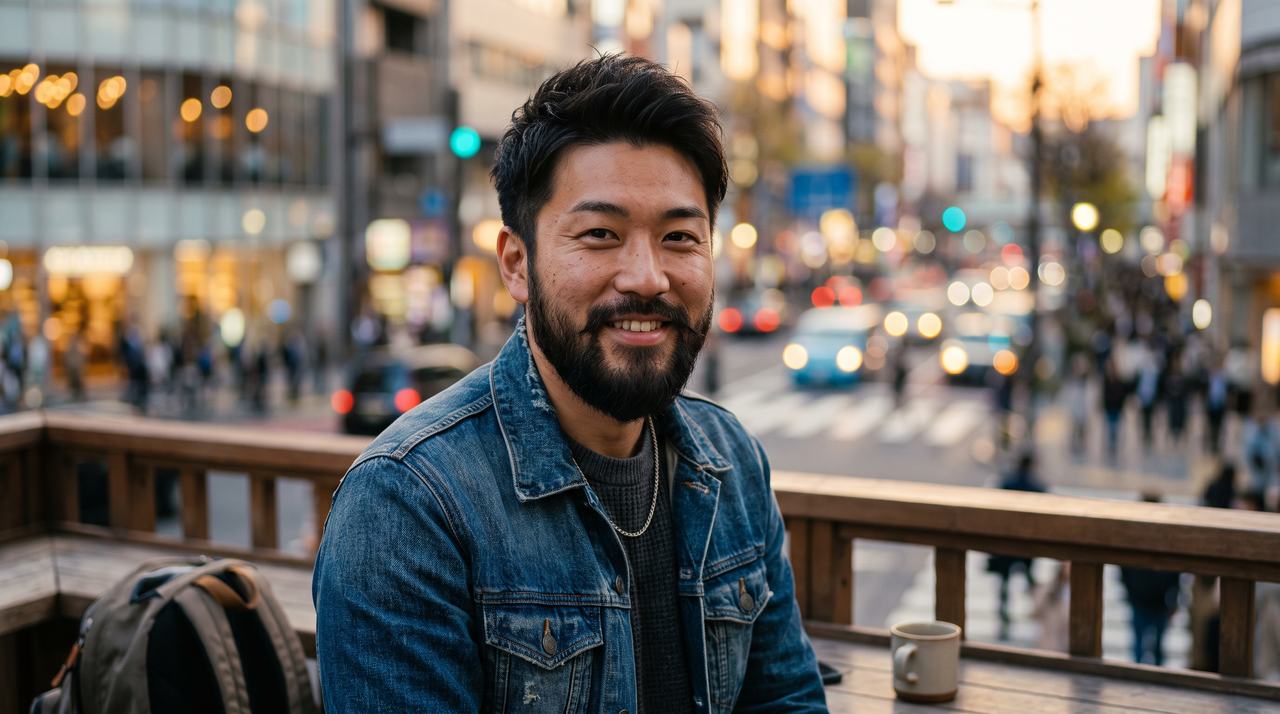
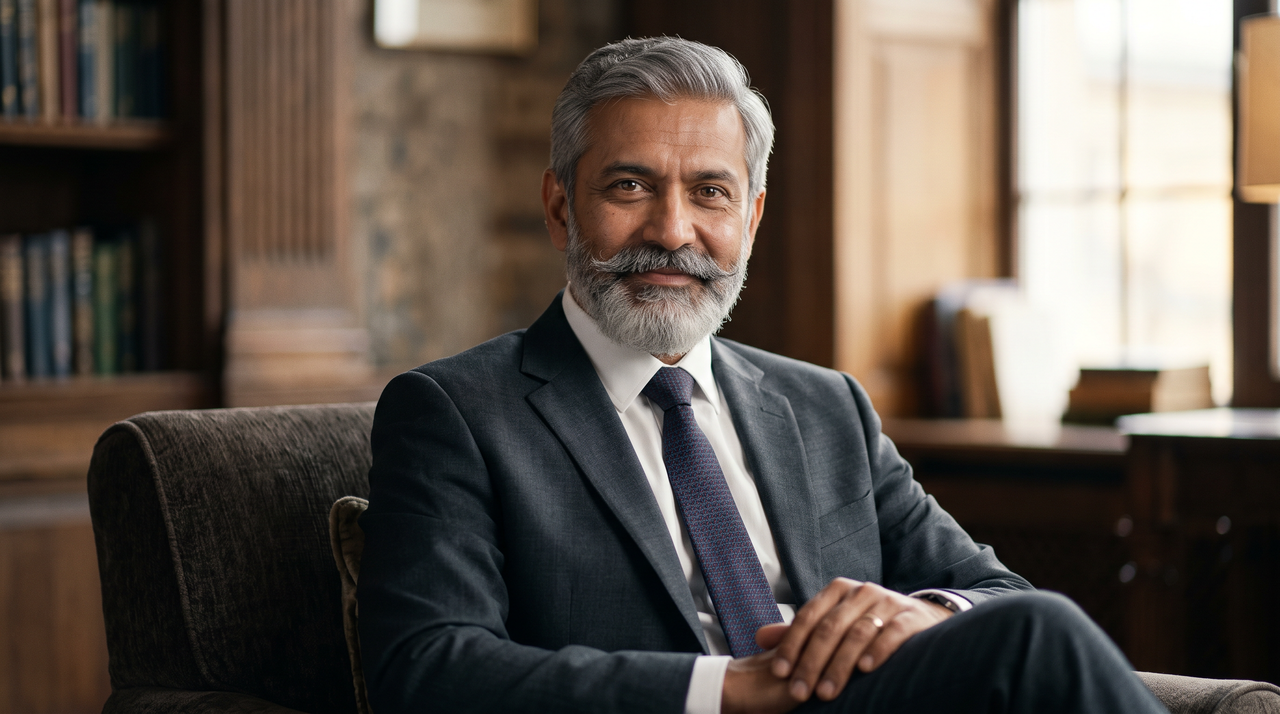
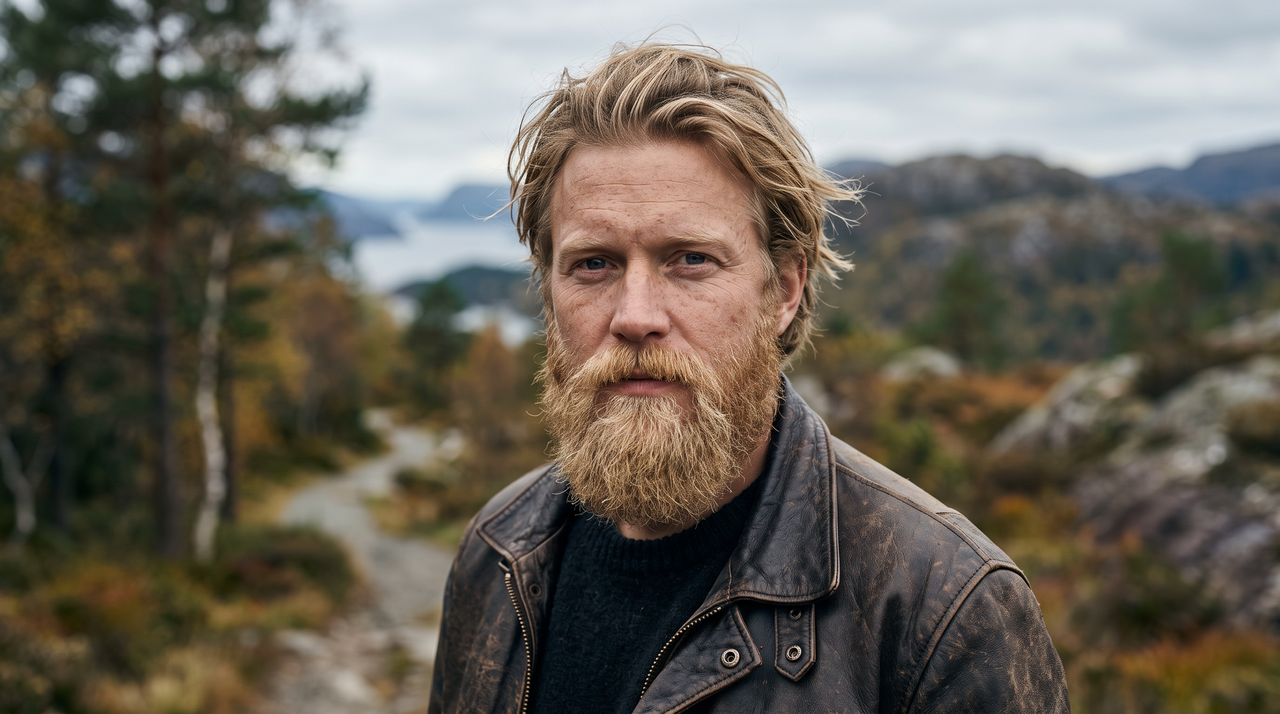
Realistic AI No Beard Filter Online

Instantly transform your portrait with Framia Pro's AI no beard filter. Get a flawless, clean-shaven look in seconds.

Upload imagesRemove the beard and mustache from this portrait. Keep the hairstyle, expression, clothing, and background unchanged, and blend the edited area with natural-looking skin texture.
Realistic AI No Beard Filter Online

What is a no beard filter?

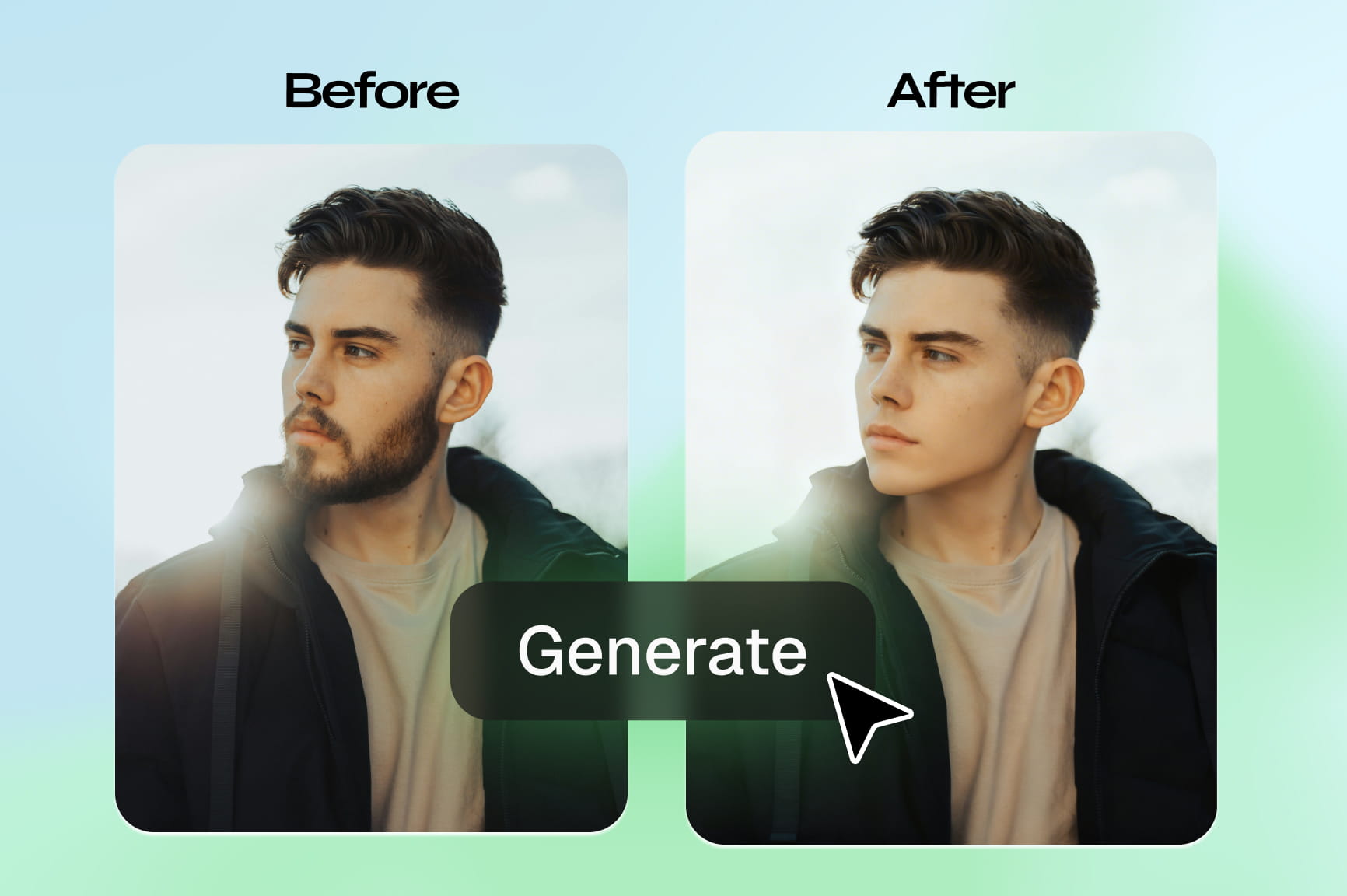
A no beard filter is an AI tool that removes facial hair from a photo and reconstructs the skin underneath to show a realistic, clean-shaven result. The trend started on Snapchat, where a "no beard" filter lens went viral on TikTok with men surprising their partners by showing their face without the beard they had worn for years. The Snapchat version worked in real time on video, so the skin reconstruction was rough and the result looked obviously filtered. What people search for today is more practical! They want to get a realistic preview before deciding to shave, a clean-shaven headshot for a job application, or a way to test a grooming change without committing to it. AI tools like Framia Pro skip the overlay approach entirely. The AI maps your jawline, skin tone, and lighting from the uploaded photo, then reconstructs the beard area with texture, pores, and shadow that match the rest of your face. The result reads as a real photo because the AI rebuilds the skin from your face structure, not over it.

Enjoy a clean-shaved look with a no beard filter

Unlock a flawless, clean-shaven look instantly with our remarkably powerful AI photo editor.

Enjoy perfectly smooth skin instantly

Eliminate facial hair seamlessly with our no beard filter for Instagram. Framia Pro supports the latest AI image generation models like Nano Banana, Seedream, Midjourney, and Flux Max to ensure your final image looks completely authentic, leaving no blurry patches behind for a truly realistic, clean-shaven appearance.

Enjoy perfectly smooth skin instantly
Remove beards with one click

Remove beards with one click

Skip complicated image editing software and manual brush tools. Just upload your portrait, and our smart system automatically detects and erases facial hair in seconds. You get professional-grade retouching results effortlessly, saving you hours of frustrating and tedious graphic design work.

Retain original high image quality

Keep your photos sharp and clear even after applying the no beard filter. Our tool maintains your original image resolution and crisp details, allowing you to download and share high-definition portraits that look simply stunning across all social media platforms.

Retain original high image quality
Protect your personal photo privacy

Protect your personal photo privacy

Process your sensitive selfies and portraits with total peace of mind. We utilize secure encryption to ensure your images remain strictly confidential. Your uploaded files are never shared with third parties or stored permanently on our private secure server databases.

How to easily use Framia Pro's AI beard removal tool? Framia Steps Block

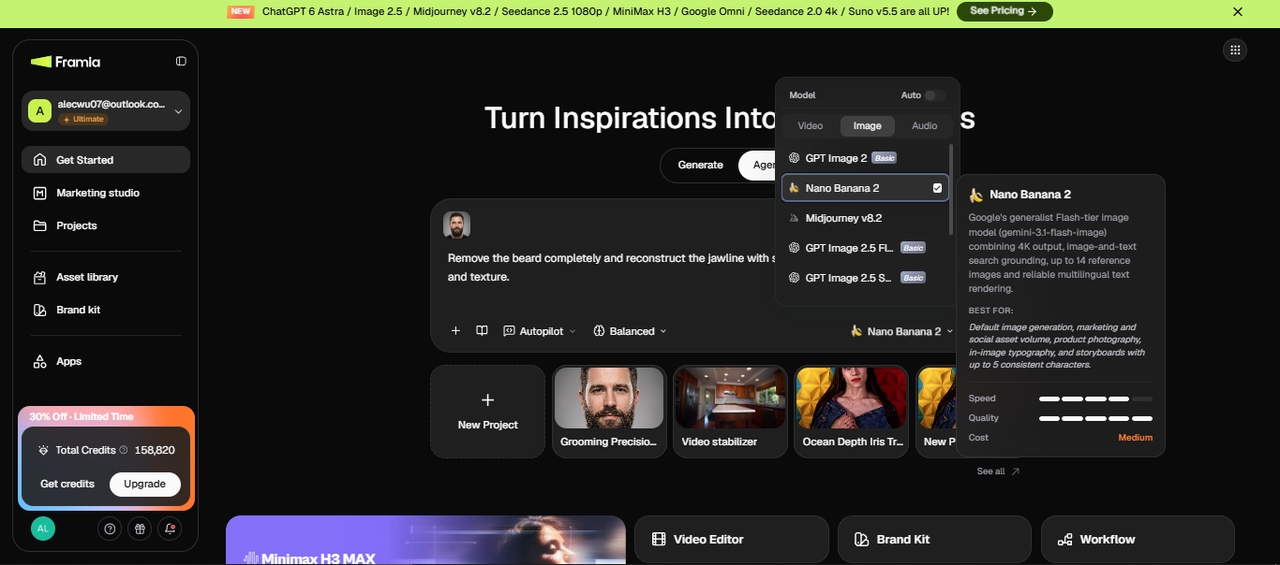
Step 1: Upload photo
Open Framia Pro and click "+" to start a new image project on the Agent canvas. Upload a clear, front-facing headshot where the full beard is visible, and the face is well-lit. In the prompt field, type something like: "Remove the beard completely and reconstruct the jawline with smooth, natural skin matching my skin tone and texture."
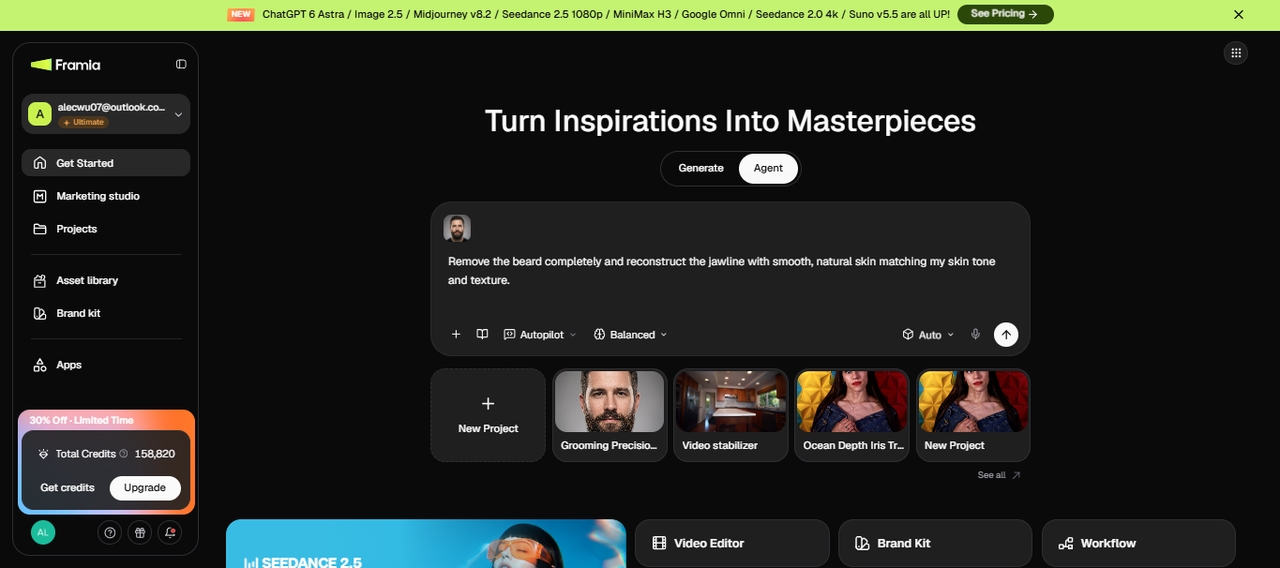
Step 1: Upload photo
Step 2: Adjust settings and generate
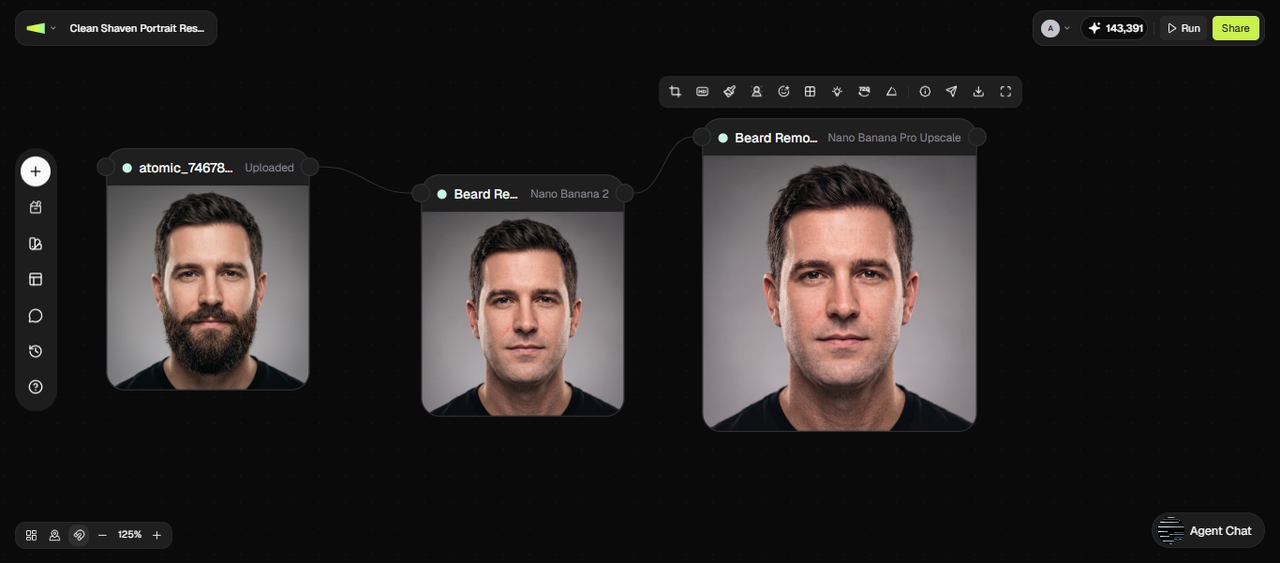
From the Skills menu, select Design Planner, choose your preferred image model, and set the reasoning mode to Balance, Fast, or Ultra depending on how much detail you need. Wait for Framia Pro to connect the Image node. The AI reads the facial structure, maps the jawline hidden under the beard, and reconstructs that area with skin texture and shadow that match the rest of your face.
Step 2: Adjust settings and generate
Step 3: Refine the result and export
The clean-shaven portrait appears on the canvas. Check the jawline, chin, and upper lip for any area that looks flat or mismatched. If something is off, type a follow-up in the chat editor: "The chin area looks slightly smooth. Add natural skin grain to match the rest of the face." Once the result sits where you want it, click HD to upscale if needed, then download at full resolution. The file is ready to drop into LinkedIn, a job application, or any platform without further editing.
Step 3: Refine the result and export

Fun ways to use Framia Pro's AI beard remover

Discover creative ways to transform your facial appearance and build engaging visual media.

Preview a clean-shaven look before shaving

Upload a current portrait and see how you might look without facial hair before making a real grooming change. Treat the generated image as a visual preview rather than an exact prediction of your appearance after shaving.

Create professional corporate profile headshots
Create an alternative profile photo

Create an alternative profile photo

Generate a clean-shaven version of an existing portrait for a profile, portfolio, team page, or other personal account. You can compare the edited version with the original before deciding which photo fits your intended use.

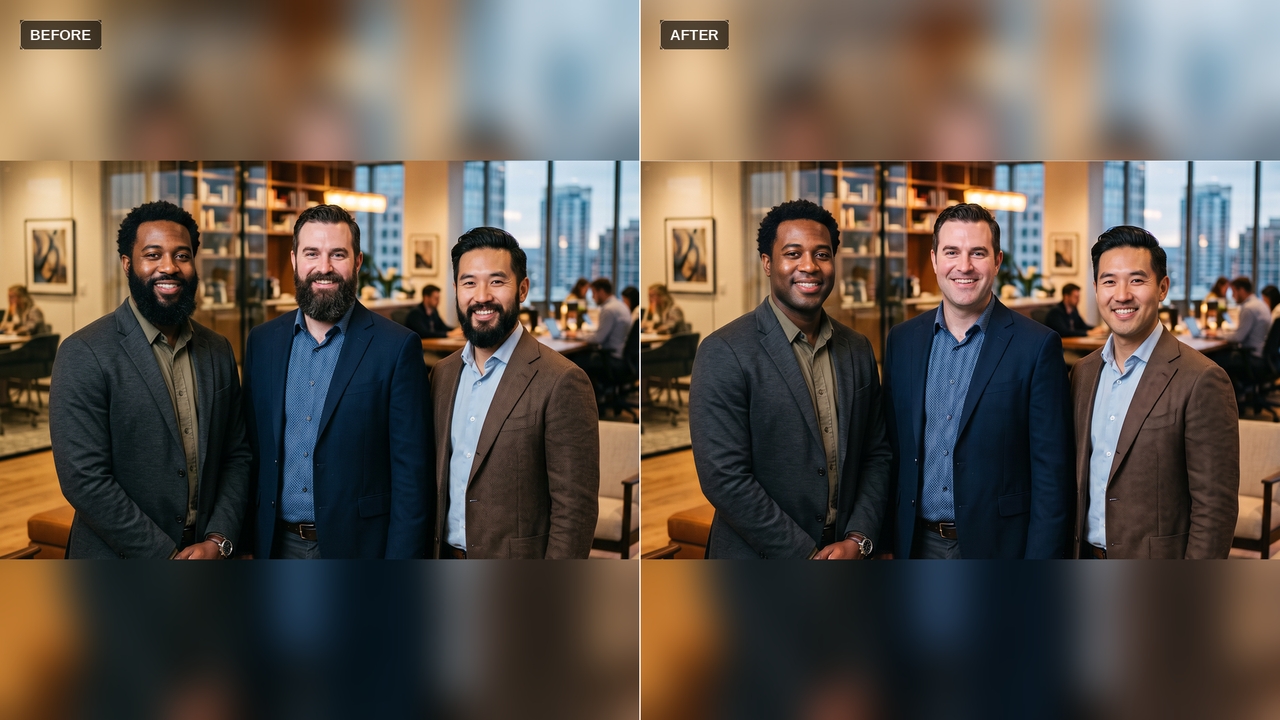
Share before-and-after comparisons

Place the original and edited portraits side by side for a social post, personal comparison, or grooming update. Label an AI-edited image when viewers could otherwise mistake the change for a real photograph.

Design viral social media posts

Why do users love our AI beard removal tool?

Read how many incredibly satisfied users completely transformed their beautiful portraits.

Framia Pro completely eliminated the hassle of manual photo editing. I needed a professional, clean-shaven headshot for my corporate profile, and this tool delivered an incredibly realistic result instantly. I highly recommend it for any busy professional needing quick adjustments!
Lucas Peeters
Lucas Peeters
Marketing Manager
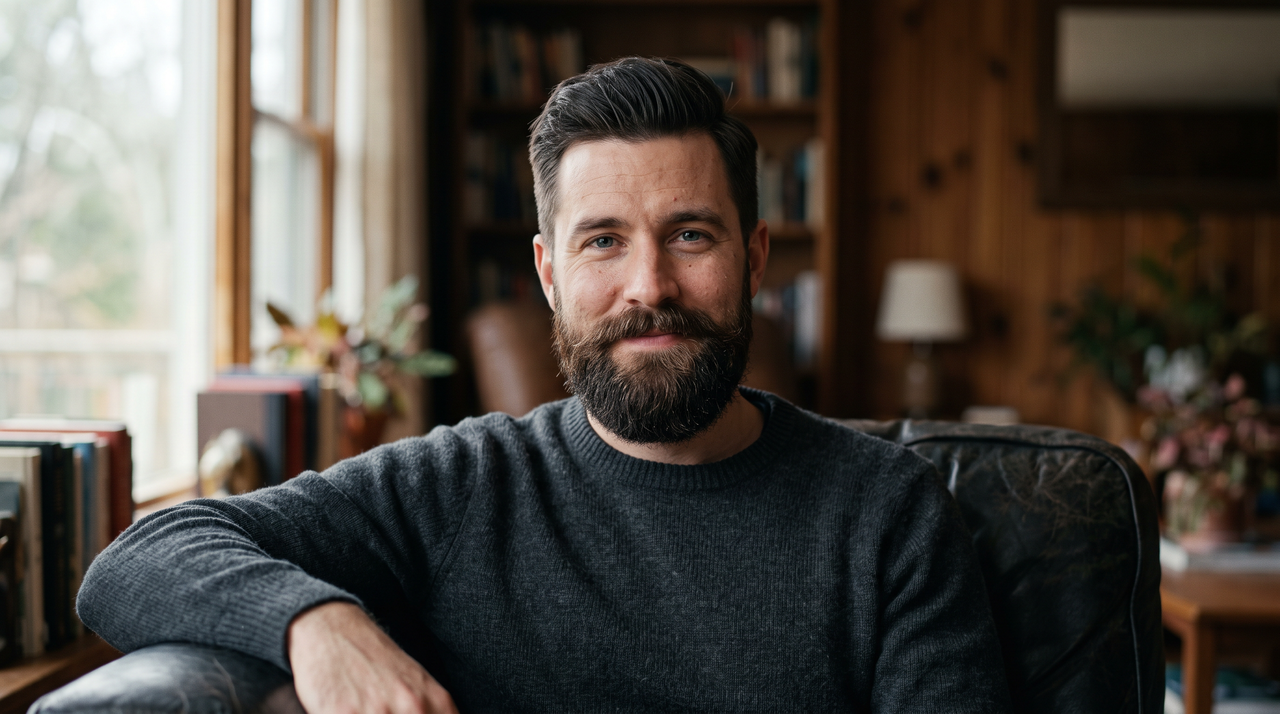
As a designer, I easily spot fake edits, but this magnificent application blew me away. The transition from a full beard to smooth skin was completely undetectable. It preserved my natural jawline flawlessly, making the final picture look genuinely authentic.
Jax Wahlberg
Jax Wahlberg
Graphic Designer
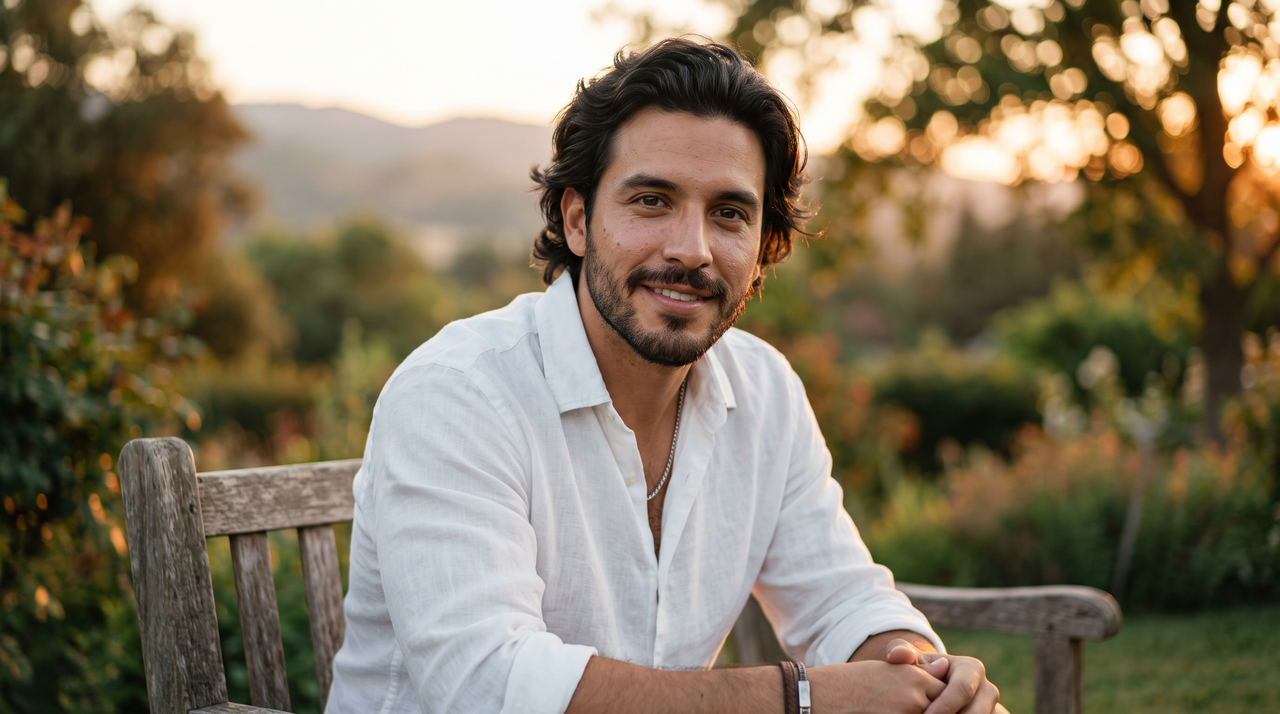
I utilized this amazing tool to trick my followers into thinking I actually shaved my long beard. The image was shockingly realistic, and the engagement on my profile skyrocketed immediately. This is officially my favorite tool for creating entertaining content.
Arthur Claes
Arthur Claes
Content Creator
I have absolutely zero technical skills, yet navigating this platform was incredibly simple. Within seconds, I uploaded my picture and received a breathtaking transformation. It is truly wonderful to find a high-quality tool that anyone can operate without prior training.
Ramon Maes
Ramon Maes
Sales Director
The rendering speed is remarkably fast, and the output resolution remains crystal clear. I love that it does not compress the final image like other applications often do. It is undeniably the most reliable software I have ever tested online.
Thomas Wouters
Thomas Wouters
Software Engineer
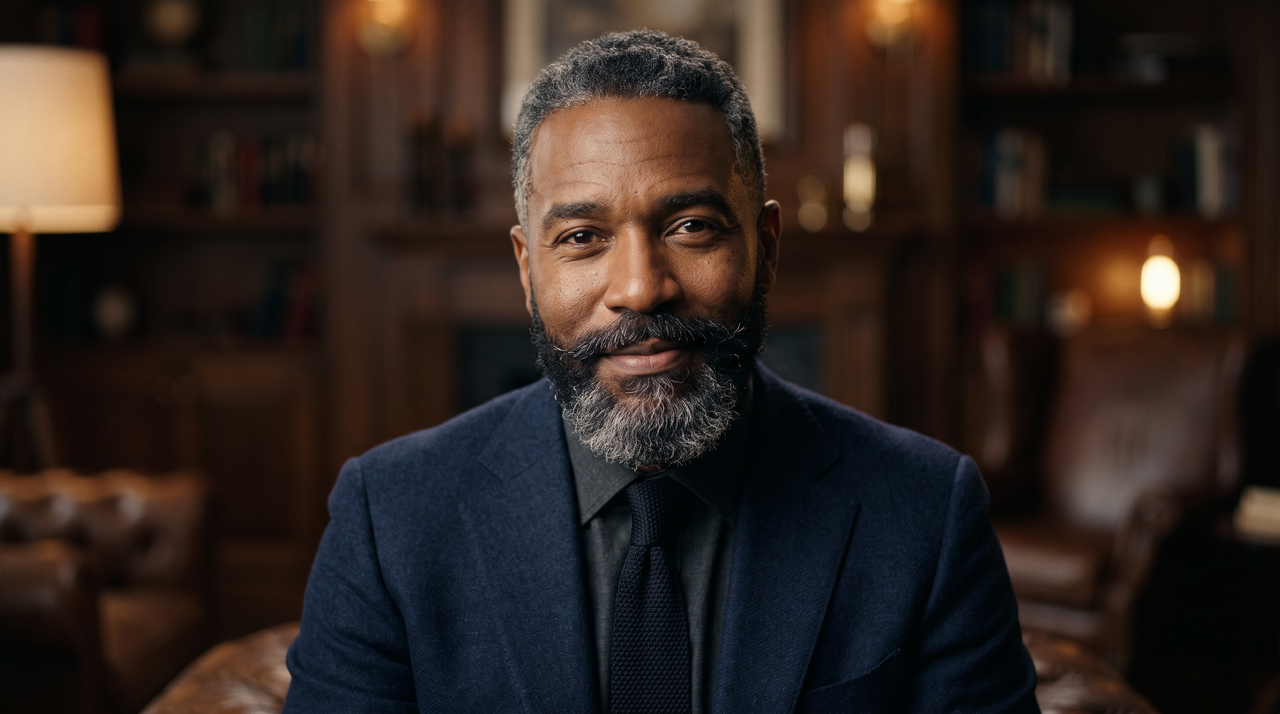
I was terrified of shaving my thick beard after five years. Thankfully, this incredible application allowed me to vividly preview my face beforehand. Seeing the realistic outcome gave me immense confidence to finally go through with my planned real-life makeover.
Johnny Vandenberghe
Johnny Vandenberghe
Photographer

Explore more image tools from the house of Framia Pro

If you are satisfied with our beard removal AI tool, then be sure to try out the other ones as well.

AI Chat to Edit
Effortlessly edit pictures by giving simple textual commands to the AI.
AI Image Expander
Seamlessly enlarge your pictures beyond their original borders using AI.
AI Photo Restoration
Bring old, damaged, and faded family photographs back to life.
We've compiled the most important information to help you get the most out of your experience. Can't find what you're looking for?Contact us

Frequently asked questions

Is there a free no beard filter online?
Framia Pro provides access to its AI image editing workflow with free access options. Check the current plan details for available credits and usage limits.
How does a remove beard AI filter actually work?
These tools use artificial intelligence algorithms to detect facial hair and reconstruct underlying skin. Framia Pro takes this further by analyzing your unique jawline for the most naturally blended transformation.
Can I remove a thick beard from a photo online with a free AI tool?
Yes, modern digital tools can handle various hair lengths effectively. Framia Pro effortlessly removes even the thickest beards by intelligently predicting your natural facial structure directly beneath heavy hair growth.
Will the final image look blurry or fake with a free AI beard remover online?
Many free tools leave unnatural, blurred patches after processing. However, Framia Pro utilizes advanced technology to seamlessly blend skin textures, guaranteeing your final portrait looks exceptionally crisp and authentically clean-shaven.
Is it completely safe to use an AI beard remover filter?
Photo security varies heavily depending on the specific platform used. Framia Pro strongly prioritizes your privacy by utilizing secure connections and automatically deleting uploaded files immediately after completing your transformation.
Do I need to install software to remove a beard using AI?
Many traditional editing programs require heavy desktop installations to function. Conversely, Framia Pro is entirely browser-based, meaning you access powerful editing features instantly on any device without downloading complex applications.
Does the no beard filter for TikTok reduce original photo file resolution?
Several integrated social media filters severely compress your images to save bandwidth. Framia Pro proudly ensures your pictures retain their original high-definition quality, allowing you to confidently share crisp photos.
Can I use the no beard filter result for commercial purposes?
Commercial use is available on paid Framia Pro plans. Free-credit edits cover personal use, so if the clean-shaven portrait is going into a paid campaign, a client deliverable, or a product listing, confirm you are on a paid plan before downloading the final file.
Does the no beard filter work on group photos or only single portraits?
The AI works best on a single clearly visible face with the full beard area in frame. Group photos can produce inconsistent results because the model targets one face at a time. For the cleanest output, crop to a single portrait before uploading, then composite back into the group shot if needed.

Still have questions?

Have questions or need assistance? Our team is here to help!

Experience flawless AI beard removal with Framia Pro!

With Framia Pro's no beard filter, you can now seamlessly create no shaved looks instantly.

AI No Beard Filter | Instantly Get a Clean-Shaven Look