



Upload your video
Open Framia Pro, pick the Video Agent, and drop in the sideways or upside-down clip you want to fix.
Rotate sideways clips, fix vertical footage, and tilt videos online in just a few clicks. Clean edits and AI tools stay ready in one editor.
Upload your clip, set the angle, and export a clean file. No installs, no account walls, no wasted time.
Got a sideways clip? Fix it, rebuild it, and export it in high-quality with advanced features on Framia Pro!
Type a rotation command in the prompt, pick your aspect ratio (9:16, 16:9, or 1:1), and the AI fixes the orientation. Portrait clip shot sideways? It flips, saves the frame rate, and exports a clean video without touching the quality, so you can continue editing your video in the same workflow.
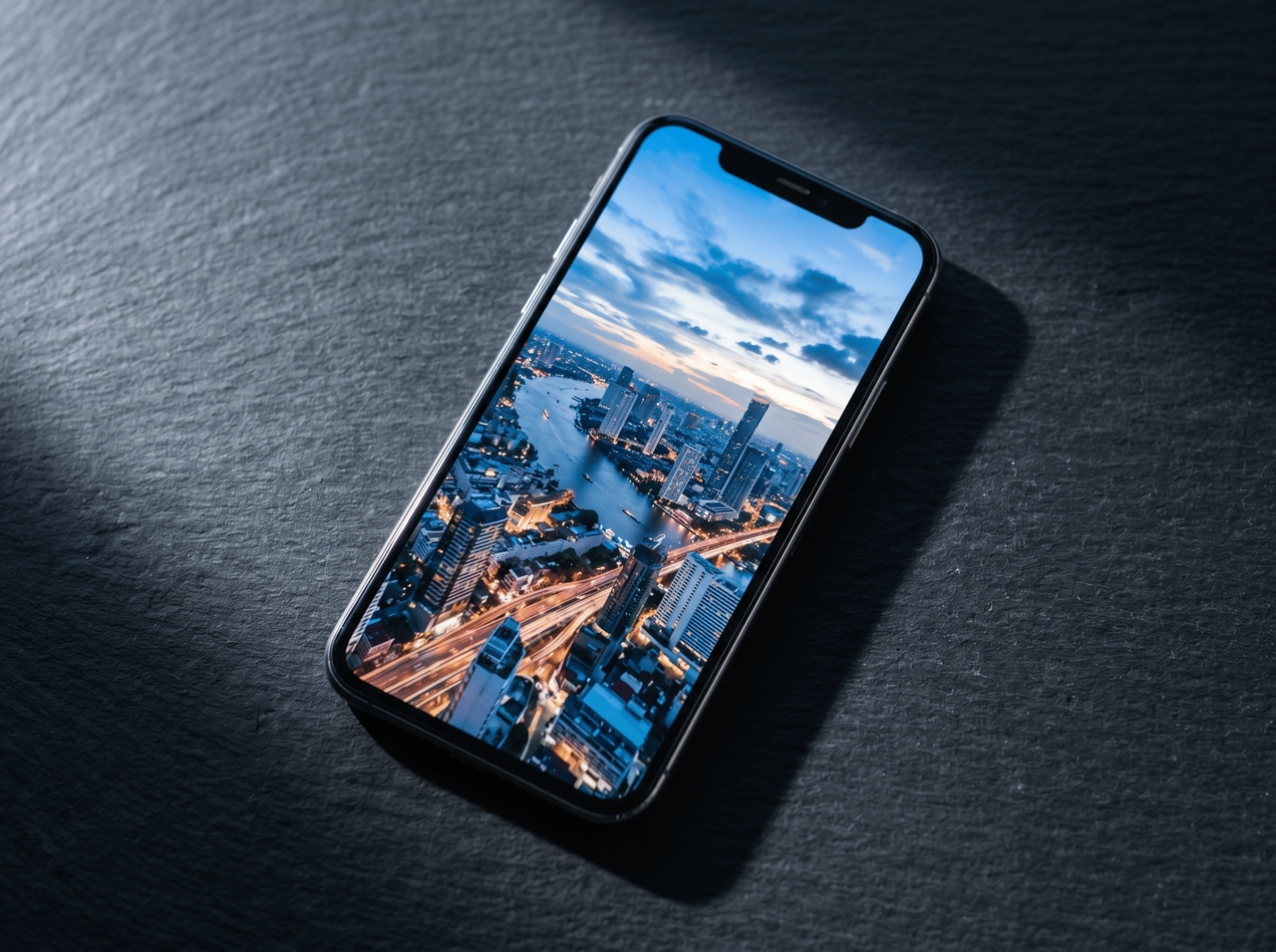
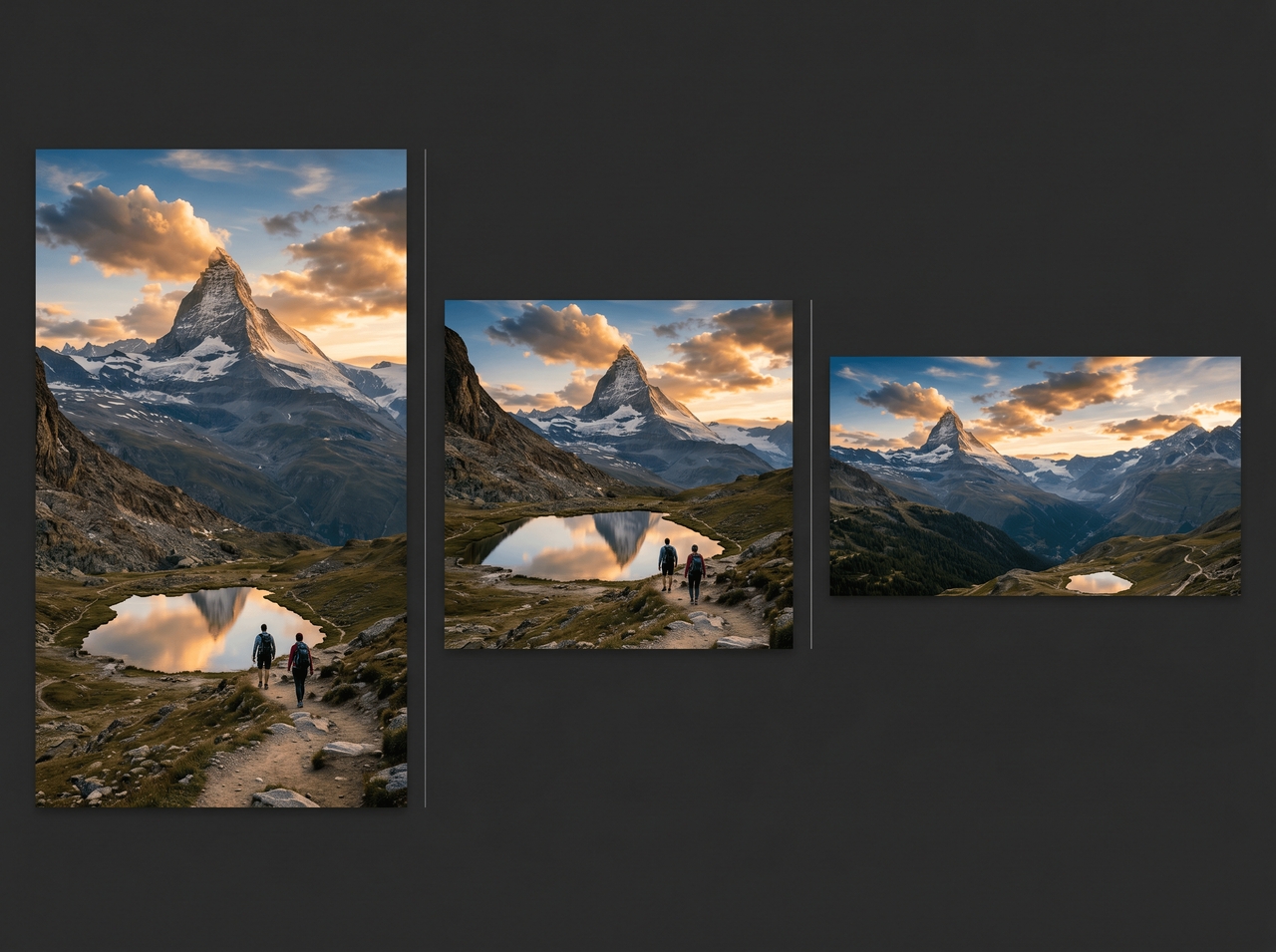
Describe the change in the prompt box, pick your model, duration, and resolution, then hit generate. Our video rotator recreates the clip from your instructions. You get new scenes, adjusted pacing, and an output format that matches your needs.
Brush over the area, type what should replace it, then let the AI rebuild the scene. Cropped edges, missing backgrounds, and removed objects get filled with matching lighting, texture, and depth so the edit blends into the shot.

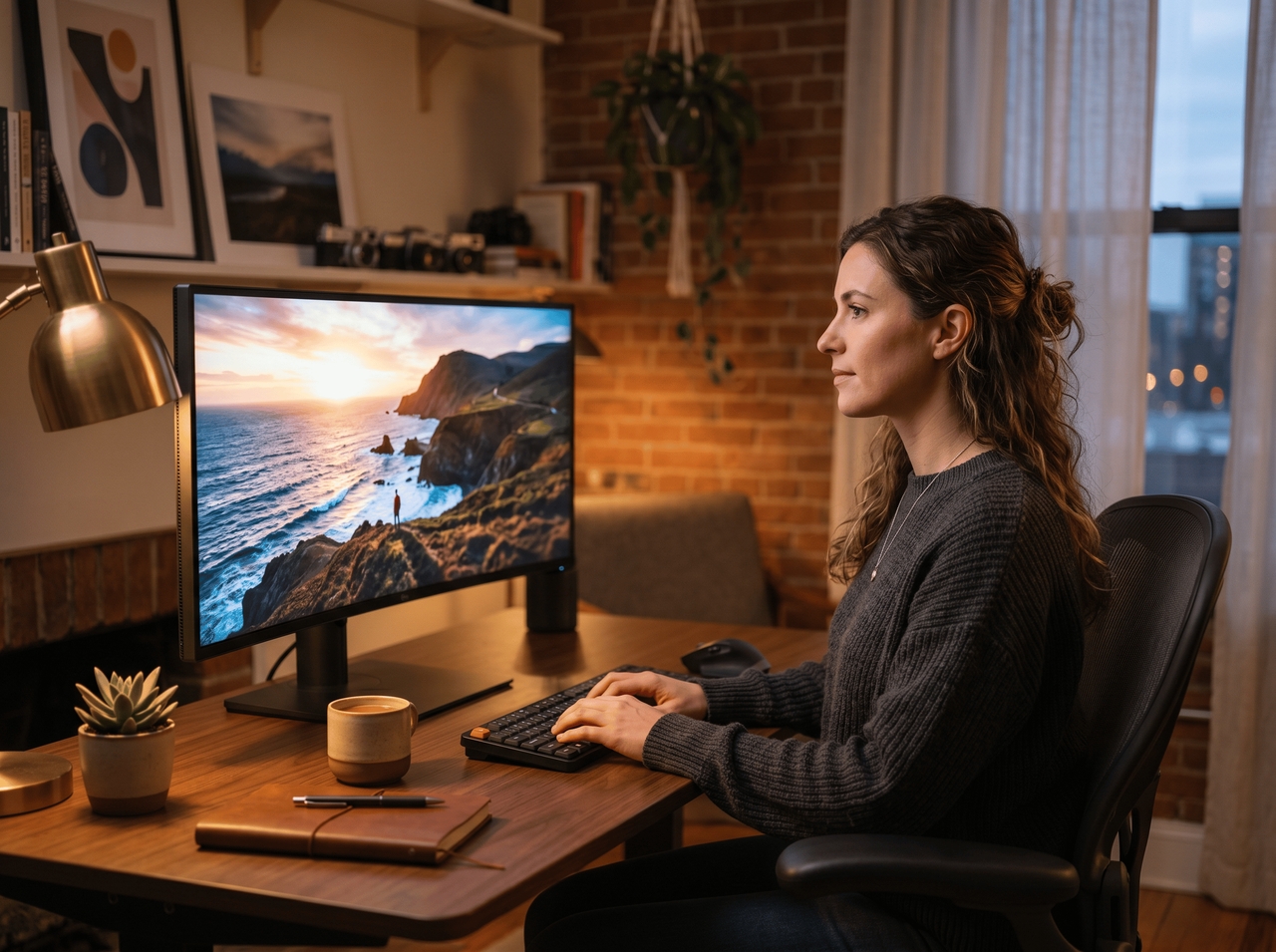
Type what you want changed or open the video in Storyboard editor to cut, swap, or regenerate scenes with our online video rotator. No menus to dig through, no timeline to scrub. The AI handles editing from the instruction alone.
Pick 4K output, and Framia Pro's rotate video online tool studies every frame using Sora 2, Veo 3.1, and Seedance 2.0. Edges sharpen, grain disappears, and the exported file plays sharp on any screen without re-generating the whole clip.

Sideways clips happen. Fix them fast, export clean, and get back to creating more content with Framia Pro!
Creators fix clips online fast, rotate formats, and adjust angles for different platforms with Framia Pro!
Creators talk. Here's what they're saying about Framia Pro.






Have questions or need assistance? Our team is here to help!
Fix sideways videos, tilt angles, and edit smarter through AI video tools in one place
