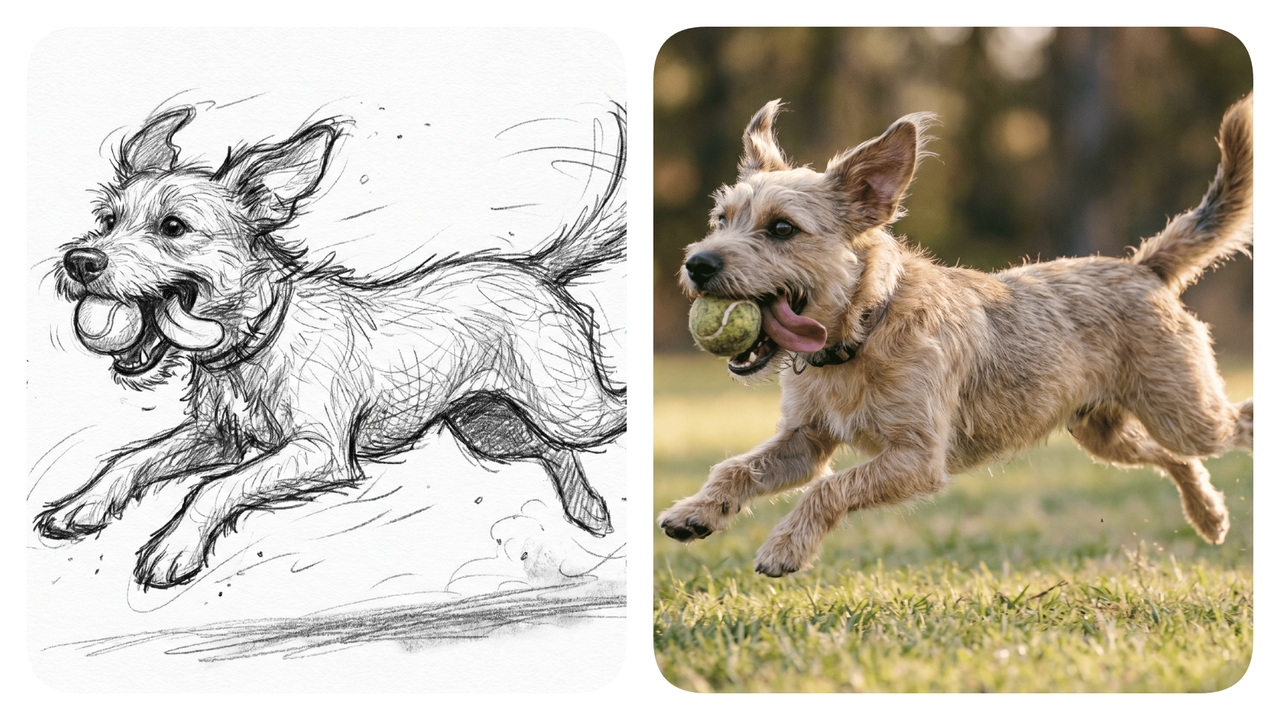
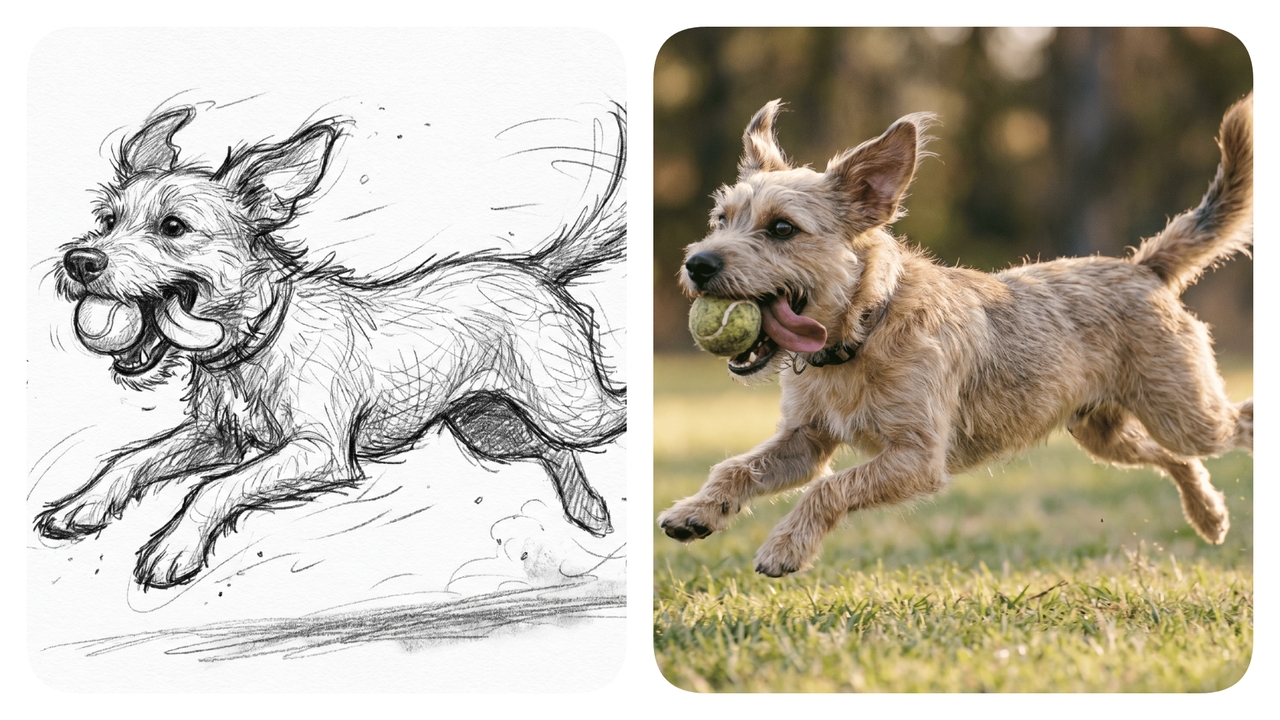
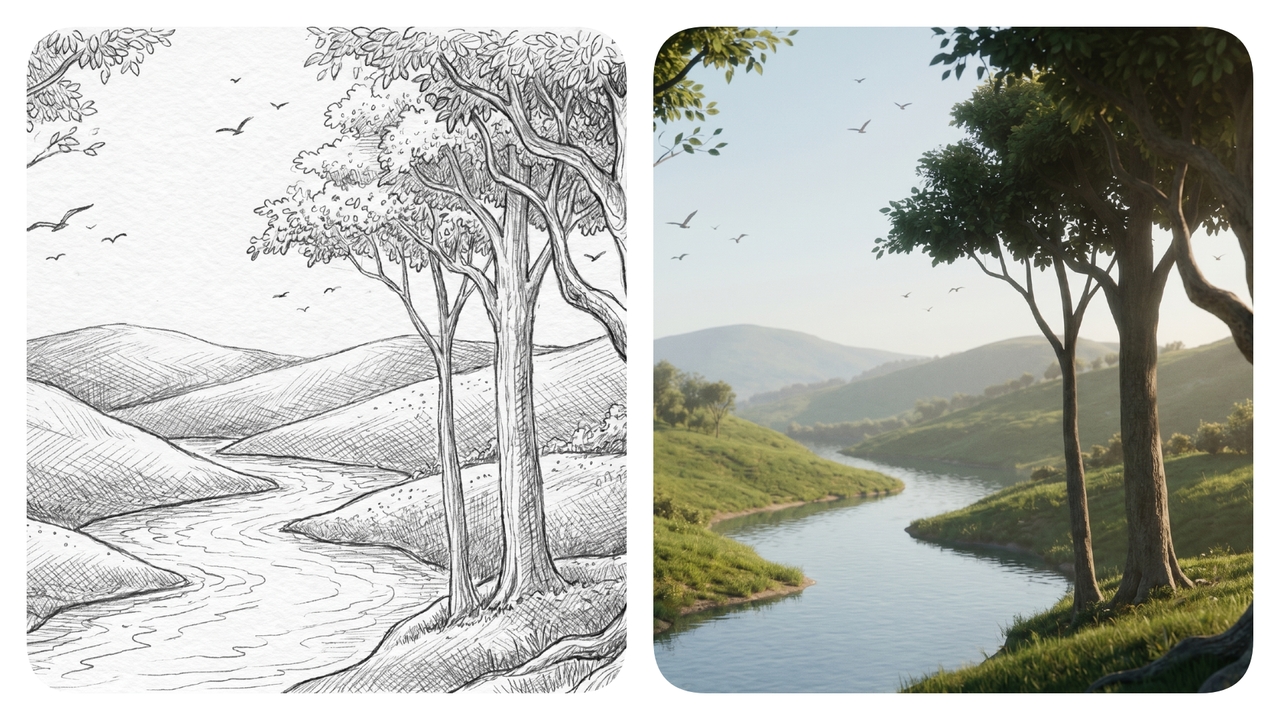
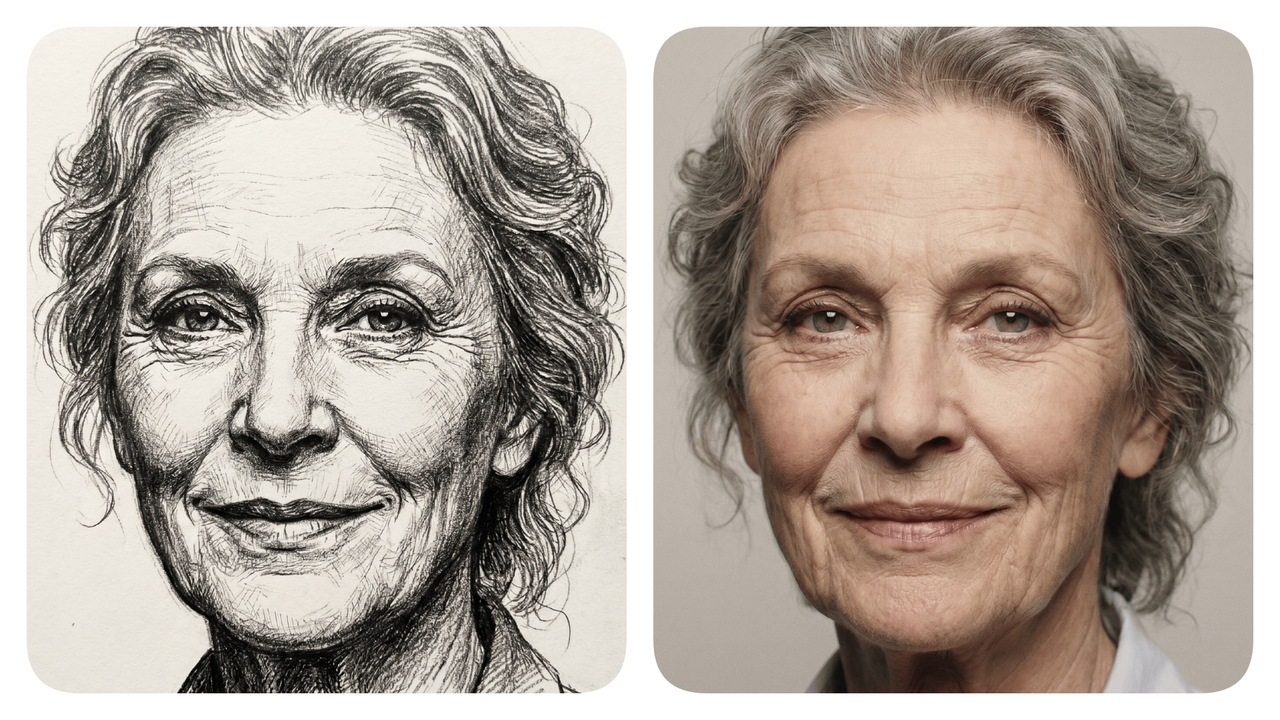
Convert Sketch to Photo Instantly

Elevate your design with Framia Pro. Our advanced AI sketch to photo converter turns simple doodles into high-quality realistic renders.

Upload imagesClick to browse or drag & drop file here
Convert Sketch to Photo Instantly

How to convert sketch to photo with Framia Pro?

Select the "Design Agent" and the AI model
Open Framia Pro, navigate to the workspace, click "Design Agent" from the toolbar, then choose your preferred AI model from the dropdown menu. The platform supports AI image generation models such as Nano Banana, Flux, Seedream, etc.
Upload your sketch and enter prompt
Click "Upload" and select your sketch file (JPG/PNG), then type a detailed text prompt describing the desired photo output, including lighting, style, and subject details for accurate AI generation.
Finalize and export your image
Framia Pro will start the photo creation process, and once the image is generated, you can edit or tweak it using the in-built tools or the "chat-to-edit" features. Once done, export the image, so that you use it for your project.

Perform effortless sketch-to-photo conversions with Framia Pro

Explore our powerful tools that easily turn your rough drawings into realistic photos now.

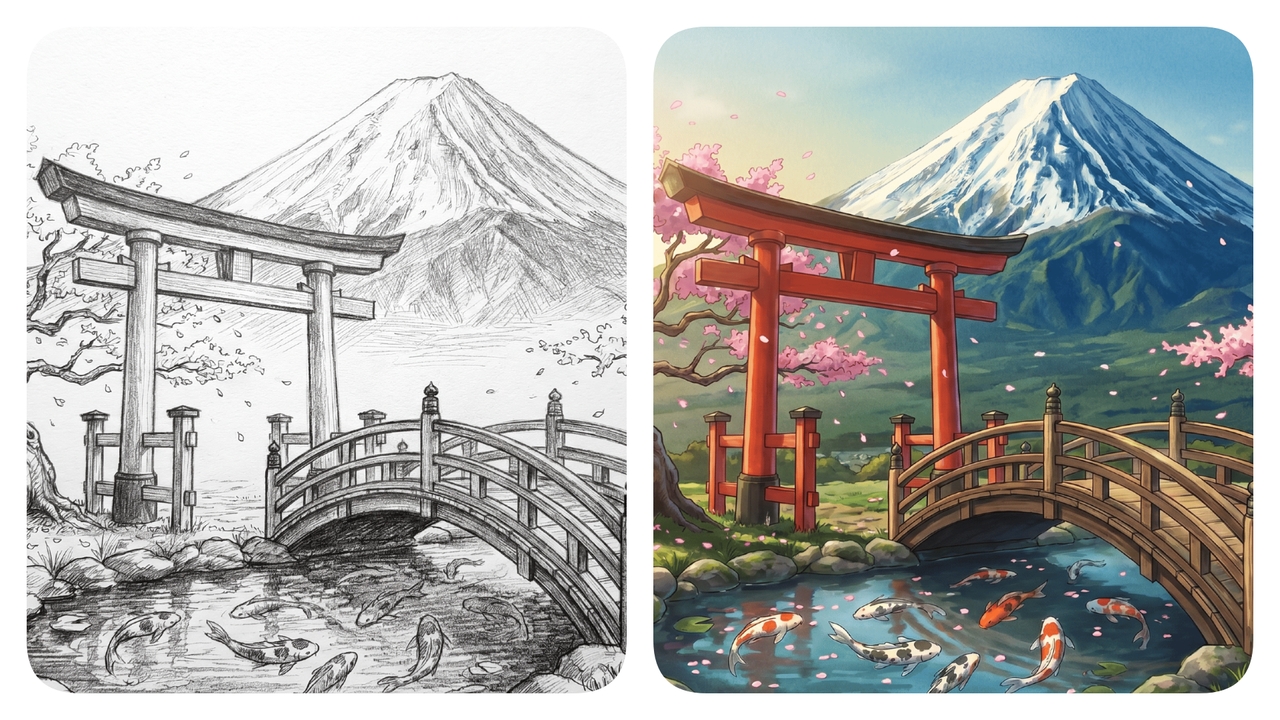
Maintain original core design structures

Preserve the exact layout and foundational shapes of your drawing perfectly. You can freely experiment with multiple artistic styles and lighting effects without ever losing the fundamental essence or the carefully planned composition of your original, highly creative design idea.

Maintain original core design structures
Apply detailed textures instantly everywhere

Apply detailed textures instantly everywhere

Generate incredibly realistic materials like rich leather, smooth glass, or rough wood from basic outlines. Add stunning depth and lifelike surfaces to flat concepts immediately, ensuring your visual presentations look fully developed and professional without requiring any complex manual editing.

Refine specific regions with precision

Modify isolated parts of your generated image seamlessly using our interactive AI image editor. Change the color of a single object or adjust background elements effortlessly, giving you complete creative control to perfect every minor detail until it matches your exact vision.

Refine specific regions with precision
Generate multiple variations incredibly fast

Generate multiple variations incredibly fast

Produce dozens of unique visual options from a single sketch within seconds, be it realistic, anime, etc. Accelerate your creative brainstorming phases, so that you can quickly explore different design directions and select the absolute best visual concept for your upcoming professional project deliverables today.

Why choose Framia Pro for sketch-to-image transformation?

See exactly how our platform's AI drawing to image converter helps you save time and boosts your daily creative workflows.

Accelerate your entire design workflow
Framia Pro dramatically reduces the hours traditionally spent on manual rendering. By automating the visual generation process, you can swiftly move from an initial concept to a finished presentation, giving you more time to focus on pure creative design innovation.
Reduce expensive rendering software costs
Eliminate the need for pricey subscriptions and heavy rendering programs. Our accessible online tool provides studio-quality results at a fraction of the cost, making stunning top-tier photorealistic visual generation available to freelancers, small design teams, and independent creative professionals alike.
Visualize complex ideas instantly clear
Help clients and stakeholders fully understand your concepts without requiring them to interpret rough outlines. Realistic photos eliminate guesswork, ensuring everyone visualizes the intended textures, colors, and proportions perfectly before any physical production or costly development actually ever begins today.
Iterate designs without redrawing manually
Explore countless color palettes, lighting scenarios, and material finishes from one single uploaded sketch. This flexibility allows rapid prototyping and continuous refinement, ensuring you discover the optimal design direction quickly without ever needing to sketch the exact same idea twice.
Empower creators of all skillsets
You do not need to be a professional illustrator to create stunning visuals anymore. Whether you upload a polished digital drawing or a rough napkin doodle, Framia Pro instantly elevates your baseline concept into a breathtaking, highly detailed, realistic photograph.
Boost confidence before final production
Validate your design choices thoroughly before committing to expensive manufacturing. Seeing a photorealistic representation of your product or garment ensures you can catch potential design flaws early, refine proportions accurately, and confidently proceed with your final physical production business plans.

What you can create with our AI sketch to image converter?

Discover the stunning visuals you can generate from simple drawings using our advanced AI sketch to photo converter.

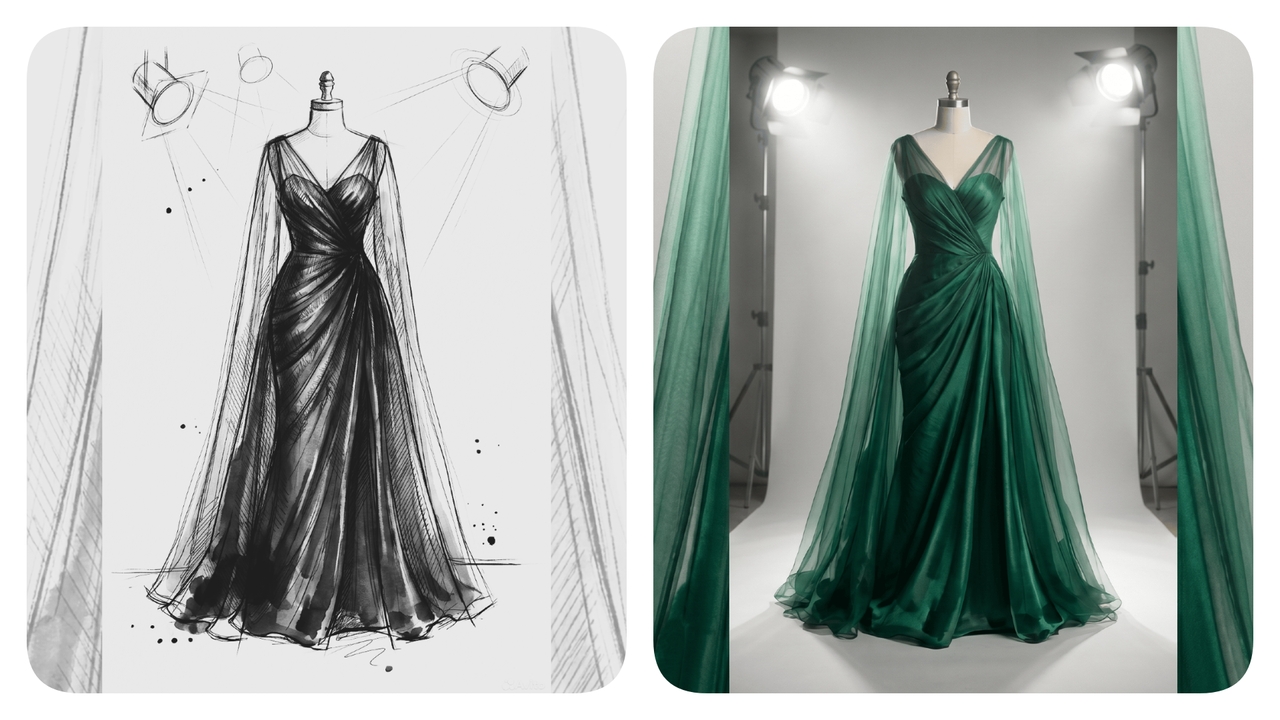
Photorealistic high fashion garment designs

Transform basic dress outlines into stunning, realistic runway concepts. Prompt: An elegant emerald green silk evening gown featuring a sheer overlay, draped beautifully on a mannequin under bright studio lighting, showcasing highly detailed, beautiful luxurious fabric textures perfectly.

Photorealistic high fashion garment designs
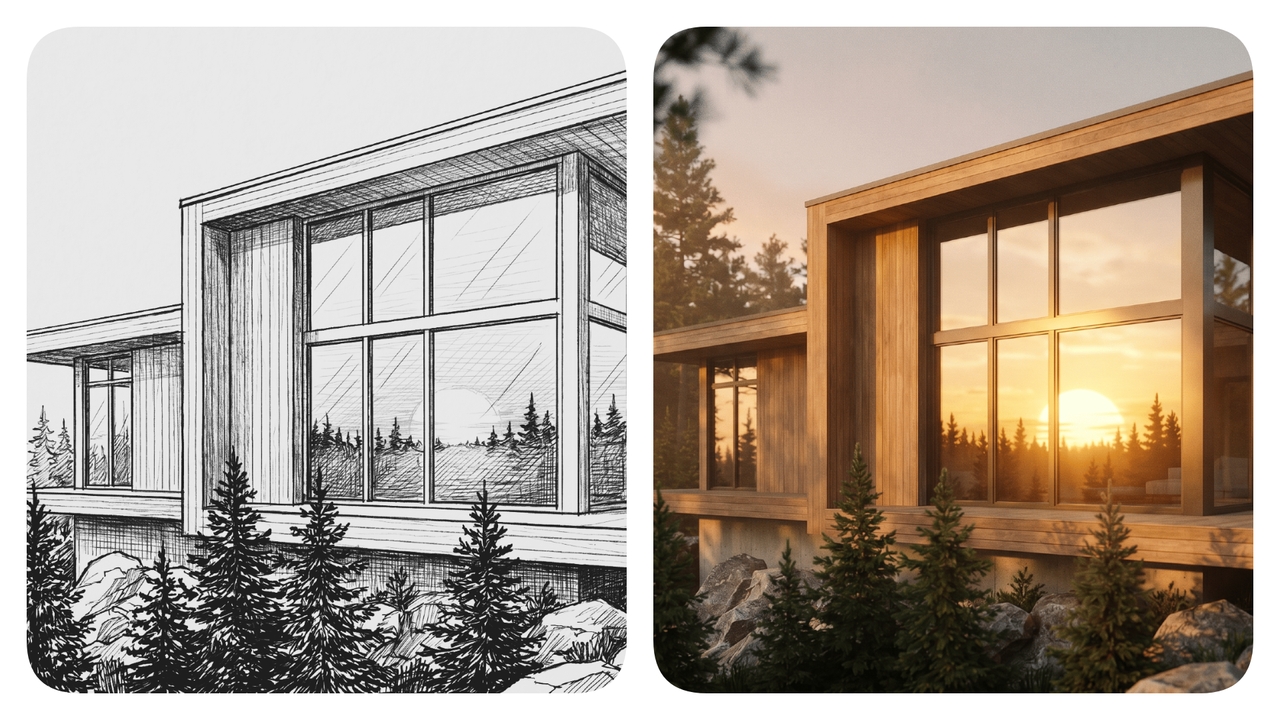
Detailed exterior building renders

Detailed exterior building renders

Convert basic line drawings into impressive architectural visualizations easily. Prompt: A modern minimalist house exterior surrounded by lush green pine trees, featuring large glass windows reflecting a breathtaking golden hour sunset, highly realistic stunning architectural photography aesthetic style.

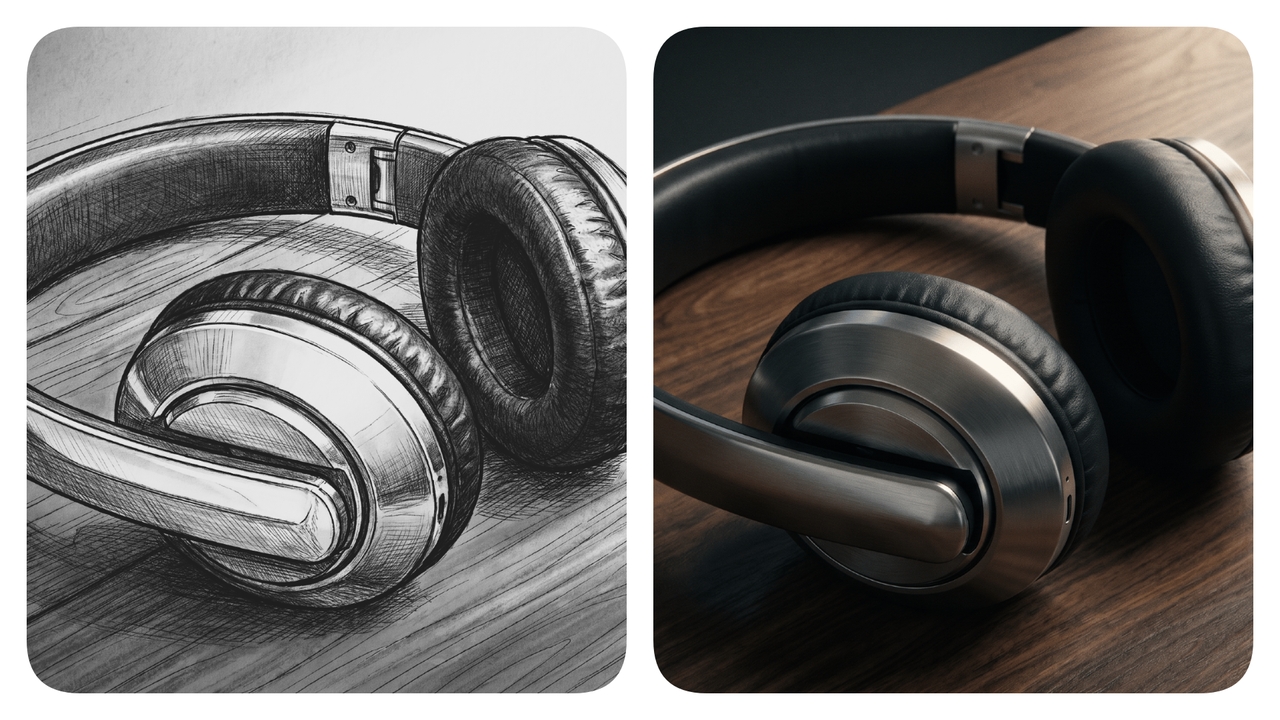
Lifelike industrial product design mockups

Bring your rough product doodles to life with realistic finishes. Prompt: A sleek futuristic wireless headphone resting on a dark wooden desk, featuring metallic silver accents and soft matte black leather earpads, cinematic soft dramatic studio lighting effects applied flawlessly.

Lifelike industrial product design mockups
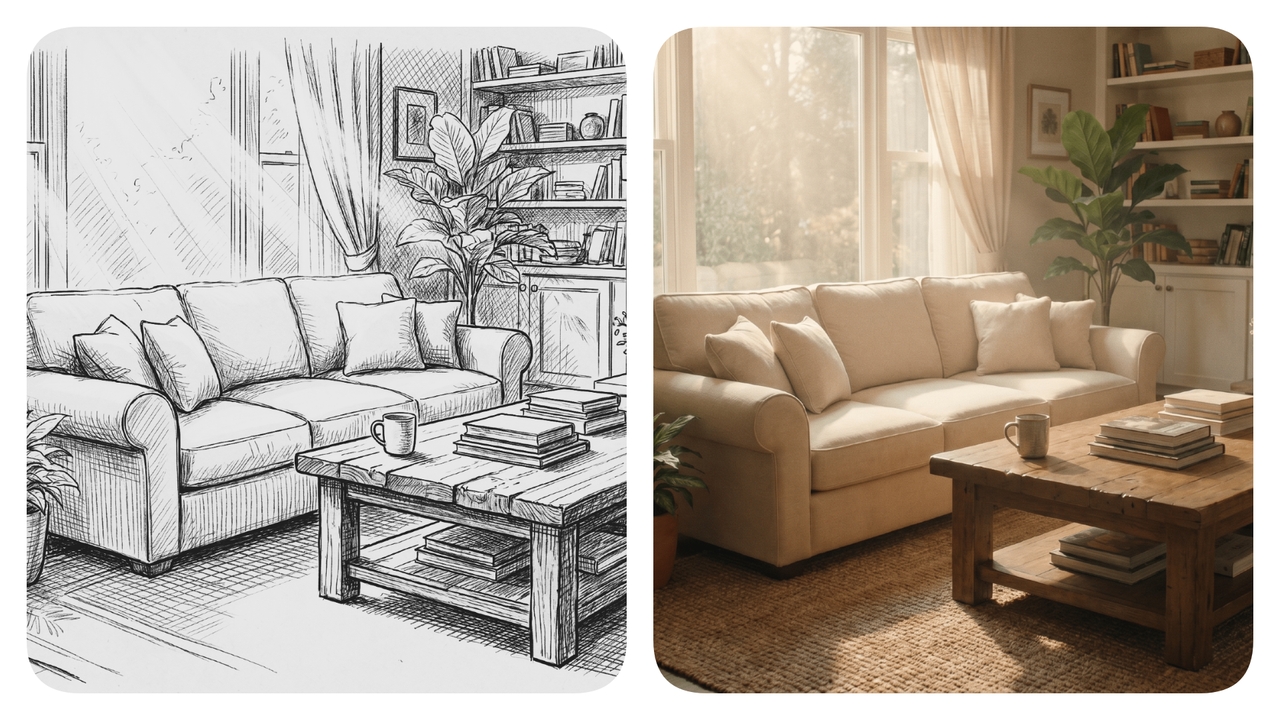
Cozy interior room layout visualizations

Cozy interior room layout visualizations

Generate realistic interior room concepts directly from rough spatial sketches. Prompt: A warm contemporary living room featuring a plush cream sofa, rustic wooden coffee table, and large potted plants, illuminated by soft natural bright sunlight filtering gently indoors today.

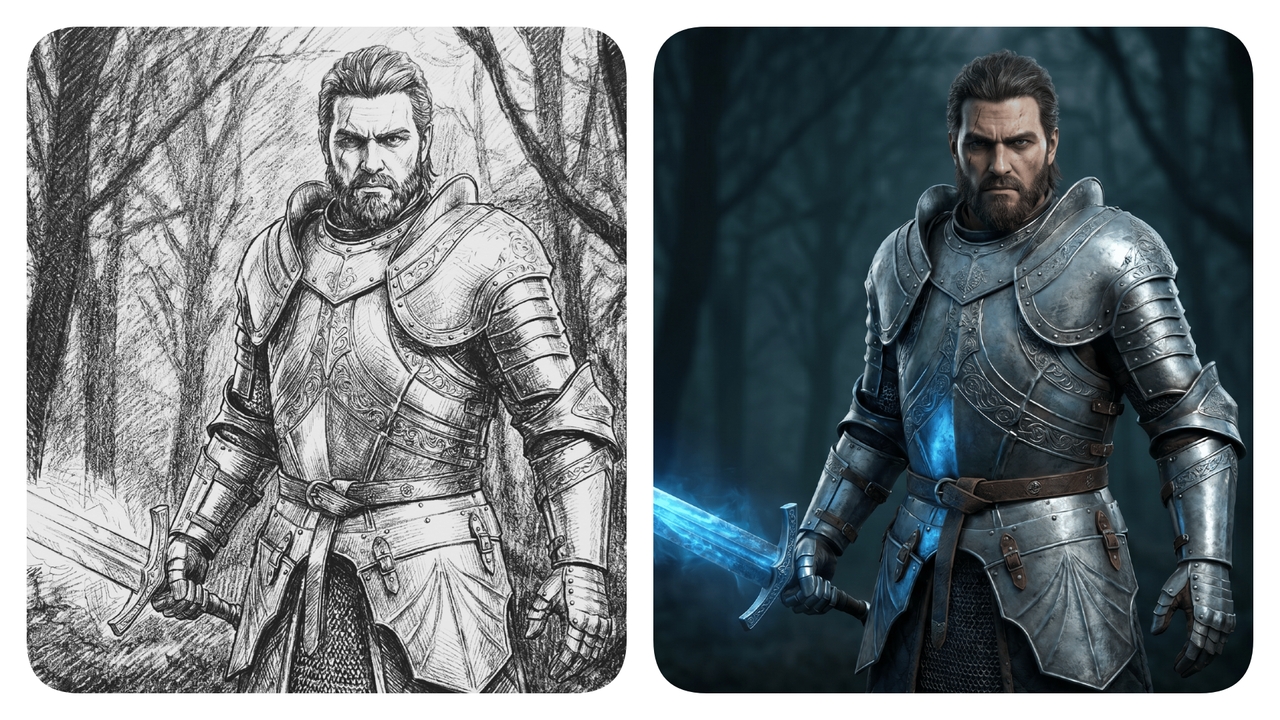
Stunning video game character concepts

Turn rough character doodles into fully realized digital art assets. Prompt: A fierce fantasy warrior character wearing intricately detailed steel armor, holding a glowing blue broadsword, standing bravely against a dark moody forest background, photorealistic render style applied perfectly now.

Stunning video game character concepts
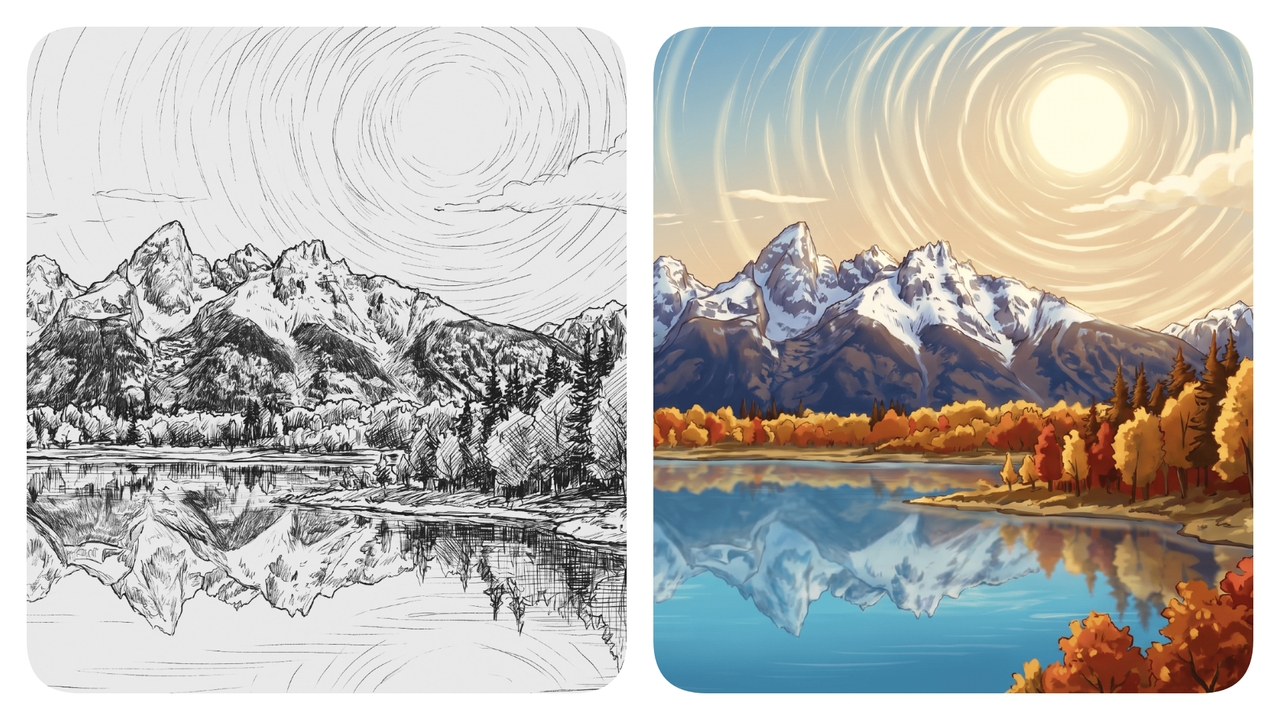
Beautiful landscape environment scenes

Beautiful landscape environment scenes

Recreate simple horizon lines into immersive, breathtaking scenic anime environment photos. Prompt: A serene mountain landscape featuring a crystal clear blue lake reflecting the snowy peaks, surrounded by vibrant autumn trees under a bright sunny glorious m

Who uses Framia Pro's sketch-to-photo converter?

See how different industries utilize our platform to easily improve their daily workflows.

Fashion designers testing new collections

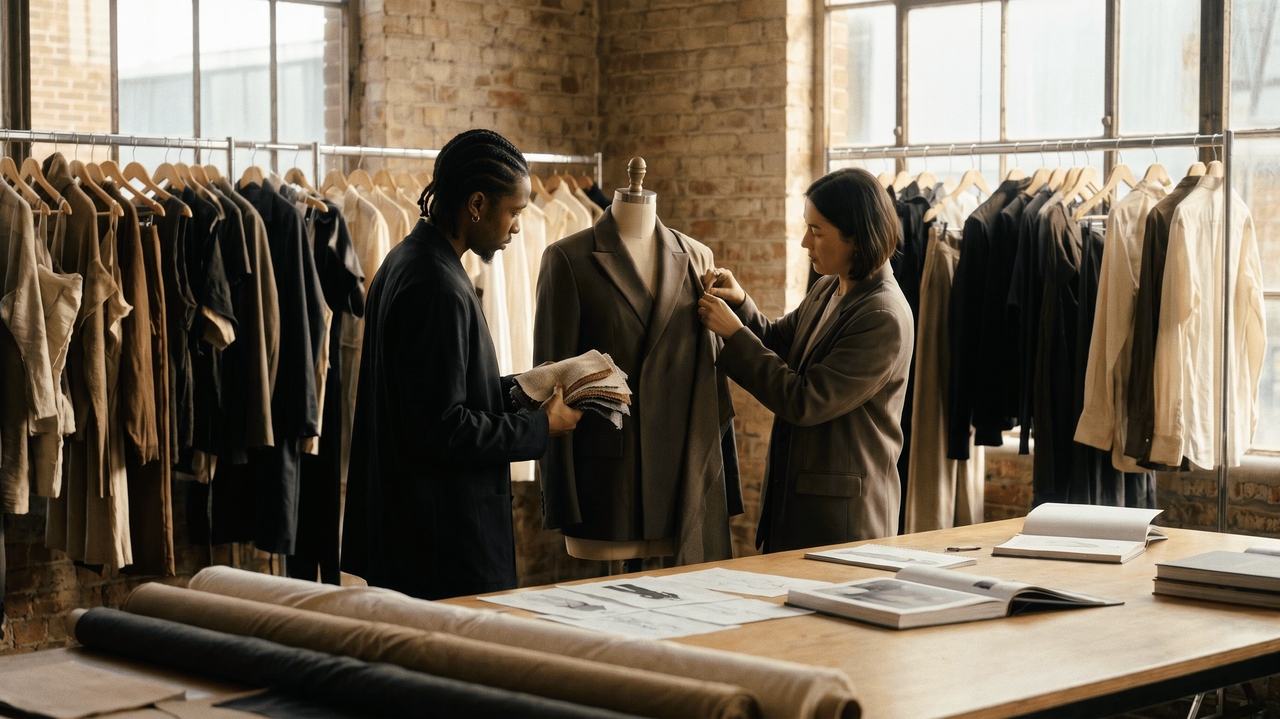
Apparel creators use our platform to instantly convert raw clothing outlines into realistic fabric mockups. This allows them to effectively evaluate different textile behaviors, test colorways, and secure client approvals long before manufacturing expensive physical garment sample pieces globally today.

Fashion designers testing new collections
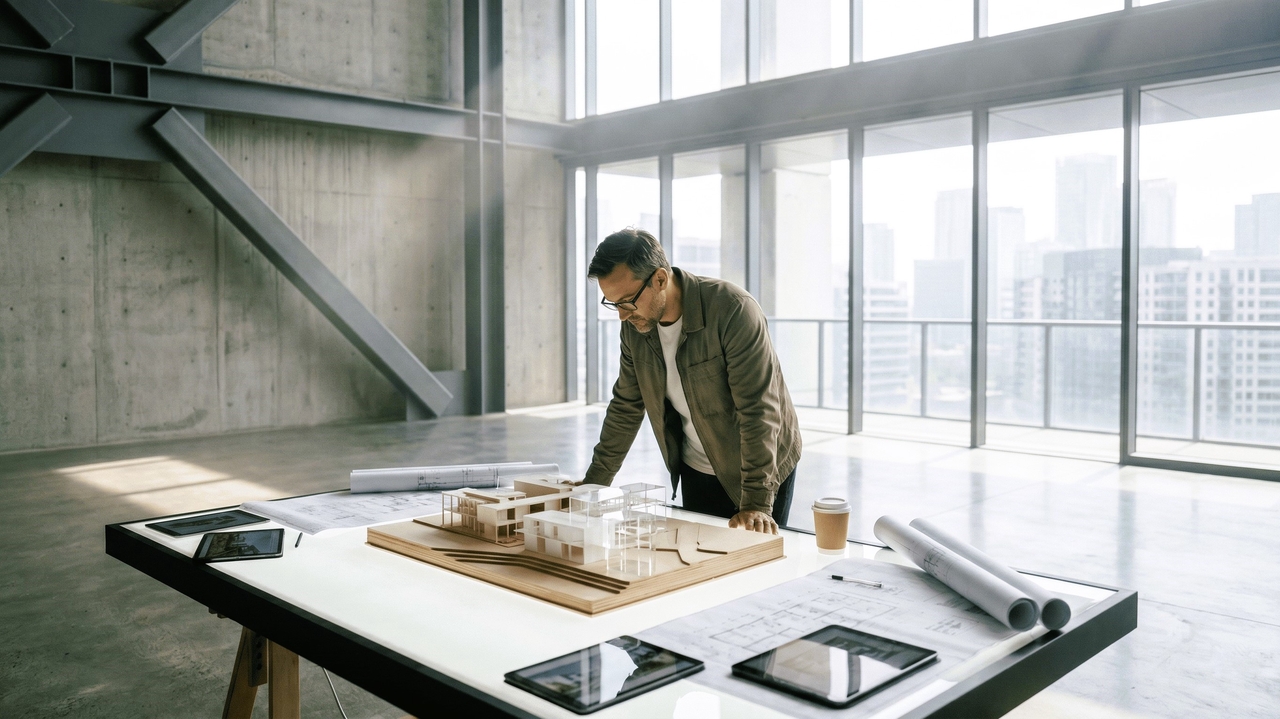
Architects visualizing modern space concepts

Architects visualizing modern space concepts

Spatial designers rely on our application to transform preliminary floor plans and room sketches into immersive visualizations. This helps their clients clearly understand complex spatial layouts, evaluate material choices, and confidently approve expensive renovation building projects without any lingering hesitation.

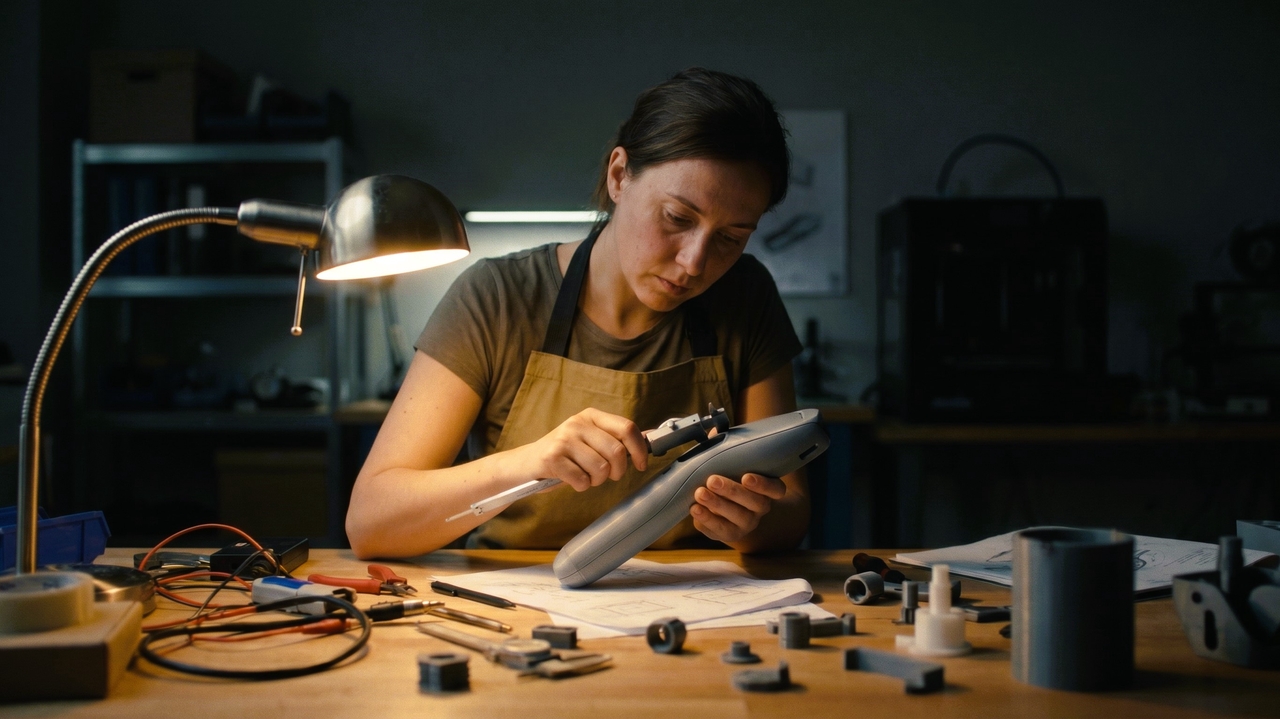
Product developers prototyping physical goods

Industrial engineers accelerate their ideation pipelines by generating photorealistic product renders from basic wireframes. This enables teams to present polished hardware concepts to investors quickly, validate aesthetic choices, and dramatically shorten the overall product development lifecycle highly effectively right today.

Product developers prototyping physical goods

See what users are saying about our AI drawing to picture converter

Read reviews from top experts who successfully transformed their daily creative workflows.

As a fashion designer, presenting concepts used to take days of manual rendering. This application instantly transforms my rough pencil drawings into stunning, photorealistic garments. I can finally secure client approvals instantly without wasting time on expensive physical prototype samples.
Liam O'Connor,
Liam O'Connor,
Fashion Designer
Being an interior architect, visualizing spatial flow is crucial for my clients. This brilliant software converts my basic floor plans into breathtaking room concepts in seconds. It allows me to test textures and lighting setups beautifully before construction officially begins.
 Aoife Gallagher,
Aoife Gallagher,
Interior Architect
My role as a product engineer demands rapid iterations. Converting wireframes into realistic renders used to drain my budget. Now, I upload simple outlines and receive polished, presentation ready images immediately, drastically speeding up our entire team's development cycle completely.
Cillian Doyle
Cillian Doyle
Product Engineer
Working as a concept artist, I need to generate ideas rapidly. This generator breathes life into my basic character outlines flawlessly. It maintains the core structure while adding rich, incredible details that truly impress my demanding art directors every time.
Siobhan Walsh
Siobhan Walsh
Concept Artist
As a busy creative director, tight deadlines are our biggest challenge. We utilize this software to turn quick meeting doodles into polished advertising concepts. It significantly elevates the quality of our client pitches and helps us win new campaigns consistently.
Declan Byrne
Declan Byrne
Creative Director
Running my business as an independent illustrator requires high efficiency. This tool seamlessly translates my raw sketches into gorgeous, finished art pieces. I can explore multiple color palettes effortlessly, which helps me deliver unique client commissions much faster than ever.
 Niamh Kelly
Niamh Kelly
Independent Illustrator
We've compiled the most important information to help you get the most out of your experience. Can't find what you're looking for?Contact us

Frequently asked questions

Do I need drawing skills to use a sketch converter?
No, basic doodles work perfectly fine for generating stunning high-quality realistic pictures. Framia Pro's drawing to image AI creator intelligently analyzes simple outlines and automatically adds professional details, making beautiful art creation accessible to absolutely everyone.
Can I use colored sketches to generate realistic images?
Yes, colored inputs help the artificial intelligence understand your exact material preferences much faster. Framia Pro utilizes these foundational colors to accurately render vibrant textures and realistic lighting across your designs.
How long does it take to turn sketches into photos?
The entire transformation process usually completes in just a few short seconds. Framia Pro leverages powerful cloud servers to ensure lightning-fast rendering speeds without freezing your personal computer or internet browser.
Are the generated images suitable for commercial use and advertising?
Yes, most premium generated outputs offer full commercial usage rights for professional applications. Framia Pro grants you complete ownership of your downloaded visual creations to safely enhance your business marketing campaigns.
Can I modify specific parts of the generated image later?
Yes, advanced editing features let users selectively adjust distinct regions without altering the background. Framia Pro offers intuitive "chat-to-edit" features so you can effortlessly refine specific generated elements to absolute perfection.
What industries benefit the most from sketch-to-photo tools?
Design sectors like architecture, fashion, and product development experience the largest workflow improvements globally. Framia Pro specifically caters to these demanding fields by delivering incredibly accurate and highly photorealistic visual assets.

Still have questions?

Have questions or need assistance? Our team is here to help!

Create realistic images from drawings with Framia Pro!

With Framia Pro's sketch-to-photo converter, you can now achieve photo-realistic results from basic sketches.

AI Sketch to Photo Converter: Turn Drawings into Reality