Free AI Video Caption Generator

Create captions instantly with our AI video caption generator, which helps you to generate accurate captions, edit easily, and export in seconds

Start for Free

Benefits of using Framia Pro's AI video caption generator

Turn your videos into subtitles quickly using an AI caption generator.

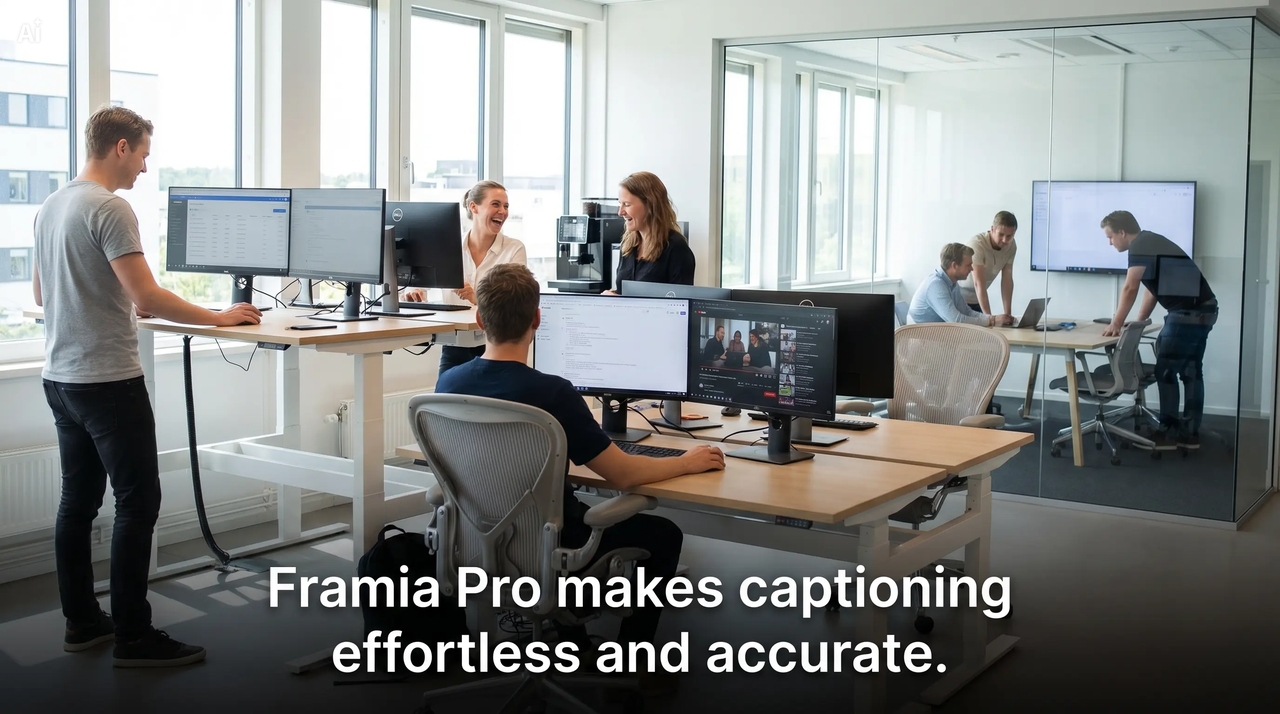
Generate accurate captions with AI instantly

Framia Pro provides an intelligent AI video caption generator that will turn your audio into accurate subtitles through speech-to-text technology. The software takes care of transcribing the speech, syncing the captions with the audio, and formatting them to perfection.

Generate accurate captions with AI instantly
Turn any video into subtitles in seconds

Turn any video into subtitles in seconds

Upload your video and get automatic video captions generated within seconds. Video subtitle generators make no need for manual efforts and provide reliable and fast subtitles suitable for all kinds of videos, including social and marketing media.

Enhance videos with customizable captions

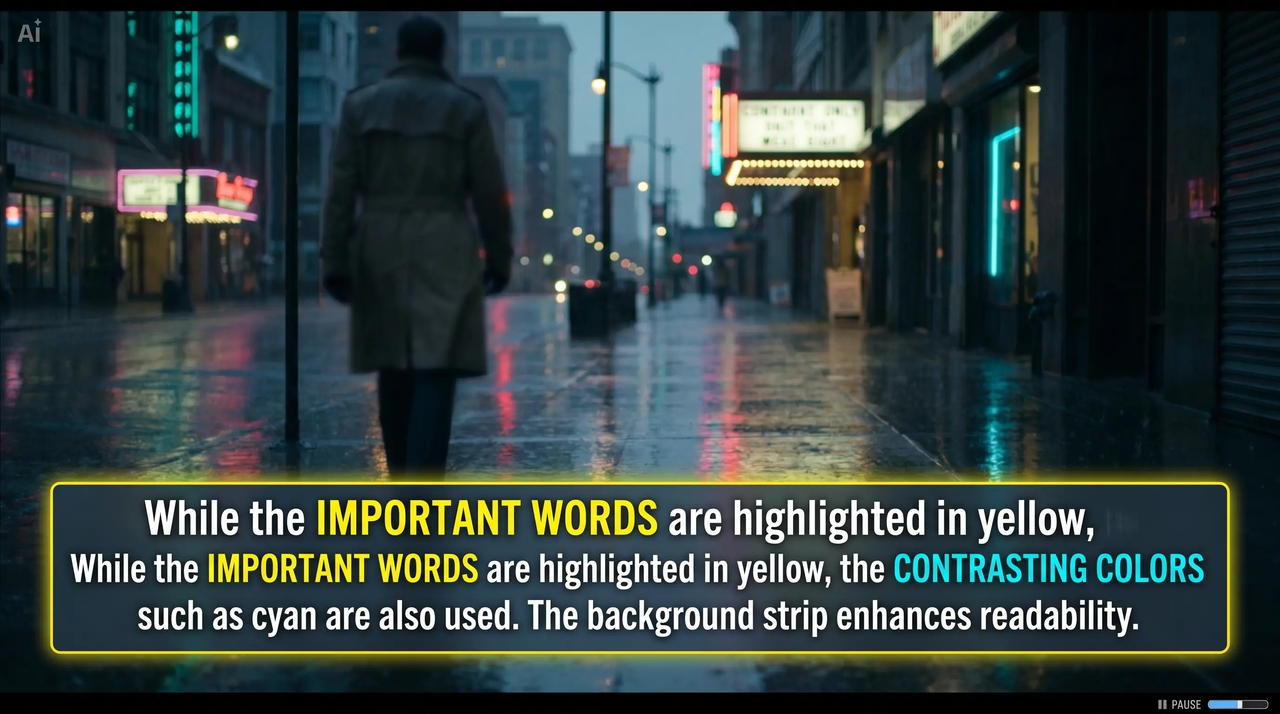
The powerful video subtitle maker allows you to modify the appearance of fonts, colors, and animation while editing your videos with AI chat. You can emphasize specific terms and make your subtitles more engaging.
Enhance videos with customizable captions
Export captions for any platform instantly

Export captions for any platform instantly

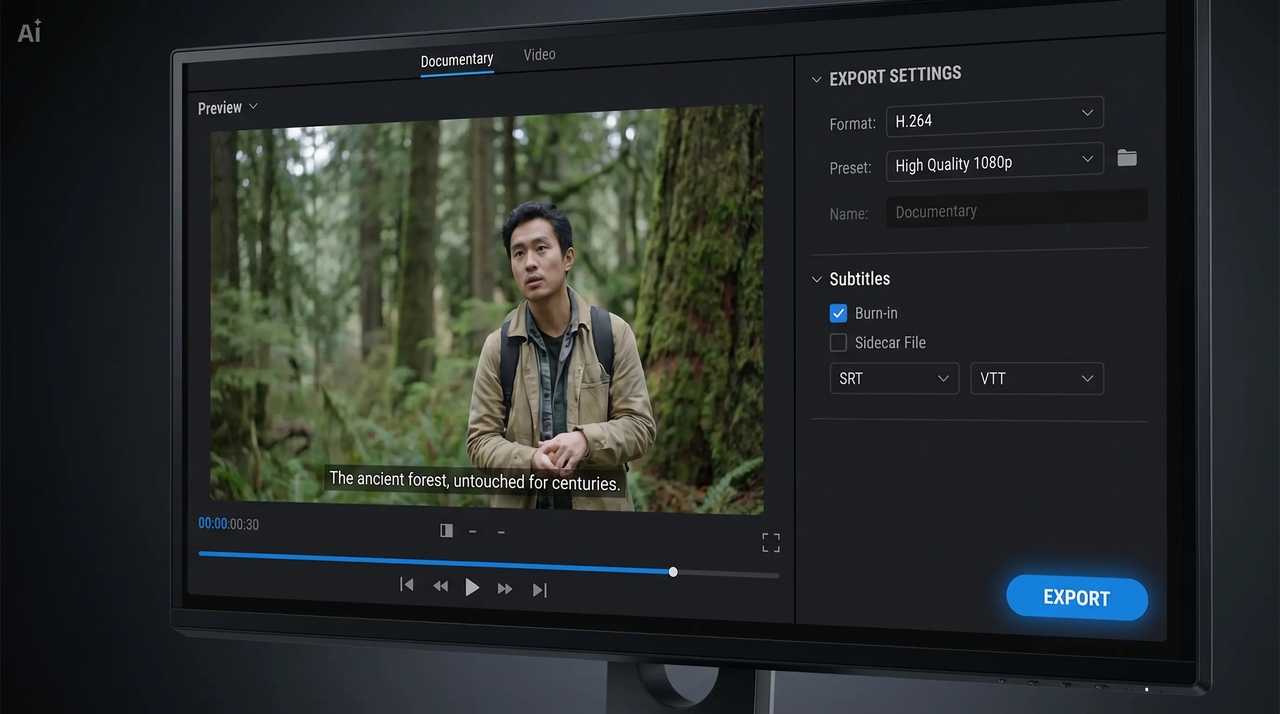
Using our Framia Pro service, you can export your subtitles as per your frame rate and aspect ratio with a high-resolution SRT or VTT file. The video subtitle maker guarantees that your subtitles work flawlessly on YouTube, TikTok, Instagram, and other platforms while helping you create short videos for every channel.

How to create video captions with Framia Pro?

Create accurate subtitles quickly using an AI video caption generator tool.

Upload your video or describe your idea
Open Framia Pro, Start by uploading your video in the "video editor" or simply typing a text prompt of your idea for accurate transcription and smooth subtitle creation.
Generate captions automatically
Select captions to create subtitles instantly in your preferred language from audio, and adjust the aspect ratio to deliver automatic video captions with precise timing and high accuracy.
Edit and export subtitles
Personalize captions with AI chat, set appropriate timings, and export them in high-resolution formats with excellent fps and appropriate file types for the video using this handy AI video caption generator software.

What types of video captions you can create with Framia Pro?

YouTube video subtitles

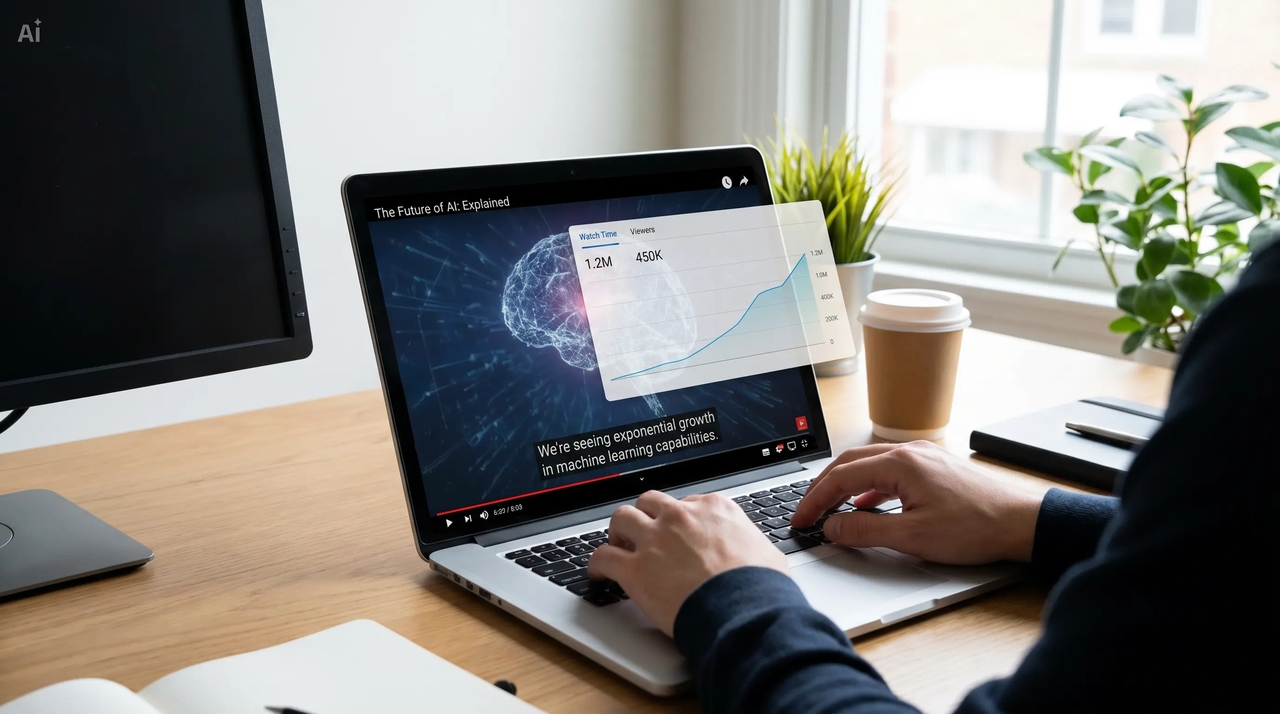
Use a video caption generator to add accurate subtitles to YouTube videos, improve accessibility for all viewers, increase watch time, and help videos rank better in search results with SEO-friendly captions.
YouTube video subtitles
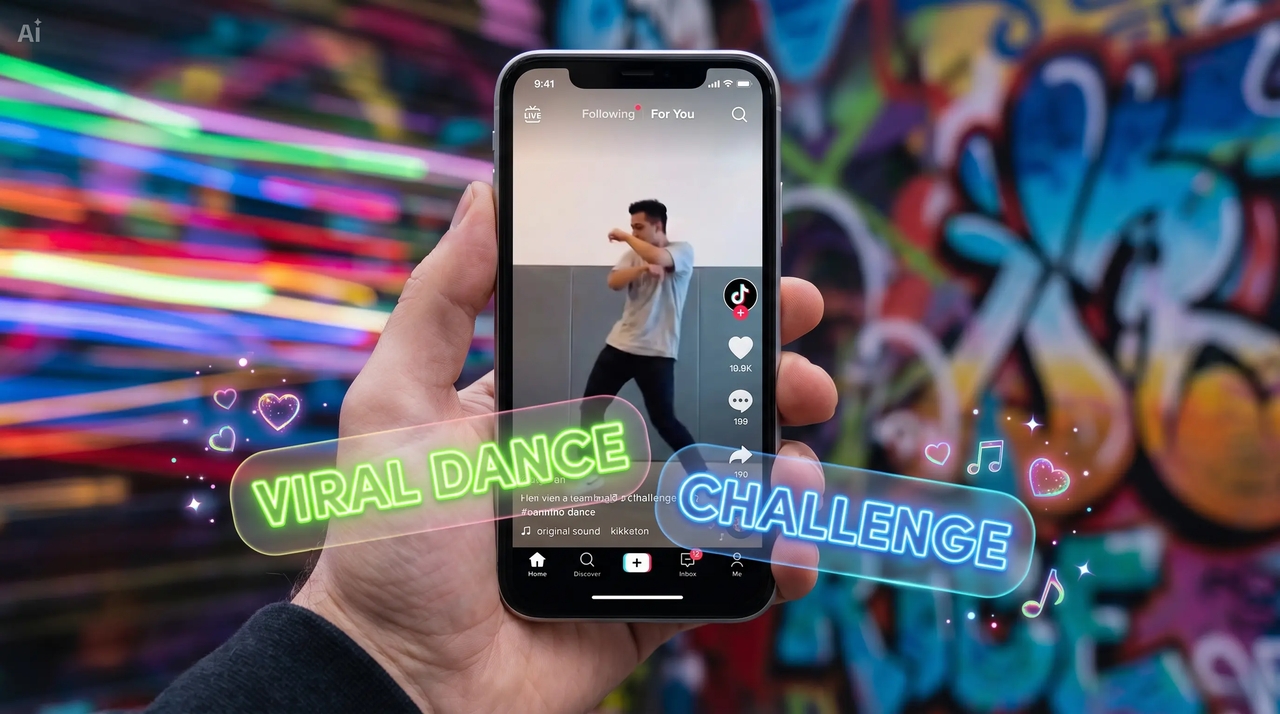
TikTok captions

TikTok captions

Make your TikTok videos more engaging with the help of a video caption generator that helps you emphasize keywords, retain viewer engagement, and increase their dynamism, visual appeal, and comprehensibility without audio.

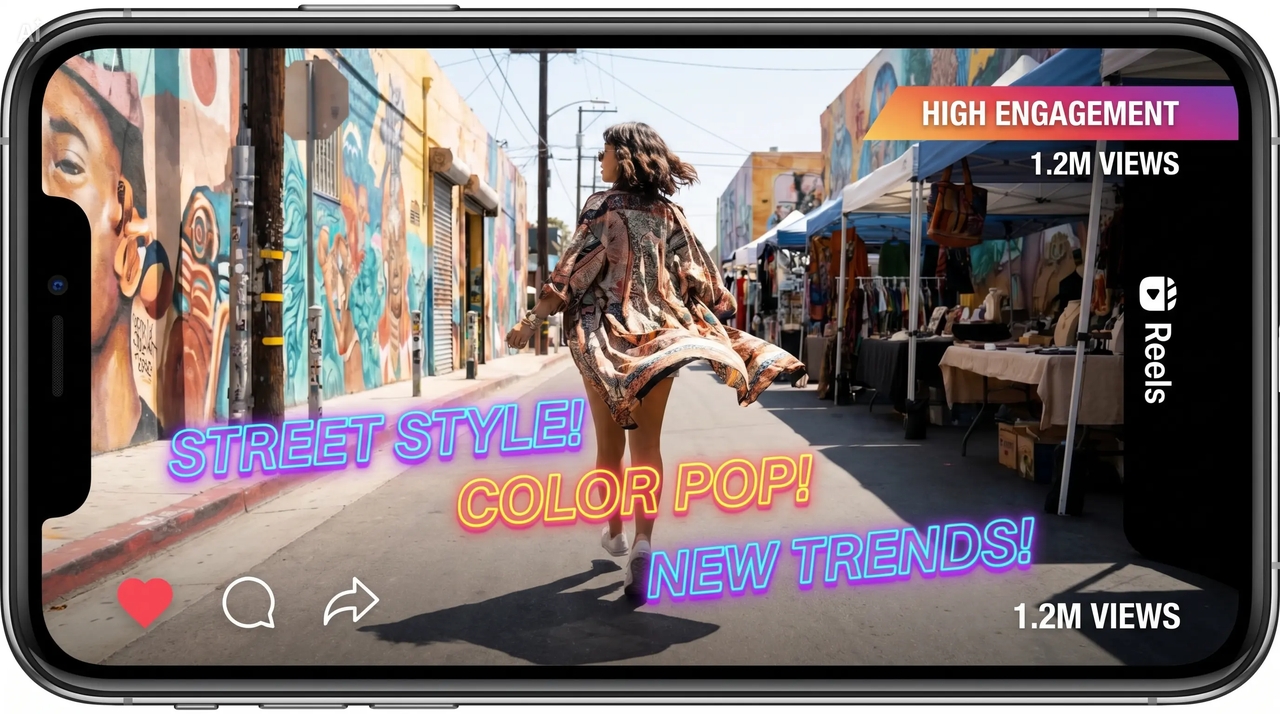
Instagram reels captions

Boost your Instagram reels by adding video subtitles automatically with different types of animated text that will surely grab people's attention, increase engagement, and give more exposure to your posts on social media platforms.
Instagram reels captions
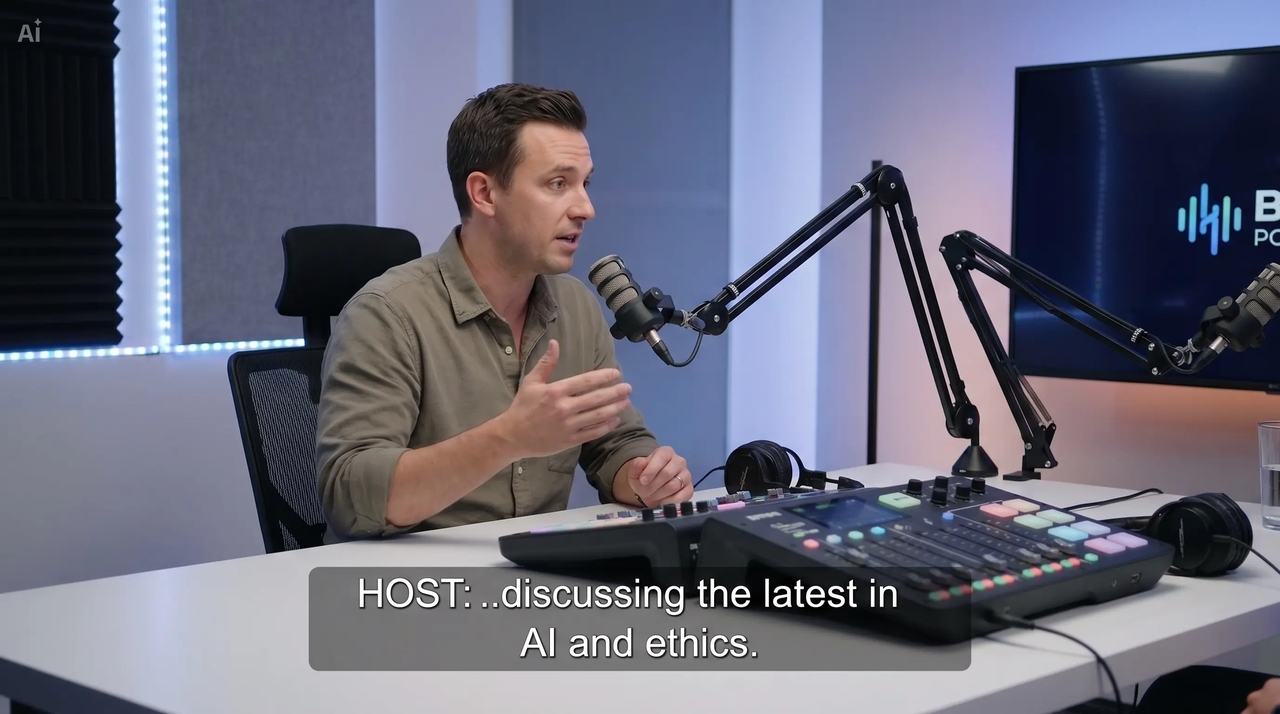
Podcast videos with subtitles

Podcast videos with subtitles

Make sure your podcast videos are clear and comprehensible to your target audience and more reachable globally by annotating them with subtitles using an AI subtitle generator for videos.

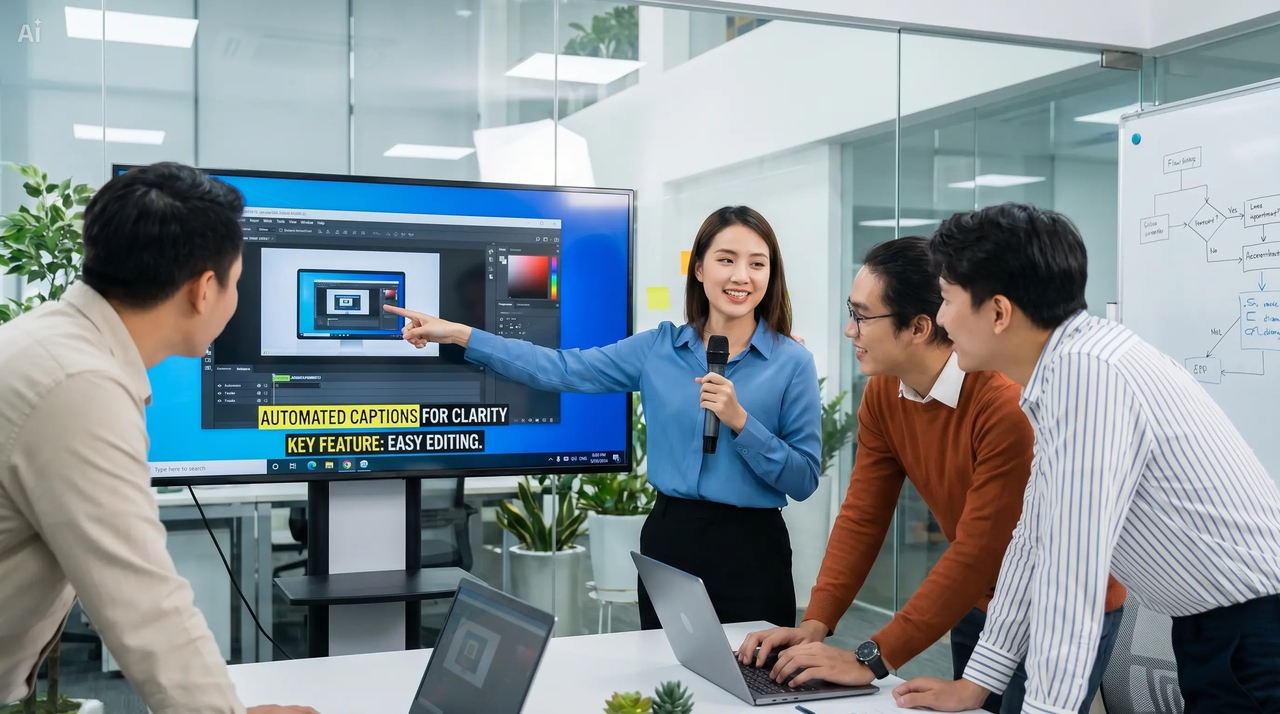
Webinar captions

To make your recorded webinars comprehensible, use an online video subtitle generator to include subtitles on them, improving the quality of the video by making it accessible for international viewers.
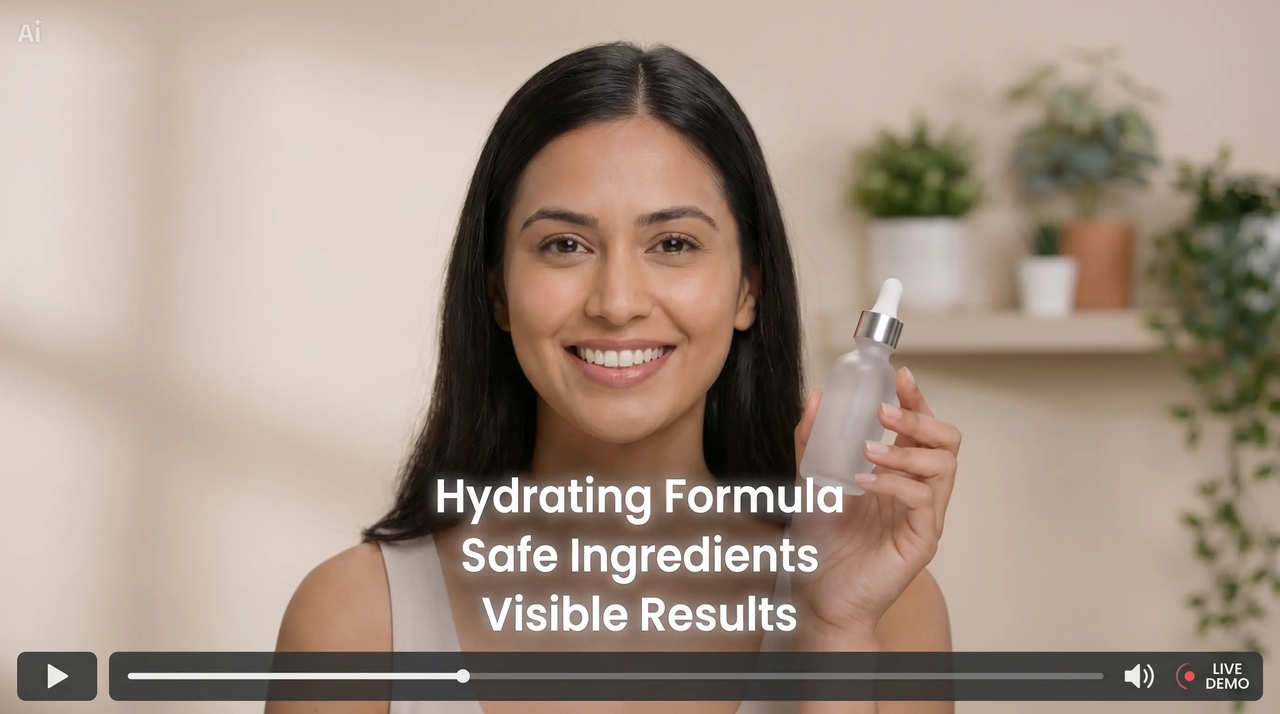
Webinar captions
Product demo subtitles

Product demo subtitles

Use subtitles in the video demos of your products by utilizing the auto caption feature that is available in the video generator to emphasize important features and boost conversions.

Real use cases of Framia Pro's AI video caption maker

Explore real use cases of an AI video caption maker to boost engagement.

Social media content creation
Utilize the AI video captioning tool to automatically generate video captions for TikTok, Instagram Reels, and Shorts to enhance engagement, increase viewing time, and create content accessible for viewers without sound.
YouTube SEO optimization
The video caption generator can be used to accurately create captions on YouTube videos for improved SEO ranking, increased visibility, and greater audience retention through better comprehension of the content.
Online courses and tutorials
In order to facilitate the learning process for users all around the globe, one could create understandable subtitles for educational courses and tutorials using auto subtitle generation software online.
Marketing and advertising videos
Marketing and advertising videos: For creating successful videos for the purpose of promotion, use an auto caption generator to deliver your message effectively and improve the performance of video ads across digital campaigns.
Corporate training and internal videos
An online tool used for generating captions would help businesses to add professional captions to their internal and training videos that would contribute to improved communication and increased accessibility for employees.

What users say about Framia Pro video caption generator?

See how Framia Pro's AI video caption generator helps real users succeed.

Framia Pro's AI video caption generator saved me hours of manual work with easy captions which are accurate, perfectly synced, and ready to publish instantly for my YouTube videos.
Alex Carter
Alex Carter
Content creator | YouTuber
Using Framia Pro improved my product ad performance. The automatic video captions increased engagement and made my campaigns more accessible and effective across platforms.
Sarah Lee
Sarah Lee
Digital marketer | Social media manager
For my course videos, I use Framia Pro. With the AI subtitle generator feature, I can generate professional subtitles to make my courses more comprehensible for the viewers.
James Walker
James Walker
Educator | Online course creator
Framia Pro helps make my reels look amazing. With its AI video captioning tool, I am able to add cool-looking captions and increase my video engagement time.
Emily Chen
Emily Chen
Content strategist | Instagram creator
This allows me to transcribe videos, export them into different file formats, and enhance video quality before delivery.
Michael Brown
Michael Brown
Video editor | Freelance editor
Thanks to Framia Pro, we've increased the production of video content in our company. The AI video caption generator allowed us to enhance the quality of our marketing videos.
Olivia Davis
Olivia Davis
Business owner | Marketing lead
We've compiled the most important information to help you get the most out of your experience. Can't find what you're looking for?Contact us

Frequently asked questions

Can I edit captions in Framia Pro after generation?
Yes, Framia Pro provides full caption editing capabilities after generation. You can customize text, timing, formatting, and continue editing your video before exporting.
Do I need editing skills to use an AI subtitle generator?
No, there is no need to be an expert editor. The AI-powered subtitle maker will create captions for you, and then you can easily edit and customize them.
Can video caption makers handle long videos?
Yes, an AI video caption generator can accurately process webinars, courses, and other long videos. You can even turn long videos into shorts after generating captions.
Do caption generators support multiple accents?
Yes, modern AI subtitle generators like Framia Pro support different accents. The tool uses more accurate speech recognition models that consider pronunciation variation.
Can AI subtitle generators work offline or online?
Most video caption generator tools, including Framia Pro, work online. They use cloud-based processing to generate accurate captions quickly, ensuring faster performance and regular model updates.
Is there any red eye remover online for free?
Open your photo in Framia, type a prompt to correct the red eye, and the AI restores a natural eye color that matches the subject's original appearance at no cost.

Still have questions?

Have questions or need assistance? Our team is here to help!

Generate accurate captions fast

Use Framia Pro AI video caption generator to create accurate subtitles instantly. Generate, edit, and export captions for videos across all platforms easily and fast.

Best AI Video Caption Generator for Instant Subtitles