



Prompt
Open the Framia Pro home page, enter a text prompt describing your scene, and then use "+" to upload your reference images.
Bring your ideas to life with Framia Pro's Luma AI; the AI video generator trusted by creators, marketers, and studios worldwide. Turn a text prompt or photo into a cinematic video.
Explore Luma Labs AI features that generate videos, animate images, and control scenes using prompts.
Generate realistic video clips from simple text prompts using the image-to-video AI Luma model on Framia Pro. Convert written scenes into visual output with smooth motion, detailed environments, and clear subject actions that follow the prompt closely.
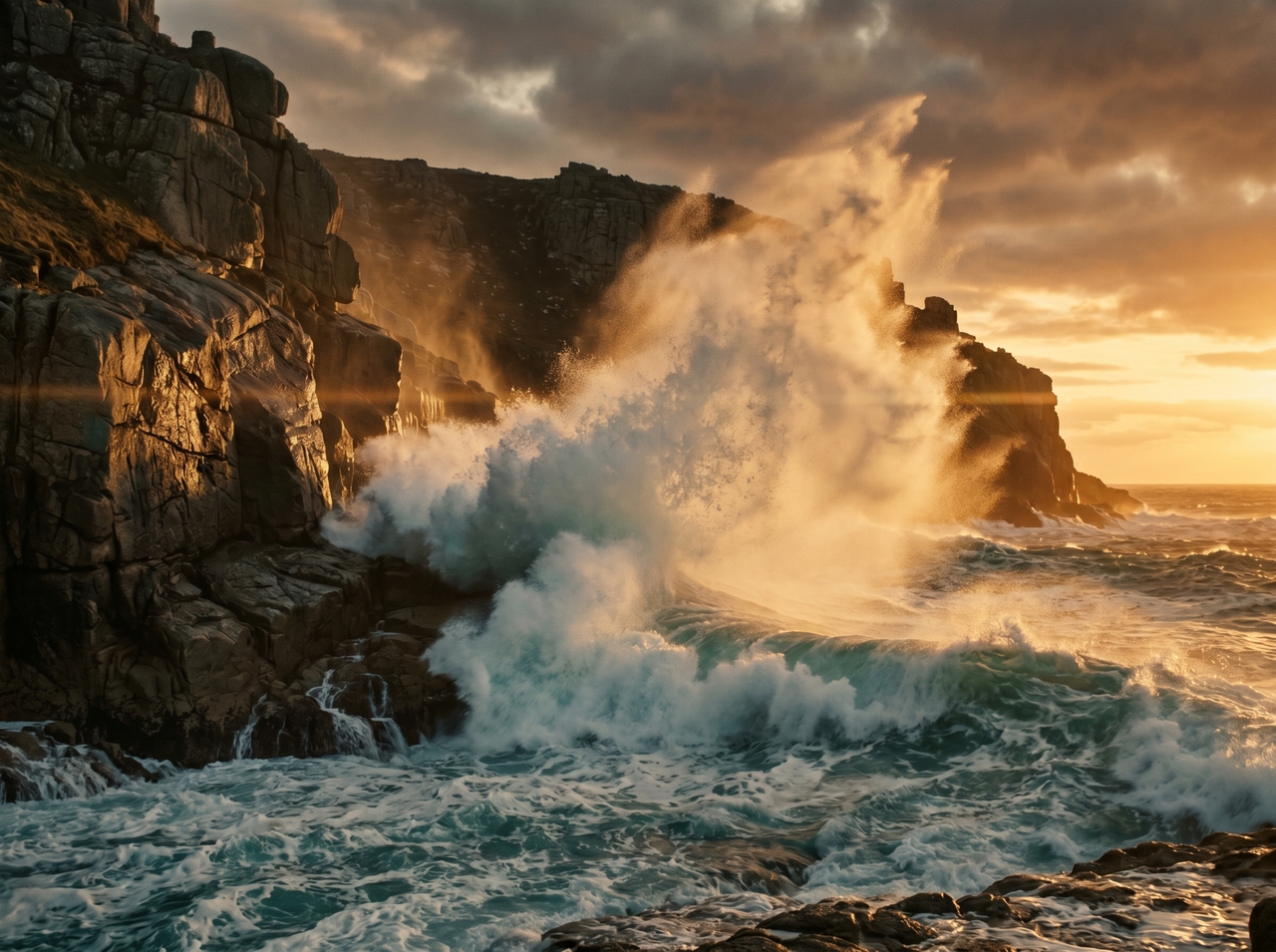
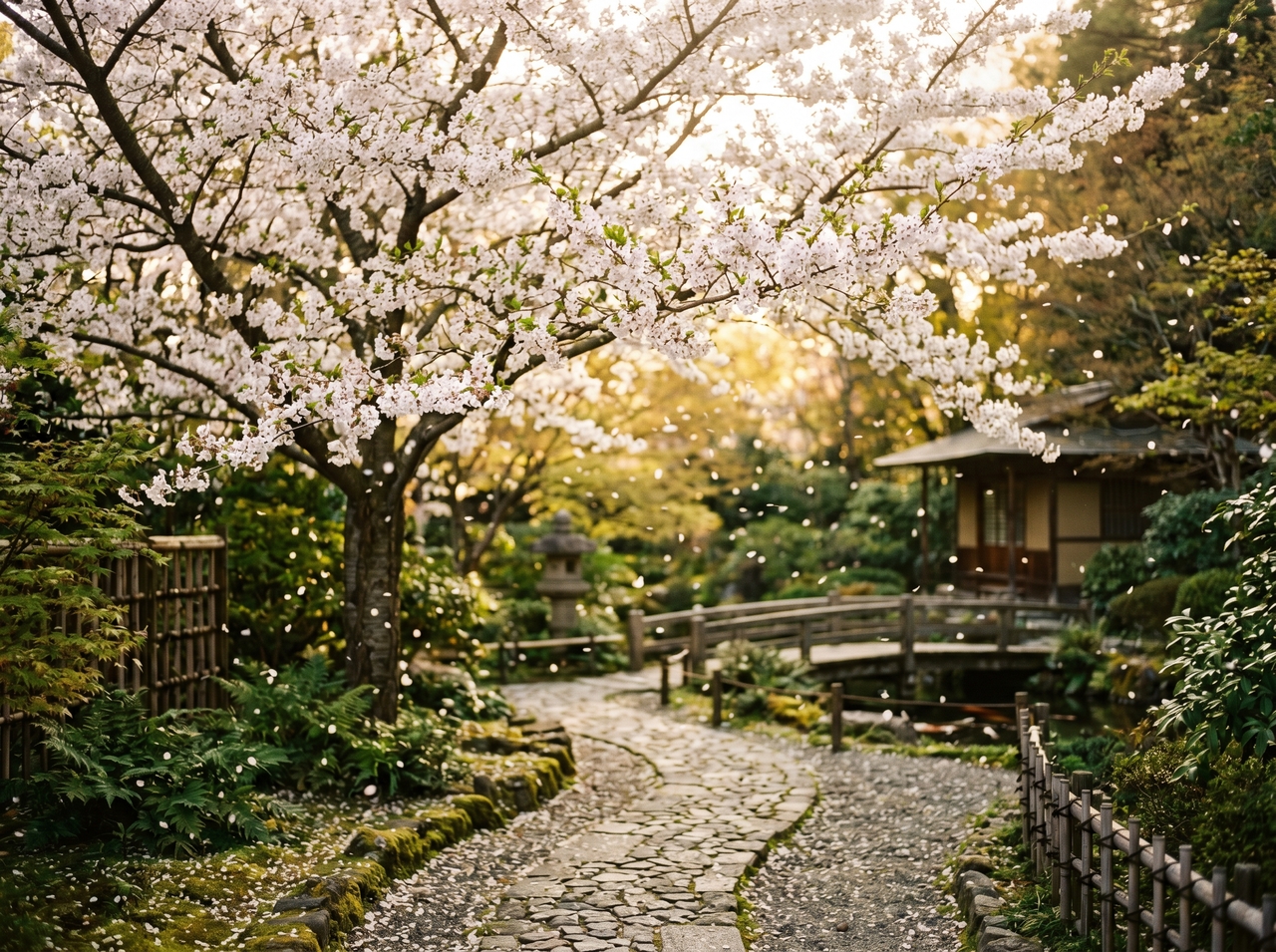
Upload a photo, product shot, or illustration to convert it into an engaging video clip with Luma AI for free. Add motion to static visuals while preserving subject details, so scenes move naturally from an image into a short animated sequence.
Edit generated or uploaded visuals using text instructions through the Modify feature. Change style, elements, or scenes while preserving the structure. This allows you to modify your videos with simple written directions.
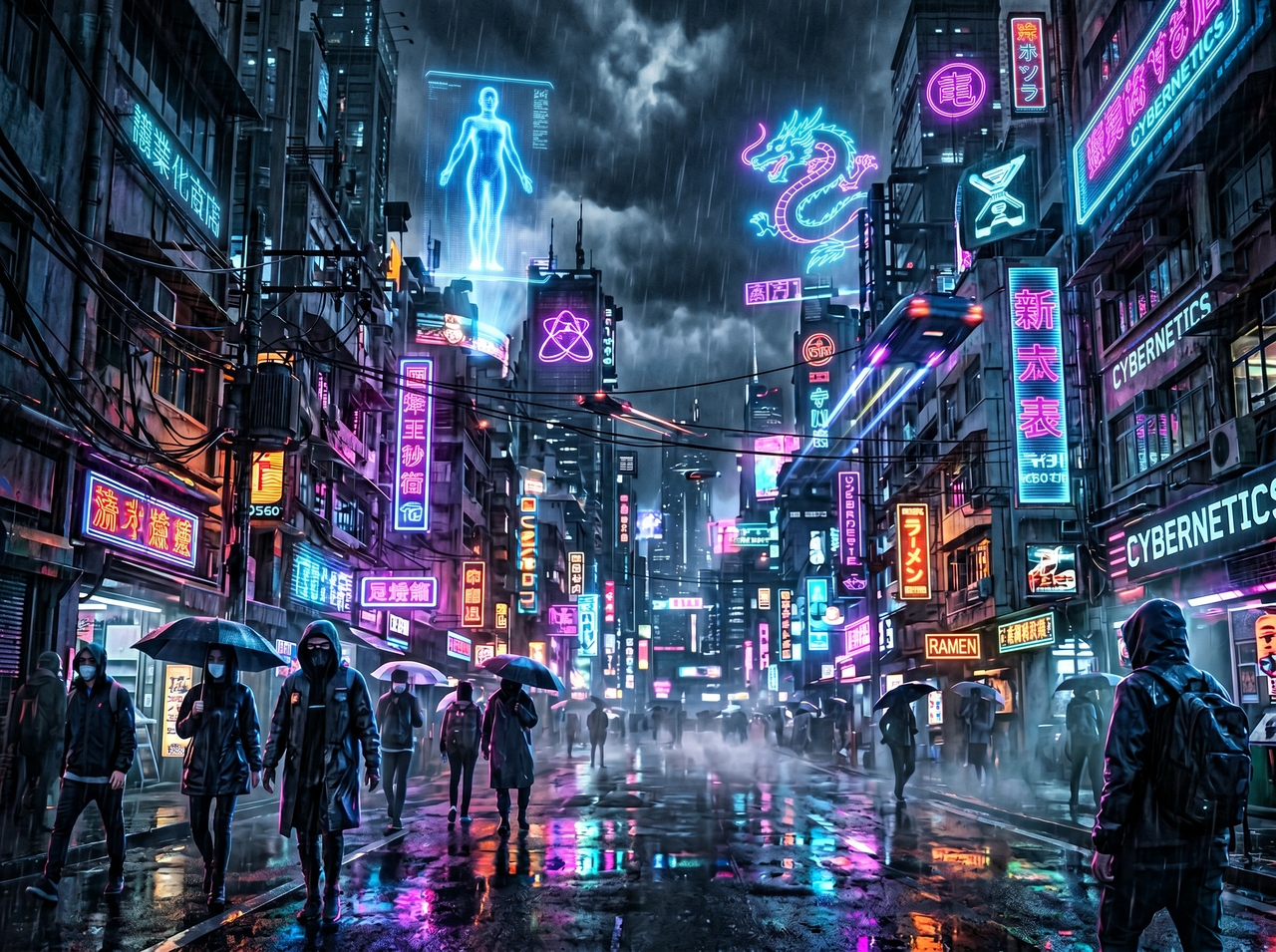
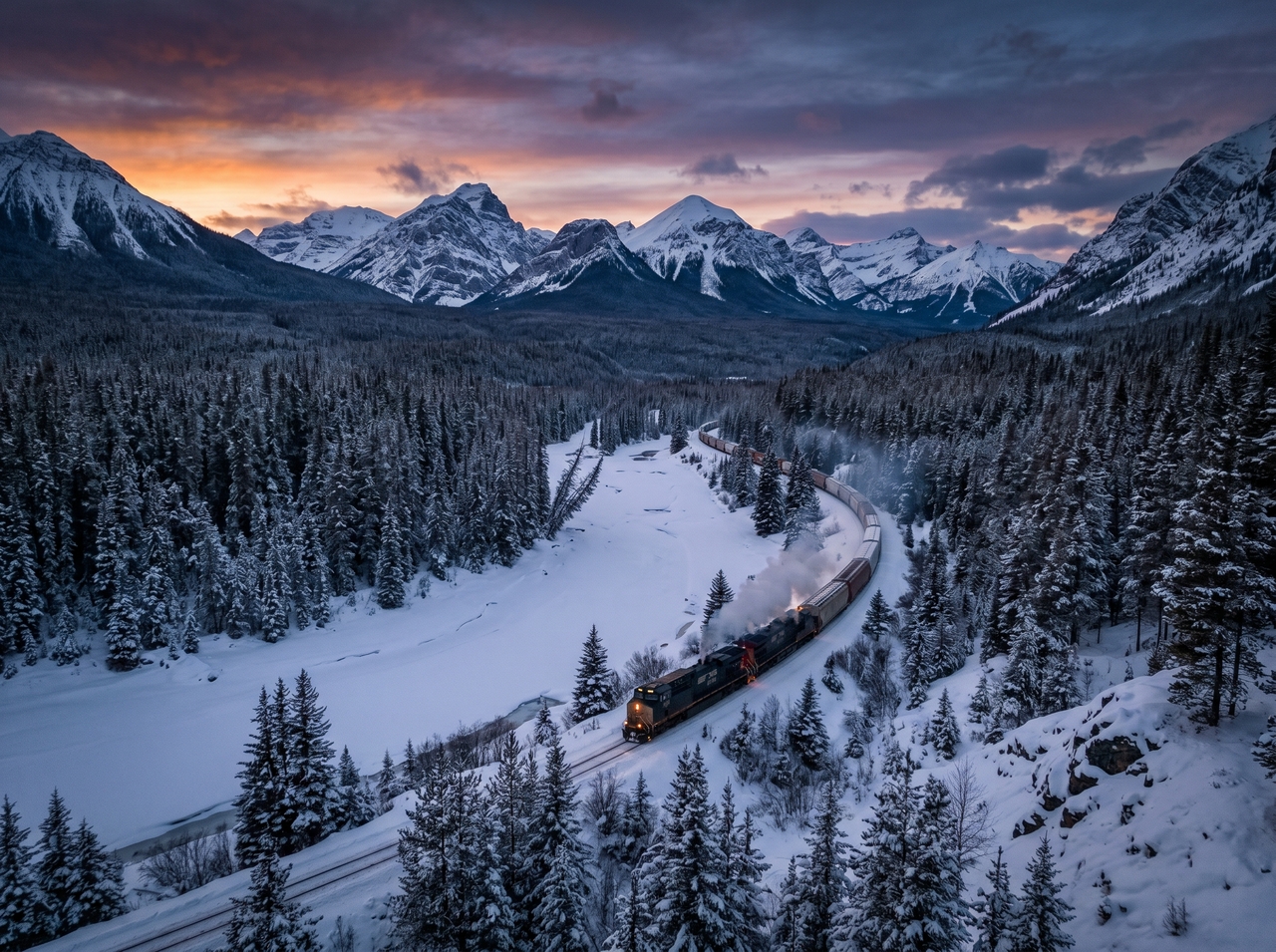
Extend short clips into longer sequences using video extension features in Luma AI's Dream Machine. Continue motion from existing frames while maintaining flow. This way, new scenes connect naturally with earlier parts of the video.
Control camera movement, such as pan, zoom, or tracking, using prompt instructions with the Luma AI image to video generator. Define how the scene is captured so motion follows a specific path and creates a more guided visual sequence.
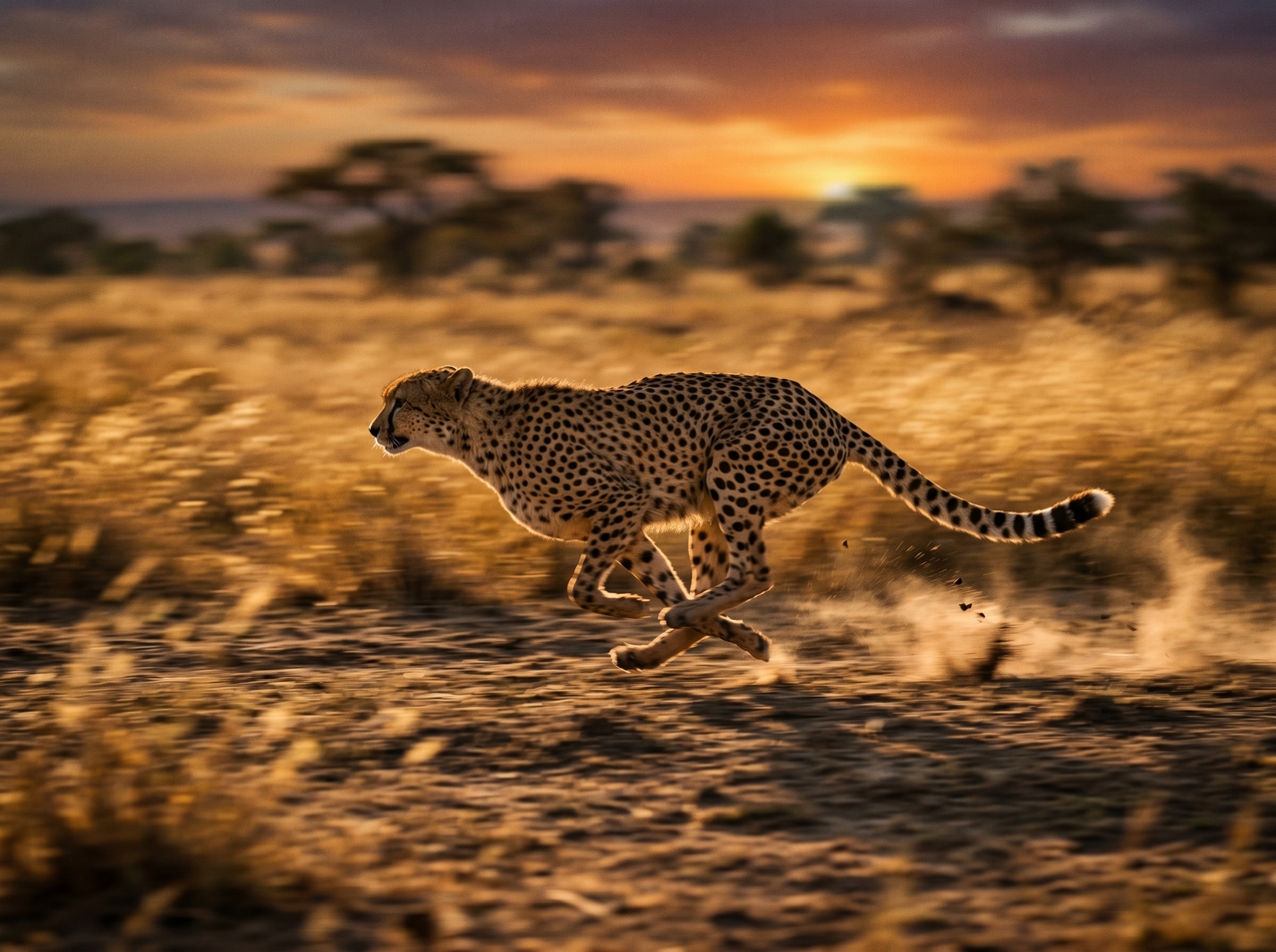
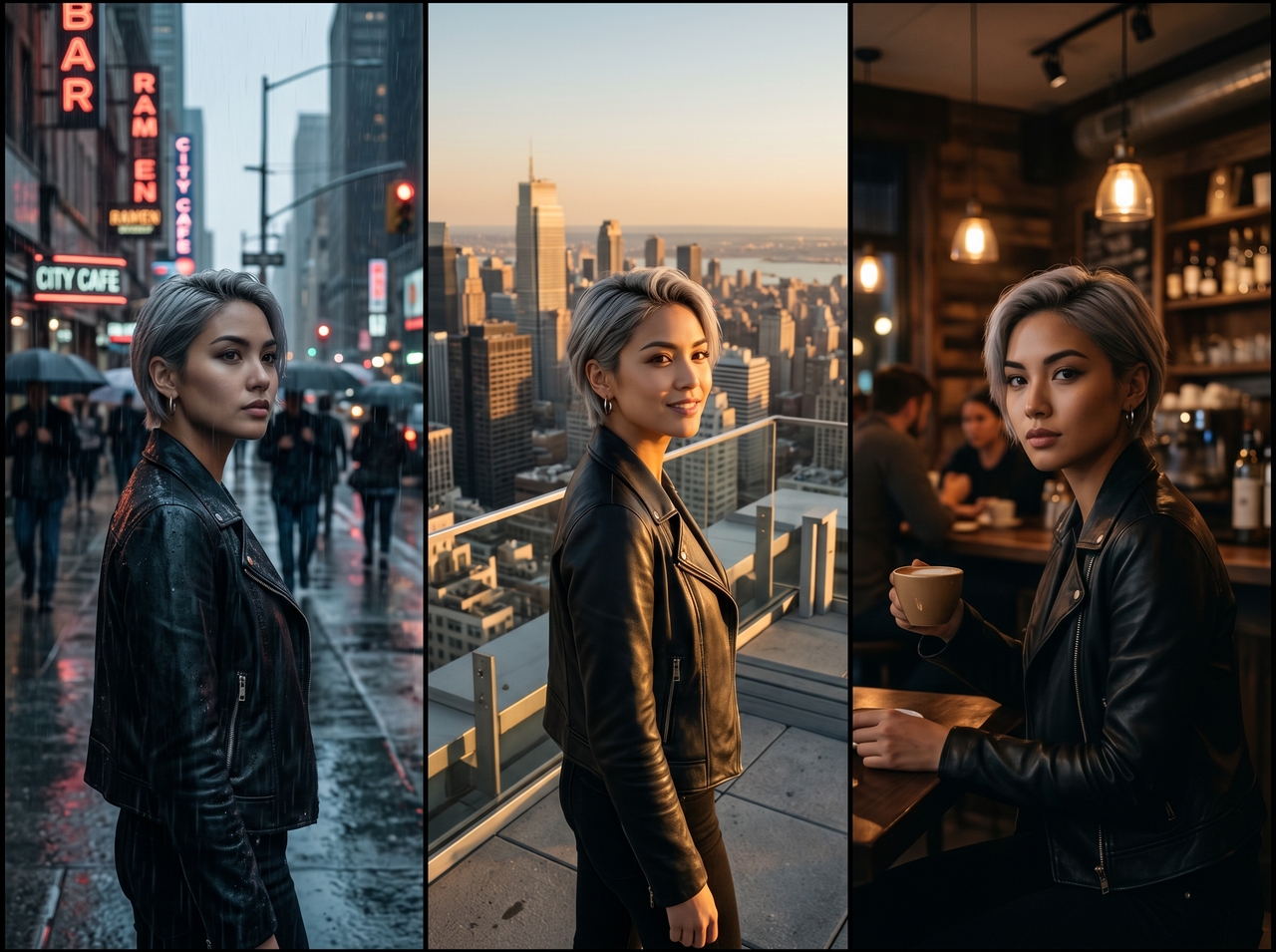
Upload a single reference image, and the AI locks in the character's face, clothing, and identity for every subsequent shot with the Luma AI image-to-video maker. Your brand assets and talking photo characters stay identical from scene to scene.
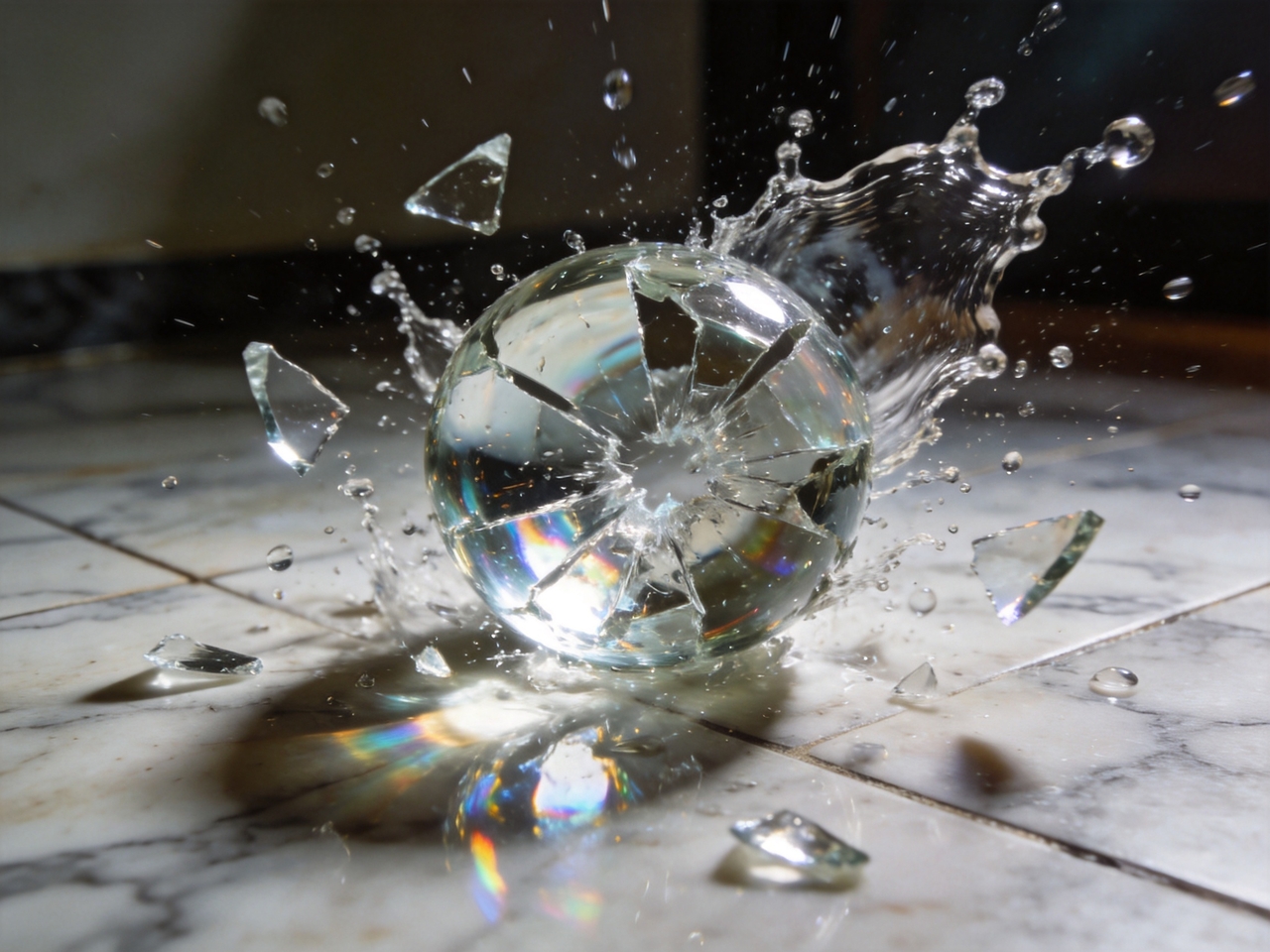
Generate motion that follows real-world physics using Luma AI on Framia Pro. Ray3's physics engine models gravity, collision, and momentum, which is why every interaction looks believable rather than artificially generated in your AI videos.
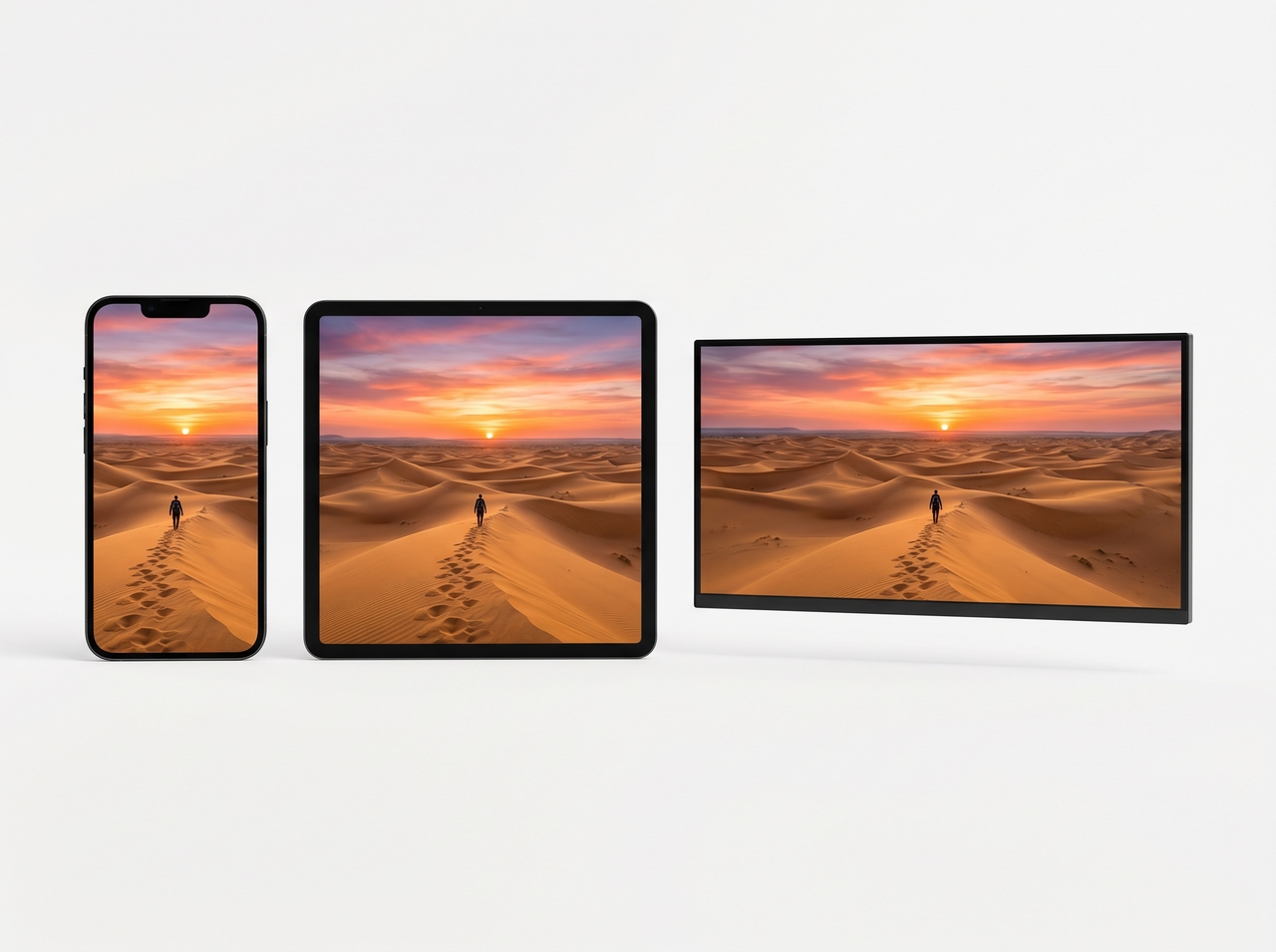
Choose from different aspect ratios, resolutions from 480p to native 1080p, and durations from 5 to 20 seconds. You can easily reformat the same video for YouTube Shorts, Instagram Reels, TikTok, or Facebook using simple instructions.
Access Luma AI's Dream Machine on Framia Pro! One platform, full cinematic control, zero switching.
From narrative films to 3D animations, create any video with Luma AI from a text prompt or image.
See how creators describe real wins and creative breakthroughs after testing Luma AI inside Framia Pro.




Have questions or need assistance? Our team is here to help!
Join millions of creators using Luma AI's Dream Machine to turn ideas into stunning videos. no camera, no crew, no editing skills needed.
