Create Videos with Pika AI

Pika AI video generator turns simple text or images into short videos. Create animated scenes, product clips, and story visuals with text-to-video and image-to-video features.

Start for Free

Key features of Pika Labs AI video generator

Discover Pika Labs AI video tools built into Framia Pro to turn any idea into a cinematic video.

Use text or images to create videos

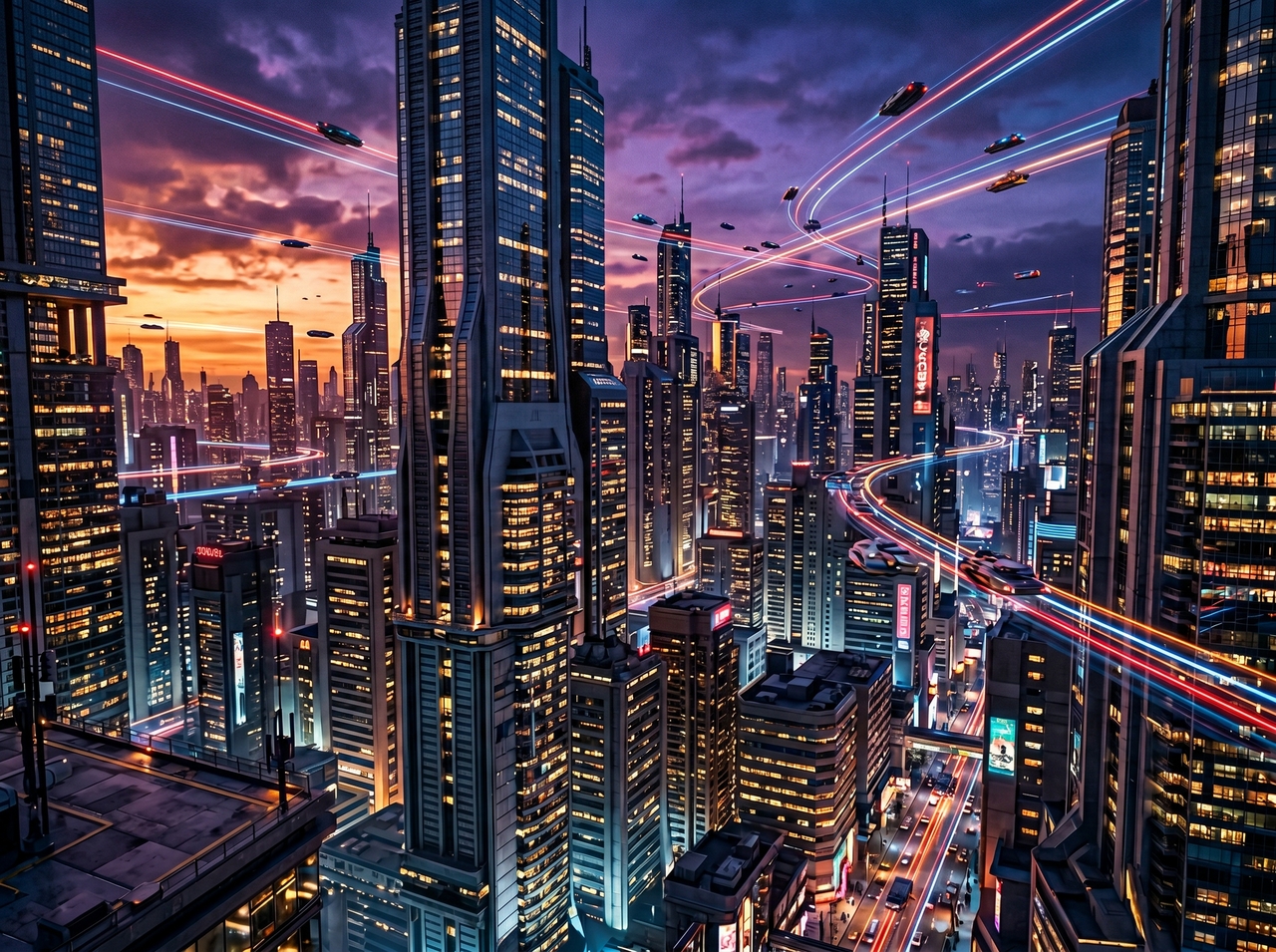
Type a scene description or upload a photo, and the Pika AI video generator reads your input and generates a video that matches the motion, style, and mood you described. Get videos up to 10 seconds long in no time.
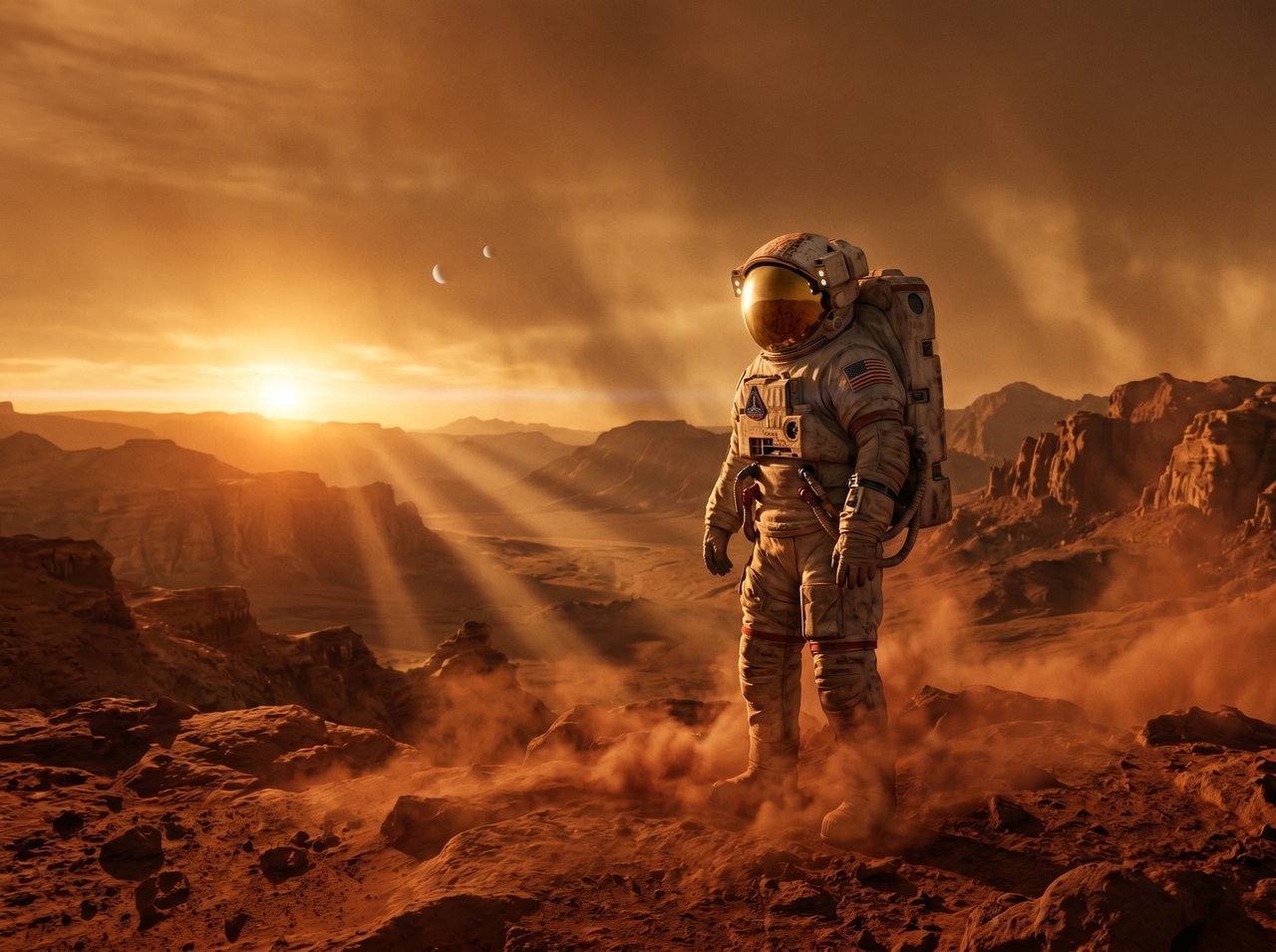
Use text or images to create videos
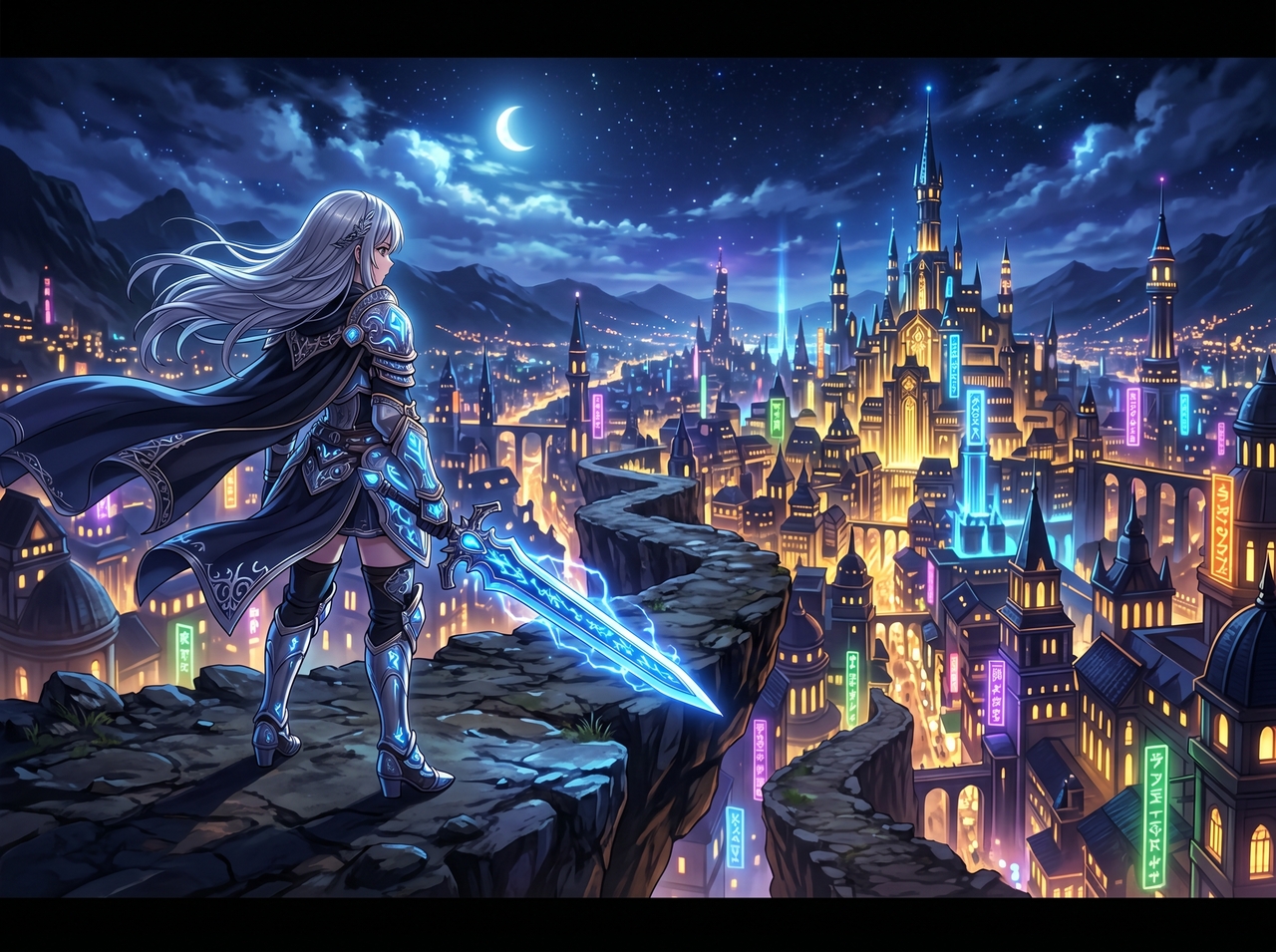
Explore multiple video animation styles

Explore multiple video animation styles

Select cinematic, anime, 3D, or live-action before generating with the Pika Labs AI video generator. Each style shapes how the scene looks and moves. Switching styles takes one click and produces a completely different result.

Use camera motion controls via prompts

Add camera directions like "slow push-in," "orbital shot," or "pan left" directly in your text prompt. Pika AI reads these cues and applies real camera behavior to output. This gives creators director-level shot control from a single sentence.
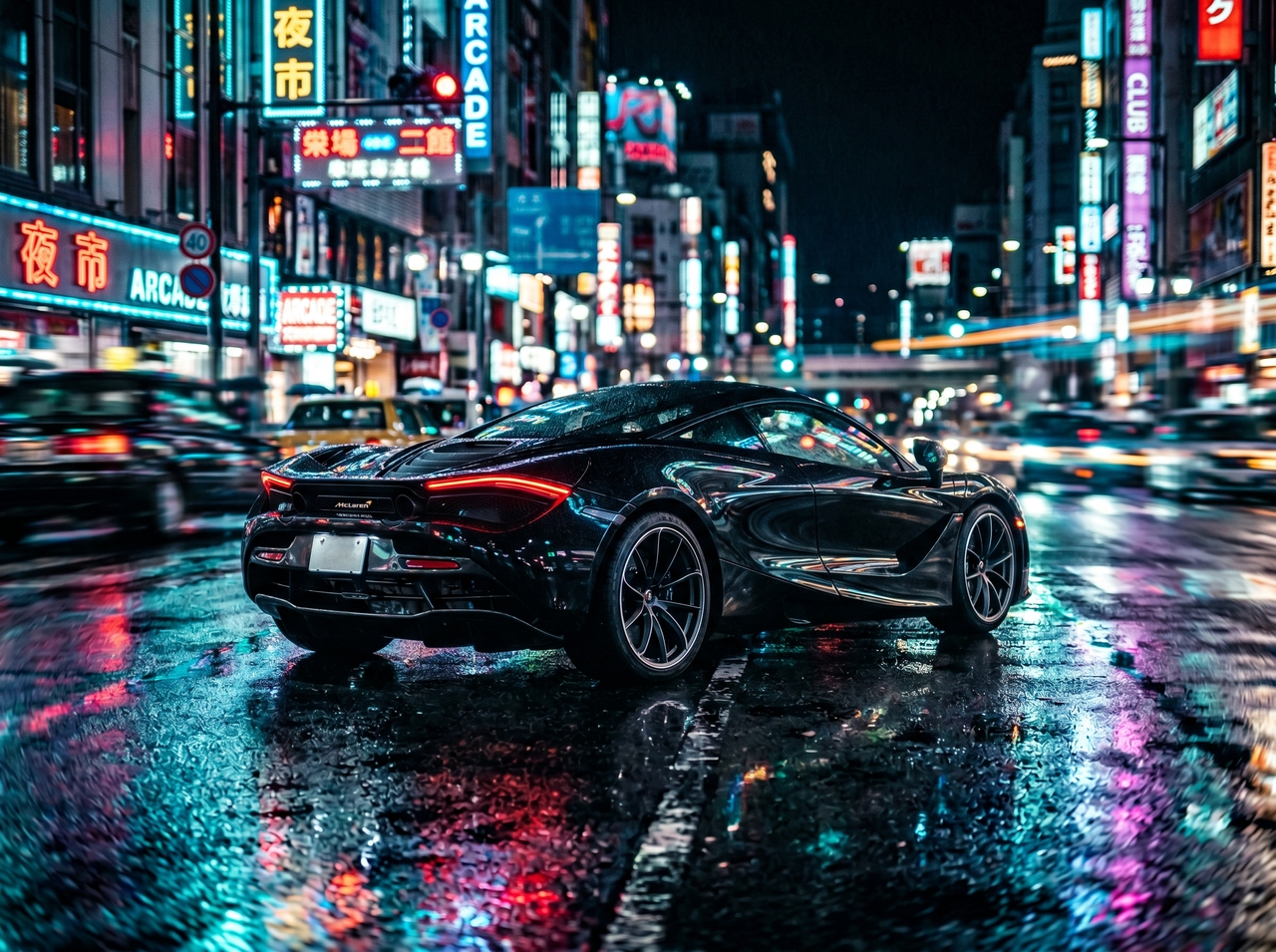
Use camera motion controls via prompts
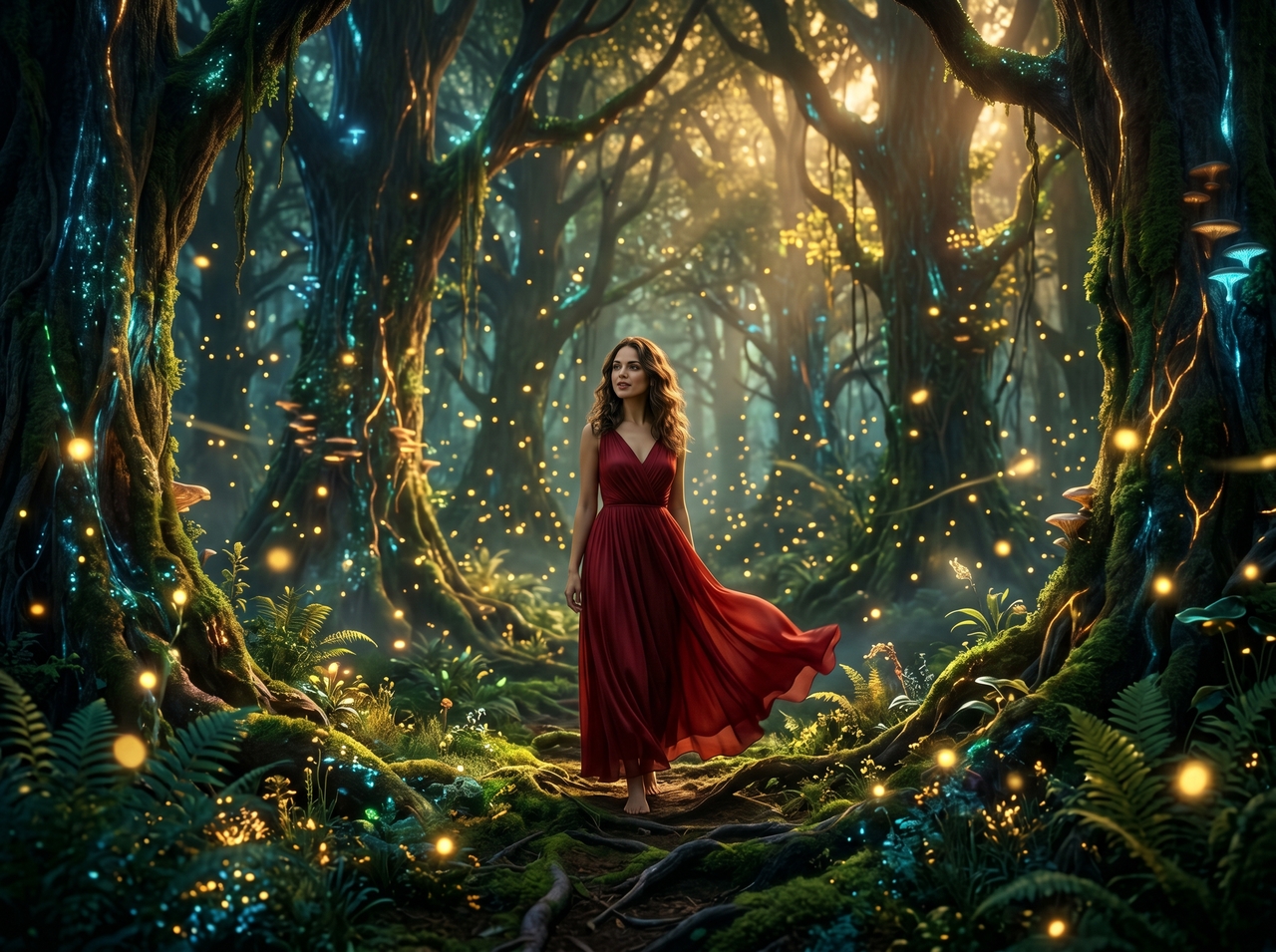
Upload ingredients with characters and objects

Upload ingredients with characters and objects

Bring your own photos of characters, objects, or locations into the scene with Pika Labs AI image-to-video maker. Place them naturally inside the generated video and align lighting, scale, and angles. Stories become personal when your own visuals lead every frame.

Sync facial expressions to any audio

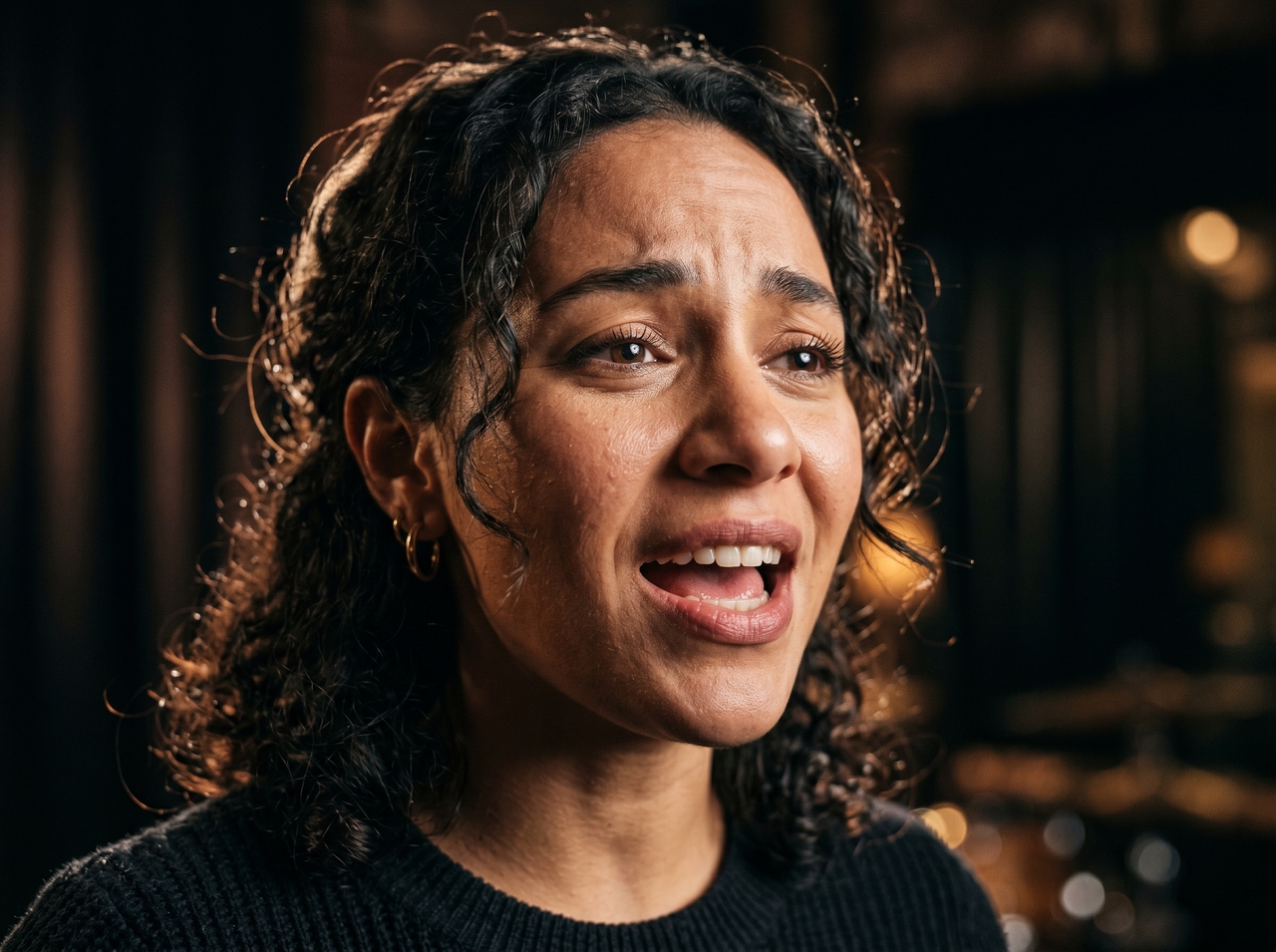
Drop any audio into Pika 2.5 AI, and Pikaformance animates a face to match it precisely. Lip movements, head motion, and expressions all respond to the audio input. This turns a still photo into a talking, singing, or reacting character instantly.
Sync facial expressions to any audio
Get high-resolution video outputs

Get high-resolution video outputs

Generate videos in 720p or 1080p resolution with Pika Labs AI text-to-video tool, depending on your plan and clip settings. Higher resolution renders sharper detail, cleaner motion, and high-quality output for social platforms, ads, or client work.

Guide keyframes or change the clip direction

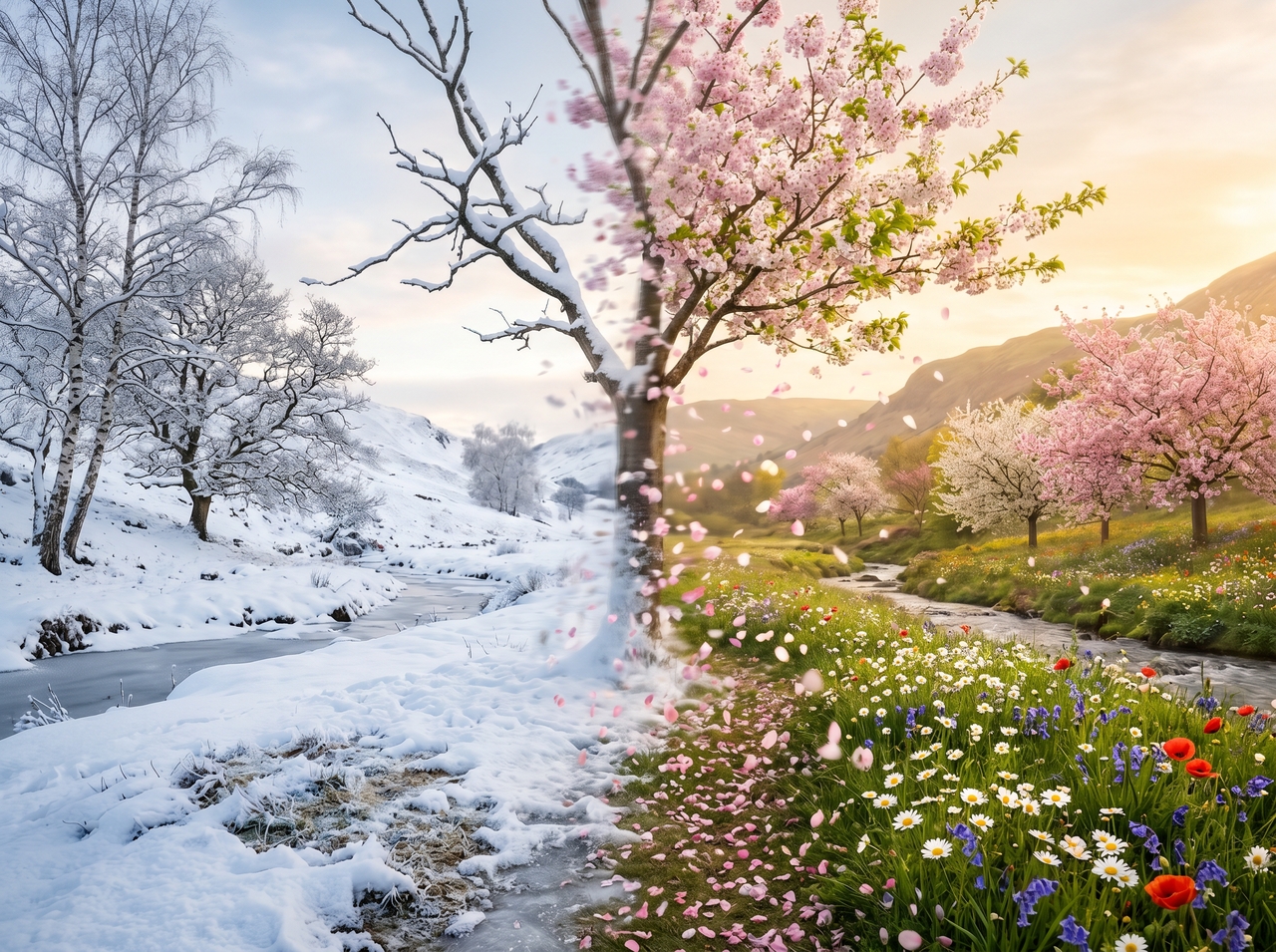
Set a starting image and an ending image, then let Pikaframes fill in everything between them. The AI interpolates smooth motion from one frame to the next. This gives precise creative control over how a scene opens, evolves, and lands.
Guide keyframes or change the clip direction

How to use Framia Pro's Pika Labs AI video generation model?

Get started with Pika AI on Framai Pro with these three simple steps:

Prompt
Open Framia Pro, type a prompt that describes your video idea, and click "Plan" to let AI outline scenes. Upload your images through "+."
Generate
Choose "Pika AI" under video models, set duration and aspect ratio in Settings, and click "Generate" to create your video
Review and download
Preview your video, refine scenes using Edit in Chat or Storyboard tools, and click "Download" to save your final MP4 file.

Try fresh video ideas with Pika AI

A thunderstorm rolling over an empty desert highway at dusk.

An abandoned subway station reclaimed by vines and dim flickering lights

A detective walking through a rainy noir city, trench coat, shallow depth of field

A samurai standing still in a bamboo forest as the wind moves everything around them

An underwater city with glowing architecture and drifting sea creatures.

A luxury watch rotating on a dark pedestal with soft studio lighting

A sleek car emerging from fog on an empty mountain road at dawn

Who is Pika AI on Framia Pro built for?

See which creators get the most out of Pika art AI video tools inside Framia Pro.

Content creators
Type a prompt and get a vertical clip ready to post on TikTok, Instagram Reels, or YouTube Shorts. Pika AI generates fast, high-impact videos built for short-form platforms. Creators go from idea to published content in minutes.
Marketers & brands
Turn product images into AI video ads, teasers, and campaign visuals at scale. Each clip is ready for paid placements or organic social posts. Brands test multiple creative variations quickly before committing to a full production budget.
Filmmakers & storytellers
Generate cinematic shots, dramatic lighting, and camera moves using Pika Labs AI video creator. Filmmakers describe a scene in a prompt and receive a high-quality clip. This removes the cost and time of assembling a full crew for early-stage visual development.
Educators
Animate complex topics into clear visual explainer videos with Pika Labs AI text-to-video tools. Each lesson becomes easier to follow when concepts appear on screen as motion. Students retain more when ideas move rather than sit flat on a slide.
Artists & designers
Upload original illustrations into Pika Art AI and watch static artwork gain fluid and natural motion. The AI reads shapes, colors, and proportions from the uploaded image. Designers extend their creative work into video format without rebuilding assets from scratch.
Social media managers
Produce multiple clips per day using the Pika Labs AI image-to-video engine inside Framia Pro. Each output is formatted for the right platform and resolution. Social media managers scale their content calendars faster by cutting manual editing time significantly.
Developers & agencies
Run Pika Labs AI video generator inside Framia Pro and export finished clips directly into any existing production workflow. Agencies cut delivery time by generating videos from a single prompt. Developers embed outputs into decks, dashboards, or content pipelines.

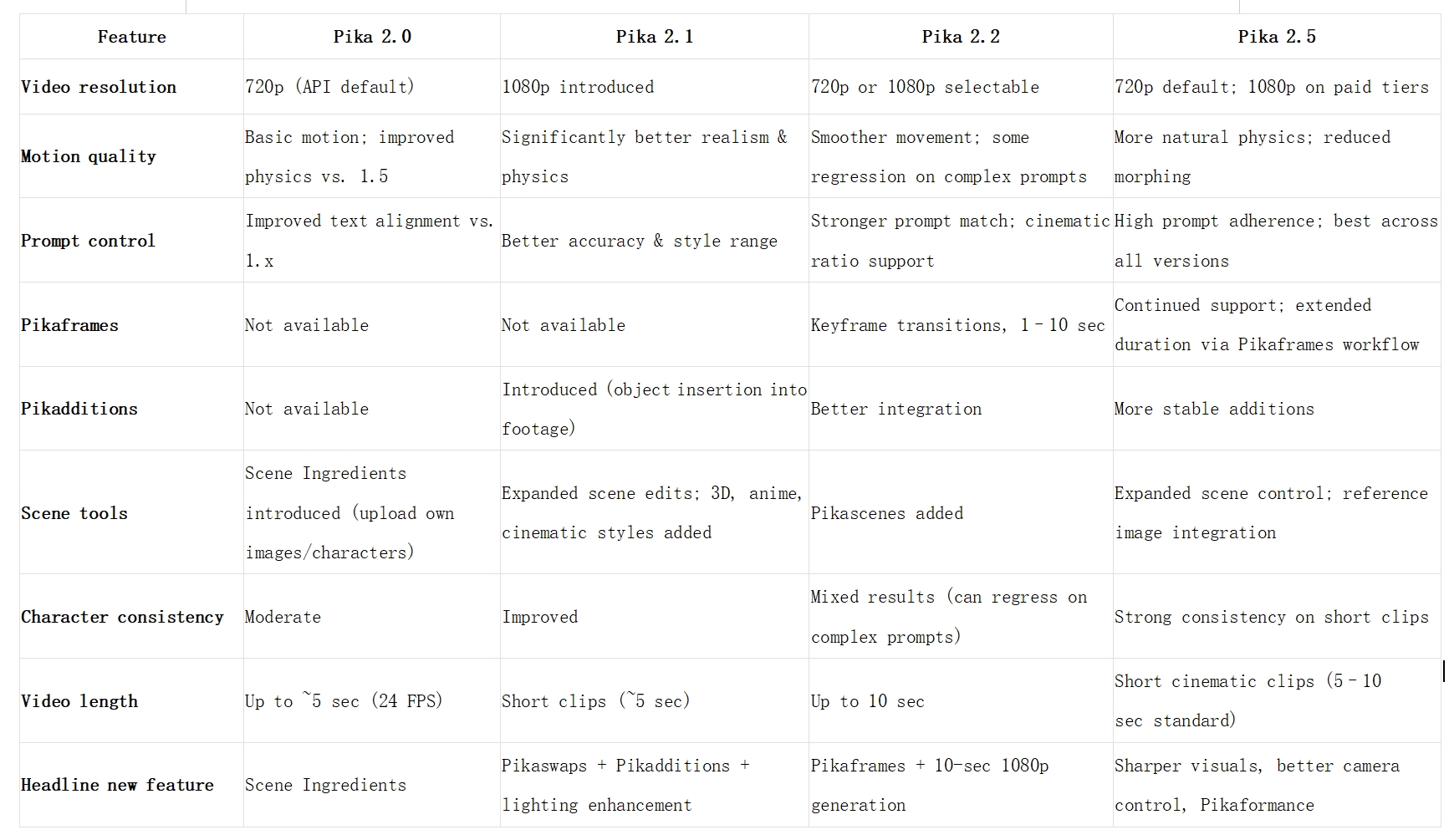
Pika AI 2.0 vs 2.1 vs 2.2 vs 2.5 comparison

Compare Pika AI versions 2.0, 2.1, 2.2, and 2.5 for video quality, motion control, and features now.
1778224224491-20260508-150946

What users say about Pika AI video generator?

Real creators share how Pika AI on Framia Pro changed the way they work and create.

I'd been putting off video content for months. Tried Framia Pro on a whim, typed a scene, and the Pika AI video generator did the rest. Honestly, I did not expect that quality from a first attempt.
Jake Calloway
Jake Calloway
Content Creator
We were spending three days per ad creative. Now we generate AI product videos with Pika Art, the same morning we brief them. The quality is good enough for paid placements, which surprised everyone on the team.
Rachel Donovan
Rachel Donovan
Digital Marketing Manager
Described a moody night scene in the prompt, and the Pika Labs' AI video output matched exactly what I had in my head. Showed it to my DP, and we locked the shot plan in ten minutes flat.
Tom Reeves
Tom Reeves
Independent Filmmaker
I animate concepts using Pika Labs AI text to video on Framia Pro. The day I showed a cell division video I generated myself, three kids asked where I found it. They assumed it was a textbook resource.
Claire Hutchins
Claire Hutchins
High School Science Teacher
Fed one of my character drawings into Framia Pro and used Pika Art AI to animate it. The motion felt natural, and the style held. Sent it to a client as a teaser, and they immediately asked for more.
Ben Marlowe
Ben Marlowe
Freelance Illustrator
I generate each clip fresh using Pika Labs AI video generation model on Framia Pro. Different tone, different style, same morning. Five brand accounts fed by lunch. That workflow was never possible before this tool existed.
Leah Tanner
Leah Tanner
Social Media Manager
We've compiled the most important information to help you get the most out of your experience. Can't find what you're looking for?Contact us

Frequently asked questions

Is Pika Art AI free to use?
Pika offers a free tier with limited monthly credits. Pika art AI pricing starts from there, but luckily, you can use it under one subscription on Framia Pro.
Is Pika AI worth it?
Pika AI is best for those seeking a quick, easy, and fun way to generate videos. For creators producing content on Framia Pro, the output quality and speed justify the subscription comfortably.
How much does Pika AI cost?
Pika Labs AI price sits around $8/month for Standard, $28/month for Pro, and higher for Fancy, billed yearly. Credit costs vary by resolution, duration, and the specific tools used per generation.
Is Pika Art AI safe to use?
Pika AI does not sell personal data to third parties, and all API communications are encrypted to ensure data integrity during transmission. Content restrictions prohibit harmful, hateful, or abusive material.
Can I use Pika Labs for commercial purposes?
Paid plans allow commercial use. However, always double-check the latest Terms and plan details to be sure. Free-tier videos have limitations on commercial rights, so we recommend upgrading.
Is Pika.art good for beginners?
You do not need advanced editing skills, which means you can start easily. Framia Pro supports prompt-based input and easy AI video editing that works smoothly from the first use.

Still have questions?

Have questions or need assistance? Our team is here to help!

Create videos with Pika AI for free

Turn text or images into cinematic AI videos using Pika AI on Framia Pro. Generate, edit, and export video content for any platform.

Pika AI Video Generator: Create Text to Video & Image Animations