
AI Wallpaper Generator Online

Use Framia Pro's AI wallpaper generator to turn any idea into a stunning 4K background for desktop, iPhone, or tablet. Just type a prompt, pick your style, and download a wallpaper that's completely yours.

Start for Free

What makes Framia Pro's AI art wallpaper generator stand out?

Stop using the same stock images everyone has. Framia Pro turns your idea into a wallpaper made just for you

Create wallpapers from text descriptions

Describe any scene in plain language, and Framia Pro uses Nano Banana Pro, Qwen Image, Flux Max, MidJourney v7, and Seedream 5.0 models to generate a sharp, detailed wallpaper. The more specific you get, the more personalized the output.
Create wallpapers from text descriptions
Turn any image into a cool wallpaper

Turn any image into a cool wallpaper

Upload a photo, and our AI art wallpaper generator, powered by Midjourney v7 and Flux AI, reimagines it as a full-screen wallpaper. It extends edges, adjusts composition, and outputs something that genuinely fits your screen.

Go for styles that match your taste

Use your description to create wallpapers in Cyberpunk, Anime, Oil Painting, Cinematic, Dark Academia, Vaporwave and other styles. Every style produces a noticeably different aesthetic, so two people using identical prompts still end up with completely different results.
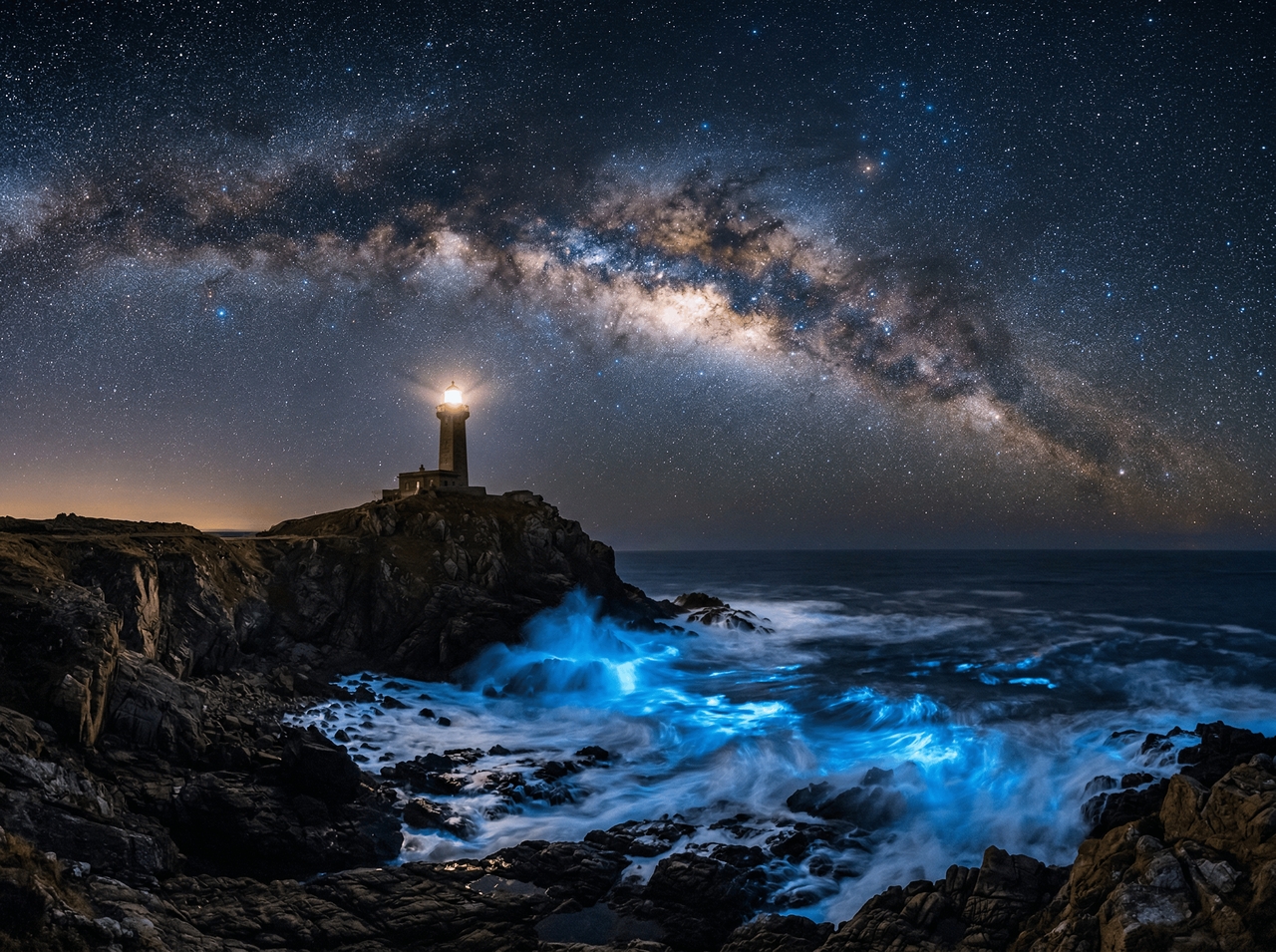
Go for styles that match your taste
Generate HD wallpapers for any device

Generate HD wallpapers for any device

Get output in HD for ultrawide monitors, 9:16 for iPhone, or 16:9 for desktop. The Framia Pro AI wallpaper generator has a built-in upscaler that renders every format at the sharpest resolution that the specific screen can actually display.

Edit and customize your wallpaper

Swap a background, tweak a color, or pull out an unwanted element by typing the change. The Framia Pro chat-to-edit feature targets that exact detail so the rest of the composition stays completely untouched.
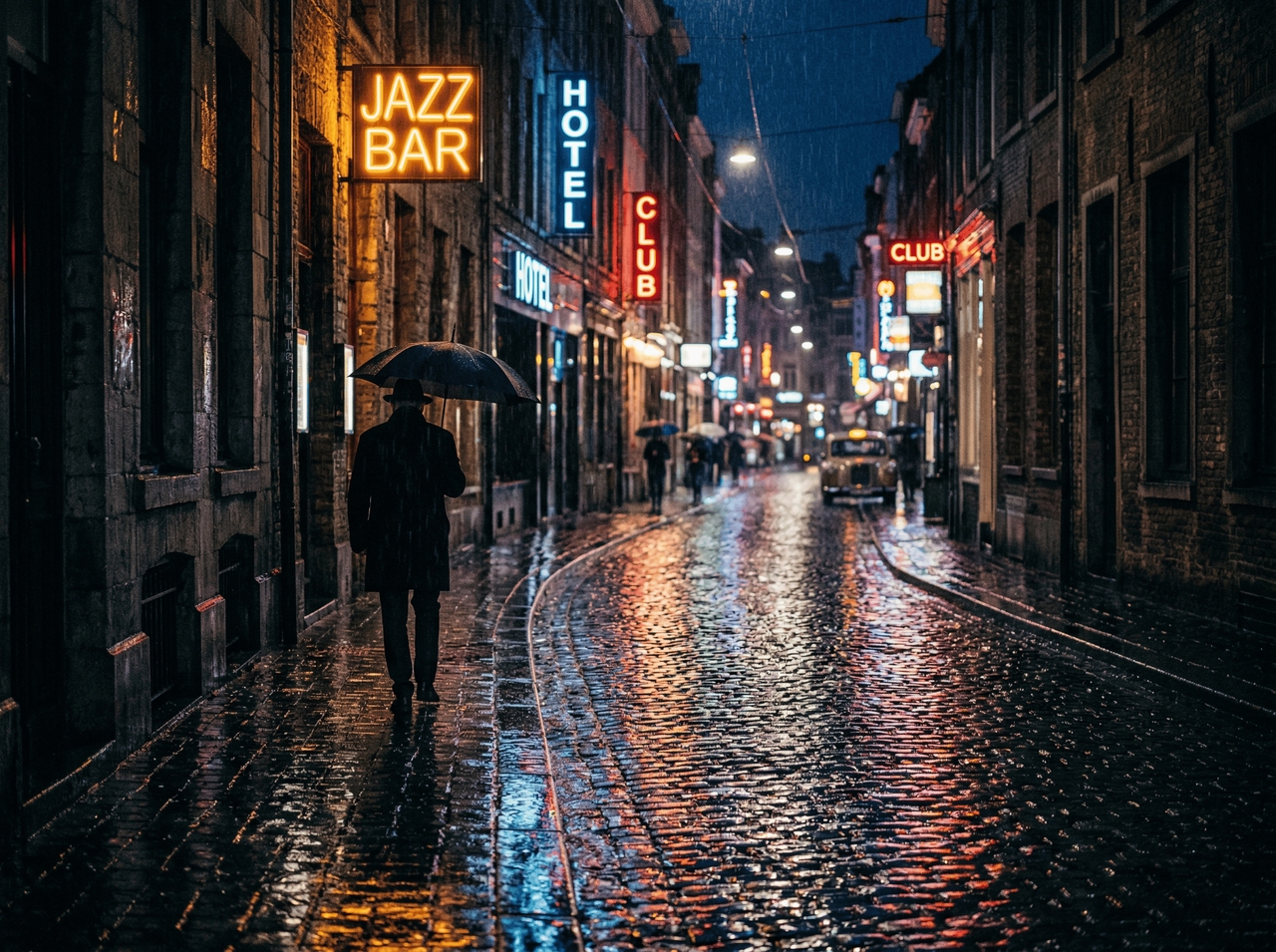
Edit and customize your wallpaper

Community creations with Framia Pro's AI wallpaper generator

Here are the wallpapers our community has created using Framia Pro!
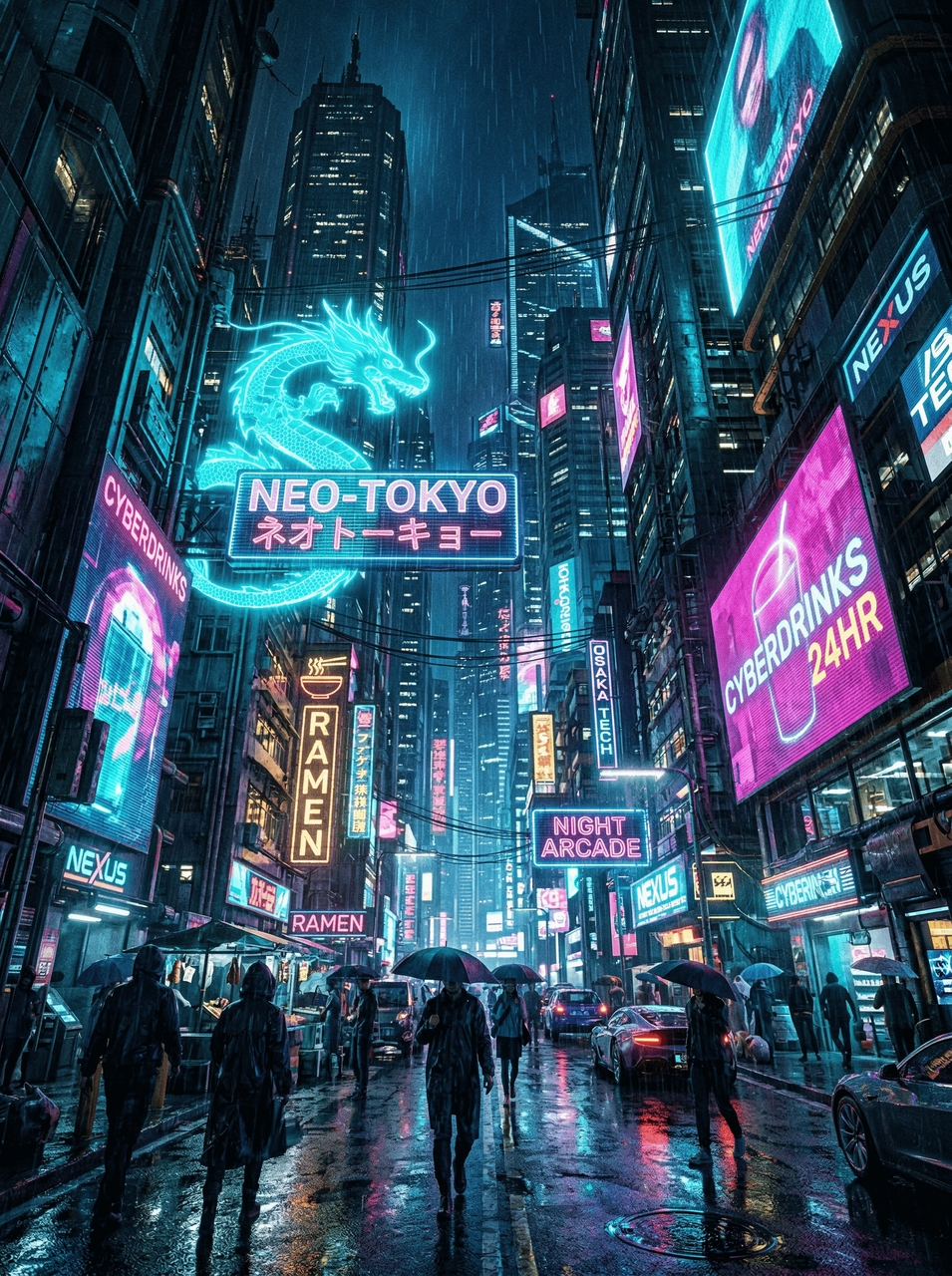
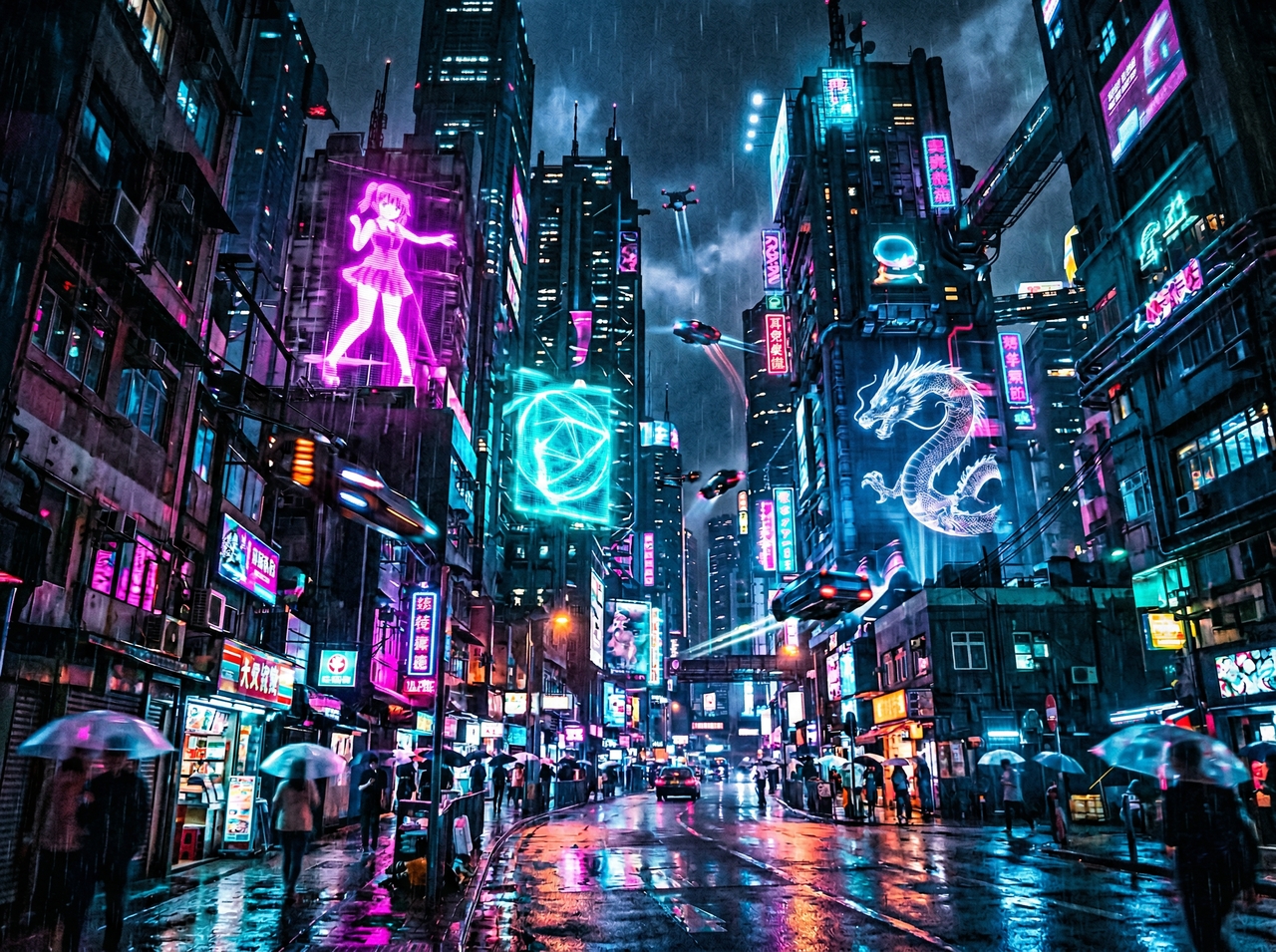
Cyberpunk City Glow

Cyberpunk City Glow

Prompt: A futuristic city at night with neon lights, rainy streets, glowing signs, high detail, 4K wallpaper, cinematic view.

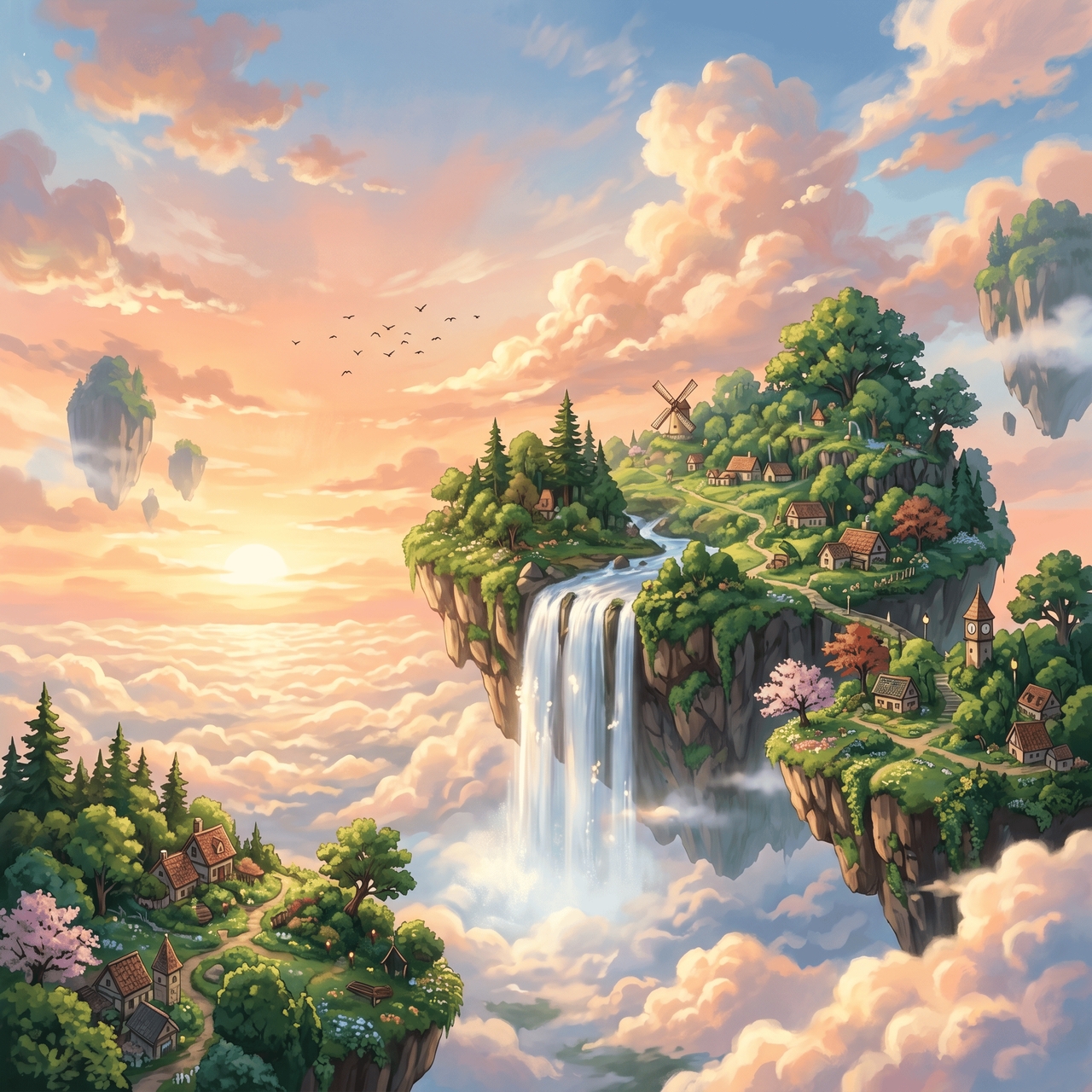
Anime Sky Scene

Prompt: Anime style sky with soft clouds, floating islands, warm sunset colors, detailed artwork, calm mood, HD wallpaper.
1776848620714-20260422-170329
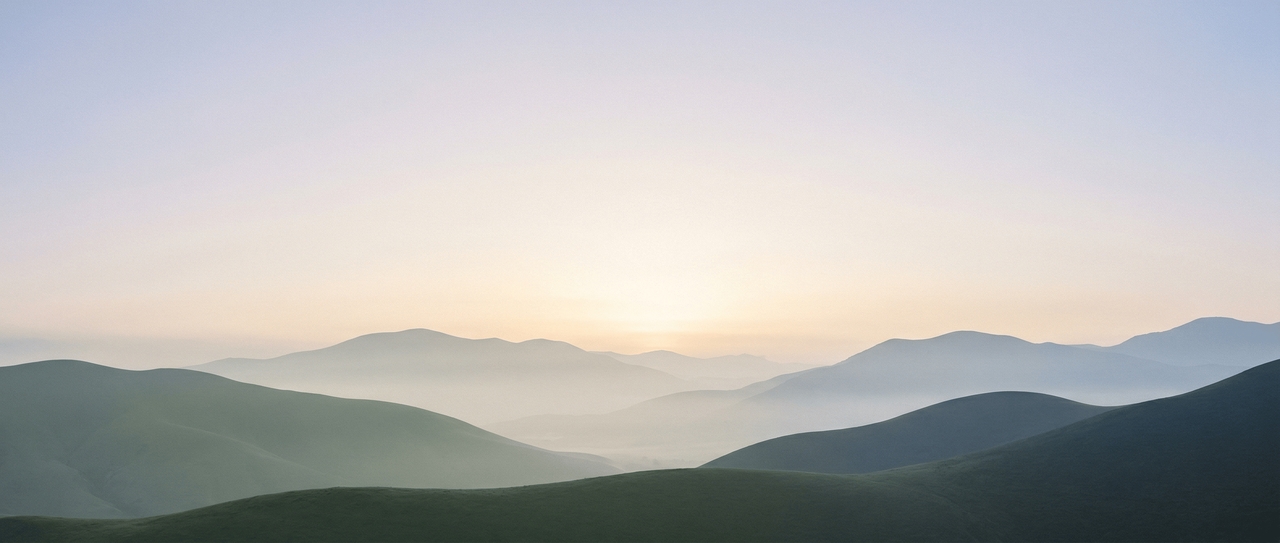
Minimal Nature Setup

Minimal Nature Setup

Prompt: Clean mountain landscape with soft light, simple shapes, calm colors, minimal style, desktop wallpaper, high resolution

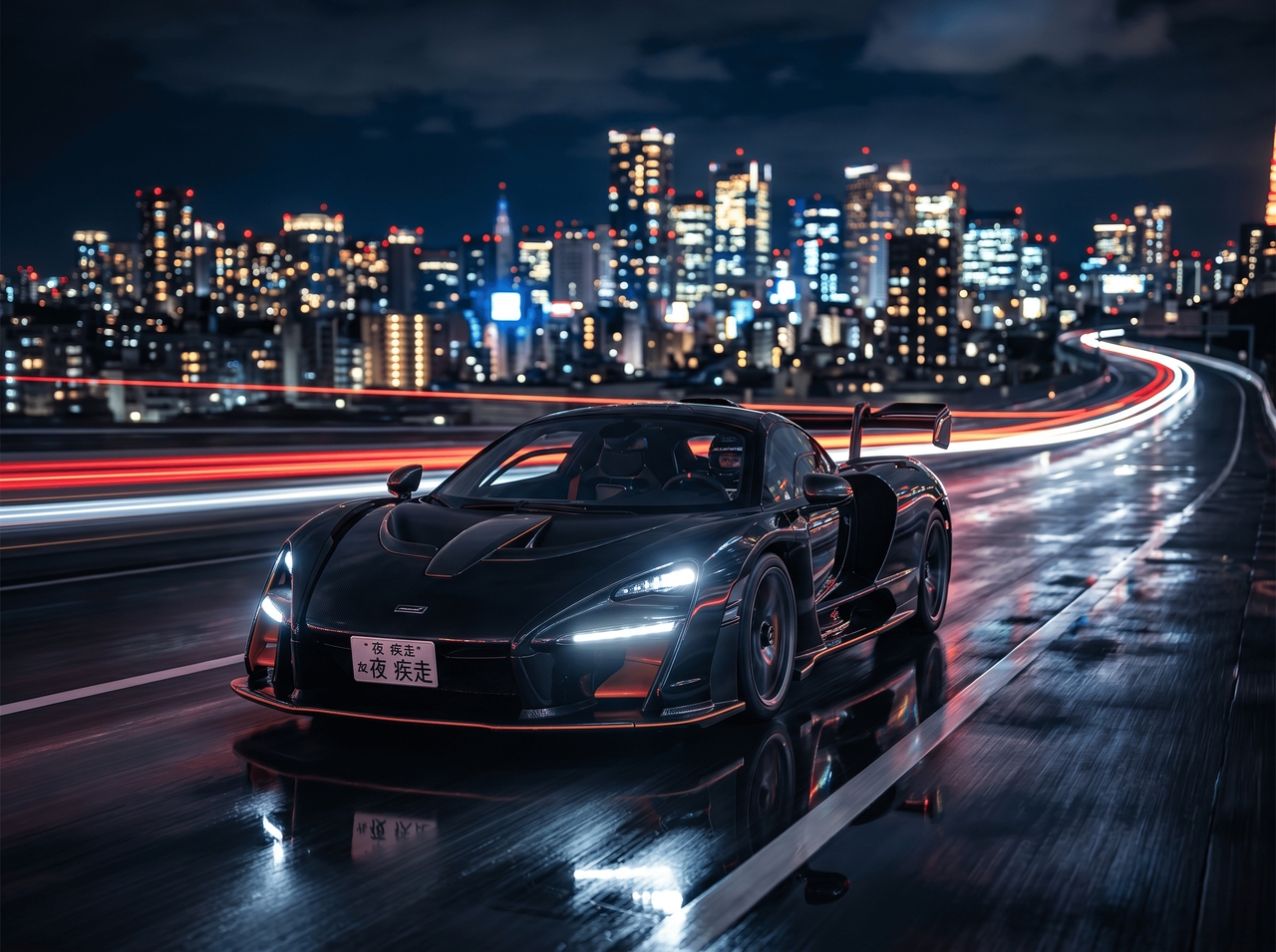
Supercar Street Shot

Prompt: Luxury sports car on empty night road, city lights in the background, reflective surface, cinematic lighting, ultra HD wallpaper.
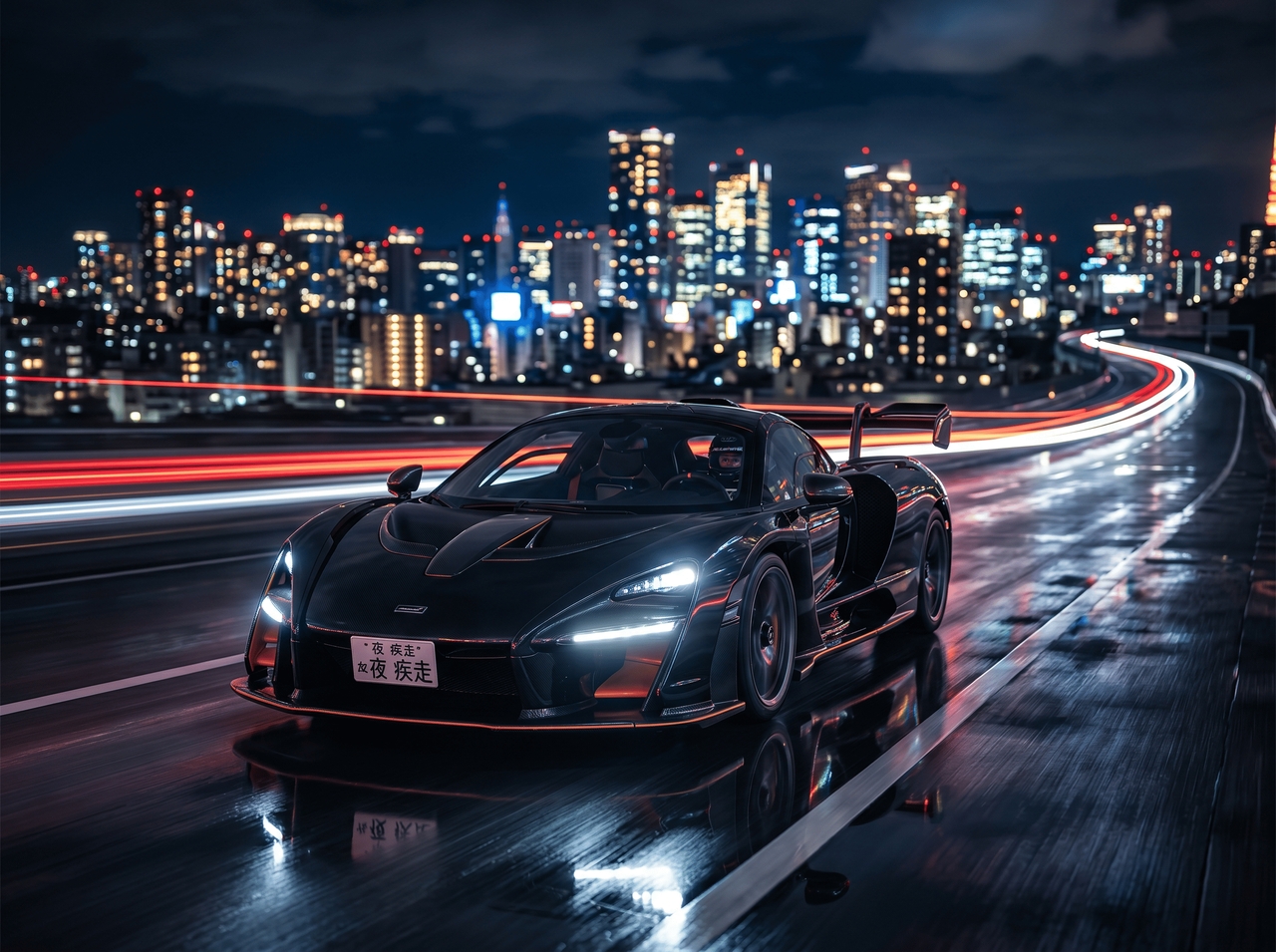
Supercar Street Shot
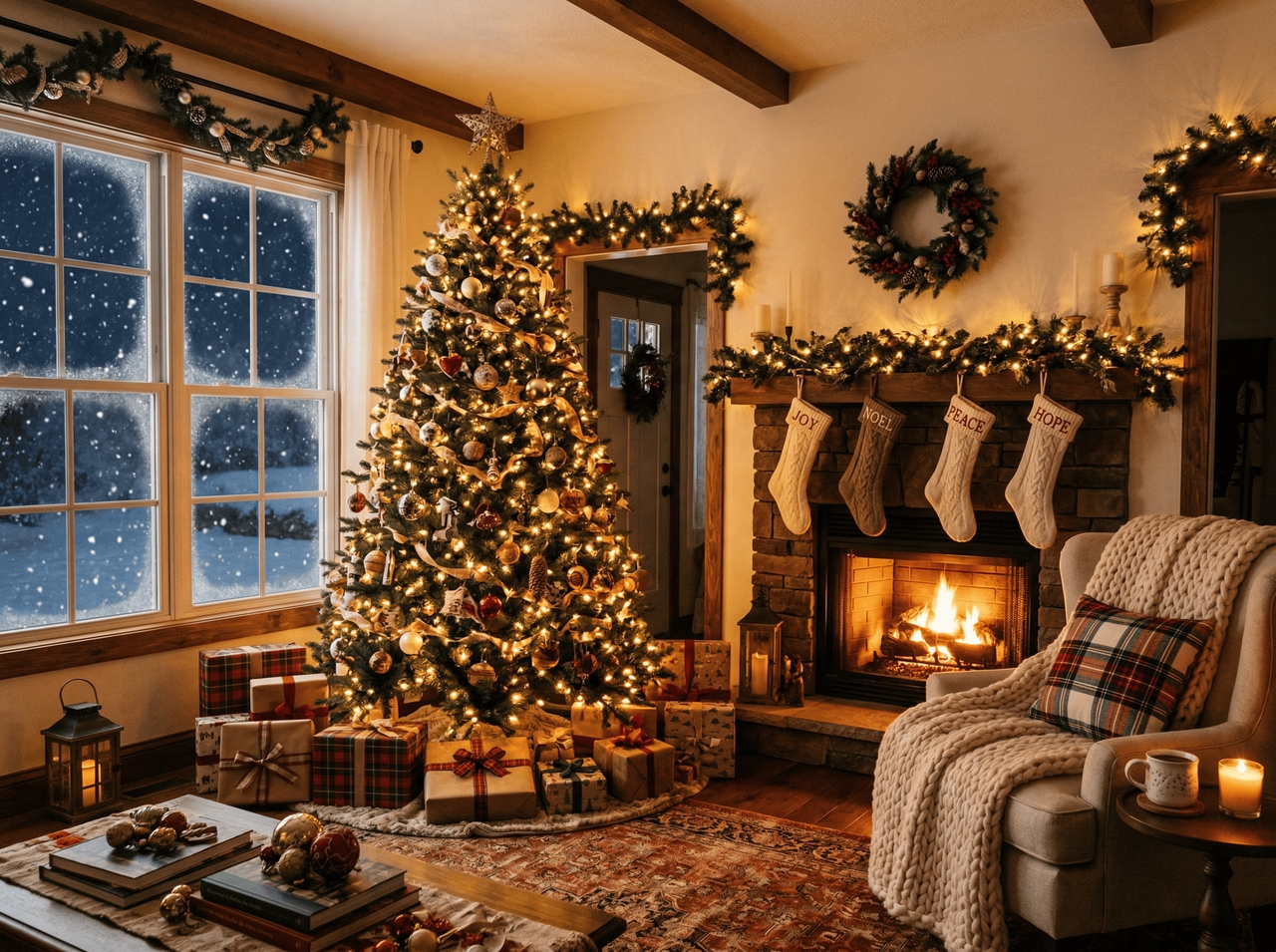
Christmas Cozy Room

Christmas Cozy Room

Prompt: Warm living room decorated for Christmas, glowing tree lights, soft snow outside the window, cozy atmosphere, 4K wallpaper.

Fantasy Forest World

Prompt: Mystical forest with glowing plants, fog, magical light beams, fantasy style, detailed background, and wallpaper format.
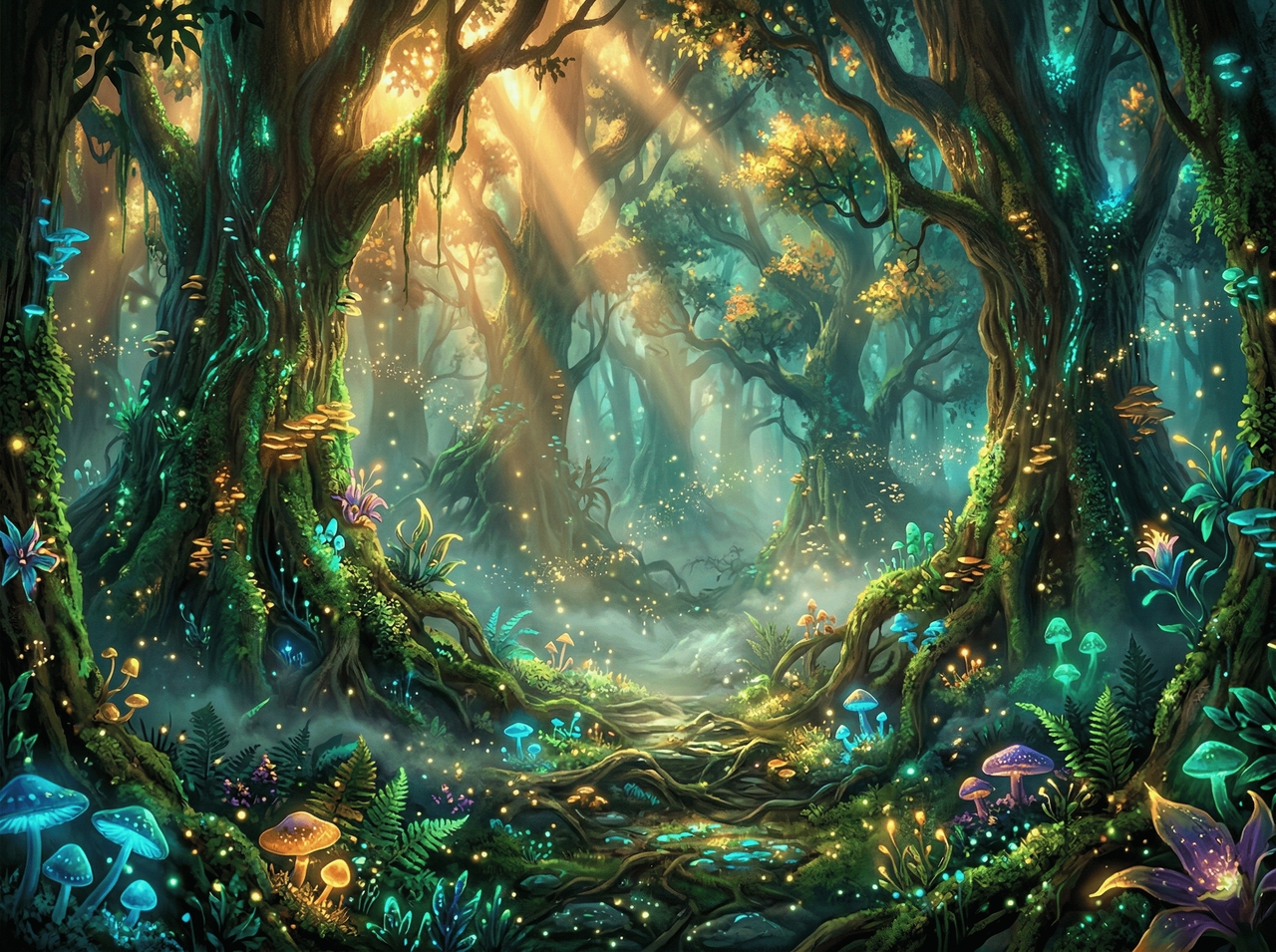
Fantasy Forest World
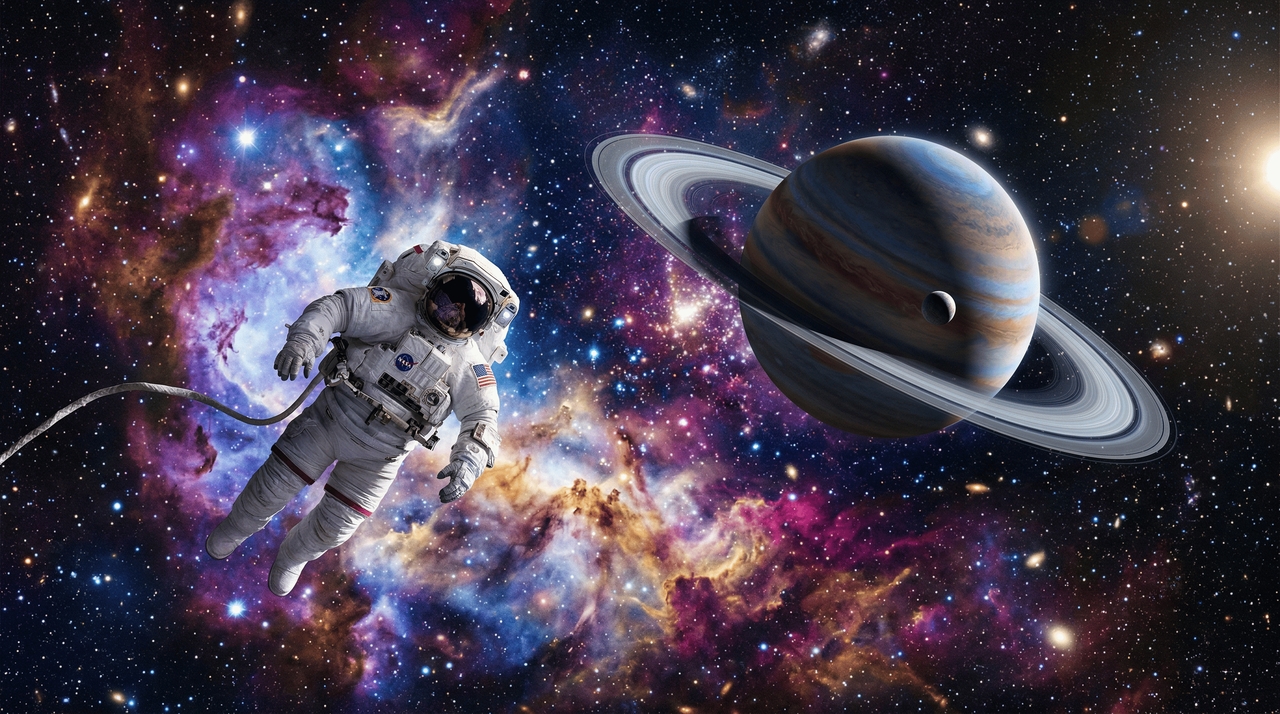
Space Exploration Theme

Space Exploration Theme

Prompt: Deep space view with planets, stars, glowing nebula, astronaut floating, sci-fi style, ultra HD wallpaper.

Abstract Color Flow

Prompt: Smooth flowing abstract shapes, soft gradients, modern art style, balanced colors, clean wallpaper design, high resolution.
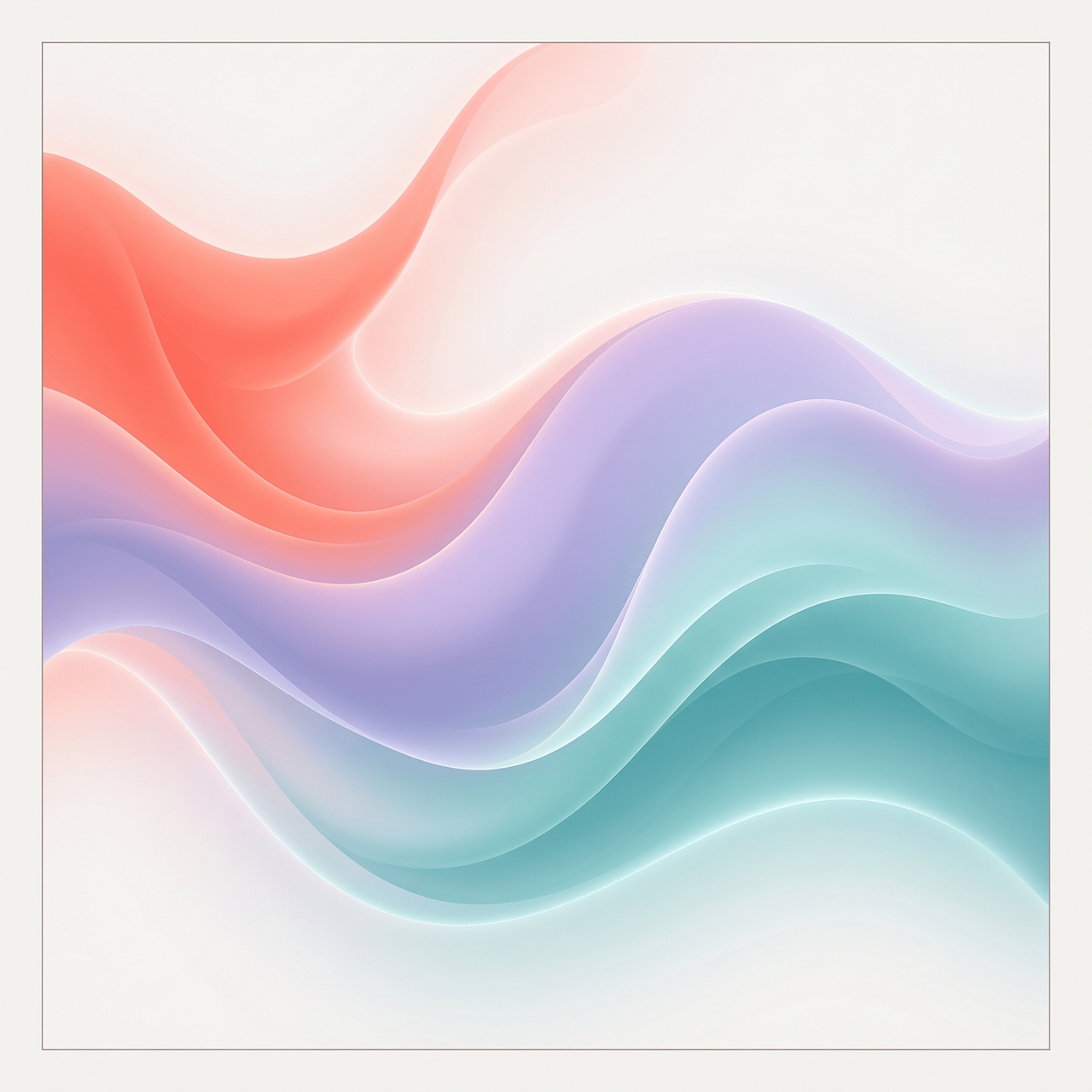
Abstract Color Flow

How to generate AI wallpaper with Framia Pro?

You can follow these three steps to generate AI wallpaper using Framia Pro:

Add your idea or image
Access the "Design" option on the Home page, type a wallpaper idea, or upload a photo. Describe the style, colors, or mood to guide your wallpaper design.
Generate your wallpaper
Select an image model (Nano Banana 2, Seedream 5.0) and screen size, then click generate. Framia Pro creates a wallpaper that matches your input in seconds.
Edit and download
Check the result, refine details with prompts if needed, and then download a high-resolution wallpaper for your device.

Why use Framia Pro AI live wallpaper generator?

Create each wallpaper from scratch based on your idea, just the way you want it, with Framia Pro AI image generator.

Quick generation with clean results
Type your idea and get a sharp and detailed wallpaper. Framia Pro's AI desktop wallpaper generator produces clean & high-quality output on the first try. This way, you spend time enjoying your screen rather than second-guessing it.
Supports both text and image input
Describe a scene from scratch or upload an existing photo as a reference. Either way, Framia Pro's AI live wallpaper generator reads your input and creates a wallpaper that reflects exactly what you brought to it.
Works for mobile and desktop
Pick an aspect ratio for your target screen before generating, and Framia Pro sizes the output to fit it perfectly. iPhone, Android, MacBook, ultrawide monitor. Each one gets a properly composed and resolution-matched result.
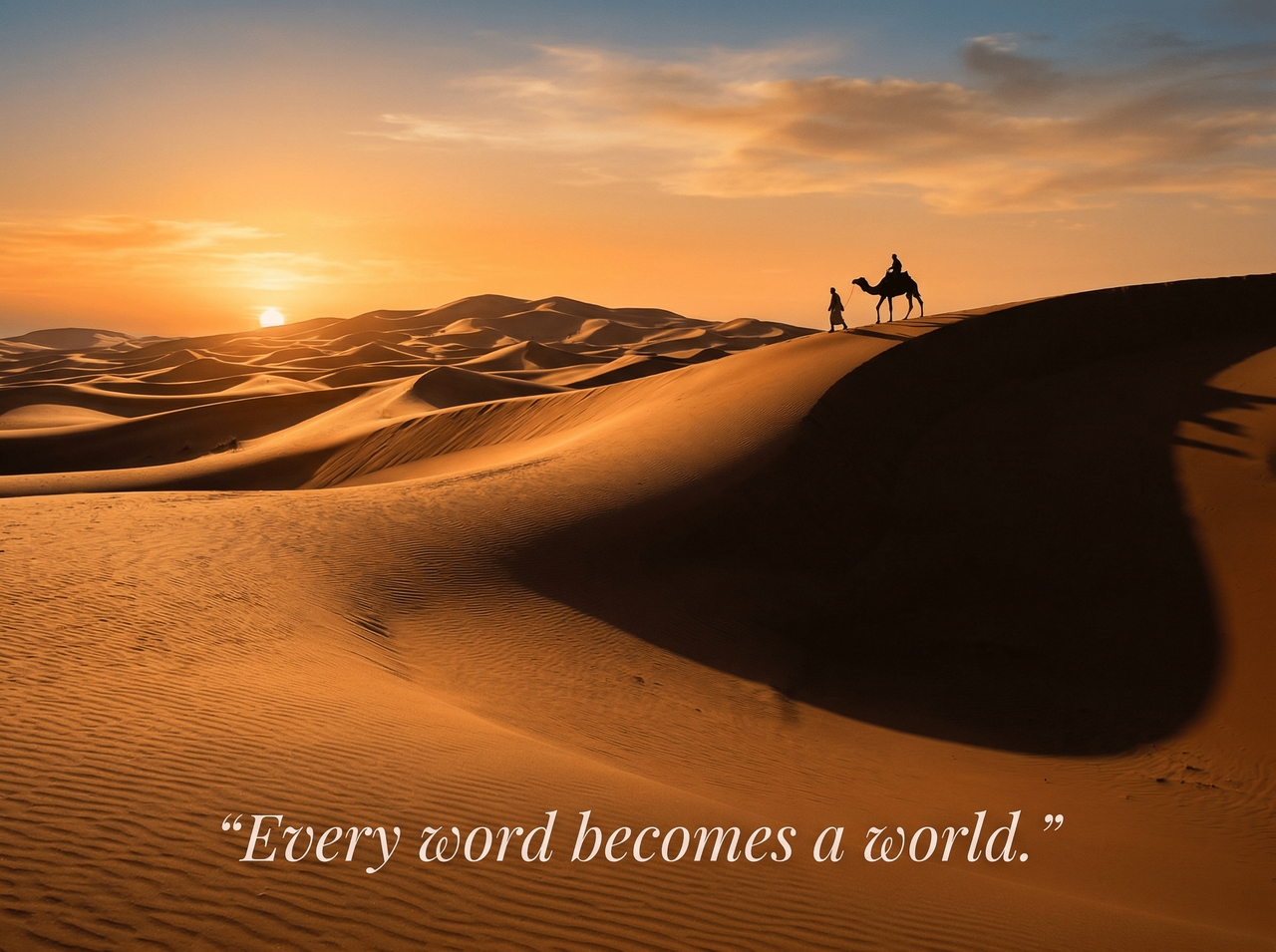
Add accurate text on the wallpaper
Drop a quote, a name, or a short phrase directly onto your wallpaper. Our AI art wallpaper generator renders it cleanly into the composition. The text sits naturally in the image rather than looking like something slapped on top afterward.
Upscales wallpaper to 4k
Already generated an AI wallpaper you love at a lower resolution? Framia Pro sharpens and scales it up to 4K so it stays crisp on any high-resolution display with no visible grain or detail loss.
Exports in the right format
Download your wallpaper as a PNG, JPG, or WebP, sized and optimized for wherever it is going. You don't have to manually resize or format the file. Get a file that is ready to set immediately.

Social proof of people using our free AI wallpaper generator?

Real people tried Framia Pro, got results they actually loved, and now they won't shut up about it.

Marcus Reid, Graphic Designer
I'd been rotating the same three wallpapers for two years. Typed one sentence into Framia Pro and had something better in under a minute. The output was sharp, the style matched exactly what I pictured, and I've generated seven more since.
Sophie Marchetti, Content Creator
My phone wallpaper used to be a blurry sunset I downloaded in 2021. I uploaded that photo to Framia Pro and it came back as this gorgeous cinematic shot I genuinely get compliments on. Didn't expect it to hit that well.
Daniel Okafor, Indie Game Developer
I needed desktop wallpapers for a gaming setup video and had zero budget for custom art. Framia Pro gave me four different cyberpunk city backgrounds. Two of them ended up in the final video, and viewers kept asking where I found them.
Priya Sharma, UX Designer
I tested a lot of generators before landing on Framia Pro. The text-on-wallpaper feature is what sold me. Other tools either skipped it entirely or produced something that looked terrible. Framia Pro placed the text as it belonged there from the start.
James Whitfield, Photographer
Honestly, I expected it to butcher my reference photo. Instead, it took my shot and turned it into a wallpaper that looked like a movie still. I now use it to repurpose old shots into something people actually want on their screens.
Camille Fontaine, Freelance Illustrator
The style range is what gets me. I went from a dark academia library scene to a vaporwave sunset in two prompts. Both came out at 4K, and I had them set on my devices before my coffee finished brewing.
We've compiled the most important information to help you get the most out of your experience. Can't find what you're looking for?Contact us

Frequently asked questions

Why create AI-generated wallpapers with Framia Pro?
AI-generated wallpapers from Framia Pro match your exact idea. You enter a prompt, and it creates unique designs that fit your style, screen size, and preferred theme.
Can Framia Pro create AI-generated wallpaper in 4k?
Yes, Framia Pro supports AI-generated wallpaper in 4k output. You can create sharp and high-resolution wallpapers that stay clear on large screens and modern devices.
How to use an AI desktop wallpaper generator in Framia Pro?
Enter your idea, select desktop size, and generate your design. Framia Pro creates wallpapers that fit your screen ratio with a clean layout and clear details.
Does Framia Pro have an AI image-to-wallpaper generator?
Yes, Framia Pro lets you upload images and convert them into wallpapers. You can refine style, adjust layout, and generate a fresh background from your photo.
Is an AI iPhone wallpaper generator available in Framia Pro?
Framia Pro supports the aspect ratio for AI iPhone wallpaper. You can choose mobile ratios and create wallpapers that fit iPhone screens with proper alignment.
Which prompts work best for AI-generated car wallpaper in Framia Pro?
Use clear details like car model, lighting, and background. Framia Pro responds well to prompts such as night roads, neon lights, or cinematic angles.

Still have questions?

Have questions or need assistance? Our team is here to help!

Start Creating Your Wallpaper Now!

Create custom wallpapers with Framia Pro. Turn ideas into high-quality backgrounds for desktop and mobile screens.

Free AI Wallpaper Generator: Quickly Create Custom 4K Backgrounds