AI Invitation Video Maker Online

Generate beautiful and personalized video invitations for weddings, birthdays, and every special occasion with Framia Pro's invitation video maker. Just type a prompt and let AI handle the rest.

Start for Free

What can you make with Framia Pro's invitation video maker?

Not sure where to start? Use these prompts to instantly make invitation videos online for free for any occasion.

Wedding

"Create an elegant wedding invitation video with soft floral animations, romantic piano music, and golden serif text for 'Sarah & James, Saturday, October 18th, at The Grand Pavilion,' with evening ceremony details and a guest welcome note."

Birthday

"Make a 30th birthday invitation video with confetti, upbeat background music, and bold, colorful text for Mia Johnson, surprise party on November 2nd at 7 PM at Blue Sky Lounge, New York, with dress code mentioned."

Baby Shower

"Generate a pastel-themed baby shower invitation video with soft music, floating balloons, and gentle animations for Emma Clarke, due date December 14th, event at Rose Garden Hall, Chicago with gift registry note included."

Corporate Event

"Design a professional corporate event invitation video with a sleek dark background, brand logo placement, and modern motion graphics for TechNova Q1 Summit, March 10th at Hilton Conference Center, San Francisco, with agenda preview."

Engagement

"Create a romantic engagement party invitation video with candle animations, string lights, and script-style text in blush pink and gold tones for Olivia & Daniel, May 5th at Sunset Garden Venue, Los Angeles, with evening reception details."

Marriage

"Create a wedding invitation video with a clean layout, soft romantic music, and elegant English text for Ayesha & Michael, wedding ceremony on April 22nd at Crystal Banquet Hall, Dubai, with formal dress instructions and RSVP note."

How to make an invitation video with Framia Pro?

Making an invitation video has never been easier. Follow three simple steps to create and share your video invitation.

Upload your content
Open Framia Pro, select "Video," upload photos or clips, and add a short prompt describing your invitation style, event details, and tone.
Generate your invitation video
Choose format, duration, and video model, then plan the structure. Click "Generate" to turn your input into an invitation video with scenes and timing.
Edit and download your video
Preview the invitation, adjust scenes or text, refine visuals in the video editor, and download your finished video ready to share with guests.

What makes Framia Pro the best free online invitation video maker?

Everything you need to create stunning video invitations is built right in Framia Pro!

Use AI to create invitation video clips

Type a prompt, upload a photo, or drop in a file, and Framia Pro generates an invitation video using Veo 3.1, Seedance 2.0, Kling 3.0, and other models. It works from any input, which means you never start from a blank screen.
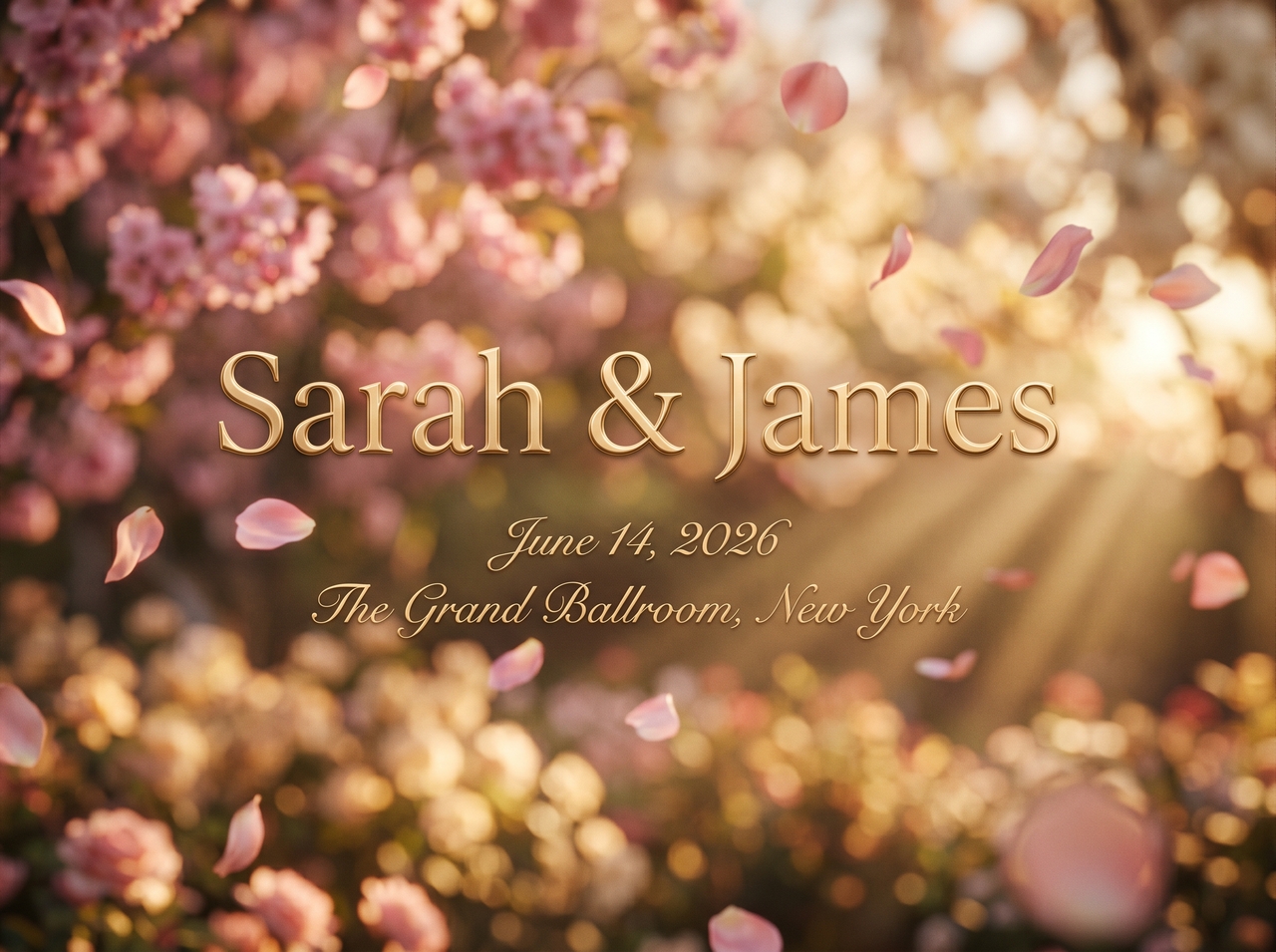

Use AI to create invitation video clips
Add music and sound effects to your videos

Add music and sound effects to your videos

Upload your own music and soundtrack or let Framia Pro automatically match background music and sound effects to the tone of your event. Swap tracks, adjust volume, or fine-tune the audio until the mood fits your occasion perfectly.

Render correct text in the invitation videos

Display names, dates, venues, and messages exactly as typed with no scrambled characters or broken fonts. Our invitation video maker renders text accurately in both Latin and non-Latin scripts, so invitations in Arabic, Hindi, or English appear cleanly every time.
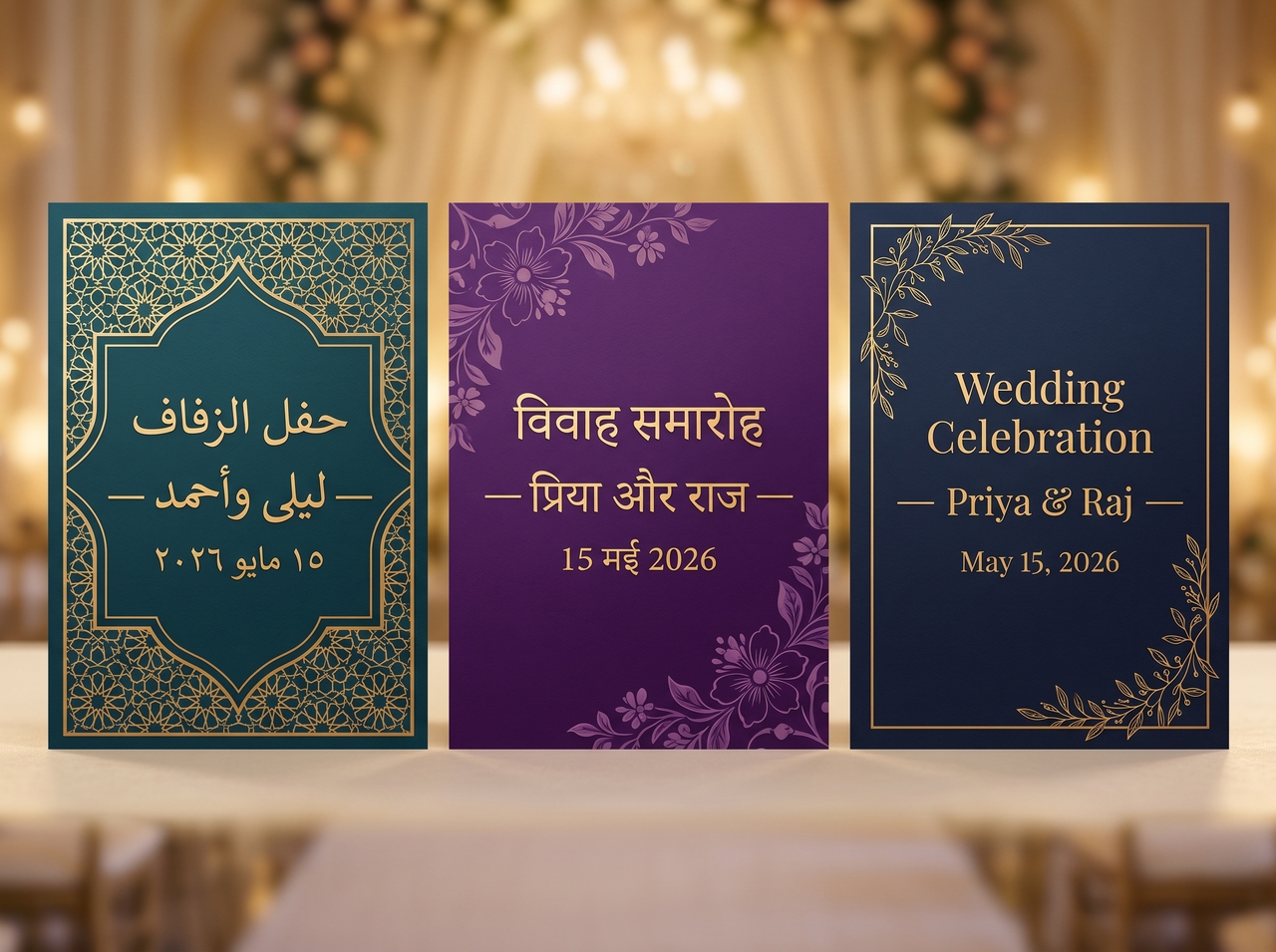
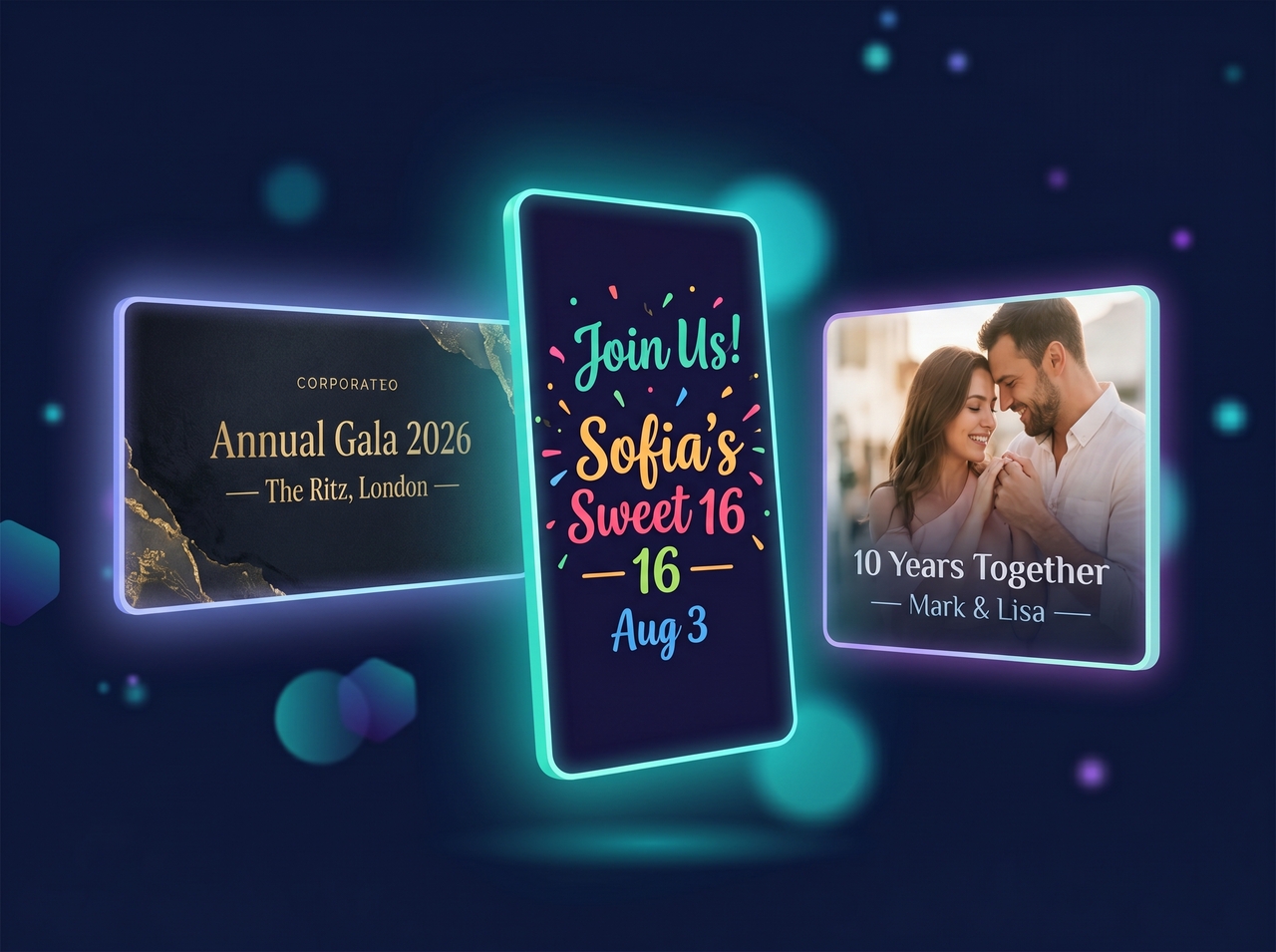
Render correct text in the invitation videos
Make videos in any aspect ratio you need

Make videos in any aspect ratio you need

Create your invitation video in 16:9 for YouTube videos or email, 9:16 for WhatsApp and Instagram Stories, or 1:1 for a feed post. Our video invitation maker reframes the layout to fit whichever platform you are sharing it on.

Edit and customize your invitation video

Change a scene, swap the background, update the text, or adjust pacing by typing a simple chat command using our free video invitation maker. The AI applies edits to your videos in real time based on your conversation.
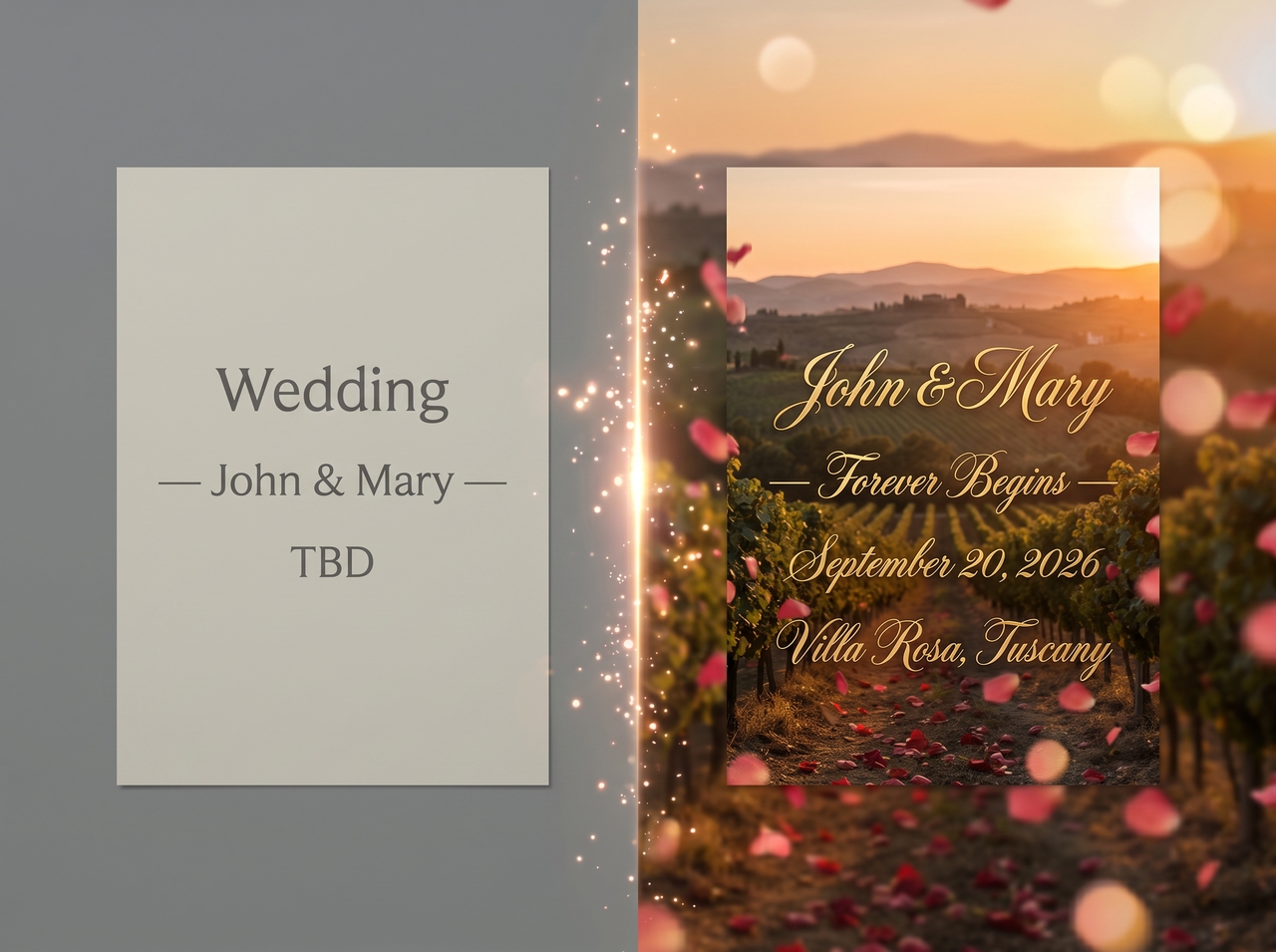
Edit and customize your invitation video
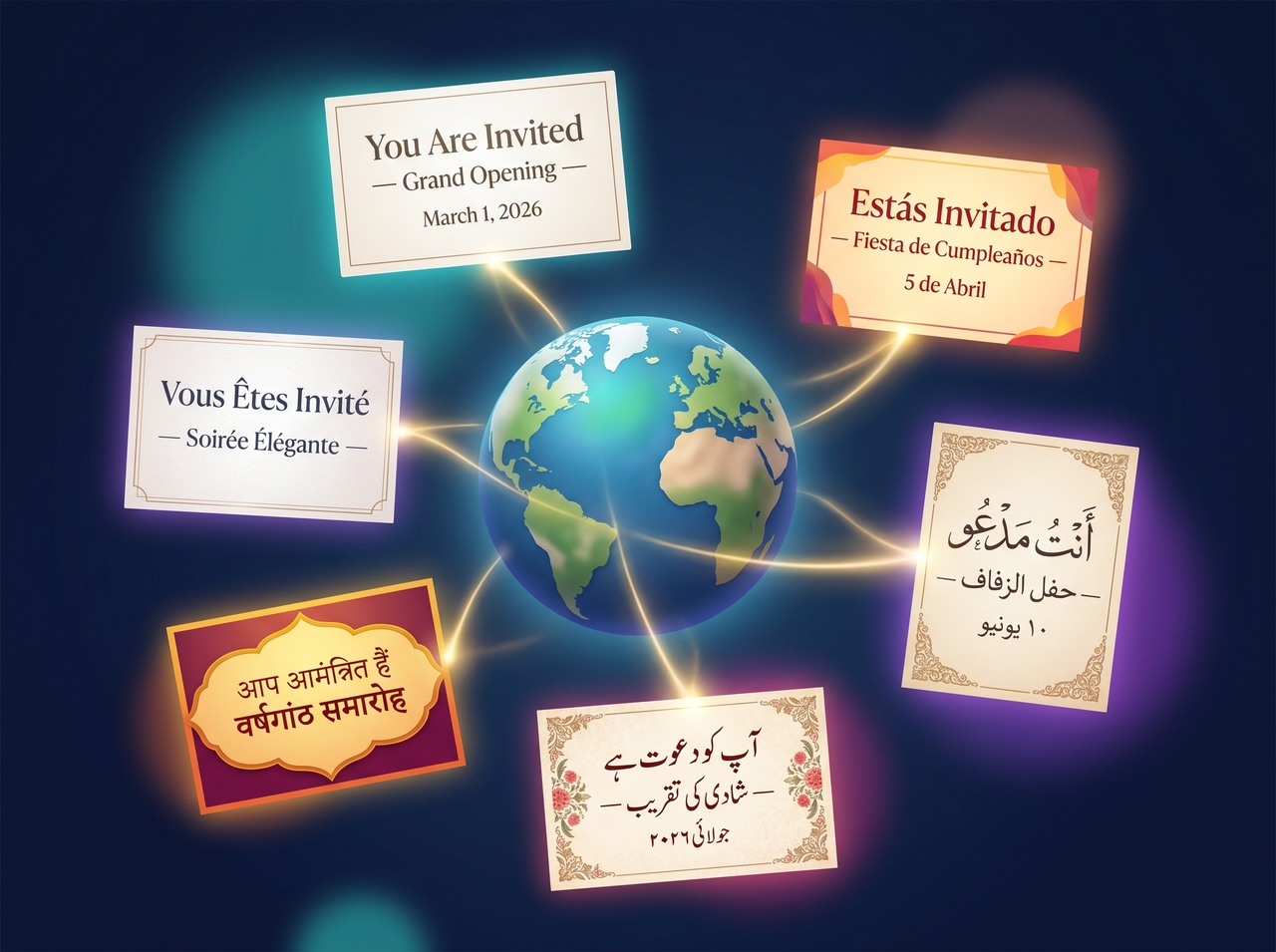
Get engaging videos in any language

Get engaging videos in any language

Generate invitation videos in multiple languages, from English and Spanish to Urdu and Arabic. Text overlays, voiceovers, and captions all adapt to the selected language so your invitation reaches guests in the words that matter to them.

Why use Framia Pro's AI invitation video maker?

AI handles script writing, scene creation, and editing. You only provide the idea, and the video gets ready.

Access multiple AI video models
Get access to top AI video models in one place with our AI birthday invitation video maker. Each one handles visuals differently, so you can select the one that fits your invitation style and get better results from a single platform.
Find trending styles with web data
Analyze current video formats and popular design patterns before generation begins with Framia Pro. This allows your invitation to follow modern visuals, motion styles, and layouts that match what viewers already engage with on digital platforms.
Sync captions and subtitles fast
Detect spoken words and place captions at the correct moment in each scene with our invitation video maker. Your text appears in line with the audio, which keeps the message clear and easy to follow for every viewer.
Edit scenes in storyboard view
View each scene in sequence and adjust the structure by trimming clips or moving sections using the Storyboard editor on Framia Pro. Drag and arrange elements to control pacing and flow before exporting the final version.
Plan videos using AI prompts
Outline your concept using simple prompts before generation begins. The system creates a clear structure with defined scenes, timing, and narration. This gives direction to your invitation video and ensures each part connects smoothly from start to finish.
Create videos in any visual style
Set a visual style, theme, and animation type while creating your video. It applies your choices to every scene, which creates a unified appearance. This way, your invitation matches the tone and setting of your event clearly.

Who is Framia Pro's invitation maker video built for?

Whether you're planning an intimate gathering or a grand celebration, Framia Pro fits every use case.

Couples planning wedding ceremonies
Design elegant wedding invitations that include names, venue, and event schedule in a clear format. Add photos, music, and personal details that reflect your ceremony style, so guests receive a complete and visually appealing introduction to your special day.
Families hosting birthday celebrations
Create birthday invitation videos with themes, colors, and fun visuals that match the party mood. Include age, date, and location in a clear layout. This way, your guests understand the plan and feel excited before the celebration begins.
Event planners managing multiple occasions
Handle different client events with structured invitation videos that present details in a clear format. Adjust style, tone, and layout based on each event type. Every invitation matches the theme and purpose of the occasion.
Businesses organizing corporate events
Present formal invitations for meetings, launches, or company gatherings using clean visuals and clear text. Share event details such as agenda, time, and venue in a professional format that aligns with business communication standards.
Friends arranging casual gatherings
Design simple invitation videos for meetups, dinners, or small parties using easy layouts and clear text. Add short messages and event details, so everyone understands the plan and feels invited in a friendly way.
Content creators sharing digital invitations
Produce visually engaging invitation videos that match your online style and audience tone. Use creative layouts, 3D animations, and text to present event details in a format that fits social platforms and attracts viewer attention.

Who is the Framia Pro invitation video maker built for?

Real users share honest experiences after creating invitation videos for different events.

I used it for a client's wedding, and it saved me from juggling multiple tools. The video looked clean and organized. My client loved how everything appeared clear and easy to follow from start to finish.
Emily Carter
Emily Carter
Event Planner
I needed a quick invite for a company event and tried this invitation video maker. It felt simple to use, and the final video looked professional. My team actually thought I hired someone to put it together.
Jason Miller
Jason Miller
Marketing Manager
I wanted something that matched my page style, and Framia Po worked well. The video felt natural and not overdone. My followers responded well, and a few even asked how I created it.
Sophia Bennett
Sophia Bennett
Content Creator
I usually avoid tools like this, but I gave Framia Pro a shot for a wedding invite. The result surprised me. It looked polished and didn’t feel generic at all, which honestly made a difference.
Daniel Brooks
Daniel Brooks
Photographer
I created a birthday invite for my daughter with Framia Pro, and it turned out really sweet. The message came out clear, and the visuals matched the party theme. It felt personal and easy to share with family.
Olivia Turner
Olivia Turner
Teacher
I used this tool for a product launch invite and didn’t expect much at first. The final video looked sharp and presentable. It gave a strong first impression when I sent it out to guests.
Ethan Collins
Ethan Collins
Startup Founder
We've compiled the most important information to help you get the most out of your experience. Can't find what you're looking for?Contact us

Frequently asked questions

How can you make an invitation video online for free in Framia Pro?
You can make an invitation video in Framia Pro by adding event details, uploading media, and letting the system generate a video with scenes, text, and background music arranged in order.
Can you make a video wedding invitation in Framia Pro?
You can make a video wedding invitation in Framia Pro by adding a couple of details, ceremony information, and preferred style, and generate a video with music and an elegant text presentation.
Is Framia Pro a free video invitation maker online tool?
Framia Pro offers free access, where you can create invitation videos directly in the browser with limited credits and export them for sharing on social platforms or messaging apps.
Is there any wedding invitation video maker online available?
Yes, you can use Framia Pro to create ceremony invites with names, dates, locations, and themed visuals for formal and traditional weddings.
Is Framia Pro helpful for professional invitation video creation?
Framia Pro helps create professional invitation videos by organizing event details into clean layouts with structured visuals and audio suitable for formal use.
What formats can I export in?
You can download your video as an MP4 in landscape, portrait, or square formats. You can then share on WhatsApp, Instagram Reels, email, or embed anywhere.

Still have questions?

Have questions or need assistance? Our team is here to help!

Create Your Free Invitation Video Now!

Start your invitation video today with free online tools. Add event details, design scenes, and share a ready video for any occasion.

AI Invitation Video Maker Free Online for Events & Weddings