Try Bald Filter Online for Free

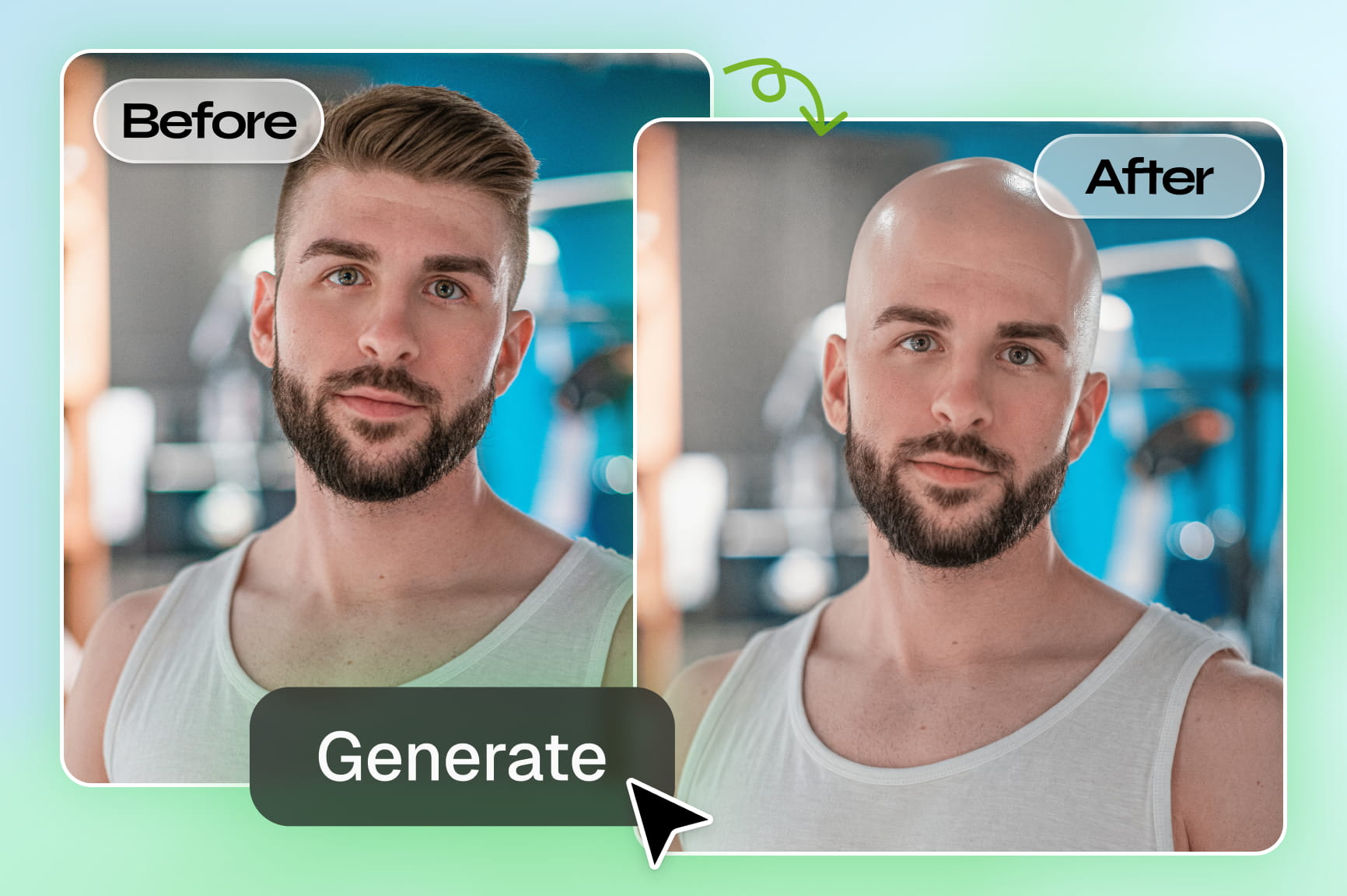
Ditch the razor and satisfy your curiosity. See exactly what you look like bald with a photorealistic AI transformation on Framia Pro.

Upload imagesClick to browse or drag & drop file here
Try Bald Filter Online for Free

Try bold bald looks and stay stylish: Features you will appreciate

Discover what Framia Pro brings to your bald filter experience, beyond a simple photo swap.

Get the bald photo filter online using AI

Remove your hair, reshape the scalp line, and apply a bald head filter with Framia Pro. It uses Nano Banana 2, Seedance 5.0, MidJourney v7, or Flux Max to give you a natural shaved look with balanced lighting and smooth skin detail.

Get the bald photo filter online using AI
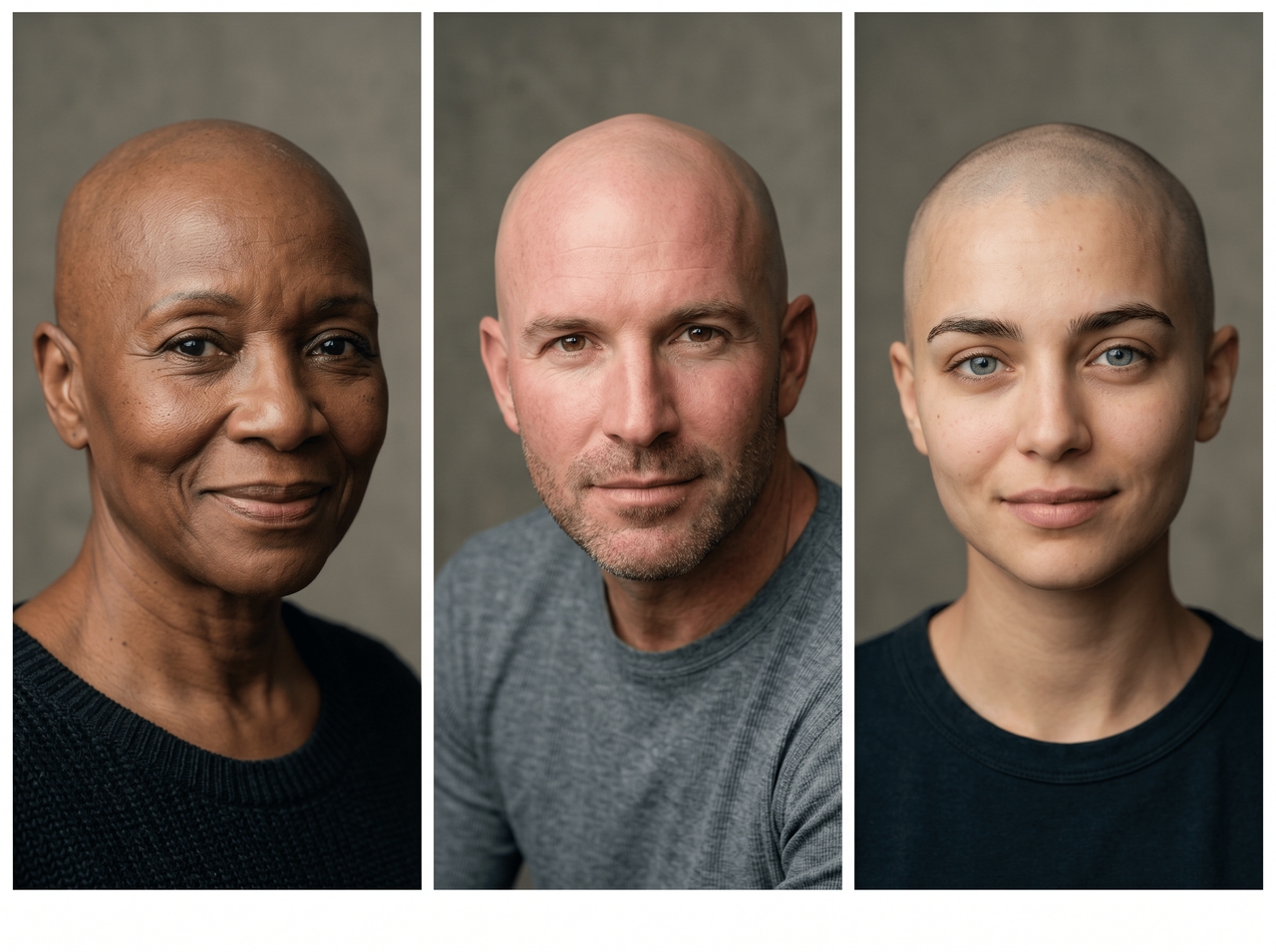
Works on all hair types, lengths, and textures

Works on all hair types, lengths, and textures

Detect hair patterns from short, long, curly, or straight styles and apply a bald AI filter that preserves facial features while removing hair detail cleanly. The results stay stable on different portraits, angles, and everyday selfie lighting conditions.

Get realistic skin tone matching results

Generate an image with a free bald filter that actually looks like you. Framia Pro reads your natural skin tone and facial structure and blends the scalp to match your real complexion. You don't get any patchy edges or artificial finish.

Get realistic skin tone matching results
Upscale images to 2K quality output

Upscale images to 2K quality output

Download your bald transformation in high-resolution quality. Use the image upscaling tool to reconstruct fine pixel detail at 2K output and produce a file that holds up whether you post it online or display it at a larger size.

Edit images using simple text prompts

Type what you want changed (e.g., add a beard, change the lighting, or remove the background), and Framia Pro applies it instantly. Each prompt targets only the described area and leaves the rest of the image exactly untouched.

Edit images using simple text prompts

Bare your crown: How the magic unfolds in three simple steps

Use these three quick steps to apply the balding filter to your images with Framia Pro:

Upload your photo
Open Framia Pro, click "+" to upload your photo, then type a prompt describing the bald look you want to preview.
Generate your bald look
Set your aspect ratio, pick an image model under "Select Model," then hit "Generate" and watch Framia Pro shave it all off.
Download your transformation
Review your bald result, refine it further with a follow-up prompt if needed, and download your finished image instantly.

The allure of a clean slate: Why creators choose Framia Pro

See exactly what sets Framia Pro apart from every other bald filter tool online.

No app barriers
Open Framia Pro in any browser and start editing your image right away to apply the AI bald filter online. The tool runs fully online, so there is nothing to install, update, or configure before you get your bald transformation.
Privacy protection
Every photo you upload gets encrypted and stored securely on Framia Pro's cloud storage. The platform follows strict data protection standards, and your image is never shared with third parties or used beyond your own editing session.
Works for any gender
Run the bald filter on any photo and get a result that fits naturally. Framia Pro adapts the transformation to suit every gender by reading facial structure and proportion to produce a convincing and realistic shaved head look.
High-resolution output
Download your finished bald photo at high-resolution quality for print, social media, or large-format display. The best AI upscaler - Framia Pro reconstructs pixel detail at the output stage and gives you a sharp file worth sharing.
Face-shape-aware rendering
AI studies your unique head shape before generating your image with the bald filter online for free. It maps your face jawline, temples, and crown to produce a scalp line that follows your actual contours rather than applying a generic overlay.
Fast browser-based access
Access the tool on your web browser and start transforming your photo quickly. The platform loads instantly in any modern browser and delivers full editing performance without slowing your device down.

Beyond the razor: When to embrace the digital shave

Explore every reason people reach for the bald filter. Some practical, some just pure fun!

Prank friends online
Upload a friend's photo, run the bald filter, and send the result straight to the group chat. Framia Pro gives you a convincingly realistic shaved head that lands every time and gets the reaction you were hoping for.
Check the head shape look
See exactly how your head shape reads without any hair on it. Framia Pro maps your real contours and generates a true-to-life result. You get an honest preview before you commit to anything in real life.
Before and after edits fun
Produce a before-and-after image set by applying the bald filter on your original photo with the image generator on Framia Pro. Post both versions side by side and watch your followers react to the transformation with surprise and genuine curiosity.
Try character ideas
Create a bald character concept for a cosplay, costume, or creative project by testing the look on your own face first. Framia Pro gives you a realistic base to work from to save time on design decisions down the line.
Try bald before cut
Preview a fully shaved head on your actual photo before sitting in the barber's chair. Framia Pro shows you the real result against your face shape, so you can decide with full confidence rather than guessing.
Join viral filter trends
Generate your bald transformation, download it in high resolution, and post it while the trend is still running. Framia Pro processes your photo quickly enough to get your content live before the moment passes.

Heads turned, jaws dropped: Real people, real transformations

They came for a quick laugh and left completely obsessed! Here is what they had to say.

I sent my friend his bald photo at 11 pm. He called me immediately. The result was so convincing that he genuinely thought I had photoshopped it for hours. Framia Pro did it in literally twenty seconds flat.
Jake Mercer
Jake Mercer
Content Creator
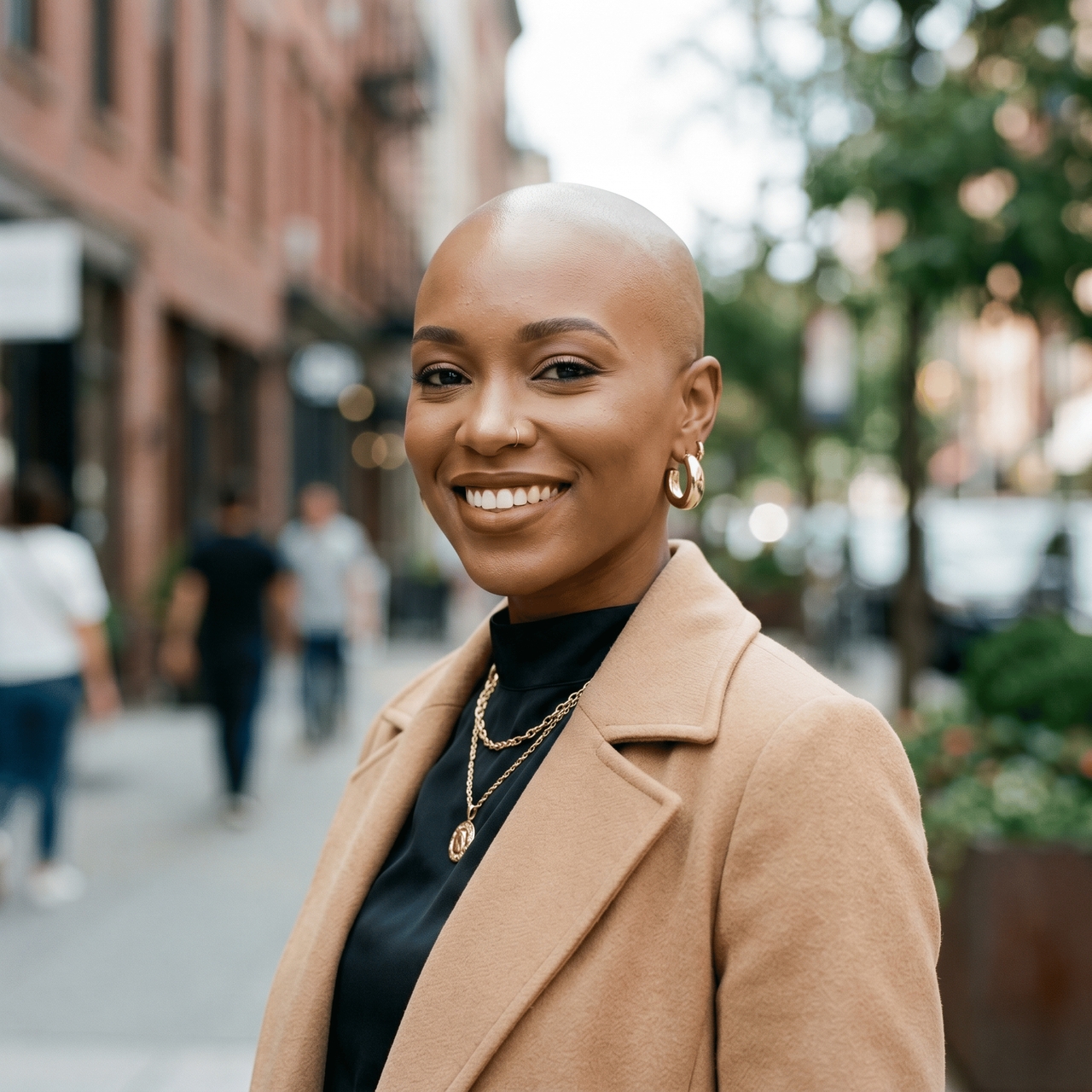
Honestly, thought I'd look terrible bald. Framia Pro showed me otherwise. The skin tone matched perfectly, and the scalp line looked completely natural. Booked the barber appointment the very next morning.
Lena Hoffmann
Lena Hoffmann
Fitness Coach
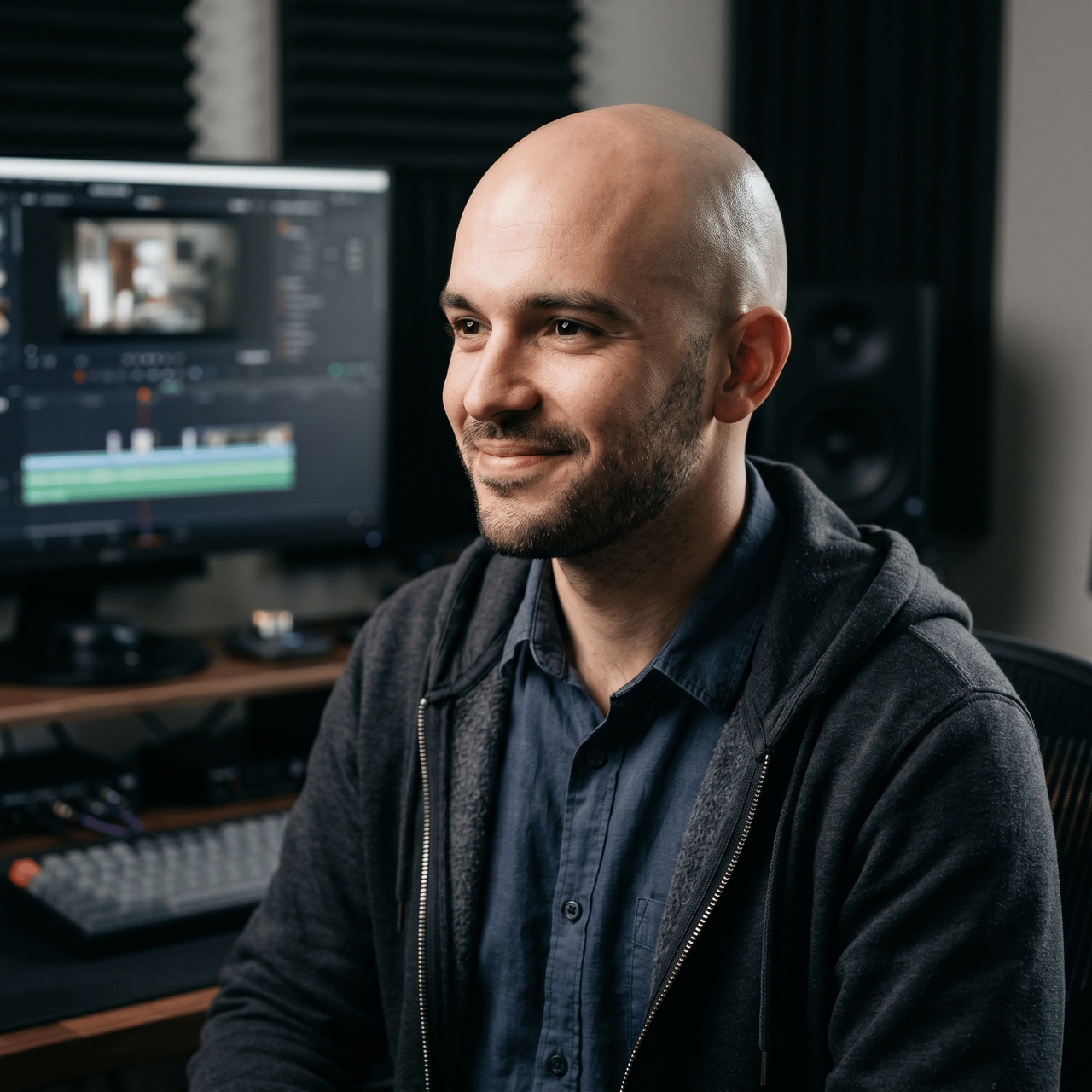
Most bald filters leave weird patches near the forehead, so I expected another messy result. Framia Pro surprised me. The scalp shading matched perfectly with my lighting setup. I dropped the edit into a reaction video, and comments started arguing about authenticity.
Julian Cross
Julian Cross
Video Editor
I run a meme account and test random AI tools constantly. Most produce awkward edits that people scroll past instantly. Framia Pro gave me one of my highest engagement posts this month. The bald version of my gym buzz cut selfie looked painfully real.
Tyler Owens
Tyler Owens
Cosplay Artist
Hair filters usually struggle with curls, so I expected strange edges around my face. Framia Pro handled everything smoothly. The result looked clean even under bright lighting. I posted the photo on Instagram stories, and followers genuinely thought I buzzed everything off overnigh
Vanessa Reed
Vanessa Reed
Fashion Blogger
I run a meme account and test random AI tools constantly. Most produce awkward edits that people scroll past instantly. Framia Pro gave me one of my highest engagement posts this month. The bald version of my gym selfie looked painfully real.
Trevor Hayes
Trevor Hayes
Meme Page Owner
We've compiled the most important information to help you get the most out of your experience. Can't find what you're looking for?Contact us

Frequently asked questions

What is the bald filter on Instagram?
The bald filter on Instagram is an AR effect that digitally removes your hair in real time. Framia Pro takes it further with a photorealistic AI-generated result instead.
Where is the bald filter?
Framia Pro uses web search and AI models to add the bald filter to your selfies. Simply, open the tool, upload your photo, type your prompt, and the transformation generates instantly.
Is there a filter to see what you look like bald?
Yes. Framia Pro lets you preview a fully shaved head on your actual photo using AI. It gives you a realistic result before any real-life decision.
Can AI apply the make me look bald filter?
Absolutely. Framia Pro uses advanced AI models to remove your hair, match your skin tone, and render a clean-shaven head that looks completely convincing.
Are AI bald filters free to use?
Framia Pro offers free access to the image generator directly in your browser. Upload your photo, generate the transformation, and download the result at no cost.
How to apply a bald filter to a photo?
Open Framia Pro, upload your photo, and type a prompt requesting a bald look. The AI processes your image and delivers a photorealistic shaved head result instantly.

Still have questions?

Have questions or need assistance? Our team is here to help!

Try the free AI bald filter now

Upload your photo, preview a realistic bald look, and download your result for free.

Free AI Bald Filter Online to See Your Shaved Head Look