


Upload your image
Drop your portrait, landscape, or product photo onto the Framia Pro Intelligent Canvas. Use a high-contrast image for the best results.
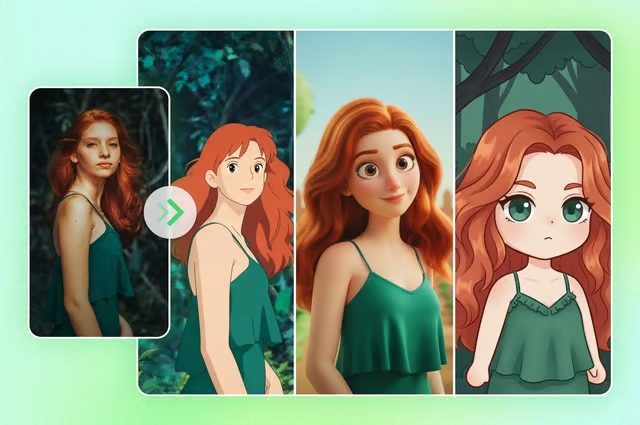
Transform any photo into stunning pencil sketches, ink drawings, or artistic line art with Framia Pro's AI Design Agent in seconds.
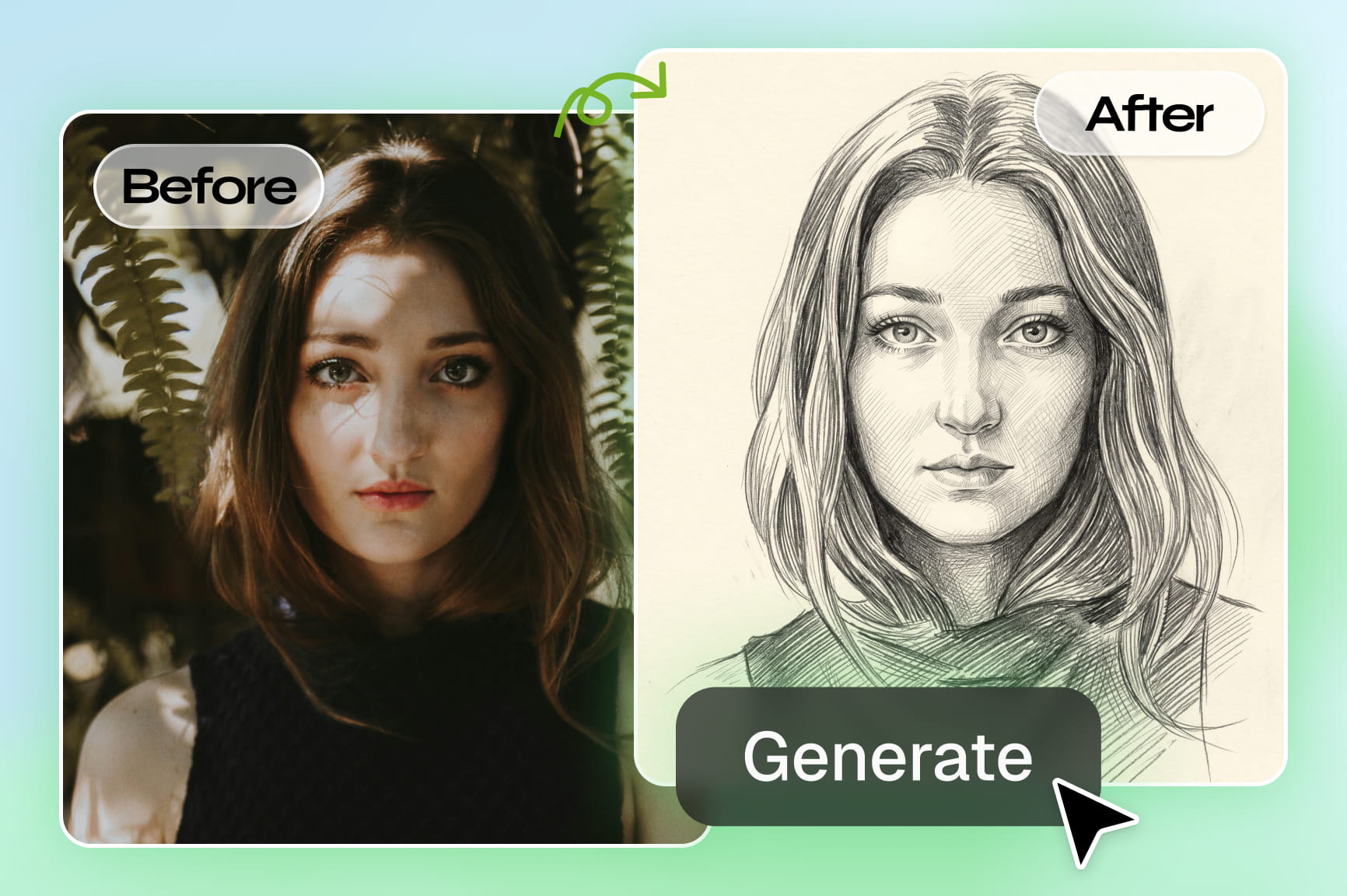
Transform ordinary photos into realistic sketch artwork instantly with Framia Pro AI using prompts, smart styles, and fast rendering.
Transform your portrait, selfie, or landscape photo into striking, hand-drawn art with Framia Pro. Upload your photograph and let elite models like Nano Banana 2, Midjourney, or Flux Max instantly turn image into a sketch, preserving every fine detail with natural, realistic hand-drawn textures.
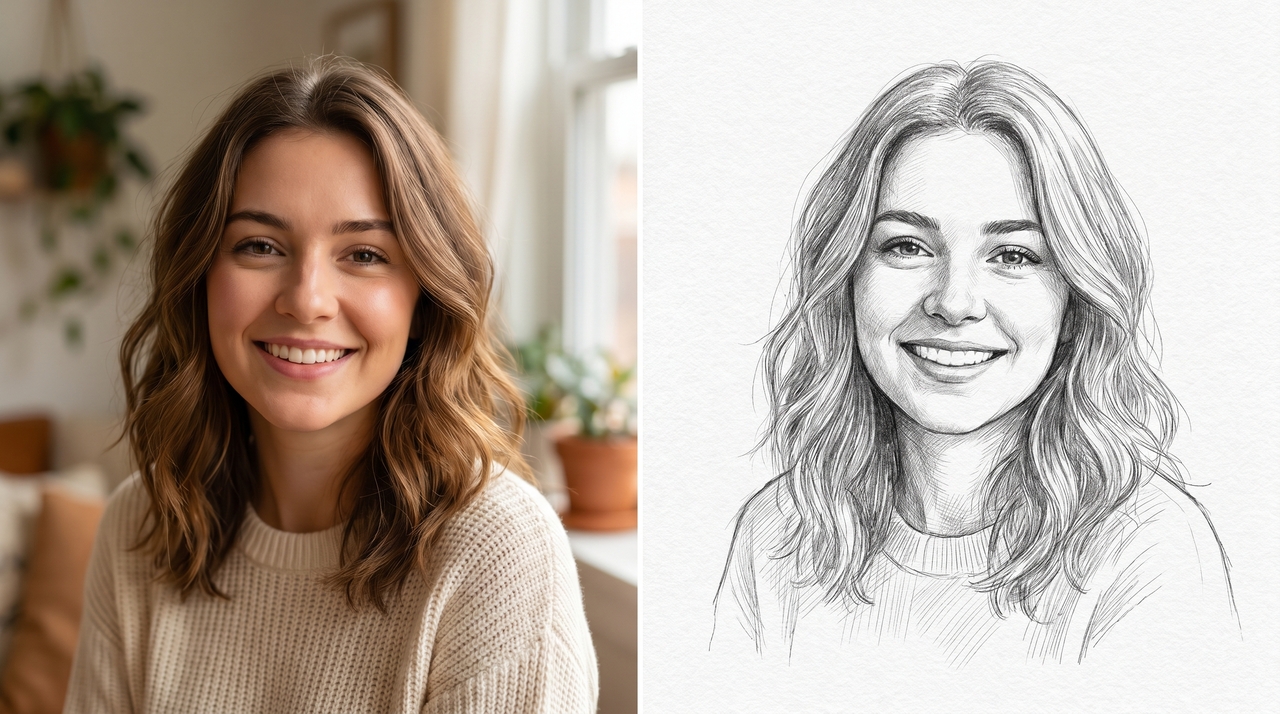
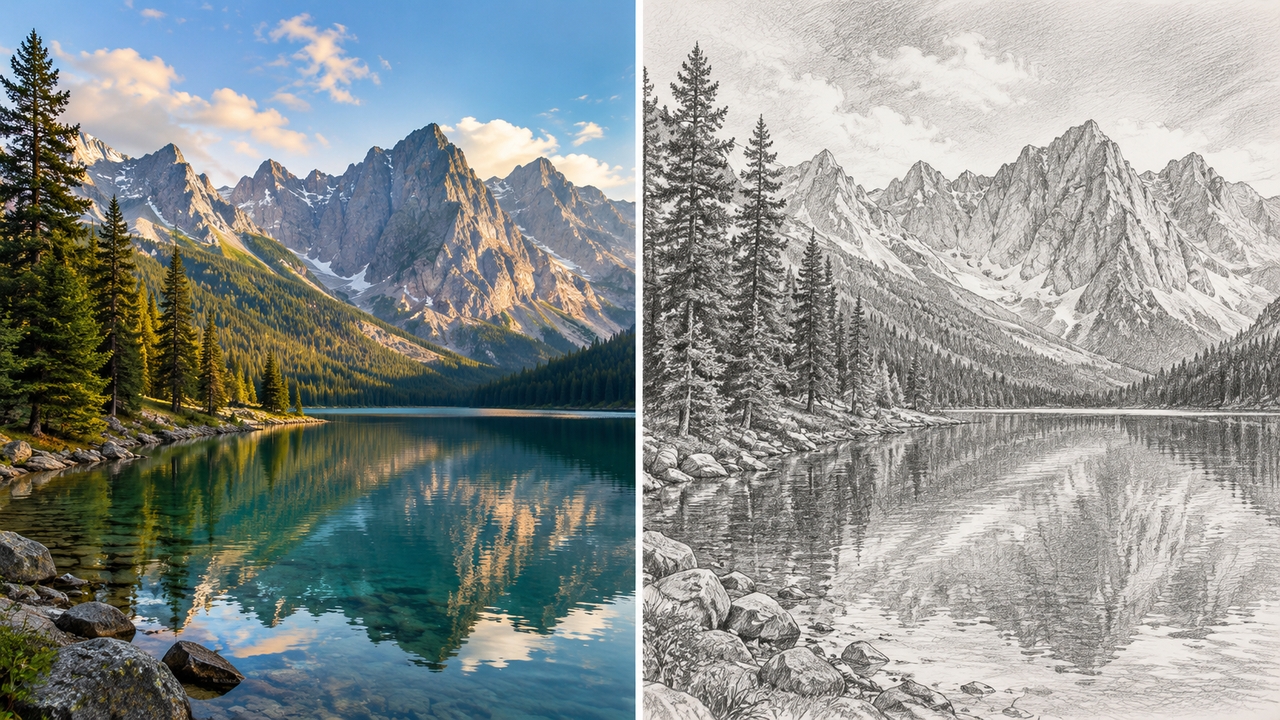
Our AI image generator offers a wide range of artistic sketch styles including realistic pencil, charcoal, ink drawing, cross-hatch, colored pencil, graphic novel, and hand-drawn line art. Each style is carefully crafted with natural textures and professional detailing to match your creative vision.
Framia Pro's image upscaler delivers commercial-grade 4K upscaling with crystal-clear lines, rich textures, and sharp details. Convert your photos into high-resolution sketches perfect for large prints, wall art, professional projects, or social media — ensuring premium quality output every single time.
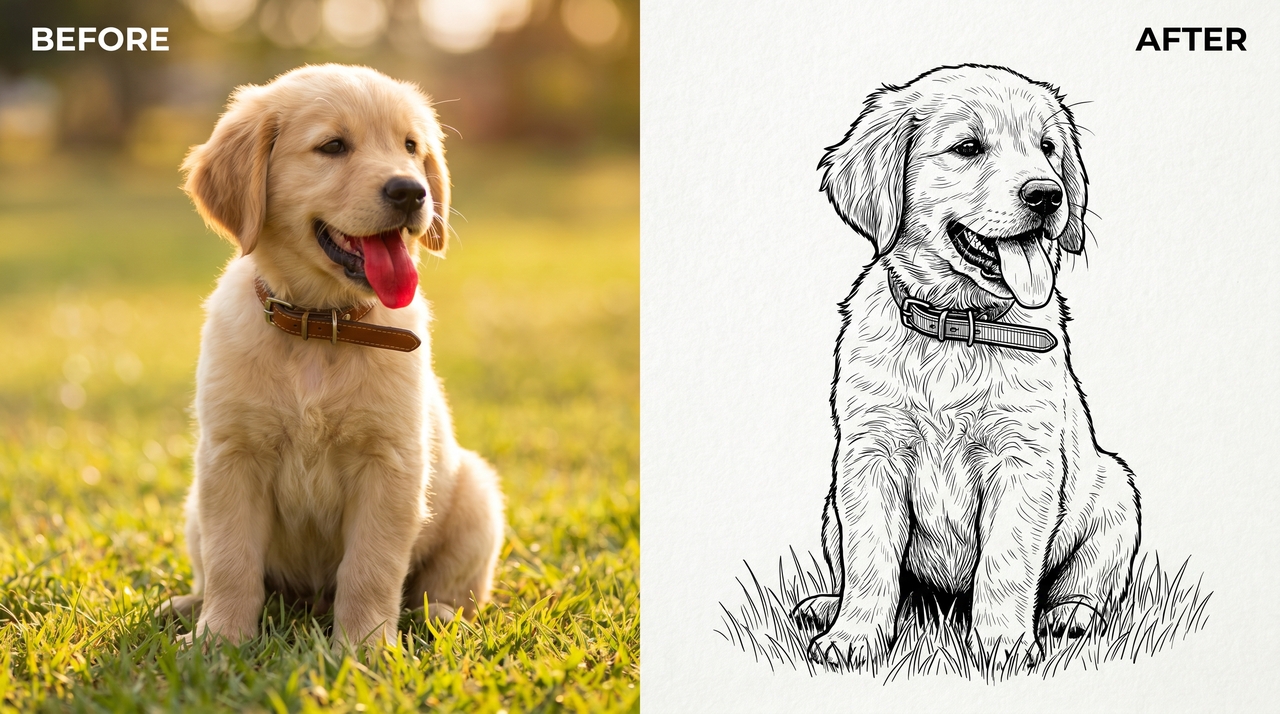
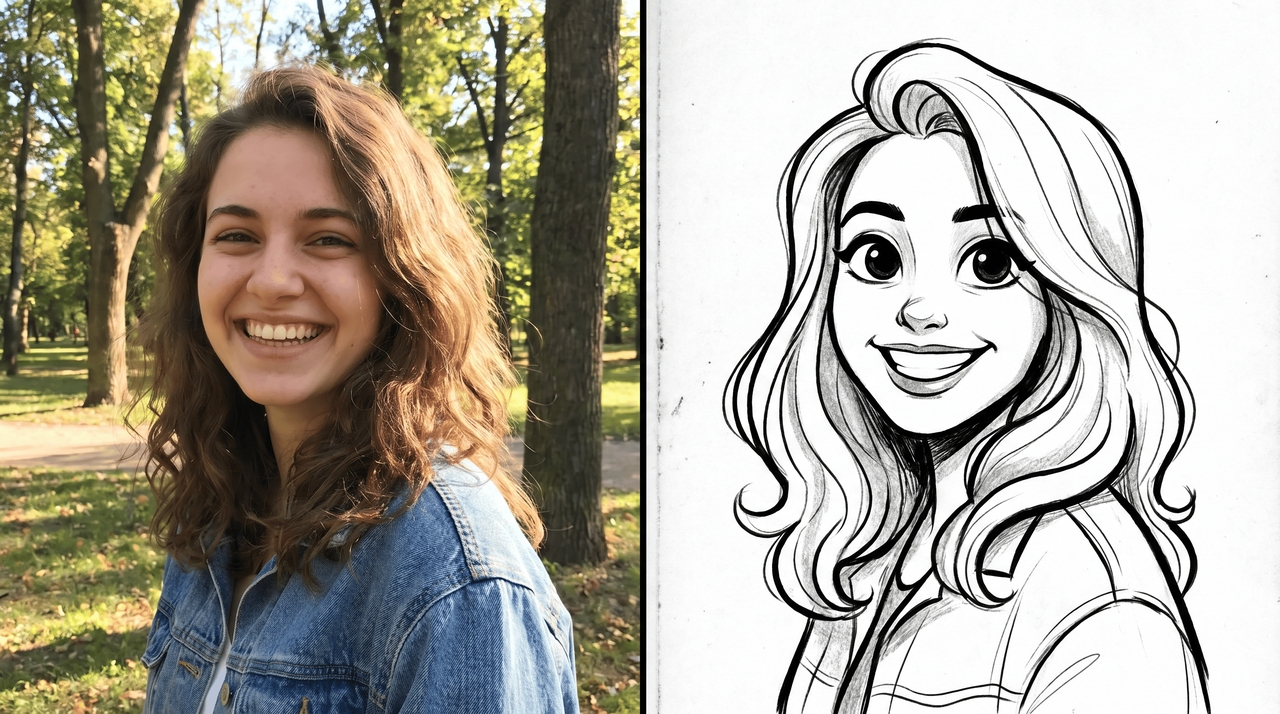
Describe the changes you want in plain language and Framia Pro's AI image to drawing converter adjusts your sketch instantly. Tweak style, intensity, or detail without sliders or technical settings — just type what you need and see it happen.
Our Advanced AI accurately captures intricate facial expressions, hair textures, clothing folds, and subtle shadows. Get high-fidelity sketches that beautifully preserve your original photo's true emotional essence while delivering stunning, professional-grade artistic results every single time.
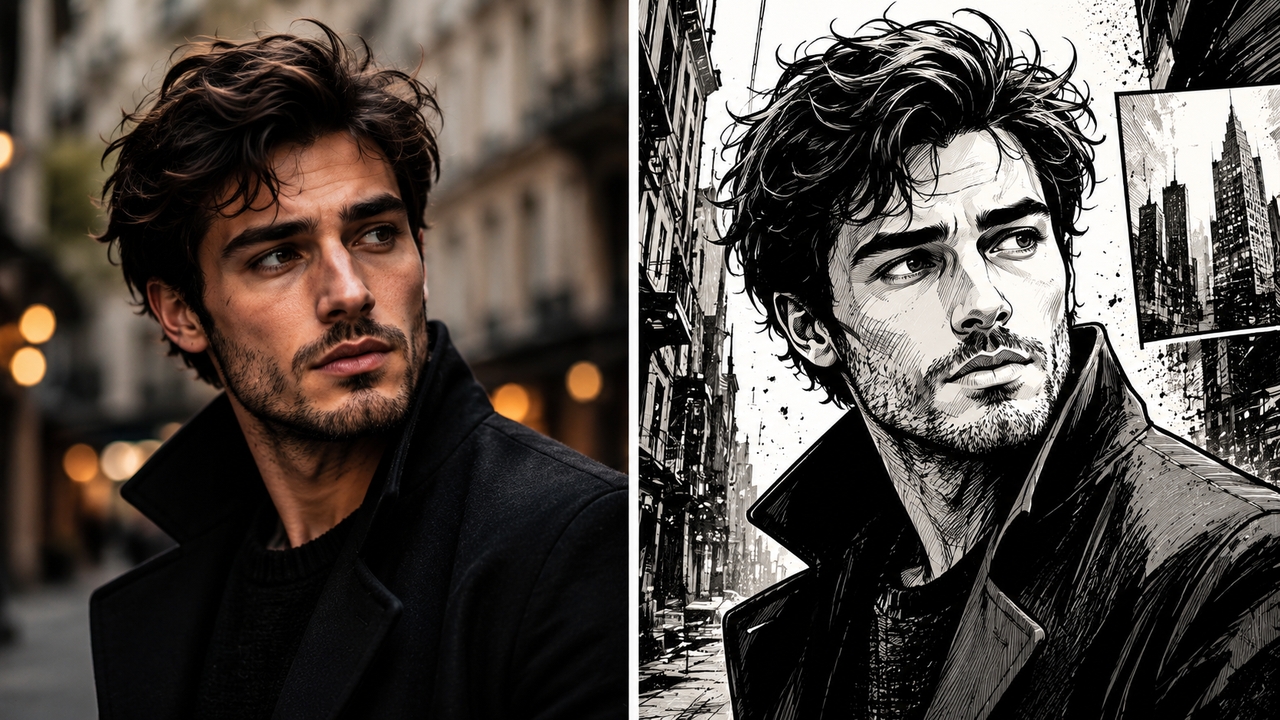
Turn every photo into a different kind of art. Explore Framia Pro's sketch styles and find the one that fits your vision perfectly.
The most classic style. Simulates traditional graphite drawing with natural strokes and soft shading — perfect for portraits, personal keepsakes, and fine art prints. The ideal way to turn a photo into a sketch with a timeless, hand-crafted feel.
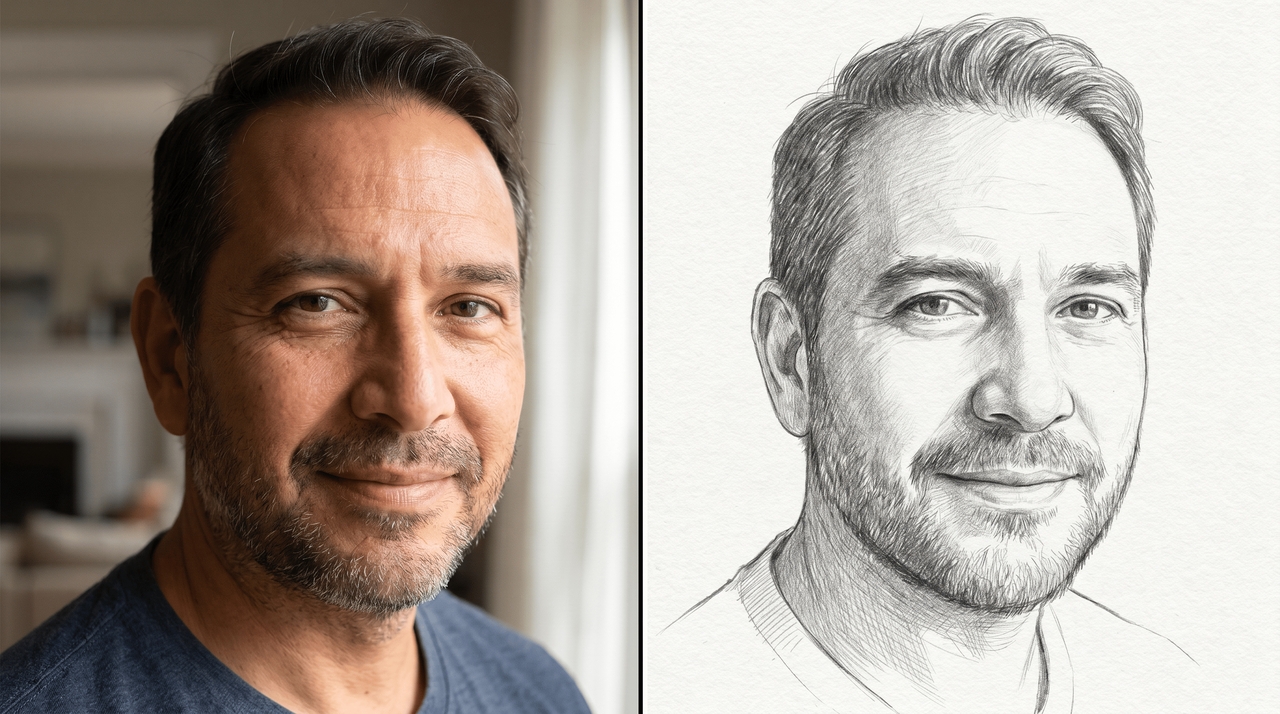
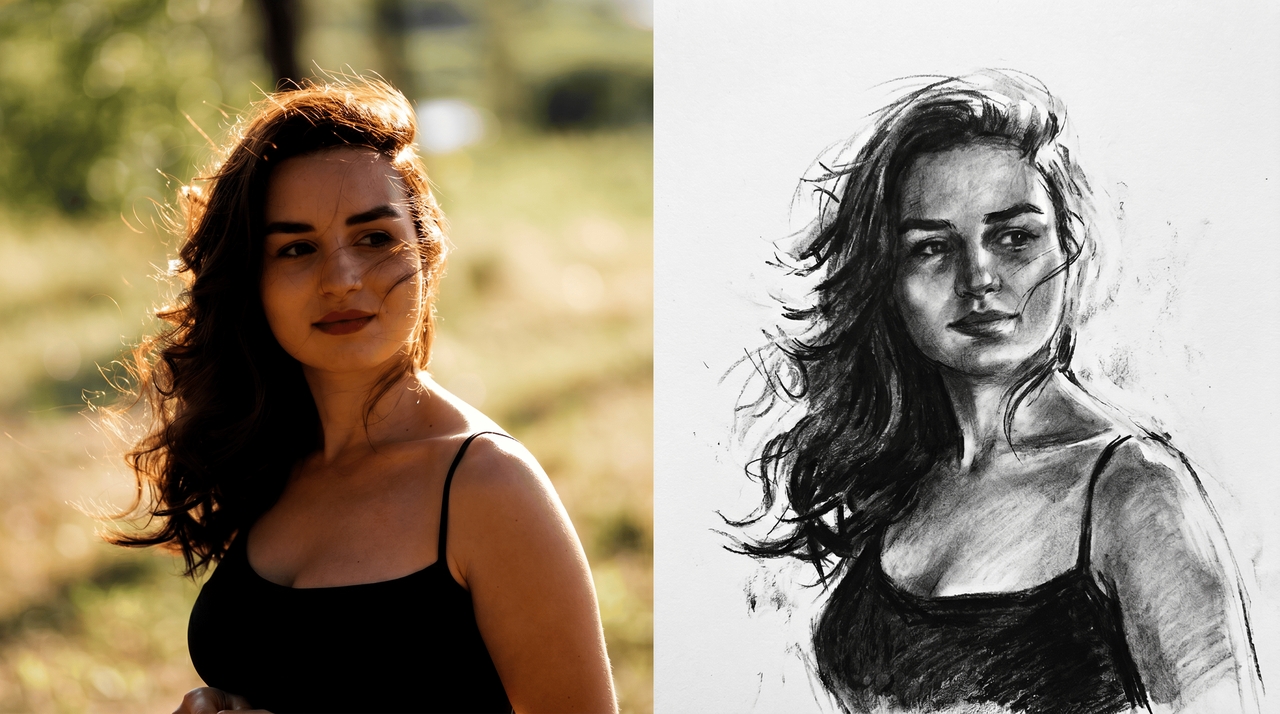
Bold and powerful black charcoal strokes with strong light-dark contrast and deep blended shadows — ideal for dramatic portraits and expressive compositions.
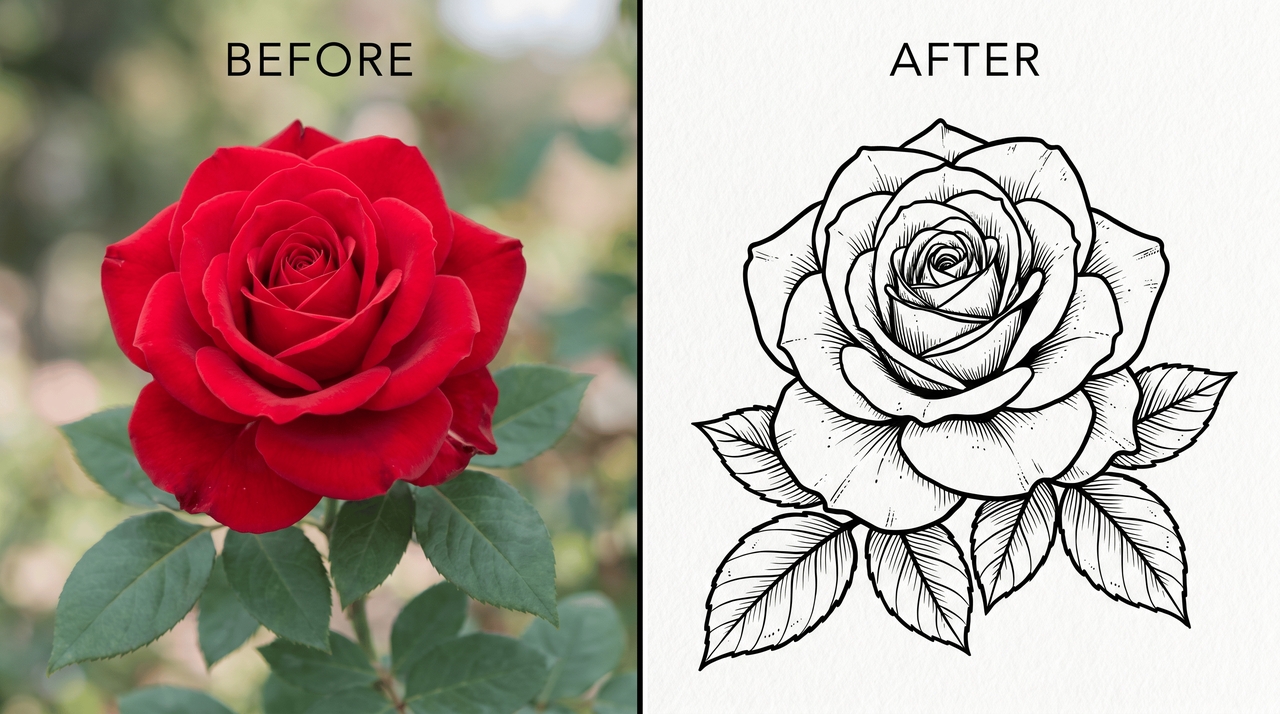
Clean, precise outlines with minimal shading. Great for coloring pages, tattoos, and professional illustrations where sharp, defined edges matter most.
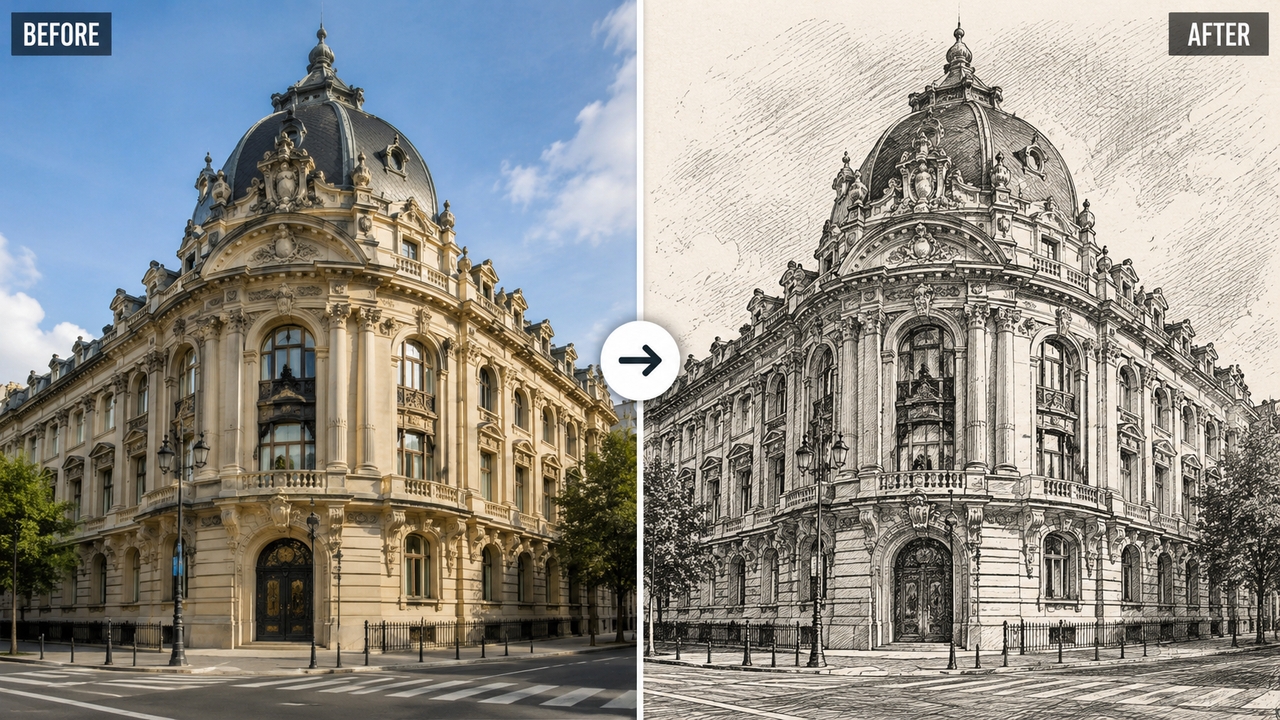
Dense cross-hatching builds up texture and metallic or tonal effects with a vintage, delicate feel — a timeless technique suited to portraits and architectural subjects.
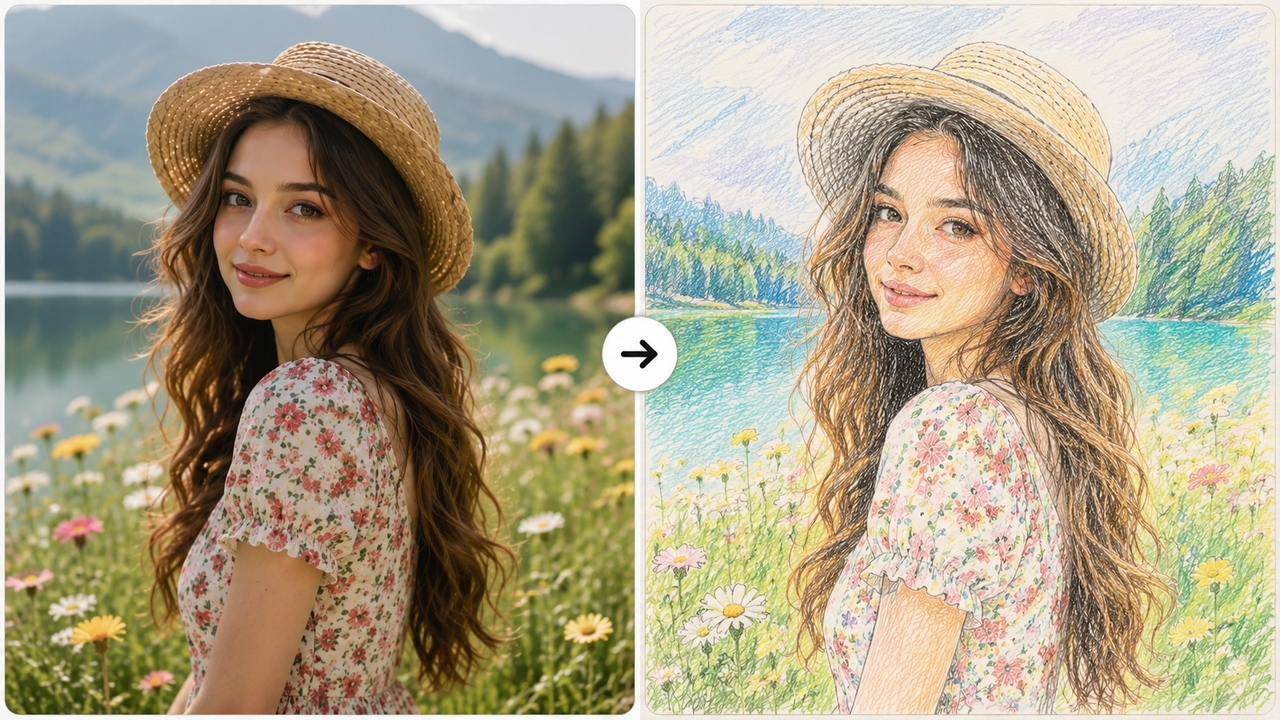
Soft pastel texture with delicate multi-colored shadow hatching, smooth color gradients, and a hand-drawn illustration style — a beautiful way to turn an image into a drawing for nature photography and vibrant creative prints.
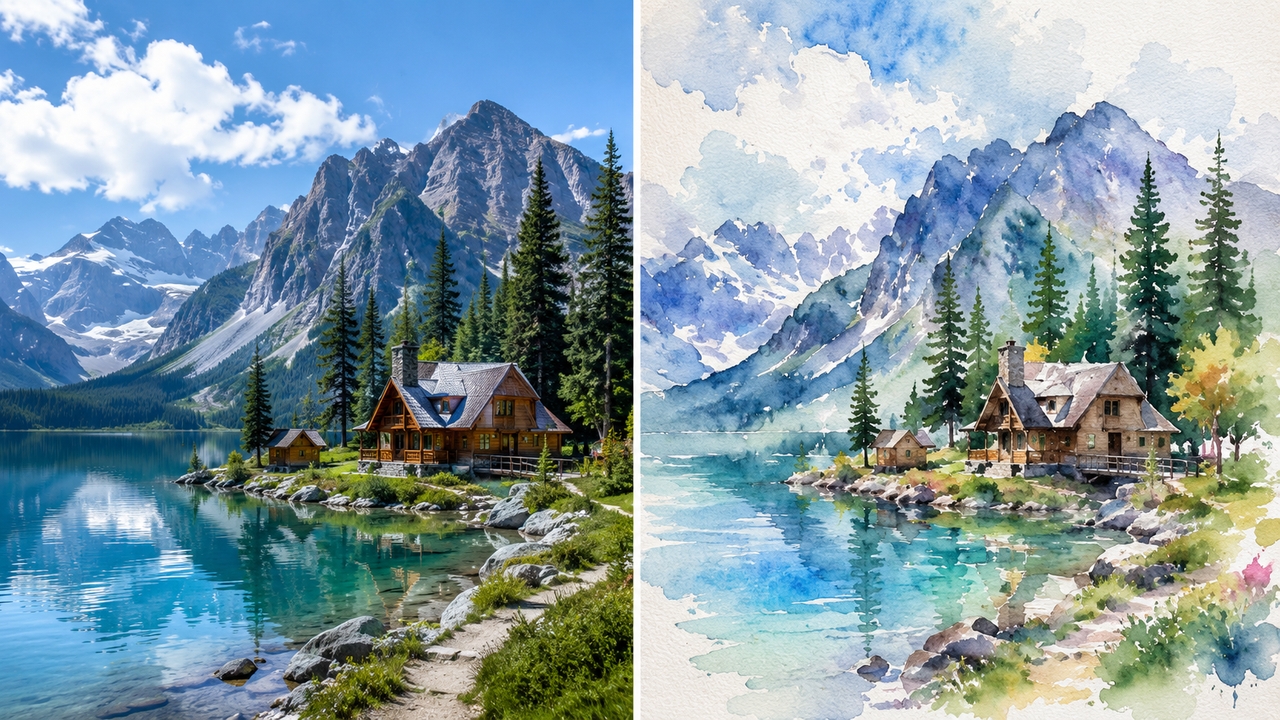
Turns your photo into a painterly scene with translucent washes and soft edges — a romantic, artistic style for landscapes, travel shots, and fine art projects.
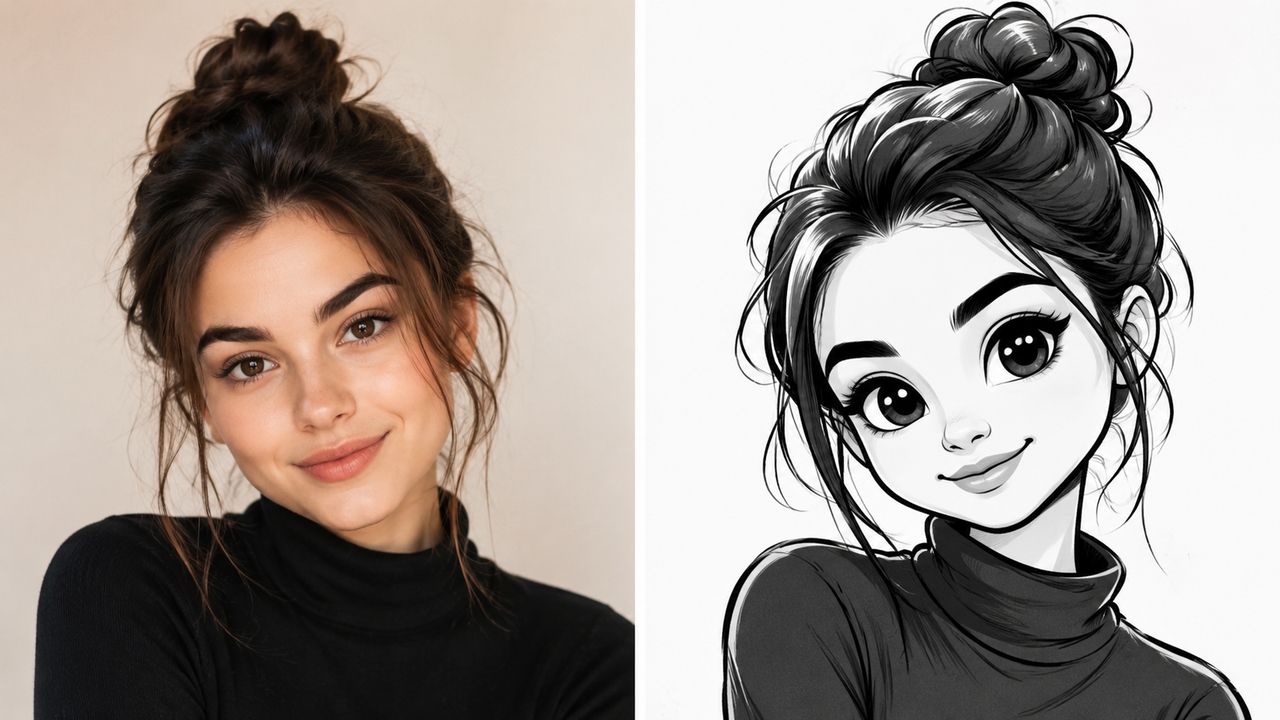
Clean and fluid lines with exaggerated proportions and an adorably cute, monochrome hand-drawn style — perfect for avatars, social media graphics, and fun creative projects.
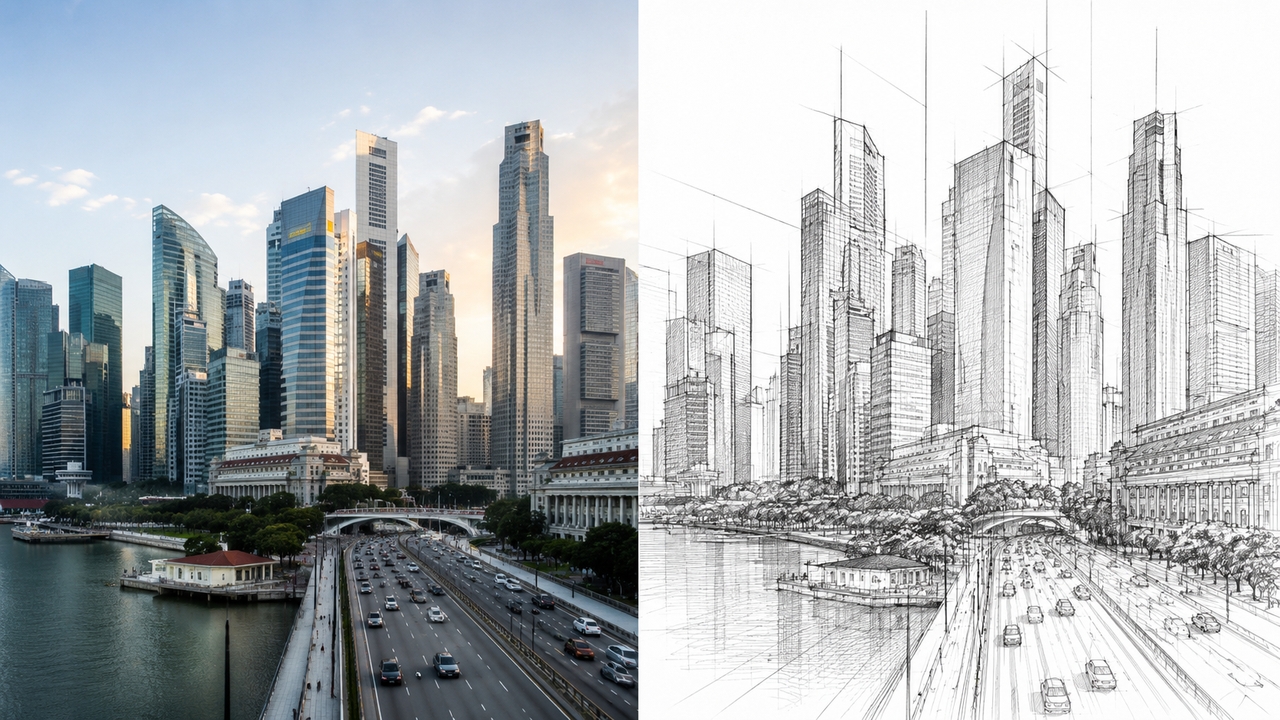
Clean geometric outer contour lines with precise perspective relationships — built for buildings, cityscapes, and product design drafts that need a structured, professional look.
Discover why thousands of creators choose Framia Pro to convert photos to sketch — faster results, smarter AI, and more creative freedom.
Unlock a world of creative potential — turn any photo into sketch art and use it across print, digital, gifting, and beyond.
Discover how creators, artists, and everyday users are transforming their photos into stunning sketches with Framia Pro.



Have questions or need assistance? Our team is here to help!
Upload your photo, describe the style, and get a stunning AI sketch in seconds. Free to try — no design skills or software required.
