Mirror Image Online

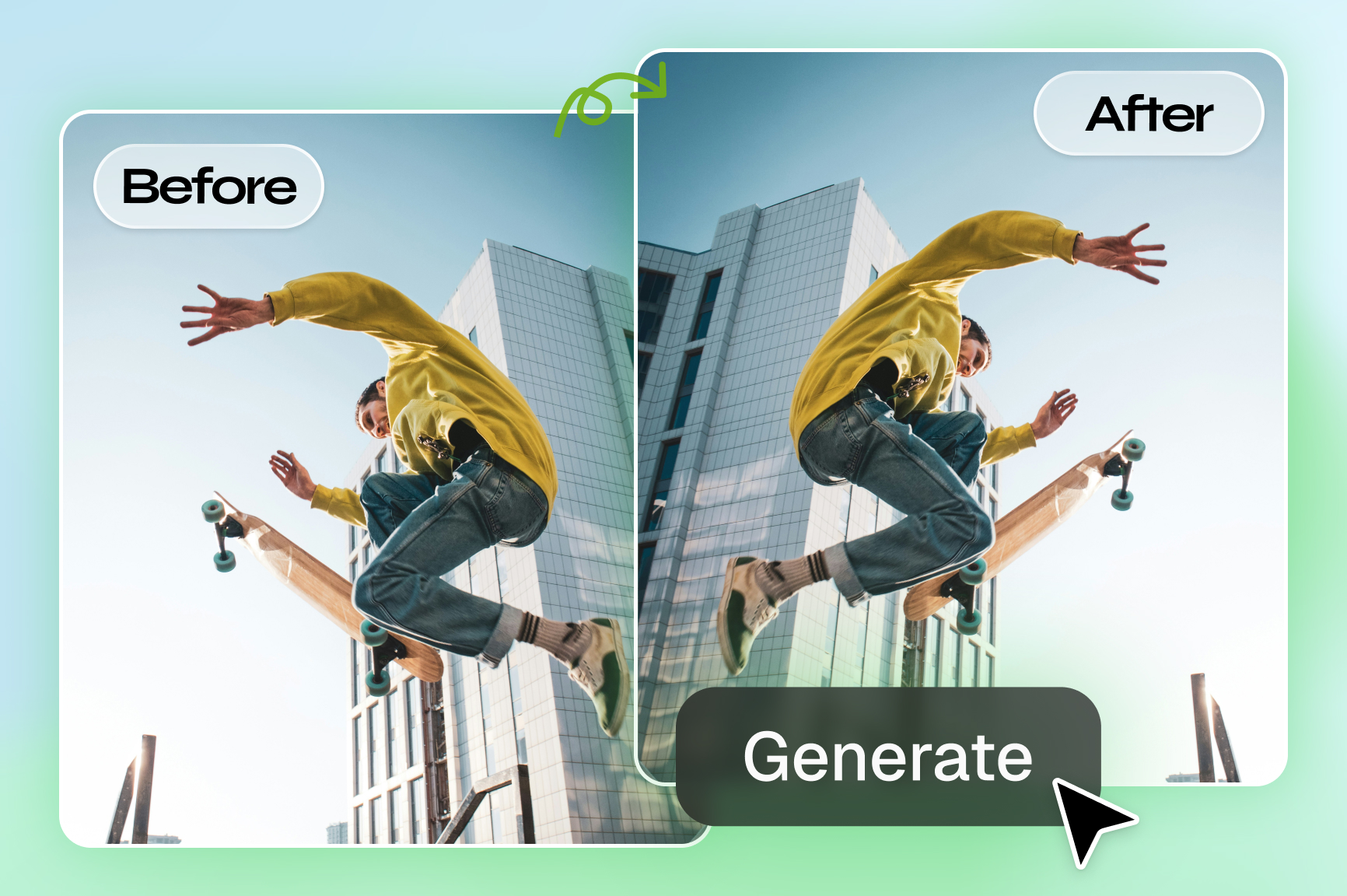
Easily flip and personalize your photos with Framia Pro, the best free mirror image online editor. Maintain perfect quality with no watermarks.

Upload imagesClick to browse or drag & drop file here
Mirror Image Online

Unlock creative control with Framia Pro's online mirror image tool

Discover how Framia Pro makes reflecting photos incredibly simple, precise, and fast online.

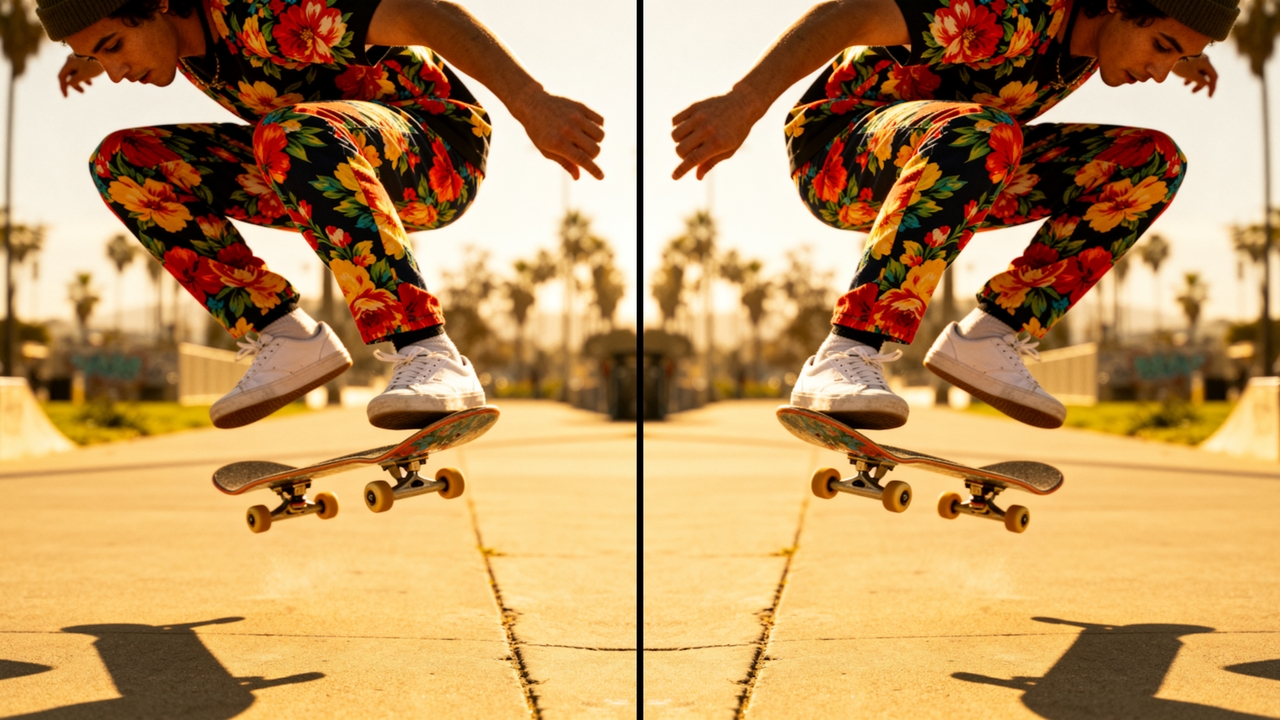
Flip vertically or horizontally instantly

Transform your visuals in mere seconds. Choose between top-to-bottom or left-to-right reflections to find the perfect orientation. This dynamic tool handles the adjustment flawlessly, ensuring your final graphic looks exactly how you originally envisioned it for your exciting project.

Flip vertically or horizontally instantly
Maintain high image quality easily

Maintain high image quality easily

Preserve the crisp resolution of your original upload. Avoid frustrating pixelation issues and blurry edges after applying the reflection effect. Your downloaded photograph retains its crystal-clear clarity, remaining perfectly sharp and ready for any professional printing or digital campaign.

Personalize your flipped image easily

Customize your newly reflected picture further using Framia Pro's "Chat-to-Edit" features. Add beautiful filters, adjust brightness levels, or incorporate vibrant text overlays instantly. This seamless integration means you never need external software to finish your complete digital design project.

Personalize your flipped image easily
Mirror icons and design assets

Mirror icons and design assets

Expand your creative possibilities beyond standard photographs. Flip graphic vectors, brand logos, or decorative illustrations with identical precision. This powerful capability helps you build complex symmetrical layouts and totally unique visual components for every aspect of your professional branding.

How to mirror an image online with Framia Pro?

Upload your image and select an AI image model
Start by uploading your image that you want to mirror, and then select your preferred AI image model option.
Enter your image mirroring prompt
Provide a simple prompt for image mirroring, and also state whether you want it horizontally or vertically.
Finalize and export your mirrored image
Framia Pro will create a mirrored version of your image, which you can further edit or download for sharing.

Elevate your visuals with our free online mirror image tool

Experience the ultimate convenience and speed when you mirror images online using Framia Pro.

Achieve symmetrical perfection every time
Creating balanced visuals is critical for stunning graphics. Our intuitive system guarantees flawless symmetry for any uploaded file. You can craft mesmerizing patterns and satisfyingly even designs that instantly grab attention and elevate your brand identity to new heights.
Speed up your creative workflow
Time is your most valuable asset during busy projects. This platform eliminates complicated menus and steep learning curves. You get the desired flipped result in just a single click, allowing you to focus completely on the broader creative vision.
Access from any device seamlessly
Work effortlessly whether you are using a desktop computer at home or a mobile tablet on the train. Our responsive website adapts perfectly to your screen size, delivering a smooth and consistent image editing experience no matter where you travel.
Secure cloud processing protects data
Your privacy matters deeply to our team. All uploaded files are processed through secure servers and automatically deleted after your session ends. You can confidently edit personal or sensitive materials knowing your digital assets remain completely safe and protected.
Integrate with existing design assets
Blend your freshly reversed graphics into broader templates seamlessly. Framia Pro allows you to refine individual elements before bringing them into larger collage projects or promotional banners, ensuring every single layer works together in complete harmony for maximum impact.
No software installation required ever
Save your precious hard drive space and avoid tedious update prompts. Everything happens directly inside your favorite web browser. You instantly gain access to professional-grade tools without the heavy burden of downloading and installing clunky standalone software programs locally.

Creative examples of mirroring images that can inspire you

Explore how diverse prompts generate incredibly unique results when you use image mirror online tools like Framia Pro.

Majestic Mountain Lake Reflection

Prompt: A serene, crystal-clear alpine lake perfectly mirroring a snow-capped mountain peak during a vibrant orange and pink sunrise.
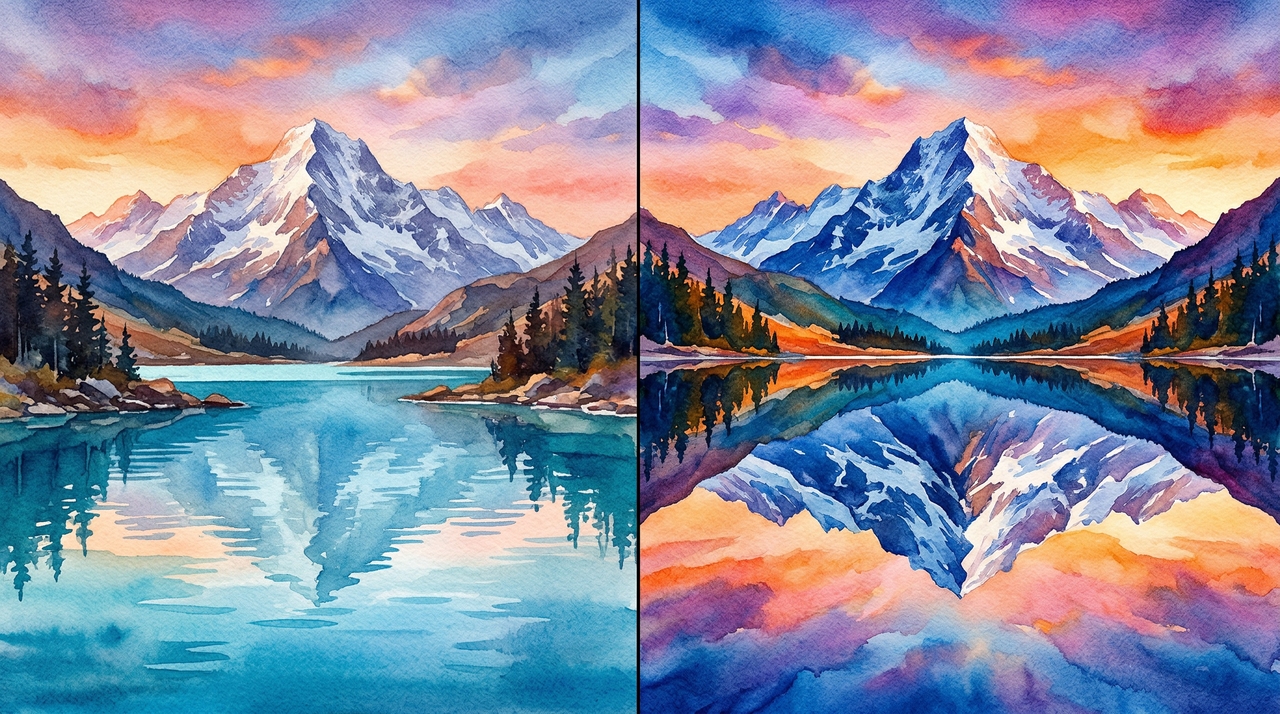
Majestic Mountain Lake Reflection
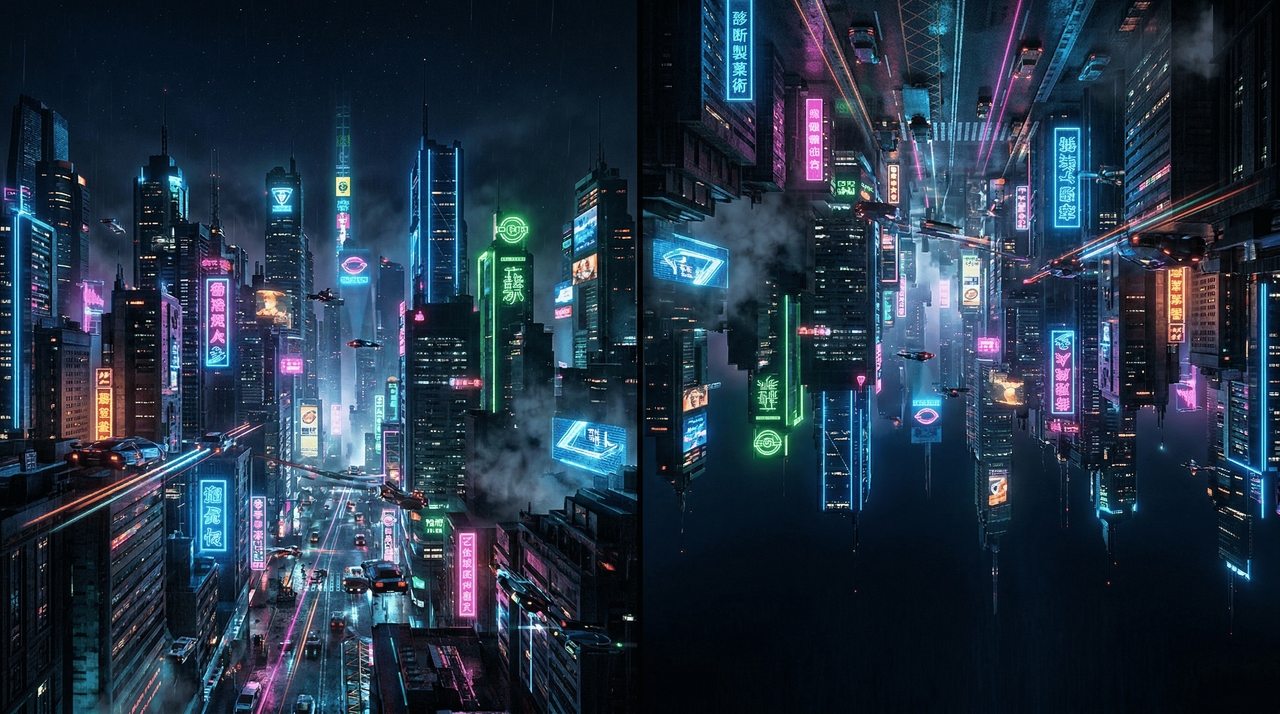
Futuristic Cyberpunk City Skyline

Futuristic Cyberpunk City Skyline

Prompt: A sprawling, neon-lit cyberpunk metropolis skyline flipped vertically to create an abstract, disorienting sci-fi landscape over a dark abyss.

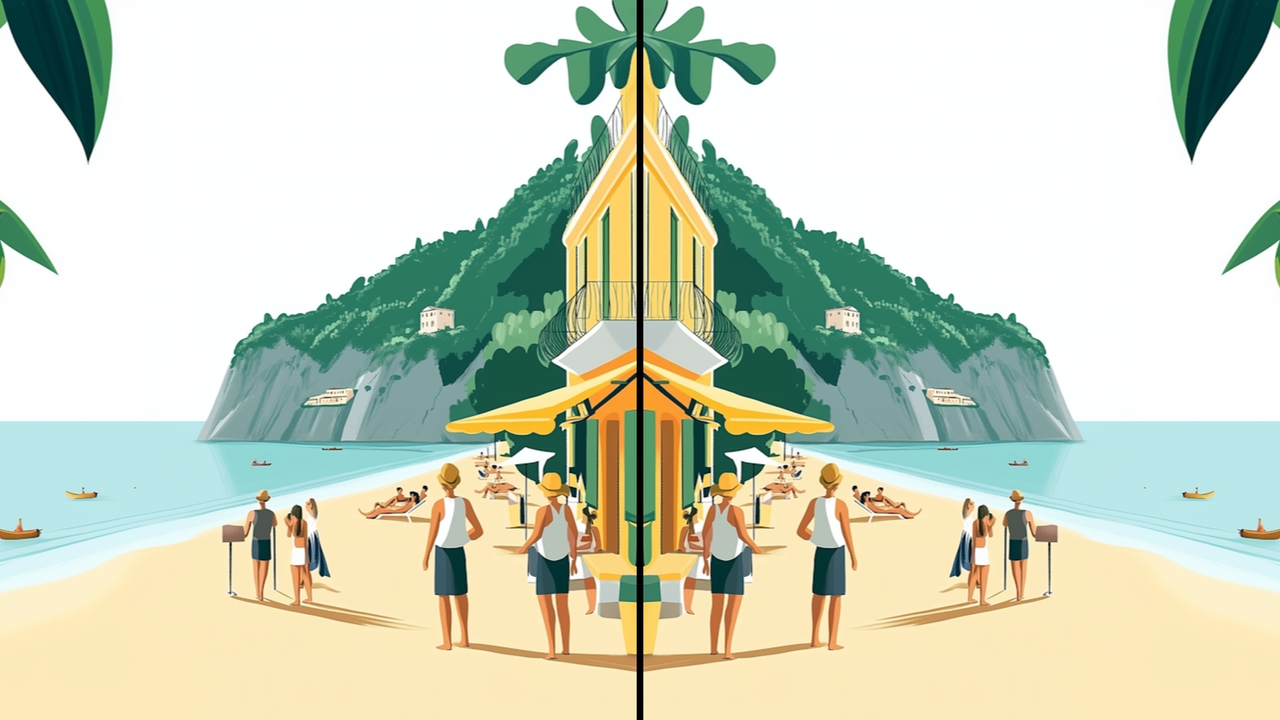
Symmetrical Floral Mandala Design

Prompt: A detailed, colorful blooming lotus flower duplicated and mirrored horizontally to form a mesmerizing, perfectly balanced spiritual mandala pattern.
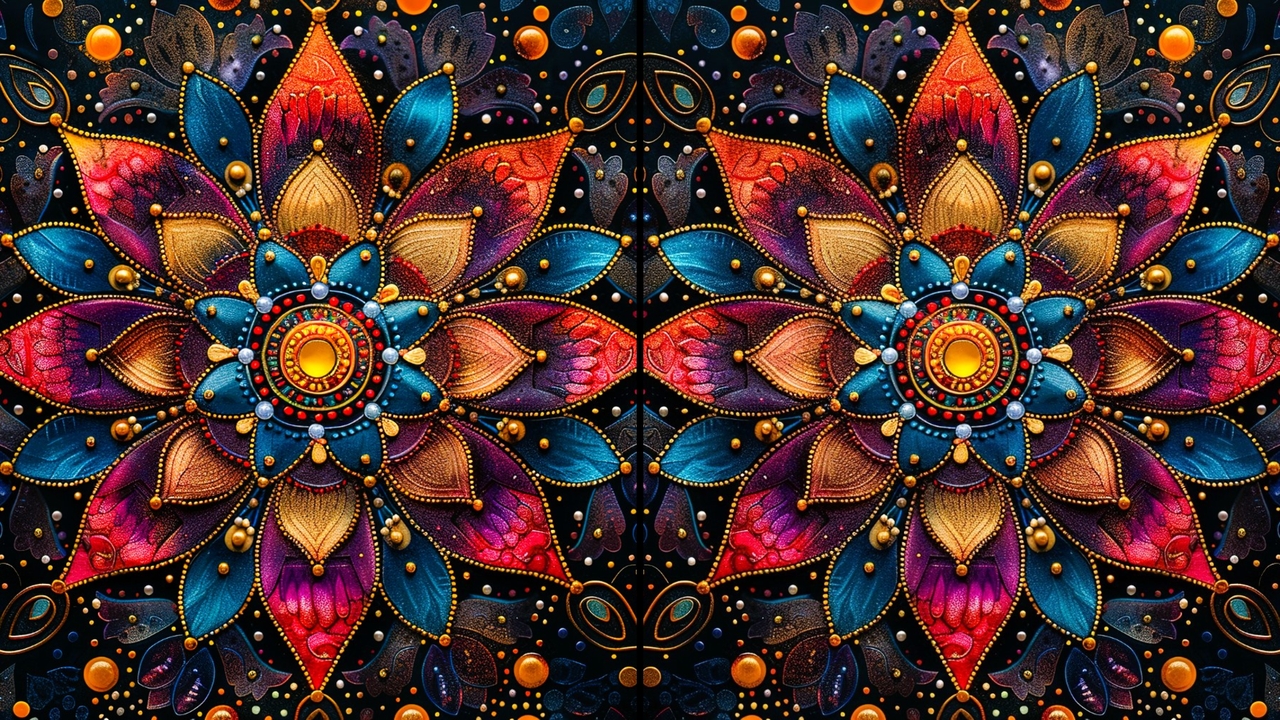
Symmetrical Floral Mandala Design
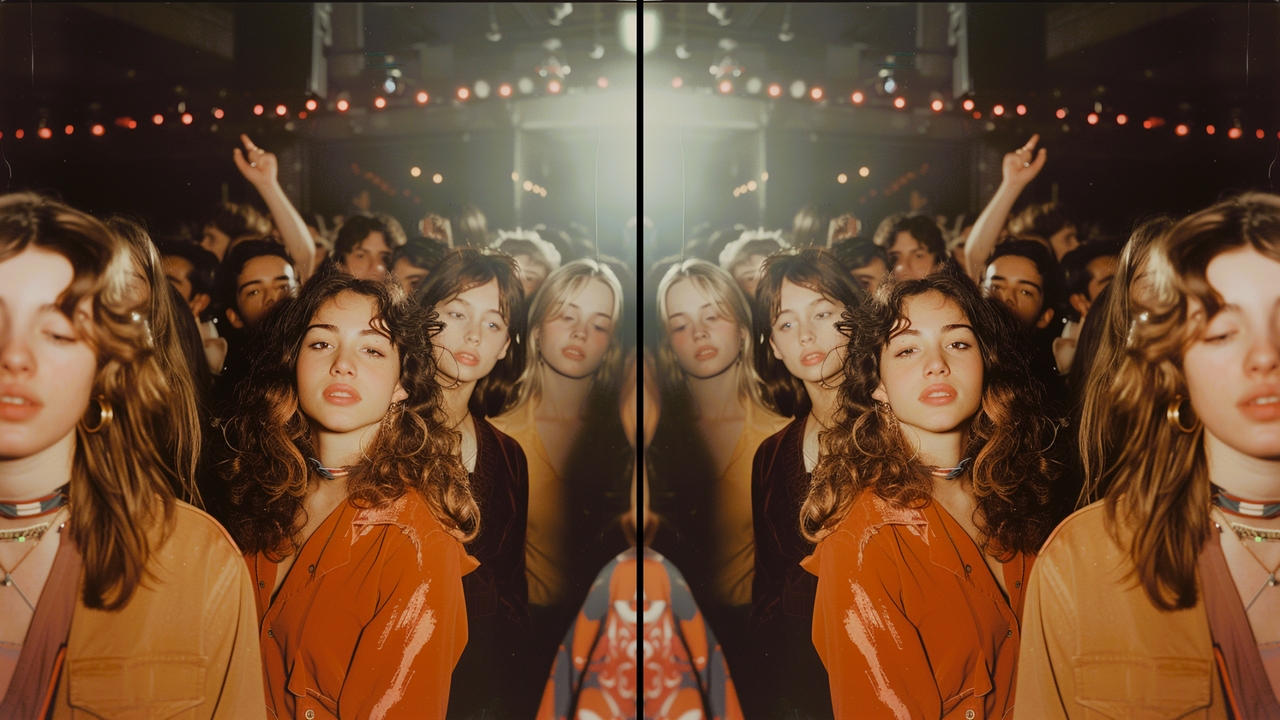
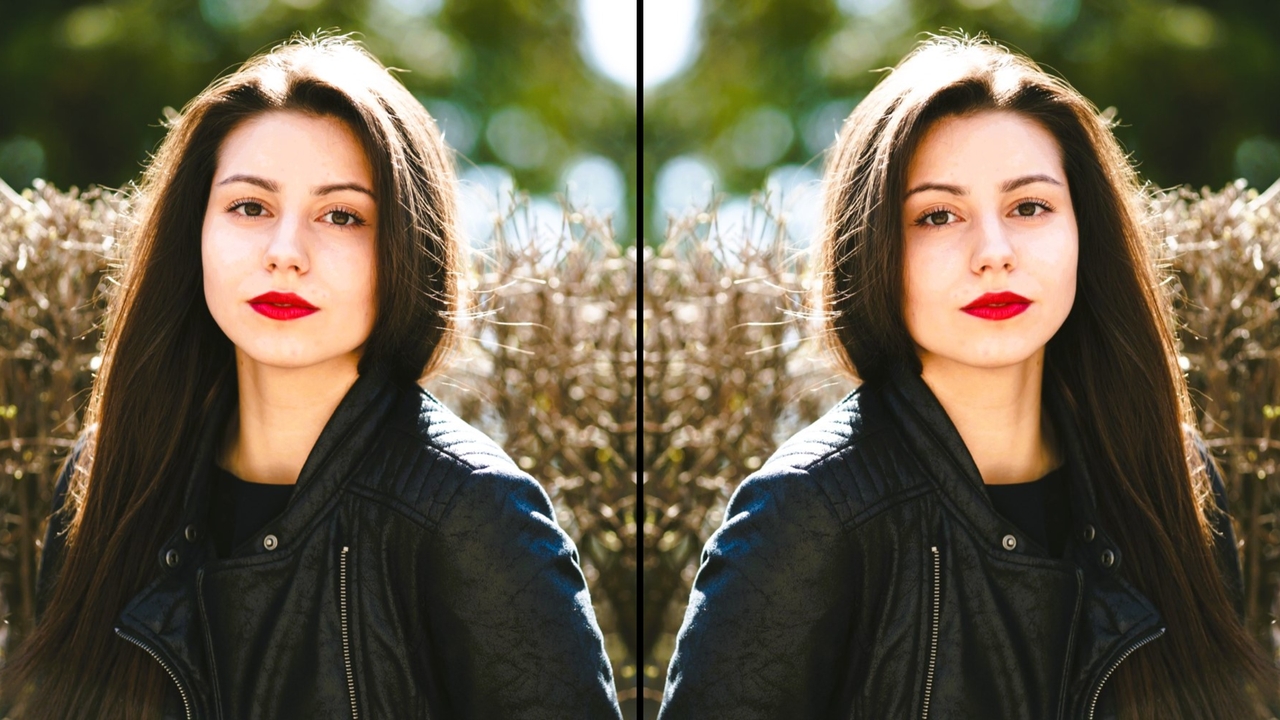
Split Face Portrait Photography

Split Face Portrait Photography

Prompt: A modern glass skyscraper's sharp geometric angles mirrored on both axes to generate a complex, kaleidoscopic architectural illusion.
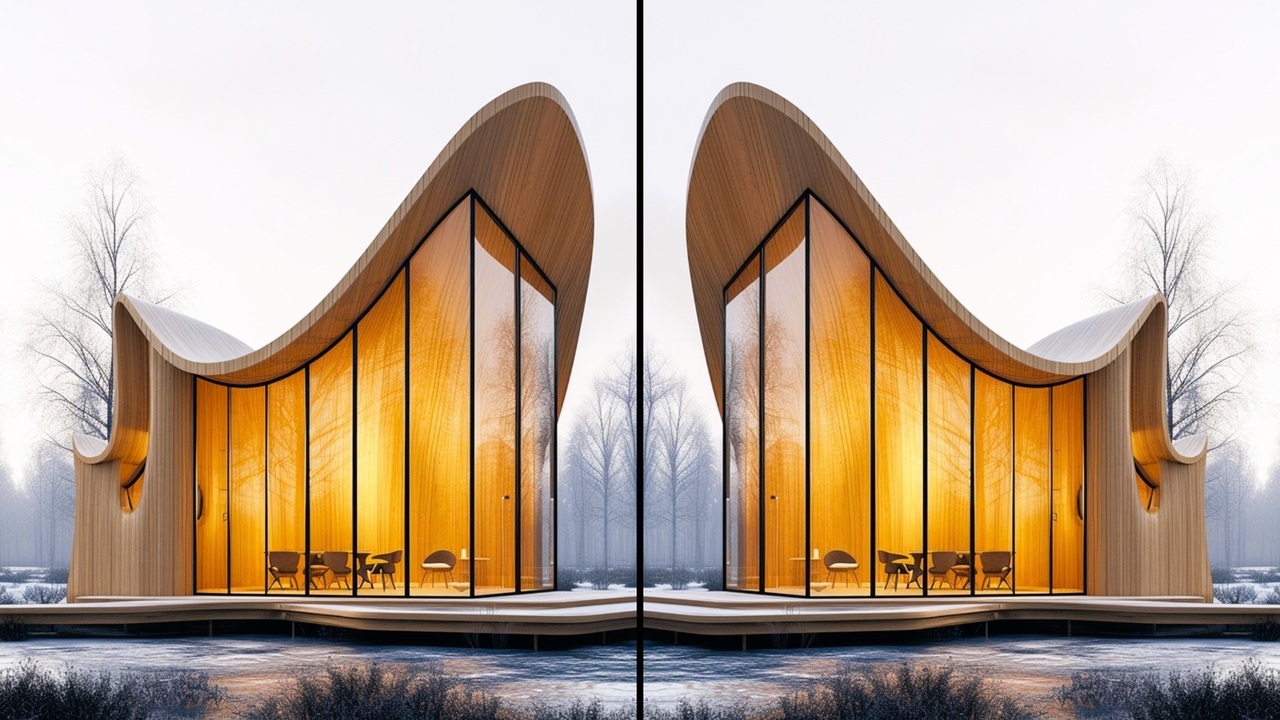
Abstract Architectural Building Facade

Prompt: A modern glass skyscraper's sharp geometric angles mirrored on both axes to generate a complex, kaleidoscopic architectural illusion.

Abstract Architectural Building Facade
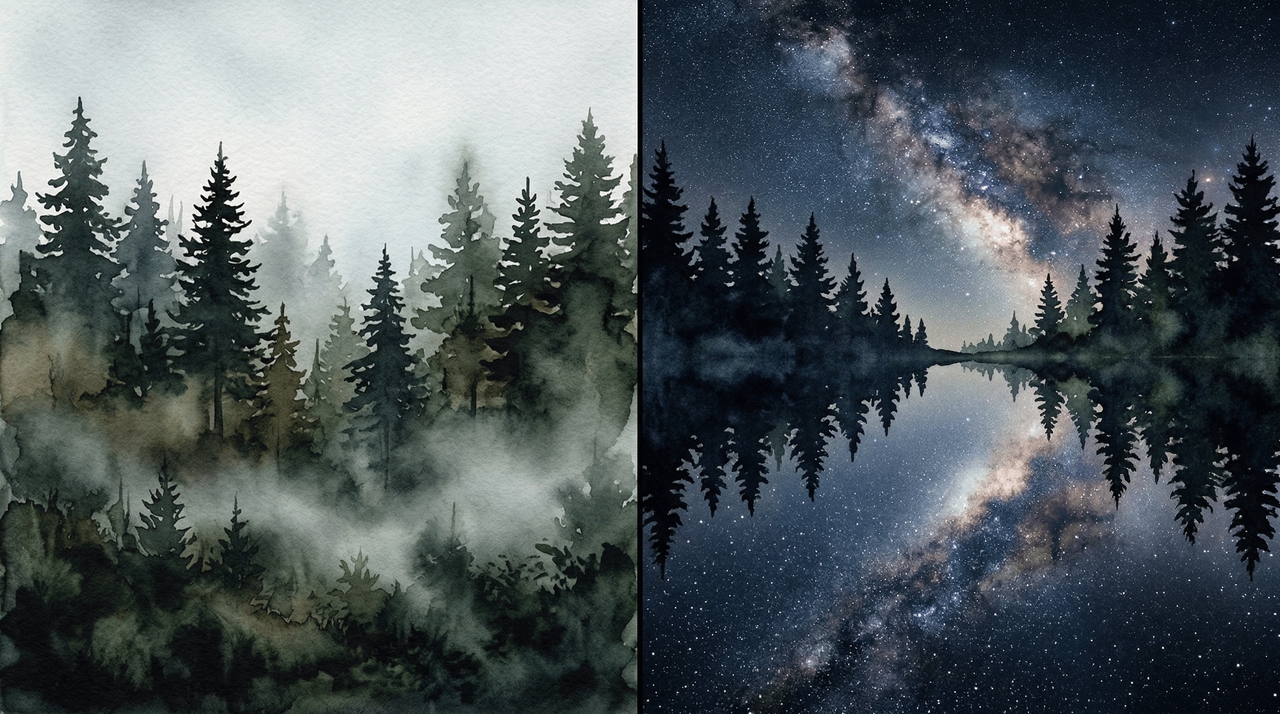
Double Exposure Forest Silhouette

Double Exposure Forest Silhouette

Prompt: A dark, misty pine forest treeline mirrored vertically against a starry night sky, creating a mystical, double-exposure visual effect.

Versatile & creative applications of our mirror image online tool

Discover practical ways to implement a mirror image online across various creative fields.

Designing captivating social media posts

Social media algorithms favor striking, unique visuals that stop users from scrolling. By flipping specific visual elements, you create thumb-stopping graphics that boost engagement rates, generate more clicks, and effectively highlight your core message to your growing online audience.
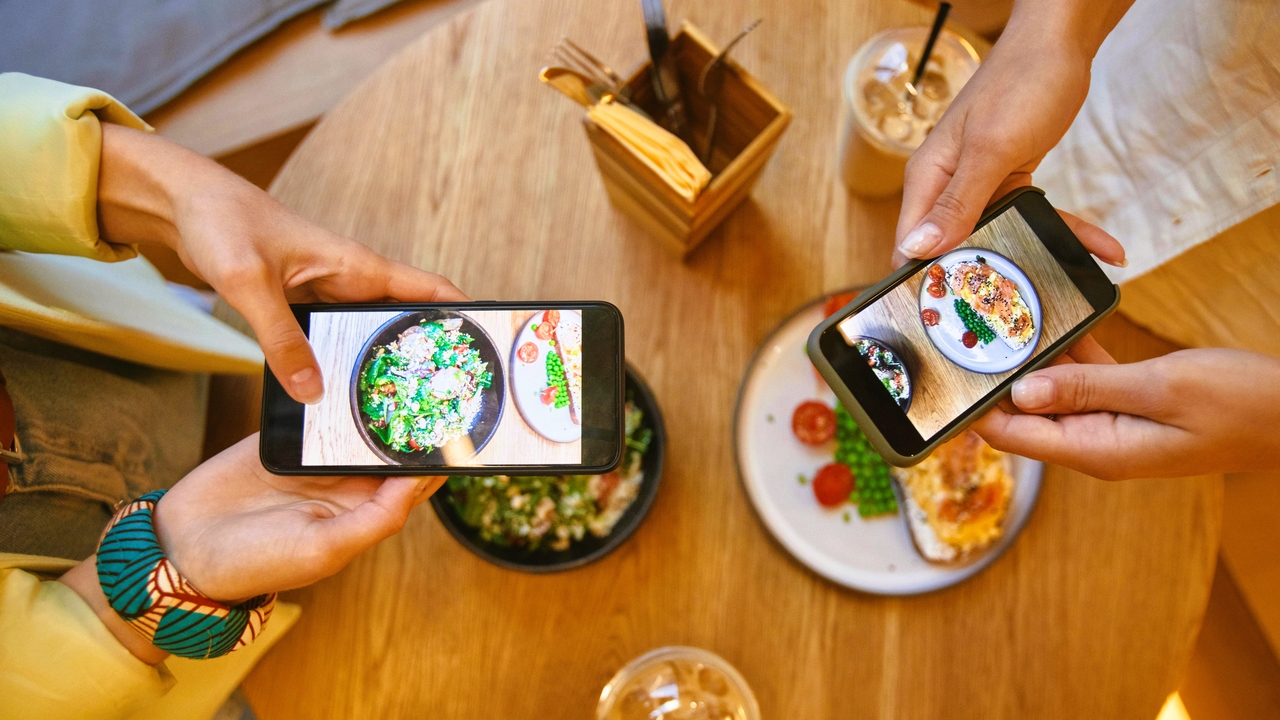
Designing captivating social media posts
Crafting seamless website background patterns

Crafting seamless website background patterns

Web designers frequently need continuous textures for dynamic page backgrounds. Reflecting a single tileable graphic horizontally and vertically produces a flawless, repeating pattern. This clever technique saves significant design time while ensuring a highly polished and professional website aesthetic.

Enhancing professional product photography shots

E-commerce stores rely heavily on clean, balanced imagery to drive online sales. Flipping a product photo can fix directional lighting inconsistencies or create beautiful floor reflections, making the item look significantly more premium, trustworthy, and appealing to potential buyers.
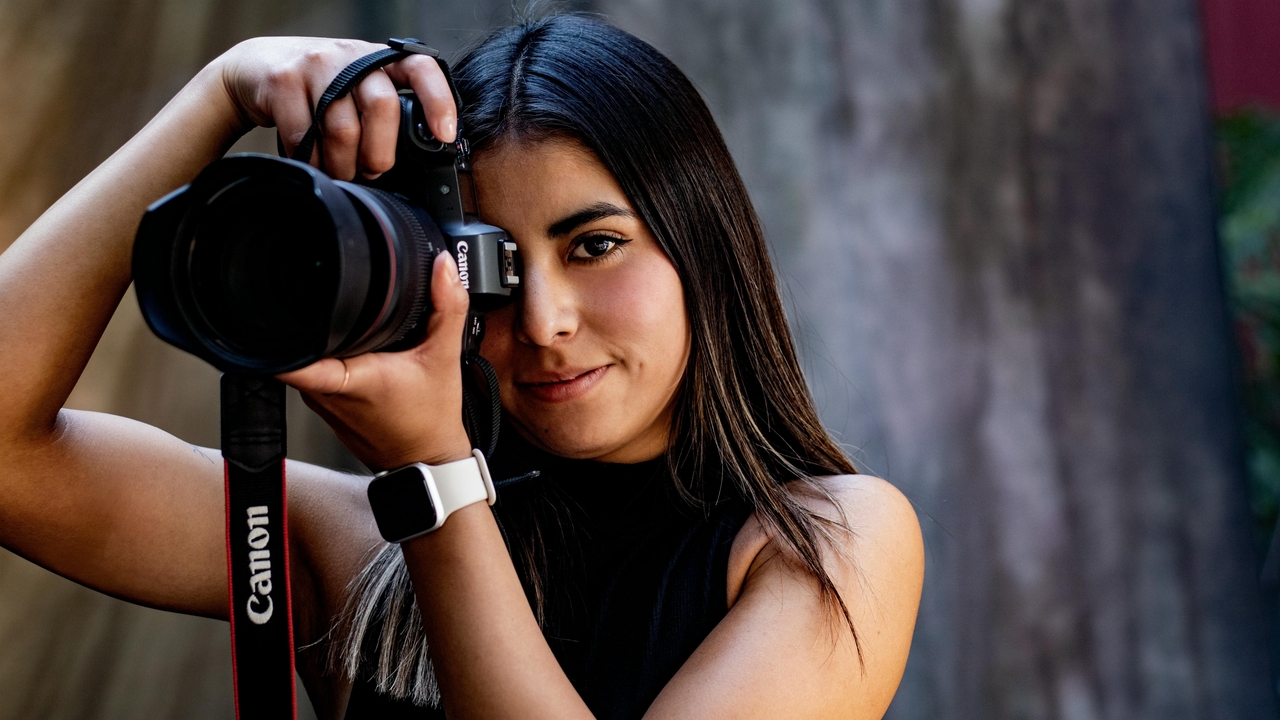
Enhancing professional product photography shots

Hear from creators who love Framia Pro's free online mirror image tool

Read how professionals across Canada successfully utilize our mirror image online software.

This tool completely streamlined my daily workflow. I no longer struggle with heavy software just to flip a basic graphic. The interface is remarkably clean, and the output quality is consistently brilliant for all my fast-paced digital marketing campaigns.
Liam Tremblay
Liam Tremblay
Marketing Director
Creating symmetrical patterns is absolutely essential for my clothing line. Framia Pro provides the exact precision I desperately need. It handles large file sizes effortlessly, making my pattern creation process infinitely smoother and significantly more enjoyable from start to finish.
Chloe Martin
Chloe Martin
Fashion Designer
I am not a technical person, but this platform makes editing so easy. I can reverse my personal photos in seconds without reading confusing tutorials. It is exactly what I was searching for to manage my lifestyle blog images.
Noah Patel
Noah Patel
Lifestyle Blogger
As a professional photographer, maintaining resolution is my top priority. Other free tools compress my files terribly, but this platform keeps everything perfectly sharp. I trust it completely with my high-resolution client portraits and stunning outdoor landscape photography portfolios.
Emily Gagnon
Emily Gagnon
Lead Photographer
I travel constantly and rarely have access to my primary desktop computer. Being able to quickly flip and adjust my event graphics directly from my mobile browser has been a total lifesaver for my demanding freelance event management business.
William Chen
William Chen
Event Coordinator
Finding a reliable tool that does not force ugly logos onto my final artwork was surprisingly difficult. This platform respects my creative ownership. Clean exports allow me to instantly send polished mockups directly to my important corporate clients.
Sarah MacDonald
Sarah MacDonald
Graphic Designer
We've compiled the most important information to help you get the most out of your experience. Can't find what you're looking for?Contact us

Frequently Asked Questions

What does it mean to mirror the image online?
It involves flipping a graphic along its vertical or horizontal axis to create a reversed visual. Framia Pro executes this symmetrical reflection instantly without compromising your original file's quality.
Can I flip photos using my mobile phone?
Yes. Most smartphones these days come with an in-built photo editor, that allows for image mirroring easily. Just open the photo editor and use the mirroring tool to get a seamless mobile experience.
Will a mirror image online free tool reduce my photo's overall resolution?
Basic online editors sometimes compress files, causing unwanted blurriness or pixelation. However, Framia Pro is specifically engineered to preserve your original resolution, ensuring crisp and professional results every time.
Is it possible to create a mirror image online using only one specific layer?
Advanced editing software allows isolating specific layers for independent adjustments. Framia Pro makes this simple by letting you upload, reflect, and download individual graphic elements before combining them elsewhere.
How do I create a double reflection effect?
You achieve this by duplicating your graphic and placing the reversed version alongside the original. Framia Pro streamlines this by providing quick vertical and horizontal flips for seamless duplication.
Are there file size limits for online editing tools?
Most free platforms restrict the maximum size of uploaded files to manage server loads. Framia Pro offers generous upload capacities, allowing you to confidently process large, high-definition photography files.

Still have questions?

Have questions or need assistance? Our team is here to help!

Create mirror images online with Framia Pro!

With Framia Pro's AI image mirroring feature, you can now generate mirror forms of your original image seamlessly.

Mirror Image Online: Flip & Personalize Photos