AI Video Splitter Online

Split, trim, and segment any video with Framia Pro. Cut footage into precise clips, remove unwanted sections, and export.

Start for Free

How to split a large video into parts online with Framia Pro?

Step 1: Access Storyboard
Go to "Projects" on Framia Pro and click "Create Project." Select "Storyboard" in the canvas and click "Upload your file" to add your video.
Step 2: Split video
Click the video in the timeline and choose "SmartSplit" to let AI detect and split scenes. Otherwise, place the playhead and click "Split."
Step 3: Export
After you are done, rearranging, regenerating, and replacing the scenes, click "Export" and Framia Pro will export the clip to your device.

Key features of Framia Pro's free video splitter

Cut long videos into clean parts and adjust each section to match your content goals with ease.

Break footage into several clips

Divide long recordings into smaller sections by setting clear-cut points on the timeline. With our video splitter, you can easily organize & manage scenes to prepare content for sharing, editing, or reuse in different formats.

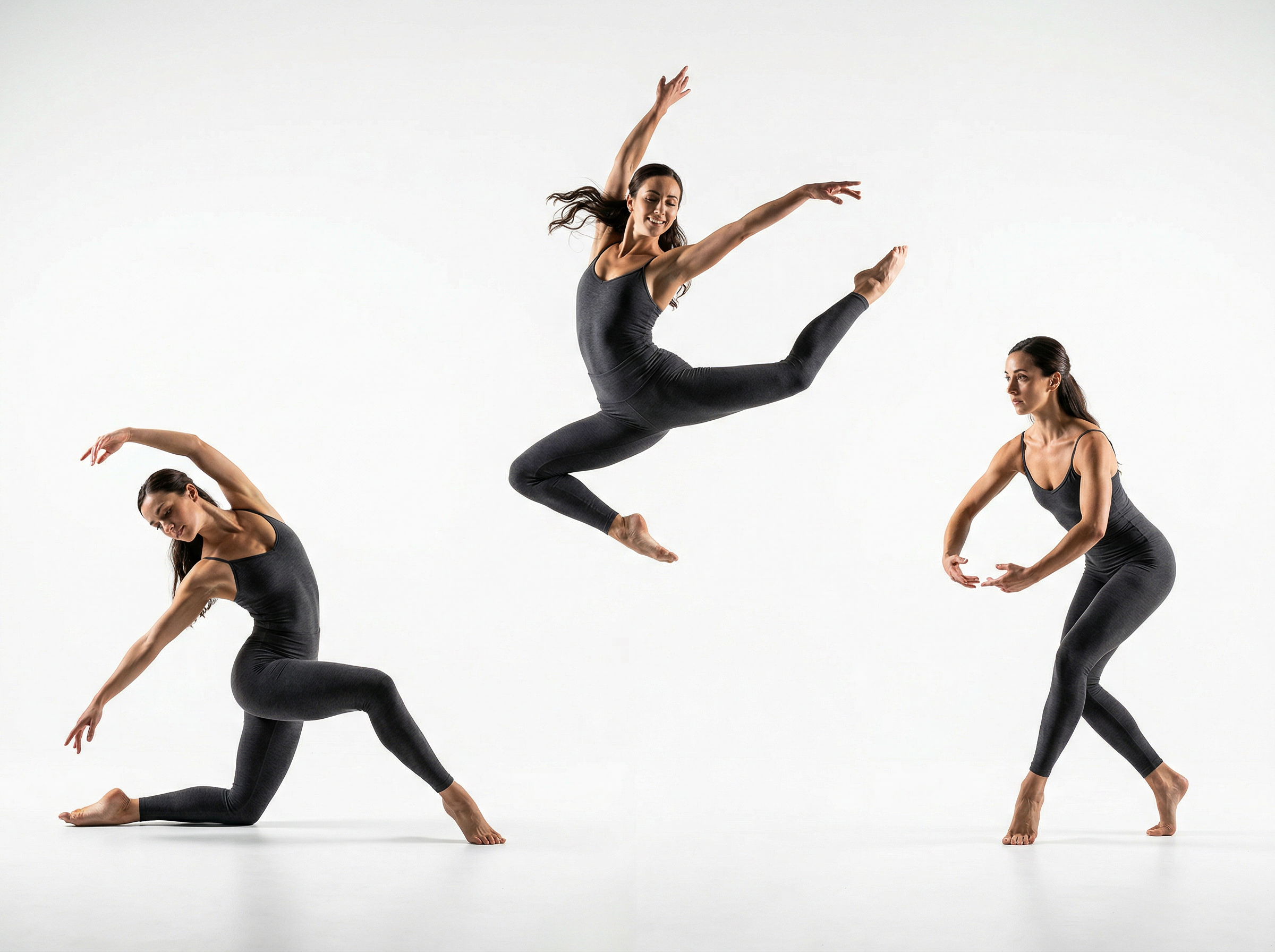
Break footage into several clips
Split, reorder, or remove parts

Split, reorder, or remove parts

Arrange your clips in any order after splitting them with Framia Pro. You can remove sections that no longer fit your message and place important parts first, then enhance video quality before exporting. This gives you full control over how your video flows from start to end.

Regenerate the scene using chat

Change parts of your video by describing edits in simple text. The tool adjusts the scene based on your prompt, which saves time when you want to update visuals or fix parts that do not match your idea.


Regenerate the scene using chat
Add captions to your video clips

Add captions to your video clips

Auto-generate and add text captions to each clip to match spoken words or key points using Framia Pro. This lets viewers follow along, even when the sound is off, and keeps your message clear on different platforms.

Replace the scene with another one

Swap any section of your video with a new scene using our online video splitter. This works well when you need to fix errors, update visuals, or generate new scenes without changing the rest of your video content.


Replace the scene with another one
Split the audio into multiple parts

Split the audio into multiple parts

Split audio from different sections of your video into individual clips with Framia Pro. This allows you to edit sound more carefully, adjust timing, or reuse audio segments in other projects with better control.

Why use Framia Pro's online video splitter?

Use Framia Pro's video splitter to cut videos online, control edits, and export clean clips quickly.

Choose exact cut points
Set precise split positions on the timeline to control where each clip begins and ends with Framia Pro. This accuracy lets you keep important moments intact and remove unwanted sections without affecting the flow of your video.
Quick editing workflow
Move through the editing process in a few clear steps, from upload to export. The layout keeps everything simple, so you can cut, adjust, and finalize clips quickly during the process.
Export clips in HD quality
Save every clip in sharp resolution using our video splitter online tool. It preserves visual clarity during export, so each part looks clean and professional for sharing on platforms that demand high-quality videos.
Rearrange clips anytime
Easily adjust the sequence of your clips with our online video splitter and get full control over video flow. This allows you to test different arrangements and place scenes where they fit best within your overall video flow.
Supports many file formats
Work with popular video formats such as MP4, MOV, and AVI. This support allows you to upload files from different sources, convert videos when needed, and export them in a format that suits your platform requirements.
Preview before download
Check each edit using our audio-video splitter before saving your clips. You can preview both sound and visuals together. This way, you can confirm timing and cuts in advance and avoid errors when downloading your final video files for use.

Who can benefit from Framia Pro's video splitter?

Create precise clips for any project and share content in short, engaging sections quickly.

Social media content creators
Creators can break long recordings into short, shareable clips with our video splitter. You can create content for platforms like Instagram, TikTok, and Reels, making it easier to create reels that keep your posts engaging and perfectly timed without extra software or complicated steps.
YouTube channel owners
Divide videos into chapters or highlight segments using Framia Pro's online video splitter. This makes editing faster, improves viewer engagement, and helps prepare clips for uploads, trailers, or promotional content efficiently while maintaining quality.
Online course instructors
Use our video splitter online to break your lessons into smaller sections. Remove unnecessary portions, organize clips logically, and structure content so you can guide students through lessons in clear, digestible segments.
Marketing and ad teams
Edit your promotional videos quickly with Framia Pro. You can extract key scenes, remove mistakes, rearrange clips, and create video ads for campaigns to make sure your marketing content is ready for social media, ads, or presentations without wasting time.
Podcast creators
Easily segment recorded sessions into highlights or separate topics. With Framia Pro, you can split audio and video at the same time, add captions, and produce clips that let you emphasize key discussion points for your listeners.
Event video editors
Cut your event footage into highlights or individual scenes. Delete pauses, reorder moments, and arrange sequences so you can create short highlight videos for sharing or archiving.

Real user reviews of Framia Pro's video splitter

See what real users say about Framia Pro video splitter and how it simplified their video editing.


Framia Pro Video Splitter saved me hours when preparing clips for Instagram. I could cut my footage precisely, reorder segments, and preview everything before posting. Sharing polished content has never been this smooth, and my audience engagement noticeably improved.
Ava Thompson
Ava Thompson
Social Media Manager
I had a long tutorial that needed splitting into sections. Using Framia Pro, I trimmed scenes and focused on key teaching moments. The timeline was clear, and it was easy to rearrange clips to improve flow. Viewers love the new format.
Liam Rodriguez
Liam Rodriguez
YouTube Creator
My recorded lessons were too long for students to follow in one sitting. Framia Pro allowed me to divide them into manageable sections and add captions naturally. Students now navigate lessons easily, and I no longer stress about large video files.
Sofia Patel
Sofia Patel
Online Course Instructor
We needed multiple short clips for a campaign, and Framia Pro's splitter handled everything. I extracted highlights from our recordings and arranged them to match our promotion schedule. The team was impressed with how quickly we finalized the content.
Ethan Miller
Ethan Miller
Marketing Specialist
I recorded a long interview and wanted to create smaller segments for social media. Framia Pro splits audio and video quickly while preserving quality. I could share key discussion points with followers without overwhelming them with a long file.
Mia Nguyen
Mia Nguyen
Podcast Creator
After covering a live event, I had hours of footage. Framia Pro allowed me to separate highlights, remove pauses, and reorganize clips. I could focus on memorable moments, and the final video was quite engaging for the client.
Noah Garcia
Noah Garcia
Event Video Editor
We've compiled the most important information to help you get the most out of your experience. Can't find what you're looking for?Contact us

Frequently asked questions

Is there a best video splitter online?
Framia Pro is one of the best online video splitters. It lets you cut clips, remove sections, and reorder scenes quickly, all directly in your browser.
How do I split a video for Instagram?
You can use Framia Pro to divide your video into short clips that fit Instagram's limits. Select the split points, preview each segment, and export files suitable for Stories, Reels, or posts.
Is there a video splitter app for WhatsApp?
Framia Pro works on WhatsApp videos by splitting large files into smaller parts. You can cut long clips, save each segment, and share them easily without losing quality.
Can I split a large video into parts online?
Framia Pro allows you to split full-length movies into multiple parts. You can select exact cut points, remove unnecessary sections, and create manageable clips for editing, sharing, or archiving.
Is there a website that splits videos into parts?
Framia Pro is an online platform that splits videos into parts. Upload your file, mark the split points, and export each clip individually or in sequence without installing software.
Can I split both audio and video together?
Framia Pro lets you split audio and video at the same time. Each segment preserves sync, so you can cut long recordings into smaller parts while keeping both sound and visuals aligned.

Still have questions?

Have questions or need assistance? Our team is here to help!

Split, reorder, and arrange clips!

Stop cutting footage manually. Framia Pro's AI detects breakpoints, divides your clips, and keeps every segment clean and export-ready!

Video Splitter: Turn Long Footage into Short Highlights