 Share


Key takeaways:
- Overall best free AI tool: Framia Pro, for covering writing, image, video, and automation in one workspace instead of stacking four separate apps
- Best free AI tool for writing: Claude AI, for long-form writing that holds a consistent tone across a full session
- Best free AI tool for research: Perplexity AI, for fast answers with real, linked sources
- Best free AI tool for design: Canva AI, for turning a raw product image into a polished, on-brand graphic in minutes
- Best free AI tool for video editing: CapCut AI, for fast, template-driven short-form video with auto captions
- Best free AI tool for automation: Zapier AI, for connecting the rest of your content stack without writing code
Free AI apps have changed how fast a blog draft, a product image, or a short video comes together in 2026. I spent three weeks running the same set of tasks through 15 of the best free AI tools, from Framia Pro to CapCut, to see which ones actually hold up once the free credits run low. Here's what happened, with real screenshots, real prices, and the honest calls I'd make if I were building my own content stack.
Understanding the best free AI tools and apps in 2026
A good free AI tool lets you test real work before you commit a card number to anything. That matters more in 2026 than it did a couple of years back, because most platforms have quietly tightened their free tiers, such as fewer daily prompts, watermarked exports, or a hard wall around commercial use. Knowing exactly where those limits sit, not just that a "free plan exists," is the difference between a tool that fits your workflow and one that stalls out mid-project.
This guide covers 15 free AI apps and tools worth trying in 2026, each one tested on the same project so the comparisons actually mean something.

How I tested these free AI tools
I've spent the past few years building content workflows for small marketing teams, the kind of setup where you're the writer, the designer, and the person scheduling posts, often in the same afternoon. For this round of testing, I picked a single scenario and ran every tool through it: launching a small skincare brand's new product page.
Test environment: same laptop, same Chrome browser, stable home connection, three weeks of daily use across late August and early September 2026.
Standardized prompts: where a tool was applied, I used the same brief across categories:
- Writing tools got: "Write a 150-word product description for a vitamin C serum, tone friendly but not salesy, aimed at first-time skincare buyers."
- Image tools got: "Generate a clean product shot of a glass serum bottle on a marble surface, soft natural light, minimal styling."
- Video tools got: a 10-second product close-up clip using the same bottle image as a reference.
- Automation tools got: a workflow that pulls a new product-page submission from a form into a spreadsheet and sends a Slack alert.
Evaluation criteria: output quality against the brief, how far the free tier actually got me before hitting a wall, setup time, and whether the result needed real cleanup before it was usable.
Every pros-and-cons list below comes from that testing, not from a features page.
15 Best free AI apps and tools in 2026
Before the individual write-ups, here's how all 15 best free AI apps stack up side by side.
(Comment: Please clearly state the exact free usage limi, in the table; avoid vague descriptions.
| AI Tool | Best For | Content Types Covered | Free Plan Limit | Paid Plan Starts At |
| Framia Pro | All-in-one content creation | Writing, image, video, music, automation | 200 free credits at signup | $20/month |
| ChatGPT | Writing, coding | Writing, code, image, research | No fixed daily number; free usage is subject to model-specific limits | $20/month |
| Google Gemini | Research | Writing, research, image | Usage limits reset every 5 hours and vary by model and feature; Google does not state one fixed prompt count for all free users | $19.99/month |
| Microsoft Copilot | Office tasks | Writing, documents, slides | Free Copilot has usage limits that vary by feature; Microsoft does not publish one universal daily prompt number | $19.99/month with Microsoft 365 Personal |
| Claude AI | Long-form writing | Writing, analysis, code | Usage limit varies by demand, message length, file size, and conversation length | $20/month |
| Perplexity AI | Cited research | Research, writing | 5 Pro Searches/day + practically unlimited basic searches | $20/month |
| Canva AI | Design | Image, design, video | Up to 20 Standard or Premium AI uses/month on Free, depending on the tool | $18/month |
| Grammarly | Grammar and tone editing | Writing | 100 AI prompts/month | $12/month, billed annually |
| Notion AI | Workspace planning | Writing, summarizing, planning | Limited complimentary AI responses; full ongoing AI access requires Business or Enterprise | $20/user/month |
| CapCut AI | Short-form video | Video, image, audio | No single fixed AI-credit allowance published; limits vary by AI feature | $19.99/month |
| Leonardo AI | Image generation | Image, video | 150 tokens/day | $12/month |
| Runway | AI video generation | Video, image | 125 credits once, not monthly | $12/month |
| Windsurf | AI coding | Code | Light daily/weekly quota; exact allowance varies with model and usage | $20/month |
| ElevenLabs | AI voice generation | Voice/audio | 10,000 credits/month | $6/month |
| Zapier AI | App automation | Automation | 100 tasks/month | $19.99/month |
- Framia Pro: Best Free AI Tool in 2026
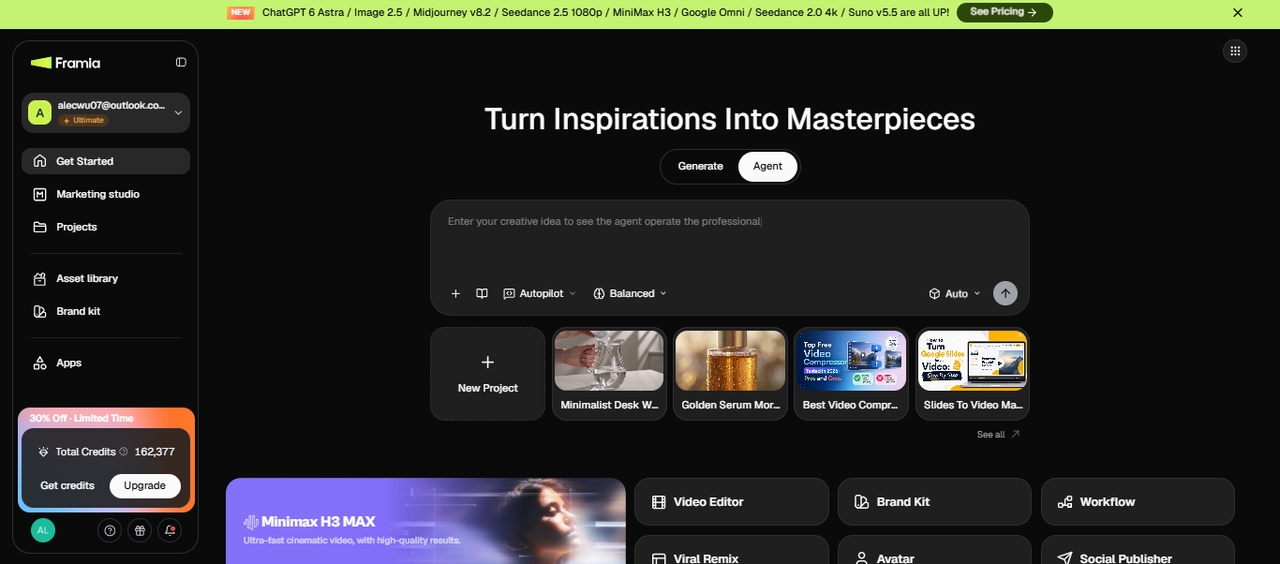
Framia Pro is a node-based AI creative platform that brings more than 20 image and video models into one workspace. I could organize different creative tasks on the same canvas rather than moving between separate tools for each part of a project.
The main advantage is how Framia Pro connects multiple creatives within one project. A single canvas can hold a product description, product image, and short video clip, with the Brand Kit keeping the same logo, colors, and product references available across the workflow. This setup gives each asset a shared place within the project and reduces the need to move files between separate apps.
I could also switch between image models such as Midjourney, Flux, and Seedream within the same project. That gave me more flexibility when one model worked better for a particular product image or creative direction.
Framia Pro also connects image creation with other parts of the content workflow, including copywriting, creative layouts, and publishing. The value is less about replacing every other AI tool and more about giving teams one connected workspace for organizing different creative tasks and outputs.
Best for: creators and small teams who'd otherwise juggle a writing tool, a design tool, and a video tool for one campaign.
Overall experience: I ran the skincare brief through the E-commerce skill and had a product description, a product shot, and a 10-second close-up clip in one project file, all sharing the same bottle reference so the packaging stayed consistent across every output. The canvas took a little longer to learn than a single-purpose tool, but not having to re-upload the same reference image three times across three apps saved real time.
Key Features:
- AI writing assistant for blogs, emails, ads, and long-form content creation with accuracy and speed
- Workflow automation system to simplify repetitive tasks and improve productivity across projects
- AI brainstorming and idea generation tools for faster planning and creative execution
- Centralized productivity dashboard to manage all AI-powered tasks in one place
- Seamlessly switches between Seedance 2.5, Veo 3.1, and Kling within one project.
Pros:
- Kept the product image consistent across the still shot and the video clip without extra prompting
- Credits covered a full mini-project, not just one output
- One place to hand off writing, image, and video
Cons:
- The node canvas has a learning curve if you've only used single-step AI tools before
- ChatGPT (Free Version)
ChatGPT remains the most familiar entry point into AI for a lot of people, built by OpenAI and running on GPT-5.1 on the free tier. It handles everyday writing, brainstorming, and basic coding questions well, and the chat interface is close to what most people picture when they hear "AI tool" in the first place.
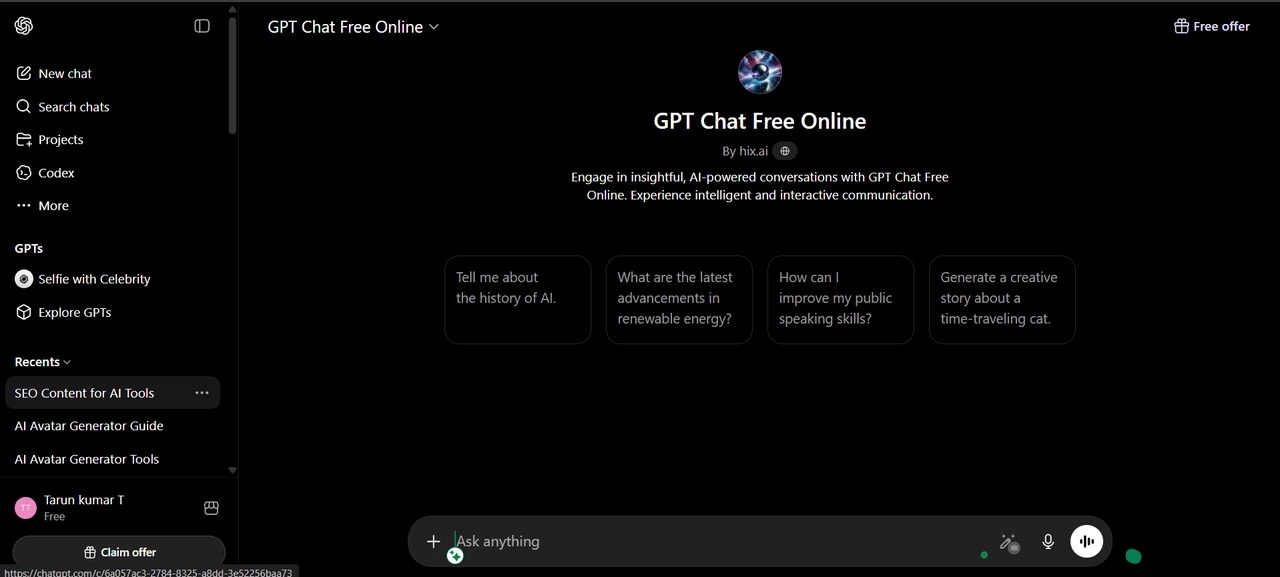
Key features:
- Conversational writing support for drafts, outlines, and edits
- Coding help across several programming languages
- Brainstorming and idea generation through back-and-forth chat
- Basic image generation baked into the same conversation
Best for: students, writers, and anyone who wants one flexible assistant for everyday tasks.
Overall experience: The product description came back solid on the first try, close to something I'd actually publish with minor edits. Where it fell short was staying in character across a longer session; by message ten, the tone had drifted from "friendly" toward generic marketing copy.
Pros (from testing):
- Fast, usable first drafts for straightforward writing tasks
- Strong writing and reasoning ability
- Handles follow-up edits well within a short conversation
Cons (from testing):
- Free tier caps daily messages and defaults to an older model once you hit that cap
- Tone consistency slips over longer sessions
- Google Gemini
Gemini sits inside Google's own products, which makes it the fastest option if your work already lives in Docs, Gmail, or Drive. It shows up as a side panel inside those apps as well as its own standalone chat, and the free tier runs on Gemini 3.0, the same model family behind Google's AI Overviews in search.
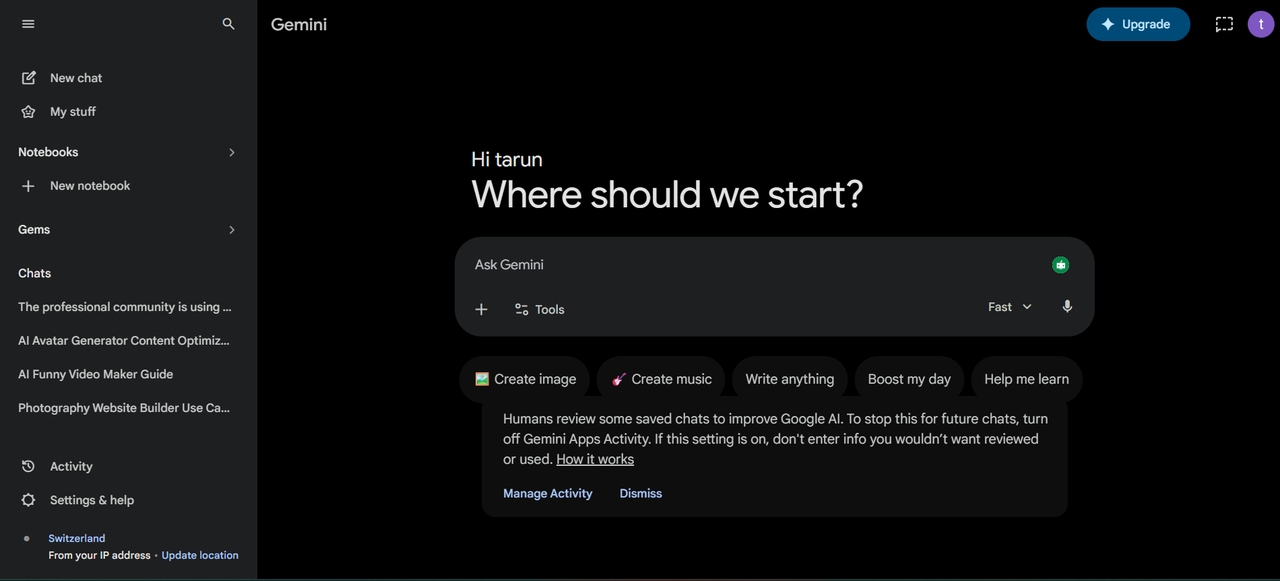
Key features:
- Help with writing and editing in Google Workspace
- Data analysis and document summarization
- Web search and research support
- Connections with Google apps and services
Best for: Google Workspace users who want AI support within their existing workflow.
Overall experience: I found Gemini most useful when I needed to work with Google documents and information. The connection with Google's apps made common writing and research tasks easier because I could stay within the same workspace. The standalone chat also worked well for general questions, brainstorming, and content tasks.
Pros:
- Strong at pulling current, sourced information
- Google Workspace integration removes a lot of copy-paste
- Fast and reliable responses
Cons:
- Free tier limits daily prompts
- Creative writing output reads flatter than ChatGPT or Claude
- Microsoft Copilot
Copilot works best for people already inside Microsoft 365, where it plugs directly into Word, Excel, and PowerPoint as a side panel rather than a separate app you have to switch to. A limited free version also runs through Bing and the standalone Copilot app for anyone without a Microsoft 365 subscription.
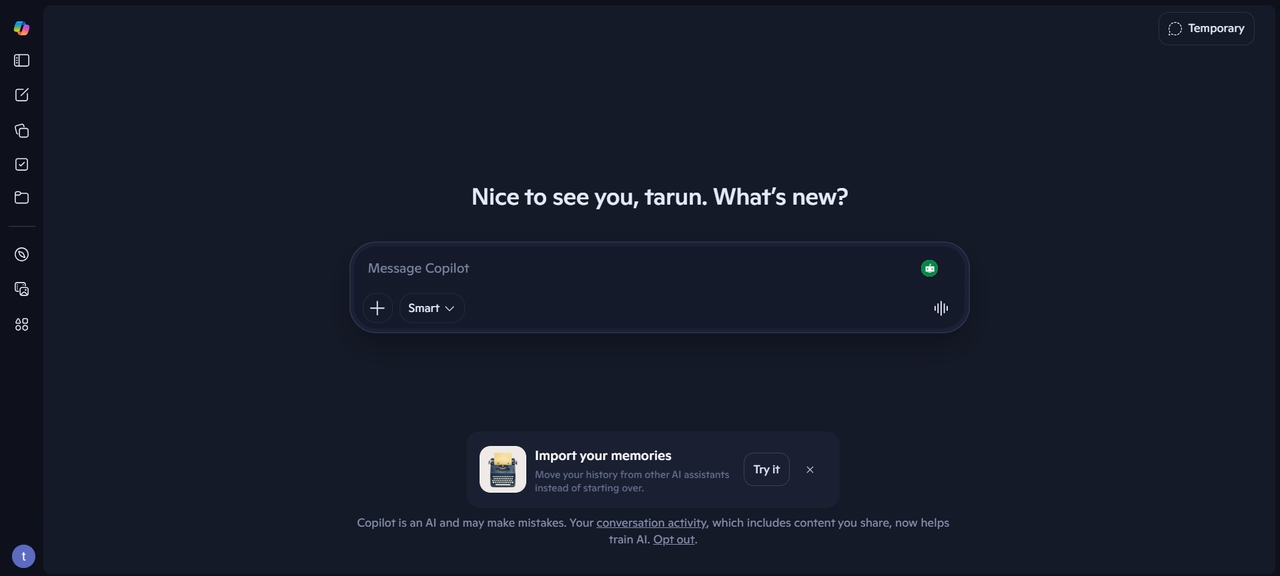
Key features:
- Document creation inside Word, Excel, and PowerPoint
- Data analysis and reporting support
- Built-in Bing search assistant
- Basic workflow automation for repetitive office tasks
Best for: office teams and business users already on Microsoft 365.
Overall experience: Copilot turned the product description into a formatted one-pager in Word without me touching a template, which is genuinely useful if a product brief needs to go straight into a shared document. Outside the Office apps, it felt noticeably weaker than a dedicated chat tool.
Pros:
- Strong Microsoft integration
- Time-saving automation features
- Easy document generation
Cons:
- Most of its value depends on already paying for Microsoft 365
- Weaker general writing quality outside Office apps
- Claude AI
Claude (built by Anthropic) is another free AI tool that handled the longest, most detailed writing task in this test better than anything else on the list. The free tier gives access to a lighter model with a daily cap, while longer projects and priority access sit behind the paid Pro plan.
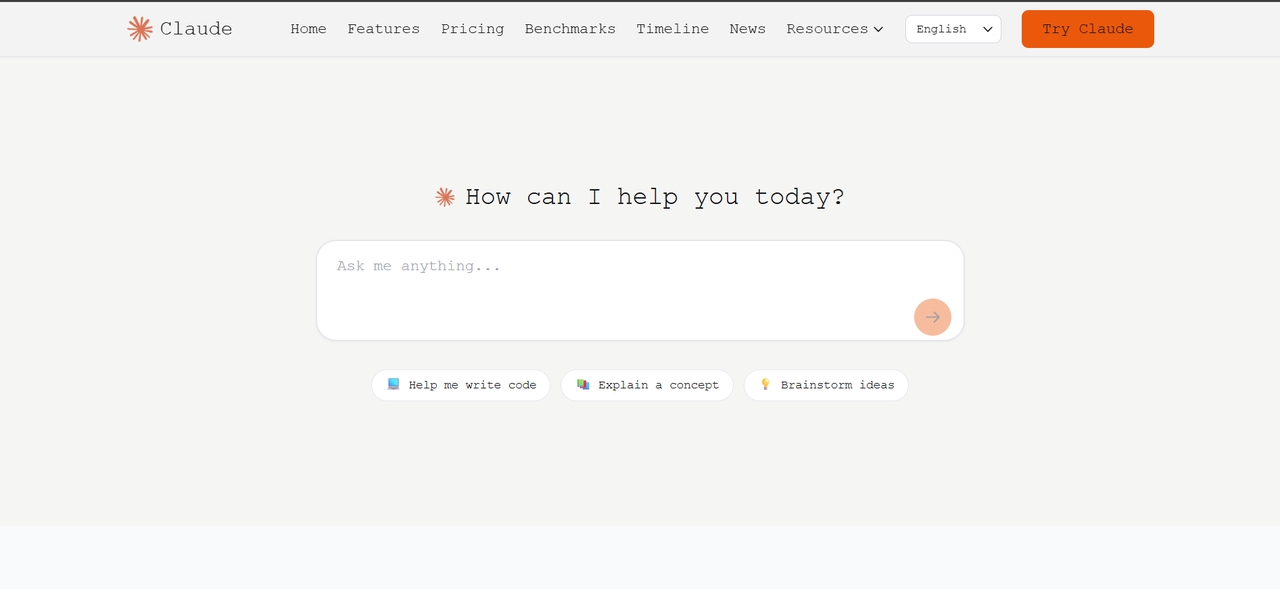
Key features:
- Long-form writing for reports, essays, and structured articles
- Strong reasoning for multi-step problems
- Document summarization
- Context-aware responses across a long conversation
Best for: researchers, students, and professionals writing longer, structured content.
Overall experience: The product description came back well-structured and closest to something I'd hand a client with almost no edits. Claude also held the "friendly but not salesy" tone through several rounds of revision without drifting, which was the biggest gap between it and ChatGPT in this test.
Pros:
- Excellent writing quality
- Best tone consistency of any writing tool in this test
- Handles longer documents without losing structure
Cons:
- No built-in image or video generation
- Free tier has daily usage caps that hit fast during heavy drafting sessions
- Perplexity AI
Perplexity is an AI research tool built around one job: answering questions with sources attached, and it does that job well. It pairs a live web search with an AI summary, so every answer arrives with linked citations you can check instead of a confident-sounding paragraph with no way to verify it.
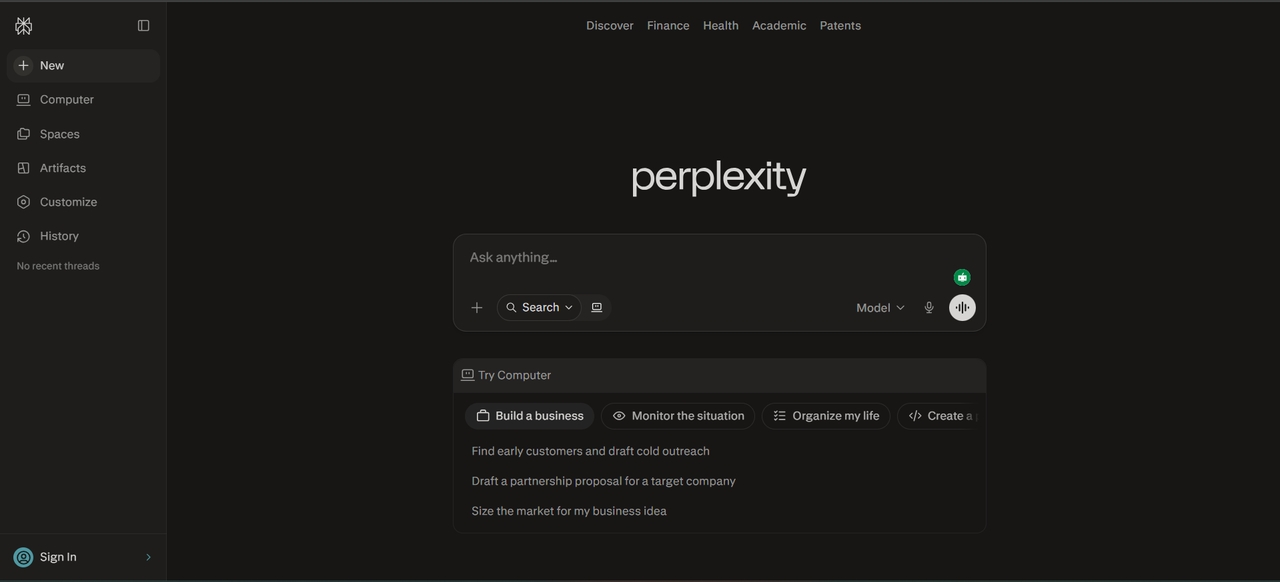
Key features:
- Search-plus-AI answers with cited sources
- Fact-checking and research support
- Conversational query interface
- Summarizes information pulled from the web
Best for: anyone who needs a sourced, verifiable answer fast.
Overall experience: Asking for current serum ingredient trends returned a short, cited answer in seconds, with each claim linked back to a real source. It's not a writing tool, so I wouldn't send it the product description task at all; it's a research tool that happens to write in full sentences.
Pros:
- Every claim comes with a linked source
- Fast, focused answers with no filler
- Simple interface
Cons:
- Free tier limits daily searches
- Not built for creative or long-form writing
- Canva AI
Canva's Magic Studio is the fastest way I found to turn a product photo into something that actually looks designed. It sits inside the regular Canva editor rather than a separate app, so a generated graphic drops straight into a template you can resize for Instagram, a flyer, or a slide deck without exporting and reimporting anything.
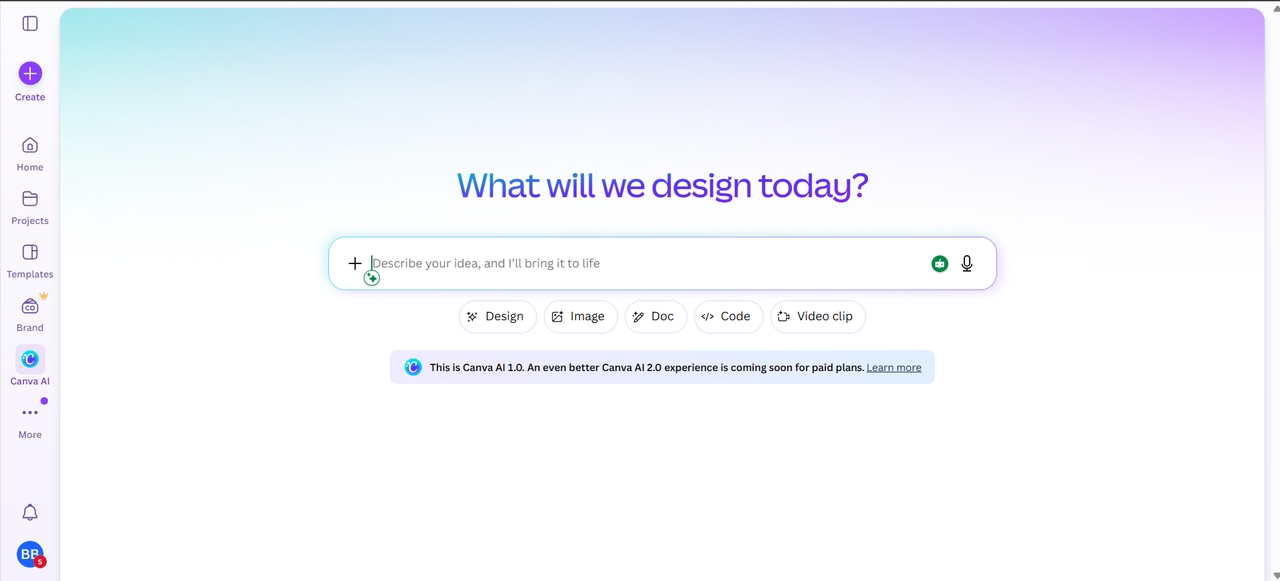
Key Features:
- Design generation using artificial intelligence with templates to make content creation easier
- AI design generation with editable templates
- Image and layout generation for marketing graphics
- Drag-and-drop editor
- Brand kit for consistent visuals
Best for: marketers and non-designers who need engaging graphics fast.
Overall experience: Feeding Canva the same product-shot brief produced a usable Instagram post layout in under a minute, complete with text placement and a color palette that matched the reference image. Getting a genuinely custom product photo (rather than a styled template) was where the free tier ran out fastest.
Best for: Designers, marketers, and creators needing fast and professional visual content creation
Pros:
- Beginner-friendly interface
- Fast design creation
- Rich template library
Cons:
- Free Magic Studio credits run out quickly
- Weaker at generating an original product image from scratch
- Grammarly
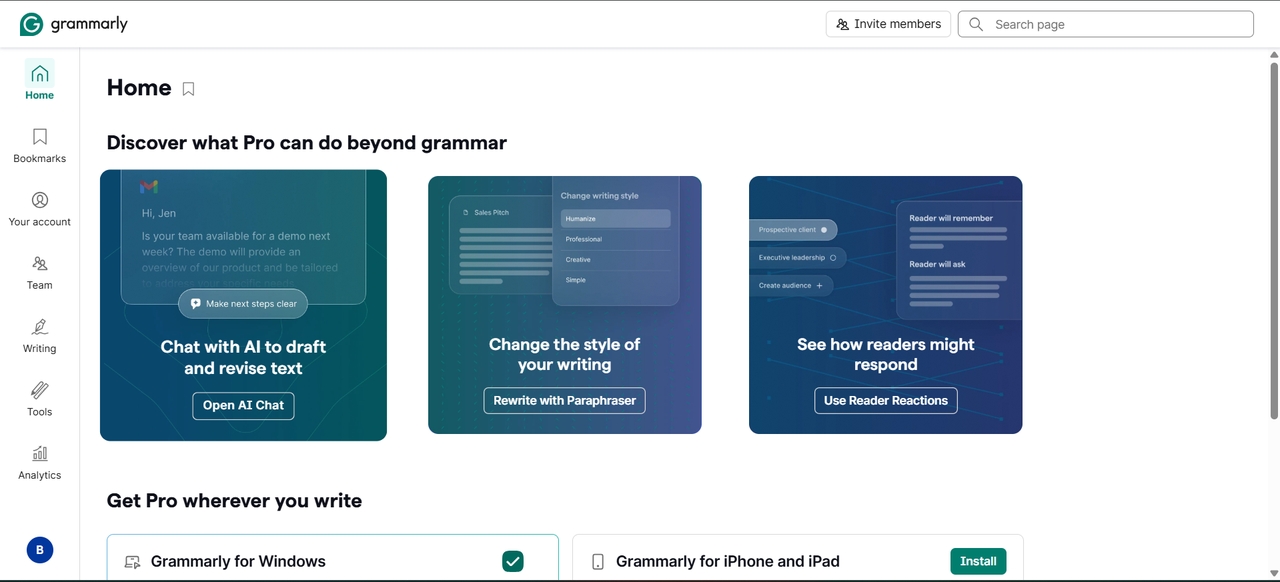
Grammarly is more suitable for proofreading, rewriting, and refining the existing content. It runs as a browser extension and desktop app that checks writing wherever it happens, in Gmail, Google Docs, or a plain text editor, rather than requiring you to paste text into a separate window. Grammarly also supports an advanced rephrasing tool to rewrite sentences and a generative AI feature to draft emails, create outlines, and brainstorm ideas. The free plan includes 100 generative AI prompts per month, while Grammarly Premium includes 1,000 and Grammarly Pro includes 2,000 prompts per month.
- Grammar and spelling correction with instant feedback
- Tone detection and style suggestions
- Clarity improvements for professional writing
- AI-assisted rewriting for specific sentences
Best for: anyone polishing writing that's already drafted.
Overall experience: Running the ChatGPT-drafted product description through Grammarly caught a tone shift I'd missed and tightened two run-on sentences. It's a genuinely different job from the writing tools above, and I'd keep using it alongside one of them rather than instead of one.
Pros:
- Highly accurate corrections
- Catches tone drift other writing tools miss
- Works inside the apps you're already writing in
Cons:
- Free tier only covers basic grammar checks, not deeper rewrites
- Doesn't generate original content
- Notion AI
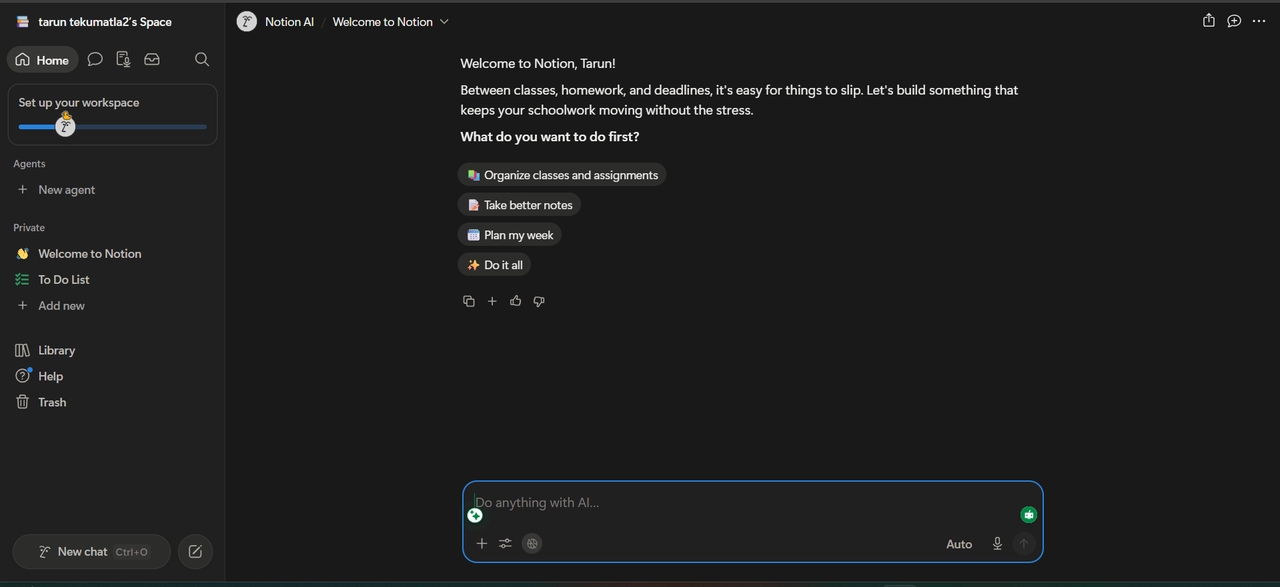
The Notion AI software is an AI-based app that works best when your writing, planning, and notes already live in Notion. I liked that the AI features sit inside the same pages and databases rather than sending me to a separate chat tool. A summary, rewrite, or generated section can go straight into the document I am working on.
Key Features:
- Note summarization and structuring
- Built-in productivity planner and task manager
- AI writing support for reports and project content
- Organized information storage across a workspace
Best for: teams already using Notion for docs and project tracking.
Overall experience: I used it to turn a messy list of product-launch tasks into a structured project page, which it handled cleanly. As a standalone writing tool for the product description task, it lagged behind ChatGPT and Claude.
Pros:
- Strong at organizing scattered notes into a usable structure
- AI-powered summarization
- Useful if your team's workflow already lives in Notion
Cons:
- Free and Plus plans only include limited AI trial usage; continued access requires a Business or Enterprise plan.
- Business starts at $20 per member per month, which may be costly for small teams.
- Less flexible as a standalone writing assistant
- CapCut AI
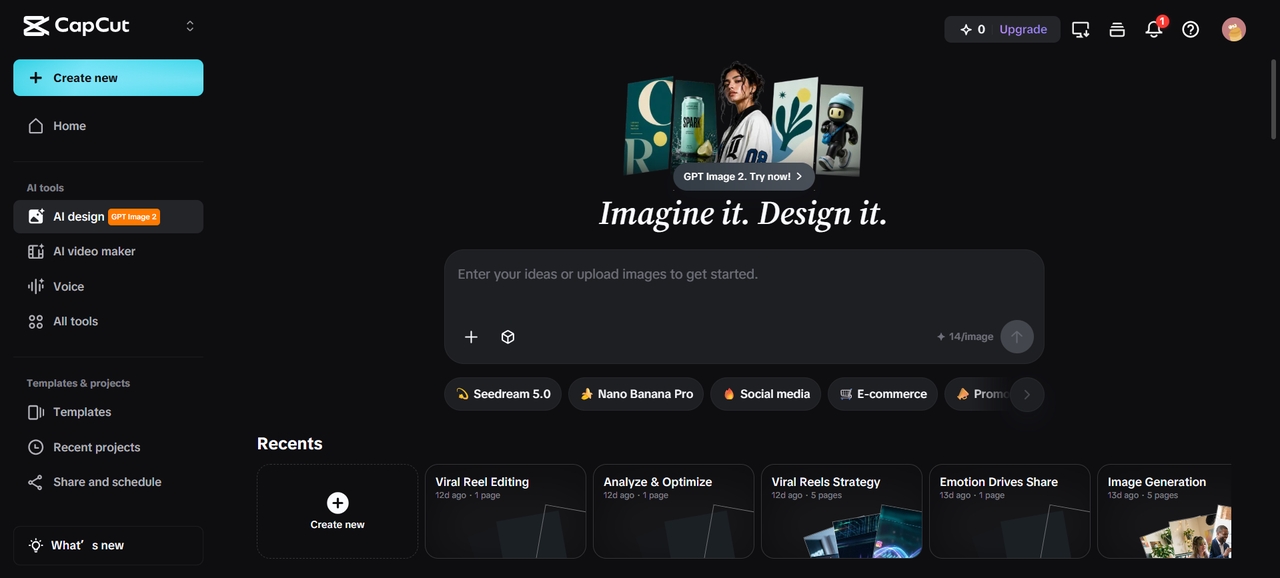
CapCut turned the product image into a short vertical video with captions faster than any other tool in this test. It grew out of ByteDance's short-form video editor, so the AI tools sit right next to the same trimming and effects timeline TikTok and Instagram editors already know.
Key features:
- Auto-generated captions for quick subtitling
- Automated trimming, transitions, and effects
- AI templates built for social video formats
- Voice and background audio cleanup
Best for: short-form video creators and social marketers.
Overall experience: The 10-second product clip came together in a couple of minutes using one of CapCut's product templates, captions included. The free export carried a small watermark, which is worth knowing before you plan a client deliverable around it.
Pros:
- Beginner-friendly video editing
- Fast AI automation tools
- Great for social media
Cons:
- Some free exports include a watermark
- Limited for anything beyond short-form, template-driven video
- Leonardo AI
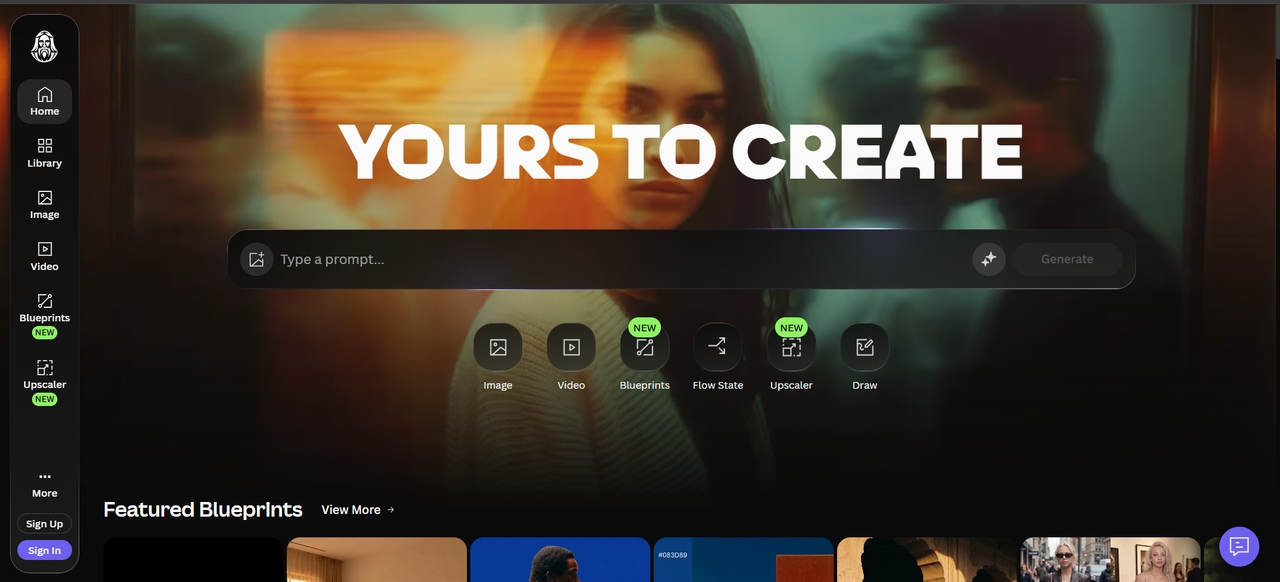
Leonardo produced the most polished still image in this test, once I moved past a couple of rough drafts. It runs on a mix of its own fine-tuned models and outside options, with a daily token allowance on the free tier that resets automatically, so there's no need to track a monthly quota.
Key Features:
- Text-to-image generation for original artwork
- Style customization for realistic or artistic results
- High-resolution output
- Asset generation for design and marketing
Best for: designers and creators who need original AI artwork rather than templated graphics.
Overall experience: The product-shot prompt took three attempts to get the lighting right, but the final image looked closer to a real studio photo than Canva's templated version. Free daily tokens covered that testing but wouldn't stretch far into a full campaign.
Pros:
- High-quality image generation
- Creative flexibility
- Fast rendering
Cons:
- Limited free credits
- Requires prompt skill
- Runway ML
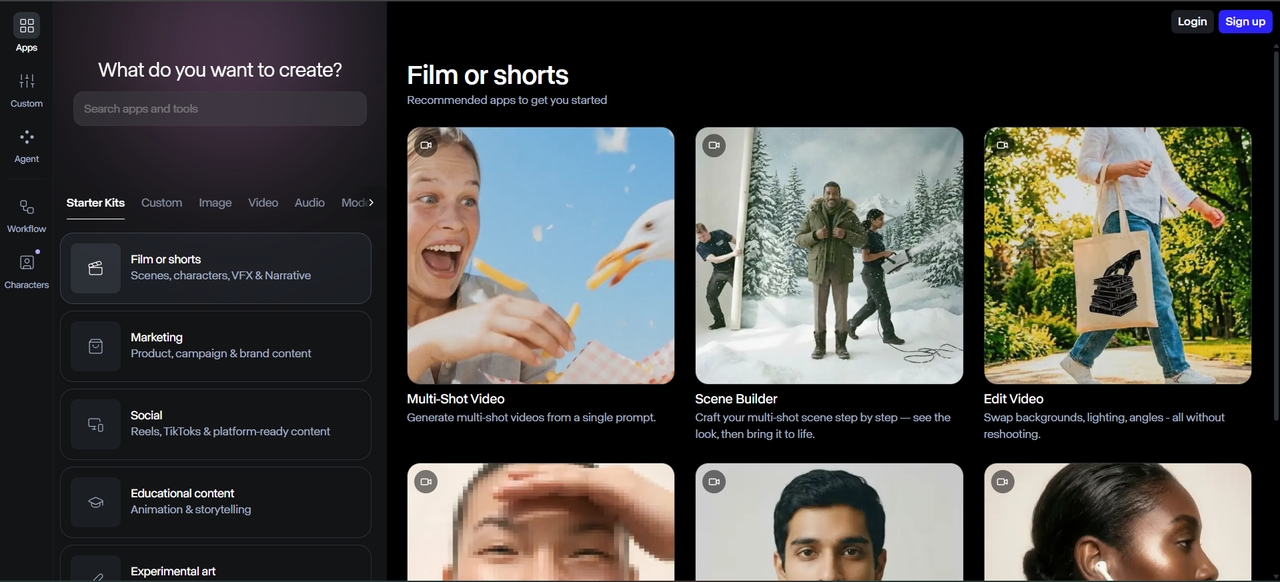
Runway is built for people who want real control over AI video, not just a template. It's one of the tools professional editors and filmmakers actually use on real productions, and the free tier gives a small pool of credits to test the same Gen-4 video model the paid plans run on.
Key Features:
- Text-to-video generation for original clips
- AI-assisted video editing tools
- Motion tracking and visual effects automation
- Support for longer-form media production
Best for: video editors and filmmakers who want more control than a social-video template tool offers.
Overall experience: Runway's product clip looked more cinematic than CapCut's template output, with smoother camera movement, but it took real trial and error with the prompt to get the bottle looking right. This is the tool I'd reach for on a hero video, not a quick social clip.
Pros:
- High-quality video generation
- Advanced creative tools
- Professional results
Cons:
- Steep learning curve
- Limited free usage
- Codeium
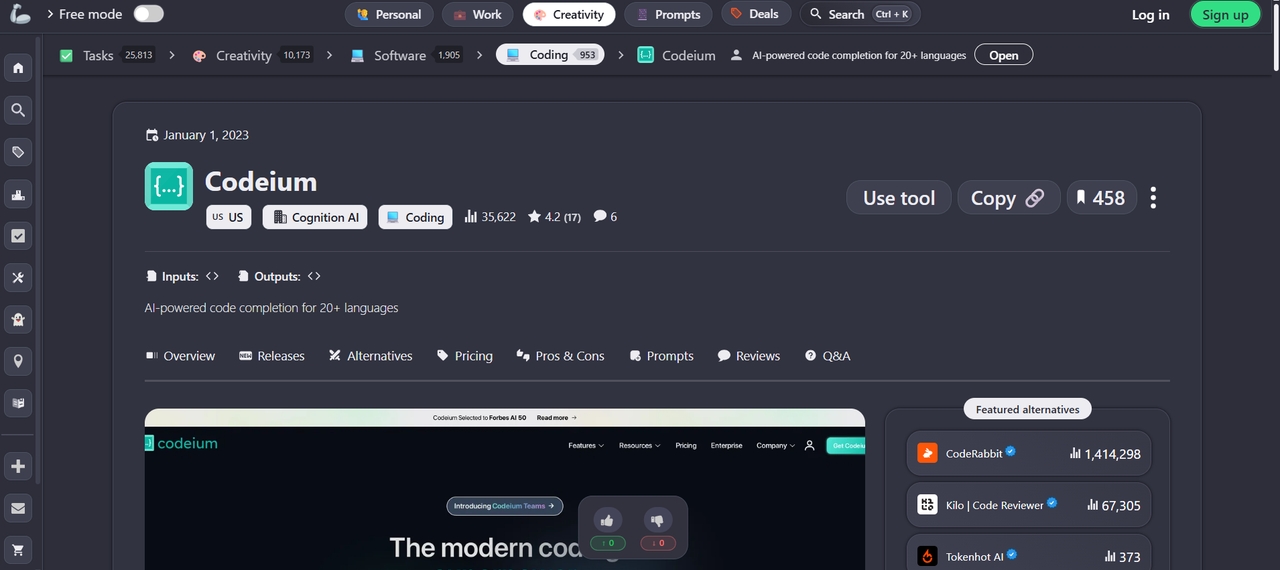
Codeium, now running as Windsurf, is a coding assistant, not a content tool, but it earns its spot for anyone building the pages that sell the product. It works as both an IDE extension and its own editor, reading the whole project rather than just the file you have open, which is what lets it make coordinated changes across multiple files at once.
Key Features:
- AI-assisted code completion across languages
- Debugging support to catch mistakes early
- Intelligent code suggestions inside your editor
- IDE integration for a smooth setup
Best for: developers building or maintaining the sites and tools around a content project.
Overall experience: I used it to fix a broken product-page layout in a test site, and the multi-file edit correctly updated three related files without me pointing to each one by hand. It's a genuinely different category from the rest of this list, useful if your content work touches code at all.
Pros:
- Fast code suggestions
- Multi-language support
- Free developer tool
Cons:
- Requires coding knowledge
- Limited advanced features
- ElevenLabs
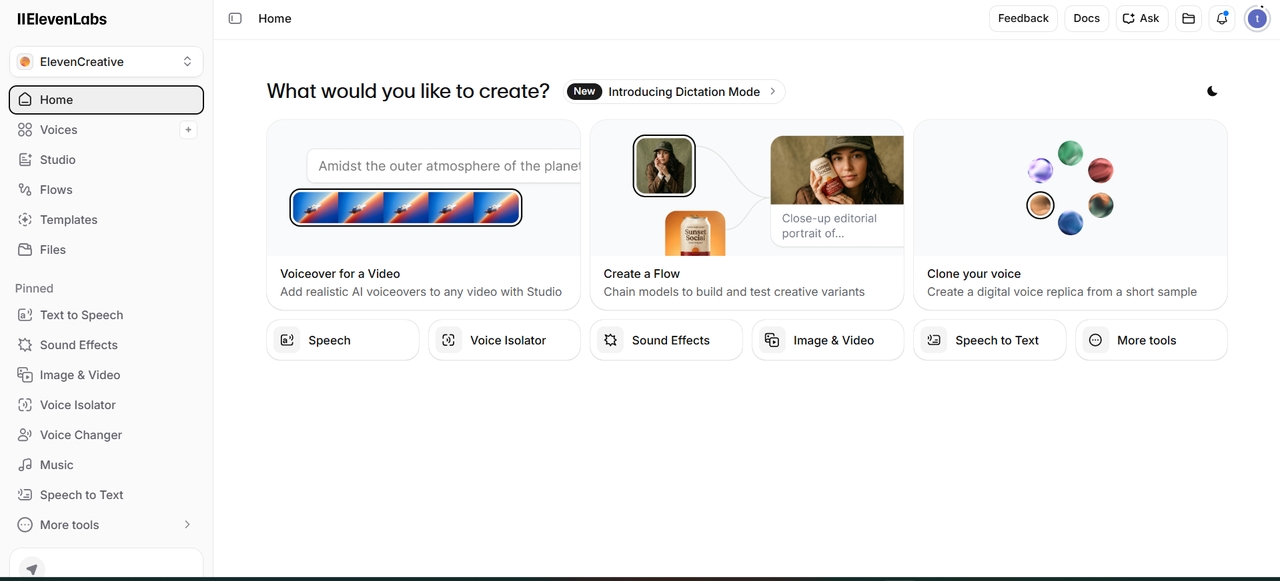
ElevenLabs makes convincing AI voice and even offers a library of ready-made voices alongside the option to clone a real one from a short sample. It has a free tier that gives a small monthly character allowance to test both.
Key Features:
- Realistic AI voice synthesis
- Multiple voice styles and tones
- Text-to-speech for video, podcast, and ad use
- Voice cloning and customization
Best for: creators who need a voiceover without hiring a voice actor.
Overall experience: I used this best free artificial intelligence app to narrate the product description over the Runway clip, and the result sounded close enough to a real voiceover that a couple of people I showed it to didn't clock it as AI. The free plan has no commercial-use rights, so that voiceover can't actually go on a real product page without a paid tier.
Pros:
- Natural-sounding voices
- Multiple voice options
- Easy to use
Cons:
- Limited free credits
- Premium restrictions
- Zapier AI
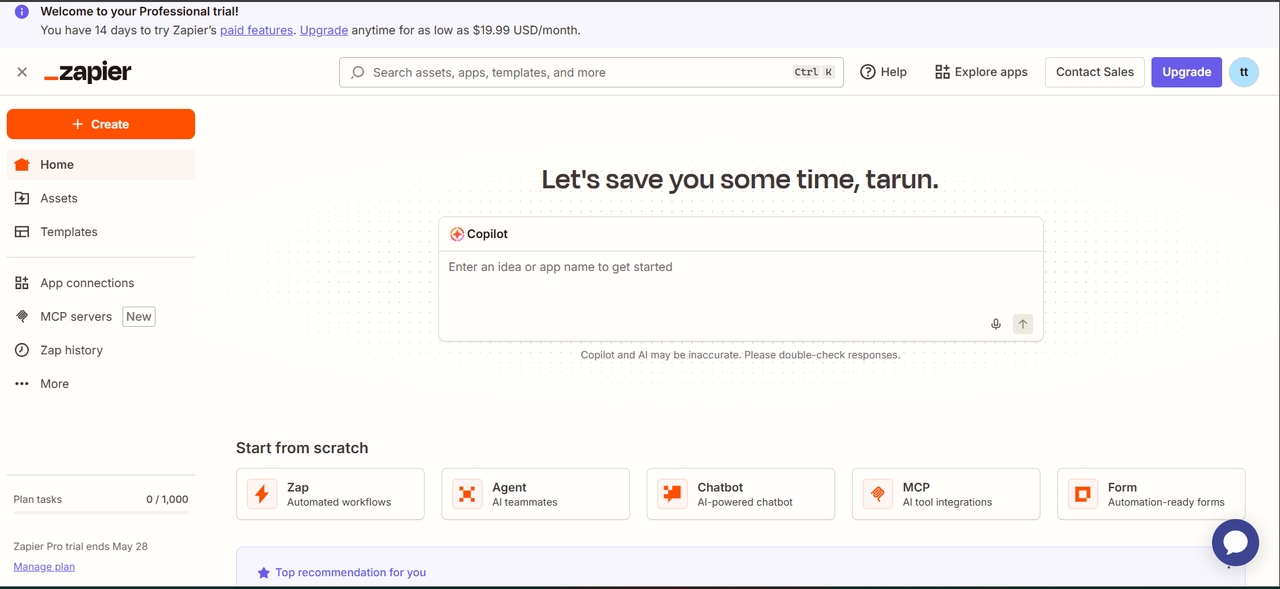
Zapier isn't a content tool at all. It connects everything else once the content exists. It works through "Zaps," rule-based workflows that trigger in one app and run an action in another, and the AI layer now helps write and troubleshoot those workflows in plain language instead of a drop-down builder alone.
Key Features:
- AI-powered workflow automation between apps
- Task automation for repetitive processes
- Integration across thousands of apps
- Smart triggers for automated actions
Best for: anyone automating handoffs between the tools they already use.
Overall experience: I set up the form-to-spreadsheet-to-Slack workflow from the test brief in about ten minutes without writing a line of code, and it fired correctly on every test submission. Free plan task limits are low enough that this only works for light, occasional automations.
Pros:
- Strong automation system
- Easy app integrations
- Saves significant time
Cons:
- Complex setup for beginners
- Advanced features require a paid plan
Major advantages of the best free AI apps
Discover the major advantages of the best free AI apps in 2026 for productivity, creativity, and automation.
- Time-saving automation and faster workflows: Free AI apps in 2026 automate repetitive tasks like writing, coding, and editing, helping users complete work faster with higher efficiency and less manual effort overall.
- Cost-effective access to advanced AI tools: The best AI software offers useful features at free or affordable price points, so students, creators, freelancers, and small businesses can access advanced AI tools without committing to expensive plans.
- Improved productivity across multiple tasks: Productive results for different tasks, such as writing, designing, researching, and communicating, can be attained with the help of AI applications that give suggestions and generate content on their own.
- Enhanced creativity and idea generation: AI-powered software aids individuals in generating innovative ideas, creating alternative versions of content, and experimenting with different creative concepts.
- Easy learning and skill development: Best free AI apps support beginners by providing guidance, explanations, and real-time assistance, helping users learn new skills faster and more effectively.
Conclusion
The best free AI tools in 2026 cover writing, research, design, video, and automation, and most of them still do their one job well on a free plan. The trade-off shows up the moment a project needs more than one of those formats at once: pick a task, pick a tool, and stitch the outputs together by hand. Framia Pro is built for that exact stretch of the day: one project, one workflow, and a $20/month Basic plan that costs less than stacking the single-purpose tools it replaces.
FAQs
- Are free AI apps in 2026 powerful enough for professional use?
Yes, free AI apps in 2026 are powerful enough for professional tasks like writing, automation, and design. Tools like Framia Pro, ChatGPT, and Claude AI make the best free AI tools ecosystem highly effective for real work.
- What is the best free AI app for students and academic work?
The best free AI app for students is Framia Pro, as it combines writing, summarization, and productivity features. Along with other best free AI tools like ChatGPT and Notion AI, it helps with study and research tasks.
- Do free AI apps require technical knowledge to use effectively?
Not really, the majority of free AI apps are quite user-friendly and do not need any technical expertise, which makes free AI apps very accessible to all users.
- What is the difference between free AI apps and paid AI tools?
Free AI apps give access only to basic functions within a certain limit, while paid AI tools allow advanced functionality and more powerful performance.
- Can multiple free AI tools be used together effectively?
Of course, because all of these free AI tools can be utilized in conjunction with one another in writing, designing, researching, and automation.
- Do free AI tools use your prompts and files to train their models?
It depends on the tool, and the answer usually sits in the account settings rather than the marketing page. Most major providers let free-tier users opt out of having their inputs used for training, but a few apply that opt-out only to paid plans. Check the privacy or data-use settings before uploading anything you wouldn't want stored.
- Who owns the images, video, or writing a free AI tool generates?
In most cases, you do, under the tool's terms of service, once the content is generated in your account. Ownership gets murkier around a few edges: some free plans restrict commercial use entirely, and a small number of platforms claim a license to reuse or showcase what you generate. Read the specific terms for commercial rights before using free-tier output in paid client work.
- How often do the best free AI platforms update their underlying models?
Most update every few months rather than on a fixed schedule, and a free tier doesn't always get a new release the same day a paid tier does. Some platforms roll a new model out to paid accounts first and extend it to free users a few weeks later. Check a platform's changelog if a specific model version matters more than the app around it.