Higgsfield AI has emerged as a popular all-in-one AI platform for generating cinematic videos and images, integrating top models like Sora 2, Google Veo 3.1, Kling 3.0, Nano Banana Pro, and more into a single user-friendly dashboard. It's designed for creators, marketers, and businesses seeking professional-quality short-form content with natural motion, visual effects, and easy controls. In this Higgsfield review, we'll explore pricing, features, and top alternatives, helping you make an informed decision for your creative needs.
What is Higgsfield AI?
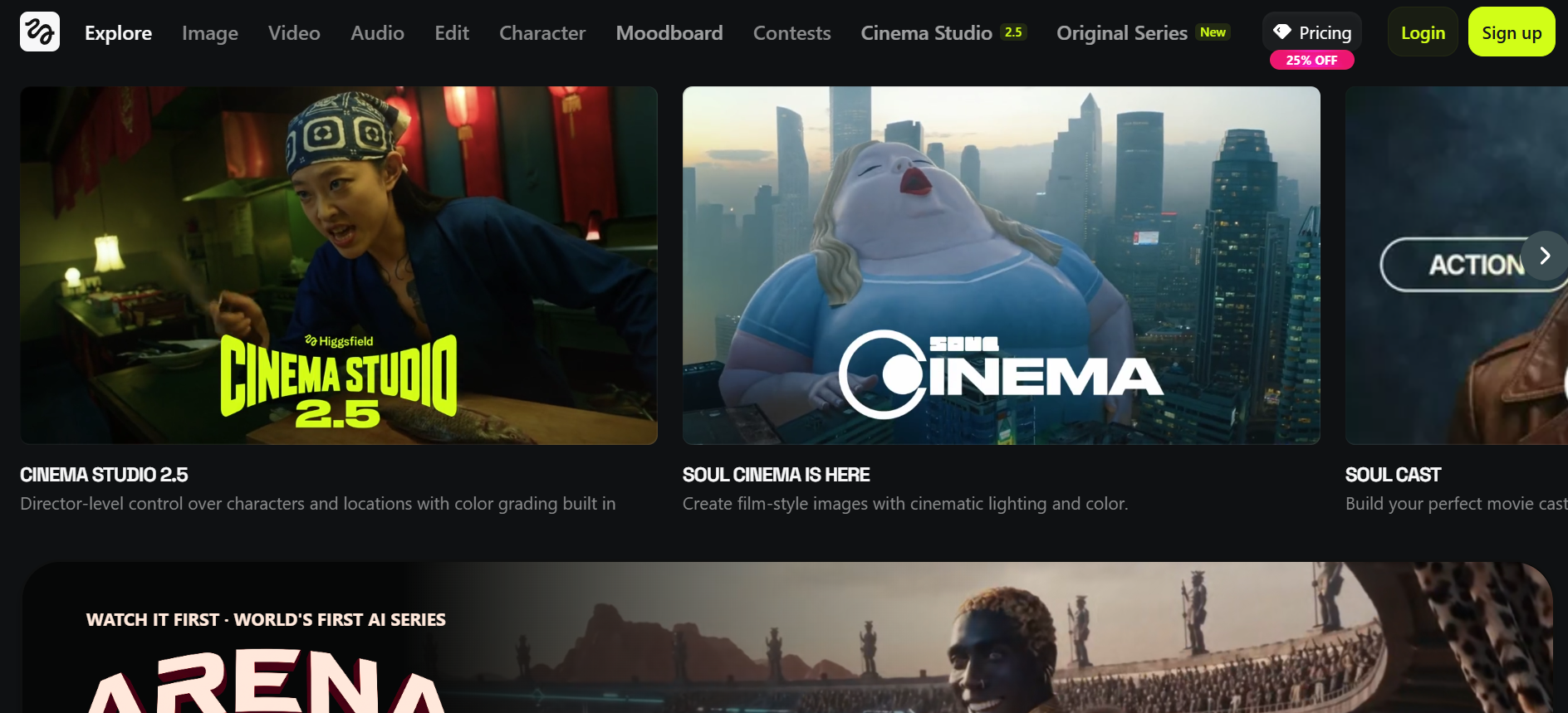
Higgsfield AI is a premier all-in-one generative platform designed for cinematic video and image creation. By aggregating elite models like Sora 2, Google Veo 3.1, Kling, and Nano Banana Pro into one dashboard, it eliminates subscription fatigue for creators and marketers. The suite features powerful tools like Soul ID for character consistency, Cinema Studio for precise camera motion, and AI-driven face swaps or lip-syncing. Optimized for TikTok, Reels, and YouTube, Higgsfield simplifies professional-grade storytelling, delivering natural motion and high-fidelity visual effects with minimal effort.
Key features of Higgsfield AI
Unlock the power of Higgsfield AI to transform your creative process! With its cutting-edge tools, this platform empowers you to create stunning videos, realistic face swaps, and much more. Dive into its key features below and discover how Higgsfield AI can elevate your content to new heights.
- Multi-model integration: Access elite models like Sora 2, Google Veo 3.1, Kling 3.0, and Nano Banana Pro from a single interface. This allows you to choose the best engine for your specific task—whether it’s Sora for cinematic physics or Veo for precise start-and-end frame control.
- Advanced video generation: This powerhouse engine converts simple text, static images, or even selfie prompts into motion-rich, 1080p+ MP4 videos. It excels at realistic human movement and high-fidelity textures, making it a favorite for high-definition social content.
- Soul ID (Character consistency): This industry-leading tool solves "identity drift." By creating a persistent digital persona (Soul ID), you can maintain the exact same face, proportions, and features across different scenes, outfits, and lighting conditions.
- Cinema studio 2.0: Move beyond simple text prompts with professional-grade camera controls. You can direct shots using 70+ cinematic presets (like Crane, Dolly, or 360° Orbit), adjust virtual lenses (e.g., 35mm Anamorphic), and set precise keyframes for motion.
- Higgsfield audio & lipsync studio: A full-loop production suite that includes high-fidelity text-to-speech in 70+ languages, voice cloning, and AI-powered lip-syncing. It can even translate a video's audio into another language while automatically re-animating the character's mouth to match.
- Vibe & motion transfer: Upload a reference video of yourself or an actor to "extract" the movement. Higgsfield then applies that exact skeletal motion and "vibe" to your AI-generated character, making it perfect for complex social media dance trends or action sequences.
Higgsfield AI pricing: Is it worth the investment?
Higgsfield AI offers multiple pricing plans to cater to different user needs, ranging from individual creators to businesses. Pricing is flexible, allowing users to choose between monthly, yearly, or enterprise plans, depending on how frequently they plan to use the tool. Here is a breakdown of the options:
| Plan | Monthly Price | Credits/Month | Key Features & Perks | Best For |
| Free | $0 | 5-10/day or ~10-150 limited | Basic access, limited models, watermarks, 1 concurrent job | Testing & exploration |
| Basic | $9 | 150 | Selected models, up to 2 concurrent videos/images, 1 character, some unlimited on basics (e.g., Nano Banana/Seedream) | Hobbyists, low-frequency use |
| Pro | $29 | 600 | Full model access (Kling, Sora 2, Veo 3.1 etc.), higher concurrency (3-4 jobs), audio sync, priority queue | Regular creators & professionals |
| Ultimate | $49 | 1,200 | All models unlocked, limited unlimited on key tools (e.g., Nano Banana Pro), advanced concurrency, full VFX | Power users, small teams |
| Creator | $149+ | 6,000 | Massive credits, API access, team collab, custom features, priority new models | Agencies, high-volume production |
| Team/Enterprise | Custom | Custom | Granular controls, security, collaboration, configurable seats/credits | Agencies & large teams |
Higgsfield AI reviews: Benefits and drawbacks
Before committing to Higgsfield AI as your primary creative engine, it is important to balance its groundbreaking multi-model integration against a few notable limitations in credit management and support.
Pros
- Unmatched character consistency: Soul ID keeps your AI actors identical across scenes, poses, and models; perfect for series, influencers, or branded content—no rival matches it.
- Director-level camera control: Cinema Studio offers real physics, granular moves (pan/tilt/dolly), lens simulation, and multi-shot sequencing for true cinematic intent without random chaos.
- Multi-model powerhouse: Switch seamlessly between Sora 2, Veo 3.1, Kling, Nano Banana Pro & more in one dashboard; pick the best engine for realism, motion, or speed without extra logins.
- Pro polish tools: Intuitive LipSync Studio, face swap, 20+ VFX/transitions, audio sync, and upscaling deliver marketing-ready, high-fidelity shorts with minimal extra editing.
Cons
- Aggressive credit burn: Advanced features (Cinema Studio, upscaling, premium models) eat credits quickly; even Pro/Ultimate plans limit heavy workflows, forcing careful management or upgrades.
- Learning curve: While accessible, mastering advanced cinematic controls takes time.
Why look for Higgsfield alternatives: Top 5 options in 2026
Tired of Higgsfield AI's rapid credit burn, occasional motion glitches in complex scenes, or limits on heavy workflows? Many creators in 2026 are switching to alternatives that offer better value, superior realism, deeper editing control, unlimited options, or automated pipelines—without sacrificing cinematic quality.
Whether you're chasing longer clips, more consistent characters, pro post-production, or cost-effective bulk generation, these top picks address common Higgsfield pain points like aggressive credit consumption and prompt sensitivity. Here's a fresh look at the top 5 Higgsfield alternatives that you should try out.
| Platform | Primary Focus | Key Features | Best For | Starting Price |
| Framia Pro | Multi-agent creative workflow | 20+ AI models, video + image + music generation, layer editing | All-in-one content creation | Free / $9 per month |
| Runway | Cinematic video generation | Gen models, motion control, video editing tools | Filmmakers & professionals | ~$12/month |
| Kling AI | Realistic video generation | Physics-based motion, prompt accuracy, high realism | Visual storytelling | $9.79 per month |
| Pika Labs | Fast social video creation | Image-to-video, templates, motion effects | Social media creators | Free / $8 per month |
| Luma Dream Machine | Realistic short-form video | Text/image-to-video, smooth motion, fast rendering | Ads & cinematic clips | ~$9.99 per month Lite plan |
- Framia Pro
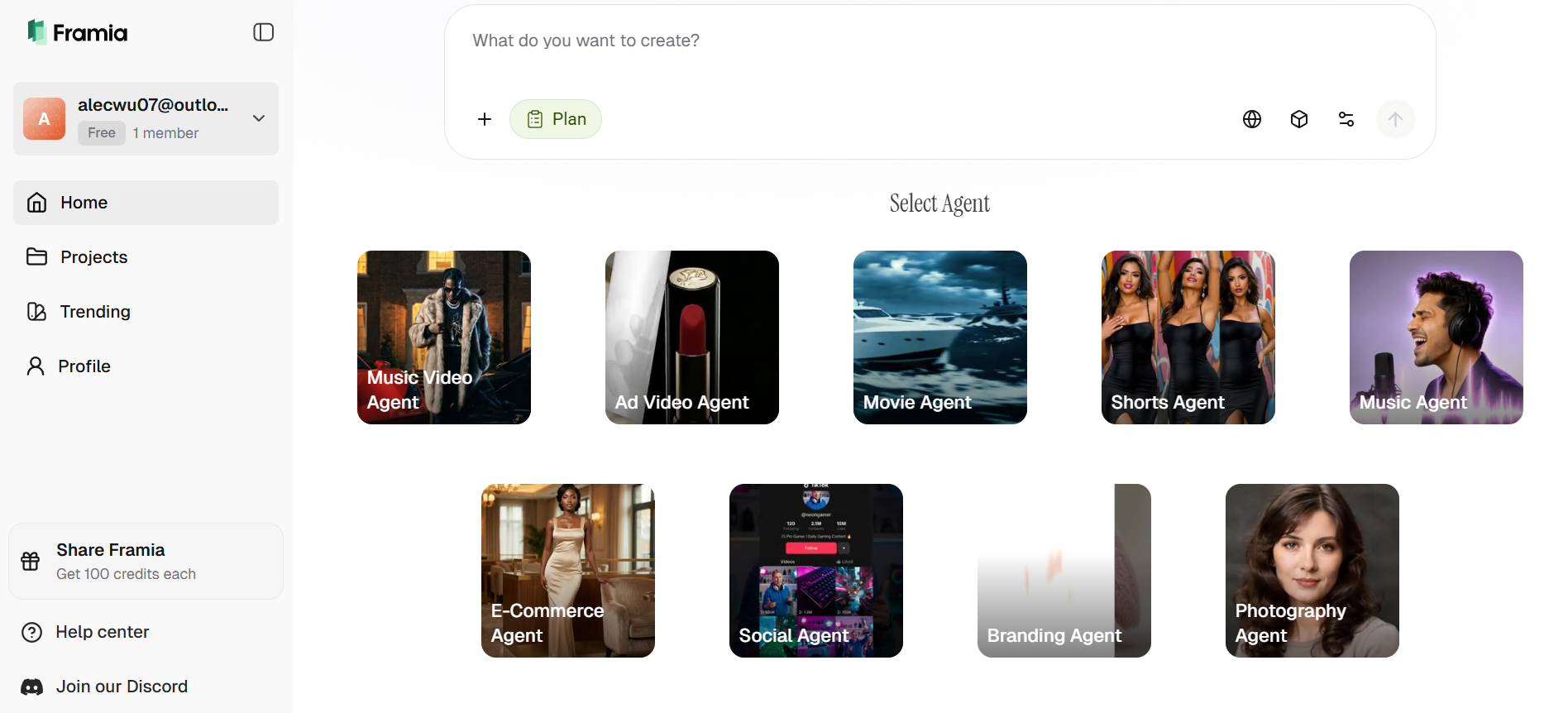
Framia Pro leads as a creative AI agents platform that automates entire processes—from concept to final video—with specialized agents (e.g., Shorts Agent for quick animations, Movie Agent for cinematic dialogue/emotion). It excels in character-consistent ads, music videos, and 4K outputs using a multi-model ecosystem (including Seedance 2.0 and more). Perfect if you want seamless, hands-off creation for marketing or branded content. Users love workflow continuity that reduces resets, though the agent-based system has a slight learning curve for newcomers.
Key features
- Multi-agent creative system: Specialized AI agents handle tasks like ads, videos, and branding, ensuring optimized outputs tailoh content type and platform.
- 20+ AI model integrations: Access leading AI models for video, image, and audio generation within a single dashboard for maximum creative flexibility.
- Split-layer timeline: Unlike flat AI videos, Framia generates scenes in layers, allowing you to swap backgrounds or characters without re-rendering everything.
- Multi-asset generation: Create multiple variations of videos, images, and designs from a single prompt to speed up production workflows.
Pros
- Revolutionary conversational editing interface.
- Supports long-form video up to 30 minutes.
- High-end character consistency across scenes.
- Excellent for team collaboration and feedback.
Cons
- Advanced layer editing has a slight learning curve.
- Runway
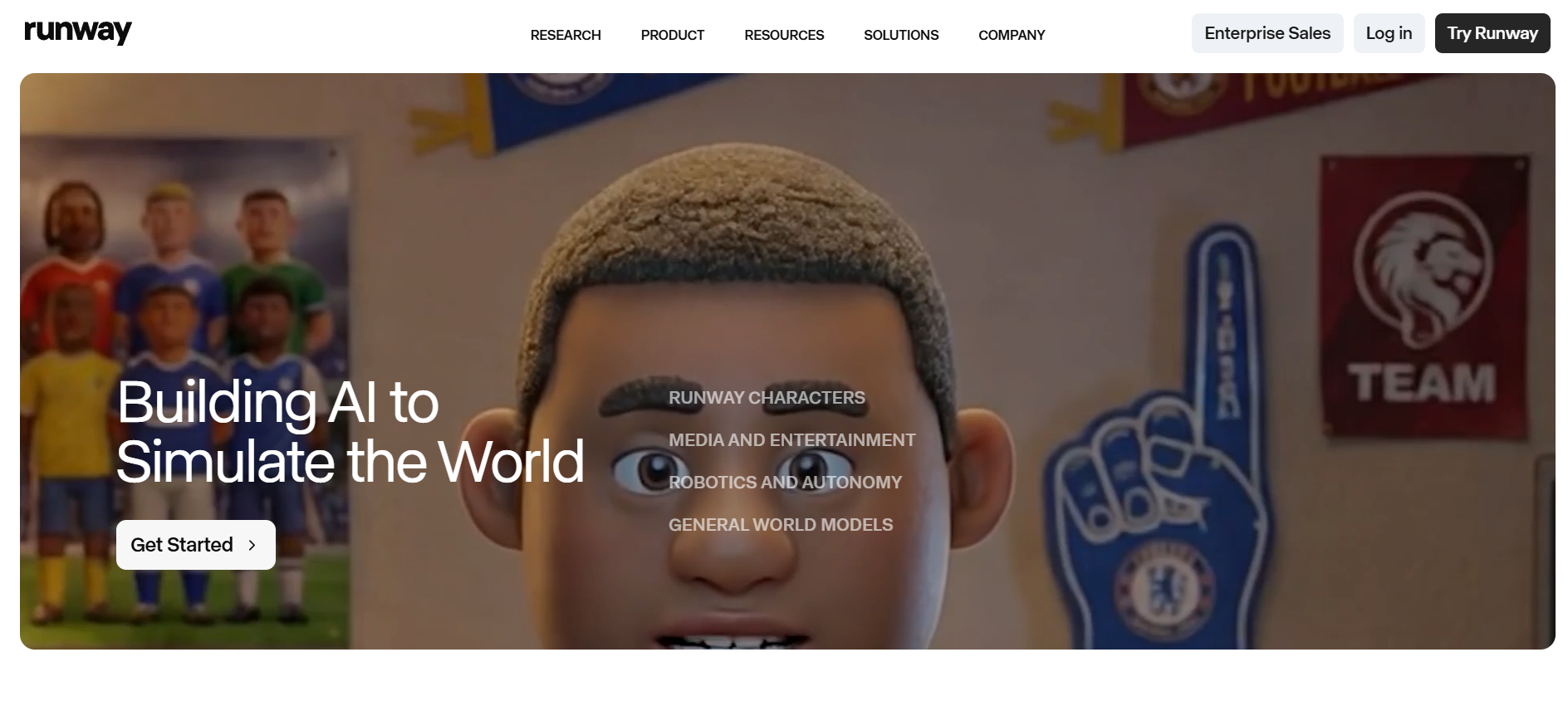
Runway is a leading AI video generation platform built for creators who need cinematic-quality output and advanced editing tools. Powered by advanced models like Gen-4, it enables users to generate, edit, and enhance videos with impressive realism and control. With features like motion control, scene editing, and real-time collaboration, Runway is widely used by filmmakers and professionals. Its focus on high-end production makes it ideal for storytelling, advertising, and creative projects that require precision and polished visual results.
Key features
- Cinematic AI video models: Generate high-quality videos with realistic motion, lighting, and camera effects suitable for professional storytelling and ads.
- Motion control tools: Fine-tune movement, camera angles, and transitions to achieve precise visual direction in generated video scenes.
- Built-in video editor: Edit clips directly within the platform using AI tools for trimming, effects, and scene adjustments without external software.
- Collaboration features: Work with teams in real time, share projects, and streamline production workflows across multiple users efficiently.
Pros
- Industry-leading granular control over motion.
- Professional-grade VFX and masking tools.
- Massive community and extensive tutorial library.
- Regularly updated with cutting-edge research models.
Cons
- Steep learning curve for non-professional editors.
- Kling
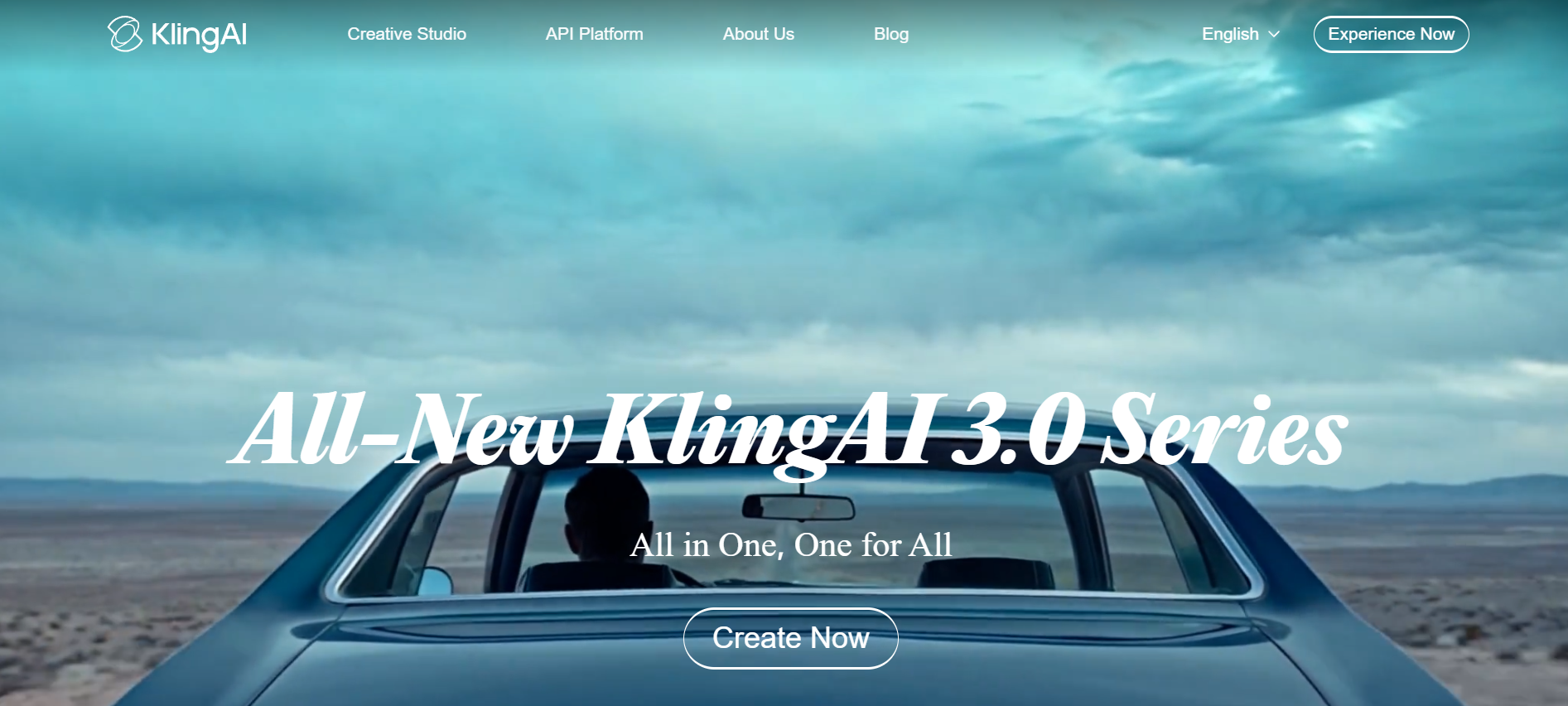
Kling AI has solidified its position as the king of stable, human-centric physics. It is the go-to platform for creators who need realistic human actions—like eating, walking, or intricate hand gestures—that often fail in other models. In 2026, Kling 2.6 offers incredible stability for videos up to 15 seconds in a single pass. Its accessibility, including a generous free daily credit system, makes it a favorite for high-volume creators producing B-rolls.
- High-fidelity physics: Produces hyper-realistic movement, handling complex interactions like liquid pouring or cloth simulation with unmatched accuracy.
- Stable character motion: Maintains character proportions and facial features flawlessly for up to 15 seconds without the typical "AI morphing" glitches.
- Advanced lip-sync: Offers the most realistic dialogue synchronization in the industry, perfectly matching mouth movements to any uploaded audio file.
- Extension tool: Seamlessly extend a 5-second clip into a longer sequence while maintaining the exact visual style and character positioning.
Pros
- Best-in-class realism for human movements.
- Generous free daily credits for all users.
- A very intuitive and fast web-based interface.
- High resolution 1080p native exports.
Cons
- Limited cinematic camera control compared to Runway.
- Pika Labs
Pika Labs is the most "fun" and social-media-focused alternative, prioritizing creative flair over strict photorealism. It is famous for its "Pikaffects," which allows users to apply physics-defying animations to objects instantly. Pika 2.5 is built for the viral era, offering fast iteration and built-in sound effect generation. If you are looking to create eye-catching TikToks or "vibey" music videos with surreal elements, Pika’s specialized toolkit is designed specifically for your workflow.
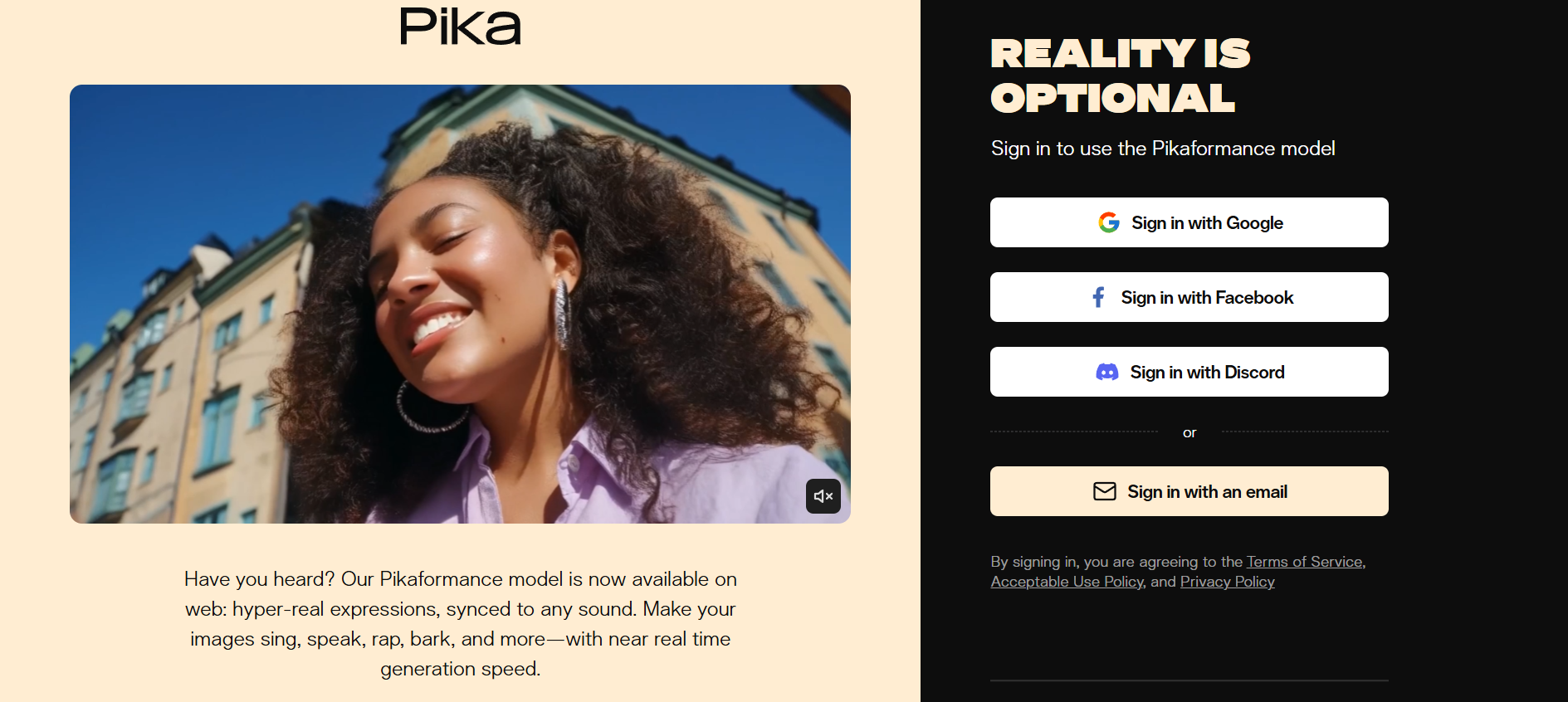
- Pikaffects: Apply surreal physics like "Melt," "Crush," "Inflate," or "Explode" to any object in your video with a single click or simple prompt.
- Auto-SFX generation: The AI analyzes the movement in your video and automatically generates matching high-fidelity sound effects for instant posting.
- Lip-sync & voice: Integrate high-quality text-to-speech with realistic mouth animations, optimized for social media avatars and talking head videos.
- Style presets: Instantly transform your video into different aesthetics, from 3D animation and Claymation to Cyberpunk and Sketch art styles.
Pros:
- Creates stylized videos in seconds from text prompts.
- Artistic styles and visuals for unique looks.
- Built-in audio generation saves production time.
- Extremely easy to use for total beginners.
Cons:
- Limited to short, few-second clips that often require stitching for longer scenes.
- Luma Dream Machine
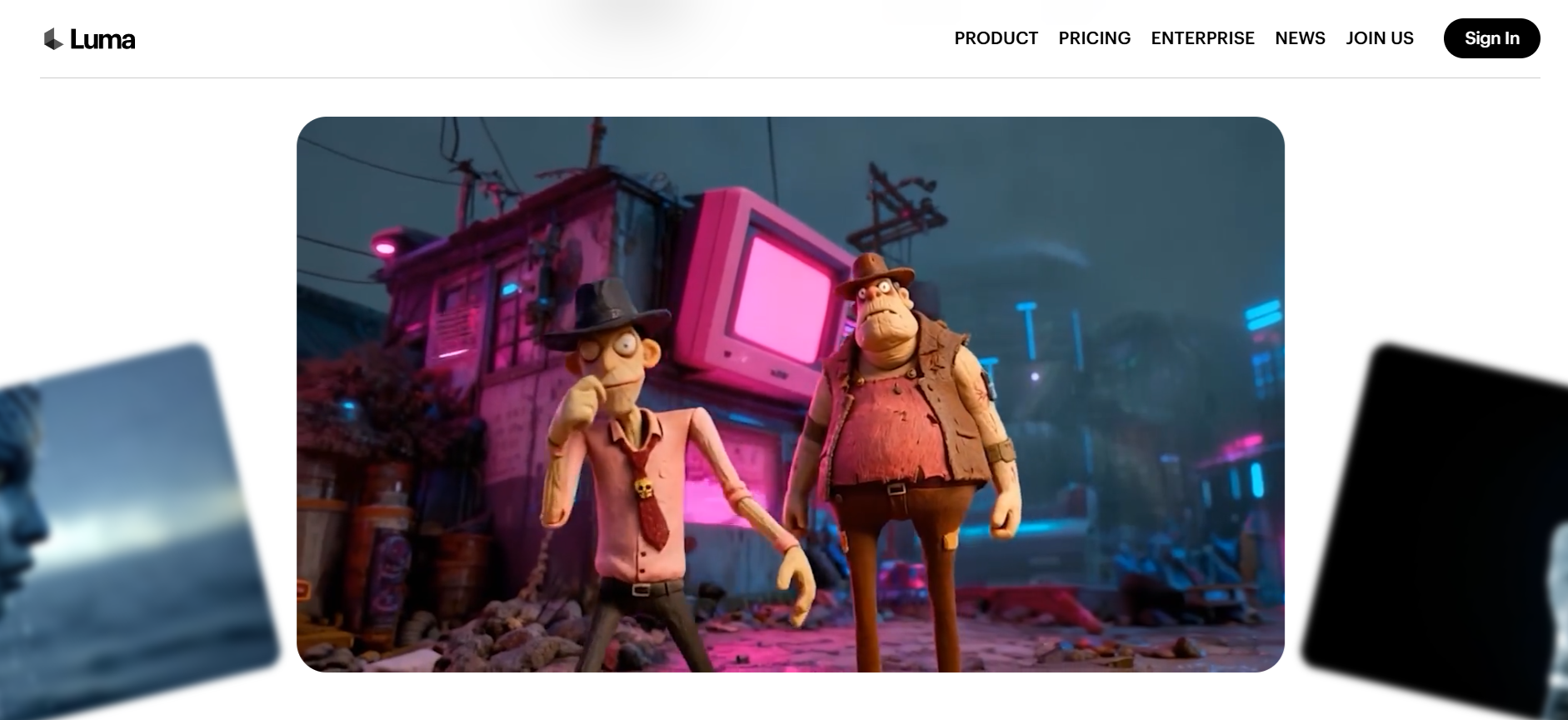
Luma Labs has mastered the art of 3D space and cinematic lighting. Their Dream Machine, powered by the Ray 3.0 engine, understands the physical world with incredible depth. It is widely considered the best tool for "Hero Shots" and product showcases where shadows, reflections, and camera parallax must look physically perfect. Luma's focus on high-fidelity 3D consistency makes it a top choice for creators who want their AI videos to look like high-end 3D renders.
Key features
- Text-to-video generation: Convert simple text prompts into cinematic video clips with realistic motion, lighting, and scene composition in minutes.
- Image-to-video animation: Transform static images into dynamic videos with smooth transitions, depth, and motion effects for engaging storytelling.
- Realistic motion physics: Advanced AI ensures natural movement, accurate physics, and lifelike animations for high-quality, believable video outputs.
- Character consistency: Maintains consistent characters, facial features, and styling across frames, making it ideal for storytelling and branded content.
Pros
- Fast video generation—lets users create short AI videos in minutes.
- User‑friendly interface and accessible to beginners.
- Produces visually realistic motion and dynamic scenes.
- Supports multiple input types (text + images).
Cons
- Limited to short clips (around 5–10 sec), constraining longer storytelling.
Conclusion
Higgsfield AI delivers impressive cinematic video generation, face swaps, and creative transitions with multi-model integration and Soul ID for consistent characters. While powerful, its rapid credit use and advanced controls can challenge heavy users. For creators seeking flexibility, longer clips, and hands-on control, Framia Pro is a superior alternative, offering multi-agent workflows, layer-based editing, and professional-grade outputs. Whether for marketing, social media, or creative storytelling, Framia Pro streamlines production and empowers creators to produce high-quality content efficiently in 2026. Ready to elevate your creative projects? Try Framia Pro today and bring your ideas to life!
FAQs
- Is Higgsfield AI video generator really free to use?
Yes, Higgsfield AI offers a "Freemium" model, providing 150 monthly credits for basic models. Free users face watermarks, lower rendering priority, and limited access to premium engines like Sora 2. To unlock commercial rights and 4K quality, a paid subscription is needed. Similarly, Framia Pro offers a free tier with basic access, ideal for casual users or those exploring AI content generation.
- Can I use Higgsfield AI for commercial projects?
Yes, Higgsfield AI allows users to create videos and images for commercial use under its paid plans. However, users should review the terms of service to ensure their projects align with the platform's usage rights, especially if using third-party models or assets.
- What is the Higgsfield AI face swap feature?
Higgsfield AI's face swap feature allows you to seamlessly replace faces in images or videos using advanced AI models. It provides high-quality results, perfect for creative content, entertainment, and marketing. Premium access unlocks more accurate swaps with faster processing times.
- Which is the reliable Higgsfield alternative for video generation?
Framia Pro is widely considered a reliable alternative for video generation, offering powerful text‑to‑video, motion effects, and consistent cinematic output. It combines character continuity and social format optimization, making it ideal for creators who need quality, flexibility, and fewer credit limitations than some competitors.
- What is the "Vibe" motion transfer feature?
Vibe transfer allows you to upload a reference video—such as a dance or a specific gesture—and "extract" that movement. The AI then applies that exact skeletal motion to your generated character. It’s perfect for replicating viral trends while maintaining a unique, AI-generated aesthetic for your brand or persona.