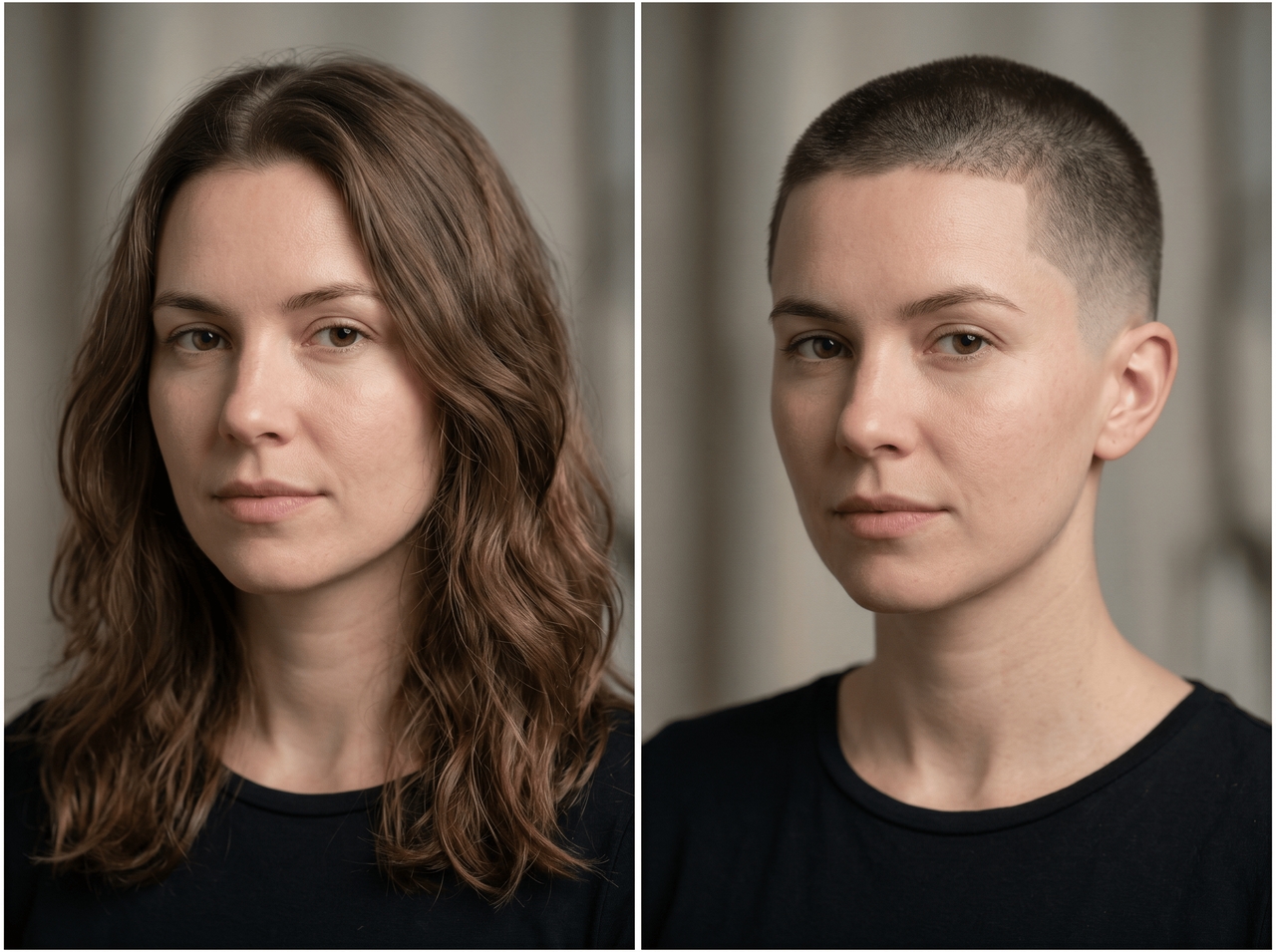
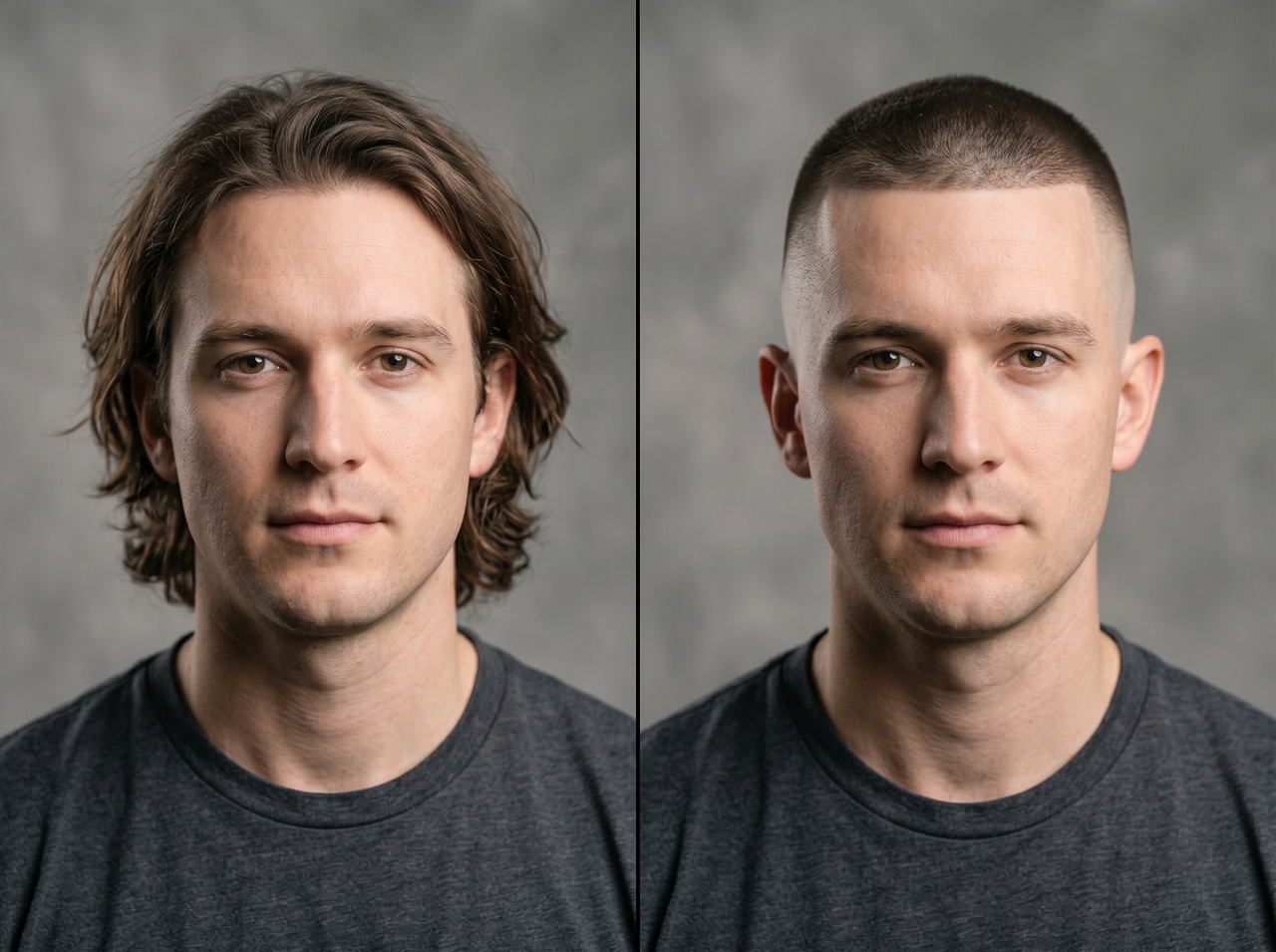
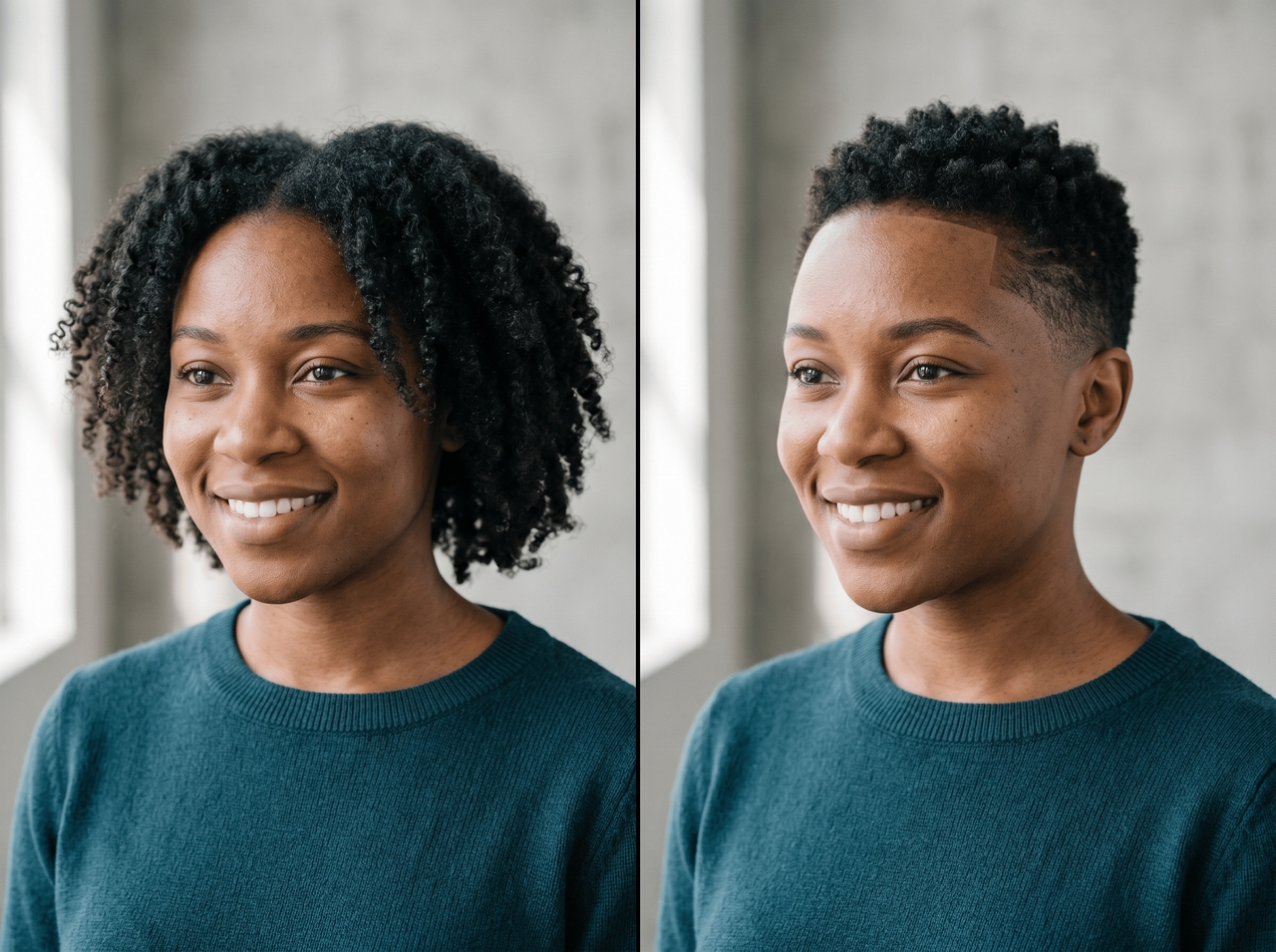
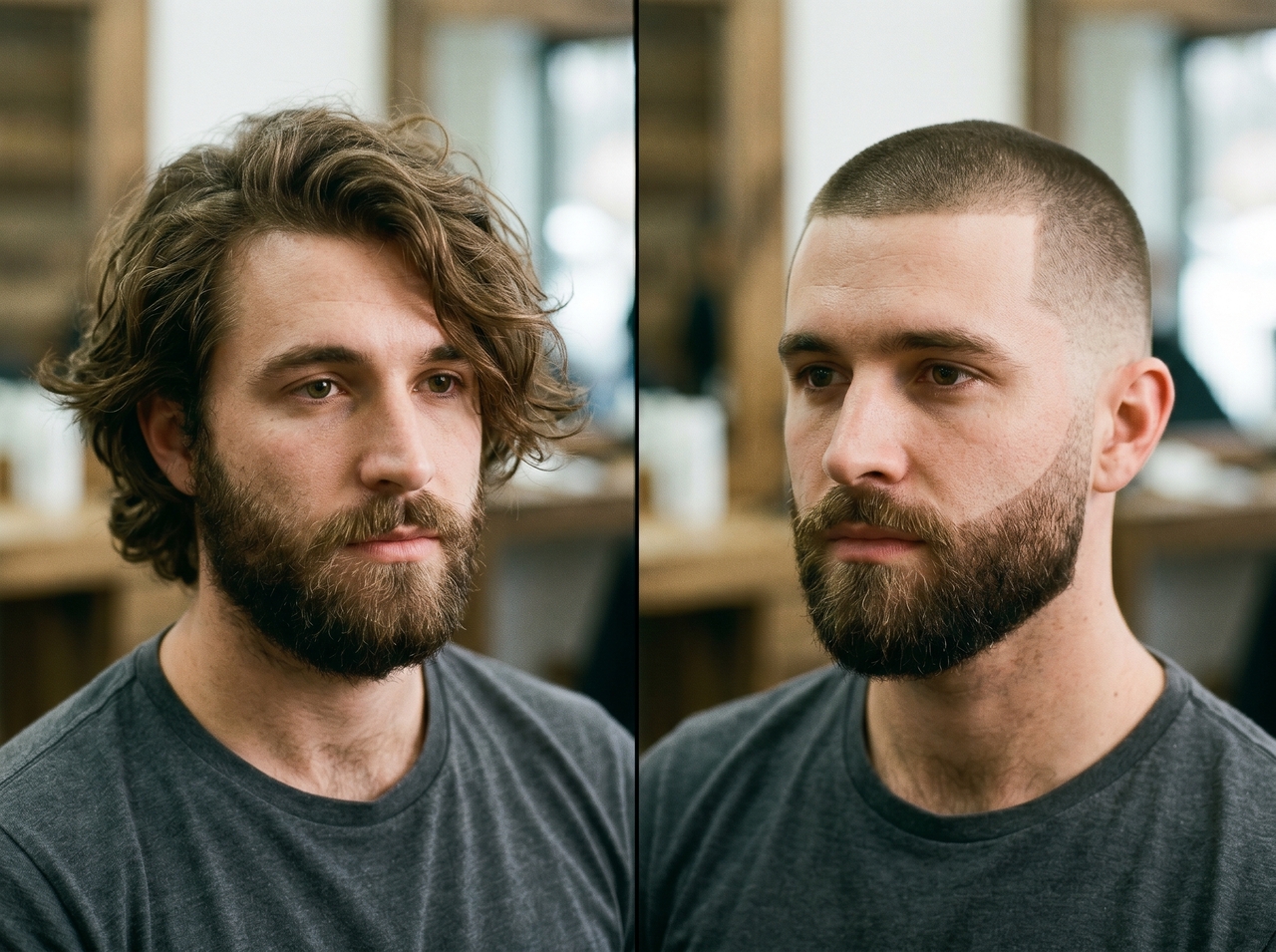
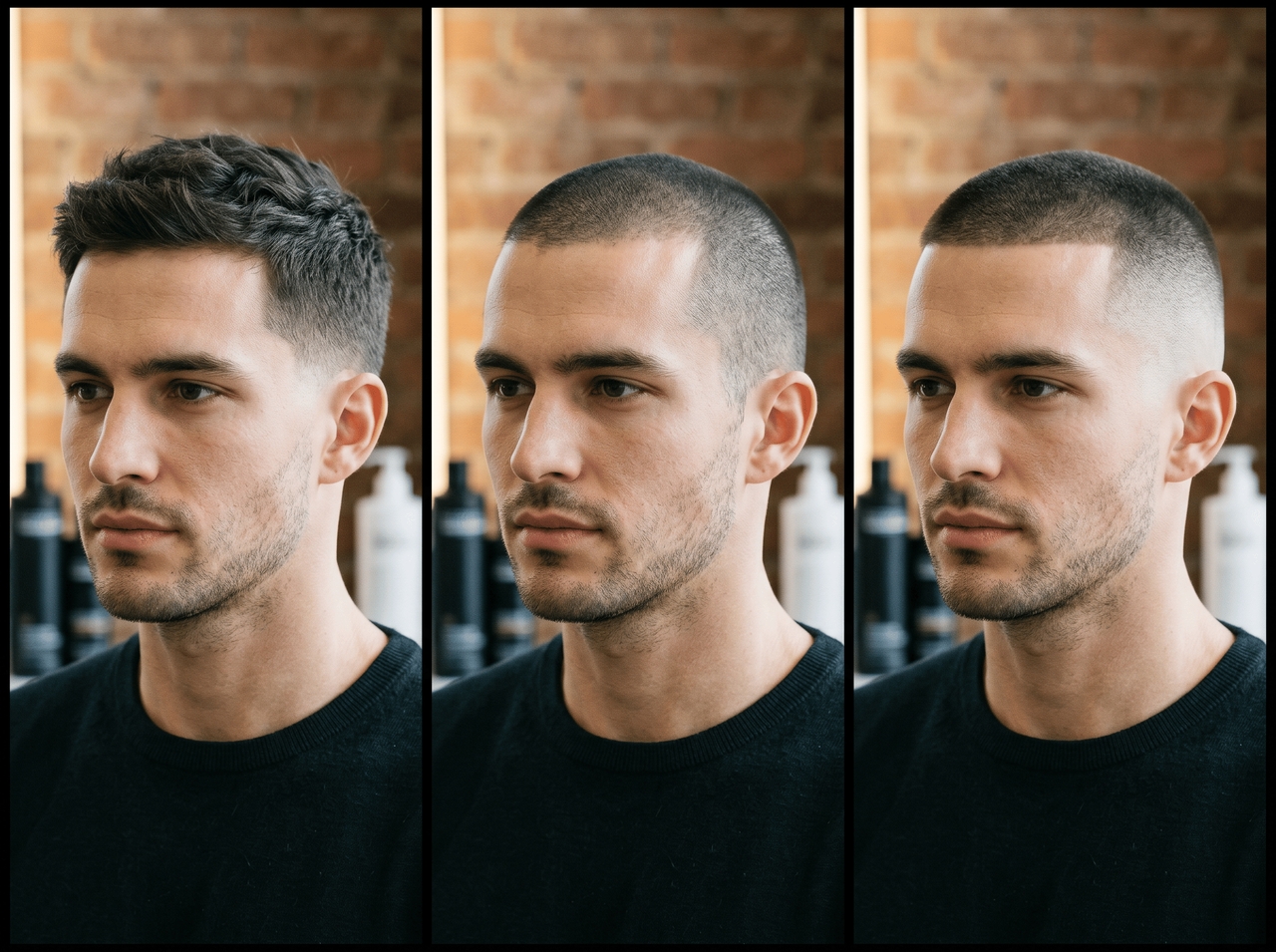
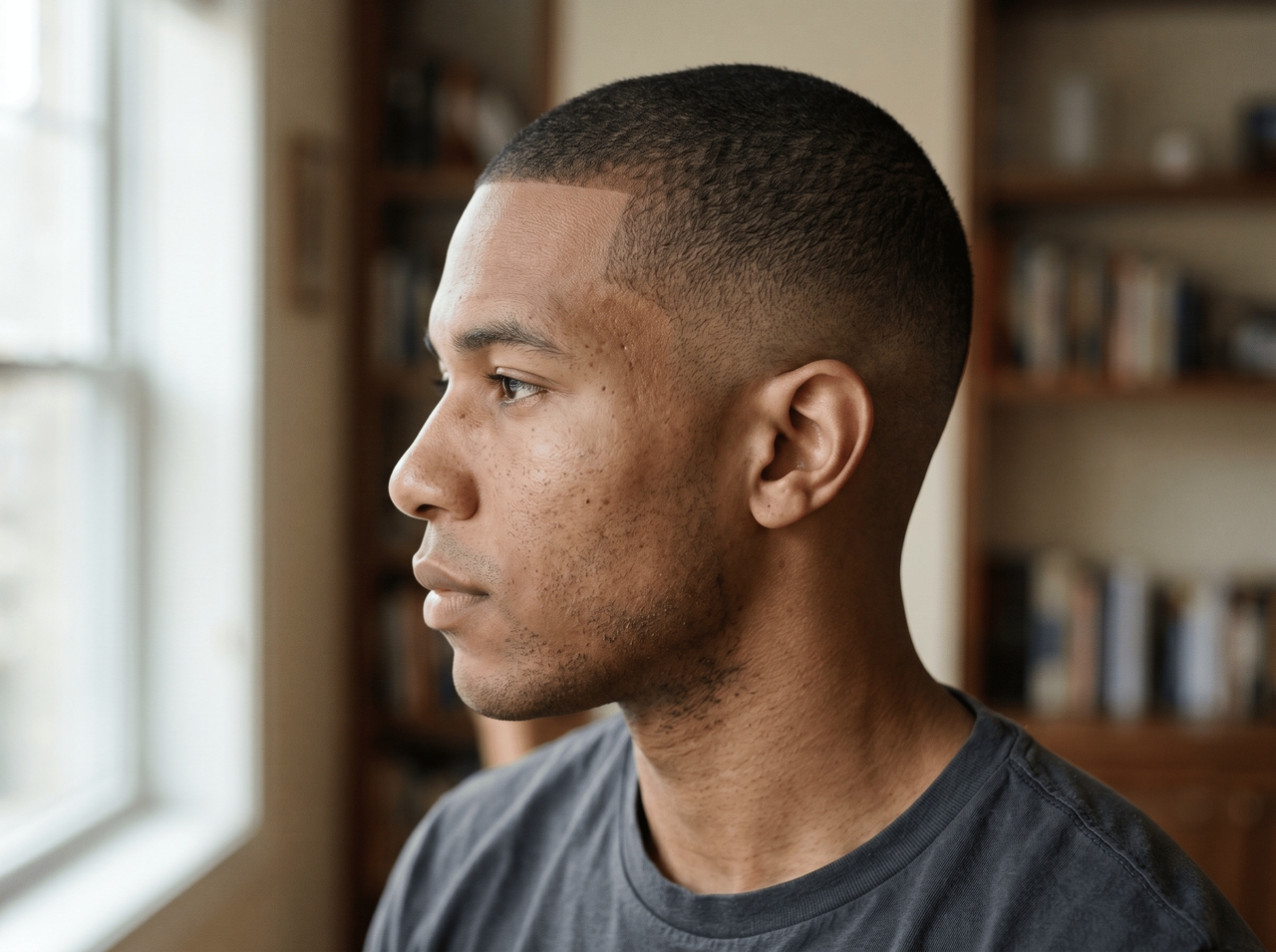
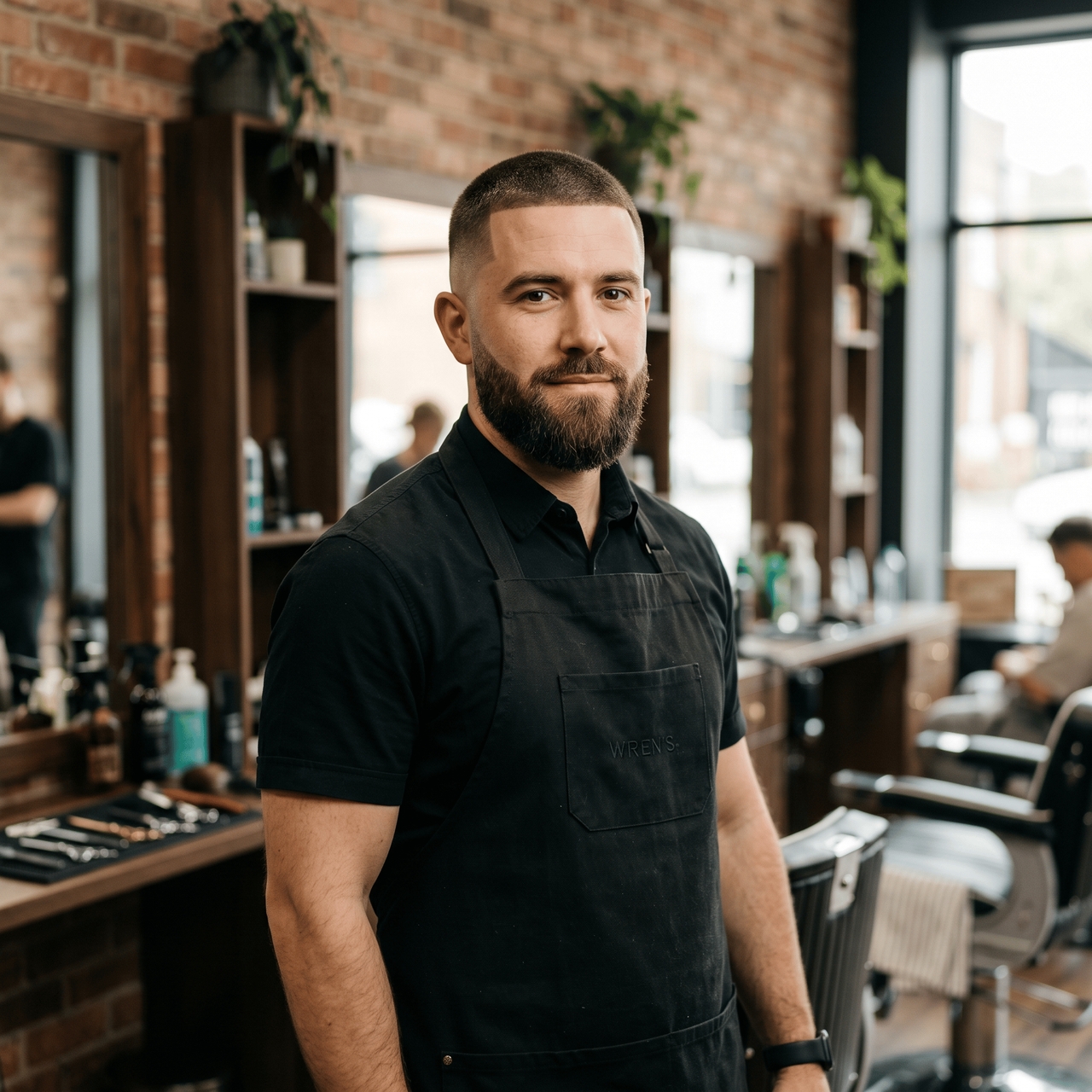
Free AI Buzz Cut Filter

Try different buzz cut looks from a single selfie and see realistic shaved styles with natural lighting, clean fades, and sharp hair detail!

Upload imagesClick to browse or drag & drop file here
Free AI Buzz Cut Filter

Steal the look: Try these trending buzz cut styles

Click any style below, paste the prompt into Framia Pro, and see it on your face.

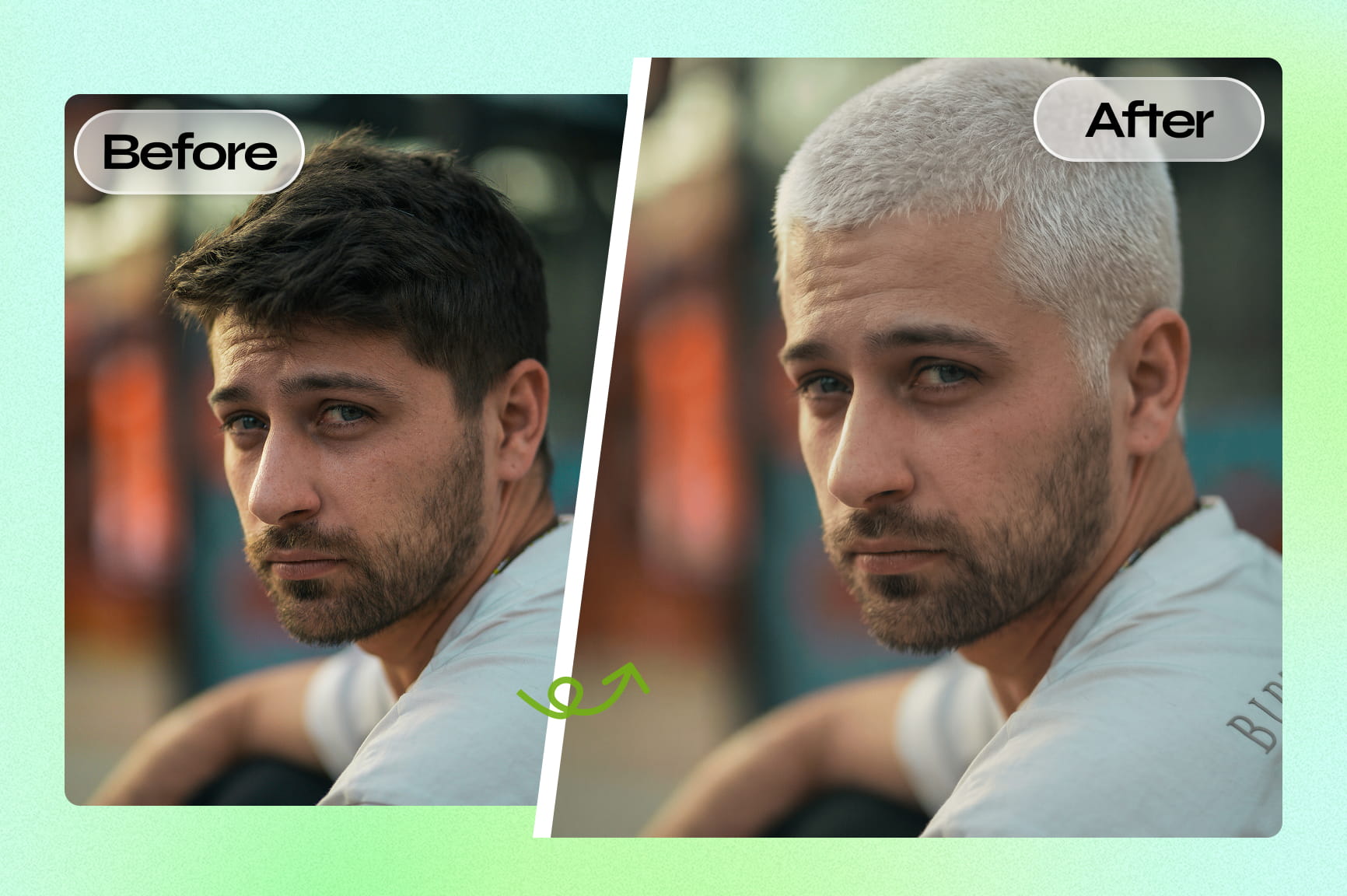
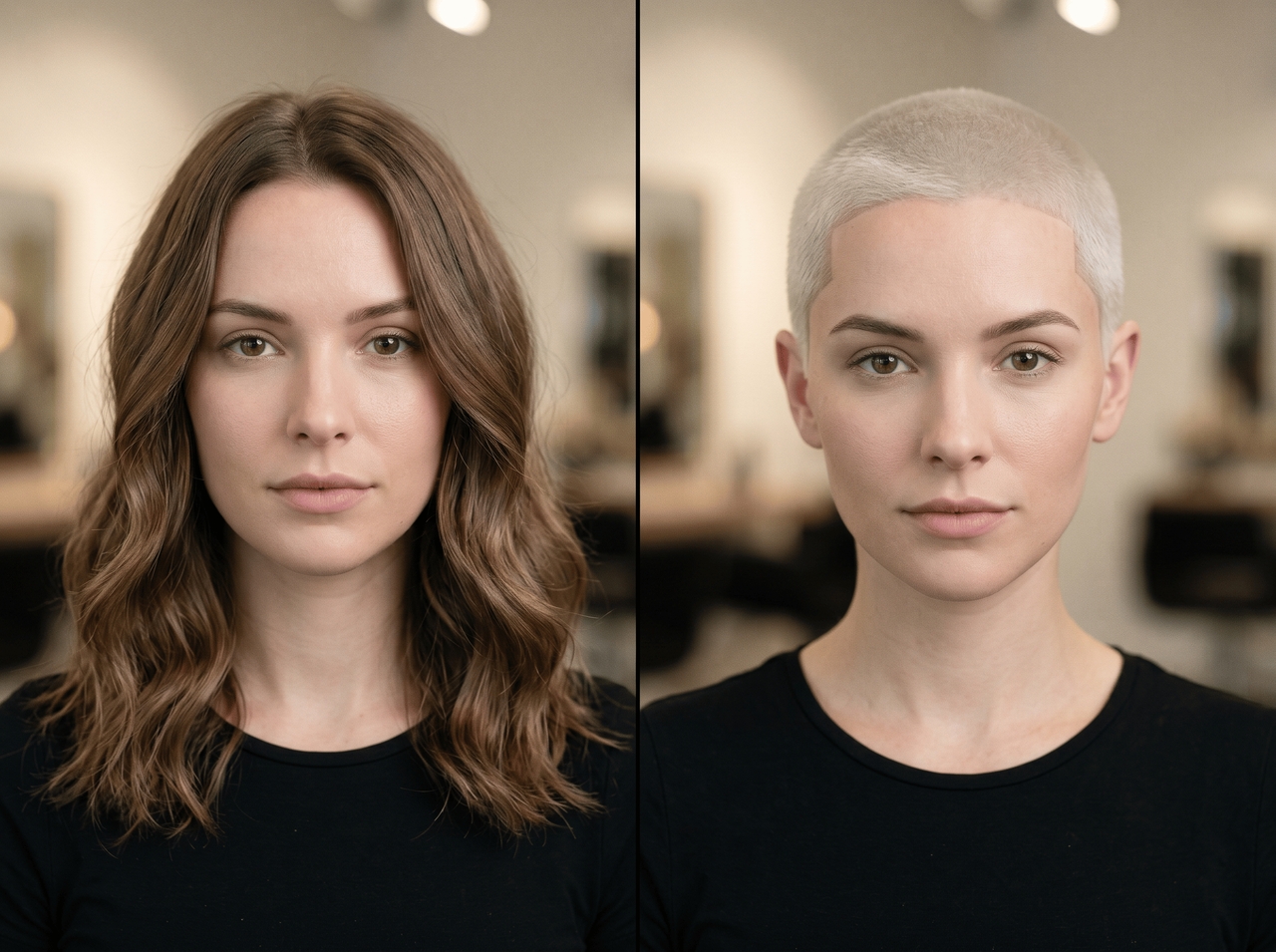
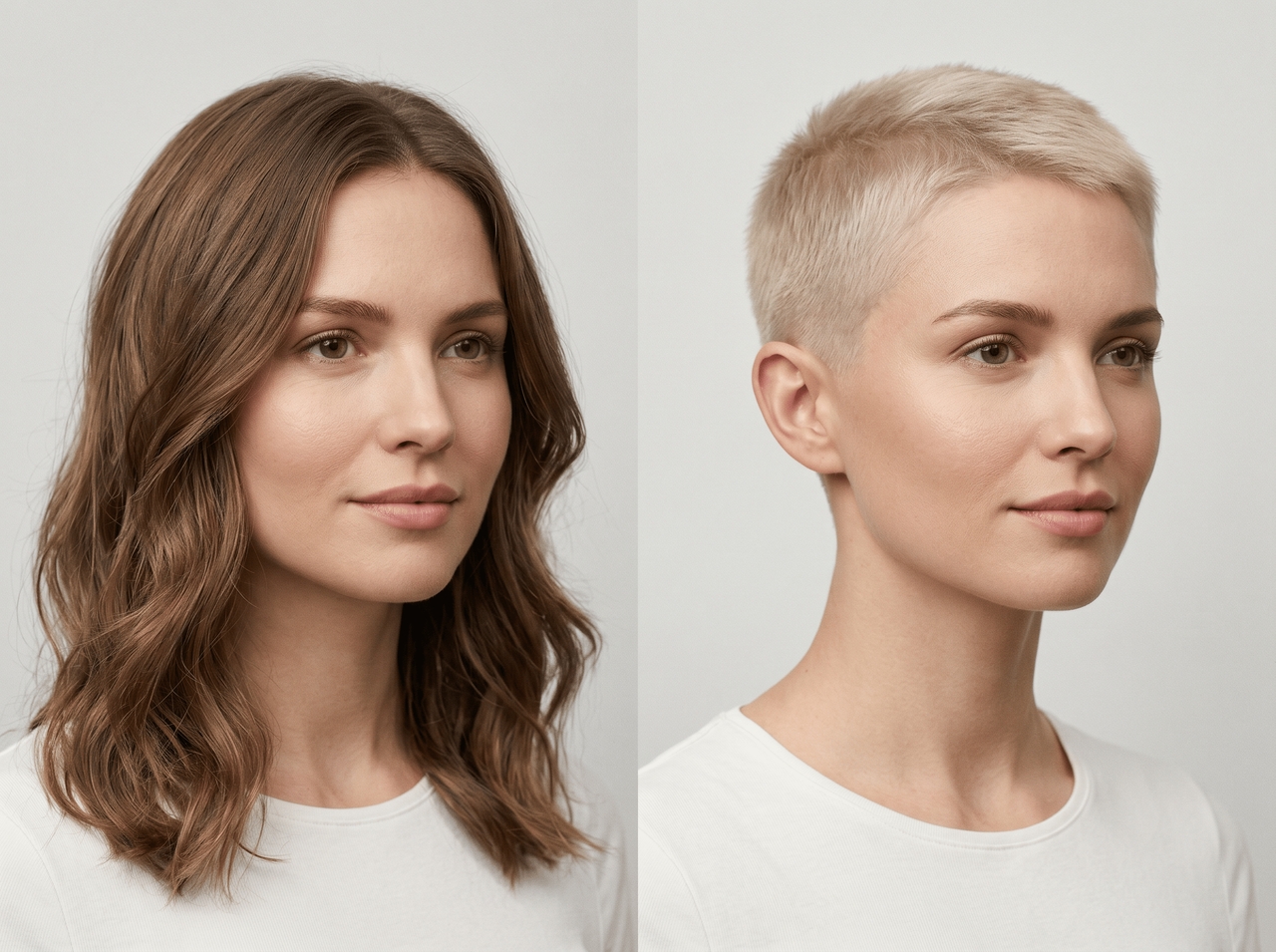
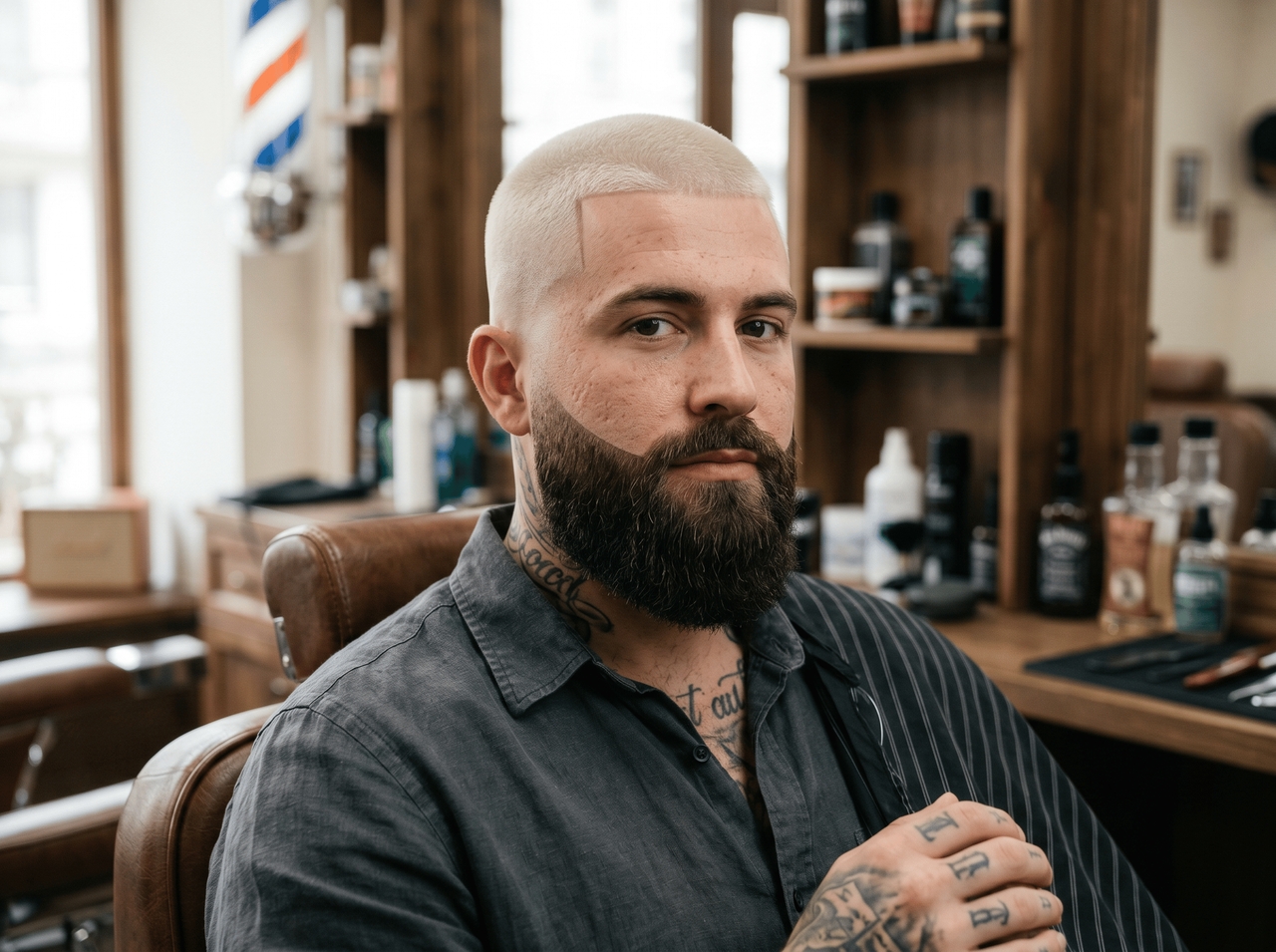
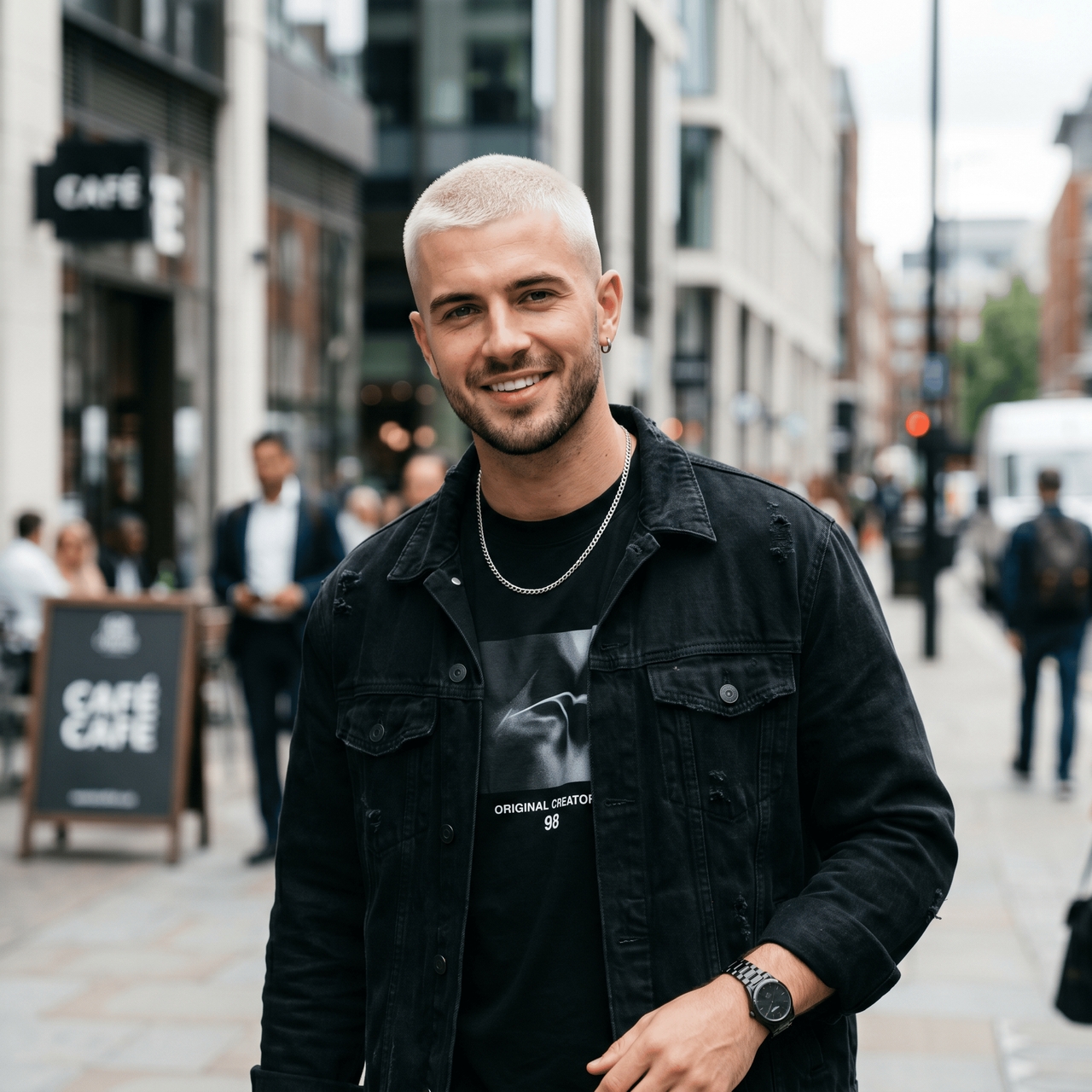
The platinum buzz cut (Bleached induction look)

"A very short induction buzz cut (#0–#1 guard) with platinum blonde bleached hair, sharp hairline, clean stubble, high contrast finish."

The platinum buzz cut (Bleached induction look)
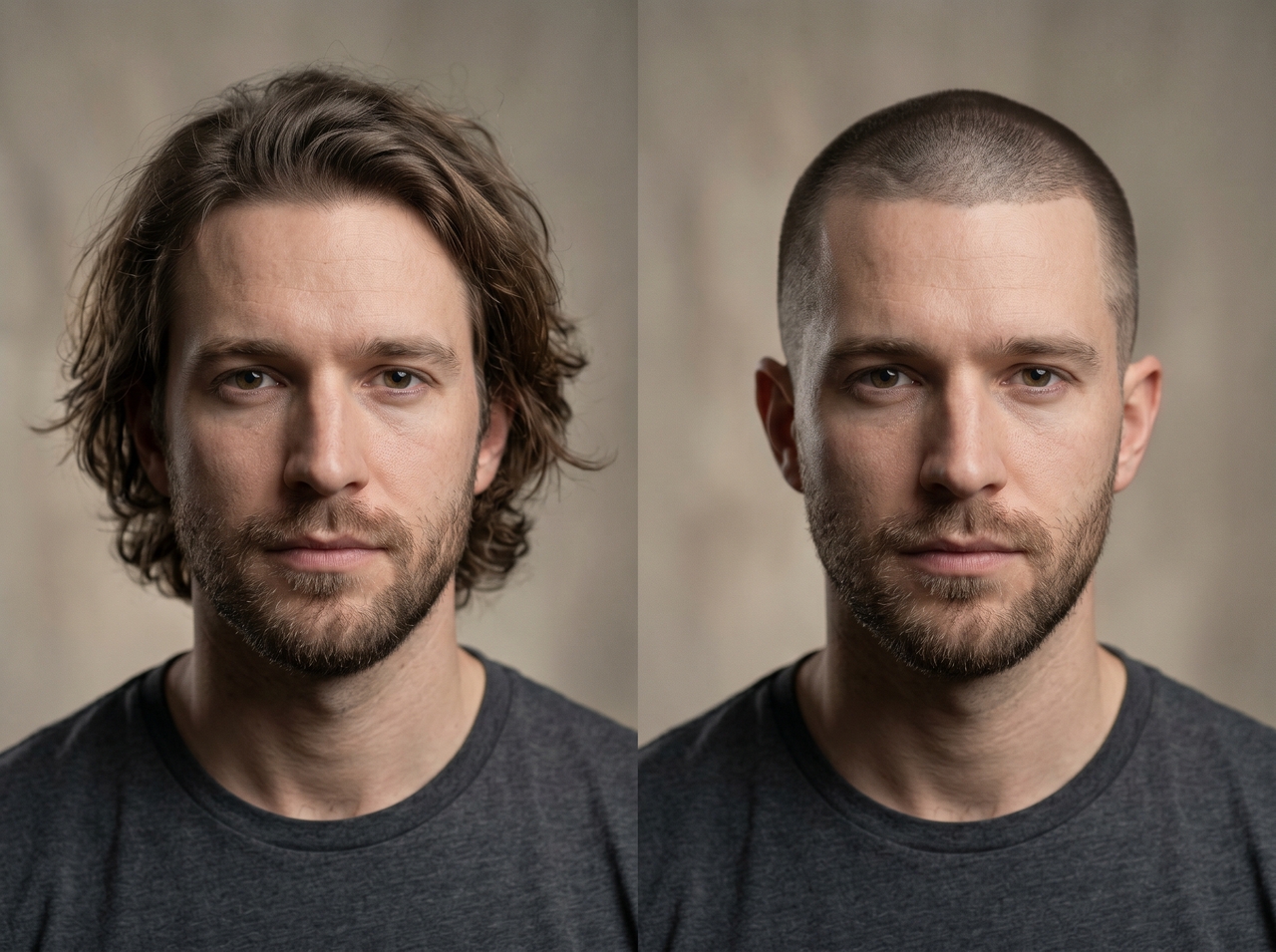
The military induction cut

The military induction cut

"Ultra-short induction buzz cut with uniform #0 or #1 guard all over, sharp natural hairline, clean military-style finish, no fade."

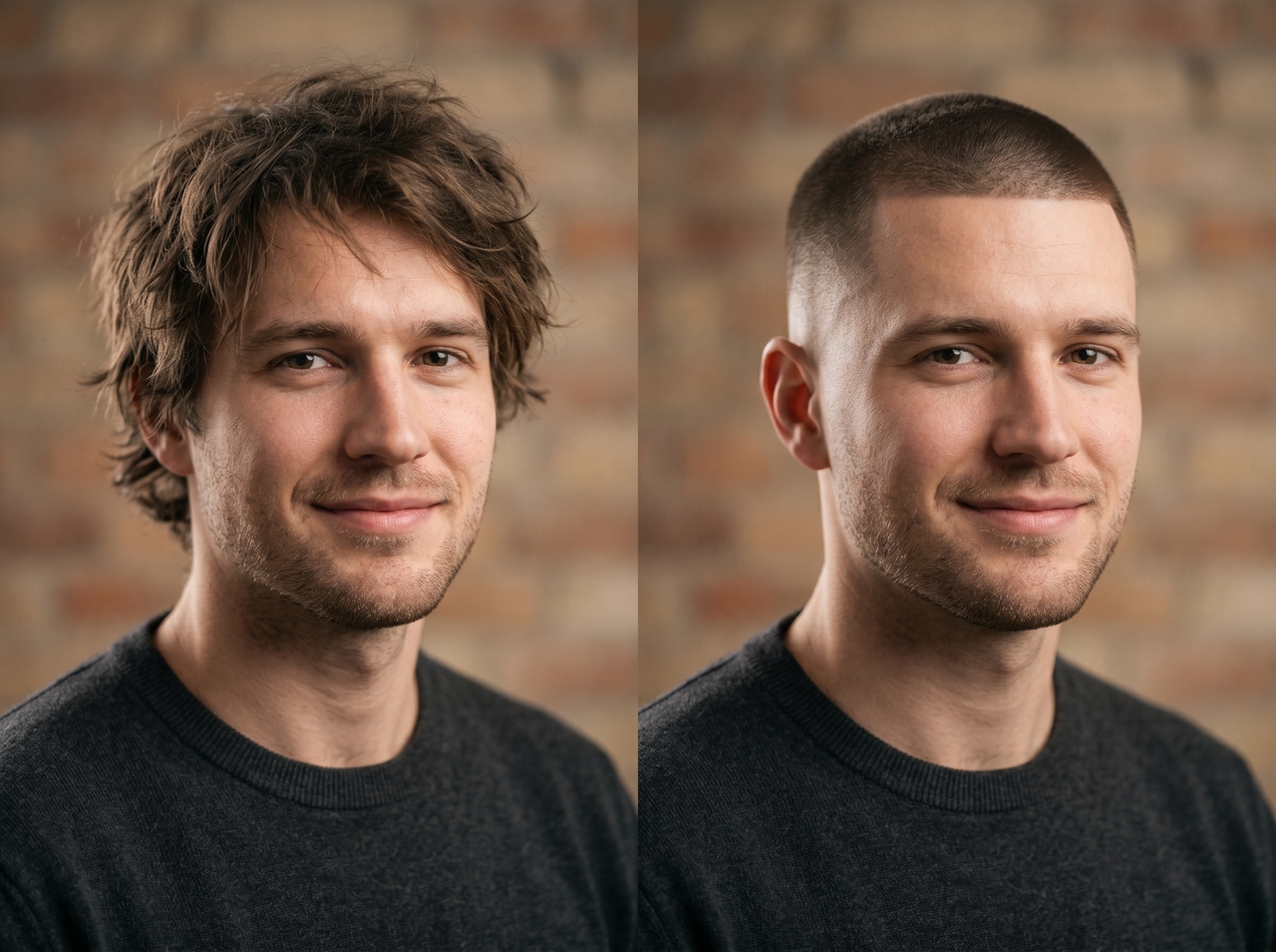
The skin fade buzz cut

"Buzz cut with skin fade on sides and back, blended into a #2–#4 guard on top, clean transition, sharp lineup."

The skin fade buzz cut
The low fade buzz cut

The low fade buzz cut

"Short burr cut (#1–#2 guard) with low fade on sides, natural texture on top, soft gradient blending into skin."

The high and tight buzz cut

"Very short sides with high skin fade, slightly longer #2–#3 guard on top, strong contrast military-inspired style."

The high and tight buzz cut
The textured buzz cut (Natural hair type)

The textured buzz cut (Natural hair type)

"Buzz cut on natural textured hair with #2–#3 guard, slight volume on top, clean low fade, defined hairline."

The blonde taper buzz cut

"Light blonde buzz cut with taper fade on sides, #2–#4 guard transition, soft natural finish, neat neckline."

The blonde taper buzz cut
The buzz cut with beard blend

The buzz cut with beard blend

"Uniform buzz cut (#2–#3 guard) paired with full beard, clean fade blending hairline into beard line, sharp edges."

Devoted to detail: The features that get it right

Tap into Framia Pro's multi-model AI engine to render your AI buzz cut filter for free with photo-level realism.

Try a buzz cut without visiting a barber

Upload your photo, and use Seedream 5.0, Nano Banana Pro, MidJourney v7, Flux Max, or Qwen image to get a preview of the buzz cut filter for free. Avoid a studio haircut disaster and see the realistic final results right away.

Try a buzz cut without visiting a barber
Go for different buzz cut styles

Go for different buzz cut styles

Explore various crew cuts, induction styles, and classic military fades. Each style renders through a different AI model with distinct capability profiles, so every result looks unique rather than a copy of the last.

Get a realistic buzz cut filter effect

Generate sharp haircut previews with natural scalp texture, lighting balance, and blended fade lines. Framia Pro preserves facial structure and photo depth, which gives the buzz cut filter outputs a more believable appearance.

Get a realistic buzz cut filter effect
Customize your hairstyle with prompts

Customize your hairstyle with prompts

Describe fade level, hair color, beard style, or haircut length through text prompts. Framia Pro reads detailed instructions and applies targeted edits to the image that follows your requested style direction closely. The more specific your description, the more accurate the final result.

Preserve the original photo quality

Run a low-resolution image through the image upscaling tool on Framia Pro and recover sharpness, edge detail, and texture at 4K output. The AI adds detail rather than simply stretching pixels, so your image stays sharp even at larger display sizes.

Preserve the original photo quality

No clippers, no risk: How to get the buzz cut filter online

Try a buzz cut filter on your selfie and see realistic shaved styles before any real haircut decision.

Upload your selfie
Go to Framia's home and click "+" to upload a selfie. Then, enter a prompt for buzz cut style to describe the fade, color, and style.
Generate the buzz cut filter
Select the aspect ratio for your image, choose the image model under "Select Model" > "Image." Click "Generate," and Framia Pro creates the previews.
Save to the image
Review the AI buzz cut look, refine details with prompts if needed, then download or save your final hairstyle image.

From hype to reality: Why test the buzz cut AI filter on your face

Turn hairstyle curiosity into realistic AI previews that match your face shape, lighting, and photo details.

Compare different styles
Test induction cuts, taper fades, burr cuts, and bleached buzz cut filter from one selfie. Framia Pro image generator creates multiple hairstyle variations through prompts, so you can study haircut length, fade depth, and overall shape before choosing a final style.
Avoid the haircut regret
Preview the TikTok buzz cut filter on your actual photo before cutting your hair. Framia Pro preserves facial structure and proportions, which gives a clearer idea of how a hairstyle fits your jawline, forehead, beard shape, and overall appearance.
Skin tone and lighting matching
Generate multiple buzz cut versions from the same selfie and compare each style directly. Framia Pro updates lighting, fade depth, and hair texture for every result. The difference between a #2 and #4 guard appears clearly on your actual face.
Low-cost production
There is no requirement for expensive editing programs or professional editors because the entire process is automated with the help of AI software, thus decreasing production costs and time without compromising quality.
Social-ready export
Once the video is complete, it is automatically optimized and exported for different platforms like TikTok, Instagram Reels, and YouTube Shorts in terms of resolution, compression, encoding, and ratio.

Love at first swipe: The community shares their cuts

See real reactions from people who swapped haircut doubts for AI buzz cut previews that finally looked believable.


I was terrified of looking like an egg, so I ran my photo through Framia Pro first. Seeing the realistic fade convinced me to commit. My barber literally used the downloaded image as a reference. Best risky decision ever.
Lucas Vance
Lucas Vance
Graphic Designer
My barber kept pushing a buzz cut, and I kept saying no. Ran my photo through Framia Pro on a whim and honestly? He was right. Booked the appointment the same afternoon. Best decision I've made this year.
Jake Merritt
Jake Merritt
Freelance Photographer
I wanted a buzz cut for months, though I kept backing out every single time. Framia Pro showed how a shorter cut changed my jawline and face shape. That preview gave me enough confidence to finally shave my hair last weekend.
Maya Sinclair
Maya Sinclair
College Student
Started showing clients their previews using Framia Pro before consultations. They type what they want, we look at it together, and suddenly there's zero confusion at the chair. Cuts the back-and-forth in half. My whole shop uses it now.
Tobias Wren
Tobias Wren
Barber
I generated a bleached buzz cut on my bald head with a mid fade just to post as a "would I?" on Instagram. Comments went crazy. Ended up actually doing it a week later because the preview had me convinced. The tool basically dared me.
Liam Ashford
Liam Ashford
Content Creator
Summer was coming, and I wanted something low-maintenance. Tried five different lengths on the same photo in about ten minutes. Landed on #3 with a taper. Walked in, showed the barber the preview, and walked out looking exactly like it.
Nate Brouwer
Nate Brouwer
High School Teacher
We've compiled the most important information to help you get the most out of your experience. Can't find what you're looking for?Contact us

Frequently asked questions

Is there a filter for a buzz cut?
Yes. Framia Pro lets you try out the AI buzz cut filter and generates a photo-realistic preview of your uploaded photo. Simply upload, describe, and get results.
How do I check what I would look like with a buzz cut?
Upload a clear photo to Framia Pro, describe your preferred style in the prompt field, and the AI generates an accurate preview of your actual face.
Does Instagram have a buzz cut filter?
Instagram has a basic buzz cut filter, but they are fixed preset that doesn't adapt to your face. Framia Pro generates a personalized result unique to your photo every time.
Where to find the buzz cut filter?
Framia Pro runs entirely in your browser. Open the tool, upload your photo, type your style description, and generate. You can even transfer the style from another image to your selfie.
Can I try a bleached or blond buzz cut filterr?
Absolutely. Type your preferred color, like bleached, platinum, or dirty blond, into the prompt. Framia Pro renders it accurately against your skin tone and existing photo lighting.
Does the AI buzz cut filter work for both men and women?
Yes. Framia Pro adapts to any face shape, hair texture, and skin tone. It delivers accurate buzz cut previews regardless of gender or hair type.

Still have questions?

Have questions or need assistance? Our team is here to help!

Your next cut starts with a photo!

See exactly how a buzz cut changes your look. Upload, prompt, and generate with AI.

Buzz Cut Filter: Try the Bold, Realistic AI Shaved Head Look