


What is a video denoiser?
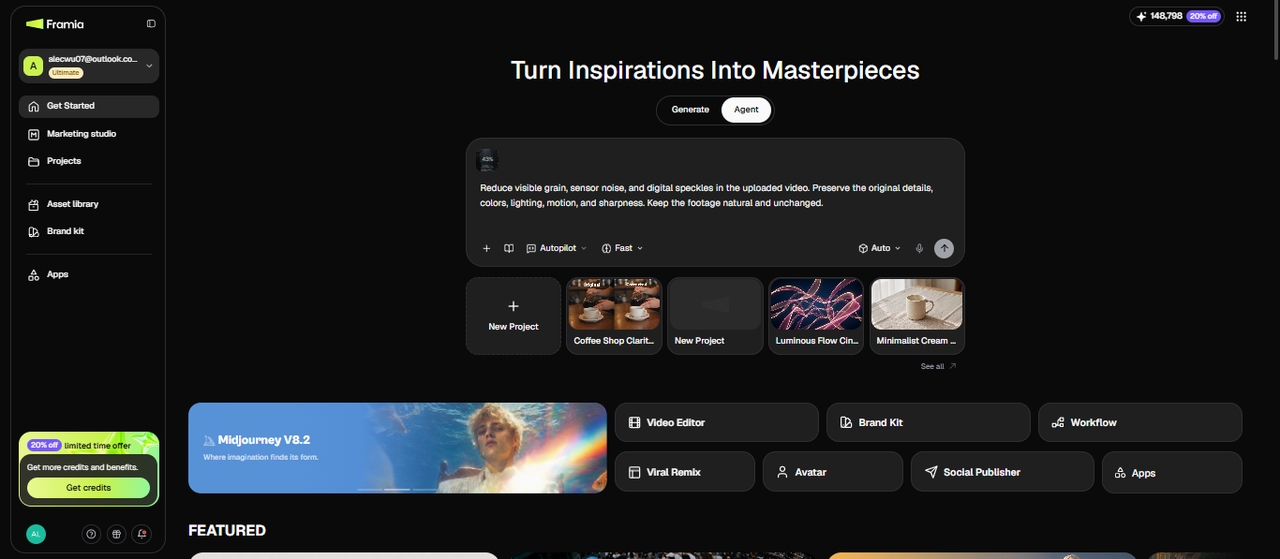
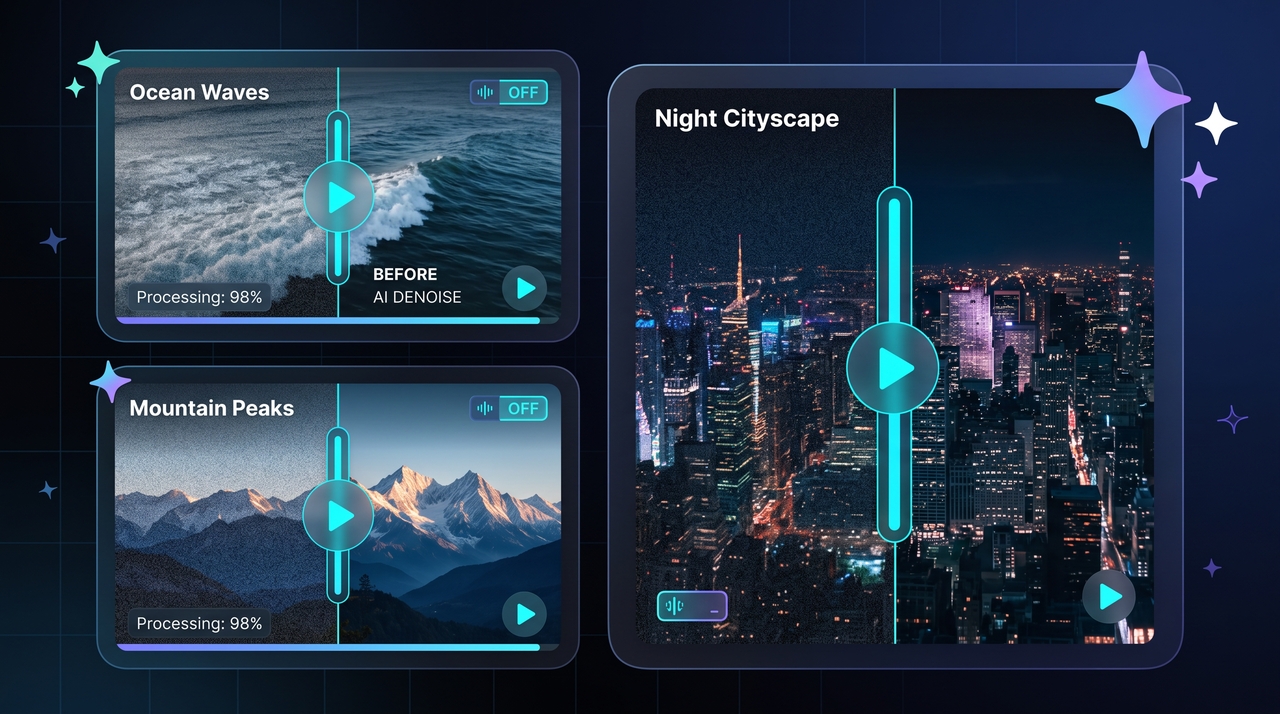
A video denoiser is an AI tool that removes grain, speckles, and compression artifacts from footage. Framia Pro's AI video denoiser lets you denoise video online without installing anything. You upload a clip, describe the cleanup you want, and pick an AI model. The AI reduces noise while it protects colors, edges, and motion, so low-light, phone, and older clips come out cleaner. You can start with free credits.
Key features of Framia Pro's free video denoiser
See why Framia Pro offers the best AI video denoiser tools for smooth, noise-free videos
AI‑powered noise reduction
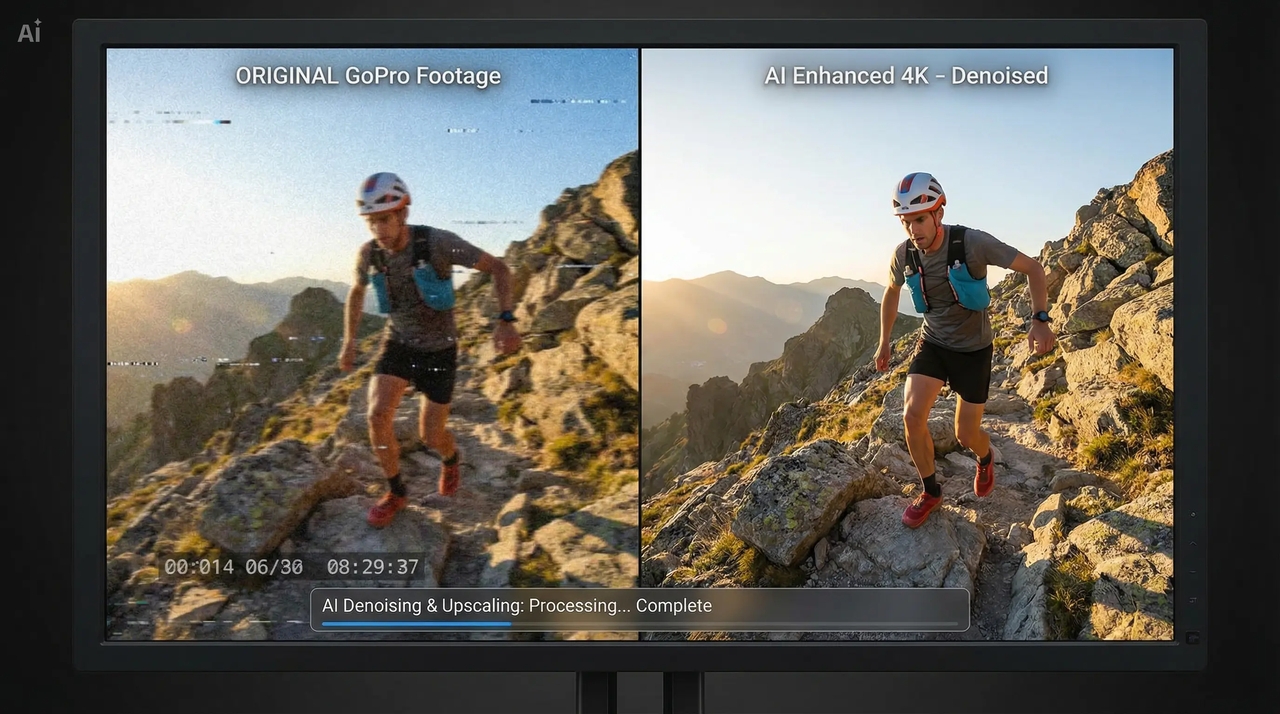
The Framia Pro video denoiser is an efficient video processing solution that leverages the power of AI technology. The solution retains vital information, smoothes out grainy video and improves clarity. This way, creators can get their noise-free videos in no time!
Prompt-based video noise cleanup
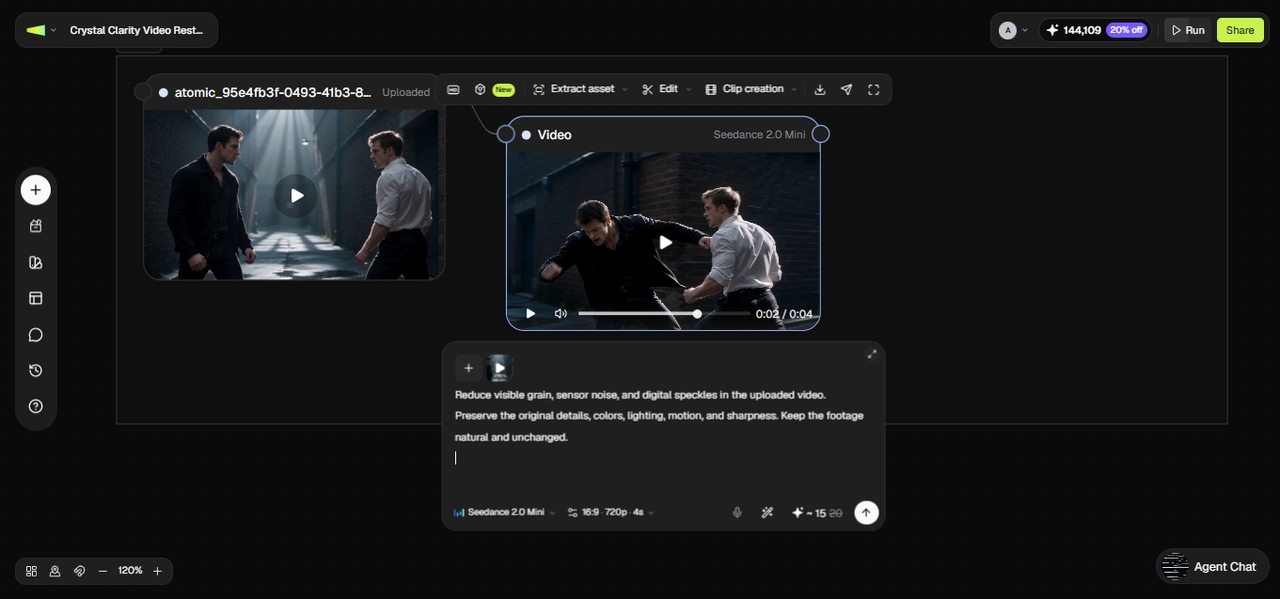
You describe the cleanup in plain words, such as light grain removal or a heavy clean for a dark scene. Our video denoiser reads the video prompt, calls for the relevant skill, and applies it through the connected node, so you skip manual sliders and get a starting point to refine.
Multi-format video clip support
You can upload MP4, MOV, AVI, WebM, or MKV files straight into the Agent workflow canvas. Framia Pro reads the format automatically, so you do not need to convert a file before you start, regardless of which camera or app it came from.
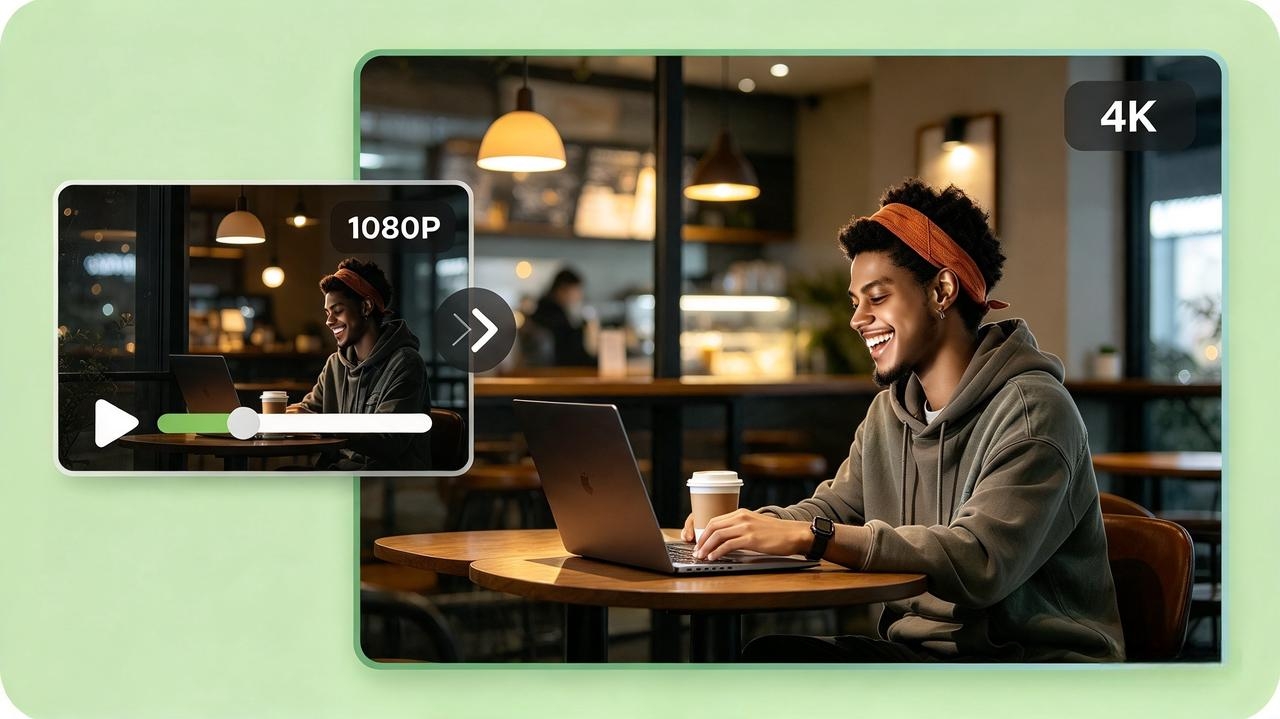
4K upscale before exporting video
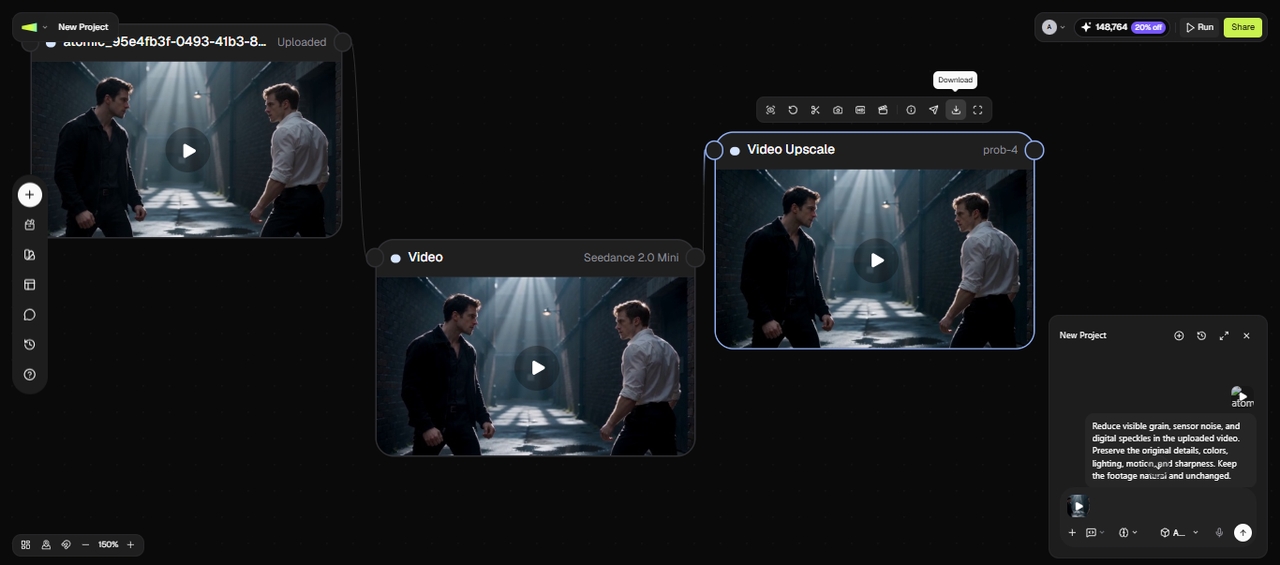
Once AI denoises your video, you can upscale it to 4K resolution from the same canvas before you download it. This keeps the denoise and the sharpen in one project, so you do not export twice or move the file between separate tools.
Batch queue video denoise processing
You can add several clips, pick one AI video model, and set your prompt once. Framia Pro queues every file and processes them in order, so a full shoot gets the same cleanup without you repeating the setup for each clip.
How to denoise a video with Framia Pro AI Video Denoiser
Follow three simple steps to denoise video footage instantly using Framia Pro's free AI-powered tools.
Why choose Framia Pro's AI video denoiser?
Learn why Framia Pro is the preferred AI video denoiser for creators and professionals online.
Explore the best use cases for AI video denoiser online
Discover how AI video denoiser removes noise and boosts clarity for smooth, professional videos.
Low-light and night footage enhancement
AI video denoisers clean up grain and speckles in dimly lit or night-time videos caused by sensor noise or high ISO. They restore clarity, maintain details, and make dark scenes visually smooth and professional.
Smartphone and action camera cleanup
Footage captured on phones, GoPros, or drones often shows noise due to small sensors and movement. AI video denoiser eliminates grain while preserving details, resulting in crisp, clear, professional-quality videos ready for any platform.
Old and archival video restoration
AI denoising reduces noise and compression artifacts in older recordings or digitized footage, making it easier to restore old videos while preserving colors, textures, and motion.
Professional video editing workflow
Speed up post-production by integrating AI video denoiser into editing workflows. Clean noisy clips quickly while maintaining high-quality output for client, commercial, or marketing videos.
YouTube and creator workflow optimization
Content creators can quickly denoise videos and enhance them before publishing, making it easier to generate video content consistently while saving editing time.
Real reviews from users of Framia Pro video denoiser
See how users love Framia Pro video denoiser for smooth, noise-free, professional videos.
Frequently asked questions
Can a free video denoiser remove noise without affecting quality?
How do I denoise a video in Premiere Pro?
Is there a free alternative to Premiere for denoising videos?
How to denoise smartphone or action camera videos?
What makes AI video denoiser better than manual denoising?
Will denoising remove film grain I added on purpose?
How long does the AI agent take to clean a clip?
Can I combine denoising with other edits in one project?
What resolution should I export a denoised clip at?
Still have questions?
Have questions or need assistance? Our team is here to help!
AI video denoiser for creators and professionals
Remove noise and enhance clarity with Framia Pro AI video denoiser. Free, fast, and easy online tool for smooth, professional-quality videos.