Key features of Framia Pro for video montage creation
Create stunning video montages easily with AI tools for fast, creative, and professional results.
AI-powered montage creation
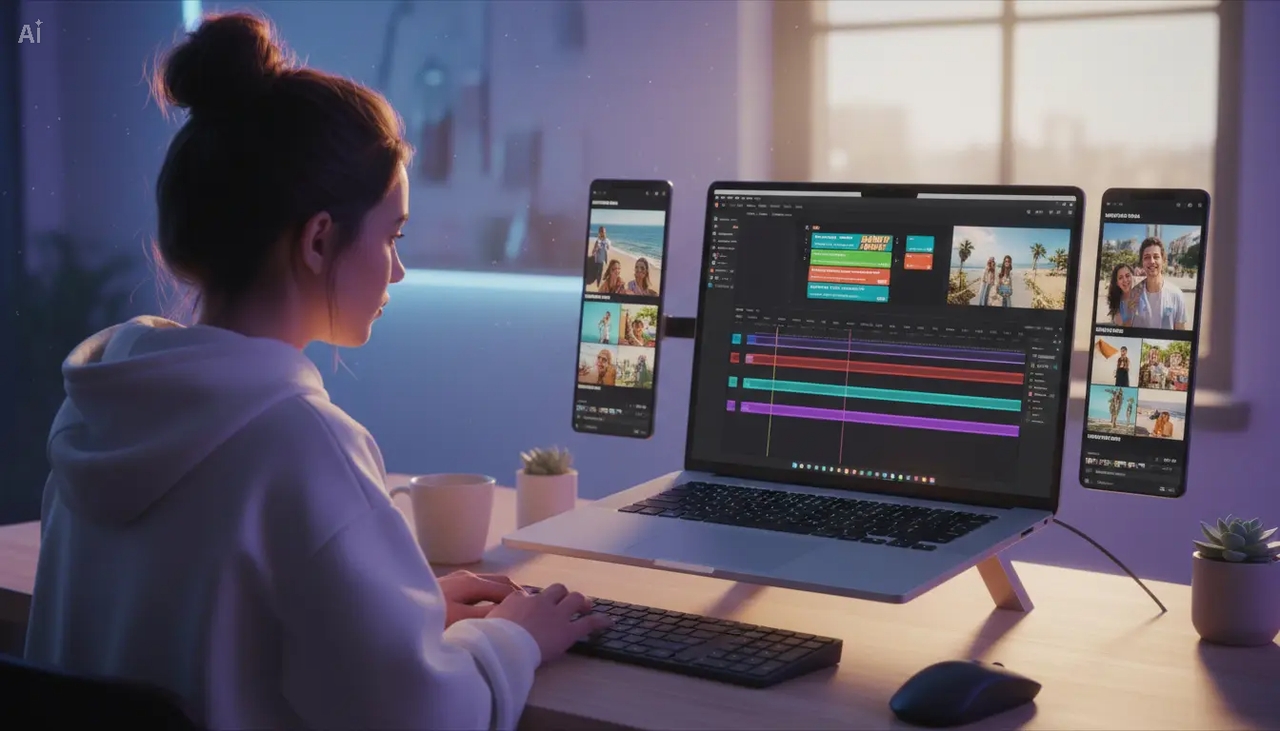
Framia Pro is able to generate video montages using AI video generators such as Veo, Kling, and Seedance. With the help of this application, you can detect key moments, structure scenes into a coherent storyline, add transitions to ensure smooth video playback, and create professional video content without editing.
Multi-format media support
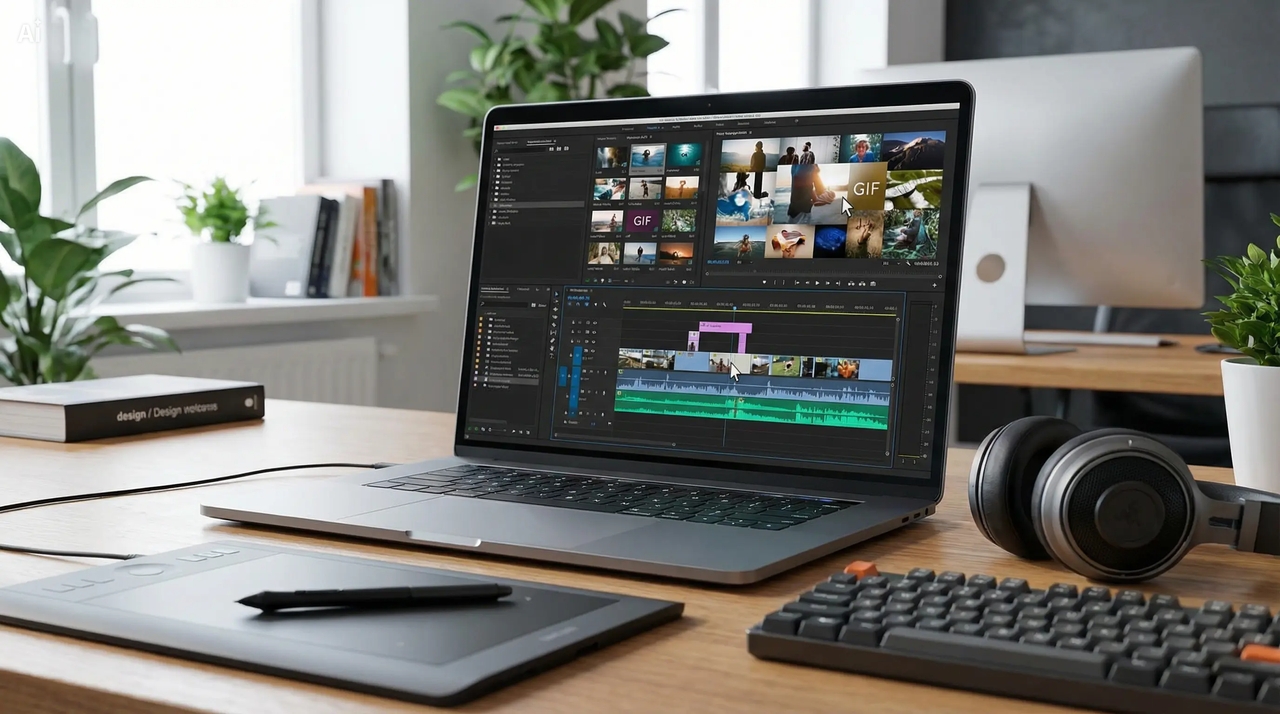
Combine videos, images, GIFs, and even audio in one montage easily. You can choose your own media files or use available stock media in Framia Pro to create stunning high-quality videos for posting on social media or creating video montages.
Smart transitions & effects
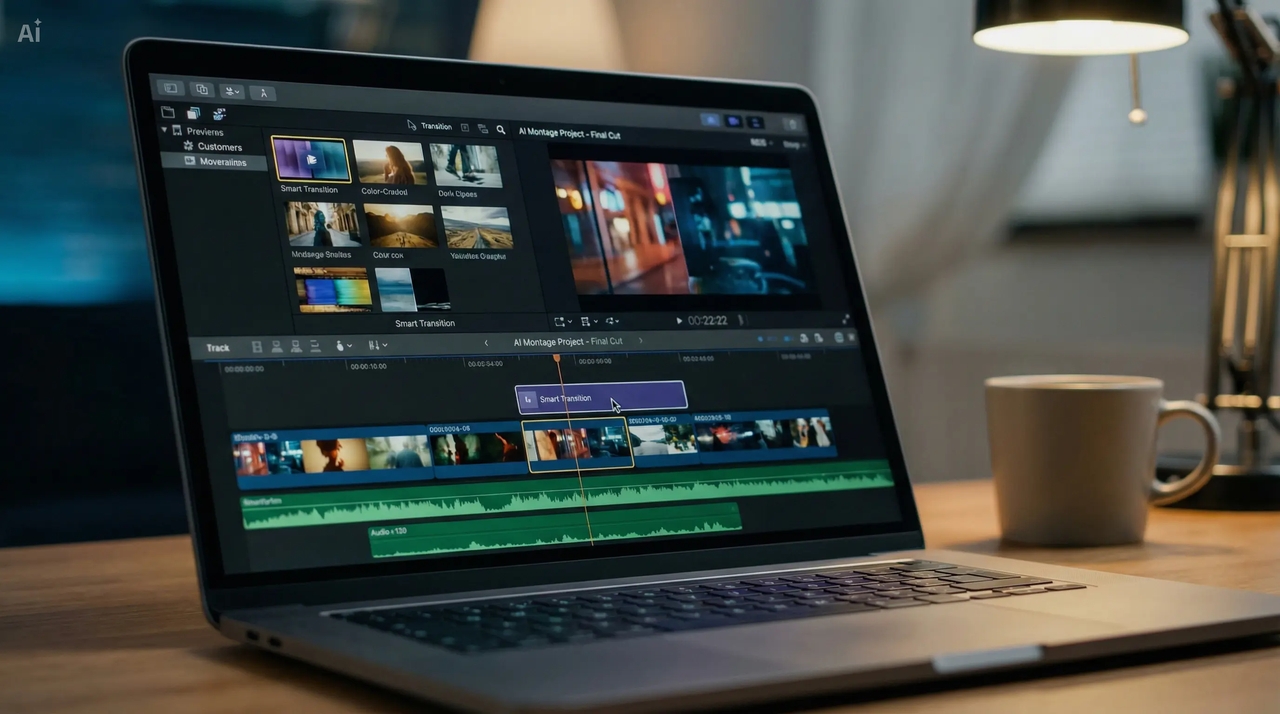
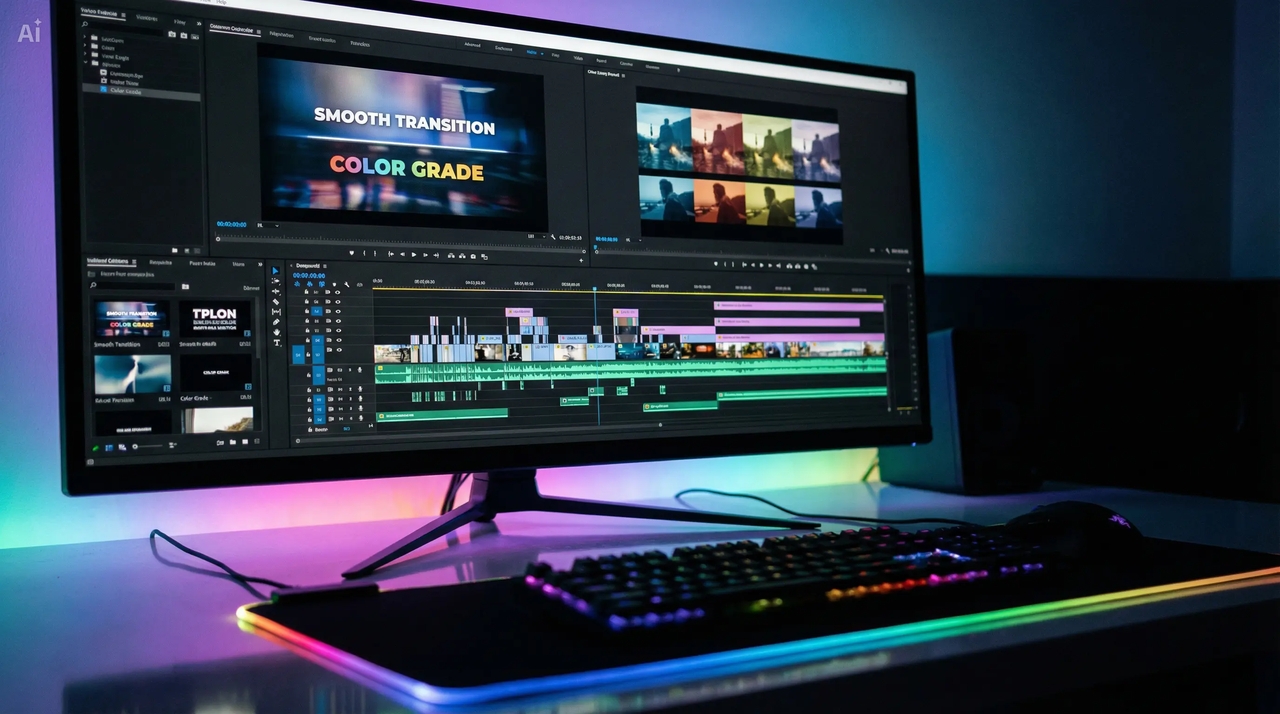
Make sure that there will be smooth transitions between video scenes and create interesting videos for storytelling or other purposes. Easily apply various transitions, filters, and edit your video montage, including animated text.
One-click export for all platforms
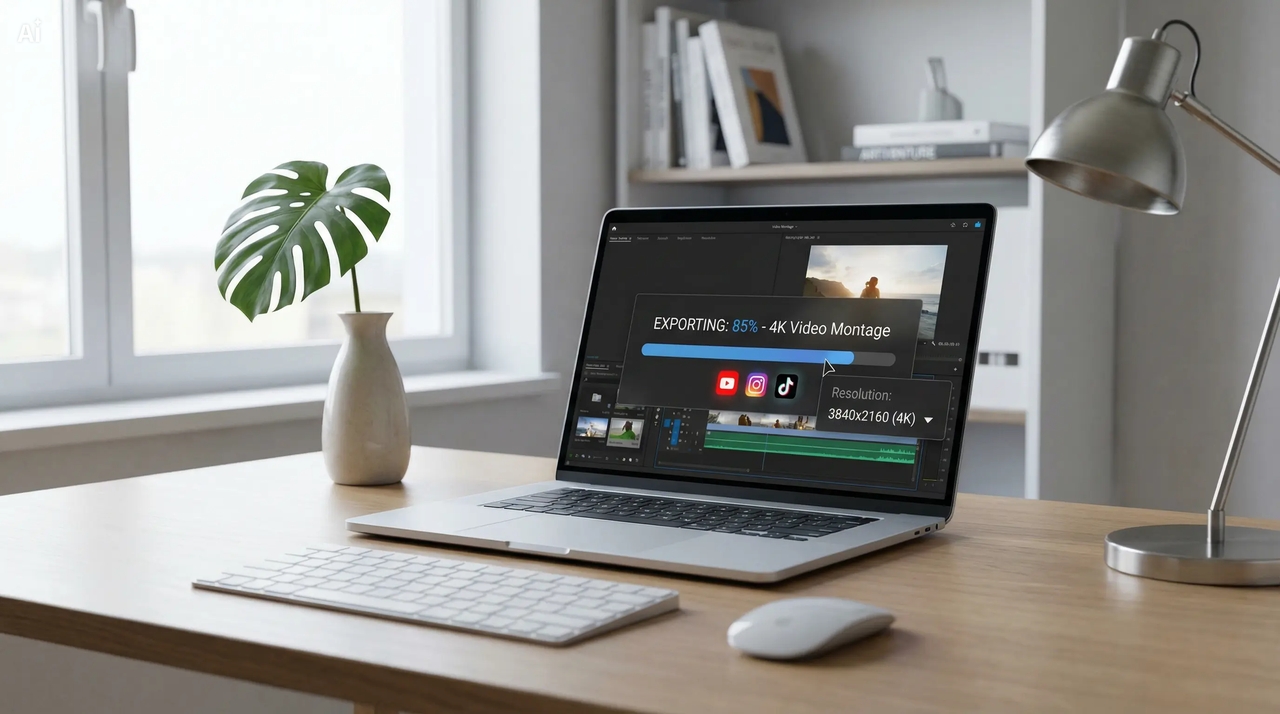
Your video montage can be exported instantly in formats that work best with YouTube, Instagram, and TikTok. This is because with Framia Pro, you will not need to resize or make any other adjustments to your videos before uploading them.
How to make a video montage with Framia Pro?
Why choose Framia Pro for video montage online?
Discover why Framia Pro is the best video montage tool for creating fast, high-quality videos easily.
Popular use cases of a video montage maker
Create video montage content for social media, marketing, and storytelling using simple AI tools.
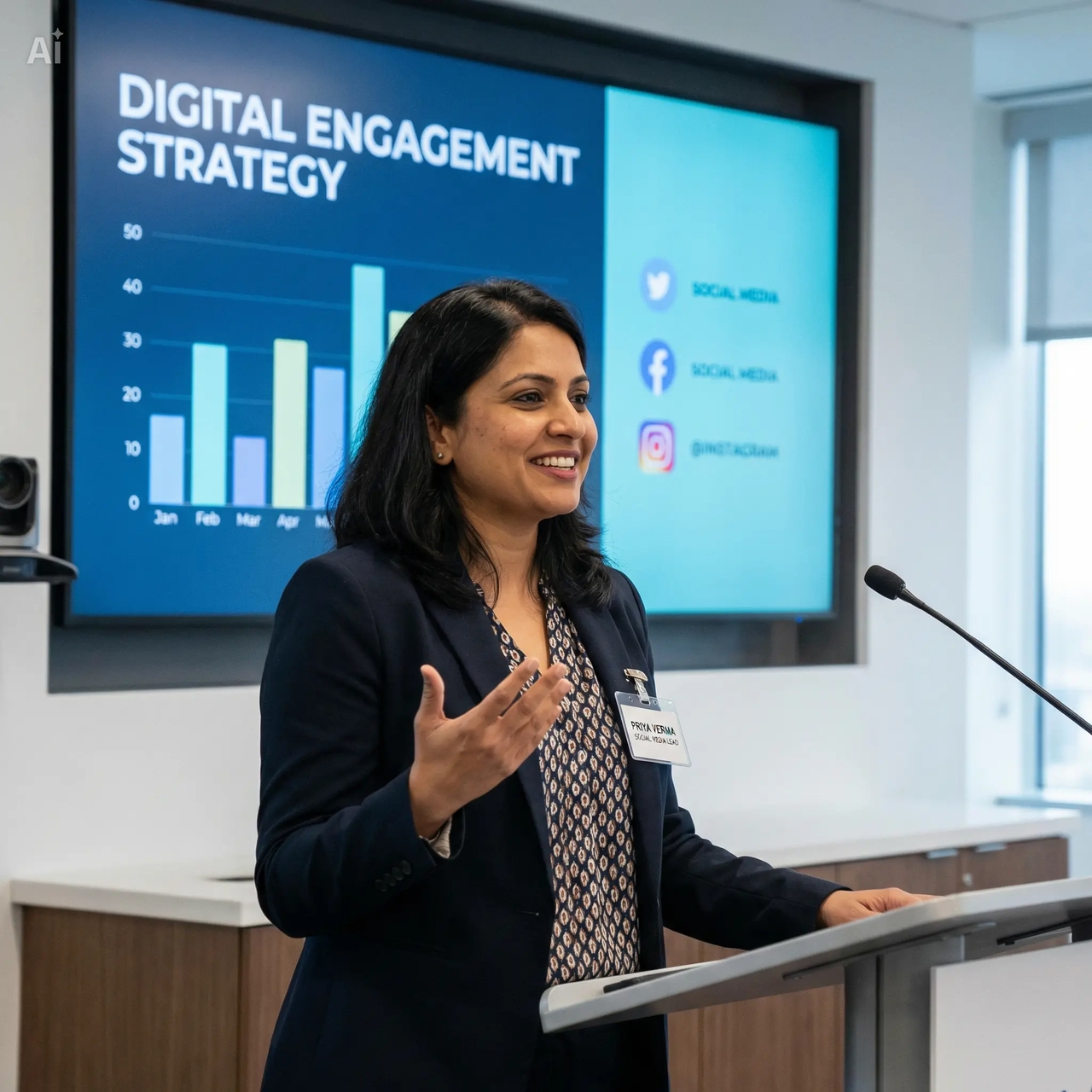
Social media video montage content
Create engaging video montage content for YouTube, Instagram, and TikTok. Combine clips, music, and captions to produce short-form video montage videos that increase reach, improve watch time, and boost overall audience engagement.
Birthday and memory video montage videos
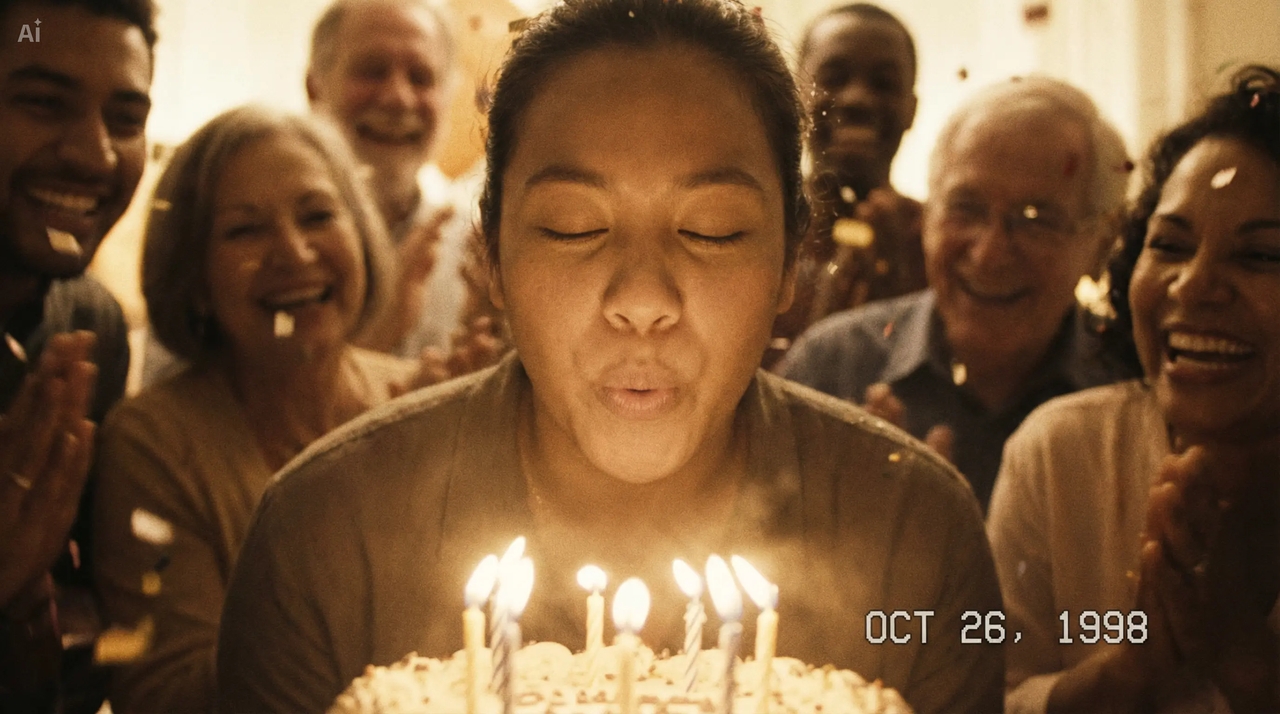
Turn photos and clips into emotional video montages for birthdays, weddings, and travel memories. Add music, transitions, and storytelling elements to create personalized video montage content that beautifully captures and preserves special moments.
Marketing and promotional video montage
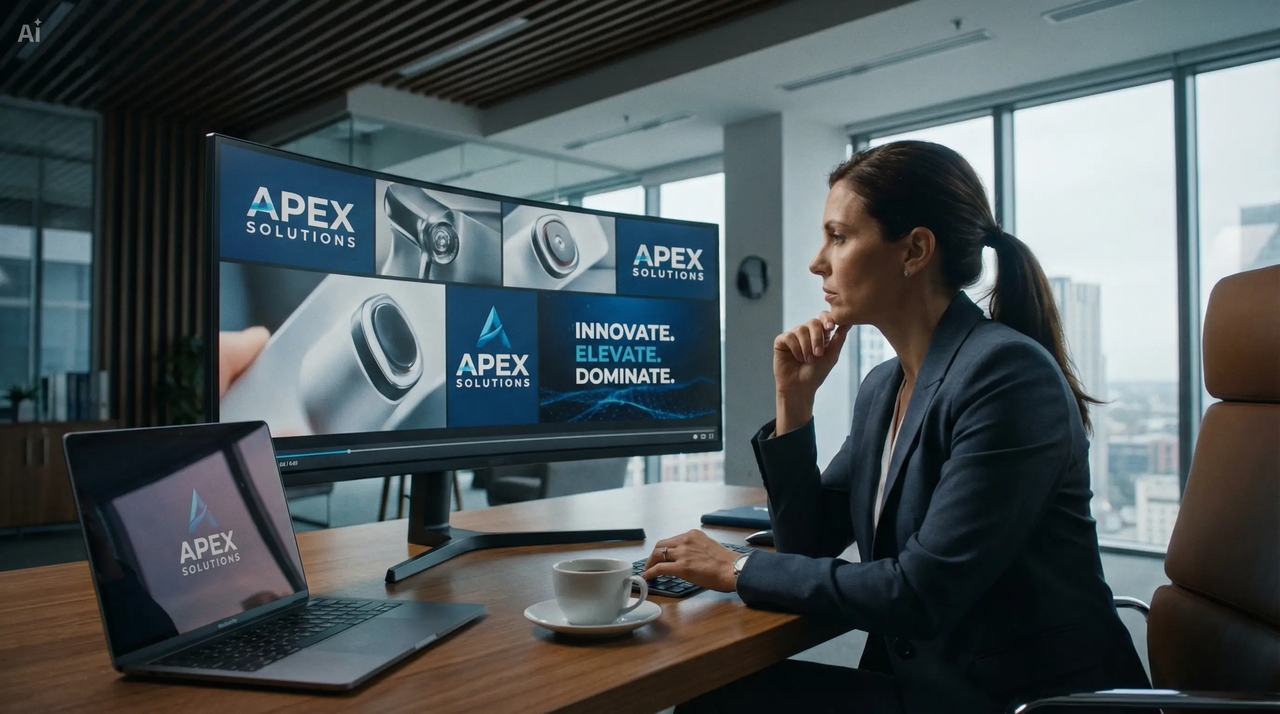
Use video montages to market a product, service, or company. Make great marketing and promotion videos that can attract attention and increase your sales and customers through video montage advertising campaigns.
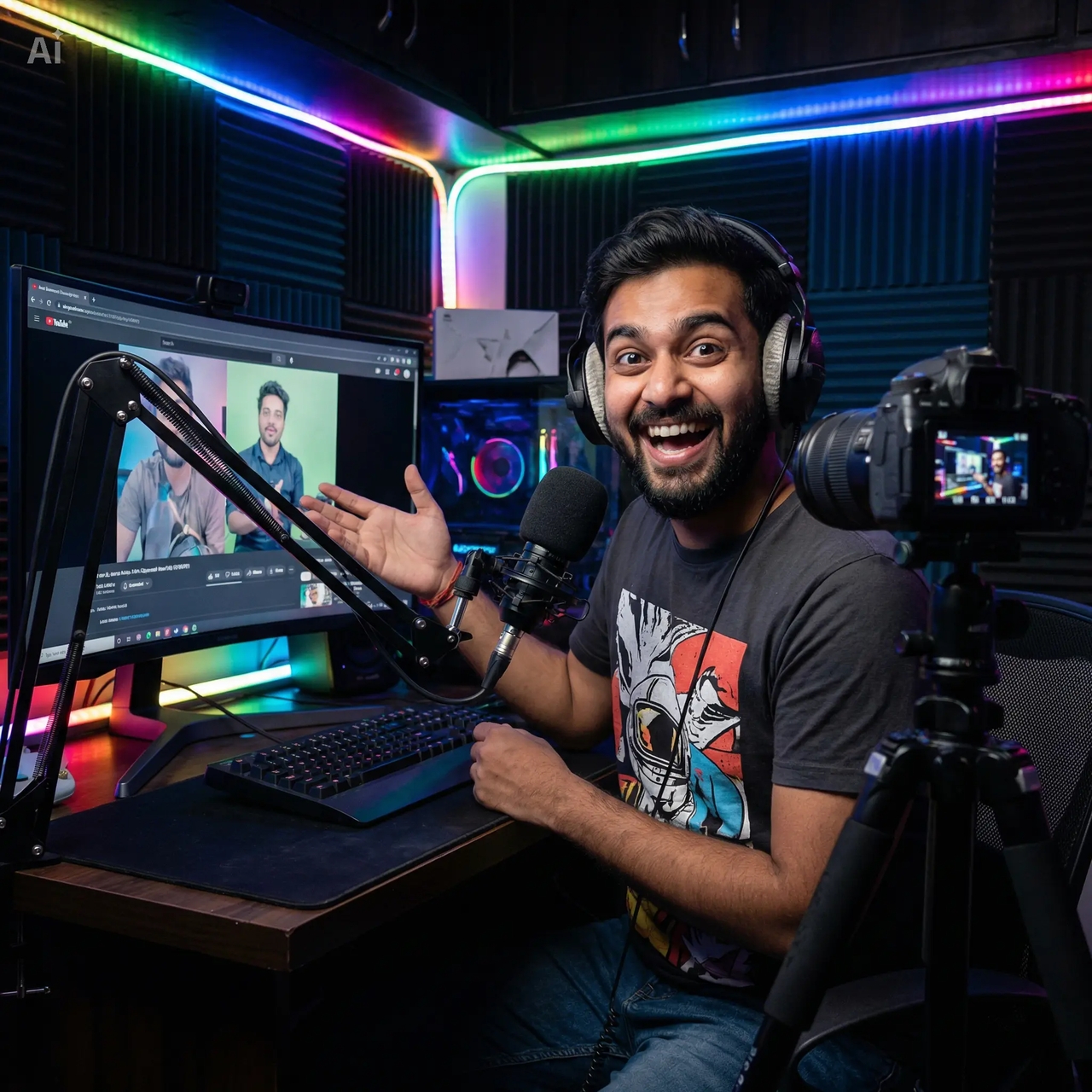
Faceless video montage for content creators
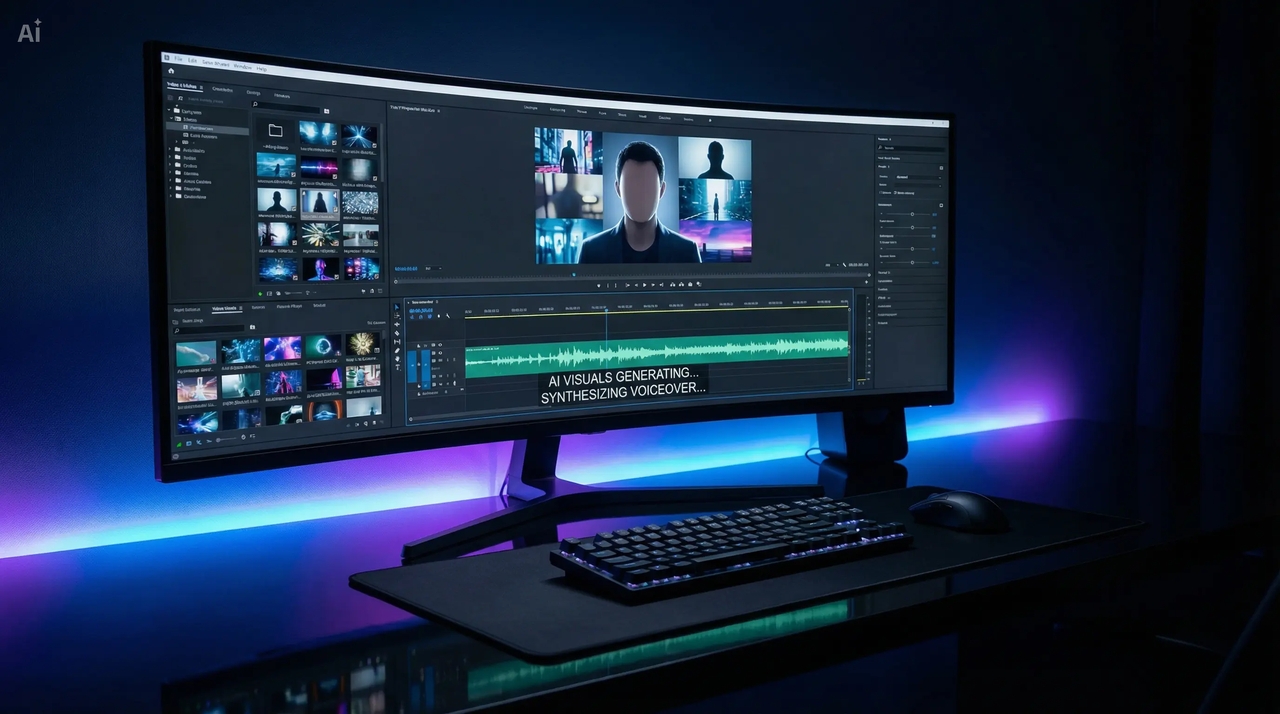
Create faceless video montage content using AI-generated visuals, voiceovers, and captions. Ideal for YouTube automation and content pages, helping creators produce consistent video montage videos without filming or complex editing processes.
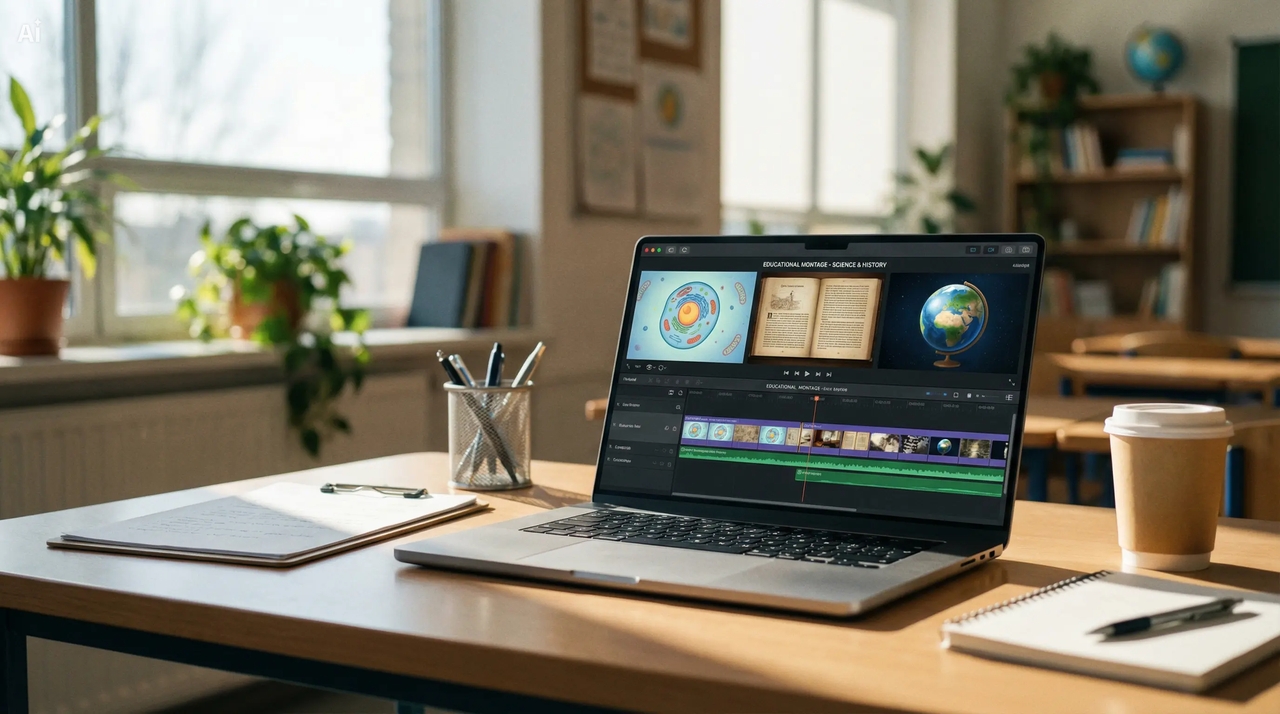
Educational and explainer video montage
Simplify complex topics using structured video montage content with visuals, text, and narration. Create engaging tutorials and explainer video montages that improve understanding, retention, and viewer engagement across educational content.
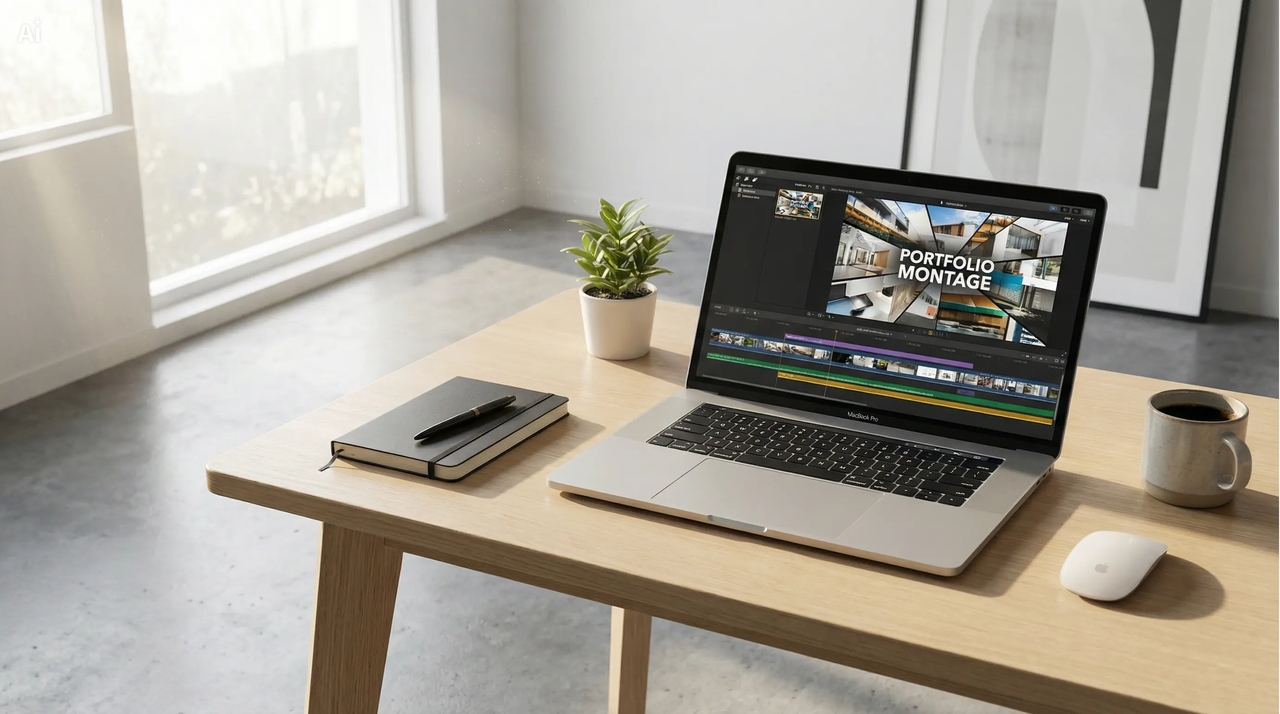
Portfolio and presentation video montage
Present your project, ideas, or accomplishments in the form of video montages in a professional style. Make amazing-looking portfolio video montages with AI avatars for clients, job applications, or business pitches with clean visuals and smooth, compelling storytelling.
What users say about Framia Pro's video montage maker?
See how real creators use Framia Pro to create video montages faster and achieve professional results.
Frequently asked questions
What is a video montage?
Can I create a video montage without editing skills?
How long should a video montage be for social media?
What are the best video montage ideas for creators?
Is there a free video montage maker app available?
How to make a video montage on mobile devices?
Still have questions?
Have questions or need assistance? Our team is here to help!
Free video montage maker online for creators
Create stunning video montage content online with Framia Pro!. Combine clips, photos, and music to make professional videos quickly and easily.