AI Birthday Video Maker

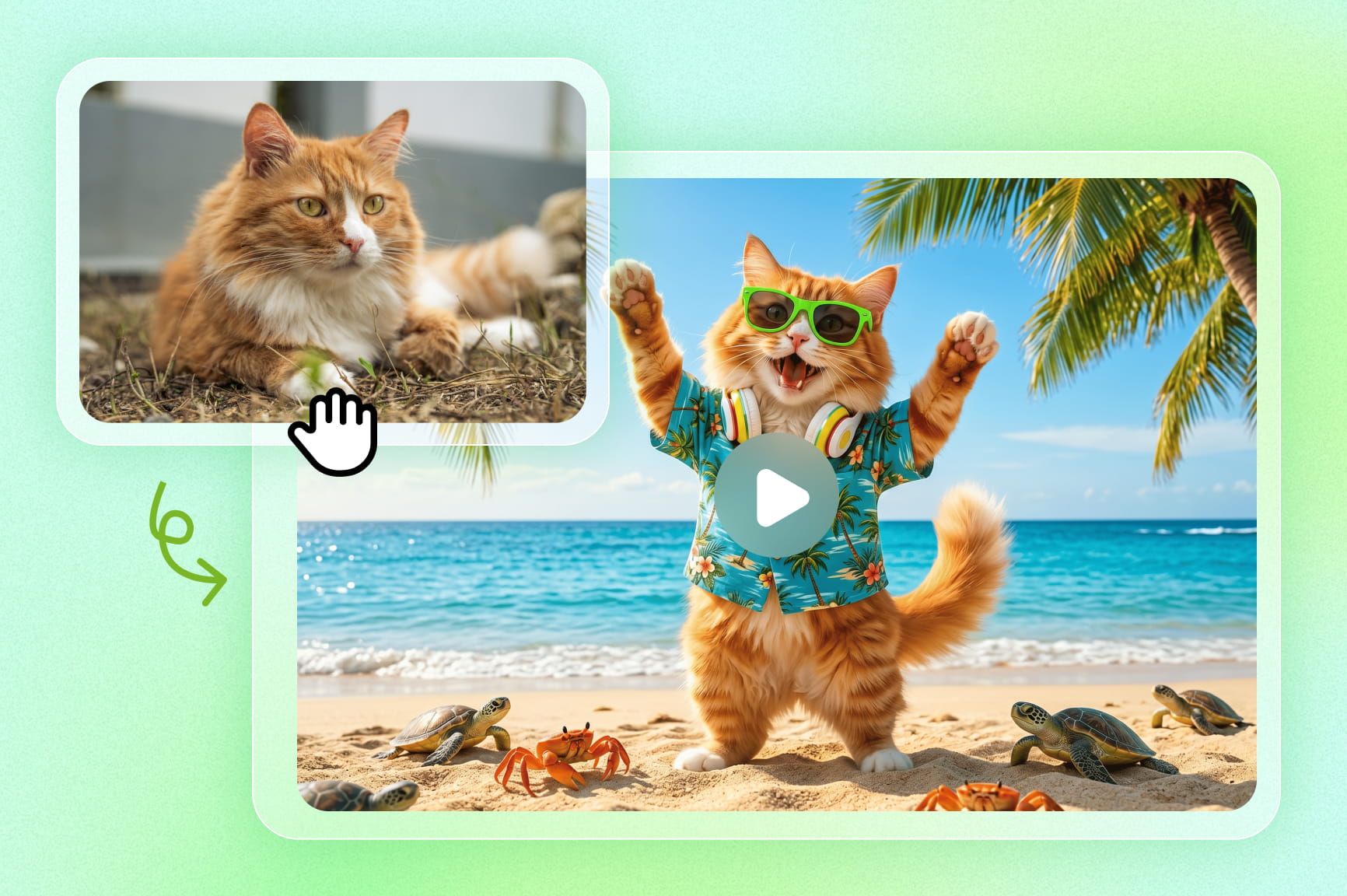
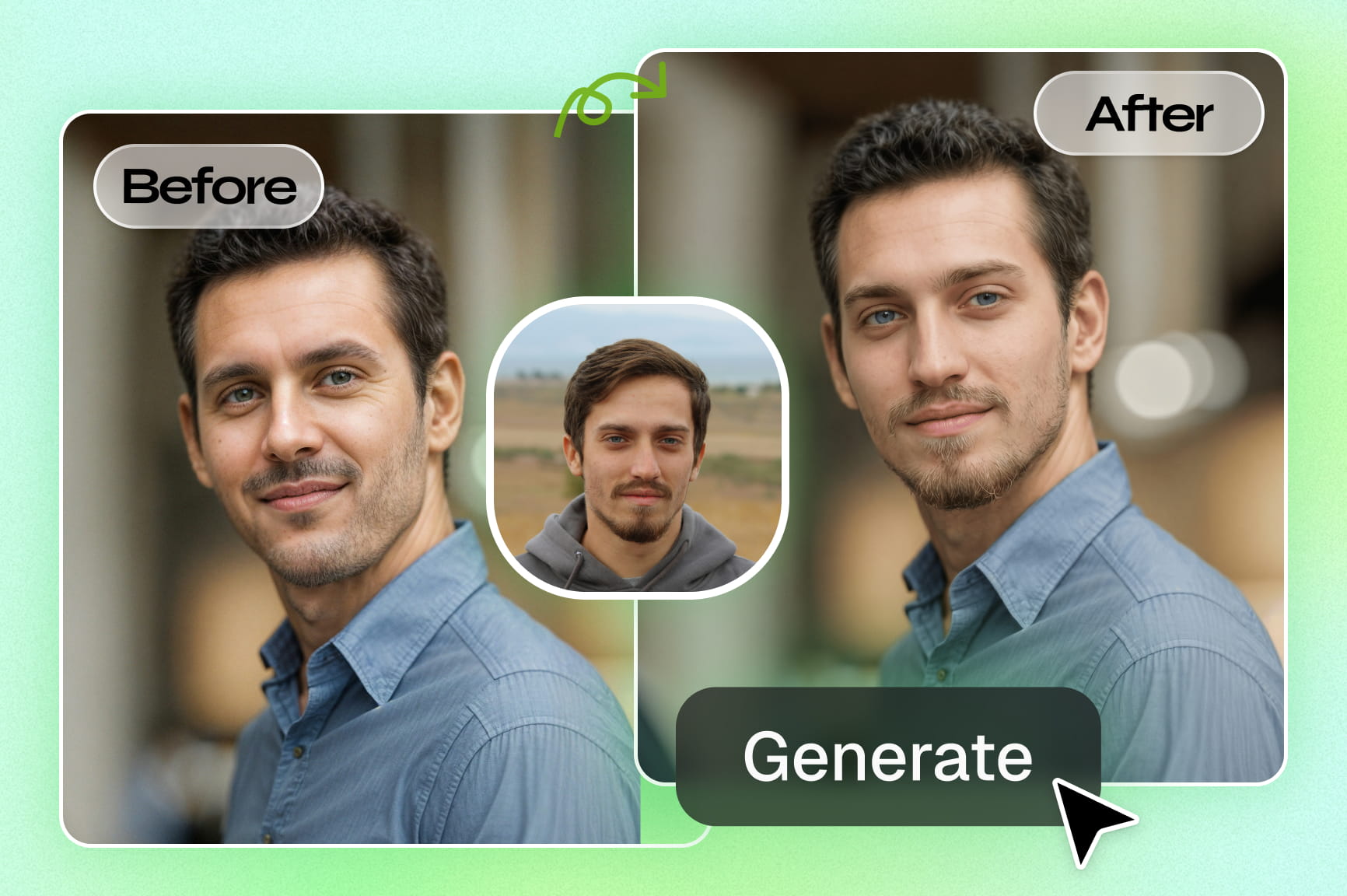
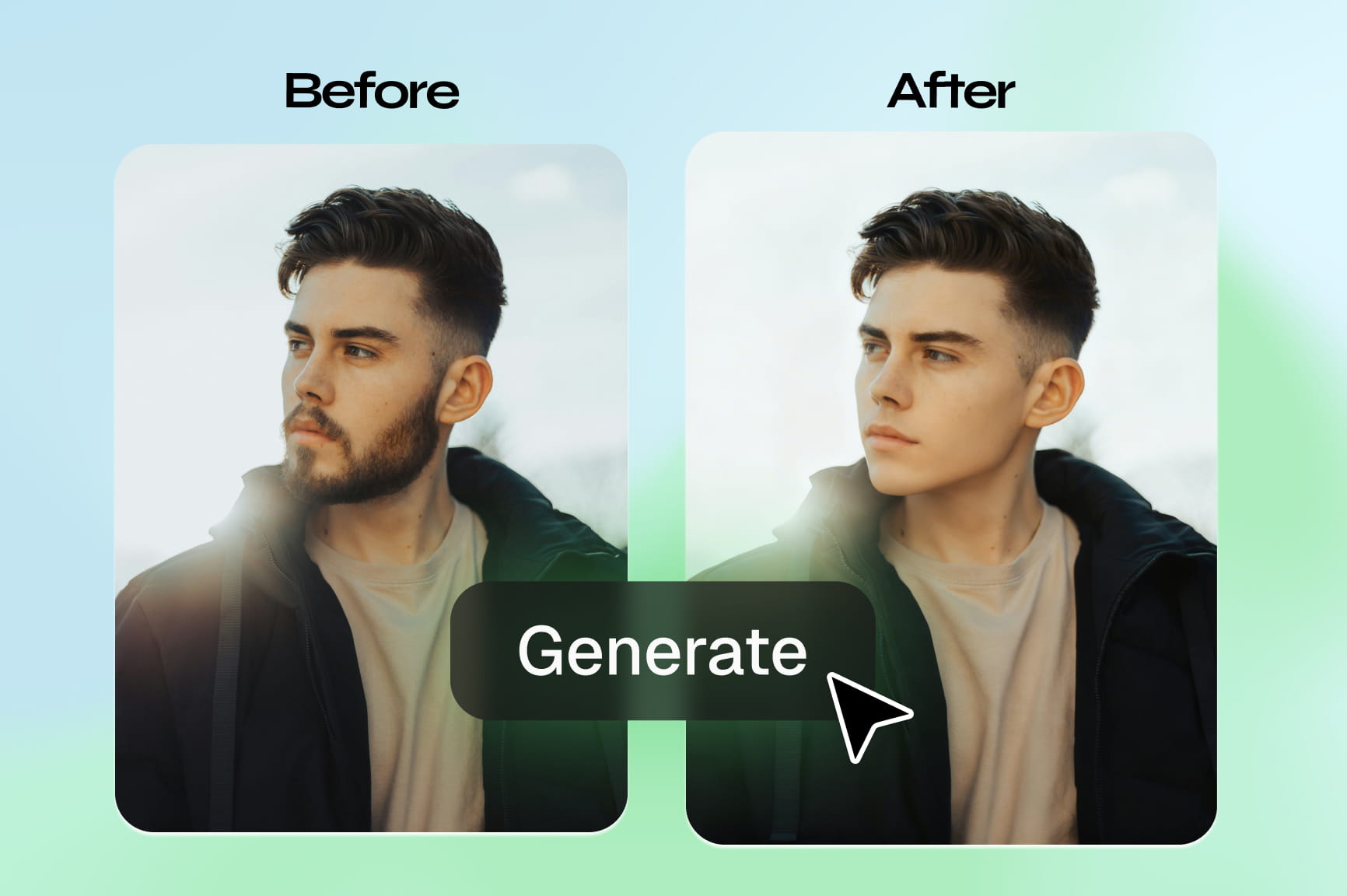
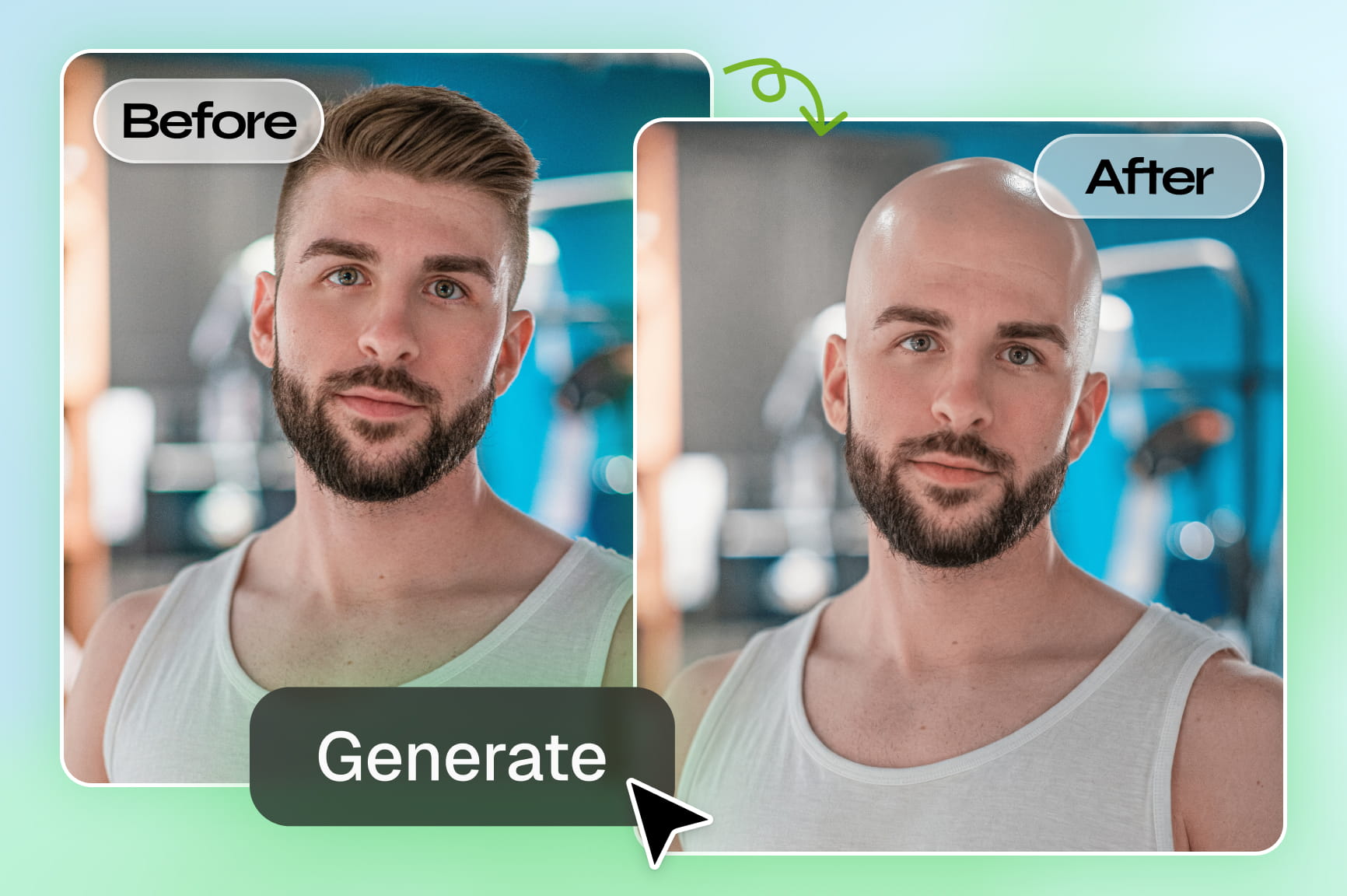
Transform simple ideas, photos and memories into stunning, shareable birthday videos in minutes with Framia Pro's AI birthday video maker.

Start for Free

Preparing editor…

What is an AI birthday video maker?

An AI birthday video maker is a tool that helps you create personalized birthday videos with AI. You can add photos, videos, text, music, or a birthday message and turn them into a short video. Some tools can also generate scenes, animations, voiceovers, or effects based on your idea. Framia Pro can help you create birthday visuals and video content from prompts, images, and other media for personalized birthday greetings, slideshows, and social media posts.

Why Framia Pro is the best birthday video maker

Create heartfelt birthday videos with AI

Framia Pro transforms a birthday idea into a complete video automatically. Powered by Seedance 2.0 and Veo 3.1, it generates visuals, transitions, effects, music, and pacing — so the final result feels cohesive and celebration-ready without any manual editing.

Create heartfelt birthday videos with AI
Turn your photos into birthday memories

Turn your photos into birthday memories

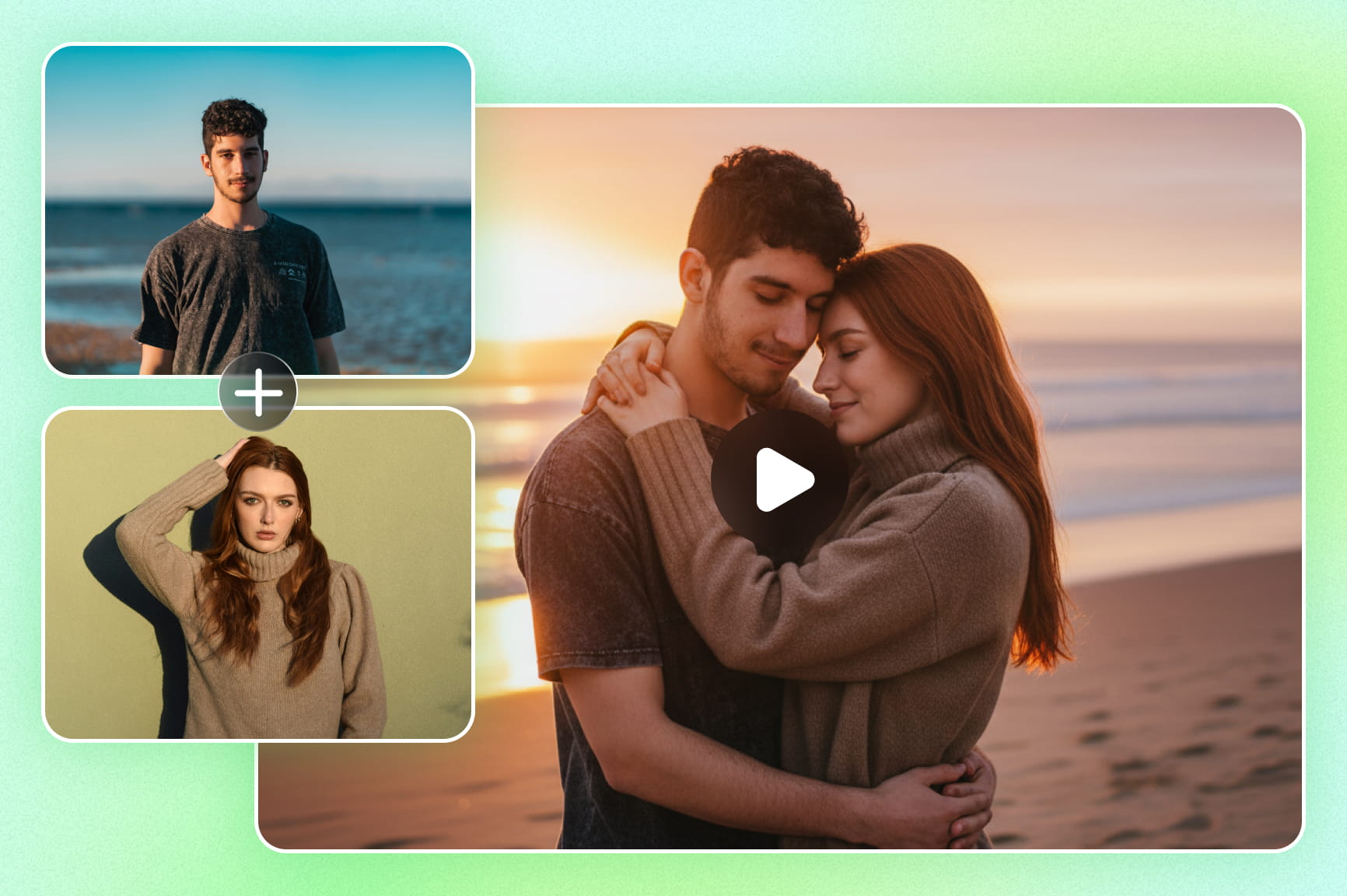
Upload your favorite shots and our free online birthday video maker with photos tool instantly transforms them into a beautifully sequenced story. AI arranges, animates, and paces every image into a heartfelt, cinematic memory—perfect for milestone birthdays, family tributes, and long-distance gifts.

Emotional soundscapes for memorable videos

The right soundtrack or spoken message can help establish the mood of a birthday greeting. Explore available audio tools, such as Suno v5, or supported narration options if they are available in your workflow. Check the applicable model terms before using generated audio publicly or commercially.

Emotional soundscapes for memorable videos
Instant multi-platform export for social sharing

Instant multi-platform export for social sharing

Format your masterpiece perfectly for any screen with a single click. From 9:16 vertical reels for TikTok and Instagram to widescreen 16:9 cinematic displays for family gatherings, Framia Pro's video agent handles technical resizing, so your memories always look stunning.

How to make a birthday video with Framia Pro

Discover what makes Framia Pro the go-to AI birthday video maker for creators who want stunning results without complexity.

Step 1: Upload photos or describe your idea
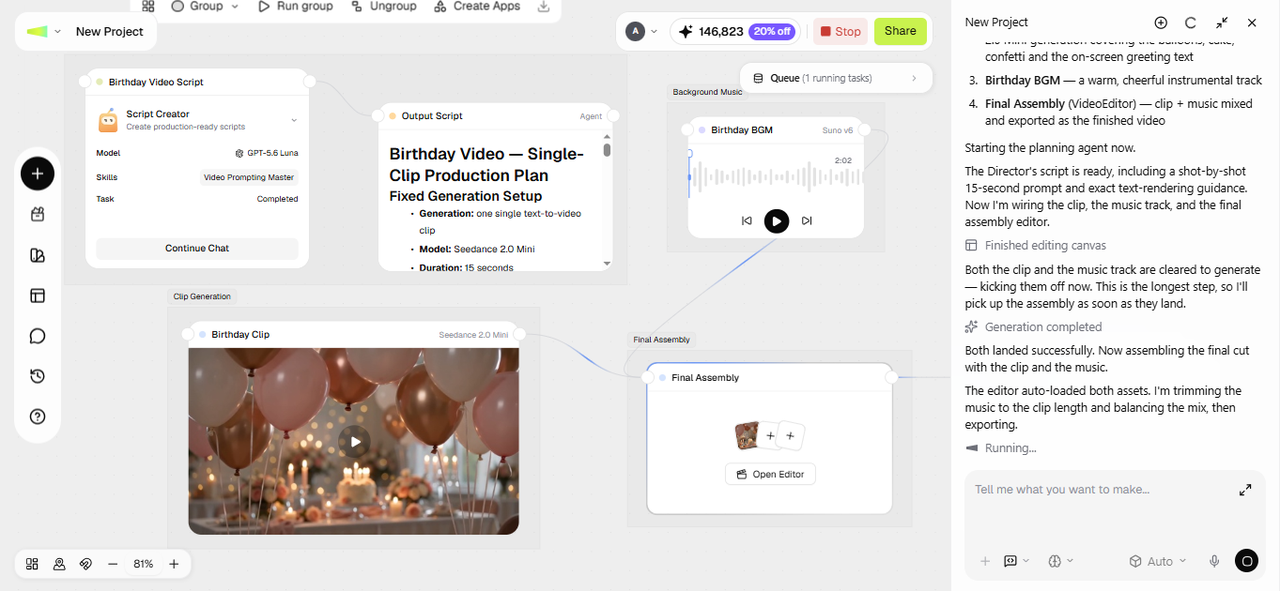
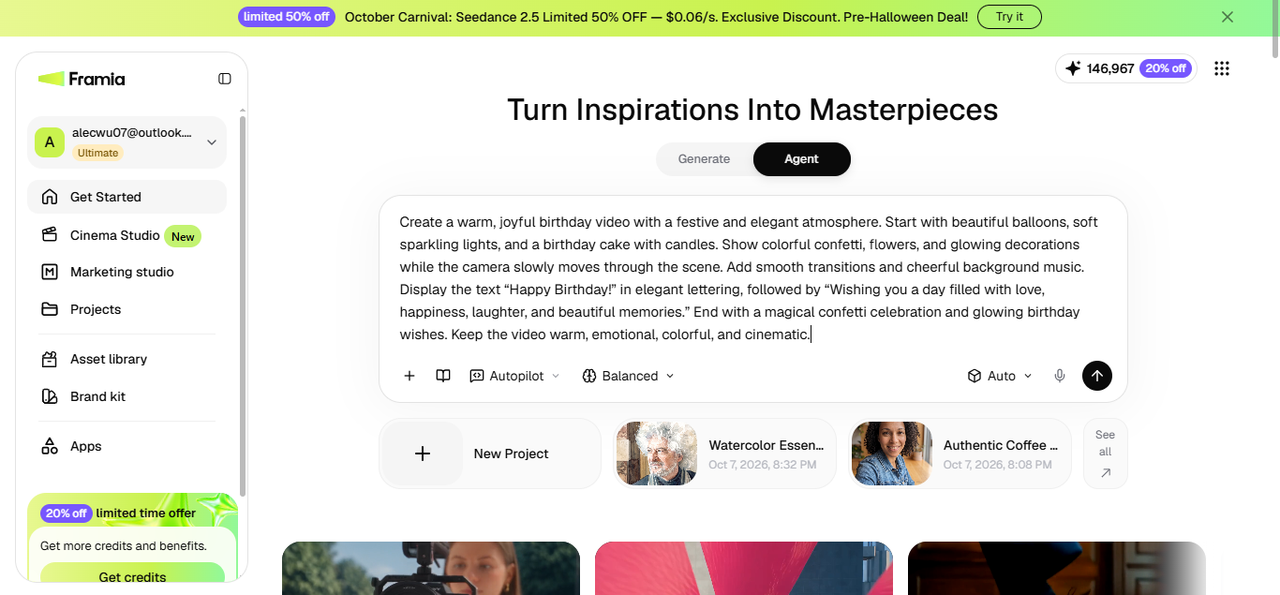
Open the Agent Canvas from the Framia Pro dashboard and start a new project. Upload your photos, or describe the video in a prompt, such as "a nostalgic 30th birthday slideshow with warm jazz music and heartfelt captions." Pick a skill from the Skills menu, choose a model from Select models, set the reasoning mode, and then hit Enter.
Step 1: Upload photos or describe your idea
Step 2: Review
Framia Pro arranges connected nodes for the script, images, transitions, and audio. Adjust the Text node if the tone needs to shift, or swap a photo on an Image node. Run a single node to preview one section before generating the full video, and regenerate just that node if something needs a fix.
Step 2: Review
Step 3: Download and share
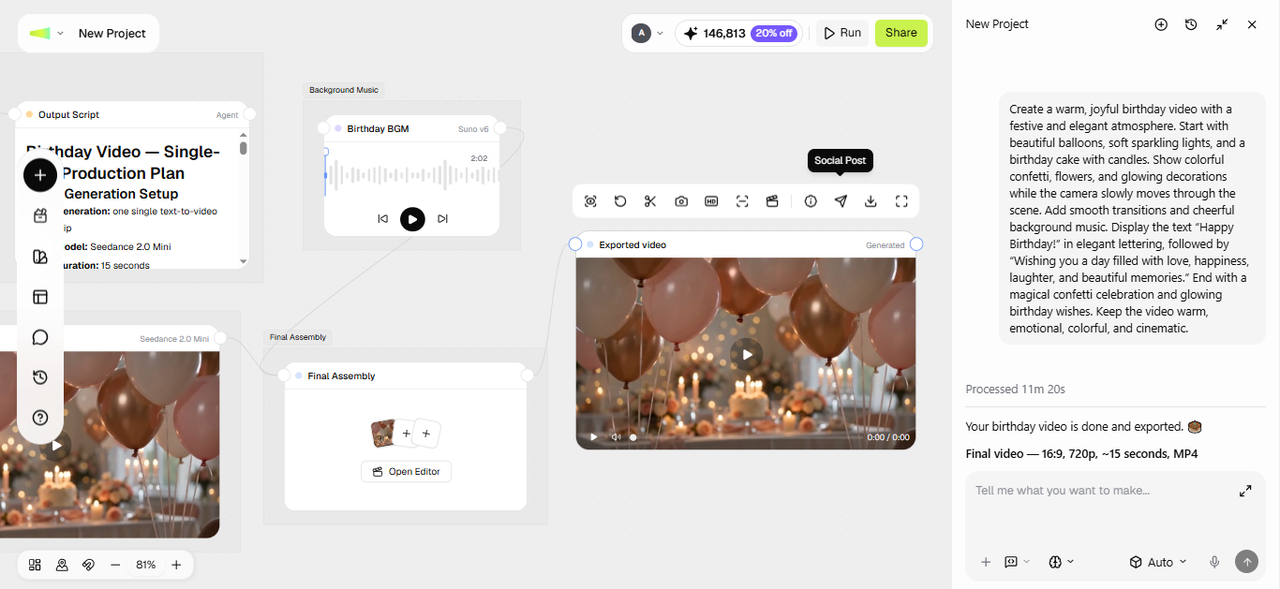
Preview the finished video and connect a video editor node. Open the video in the timeline editor to add captions, apply creative effects, or make any edits using a text prompt. Finally, click Export or Download to export the video in high quality or share it directly to social media.
Step 3: Download and share

More than a video — a birthday gift they'll keep forever

No video editing skills required
Anyone can make a birthday video on Framia Pro. Our AI models handle every technical decision — transitions, pacing, captions, and music — so you focus entirely on the message, not the mechanics. It's the simplest birthday video maker built for everyone.
Save hours of time on every birthday video
Stop spending your entire weekend fighting with complex timelines. Our automated workflow transforms your raw photos into a polished, celebration-ready video in minutes — the fastest way to make birthday videos free online without compromising on quality.
Professional quality video results every time
Achieve studio-grade output without a production crew. Using high-fidelity models like Seedance 2.0 and Sora 2, Framia Pro ensures crisp resolution, smooth motion synthesis, and cinematic lighting that makes your birthday wishes look like high-end professional films.
Character-consistent video generation
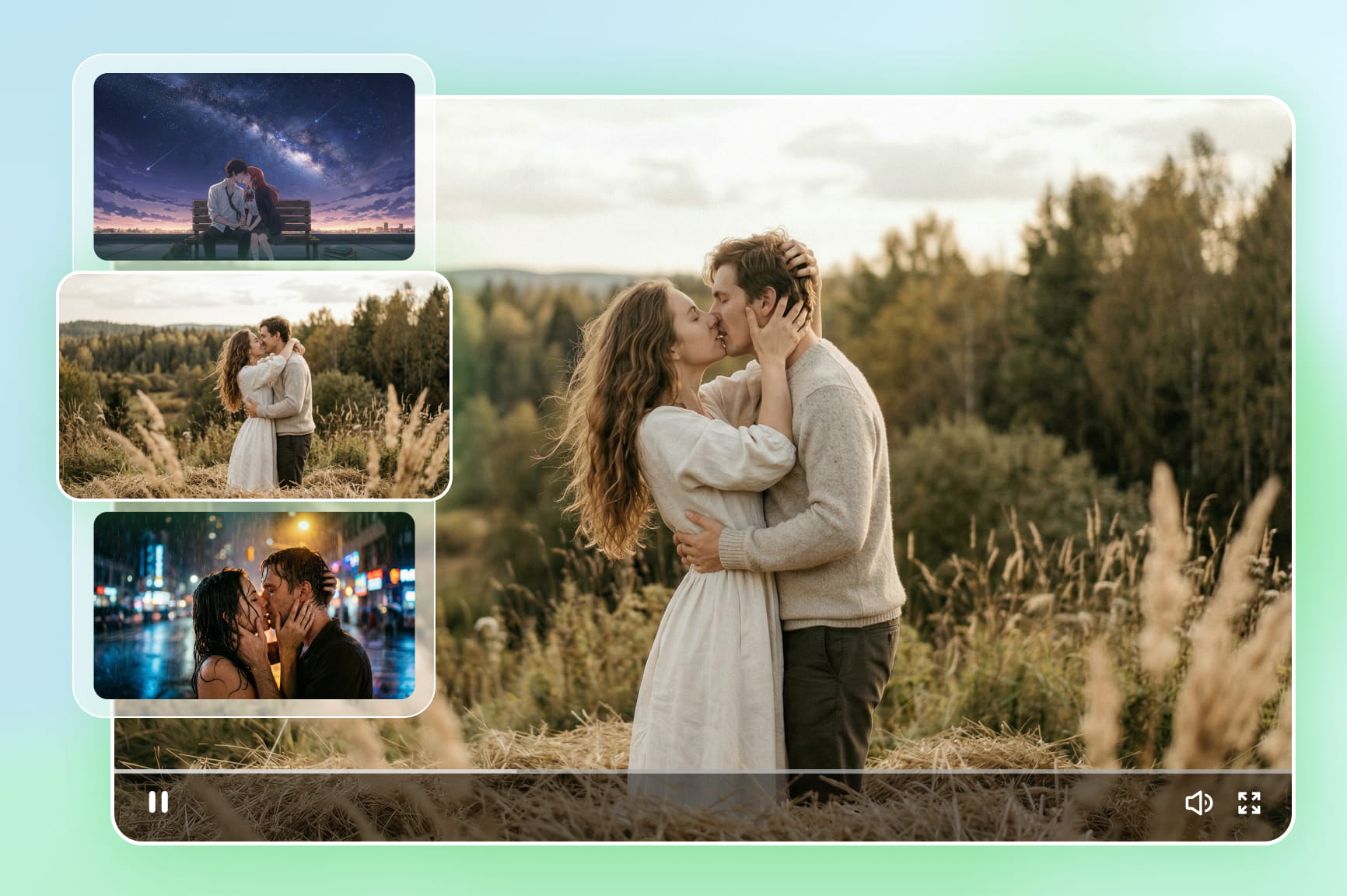
Most happy birthday video makers simply stitch photos together. Framia Pro uses advanced AI to generate character-consistent video sequences — meaning the people in your video look like themselves across every scene, not a jumbled mismatch of clips.
Ultimate creative flexibility for any style
Framia Pro's AI lets you experiment with different styles — funny, emotional, cinematic, or animated — without any design expertise. Switch moods, swap scenes, and refine your vision freely until the birthday video feels exactly right.
Share instantly across every platform
Download your birthday video in formats optimized for Instagram, TikTok, WhatsApp, and Facebook in one click. No compression, no reformatting — just a share-ready file that looks perfect wherever you choose to post it.

See what creators have made with our AI birthday video maker

Explore the stunning birthday masterpieces designed by our community. Witness how AI agents turn simple ideas into professional stories.

Perfect for every celebration: Use cases of our birthday video maker

Create birthday videos for every celebration—from heartfelt family tributes to fun social media greetings—with Framia Pro’s AI tools.

Personal birthday wishes
Create heartfelt video messages for friends, family, or partners using photos, clips, and custom messages. Framia Pro's AI birthday video maker turns simple memories into a meaningful, cinematic birthday surprise that feels personal, not templated.
Animated happy birthday video
Generate eye-catching animated birthday videos with balloons, confetti, cake animations, and colorful motion graphics using Framia Pro's AI birthday video maker. Perfect for sharing on WhatsApp, Instagram, or TikTok as a fun, memorable wish.
Last-minute birthday surprises
Short on time? Framia Pro's free birthday video maker generates a complete birthday video — music, transitions, captions, and pacing — in minutes. No planning, no stress, just a thoughtful, polished gift ready before the day is over.
Milestone birthday celebrations
Mark life's biggest birthdays — 18, 30, 50, or 60 — with a video that truly does the moment justice. Framia Pro's AI creates cinematic milestone tributes that capture a lifetime of memories in one unforgettable celebration video.
Social media birthday reels
Create scroll-stopping birthday video clips optimized for Instagram videos, TikTok, and WhatsApp. Framia Pro's birthday video clip maker auto-formats your content for every platform, vertical reels, square posts, or widescreen — so your birthday post always looks native and professional.
Happy birthday memes video
Turn a funny photo or inside joke into a hilarious happy birthday meme video with Framia Pro's happy birthday video maker. Add bold captions, comic sound effects, and playful animations to create a shareable birthday moment that guarantees laughs every time.

What users are saying about Framia Pro

Thousands of creators, families, and teams trust Framia Pro to make every birthday unforgettable. Here's what they have to say about their experience.

"I made my mom's 60th birthday video in under 10 minutes. She cried happy tears watching it. Framia Pro's AI captured every emotion perfectly — I couldn't have done this without it."
Sarah Mitchell
Sarah Mitchell
Freelance Photographer
"As a content creator, I need birthday posts that stop the scroll. Framia Pro delivers cinematic quality every single time. The Sora 2 visuals are on another level compared to every other tool I've tried."
James Okafor
James Okafor
YouTube Creator
"I live across the world from my family. Framia Pro helped me create a heartfelt birthday surprise for my dad that made it feel like I was right there with him. Absolutely incredible tool."
Priya Sharma
Priya Sharma
Software Engineer
"We use Framia Pro to celebrate team birthdays at our agency. It takes minutes to create something genuinely special. Our colleagues always ask how we made it look so professional."
David Chen
David Chen
Creative Director
"I had 20 minutes to make a birthday video for my best friend. Framia had a stunning, music-synced video ready before I even finished my coffee. Absolute lifesaver."
Aisha Patel
Aisha Patel
Marketing Manager
"The AI music matching is what sets Framia apart. Suno picked a soundtrack that perfectly matched the mood of every photo. My sister said it was the best birthday gift she's ever received."
Tom Reynolds
Tom Reynolds
Small Business Owner
We've compiled the most important information to help you get the most out of your experience. Can't find what you're looking for?Contact us

FAQs about birthday video maker

What is an AI birthday video maker and how does it work?
An AI birthday video maker automatically creates a birthday video from a prompt, photos, or message, generating visuals, animations, captions, narration, and music to produce a complete happy birthday video.
How long does it take to make a video?
While traditional editing takes hours, our AI creates celebration-ready videos in minutes. Simply provide your assets and a prompt, and the AI assembles the scenes and transitions instantly.
How to make a video for a birthday using only photos?
Framia Pro's birthday video maker lets you upload your photos and instantly generate a cinematic, music-synced birthday video. The AI animates, sequences, and paces every image automatically — no manual editing required.
Do I need video editing skills to use birthday video maker?
No editing skills are needed. Framia Pro's AI agent handles transitions, pacing, music, and captions automatically — just upload your content, describe your vision, and the AI does the rest.
Can I add music to my birthday video?
Yes. Simply upload your audio clips from device, or you can generate custom, royalty-free soundtracks using our integrated Suno v5 and Mureka AI music models for personal touch.
Is Framia Pro a free online birthday video maker with photos?
Yes. Simply upload your audio clips from device, or you can generate custom, royalty-free soundtracks using our integrated Suno v5 and Mureka AI music models for personal touch.
Can I edit the video after the AI generates it?
Yes. You have full control through our Intelligent Canvas and chat interface. You can ask the AI to change the music, adjust the pacing, or swap out specific filters.
Can I add someone's name or a custom message to the video?
Yes. Include the name or message in your prompt, or add a text overlay node on the canvas if you want to place it over a specific scene.
Is there a limit to how long the finished video can be?
Length depends on how much you upload and the duration you set when generating. A short social clip and a longer family tribute both work, as long as the duration is set before you generate.
What if I don't like how a section turned out?
Regenerate just that node on the canvas instead of starting the whole video over. You can easily adjust a different scene, transition, or piece of music without touching the rest.
How can I make a birthday video using only photos?
A photo-based birthday video can combine pictures, captions, and a consistent visual theme. Add your images as references and describe the order or mood you want. Available tools and results may vary, so check the generated content before sharing it.

Still have questions?

Have questions or need assistance? Our team is here to help!

Create unforgettable birthday videos

Ready to turn memories into something truly special? With Framia Pro's AI birthday video maker, you can transform photos, clips, and simple ideas into heartfelt, cinematic birthday videos in just minutes.

Birthday Video Maker: Create Memorable Birthday Videos Fast with AI