What is aspect ratio?
Aspect ratio refers to the proportional relationship between the width and height of an image or video, usually expressed as two numbers separated by a colon (e.g., 16:9 or 4:5). It does not dictate the physical size or resolution in pixels, but rather the structural shape of the content.
For traditional photography, formats often use 3:2 or 4:3, while modern smartphones and monitors default to 16:9. In the realm of video, the aspect ratio determines whether a clip is widescreen (16:9), square (1:1), or vertical portrait (9:16).
Choosing the correct Instagram video aspect ratio ensures your visual content displays perfectly across different devices and social media platforms without awkward cropping, distortion, or unwanted black bars.
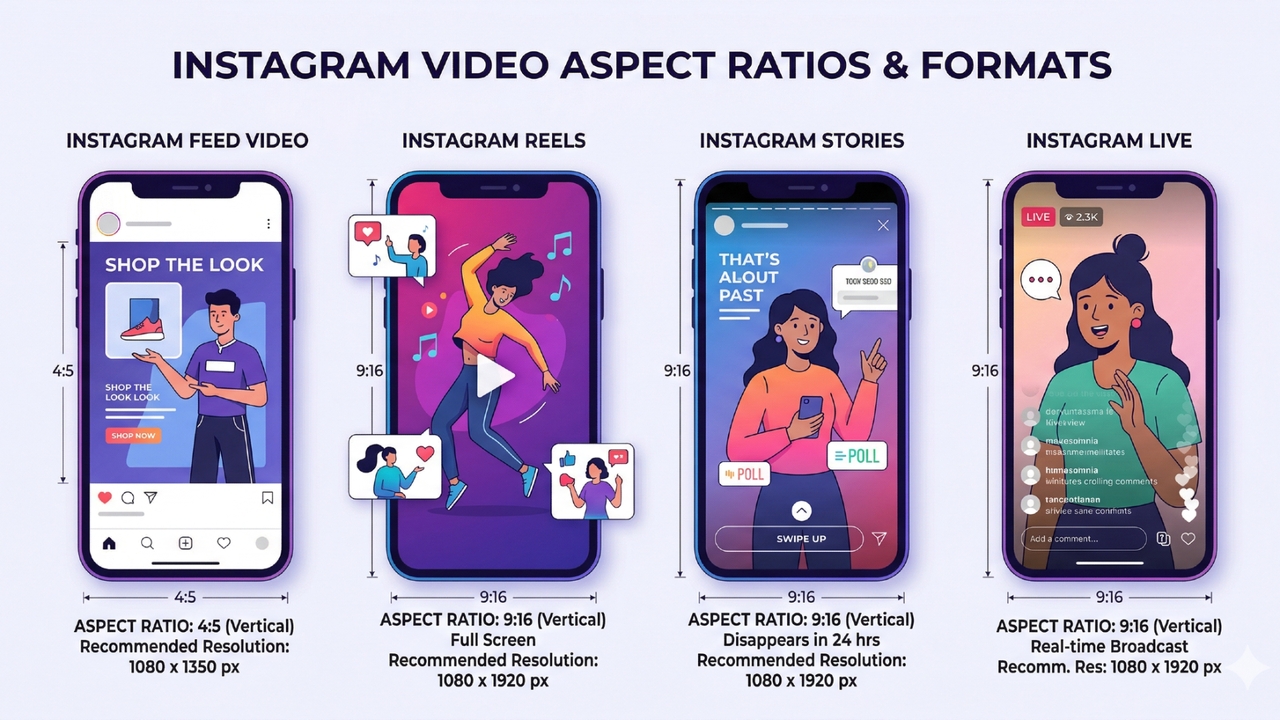
Learning about video aspect ratios for Instagram
Instagram has evolved far beyond its original square-photo roots. Today, it is a dynamic, multi-format video platform offering distinct ways to connect with your audience. Let's break down the exact technical requirements for each of Instagram's primary video formats.
Instagram Feed video size
Reels are Instagram’s powerhouse for short-form, engaging content, designed specifically for a fully immersive, full-screen mobile experience. The mandatory aspect ratio for Reels is 9:16, meaning you should target an optimal resolution of 1080 x 1920 pixels. Any other ratio risks awkward letterboxing or harsh automatic cropping. Videos should be exported in MP4 or MOV formats.
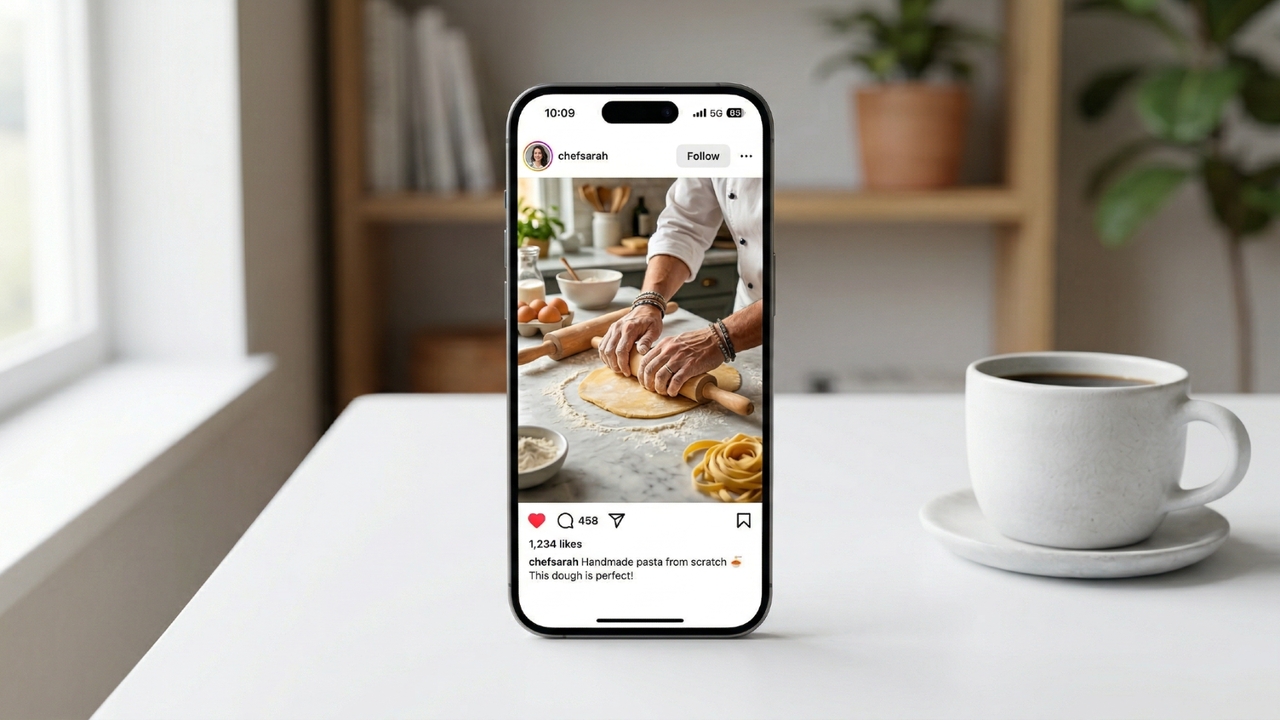
The ideal resolution for this is 1080 x 1350 pixels. Instagram supports both MP4 and MOV video formats. Ensure your frame rate is locked at a smooth 30 fps, accompanied by a video bitrate between 3,500 and 5,000 kbps for crisp playback quality. The maximum file size allowed is 4GB. While standard feed videos can run anywhere from 3 seconds up to 60 minutes, shorter content usually yields the best engagement.
Instagram Reels video size
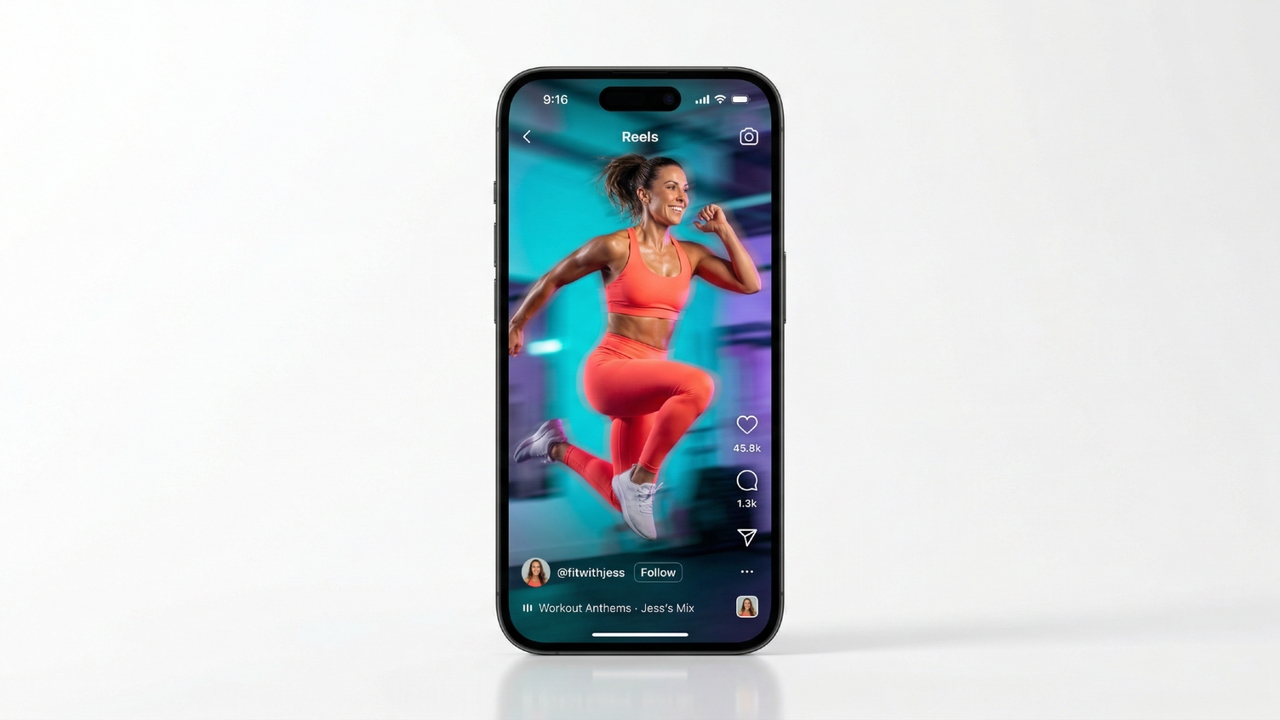
Reels are Instagram’s powerhouse for short-form, engaging content, designed specifically for a fully immersive, full-screen mobile experience. The mandatory aspect ratio for Reels is 9:16, meaning you should target an optimal resolution of 1080 x 1920 pixels. Any other ratio risks awkward letterboxing or harsh automatic cropping. Videos should be exported in MP4 or MOV formats.
For buttery smooth playback, aim for a frame rate of 30 fps (up to 60 fps for action-heavy clips) and a bitrate of 4–8 Mbps. The maximum file size is capped at 4GB. Reels can be as short as 3 seconds and allow video lengths up to 3 minutes (180 seconds), making them incredibly versatile for creators.
Instagram Stories video size
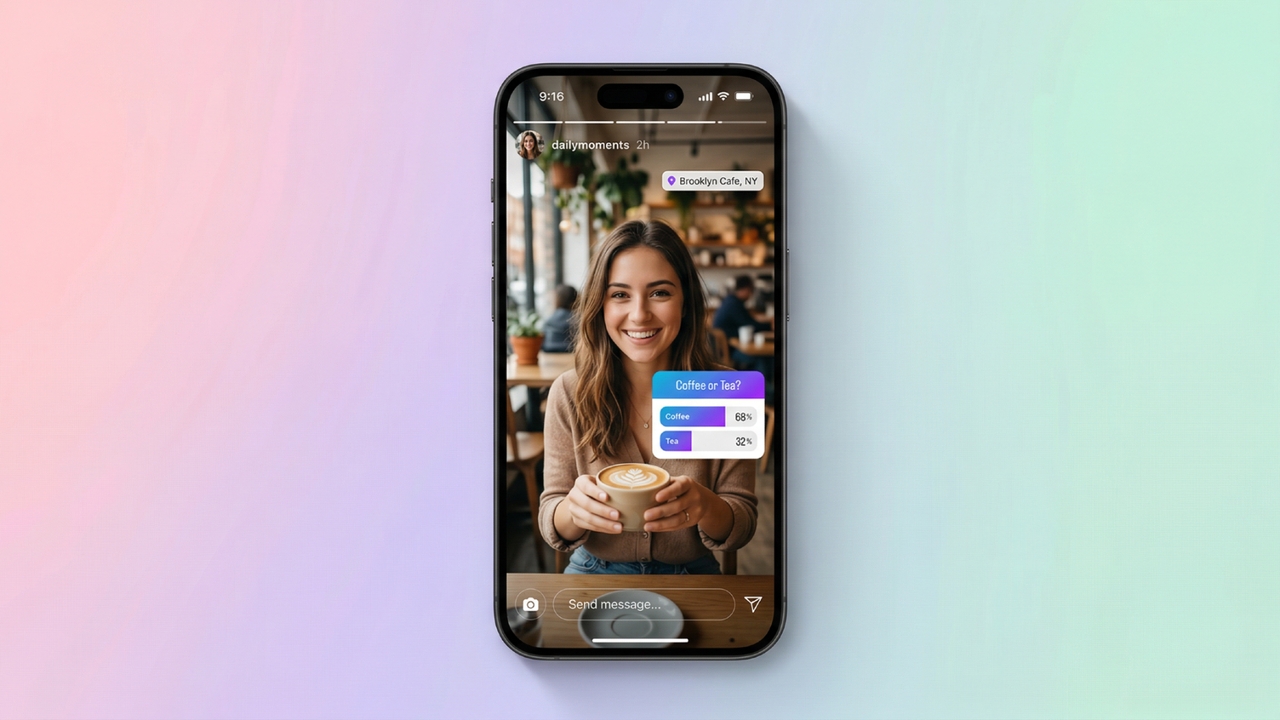
Similar to Reels, Instagram Stories demand a vertical, mobile-first approach to captivate your audience. The required aspect ratio is 9:16, with perfect dimensions sitting at 1080 x 1920 pixels to ensure your video occupies the user's entire smartphone screen. Acceptable upload formats include MP4, MOV, and GIF.
For a seamless viewing experience, your video should maintain a steady frame rate of 30 fps and a bitrate of around 3,000 to 4,000 kbps. The maximum file size permitted is 4GB. While a single, continuous Story upload is capped at a 60-second video length (previously split into 15-second segments), they remain perfect for raw, behind-the-scenes moments that disappear after 24 hours.
Instagram Live video size
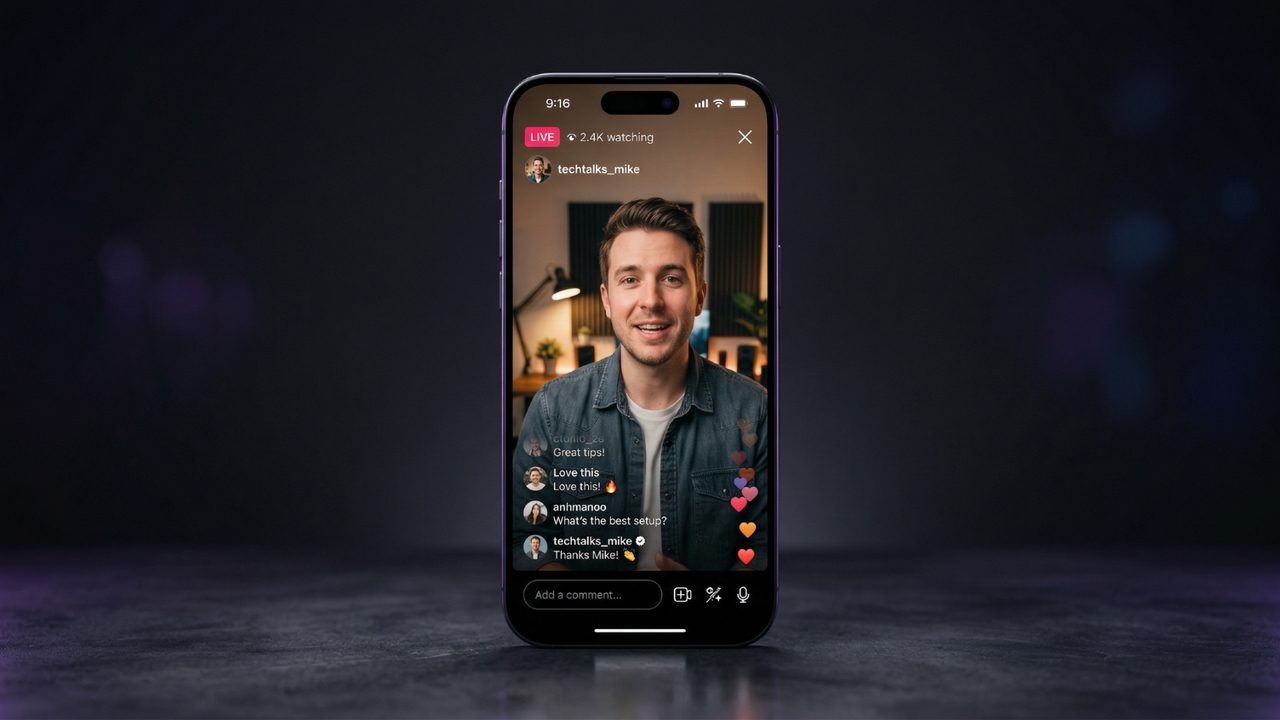
Instagram Live allows creators to broadcast real-time, unedited content directly to their followers. Because "Live" sessions are recorded and broadcast natively from your smartphone's camera, they inherently lock into the vertical 9:16 aspect ratio with standard dimensions of 1080 x 1920 pixels.
While the app handles the technical heavy lifting, a stable internet connection is vital to maintain a bitrate of 3,500 to 5,000 kbps and a steady 30 fps frame rate (a minimum 720p resolution is required). MP4 and MOV formats are standard for archiving saved broadcasts. You can broadcast Live for an impressive maximum video length of up to 4 hours, and saved files generally max out at the platform's standard 4GB limit.
Here is a quick reference table comparing the key specifications for all four Instagram video formats:
| Feature | Feed Video | Reels | Stories | Live |
| Aspect Ratio | 4:5 (optimal), 1:1, 16:9 | 9:16 | 9:16 | 9:16 |
| Ideal Resolution | 1080 x 1350 px | 1080 x 1920 px | 1080 x 1920 px | 1080 x 1920 px |
| Video Length | 3 sec – 60 min | 3 sec – 3 min | Up to 60 sec | Up to 4 hours |
| Max File Size | 4GB | 4GB | 4GB | 4GB (saved) |
| Frame Rate | 30 fps | 30 – 60 fps | 30 fps | 30 fps |
| Bitrate | 3.5 – 5 Mbps | 4 – 8 Mbps | 3 – 4 Mbps | 3.5 – 5 Mbps |
| Supported Formats | MP4, MOV | MP4, MOV | MP4, MOV, GIF | MP4, MOV (saved) |
How to adjust video aspect ratio for Instagram effortlessly with AI?
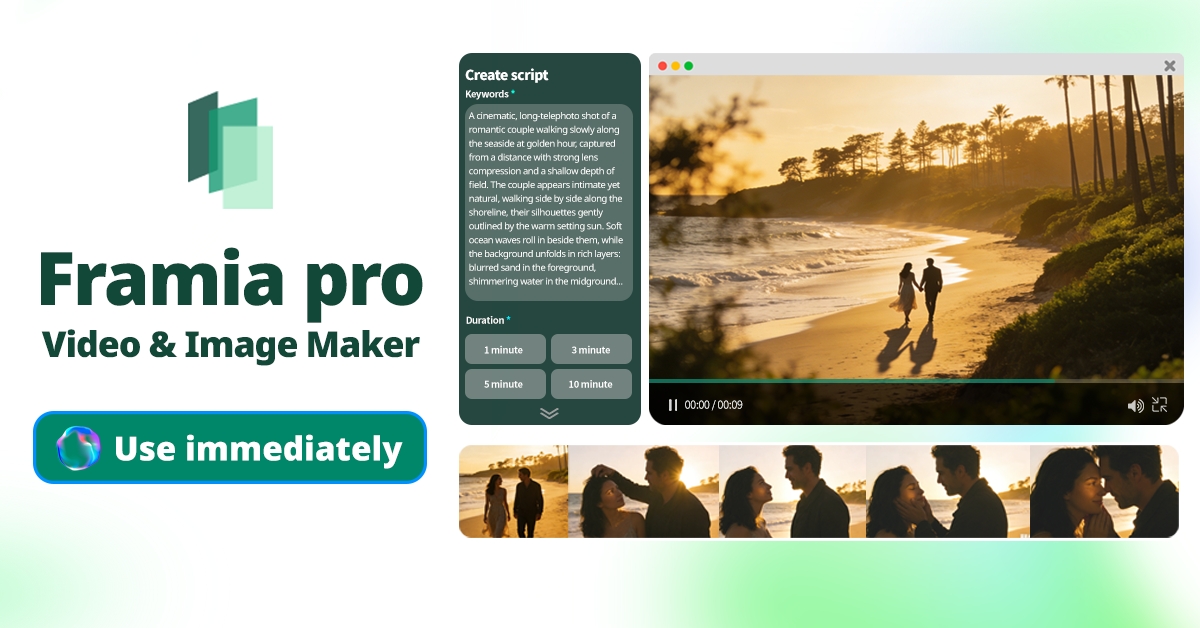
Framia Pro is an advanced AI-powered platform designed to streamline Instagram video aspect ratio creation. Featuring specialized video agents, it offers full-SOP automation from script to final render. It seamlessly supports essential Instagram aspect ratios (9:16, 16:9, 1:1) and utilizes cutting-edge AI models like Veo, Seedance, and Kling to generate stunning visuals, saving you 80-90% in production time vs traditional methods.
Key features:
- Upload-ready exports: Automatically format and export your AI-generated videos into perfect 9:16, 16:9, or 1:1 aspect ratios for any Instagram placement.
- Storyboard timeline editor: Visually arrange clips, easily sync audio, and regenerate individual shots without having to restart your entire video creation process.
- Targeted chat-to-edit: Simply select any video segment and type your desired corrections to instantly fix specific details without regenerating the whole video.
- Specialized "Shorts Agent": Craft quick, digestible vertical video content perfect for Instagram Reels and Stories using intelligent, context-aware AI b-roll and music sync.
Easy steps to effortlessly create Instagram videos
Creating the perfect Instagram video with different aspect ratios is no longer a tedious process. With Framia Pro’s intuitive tools and powerful AI models, you can easily generate ready-to-post vertical or horizontal content in three simple steps.
Step 1: Select your video aspect ratio and AI model
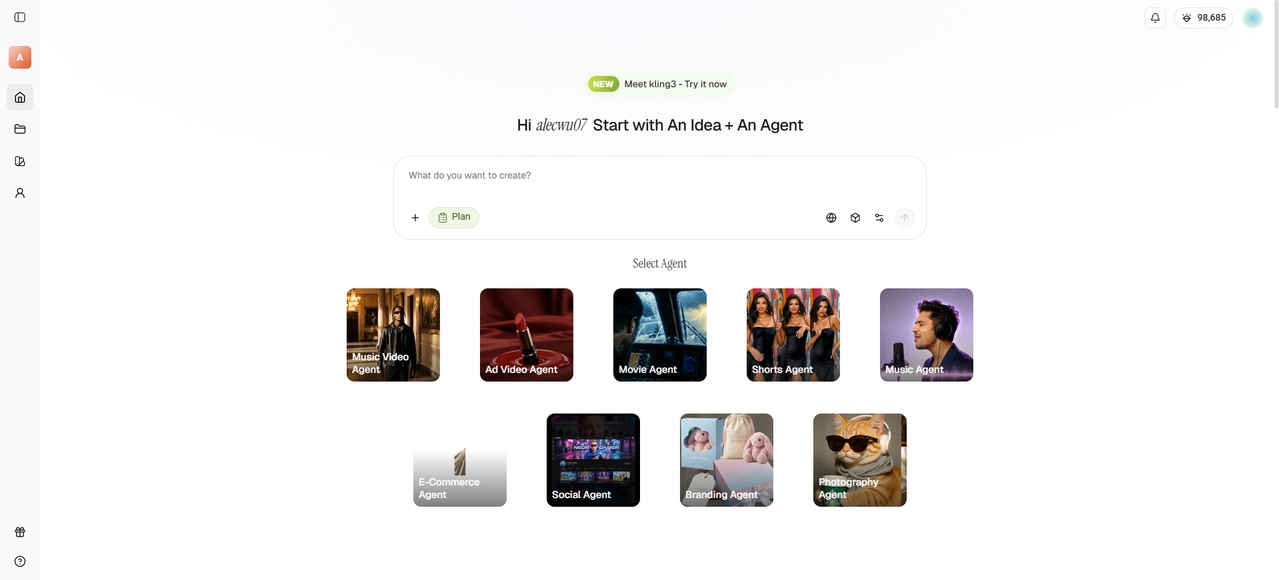
Begin by choosing your target Instagram format, such as 9:16 for Reels, as well as the "Shorts Agent" option. Next, select from Framia Pro’s supported top-tier AI video generation models, including Veo, Seedance, or Kling 2.6, to perfectly match your brand's unique visual aesthetic and style.
Step 2: Enter prompt and create the perfect Instagram video
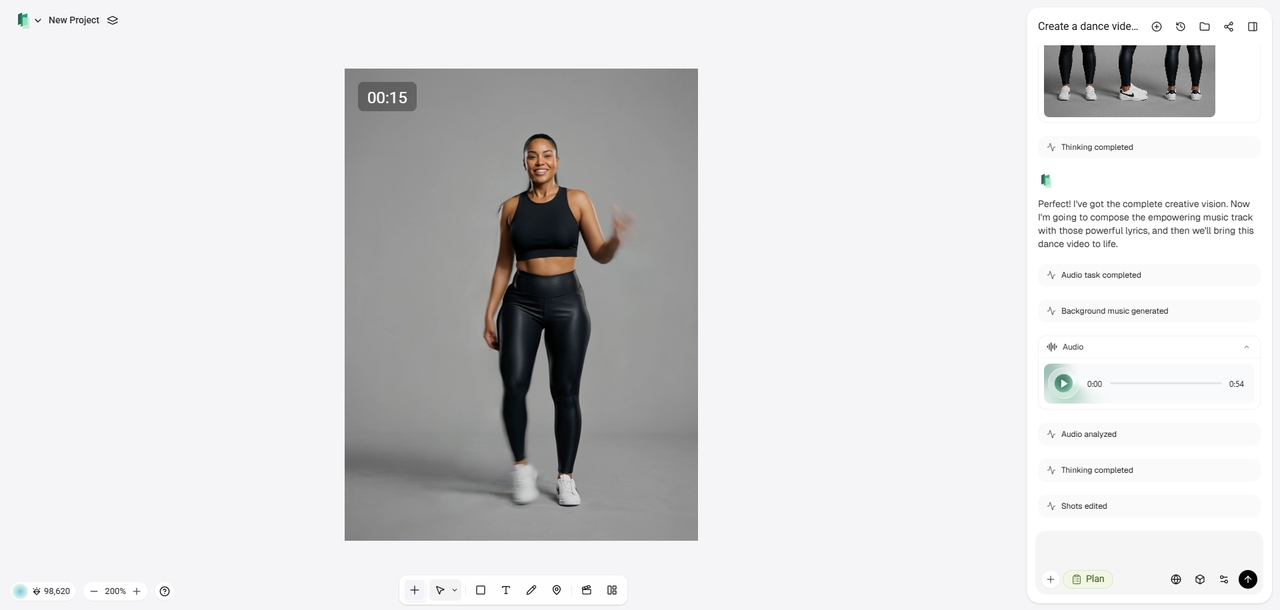
Type a detailed prompt outlining your creative vision. Framia Pro’s specialized agents automatically handle the script generation, storyboarding, and shot composition, rapidly producing a highly engaging, professional Instagram video while ensuring consistent characters across all of your generated scenes. Additionally, you can also upload your own background music/B-rolls/script.
Step 3: Edit, finalize, and export your video
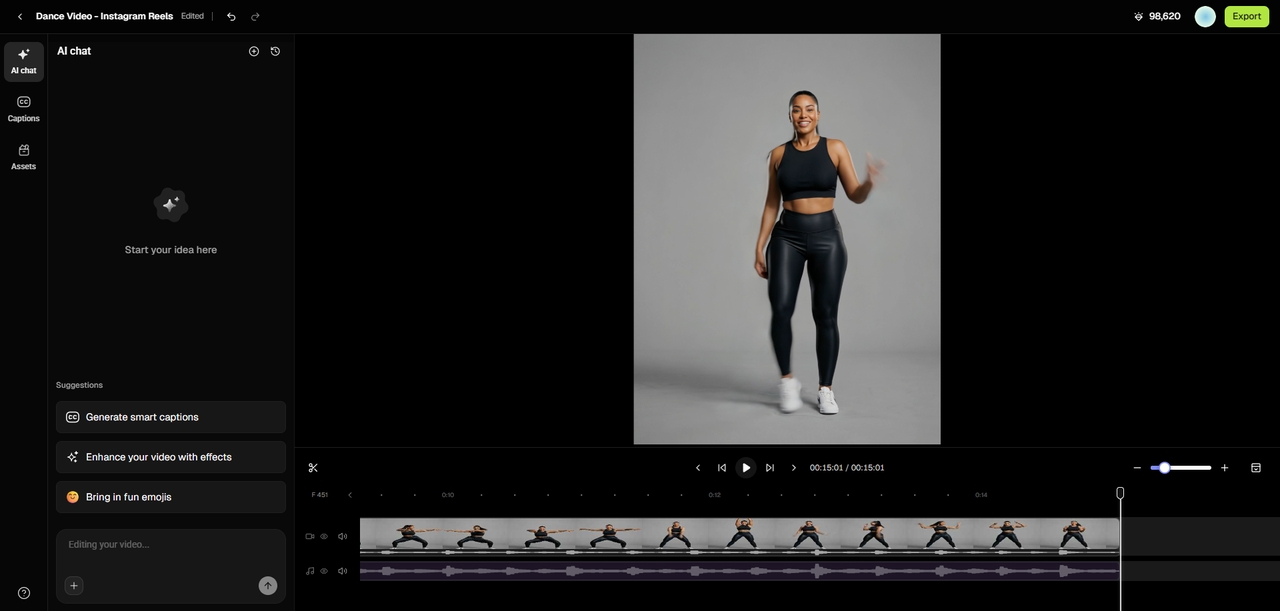
Once Framia Pro generates the initial video, utilize the "Edit in Storyboard" tool to make precise adjustments or regenerate specific shots effortlessly. Once perfectly synced, directly "Export" your upload-ready video to the exact dimensions required for your chosen Instagram feed placement.
Tips & tricks for creating captivating videos on Instagram
Creating the perfect Instagram video goes beyond just getting the aspect ratio right. To truly captivate your audience and boost engagement, keep these five essential video creation best practices in mind before you hit publish.
- Hook viewers immediately: The battle for attention is won or lost in the first three seconds. Use strong visual pattern interrupts, bold text overlays, or a surprising statement right away to stop scrollers in their tracks and compel them to watch the rest.
- Optimize for silent viewing: Many users scroll through Instagram with their volume turned off. Always ensure your message lands perfectly by adding clear, easy-to-read captions and engaging kinetic typography, so your content is fully accessible and impactful even without audio.
- Leverage trending audio strategically: Instagram’s algorithm highly favors content using trending music and sounds. Pair your high-quality visuals with a currently popular track to increase your chances of appearing on the Explore page, while keeping volume balanced so it doesn't overpower your message.
- Maintain fast, tight pacing: Eliminate dead air and unnecessary pauses. Use quick jump cuts and dynamic transitions to keep the momentum going. Short, crisp videos between 15 and 30 seconds tend to perform best, ensuring viewers stay actively engaged until the very end.
- Include a clear call-to-action: Never leave your audience guessing what to do next. Whether it’s asking a question, prompting them to share, or directing them to the link in your bio, a strong call to action significantly boosts your comments, saves, and overall engagement.
Wrapping up
Mastering Instagram video aspect ratios is the foundational step to ensuring your content looks professional, engaging, and perfectly optimized for any screen. Whether you are posting a 4:5 Feed video, a 9:16 Reel, a Story, or a Live broadcast, adhering to these technical specifications prevents awkward cropping and maximizes your reach.
Fortunately, you don't need to be a professional editor to achieve flawless results. By utilizing Framia Pro's advanced video agents and full AI automation, you can effortlessly generate, edit, and export stunning Instagram videos in the exact dimensions you need, saving you incredible time and effort.
FAQs
What is the ideal video for Instagram size?
The optimal video for Instagram size depends on the format: Reels need 1080x1920 (9:16) and Feed posts 1080x1350 (4:5). Framia Pro automatically formats your exports to these exact dimensions effortlessly.
What is the maximum file size for Instagram video uploads?
Instagram permits a maximum file size of 4GB for your video uploads across Feed posts, Reels, and Stories. Exceeding this limit will prevent your content from uploading successfully.
What is the maximum Instagram video limit?
The maximum Instagram video limit varies by placement. Reels allow up to 3 minutes, Feed videos can reach 60 minutes, and Live broadcasts can run continuously for up to 4 hours.
Which video formats are officially supported on Instagram?
For optimal compatibility, Instagram supports MP4 and MOV video formats across all of its placements. Framia Pro seamlessly handles these requirements, providing upload-ready exports in the perfect format and quality for your audience.
Which IG dimensions video should I use for landscape?
Instagram supports MP4 and MOV video formats for optimal compatibility. Framia Pro seamlessly handles these requirements, providing upload-ready exports in the perfect format and quality for your audience.