



Step 1: Prompt
Subscribe to Framia Pro, describe the video you want in the prompt box, and upload a reference image if needed. Click "Plan" to outline scenes with AI.
Create cinematic videos with synced audio and realistic motion using text or image prompts.
Generate 1080p videos up to 25 seconds from a text prompt or reference image. Sora 2 Pro renders audio, physics, and motion in one pass.
Type a prompt describing any scene or upload a reference image to begin. Sora 2 Pro reads spatial relationships, lighting context, and motion cues in the input to produce a video that matches the described or depicted composition.
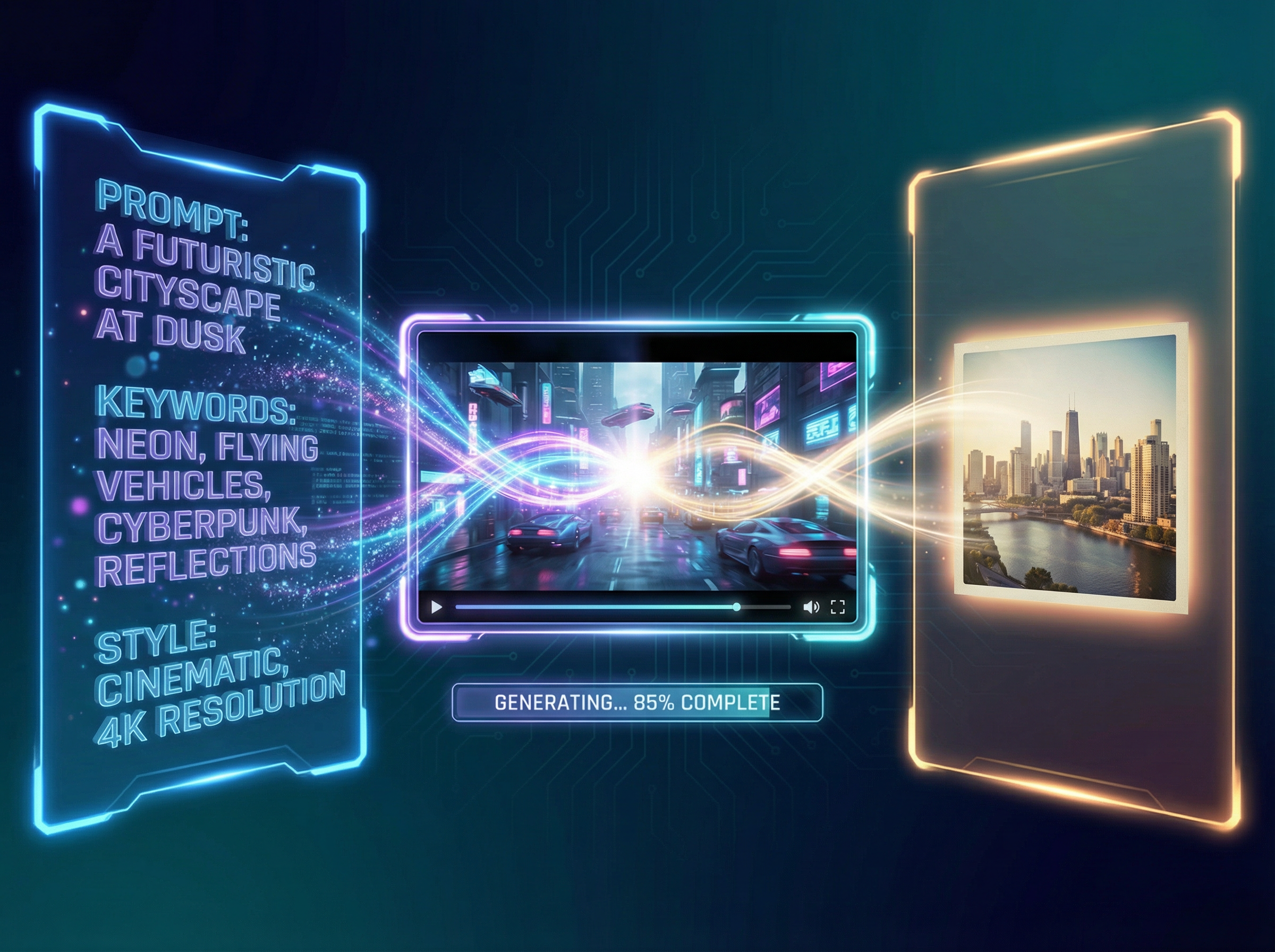
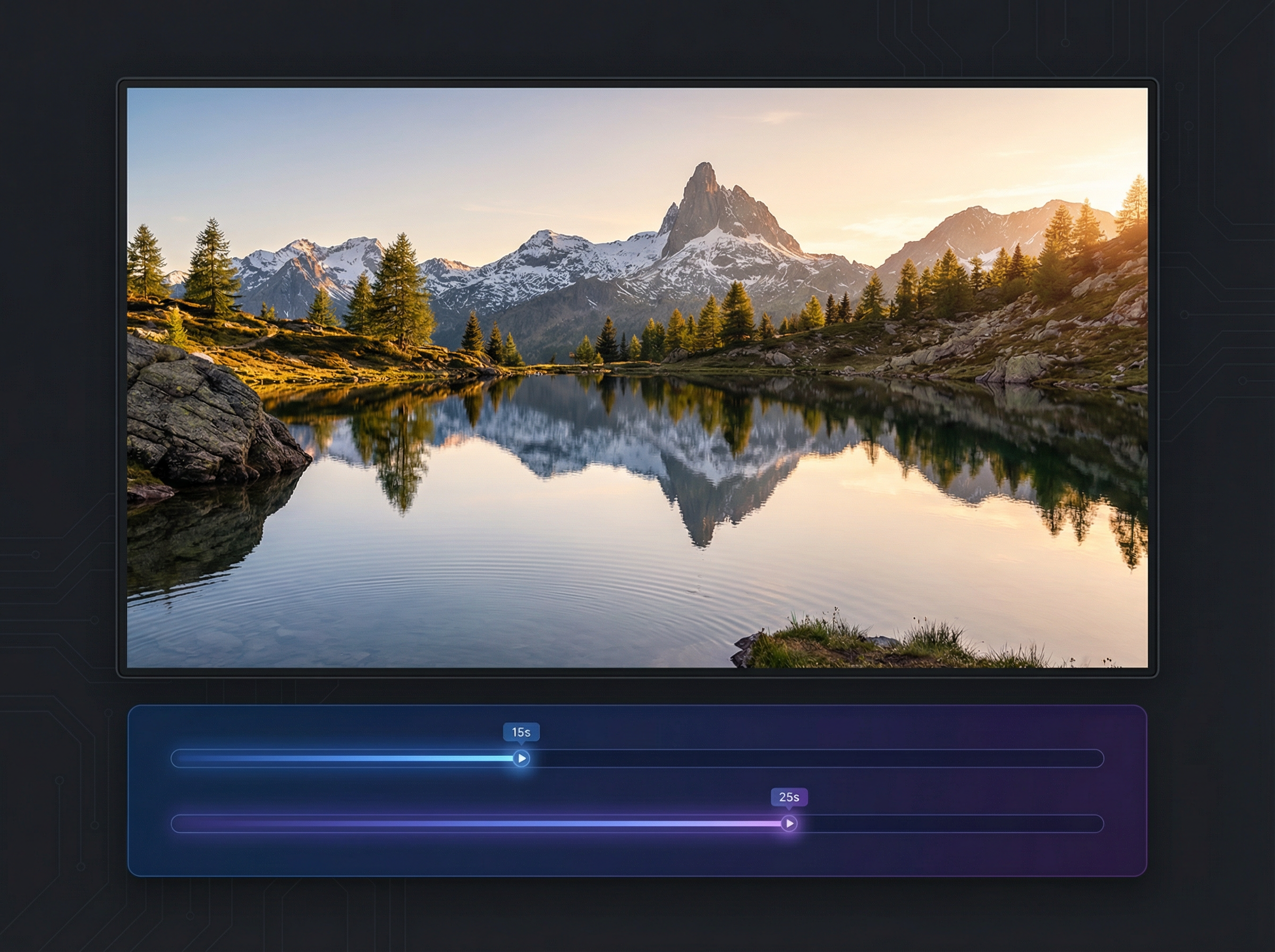
Export clips at 1080p in landscape (1920×1080) or widescreen (1792×1024). Pro supports up to 25-second videos compared to the 15-second cap on standard Sora 2. Each second of Pro footage consumes 40 credits, versus 16 credits on the standard tier.
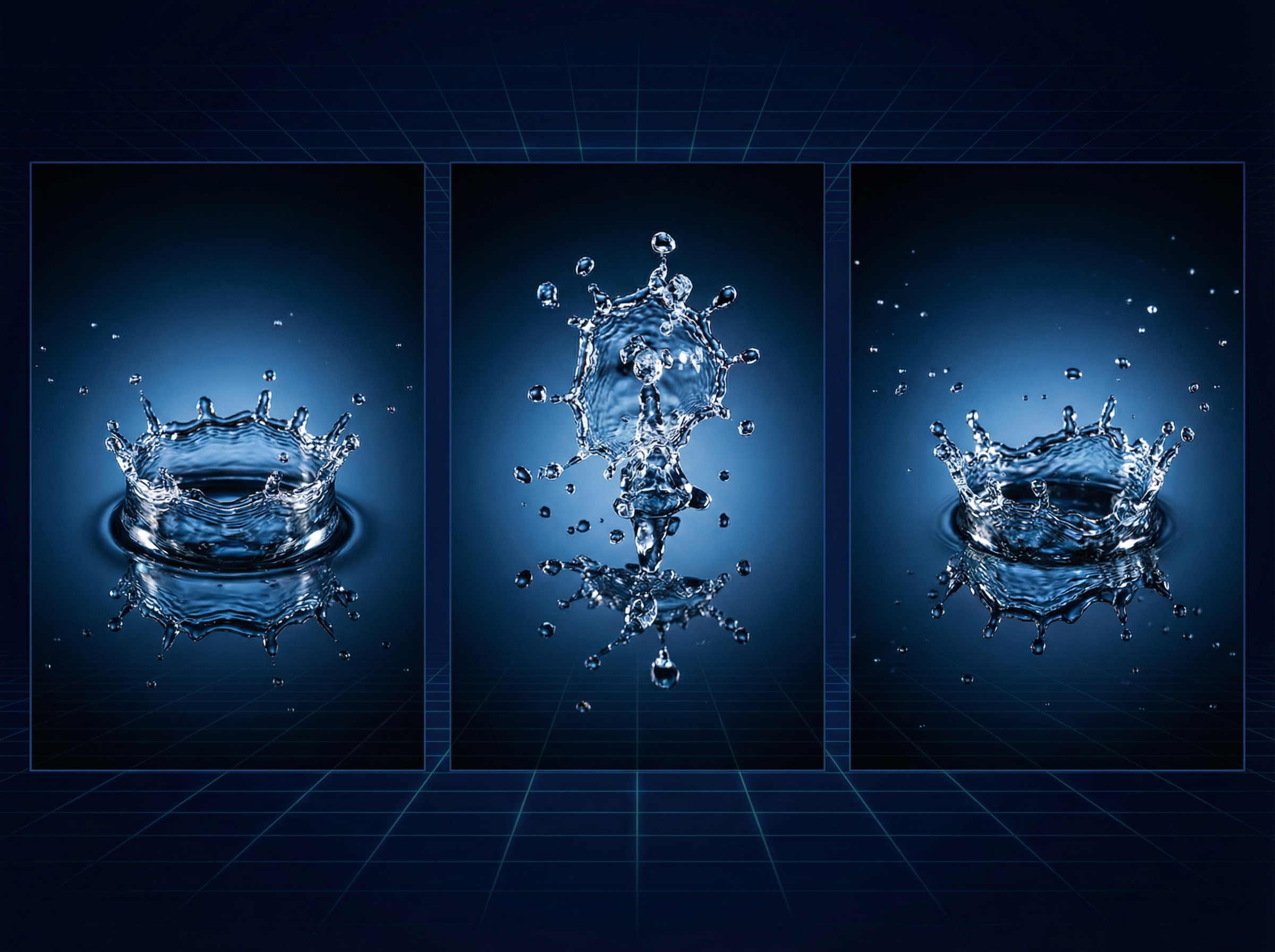
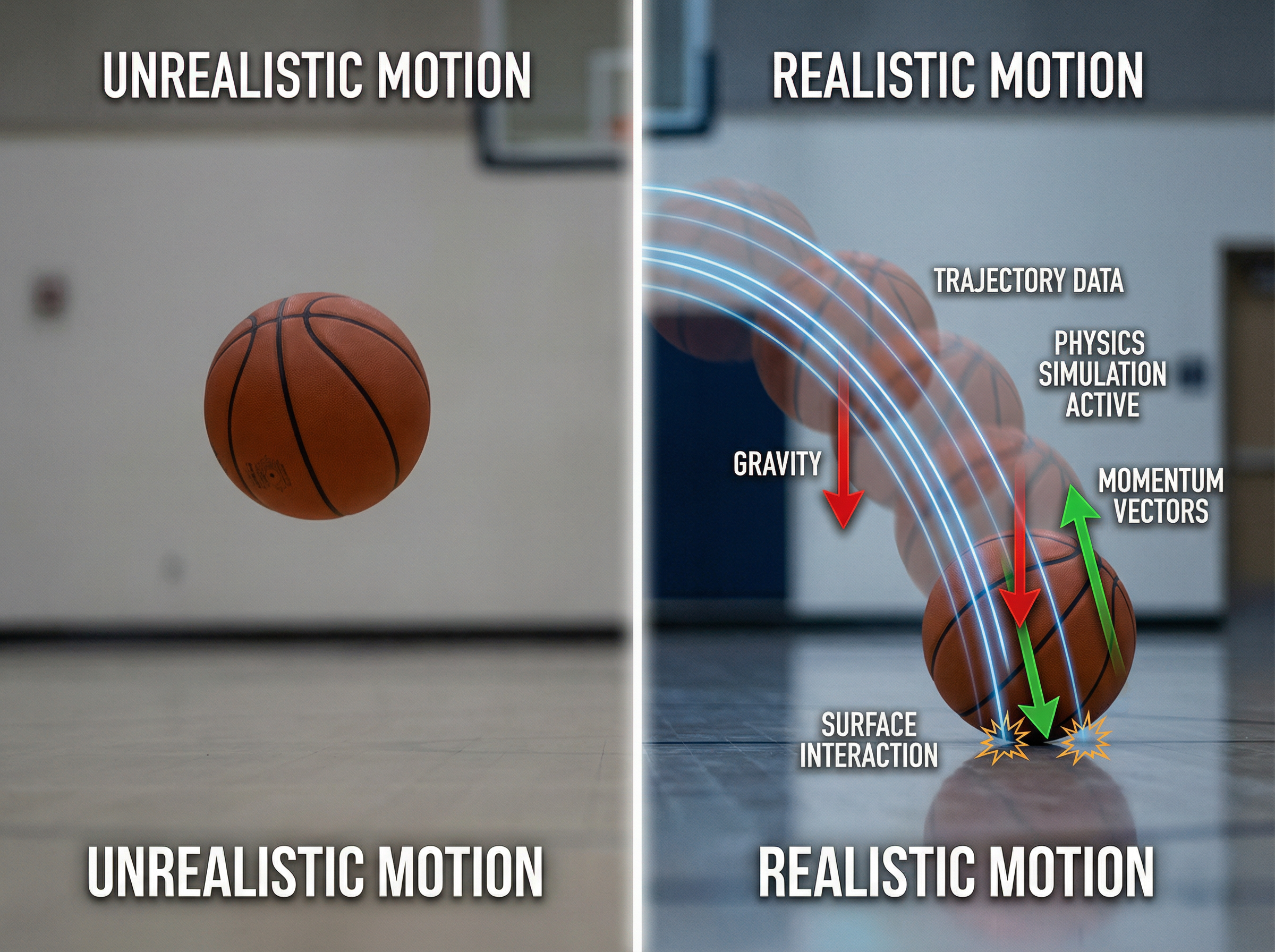
Simulate physical interactions with frame-to-frame accuracy. When a basketball player misses a shot, the ball rebounds off the backboard instead of teleporting to the hoop. Sora 2 Pro models gravity, liquid dynamics, and failure states that prior video models could not replicate.
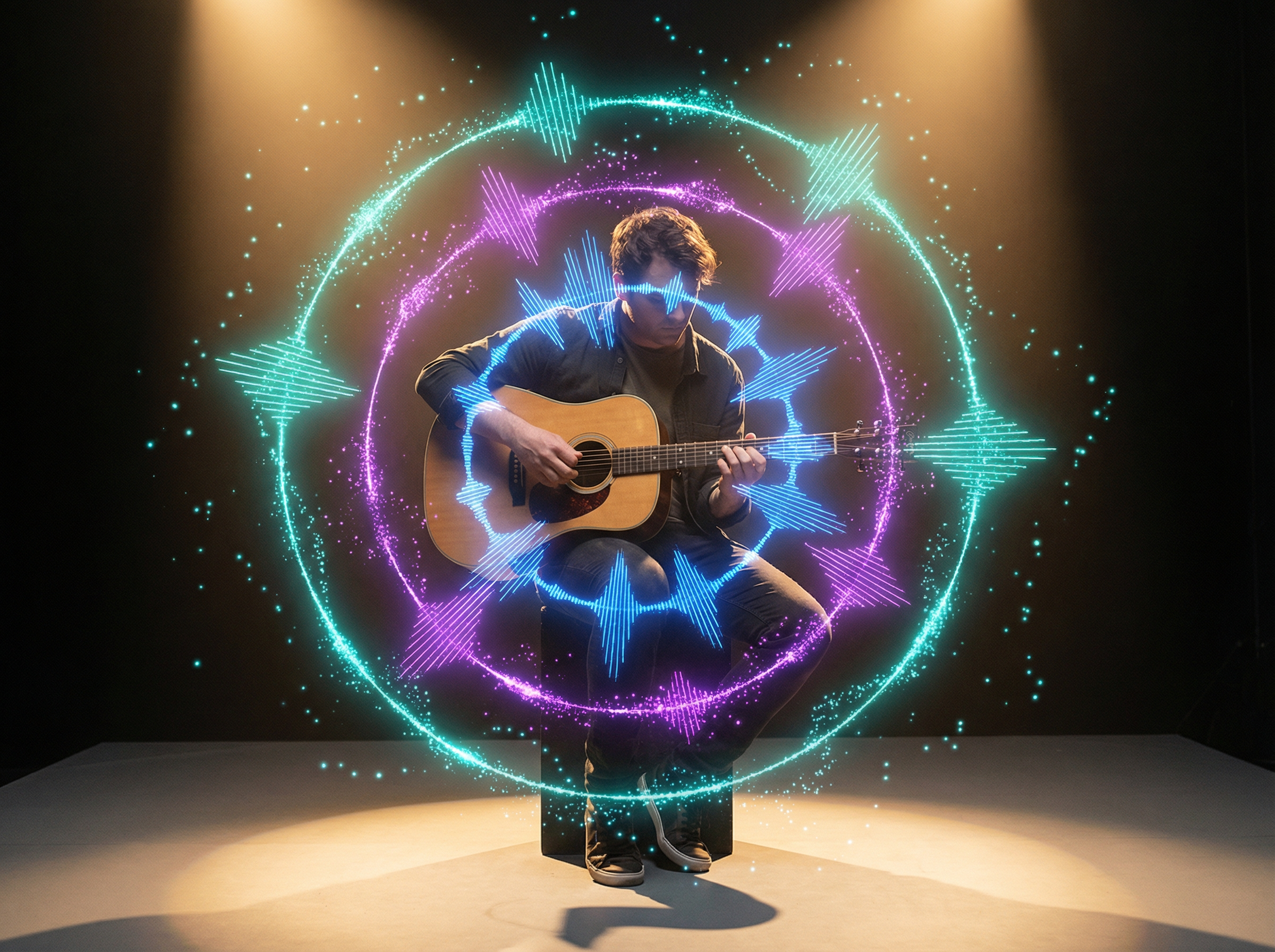
Get dialogue, sound effects, and music generated alongside the video in a single render. Sora 2 Pro on Framia Pro times each audio event to its corresponding visual cue. This means you don't have to add and sync audio after the video production.
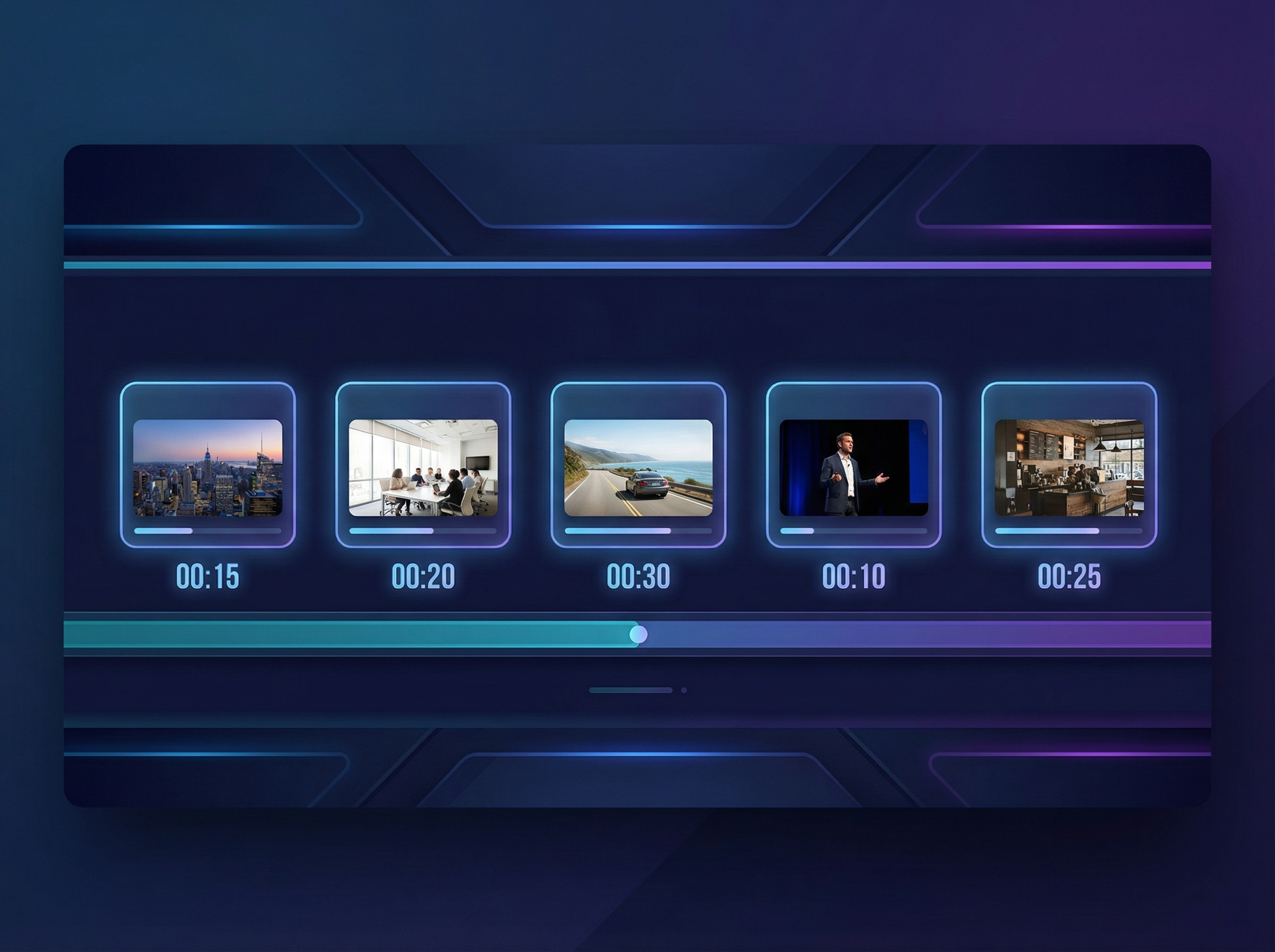
Plan each shot on a second-by-second timeline using the storyboard editor. Describe characters, setting, and action per scene card, then adjust each card's duration before rendering. Tweaking descriptions or durations one card at a time reduces rework by 30 to 40 percent.
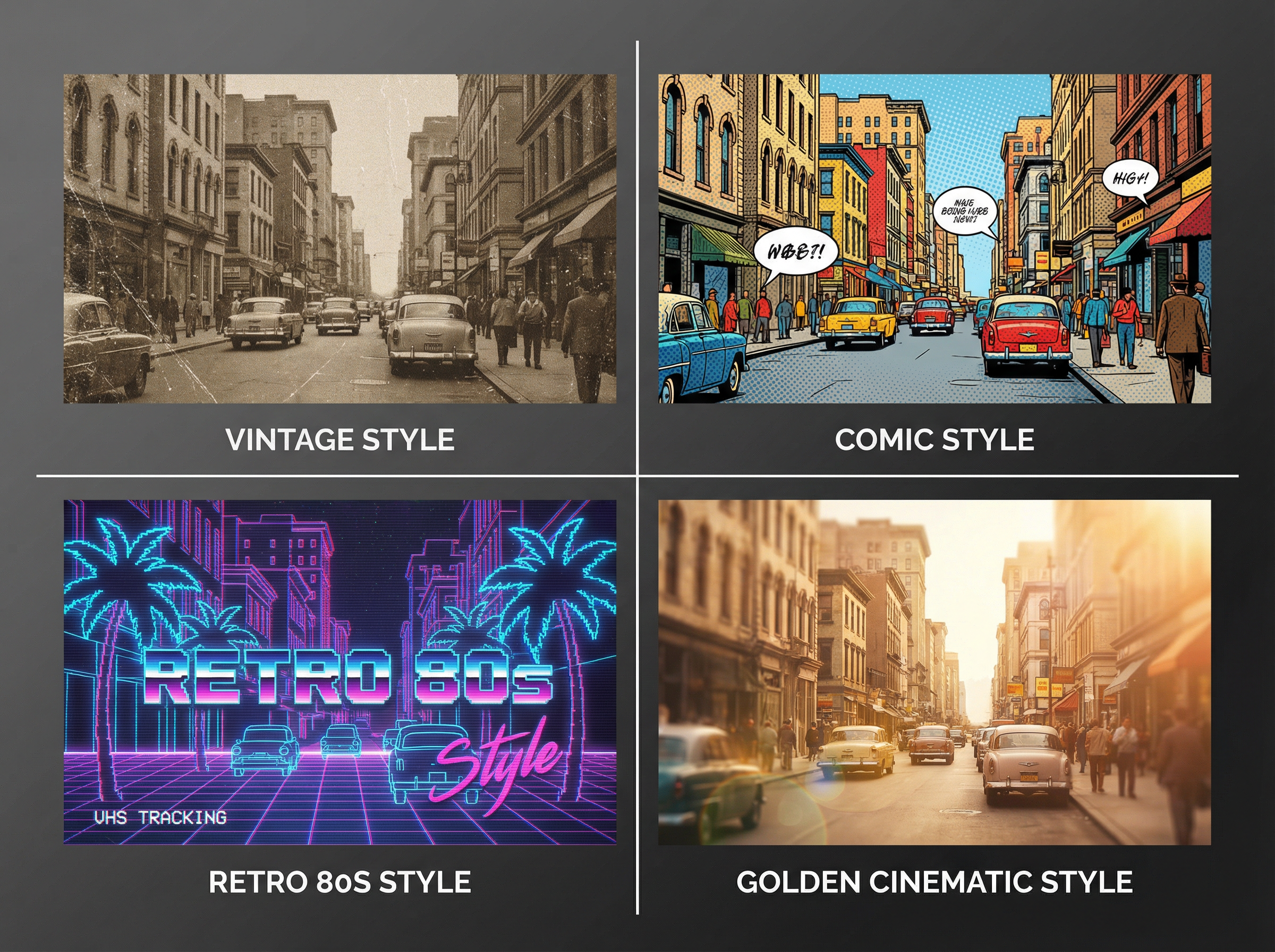
Describe any visual style, like Vintage, Comic, News, Musical, Handheld, Retro, and Golden, and Sora 2 Pro on Framia applies it to your videos. Each style adjusts color grading, pacing, and aesthetic tone so you can create videos with distinct looks.
You can go through the steps below to get started with Framia Pro and use Sora 2 Pro to generate videos:
Use Sora 2 Pro to produce cinematic scenes, product videos, brand clips, concept visuals, and story narratives directly from a text prompt.
Describe a filming location, lighting setup, and subject in the text prompt. Sora 2 Pro simulates camera movement, shadow depth, and atmospheric detail into a scene up to 25 seconds at 1080p in landscape or widescreen format.
Produce a video that places your product in a real-world context. Explain the setting, action, and mood in the prompt, and the output shows the product in use. This is particularly useful for e-commerce brands, app launches, and physical goods.
Generate portrait or landscape clips sized for Instagram Reels, TikTok, or YouTube Shorts. Consistent visual style in clips keeps the brand presentation the same. This removes the need to recreate each asset individually or brief a separate editor for every platform variant.
Architects, product designers, and creative directors use Sora 2 on Framia to communicate spatial, structural, or abstract concepts to stakeholders who cannot interpret technical drawings or written briefs.
Produce a scene-by-scene video story from a written narrative. Each clip carries the plot, character, and setting forward so the sequence reads as a coherent story rather than a series of disconnected visuals.
Get film-grade video, synced audio, precise scene control, coherent story flow, and lifelike motion from a single prompt on Framia Pro.
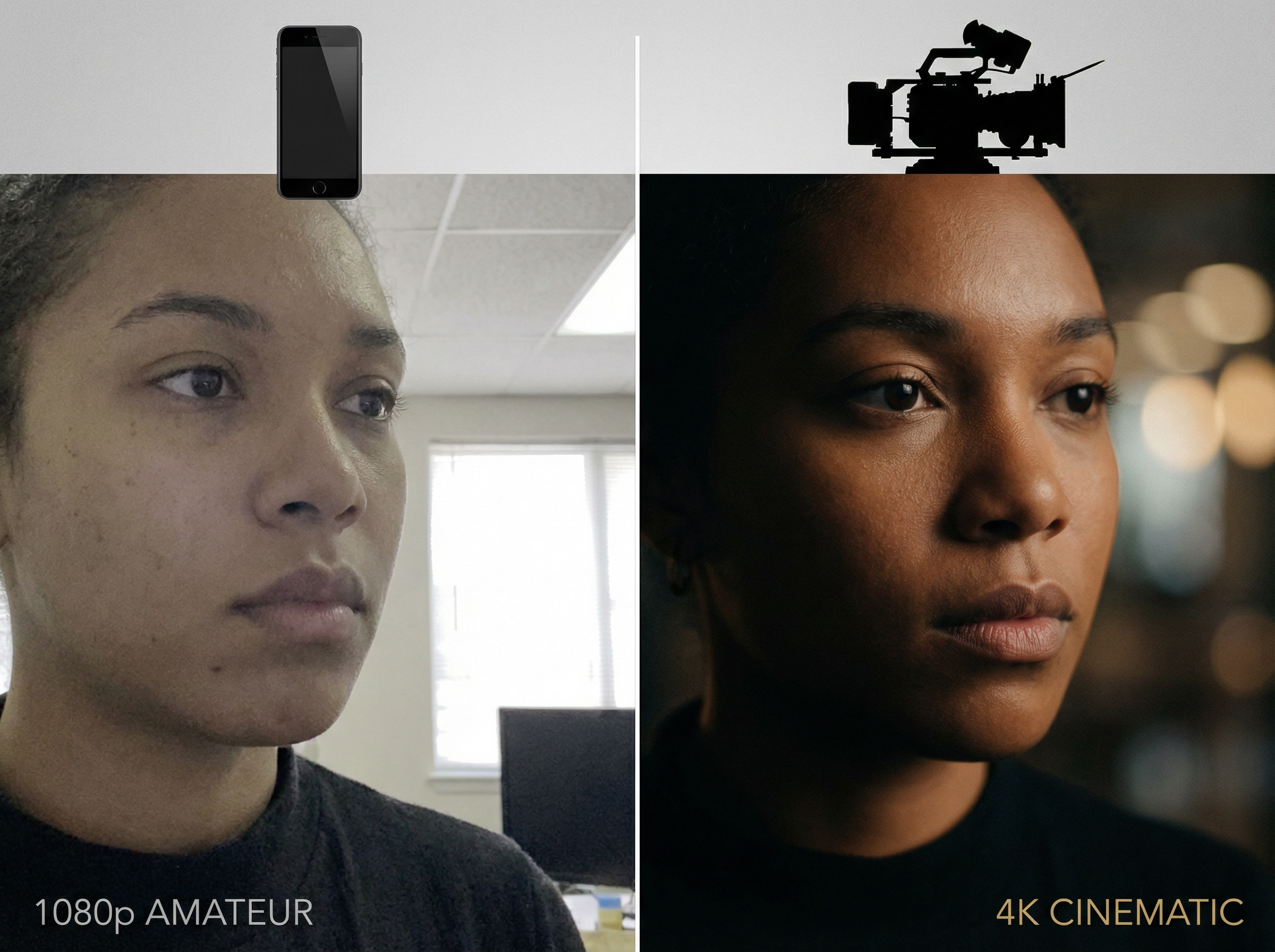
Render videos at 1080p resolution with professional depth, lighting, and composition. Sora 2 Pro produces output at a visual standard that previously required dedicated post-production software, studio-grade cameras, and a full editing team.
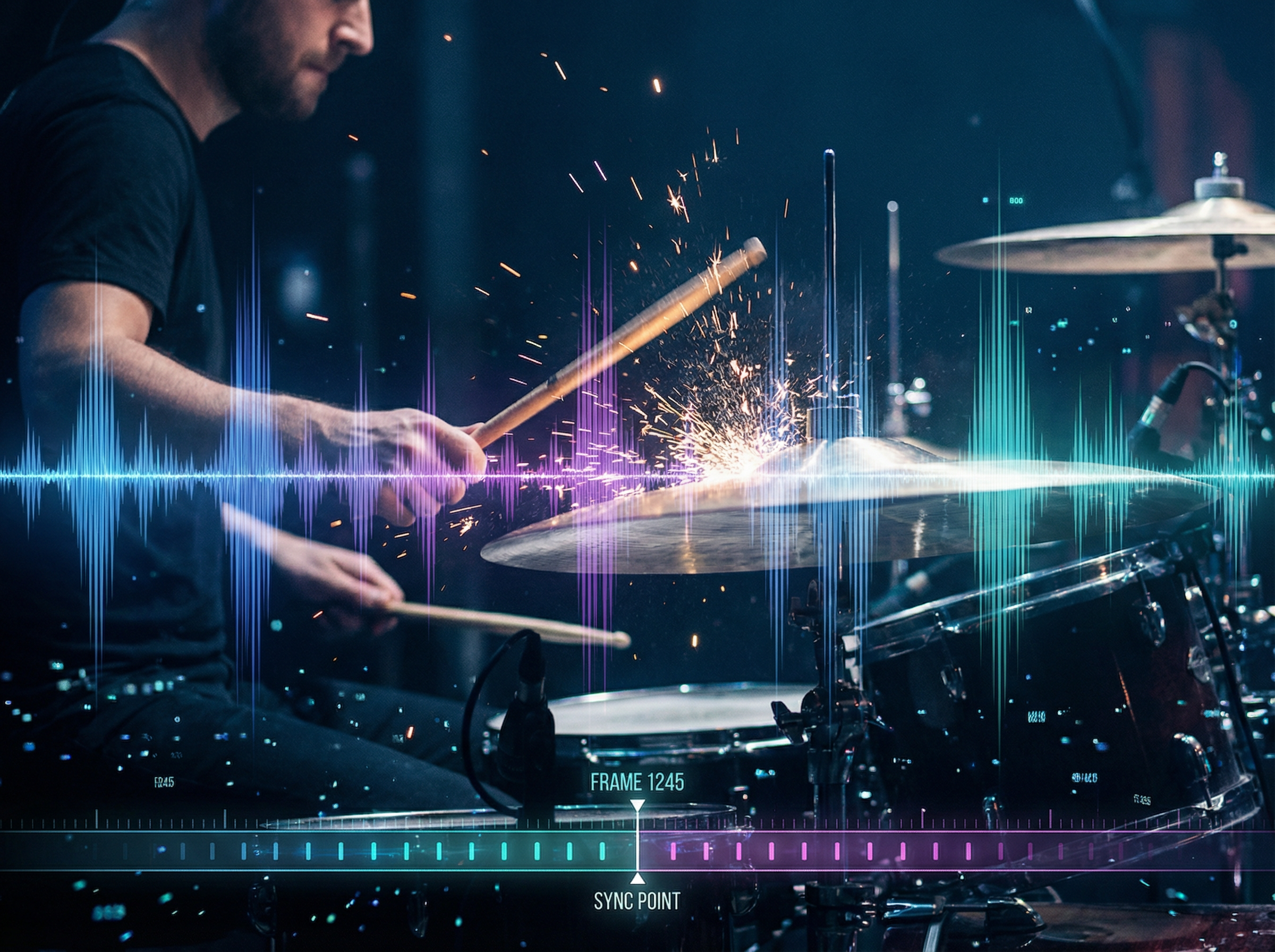
Receive dialogue, sound effects, and background audio timed to each on-screen event in the same render pass. You don't need separate audio sessions or post-sync editing. Every sound lands on the exact frame it corresponds to in the video, with background music powered by models like Suno v5 for more polished and immersive results.
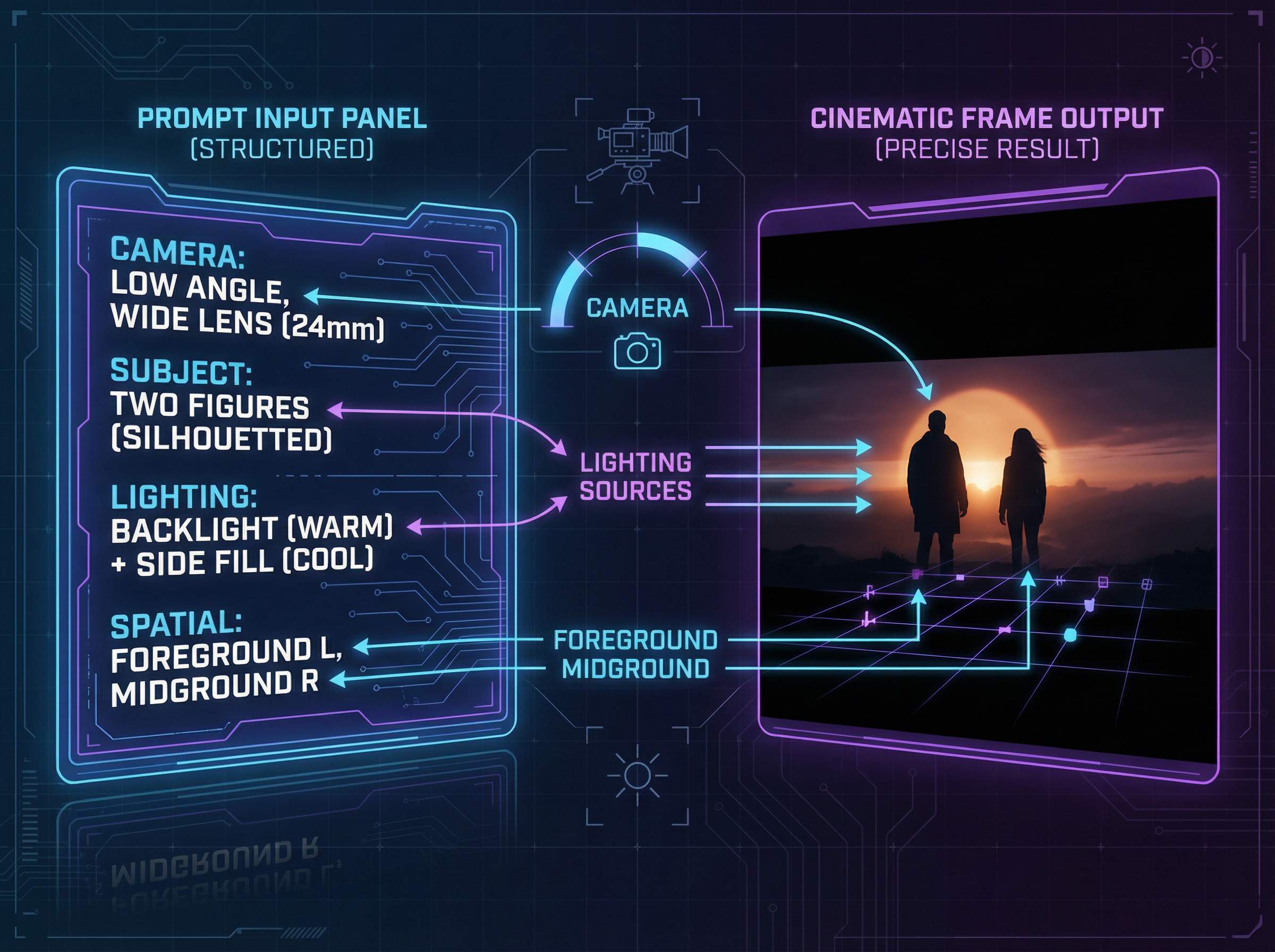
Describe camera angle, subject position, movement direction, and lighting in the prompt, and the output reflects each instruction at the frame level. Sora 2 Pro reads spatial relationships in the text rather than averaging them into a generic composition.
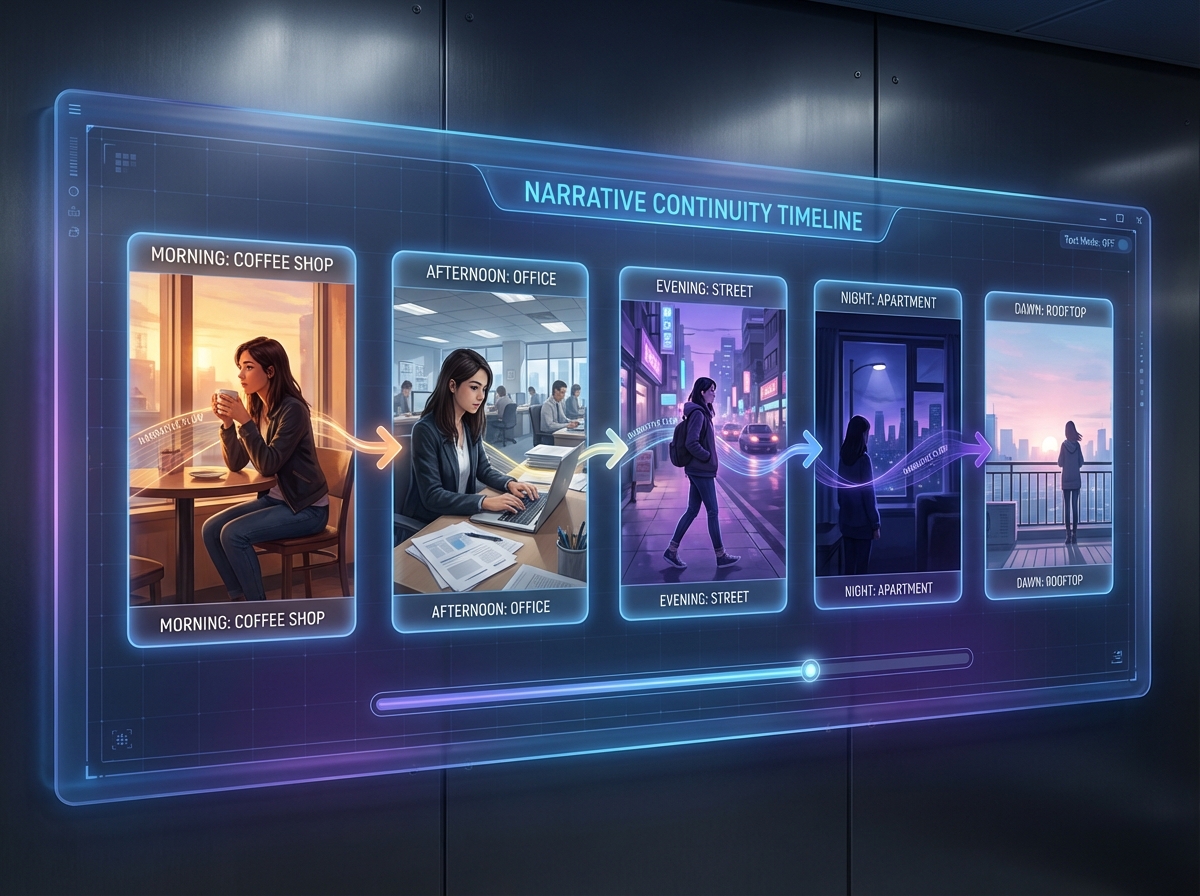
Assign each scene a description and duration in the storyboard editor before rendering. The output carries character, setting, and plot continuity from one clip to the next, so the full sequence reads as a single structured narrative, not disconnected segments.
Watch subjects move with accurate weight, momentum, and reaction to their environment. Sora 2 Pro simulates gravity, surface interaction, and physical cause-and-effect at the frame level to produce motion that matches how objects and people actually behave in real space.
Explore what creators say after using Sora 2 Pro on Framia to produce their first AI video, from first-time users to working professionals.



Have questions or need assistance? Our team is here to help!
Turn your ideas into cinematic, synced-audio videos in seconds with Sora 2 Pro. Prompt, generate, and export ready-to-share clips effortlessly.
