AI Graphic Design Generator

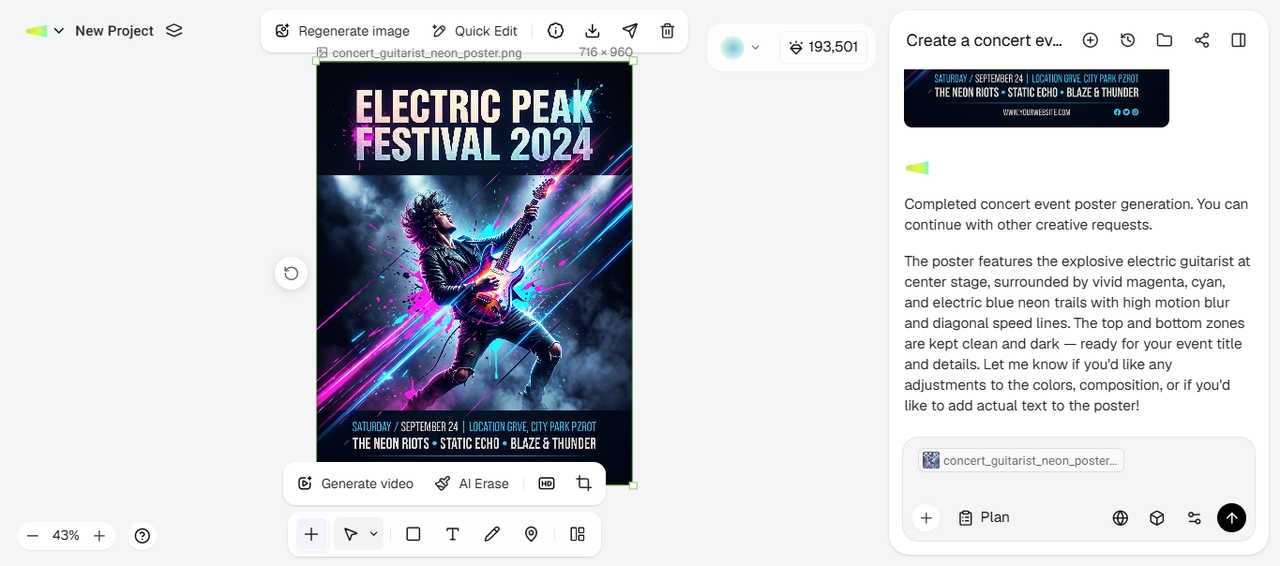
Turn a prompt into AI graphic design with Framia Pro. Generate posters, social graphics, and branded assets, then refine style, color, and layout.

Start for Free

Design faster with Framia Pro's free AI graphic design maker

Explore the tools that turn a simple prompt into a finished, on-brand AI graphic design in minutes.

Turn prompts into complete AI graphic designs

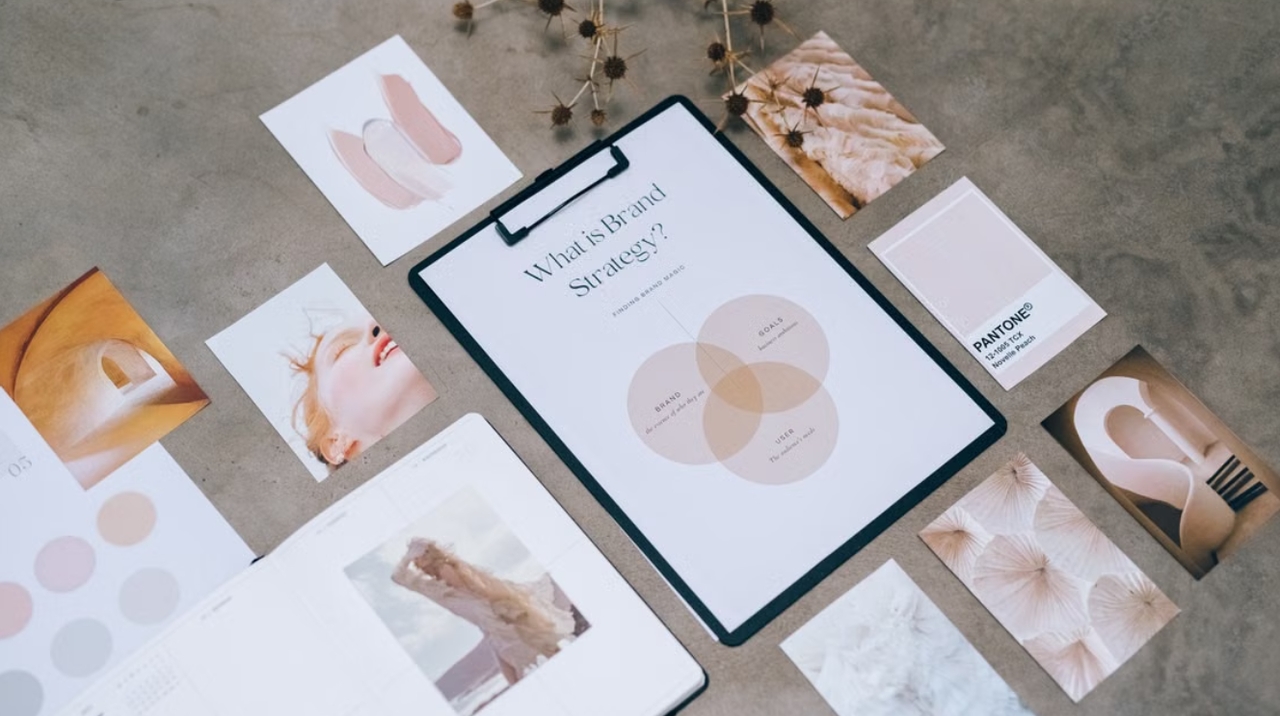
Describe your design in plain text, and the Framia Pro AI graphic design maker generates the full layout, from posters to social graphics, in one pass. Add brand colors or a reference image, and the output matches your exact format and style.

Turn prompts into complete graphic designs
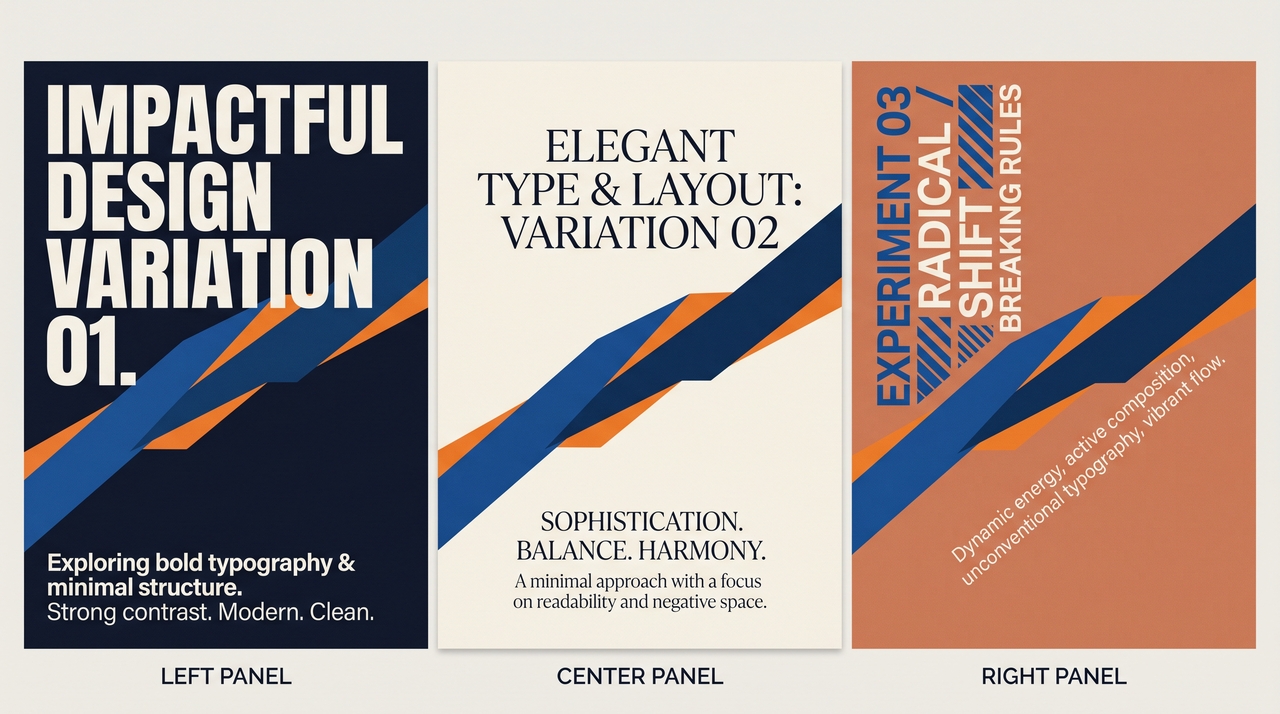
Remix designs with multiple variations

Remix designs with multiple variations

Generate several versions of the same design at once, each with a different layout, color scheme, or visual style. Compare variations side by side, then pick the direction that fits your campaign best and refine it further with a follow-up prompt.

Customize layouts, colors, and typography

Adjust every element on the canvas, from spacing and grid alignment to font pairings and color palettes, without starting the design over. Select an area, describe the change, and Framia Pro regenerates just that section while the rest of the layout stays untouched.

Customize layouts, colors, and typography
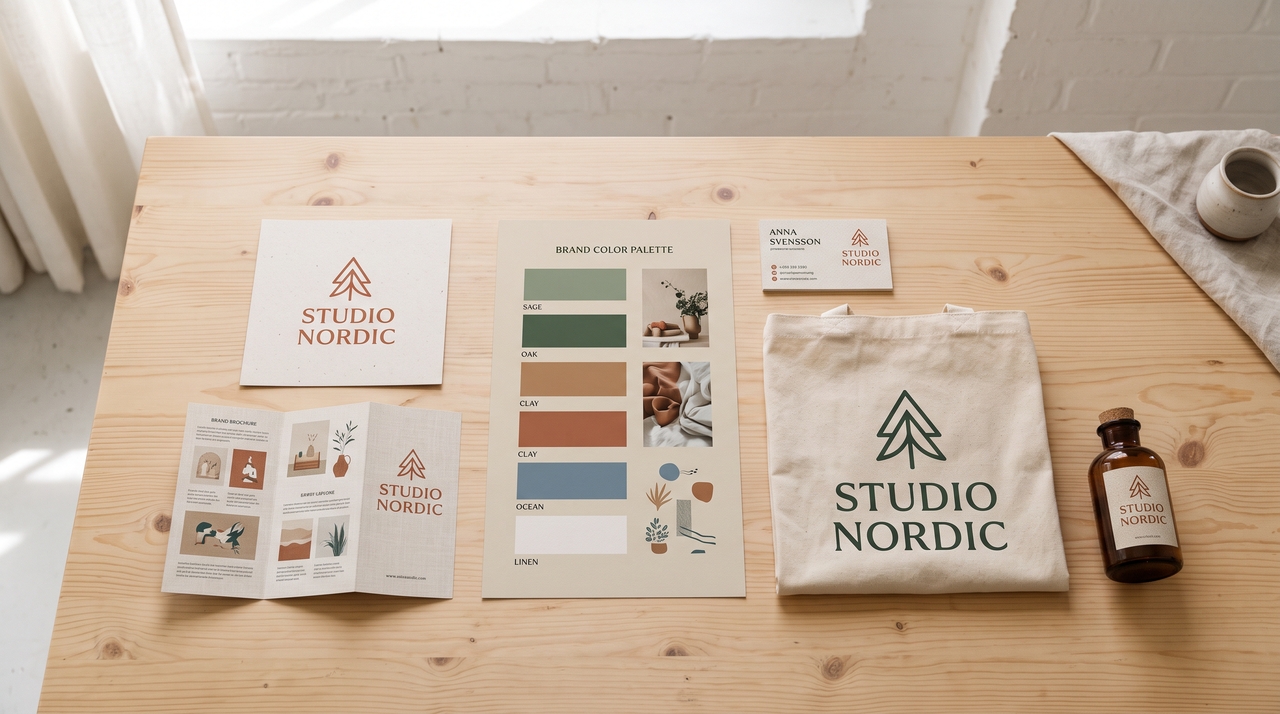
Keep every graphic design on-brand

Keep every AI graphic design on-brand

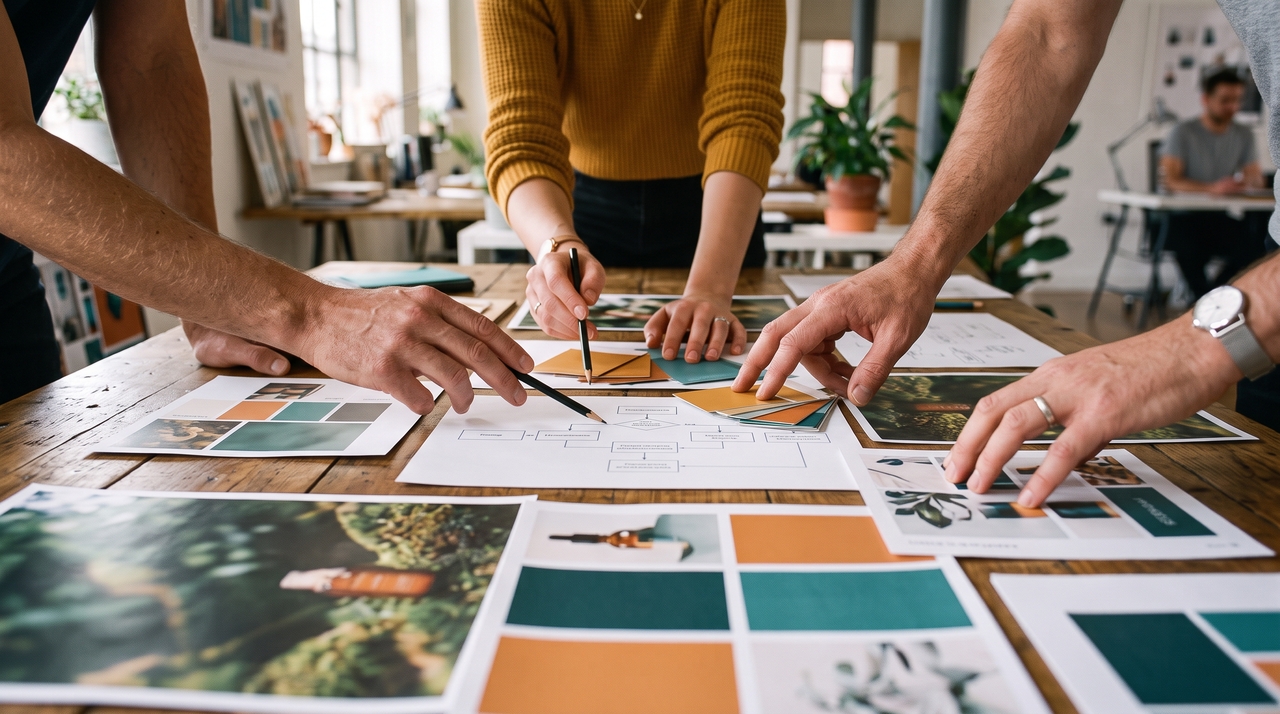
Set your logo, brand colors, and fonts once inside Framia Pro, then apply them automatically to every new graphic you create. Each output stays consistent with your visual identity, so approvals move faster, and off-brand versions never reach your team.

Invite & collaborate with your team online

Share a project link with teammates and let them comment, edit, or approve designs directly inside the same workspace. Assign roles such as viewer or editor, track changes in real time, and cut back-and-forth emails out of the review process entirely.

Invite & collaborate with your team online

Design node by node inside Workflow Canvas on Framia Pro

Get more control to build and adjust every stage of your graphic design process with Workflow Canvas:

Access Workflow
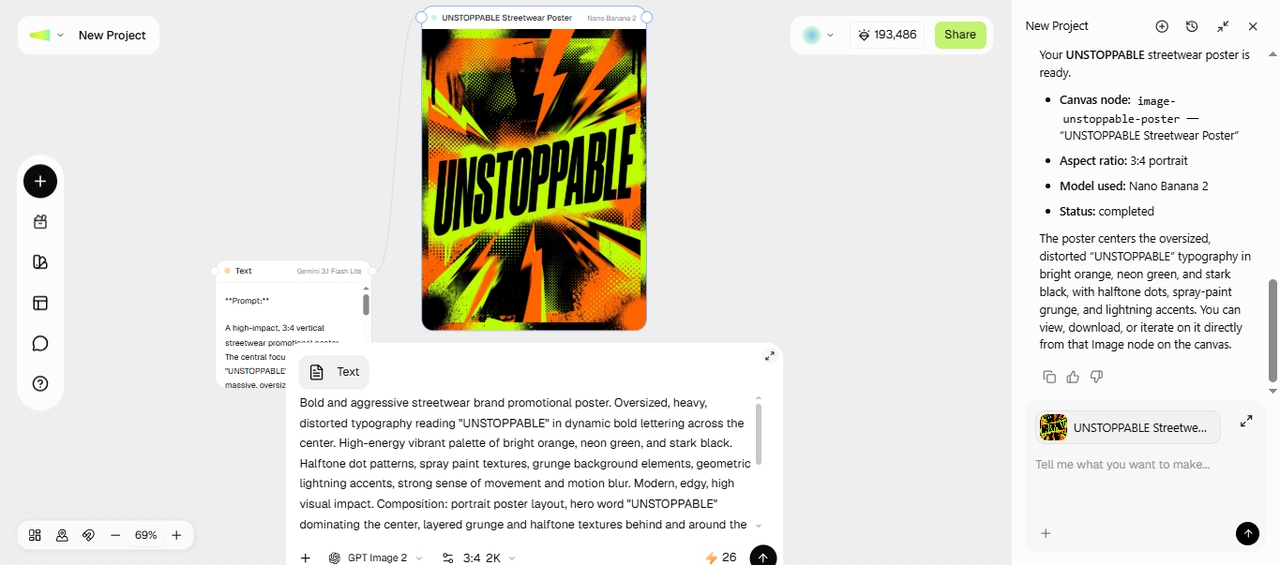
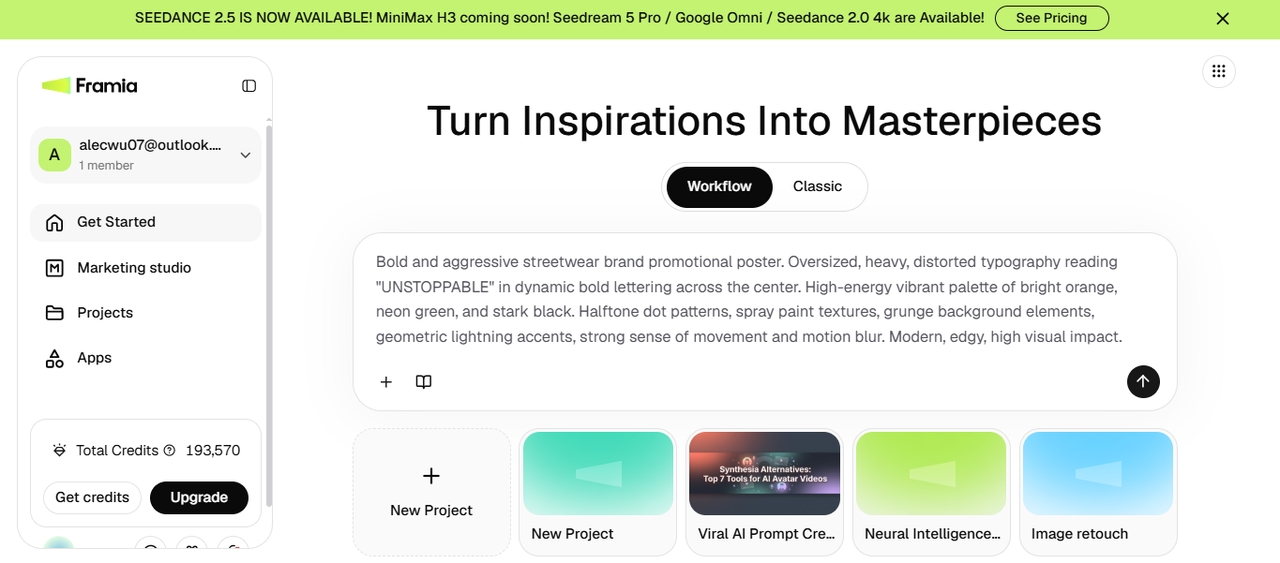
After signing up, open the Workflow canvas in Framia Pro, enter a design prompt with theme, brand colors, and other details, and upload a reference image or logo from your device. Select Design planner from the Skills menu and click "Generate."
Access Workflow
Adjust nodes
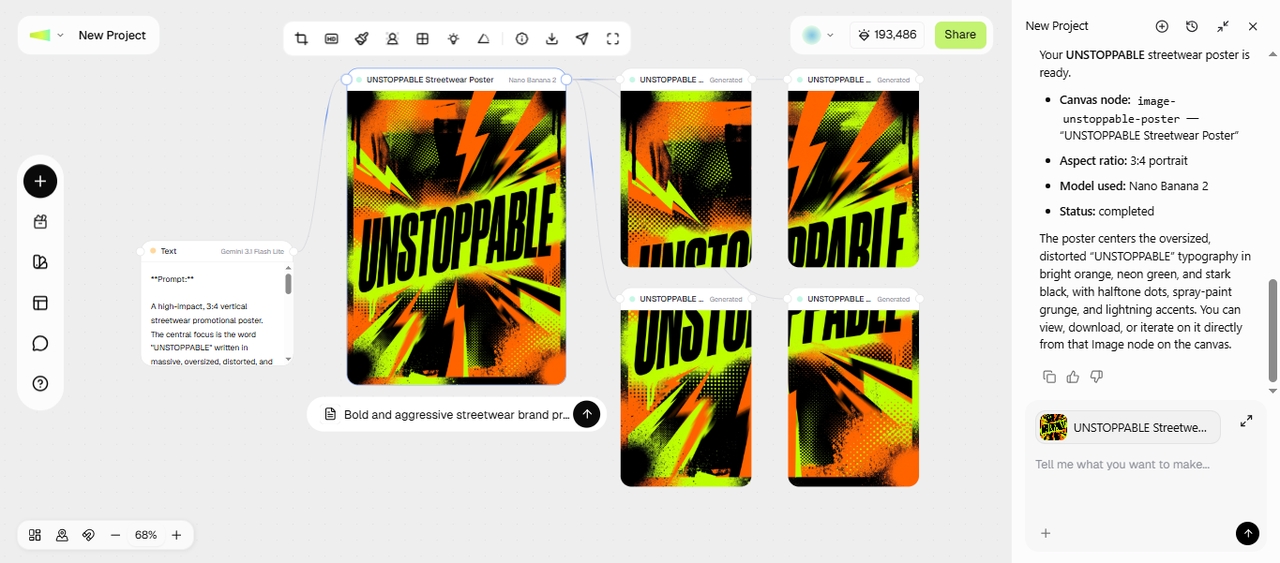
Wait for Framia Pro to write a prompt and connect the Image node. Select the model and aspect ratio, and click Generate to create the design. Sometimes, the tool directly generates the design for you and you can further edit it.
Adjust nodes
Edit & export
Click Crop to remove parts, HD to upscale the image, Grid Split Crop to split the picture, and Local Image to apply edits to specific regions. You can also continue building in the same workflow. For example, add a Video node to turn your visuals into ad videos. Finally, export the output or share directly online.
Edit & export

How to create AI graphic designs with Classic Canvas on Framia Pro?

Create AI graphic designs by describing your idea in the Classic Canvas, then refine every detail before export.

Open Classic Canvas
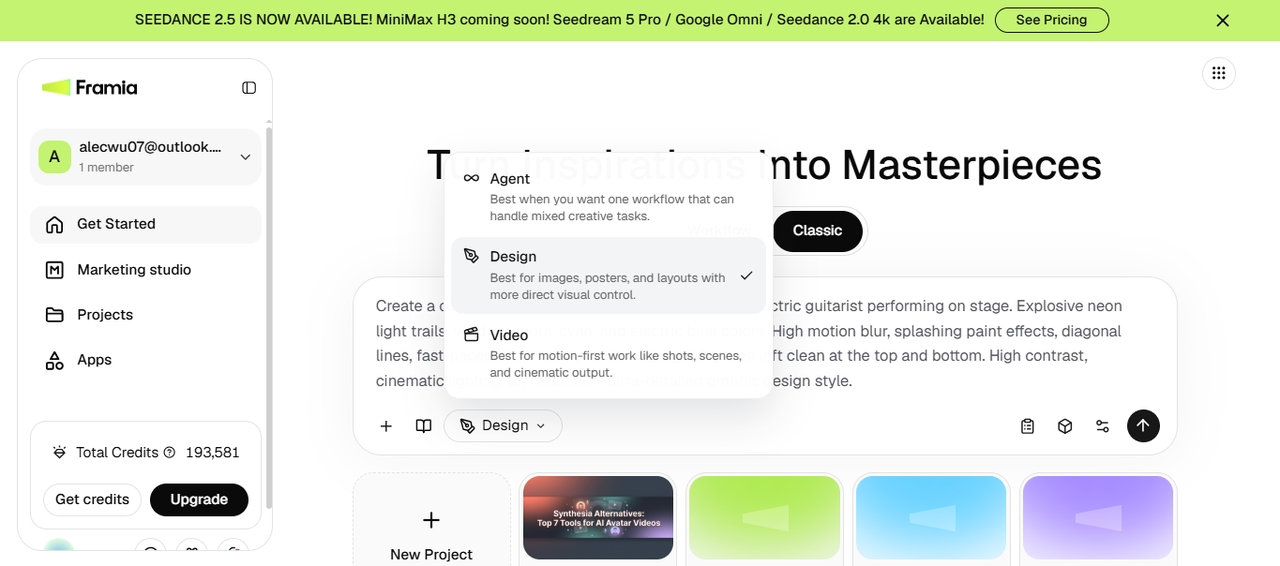
Sign in to Framia Pro to access the main dashboard and go to the Classic Canvas. Choose Design from the menu and select Photography or E-Commerce skill. Click + to upload a reference image and then type a detail prompt to describe your idea.
Open Classic Canvas
Choose image model
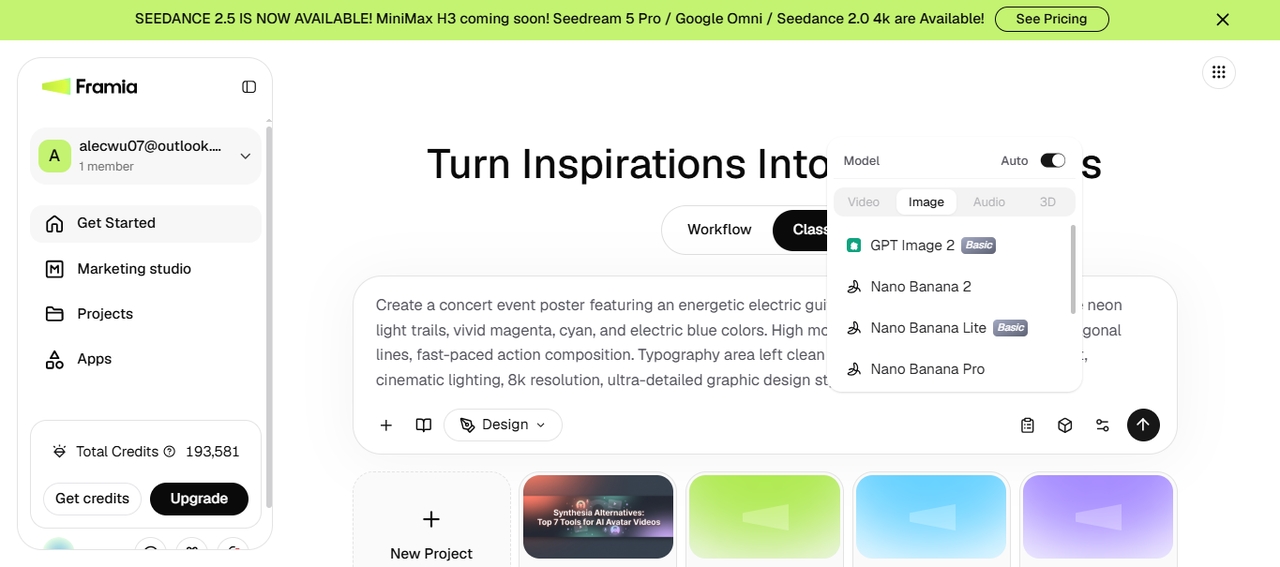
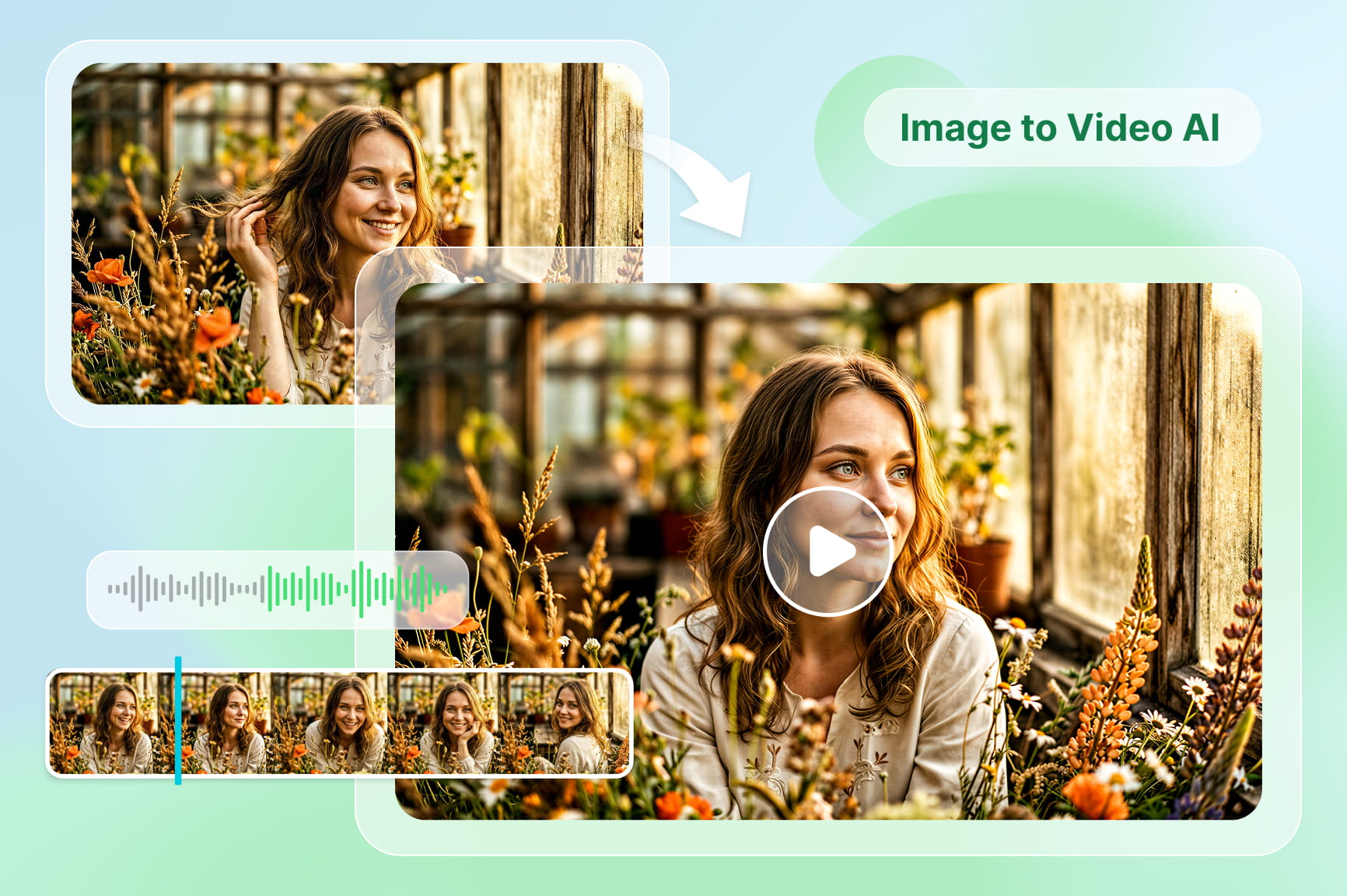
Click "Select Model," go to the Image tab, and pick any AI model you want to work with. Click "Settings" and choose the desired aspect ratio based on your project and set the final image resolution. Once you are done, click "Generate."
Choose image model
Generate & export
Framia Pro plans out your entire graphic design and creates the final output in your selected aspect ratio and resolution. You can then erase the background, upscale to HD, or crop the photo. After that, click Download to save the final design.
 Generate & export

Create any graphics you imagine with Framia Pro

Explore what you can create with our AI graphic design generator!

Advertising creatives

Generate scroll-stopping ad visuals for paid social, display, and search campaigns straight from a text prompt. Test multiple headlines, product shots, and calls to action in one session, then export the sizes each platform requires without opening a second tool.

1. Advertising creatives
Product promotions

Product promotions

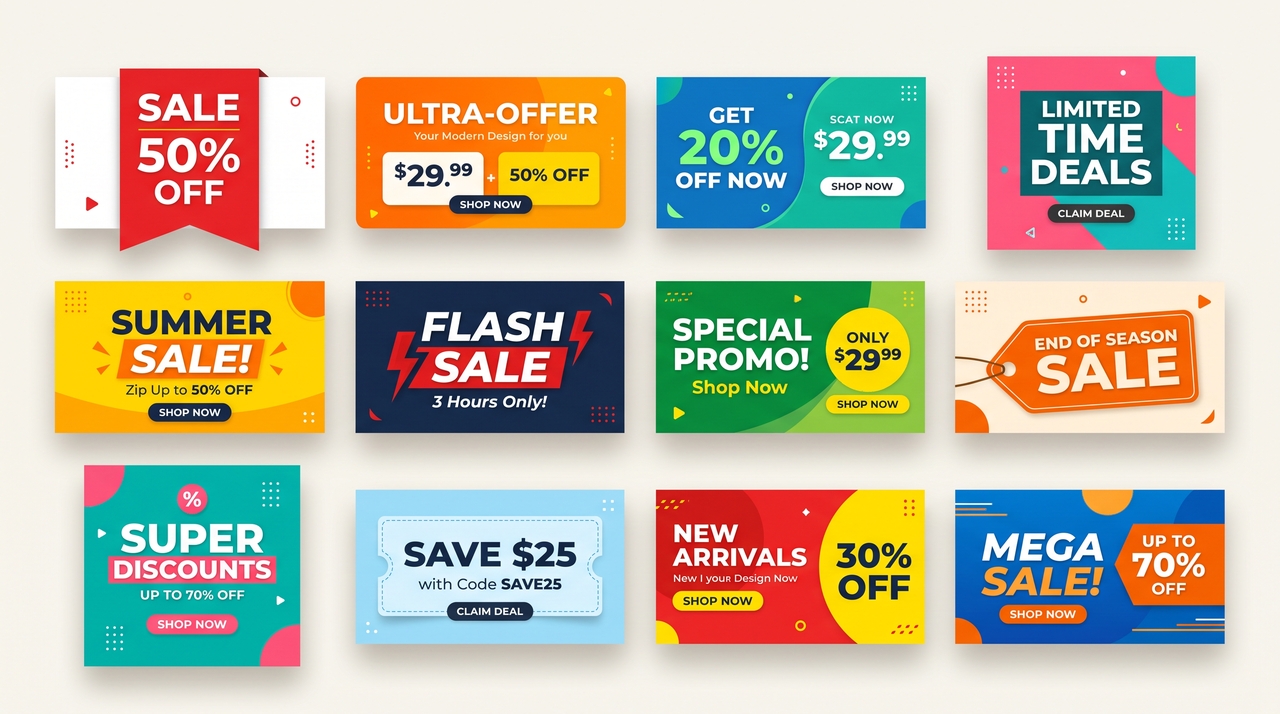
Turn a single product photo into a full promotional set, complete with pricing badges, discount callouts, and seasonal themes. Adjust the background, lighting, or copy for each channel, so every promo visual matches your store's existing look, from thumbnail to full banner.

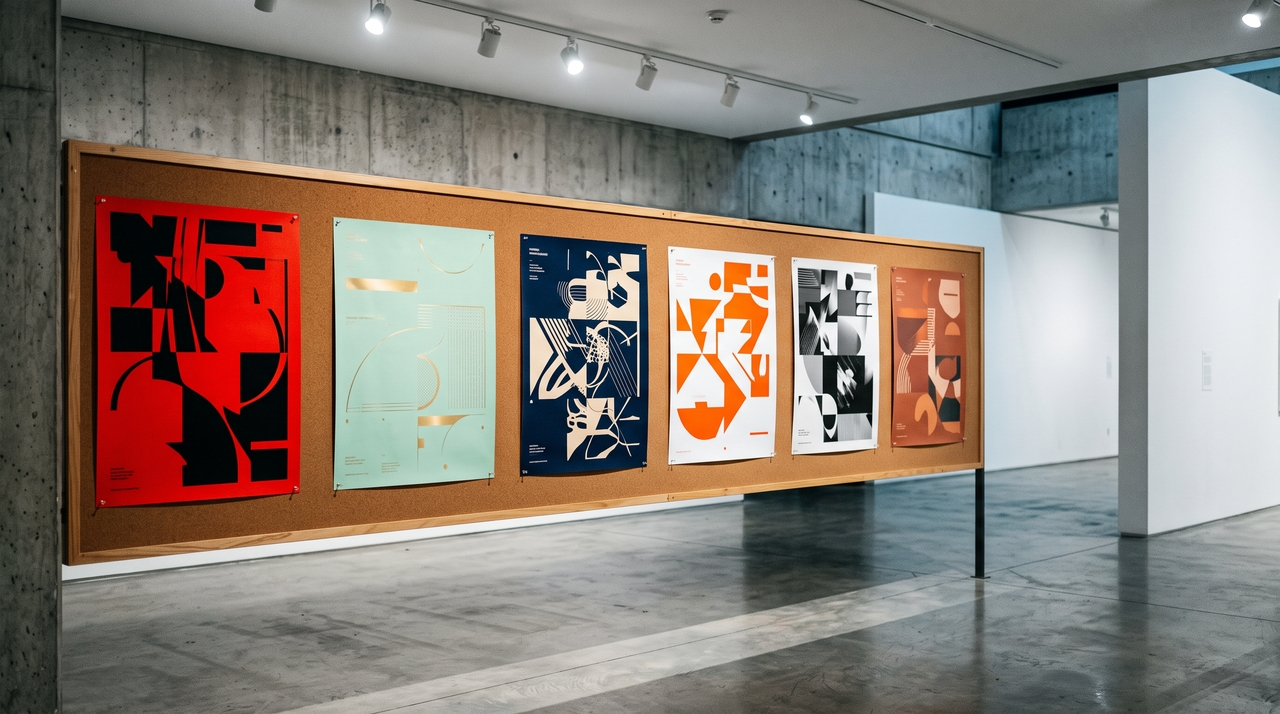
Posters and flyers

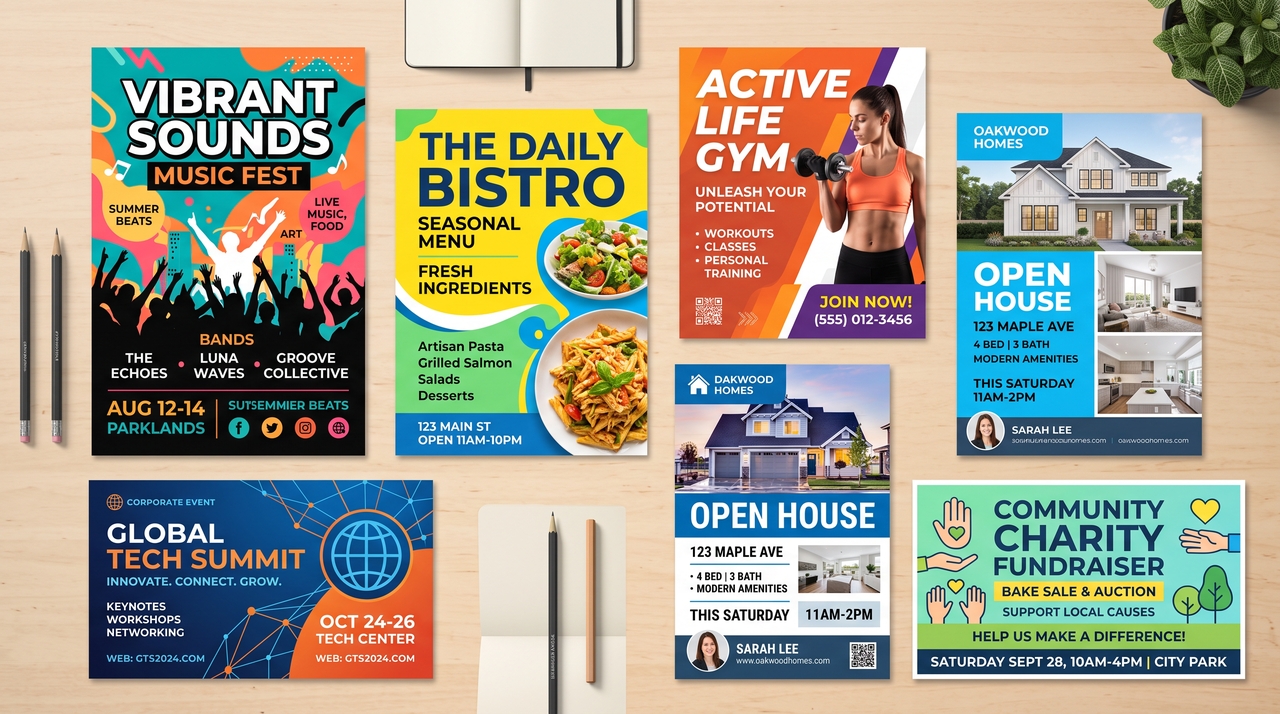
Design event posters, flyers, or bulletin announcements by describing the date, venue, and theme in one prompt. Swap fonts, colors, and imagery instantly, then resize the same design for print, social, or digital displays without redoing the layout.

Posters and flyers
Presentation slides

Presentation slides

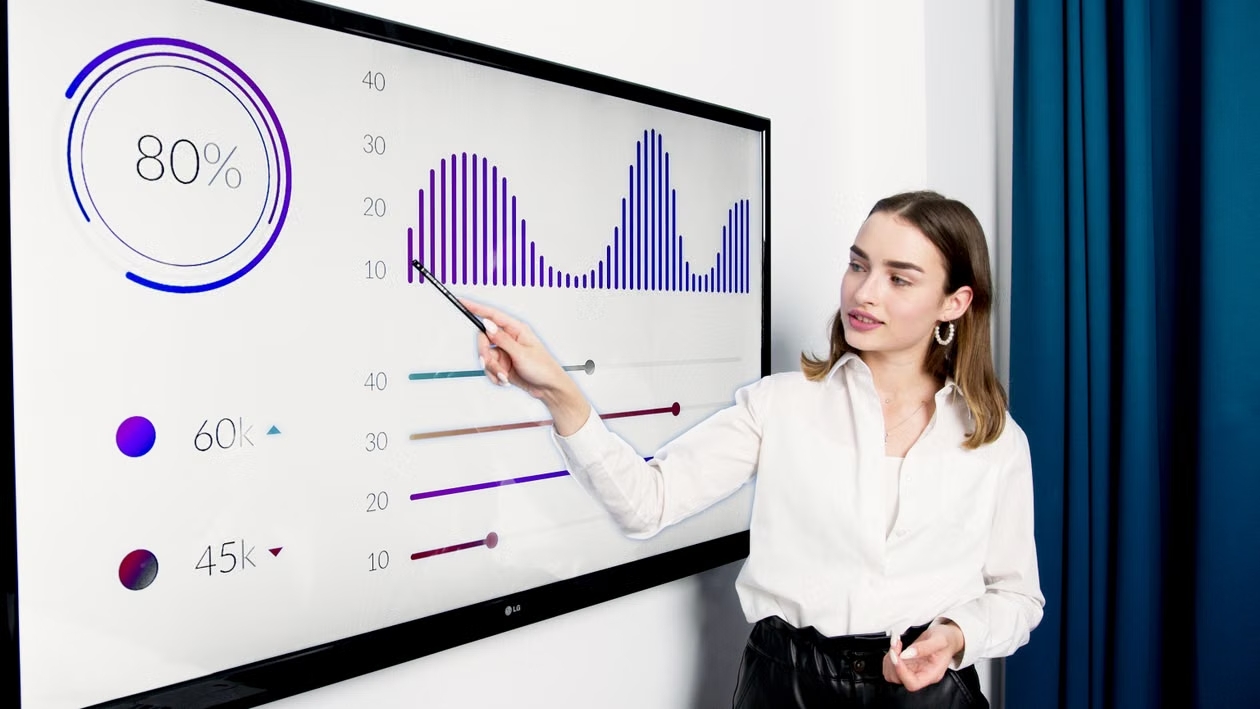
Assemble a full slide deck from an outline or bullet points, with consistent fonts, colors, and layouts on every slide. Regenerate individual slides that need a different chart, image, or structure, without starting the whole deck over.

Website banners

Produce banner sets for a homepage, landing page, or seasonal campaign in every size a site needs, from hero images to sidebar ads. Update copy or imagery throughout the whole set in one edit instead of resizing each banner by hand.

Website banners
Email marketing graphics

Email marketing graphics

Create header images, product blocks, and promo banners for a single email campaign in one workspace. Match colors and fonts to your brand kit automatically, then export each graphic sized for the email template you already use.

Hear what real users have to say about our AI graphic designer

Read how creators and teams use Framia Pro to generate, edit, and improve AI graphic designs.

Our team used to wait days for a designer to turn around simple social graphics. Now I describe what I need inside Framia Pro and get a usable draft in minutes. It cut our campaign turnaround time in half without adding headcount.
Renata M.
Renata M.
Marketing Manager
I was skeptical about AI design tools taking over the fun part of my job. Framia Pro actually speeds up the boring parts, such as resizing and variations, so I spend more time on concepts clients actually care about.
Owen T.
Owen T.
Freelance Designer
I don't have a design background, and hiring an agency was never in my budget. This free AI design generator let me put together my own flyers, menus, and promo graphics that hold up next to agency work, and I update them myself whenever the menu changes.
Keisha B.
Keisha B.
Small Business Owner
Fashion photos need precise detail, so I tested Framia Pro carefully before using it on client work. The skin retouching kept real texture, the edges on hair stayed clean, and the 4K export held up on large ad formats. It has been part of every client project since.
Tomoko Nishida
Tomoko Nishida
Fashion Brand Consultant
I manage a small in-house team, and reviewing AI drafts inside the same workspace as our brand kit saves a real amount of back and forth. Approvals that used to take a week now close out in a day or two.
Naomi F.
Naomi F.
Creative Director
I run a one-person store, and product photos used to be my biggest bottleneck before every launch. Now I upload one shot and generate promo banners, listing images, and email graphics in the same afternoon.
Andre P.
Andre P.
E-commerce Founder
We've compiled the most important information to help you get the most out of your experience. Can't find what you're looking for?Contact us

Frequently asked questions

What is AI in graphic design?
AI in graphic design uses machine learning to generate layouts, colors, and visuals from a text prompt to turn your ideas into a finished design in seconds instead of hours.
Can AI do professional graphic design?
Yes, for many tasks. The Framia Pro AI image generator creates usable posters, ads, and social graphics in seconds, while strategic branding and creative direction still benefit from human judgment.
Is AI going to take over the graphic design industry?
No. According to Clutch's The State of the Graphic Design Industry report for 2025, 88% of businesses today use AI design tools, yet only 18% report a reduced need for designers. Framia Pro speeds up production work, while brand strategy stays human-led.
What is the best AI tool for graphic design?
The best AI for graphic design depends on your workflow and creative needs. Framia Pro helps you generate, edit, and refine graphics with AI while supporting collaboration, workflow automation, and flexible export options.
Can I edit AI-generated graphic designs?
Yes. Every graphic you generate on the Framia Pro AI image editor stays fully editable. Split a layer, select it such as text or background, and describe the change.
Do I own the designs I create?
Commercial usage rights come with your Framia Pro plan, so you can use designs freely. Assets from the brand kit generator follow the same rule, though pure AI output isn't copyrightable.
Is there any free online graphic design maker?
Framia Pro offers free credits that you can use to test different models and edit your designs online. Try now to get AI social media posts, posters, logos, and other marketing elements.

Still have questions?

Have questions or need assistance? Our team is here to help!

Create AI graphics with Framia Pro!

Ready to try AI graphic design? Framia Pro turns your ideas into clean visuals, from social posts to full campaigns, in a single workspace.

AI Graphic Design Generator | Create Professional Designs