Midjourney AI image generator

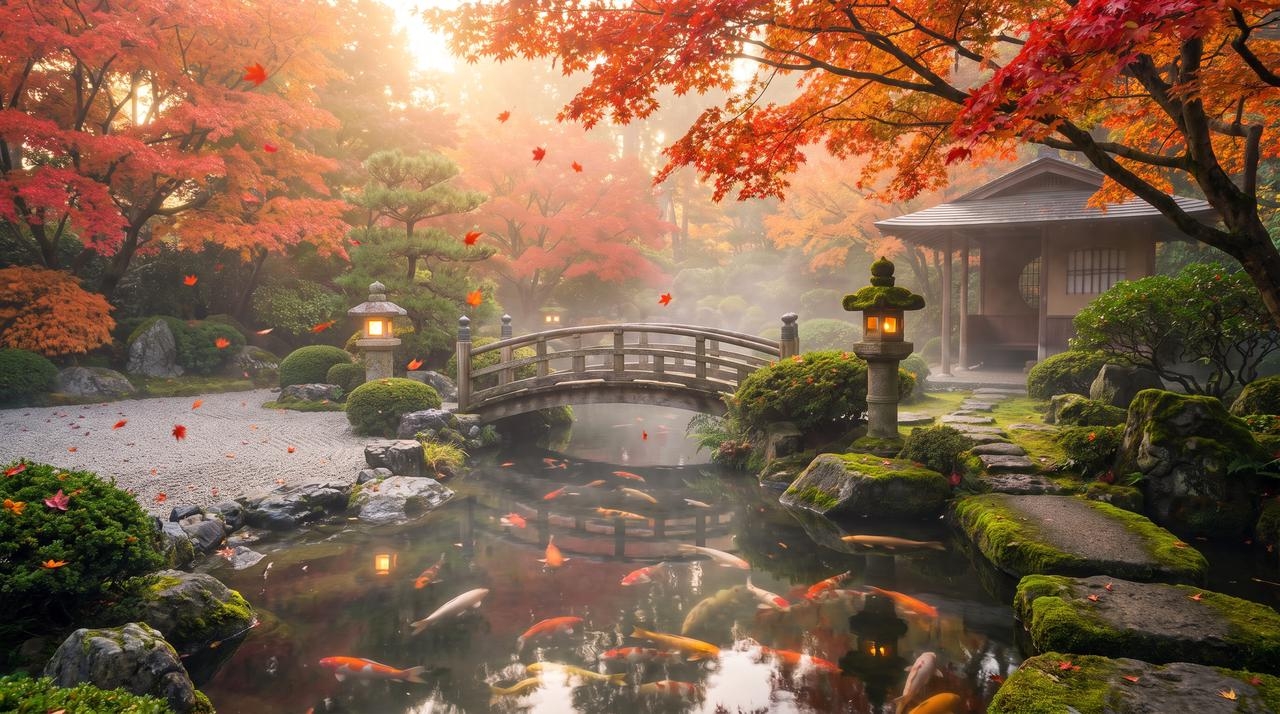
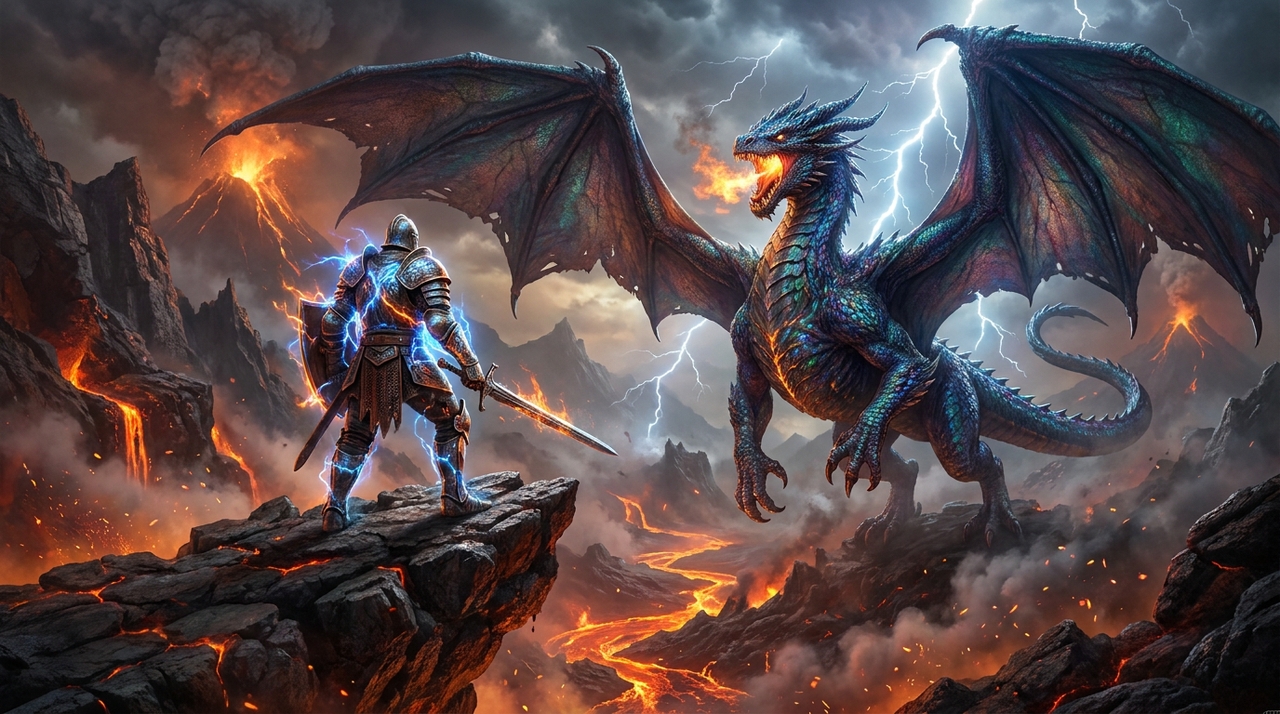
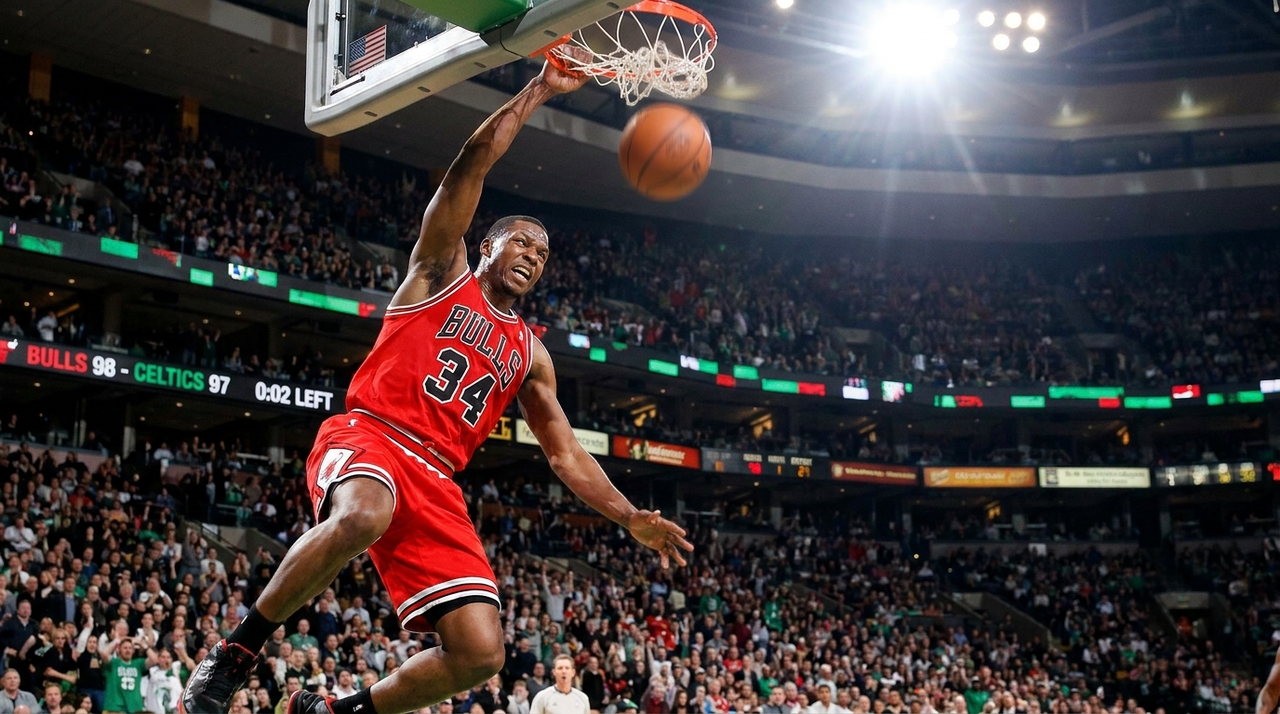
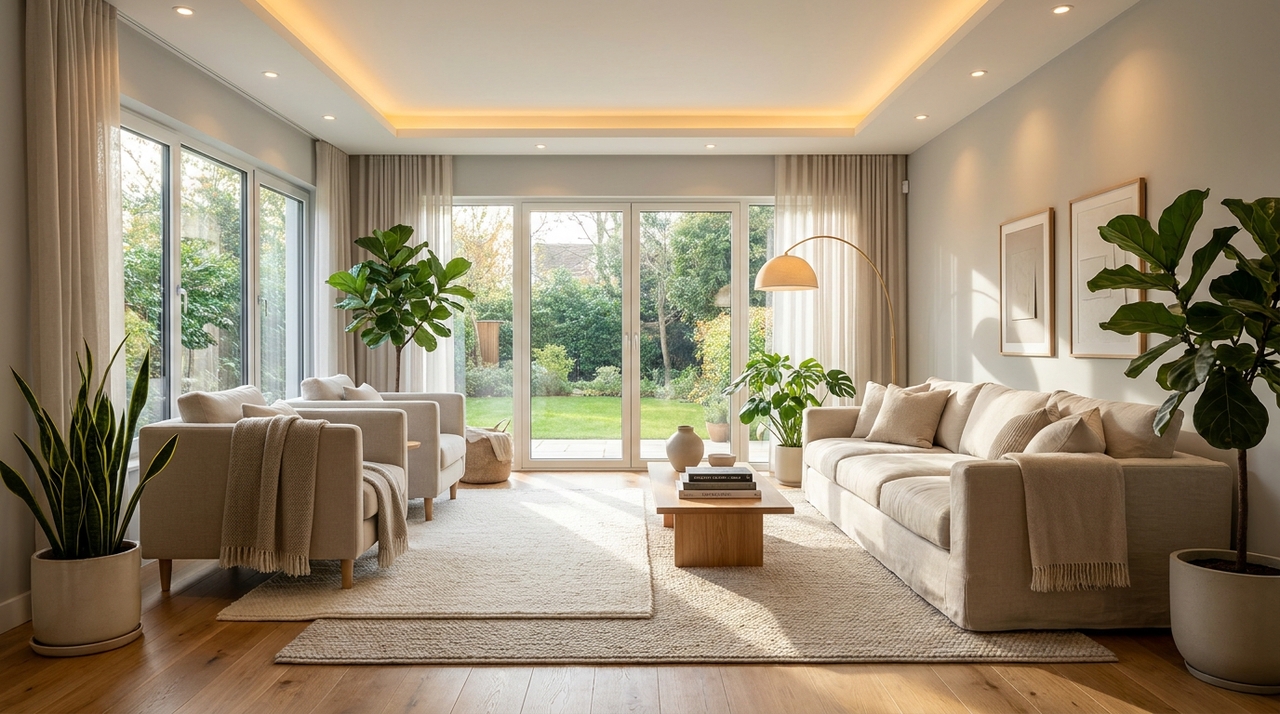
Design photorealistic images, concept art, and marketing visuals using Midjourney AI image creator. Framia Pro combines Midjourney with intelligent automation.

Start for Free

Preparing editor…

What is Midjourney AI?

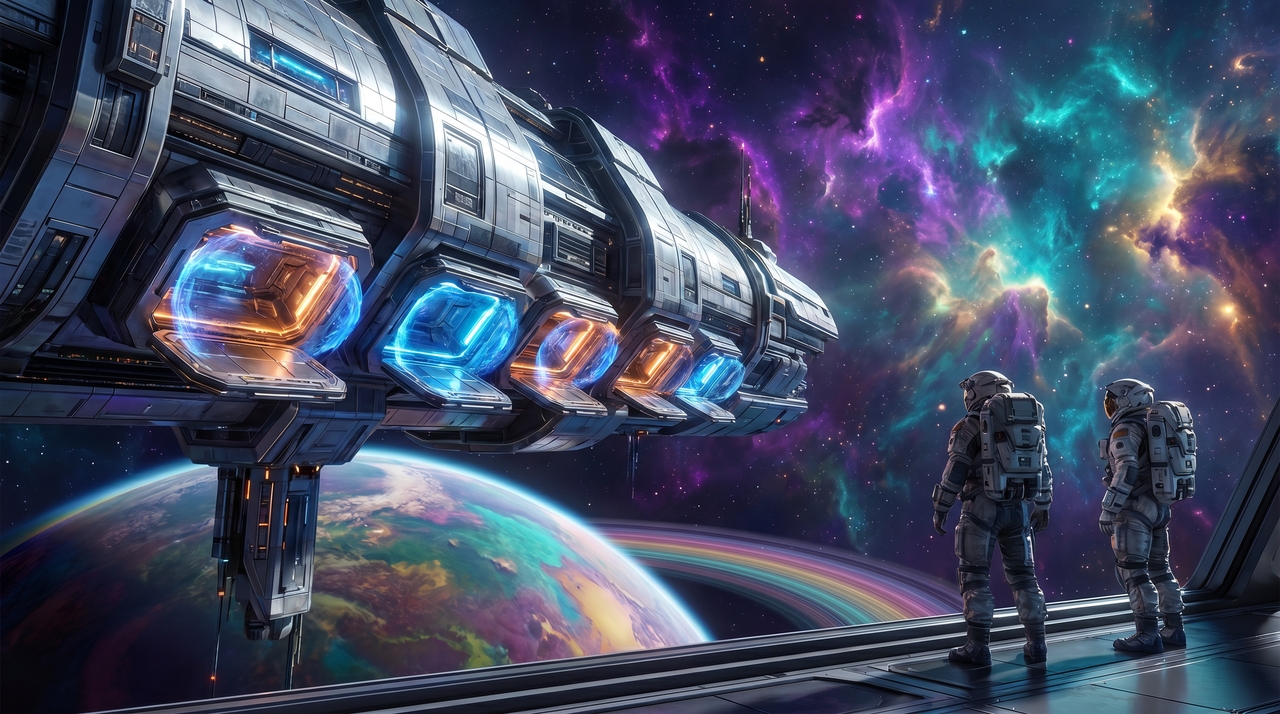
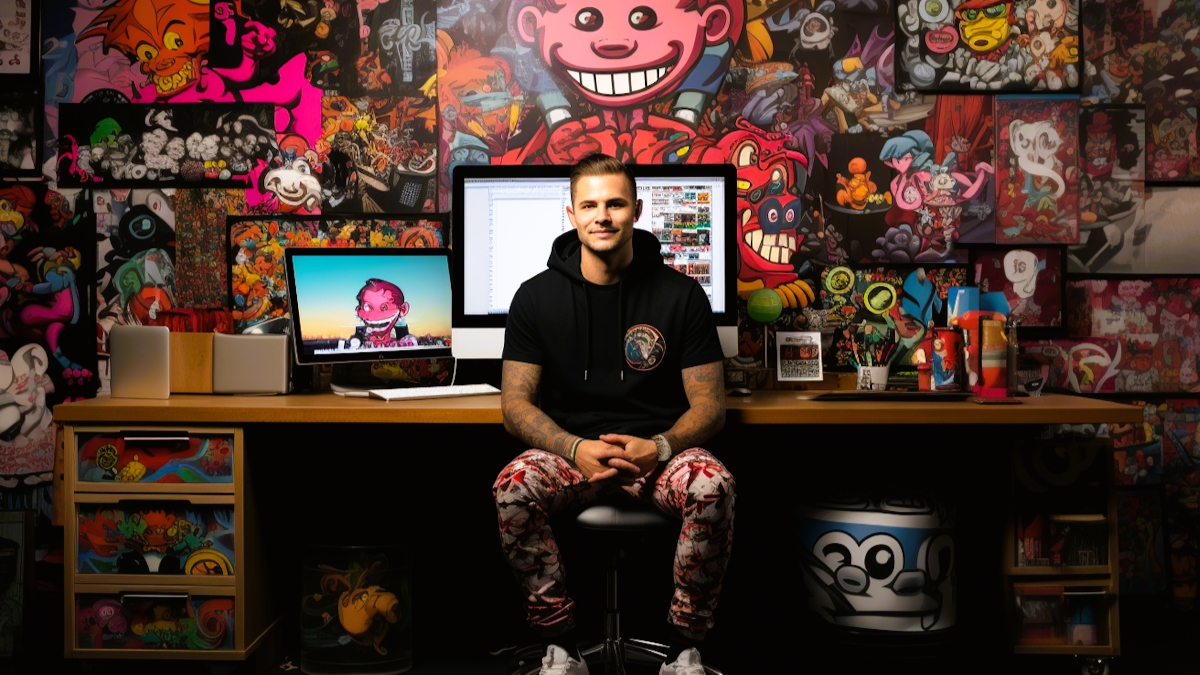
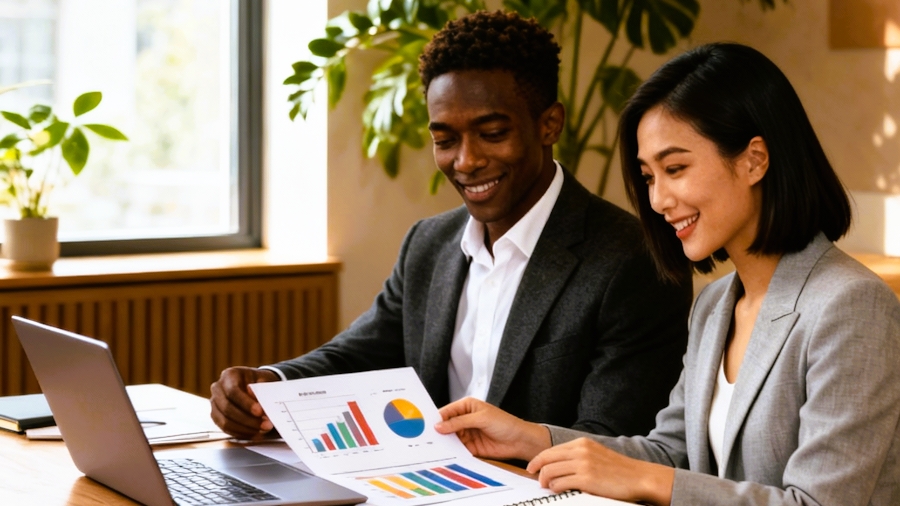
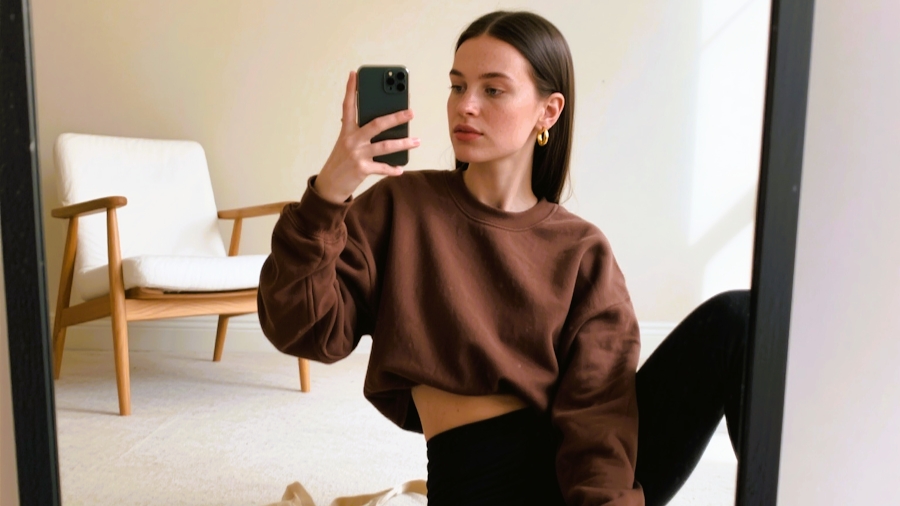
Midjourney AI is an AI image generation model, designed to deliver stronger prompt understanding, improved image quality, and more consistent visual results than previous versions. The recent v8.1 introduces "Draft Mode" for faster ideation, enhanced personalization, refined lighting, realistic textures, better anatomy, and improved composition, enabling content creators to transform simple text prompts into highly detailed, production-ready artwork with greater creative control.

Why use Midjourney AI generator for images on Framia Pro?

Bring Midjourney v8.1 into a smarter AI workspace built for faster creative production.

Build visual workflows without prior experience
Design repeatable creative pipelines using Framia Pro's new "Node flow" agent builder. Connect prompts, AI models, image editing tools, and automation nodes into customizable workflows that streamline image generation, revisions, approvals, and large-scale content production without technical complexity.
Switch between leading AI models
Choose the best image model for every creative task instead of relying on a single generator. Framia Pro brings multiple leading AI models together, allowing creators to compare styles, test outputs, and produce diverse visuals from one unified workspace.
Generate images ready for marketing
Create high-quality artwork for advertisements, product launches, websites, social campaigns, presentations, and branded content. Framia Pro helps transform creative concepts into polished marketing assets, either through simple input prompts or
Keep every project well organized
Manage prompts, generate images, perform revisions, and build creative assets within a centralized workspace. Framia Pro simplifies collaboration across teams, making it easier to revisit previous generations, compare variations, and maintain organized production from concept to final delivery.
Speed up creative production cycles
Reduce time spent switching between separate AI tools by completing image generation and creative workflows within one platform. Framia Pro enables faster ideation, iteration, editing, and asset management, helping teams produce more visual content with greater efficiency.
Scale content for growing brands
Support larger creative demands by producing consistent visual assets across campaigns, product catalogs, social media, and marketing initiatives. Framia Pro combines powerful AI generation with workflow automation, enabling businesses and creators to expand content production while maintaining quality and creative consistency.

Create anything imaginable with Midjourney AI in Framia Pro

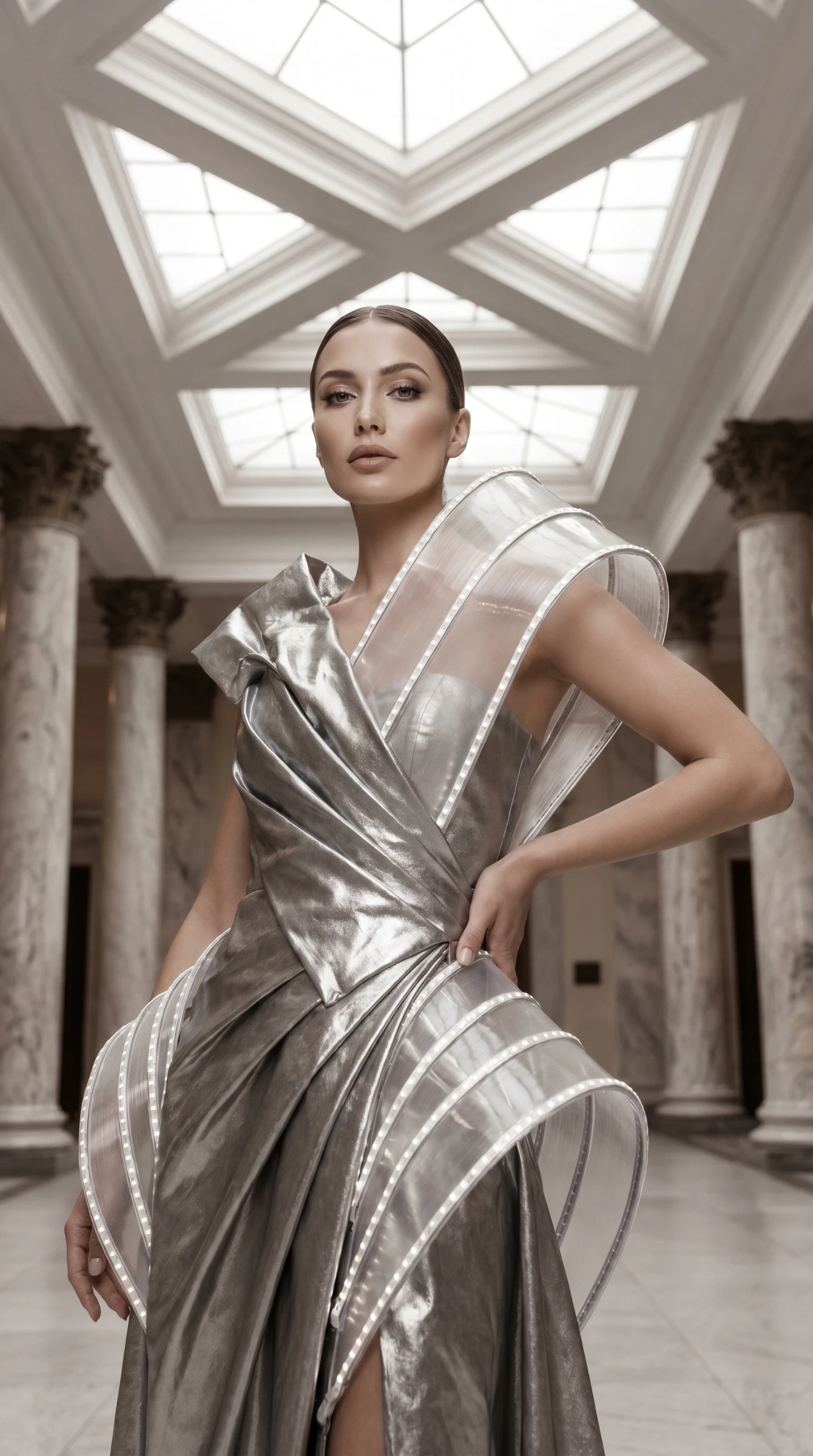
Prompt: Produce a high-fashion editorial portrait of a confident model wearing futuristic couture inside a luxury architectural space, soft natural lighting, premium magazine photography, detailed facial features, elegant pose, realistic skin texture, sophisticated color grading, --ar 9:16
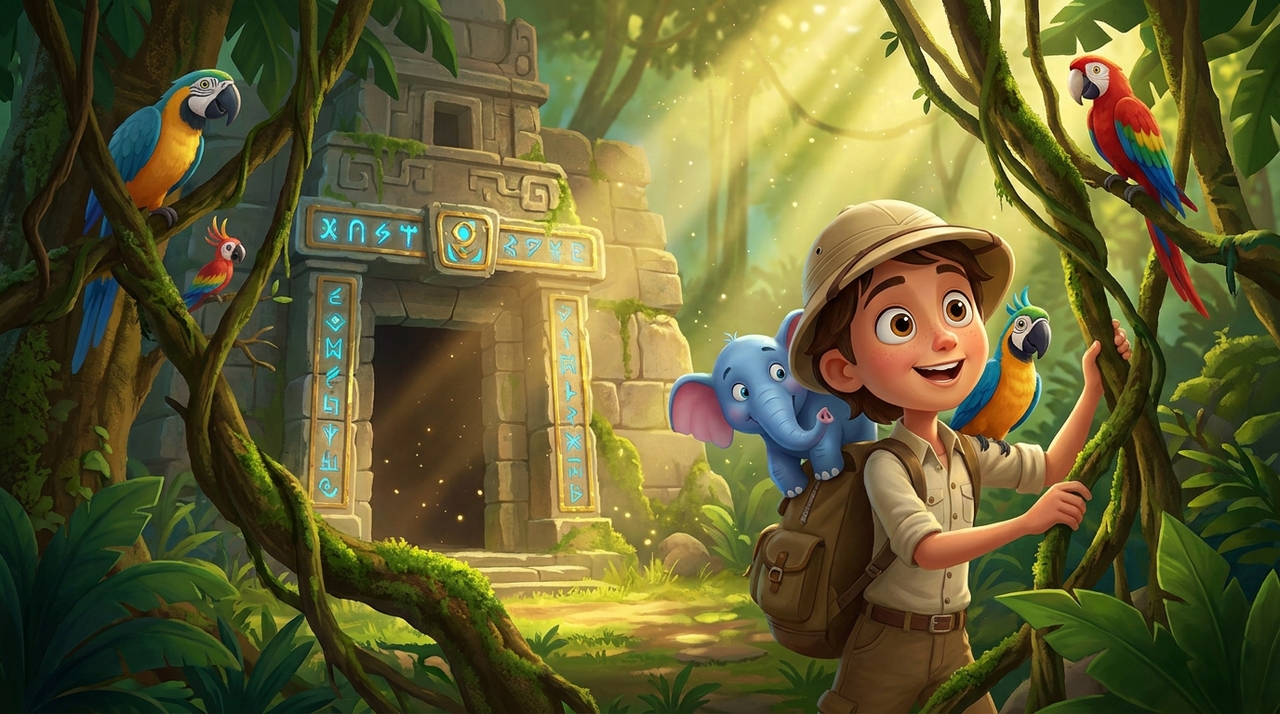
Prompt: Illustrate a cheerful young explorer discovering an ancient jungle temple alongside friendly wildlife, colorful cinematic lighting, expressive characters, stylized animation, rich environmental details, whimsical storytelling, vibrant colors, family-friendly adventure, high-quality animated illustration, --ar 16:9
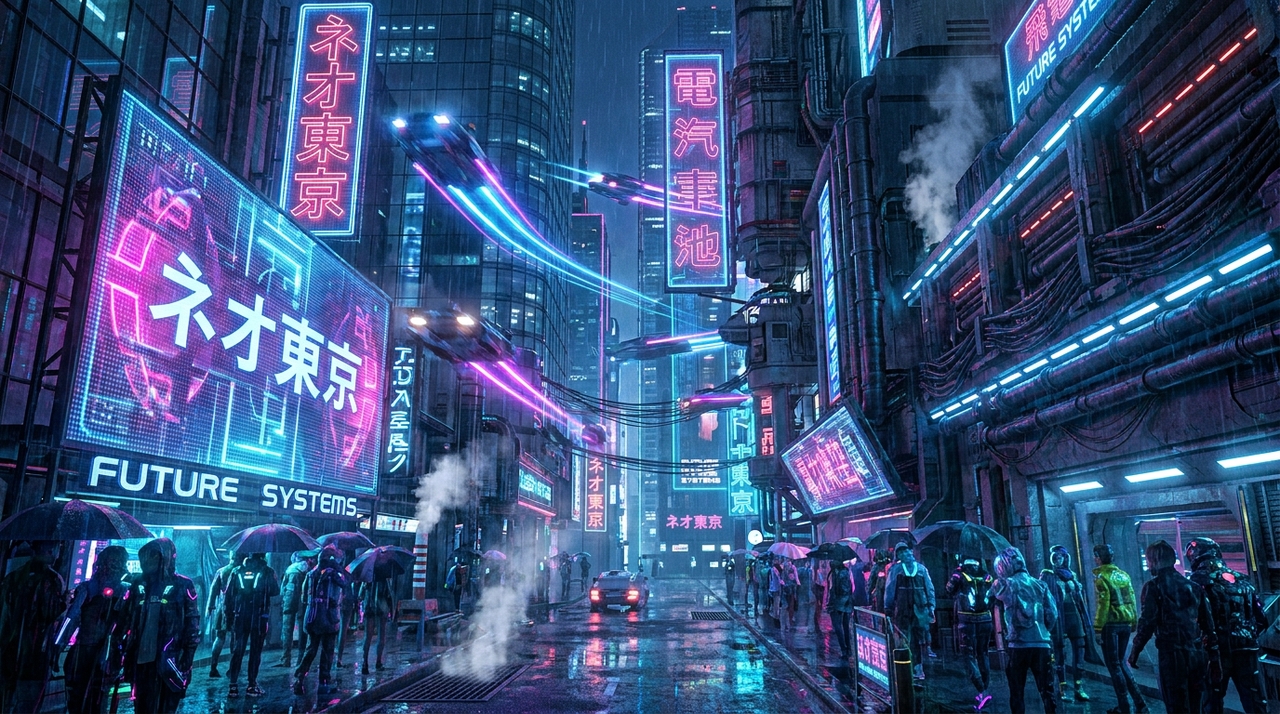
Prompt: Design a sprawling cyberpunk metropolis at night featuring holographic advertisements, flying vehicles, reflective wet streets, towering skyscrapers, neon lighting, futuristic fashion, cinematic perspective, ultra-detailed architecture, realistic reflections, dramatic atmosphere, science fiction masterpiece, --ar 16:9
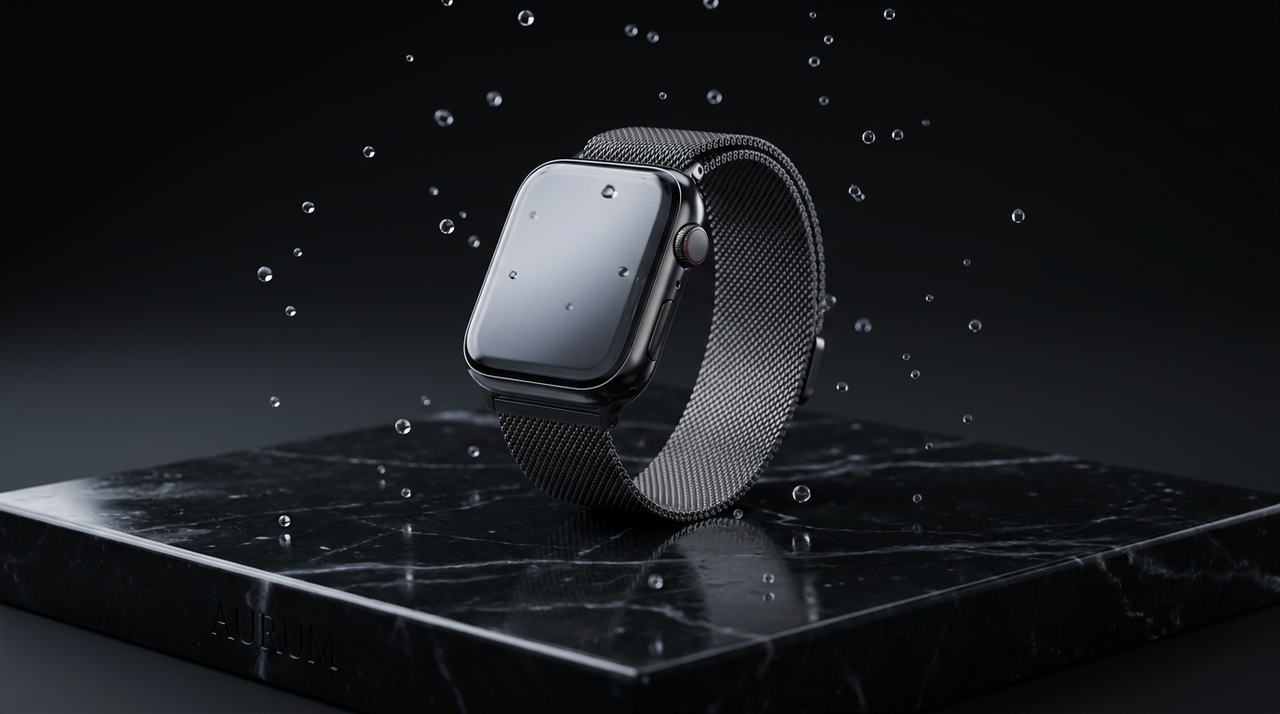
Prompt: Generate a premium smartwatch displayed on polished black marble with soft studio lighting, floating water droplets, luxury reflections, minimal composition, commercial advertising quality, photorealistic materials, premium branding style, crisp details, high-end product photography, --ar 16:9
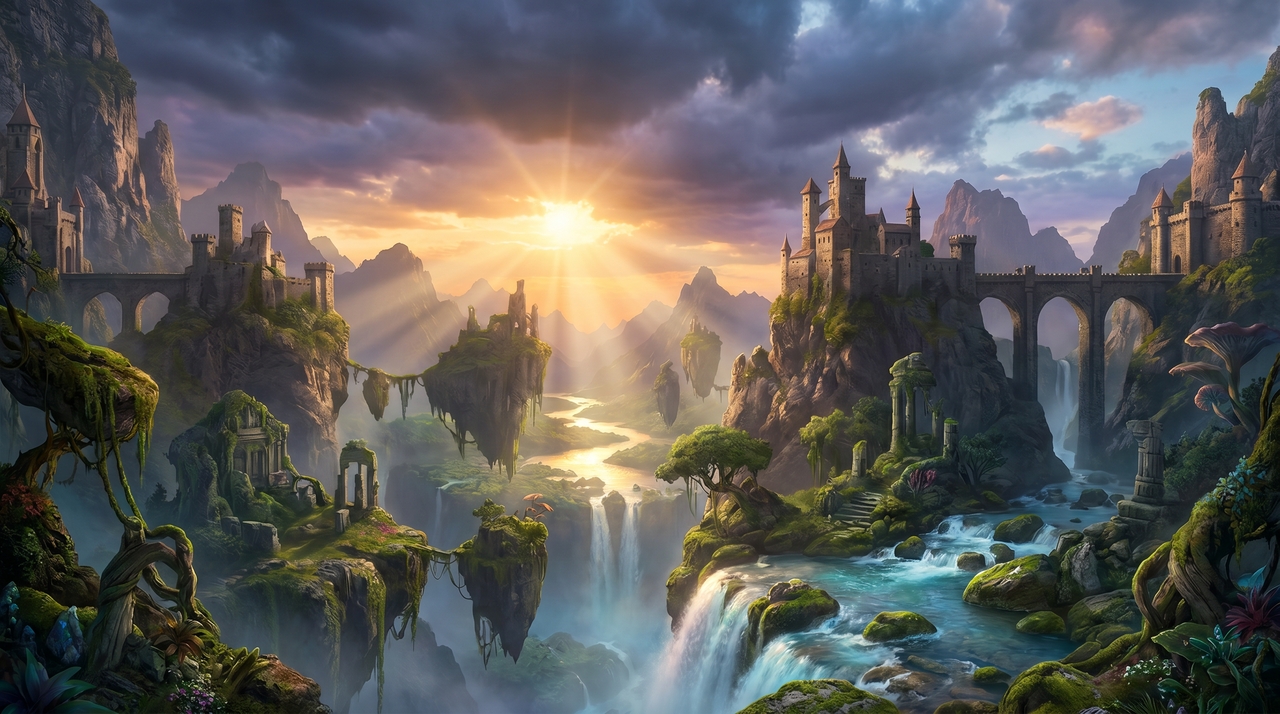
Prompt: Create an epic fantasy mountain kingdom at sunrise overlooking floating islands, crystal waterfalls, ancient stone castles, glowing rivers, atmospheric mist, volumetric lighting, dramatic clouds, ultra-detailed environment, cinematic realism, fantasy concept art, vibrant colors, highly realistic textures, --ar 16:9
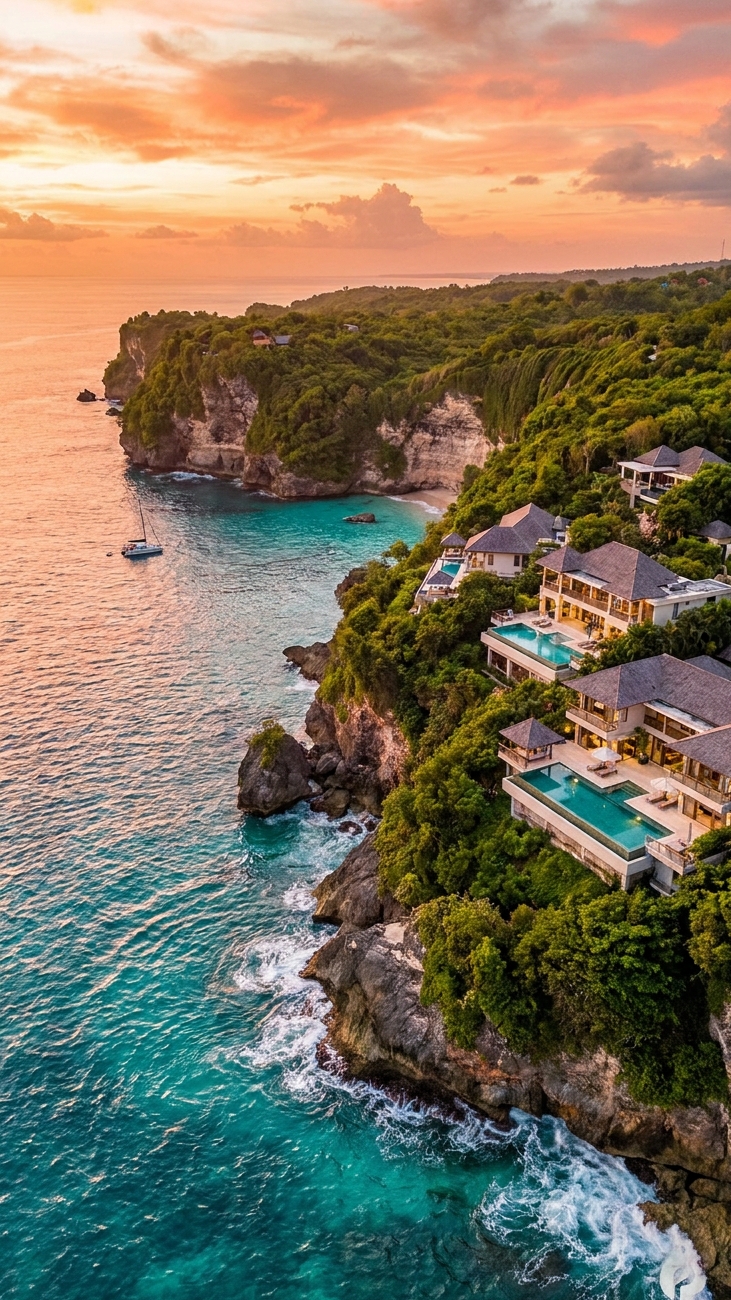
Prompt: Generate a breathtaking tropical coastline featuring turquoise water, dramatic cliffs, luxury villas, golden sunset, cinematic aerial perspective, vibrant colors, travel campaign aesthetic, ultra-realistic scenery, highly detailed environment, premium tourism advertisement, --ar 9:16

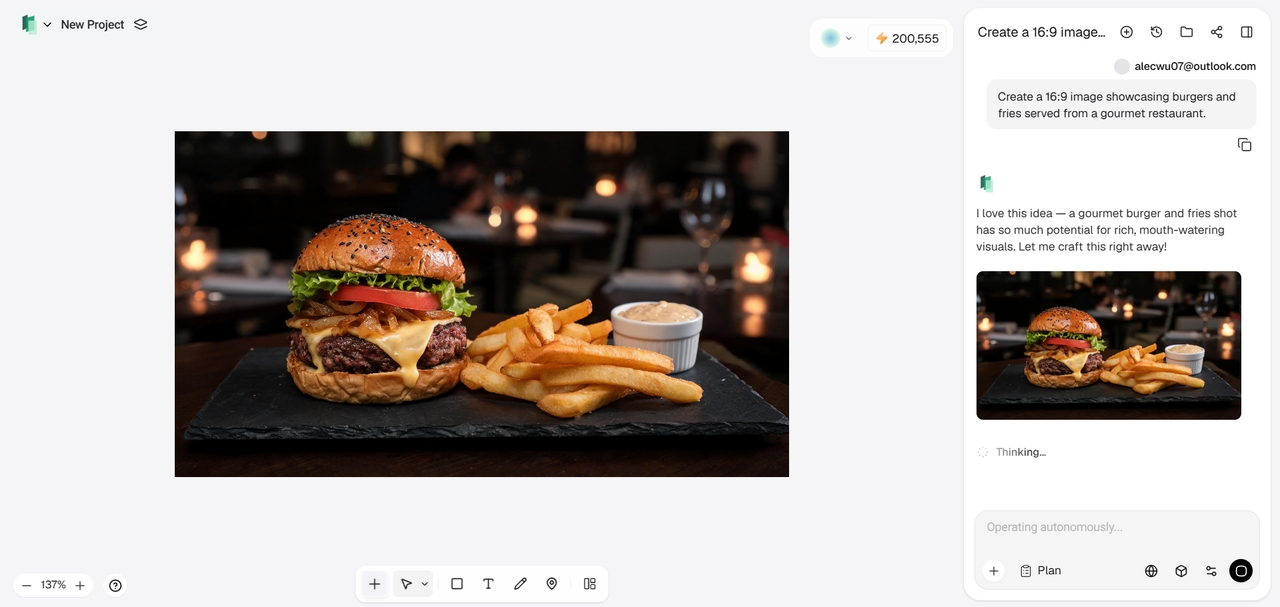
How to use Midjourney AI with Framia Pro's Design Agent?

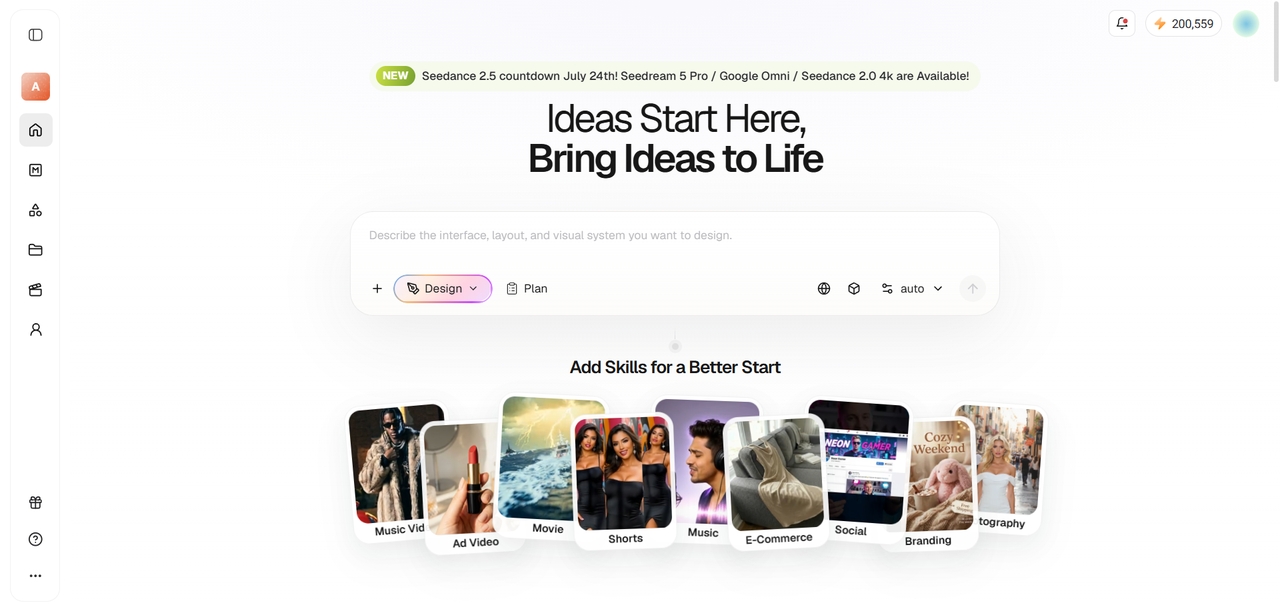
Access Framia Pro's "Design" agent
Open Framia Pro and navigate to the "Design" agent from the workspace. Start a new project to access AI-powered image creation tools and available generation models.
Access Framia Pro's "Design" agent
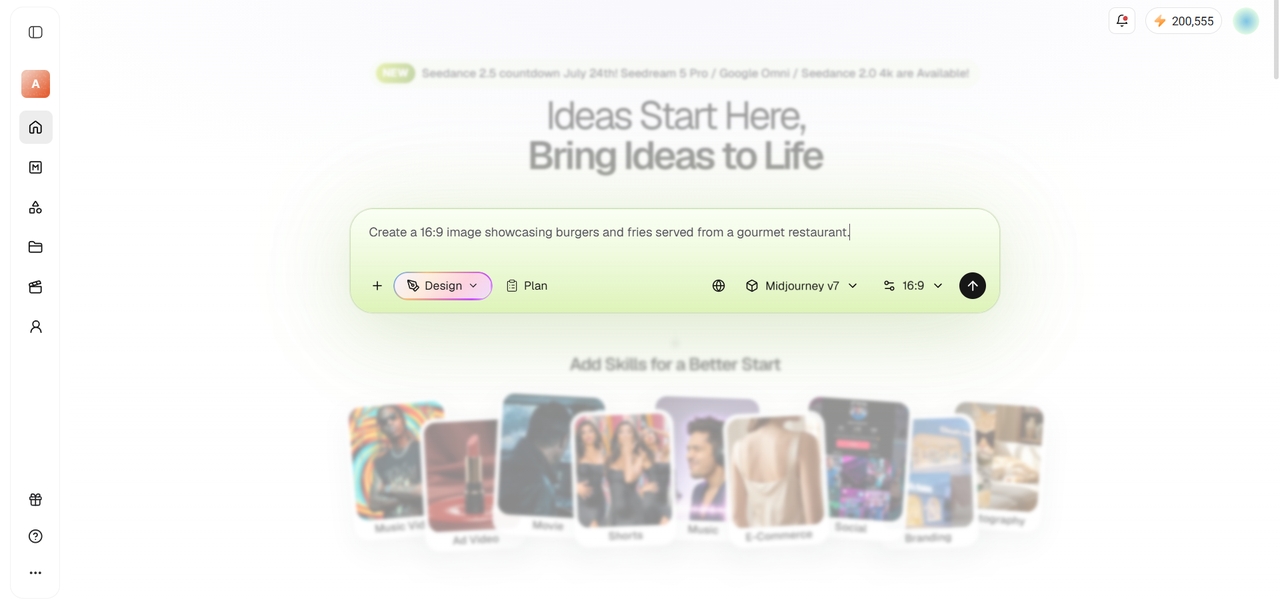
Enter prompt and choose Midjourney
Write a detailed prompt describing your desired artwork, then select Midjourney as the image generation model. Adjust any available settings before generating your image.
Enter prompt and choose Midjourney
Finalize and export your image
Review the generated artwork and make refinements by updating the prompt or generation settings if needed. Once satisfied, export your image in the preferred resolution and file format for your project.
Finalize and export your image

How to create multi-node Midjourney image workflows in Framia Pro?

Create your first Midjourney image
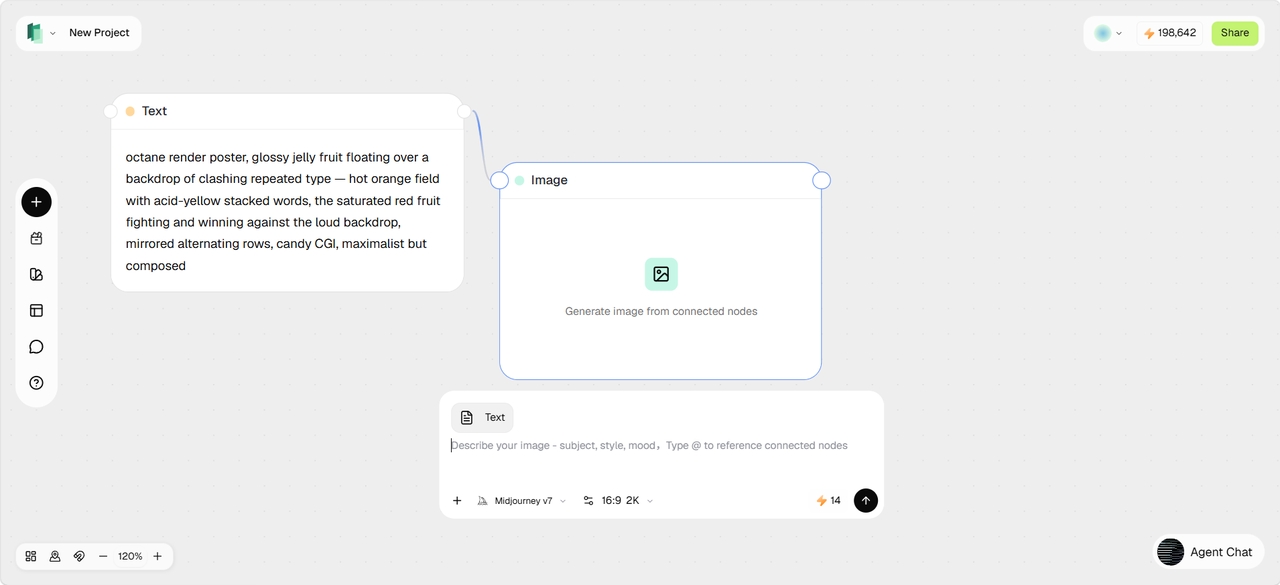
Open Marketing Studio and launch Node Flow. Add a Text node describing the image you want to create, then connect it to an Image node. Select Midjourney v7 as the image generation model and click Generate to create your initial artwork.
Create your first Midjourney image
Create variations for your project
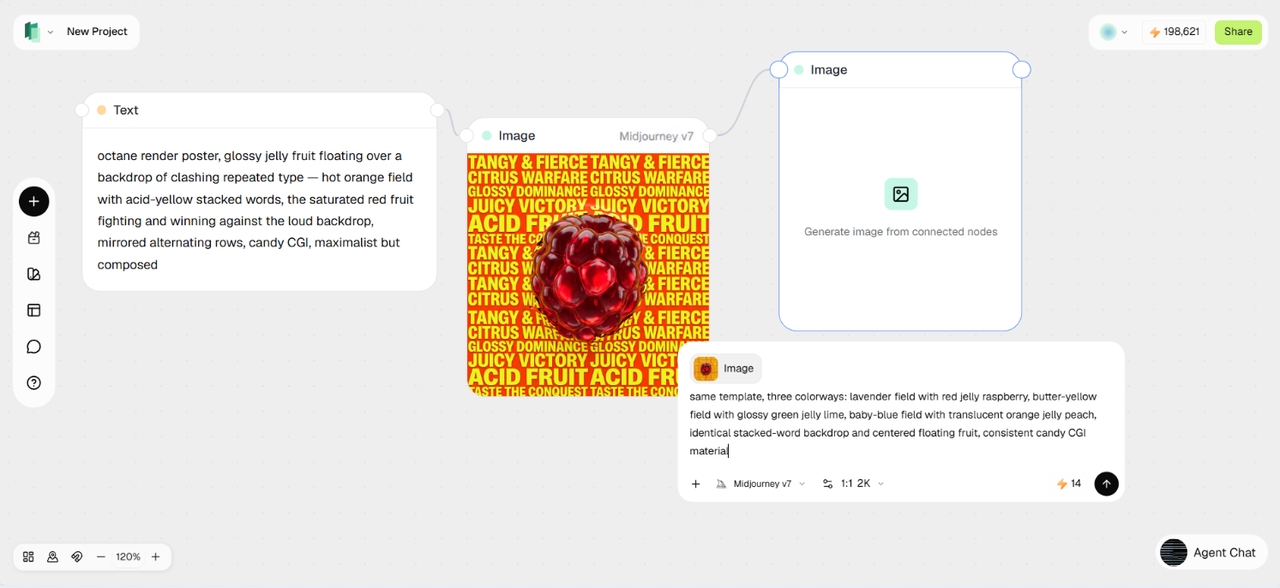
Instead of starting over, branch from your generated image by connecting it to additional Image nodes. Add new prompts to each branch to create variations, such as different color palettes, layouts, products, or visual styles, while keeping the original composition and main subject.
Create variations  for your project
Expand workflow with multiple ideas
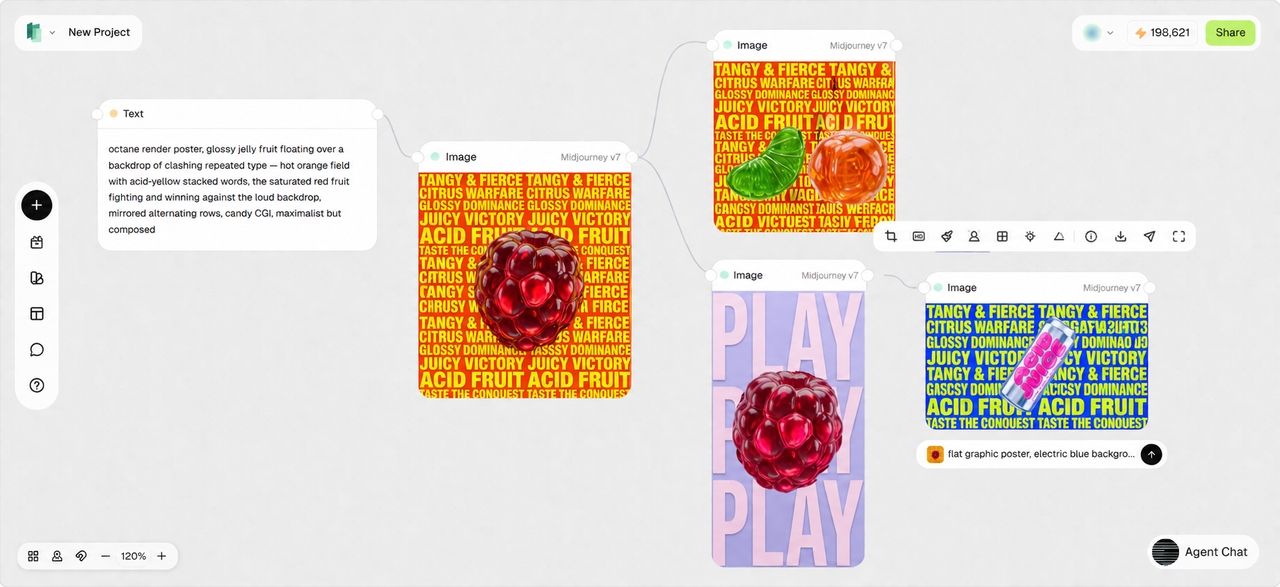
Continue building your workflow canvas by adding more connected nodes to explore multiple ideas in parallel. Each generated image can become the starting point for new branches. Iterate, compare concepts and produce several Midjourney outputs from a single workflow without recreating prompts from scratch.
Expand workflow with multiple ideas

Sample prompts that you can use with Midjourney AI on Framia Pro

Turn creative ideas into detailed AI artwork using Midjourney v8.1 and Framia Pro prompts.

Enchanted underwater palace
Create a majestic underwater palace made of glowing coral, pearl towers, and crystal arches, surrounded by schools of luminous fish, sunbeams piercing the ocean surface, flowing royal banners, magical atmosphere, cinematic fantasy lighting, ultra-detailed marine environment, vibrant blues and golds, --ar 16:9
Retro-futuristic music festival
Design a massive open-air music festival in a retro-futuristic desert setting with neon stages, holographic visuals, glowing wristbands, dancing crowds, flying drones, colorful laser beams, sunset sky, energetic atmosphere, cinematic event photography, highly detailed scene, --ar 16:9
Dreamlike botanical perfume ad
Generate an elegant perfume bottle resting among oversized blooming flowers, floating petals, soft mist, dewdrops on glass, pastel lighting, luxury beauty campaign style, photorealistic materials, delicate composition, refined shadows & lighting, premium editorial advertising aesthetic, --ar 16:9
Ancient robot workshop
Illustrate a hidden workshop where ancient mechanical robots are being repaired by a wise inventor, brass gears, glowing blue energy cores, scattered tools, dusty shelves, warm lantern light, steampunk atmosphere, intricate machinery, cinematic storytelling, ultra-detailed textures, --ar 16:9

Explore the biggest image generation upgrades in Midjourney AI

See how Midjourney AI generator improves image quality, prompt accuracy, and creative flexibility.

Better understand every creative prompt

Interpret detailed instructions more accurately, transforming simple or complex text prompts into images that closely match your vision. Midjourney AI improves prompt comprehension, reducing unexpected outputs while producing scenes, characters, lighting, styles, and compositions with greater consistency and precision.

Better understand every creative prompt
Generate sharper realistic artwork faster

Generate sharper realistic artwork faster

Create highly detailed visuals featuring cleaner textures, richer colors, improved lighting, and refined material rendering. Midjourney AI enhances overall image quality, making generated artwork appear more polished, visually balanced, and suitable for professional creative projects across multiple industries.

Create natural people and anatomy

Produce characters with more believable facial features, accurate body proportions, expressive poses, and improved hand generation. Midjourney AI significantly reduces common anatomical inconsistencies, helping portraits, fashion visuals, lifestyle scenes, and cinematic artwork appear far more realistic and cohesive.

Create natural people and anatomy
Brainstorm ideas using "Draft Mode"

Brainstorm ideas using "Draft Mode"

Experiment with concepts quickly by generating images at much higher speed before producing final-quality renders. In Midjourney v8.1, the new "Draft Mode" allows creators to iterate on ideas, explore multiple artistic directions, refine prompts, and accelerate creative workflows without sacrificing overall flexibility.

Omni-reference for consistent visual control

Guide new generations with a reference image to preserve character identity, style, objects, or composition across multiple outputs. The omni-reference feature in Midjourney v8.1 helps creators maintain visual consistency while exploring new scenes, making it easier to build cohesive campaigns, character sets, and branded artwork.

Omni-reference for consistent visual control

Midjourney V8.1 vs GPT Image 2 vs Nano Banana 2

Compare today's leading AI image models with Midjourney AI before selecting the best creative workflow.

Feature
Midjourney V8.1
GPT Image 2
Nano Banana 2
Image quality
Excellent realism, lighting, textures, anatomy
Excellent photorealism and illustration
Excellent editing and realistic generation
Prompt understanding
Strongest prompt adherence with improved language understanding
Excellent conversational prompting
Excellent natural-language understanding
Creative exploration
Draft Mode enables rapid ideation and iteration
Fast conversational refinement
Strong iterative editing workflow
Best suited for
Professional artwork, concept art, marketing visuals, branding
Commercial design, creative assistance, image editing
Image editing, transformations, visual enhancement

Midjourney AI with Framia Pro is built for every creative professional

Create high-quality AI images faster with workflows designed for modern creative professionals.

Empower creative design teams

Produce concept art, campaign visuals, branding assets, and presentation graphics with greater efficiency. Framia Pro combines Midjourney AI with Node Flow Agent Builder, helping creative teams automate repetitive tasks, organize projects, and accelerate visual production from idea to delivery.

Empower creative design teams
Support marketers and advertisers

Support marketers and advertisers

Generate eye-catching promotional graphics, product campaigns, social media creatives, and digital advertisements using Midjourney AI. Framia Pro streamlines campaign creation with automated workflows, centralized asset management, and multiple AI image models for consistent marketing content at scale.

Accelerate content creator workflows

Design YouTube thumbnails, blog illustrations, social media graphics, posters, and storytelling visuals without switching between multiple platforms. Framia Pro simplifies image generation, prompt management, and creative automation, allowing creators to publish high-quality visual content more frequently.

Accelerate content creator workflows

Framia Pro's Midjourney AI integration is loved by creative professionals

Discover why professionals trust Framia Pro to unlock Midjourney AI's latest image generation capabilities.

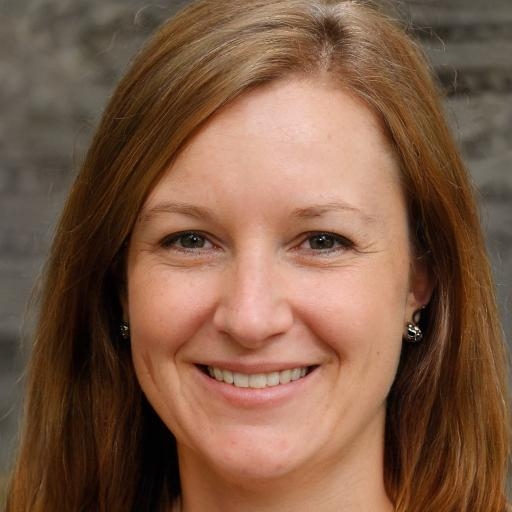
As a Creative Director, I constantly develop concepts for multiple brands. Framia Pro's Node Flow Agent Builder helps automate repetitive workflows while Midjourney AI consistently delivers exceptional artwork that requires far fewer revisions than before.
Emily Carter
Emily Carter
Creative Director
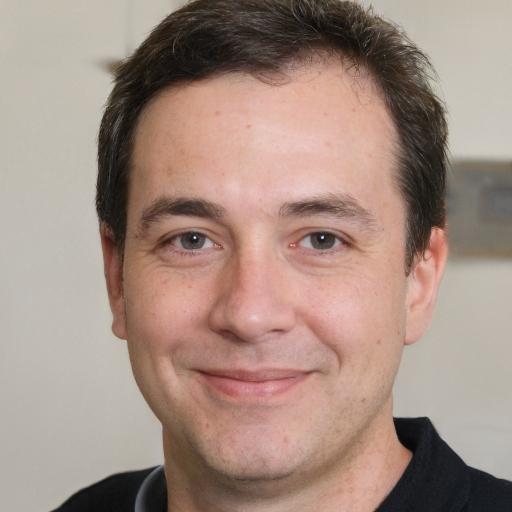
Managing advertising campaigns means generating countless visual concepts every week. Framia Pro keeps everything organized while Midjourney AI produces polished marketing images that accelerate our creative review process significantly.
Ryan Mitchell
Ryan Mitchell
Marketing Manager
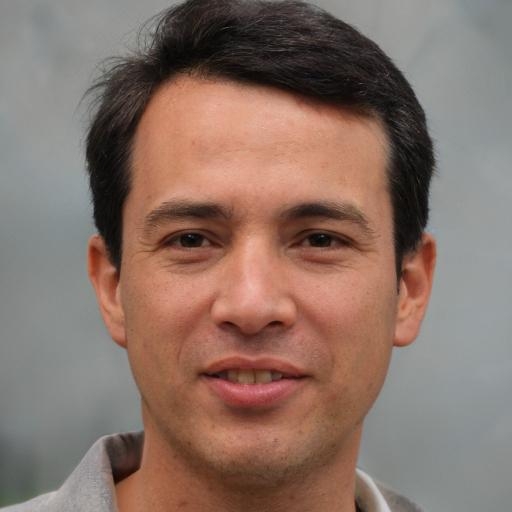
My game development projects demand consistent environments and character concepts. Midjourney AI produces impressive artwork, while Framia Pro helps me organize prompts and automate repetitive creative workflows with ease.
Brandon Lee
Brandon Lee
Game Artist
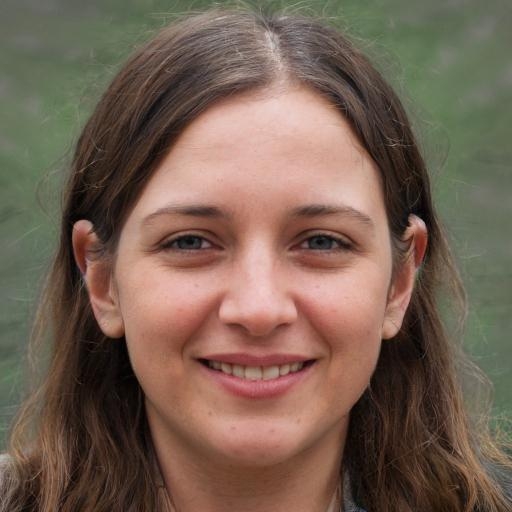
Creating daily social media graphics became much easier after switching to Framia Pro. Midjourney AI generates visually striking images, and the platform's workflow tools keep every project efficiently organized.
Sophia Brooks
Sophia Brooks
Social Media Manager
I regularly create website banners and advertising creatives for clients. Framia Pro brings multiple AI models together, making experimentation faster, while Midjourney AI consistently delivers premium-quality visual results.
Jacob Turner
Jacob Turner
Digital Designer
Our agency produces hundreds of marketing assets every month. Framia Pro centralizes prompt management, automation, and AI generation, allowing the Midjourney AI image creation tool to fit naturally into our production workflow.
Olivia Bennett
Olivia Bennett
Brand Strategist
We've compiled the most important information to help you get the most out of your experience. Can't find what you're looking for?Contact us

Frequently asked questions

What is Midjourney AI v8.1?
Midjourney v8.1 is the latest AI image generation model that improves prompt understanding, image quality, and creative consistency. Framia Pro integrates the model into an efficient workflow with automation, asset organization, and multiple AI tools.
Is Midjourney v8.1 better than Midjourney V7?
Yes. Midjourney v8.1 introduces stronger prompt interpretation, improved anatomy, enhanced textures, and faster Draft Mode for ideation. Framia Pro helps creators maximize these improvements through workflow automation and centralized creative management.
Can Midjourney AI create photorealistic images?
Yes. Midjourney v8.1 produces highly realistic portraits, product photography, landscapes, and commercial artwork with refined lighting and textures. Framia Pro makes creating, organizing, and refining these images much more efficient for professional projects.
Does Midjourney v8.1 support different aspect ratios?
Yes. Midjourney v8.1 supports multiple aspect ratios suitable for social media, presentations, advertising, and websites. Framia Pro lets creators manage image generations across various formats while simplifying prompt organization and workflow automation.
Can beginners use Midjourney AI?
Absolutely. Beginners can generate impressive AI artwork using simple text prompts while gradually exploring advanced prompting techniques. Framia Pro further simplifies the learning process with intuitive workflows, automation, and centralized creative tools.
Why use Framia Pro with Midjourney AI?
While Midjourney AI excels at generating AI images, Framia Pro provides a complete creative workspace featuring Node Flow Agent Builder, multiple AI models, project organization, workflow automation, and scalable content production for individuals and teams.

Still have questions?

Have questions or need assistance? Our team is here to help!

Start creating with Midjourney AI today on Framia Pro!

Experience the latest Midjourney AI image generation capabilities inside Framia Pro. From rapid concept exploration to production-ready visuals, generate exceptional images faster than ever.

Midjourney AI Image Creator | Framia by Converge AI