Meet Seedream 5 Pro on Framia Pro

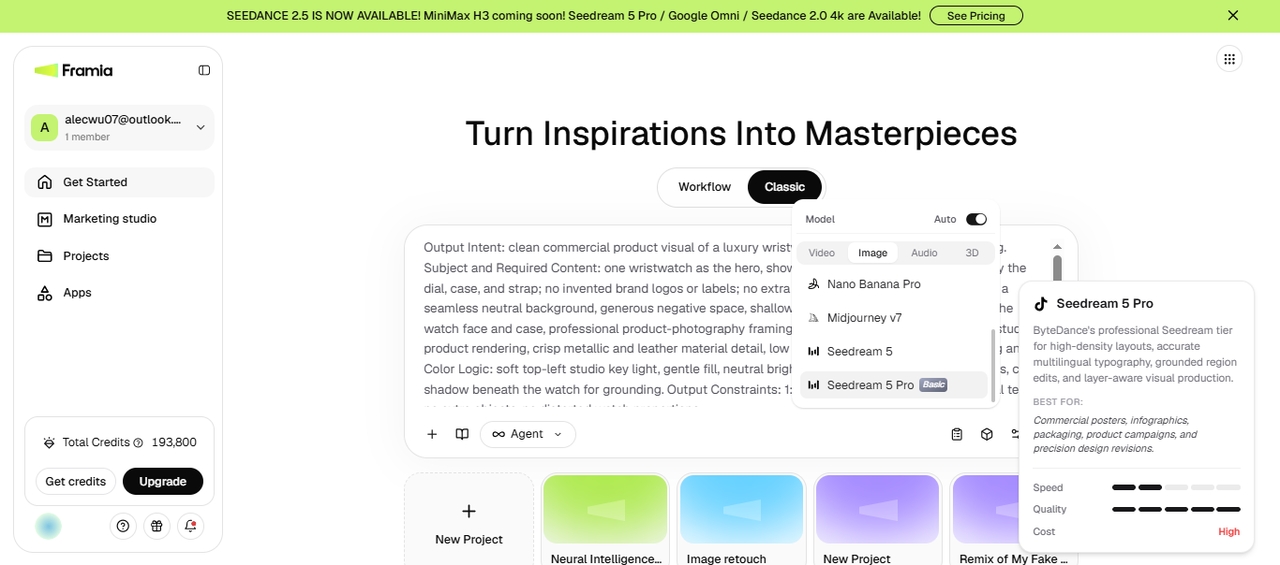
Create AI images with Seedream 5 Pro. Turn text or reference images into realistic artwork, product photos, marketing assets, and branded visuals.

Start for Free

What is Seedream 5.0 Pro?

Seedream 5.0 Pro is ByteDance's pro-tier image model, and it lives right inside Framia Pro's Image Agent alongside every other major AI image generation model. Before it renders anything, the model reasons through your prompt first, working out object relationships, counts, and spatial logic so busy scenes come out sharp instead of muddled. It outputs native 2K images, and you can feed it up to 10 reference images at once to lock in a character, product, or style in every generation. Since it sits in the same workspace as Seedance 2.5 for video, you can move between still images and motion without opening a second tab.

What makes Seedream 5 Pro different?

Discover the features that set Seedream 5 Pro apart for image creation and editing.

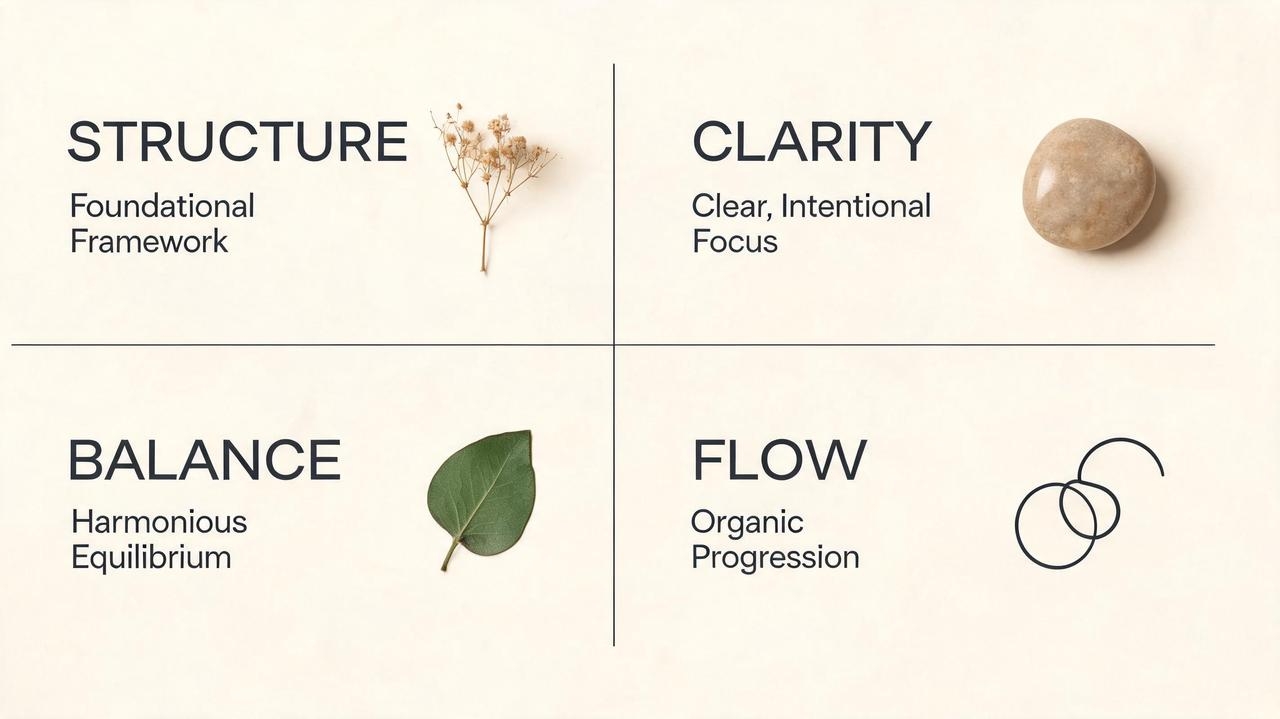
Deep-thinking image generation engine

Describe a detailed scene, multiple subjects, object relationships, or layered instructions in one prompt. Seedream 5 Pro uses those instructions to guide composition, object placement, lighting, and other parts of the generated image.

Deep-thinking image generation engine
High prompt accuracy for complex requests

High prompt accuracy for complex requests

Write detailed prompts with camera angles, lighting, materials, text, and composition. Seedream 5.0 Pro AI image generator on Framia Pro follows instructions more accurately than earlier versions, which reduces unwanted changes in the final image.

Generate infographics with readable text

Start with a document, product description, or outline, then turn it into an infographic with readable text and organized sections. Seedream 5 Pro keeps headings and labels clearer, so the final design needs less text editing before sharing.

Generate infographics with readable text
Support up to 10 reference images together

Support up to 10 reference images together

Upload as many as 10 reference images to match characters, products, styles, or visual elements in one generation with Seedream 5.0 Pro in Framia Pro. This keeps subjects more consistent while mixing ideas from multiple sources into a single composition.

Localized image editing with text prompts

Select one part of an image, then describe the change with a text prompt. The image model inpaints only the selected region while preserving surrounding objects, lighting, perspective, and overall composition whenever possible. It gives you precise control without having to regenerate the entire image.

Localized image editing with text prompts

Seedream 5.0 Lite vs Pro

Seedream 5.0 Lite
Seedream 5.0 Pro
Reference images
Up to 14
Up to 10
Editing
Vague-intent editing, image-to-image
Interactive editing with layer separation (subjects, backgrounds, and text as separate layers)
Reasoning
Web search + deep reasoning
Deep-thinking generation (plans composition and physics before rendering)
Best for
Broad planning, batch exploration, fast drafts
Final production assets, complex multi-element compositions
Price
~$0.035/image
~$0.054/image
Speed
Faster
Slower (more reasoning steps)

Seedream 5.0 Pro vs Nano Banana Pro vs GPT Image 2

Find out where Seedream 5.0 Pro stands compared to Nano Banana Pro and GPT Image 2.

Seedream 5.0 Pro
Nano Banana Pro
GPT Image 2
Resolution
Up to 2K native
Native 4K
Up to 4K output
Text rendering
14 languages, native script and RTL support
94–96% text accuracy for labels and overlays
Excellent typography and layout, strong multilingual text
Editing control
Interactive editing, layer separation, plain-text edits
Strong photorealistic edits, less granular layer control
Natural-language editing with object replacement and local edits, but no layer separation
Reference images
Up to 10
Up to 14
Supports reference images, but fewer workflow controls than Seedream 5.0 Pro
Photorealism
Strong
Excellent
Excellent
Complex compositions
Excels at structured, multi-element layouts
Better for simple photorealistic scenes
Strong reasoning and prompt following, but less suited for dense infographic layouts
Price
~$0.054/image
~$0.08/image
Token-based pricing; cost depends on image size and prompt complexity
Free access
Free credits via Framia Pro, Dreamina, DreamFace, Higgsfield
3 low-resolution images in the Gemini app
Available through ChatGPT (usage depends on plan)

How to use Seedream 5.0 Pro with Workflow Canvas on Framia Pro?

Follow three simple steps to generate, edit, and manage AI images on the Workflow Canvas.

Select the skill
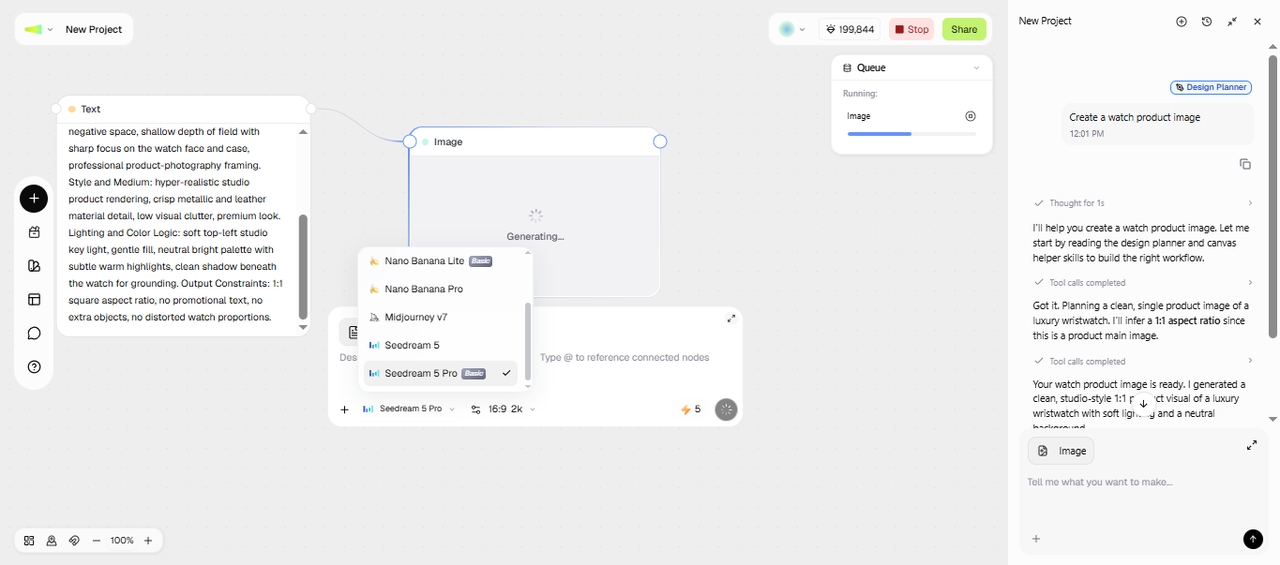
Open Workflow Mode, type your idea, then select a Design Planner Skill. Enter your prompt and click + to upload up to 10 reference images.
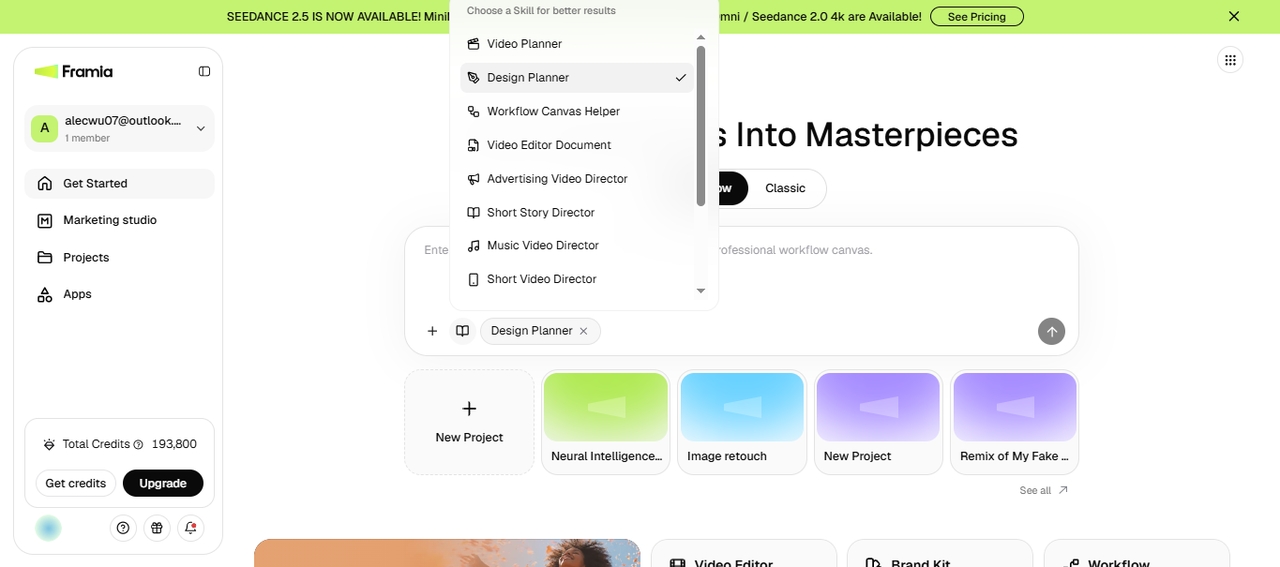
Select the skill
Adjust generation settings
Click Enter, and Framia Pro automatically calls the tools to connect nodes. Review the node, select Seedream 5.0 Pro, and click "Generate."
Adjust generation settings
Expand your creative workflow
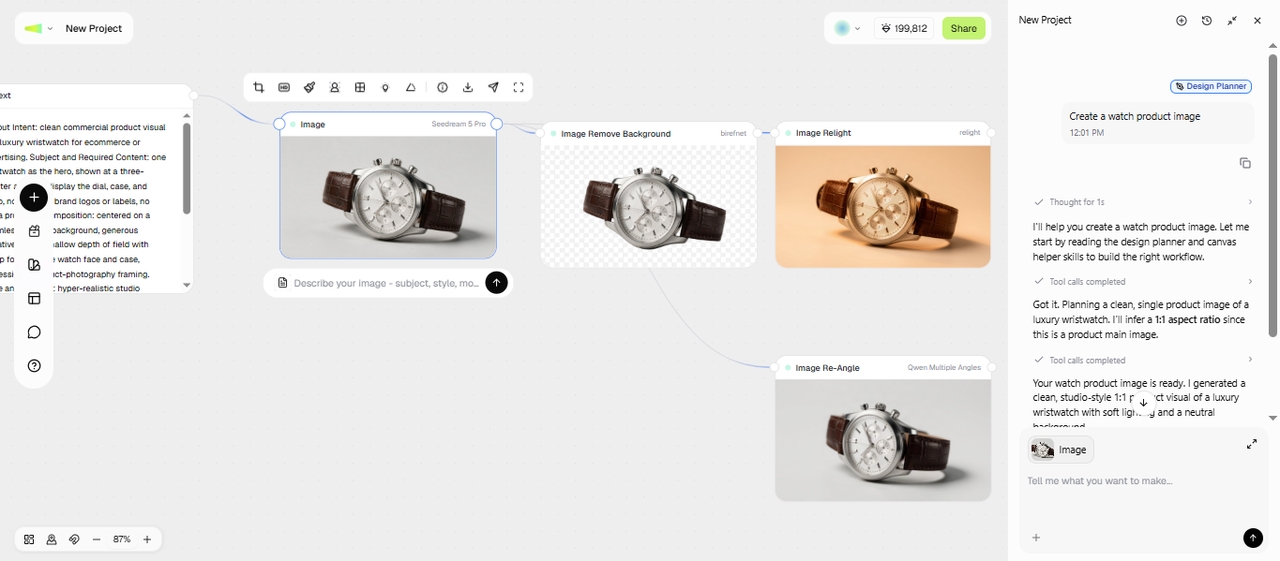
After AI generates the final output, you can relight, reangle, and trim the image in different nodes. Finally, export the image for your creative project.
Expand your creative workflow

How to try Seedream 5.0 Pro quickly with the Framia Pro Classic Canvas?

Start with a prompt, choose Seedream 5 Pro, and create AI images in a few simple steps
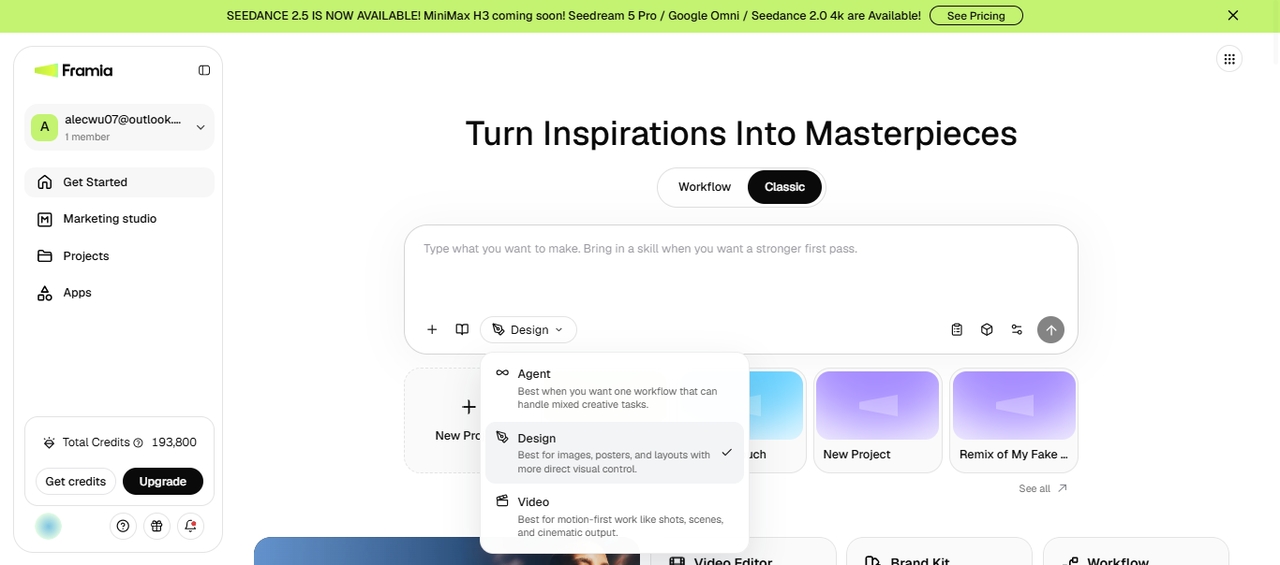
Describe your image in plain words
Sign up for Framia Pro, select the Design Agent in the Classic Canvas section on the homepage, and type out what you want in everyday language.
Describe your image in plain words
Pick Seedream 5 Pro as your model
Click the Select Model option & pick Seedream 5 Pro. Click + to add reference images if you have any, and set your aspect ratio.
Pick Seedream 5 Pro as your model
Generate and refine
Hit Generate, review the output, and tell the Classic Canvas what to adjust. After you are satisfied, click Download to save it to your device.
Generate and refine

Why use Seedream 5 Pro on Framia Pro?

Use Seedream 5 Pro with Framia Pro's creative workspace, editing tools, and Brand Kits.

Access & compare every leading image model
Switch between Seedream 5 Pro and Nano Banana 2, MidJourney, GPT Image 2, and other models from the same workflow. Compare image quality, prompt results, styles, and outputs without opening multiple AI platforms or rebuilding your project.
Edit without switching tools
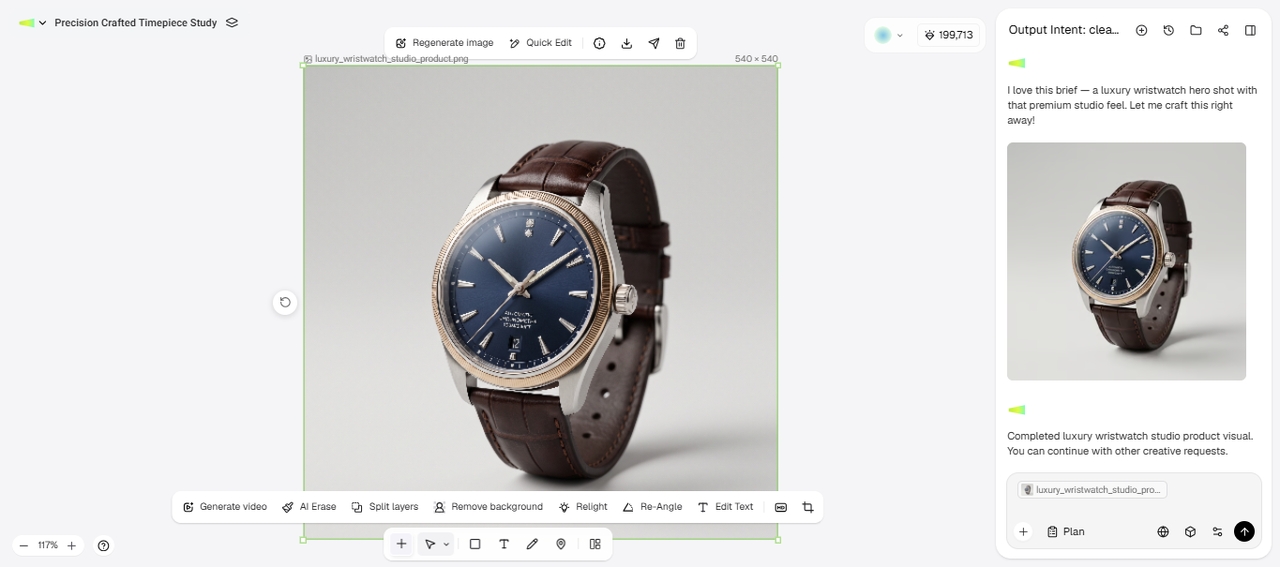
Generate an image, then continue editing it on the workflow canvas. Update prompts, edit selected areas, or connect editing nodes. You can also re-light the image, erase the background, cut it to different sizes, or change its angle.
Save your brand kit for consistent results
Pull your brand kit from a URL or set it up by hand with your name, logo, colors, tagline, and style. Reuse it on any new project so everything matches.
Connect with social media accounts
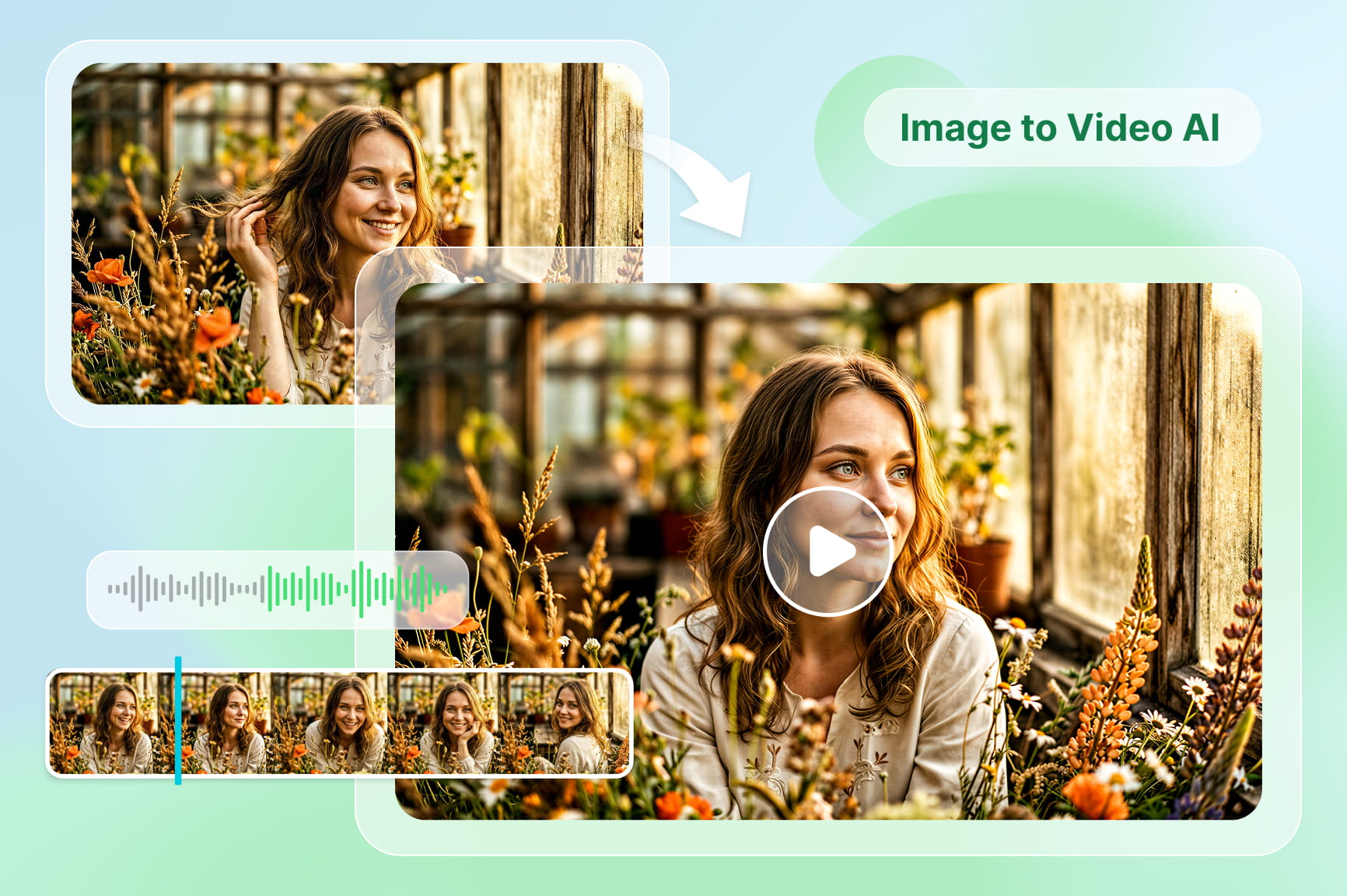
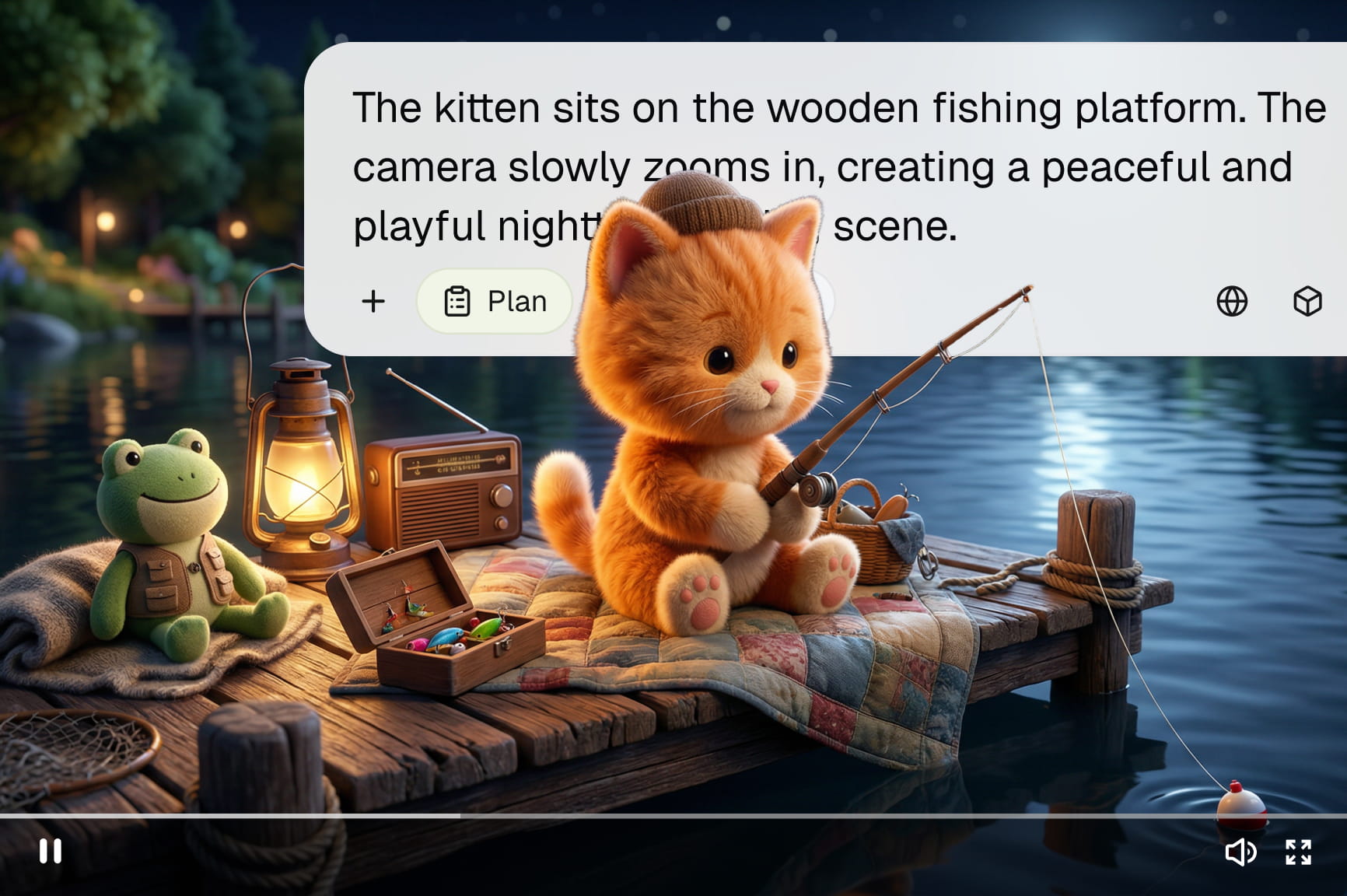
Link YouTube, TikTok, Instagram, Facebook, and X to Framia Pro. Create images with leading AI models, animate your photos for Stories, prepare posts, edit captions, and publish content without switching between social media platforms.
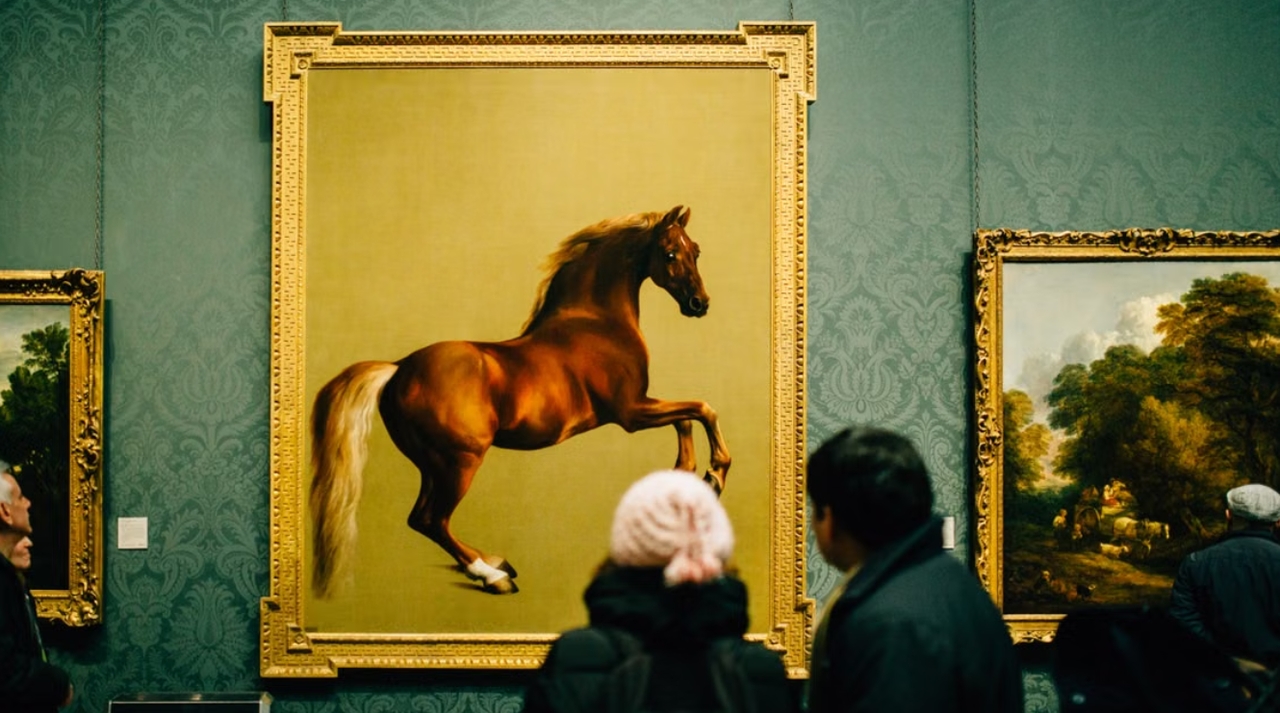
Commercial-quality photorealistic images
Generate high-quality product photos, advertising visuals, portraits, and marketing assets with Seedream 5 Pro. The model produces realistic lighting, detailed textures, and natural compositions suitable for commercial projects.
Generate images with readable text
Make posters, menus, packaging, social graphics, and presentation visuals with clear headings, labels, and captions. The Seedream 5 Pro model renders text more accurately than many earlier image generation models, making content easier to read.

Best use cases for Seedream 5 Pro

See how Seedream 5 Pro fits ecommerce, marketing, branding, and content projects.

Ecommerce listings

Show off products with clean backgrounds or styled scenes that match your store. Seedream 5 Pro follows detailed prompts and reference images closely. It preserves colors, materials, and layouts true to what you asked for.


Ecommerce listings
Social media creatives

Social media creatives

Keep campaigns fresh with visuals built for each platform and audience. Turn one idea into several versions for posts, stories, ads, and seasonal promos. You don't have to start over each time.

Product photography

Try out different product concepts before booking a real photoshoot. Place items in different settings, play with lighting and angles, and compare options to find the look that fits your brand and campaign best.
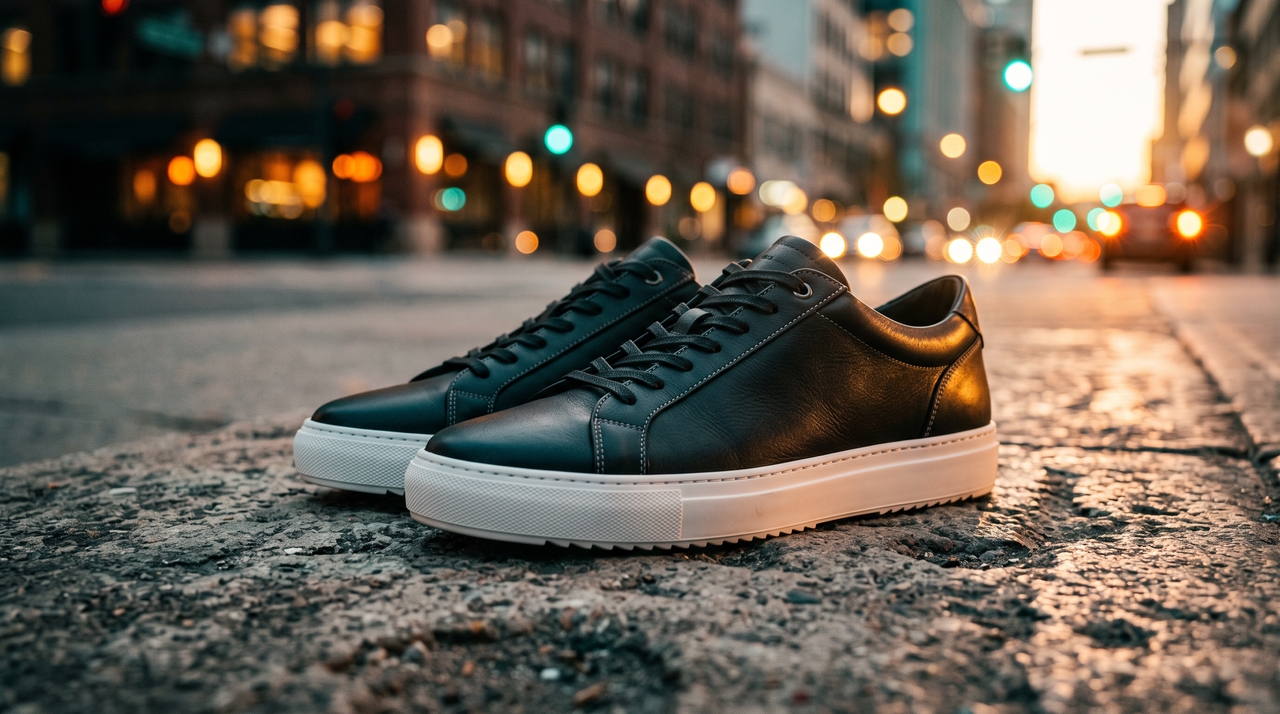
Product photography
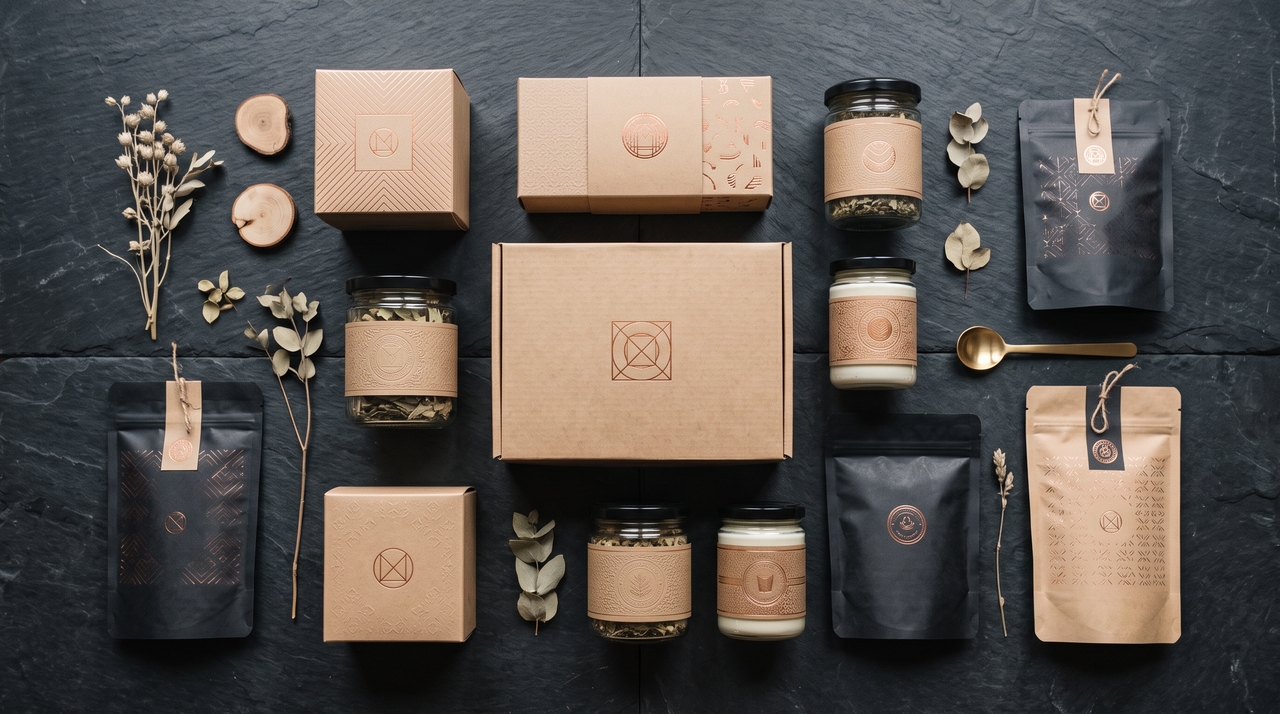
Packaging and marketing materials

Packaging and marketing materials

Preview packaging designs before production. Seedream 5.0 Pro lets you add labels, product details, promo graphics, and branding elements and tweak everything until it matches your creative brief exactly.

Packaging and marketing materials

Roll out campaigns with visuals built for both digital and print. Create banners, posters, display ads, and promo graphics from a single concept. Make sure every asset stays consistent throughout the campaign.
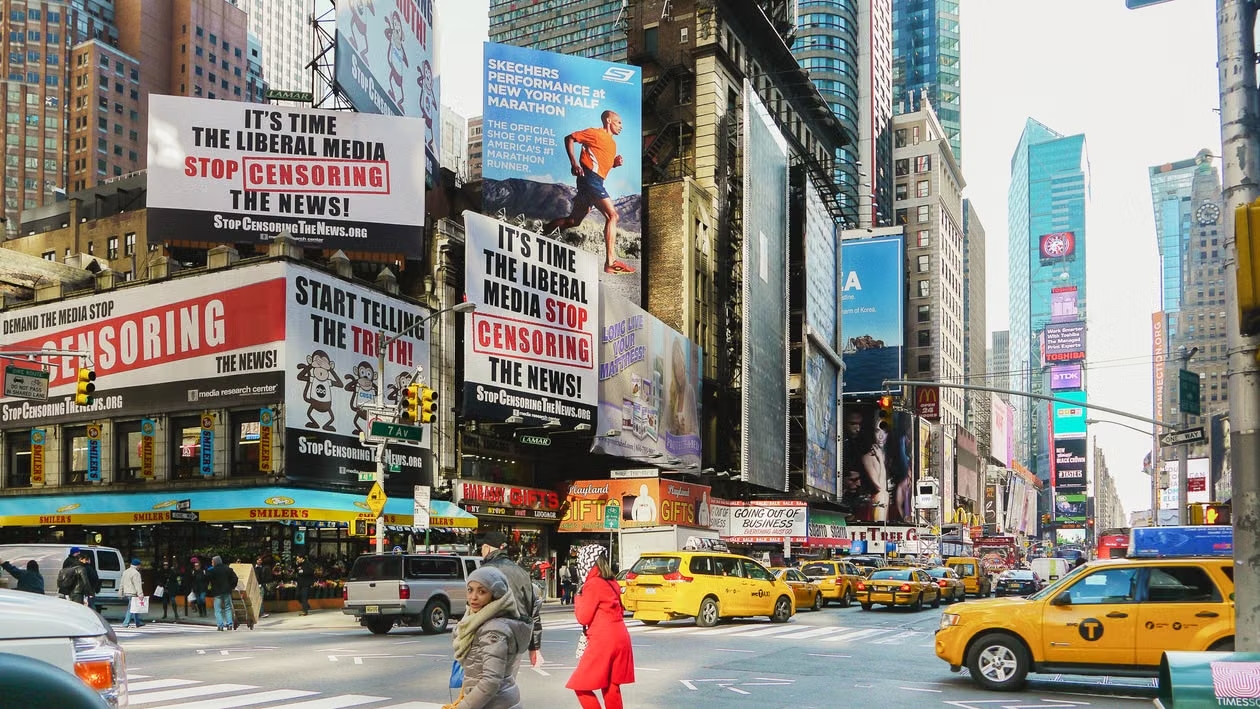
Advertising campaigns
Brand identity concepts

Brand identity concepts

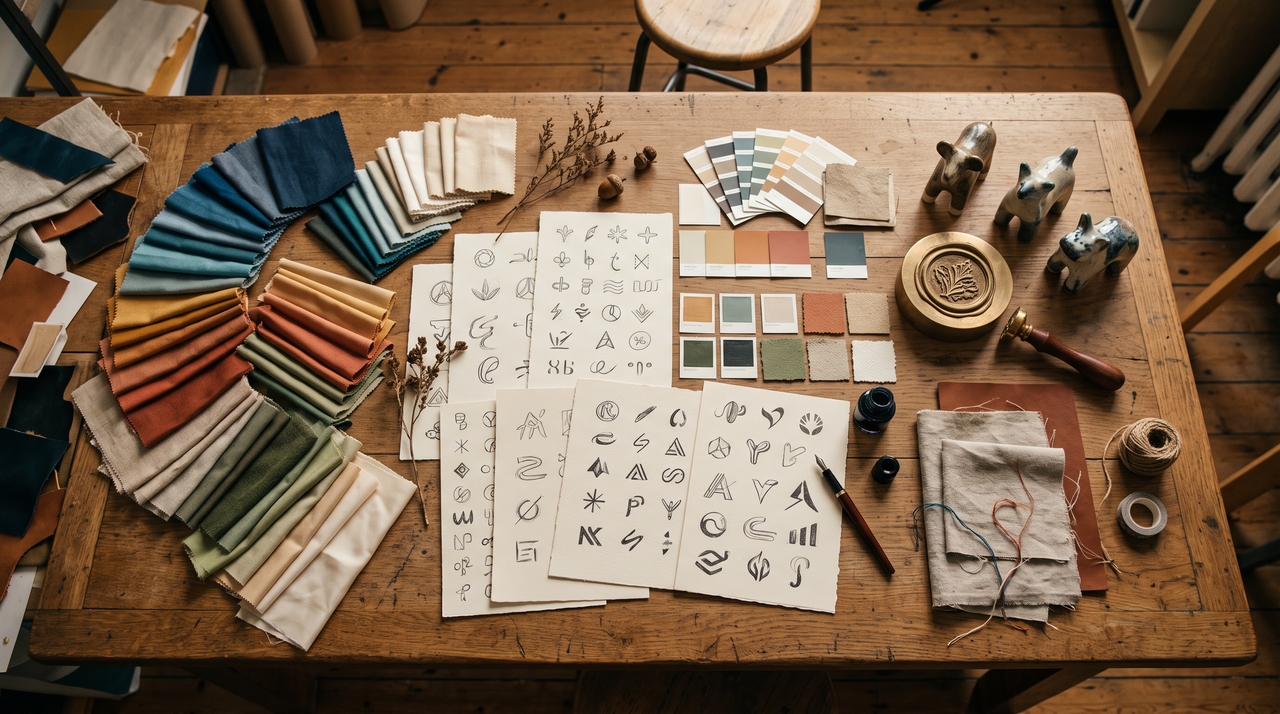
Shape a complete visual identity from a single creative brief. Develop logo concepts, color palettes, typography, mascots, and brand illustrations, then save the final Brand Kit in Framia Pro for future projects.

What users say about Seedream 5 Pro on Framia Pro?

Read how creators and businesses use Seedream 5 Pro for everyday creative work.

I used to spend hours looking for the right product mockups. With Seedream 5 Pro on Framia Pro, I can test different backgrounds and styles first, then keep only the versions that actually work for my store.
Sarah Kim
Sarah Kim
Ecommerce Brand Owner
Our team creates content for several platforms every week. Seedream 5 Pro gives us multiple visual options from one idea, so planning campaigns takes less time, and every post still feels different.
Maya Patel
Maya Patel
Social Media Manager
I rely on reference images during concept work, so the multi-reference feature stood out immediately. It keeps the overall direction much closer to what I have in mind than many image models I've tried.
Alex Chen
Alex Chen
Alex Chen
I've used Seedream 5.0 Pro on Framia Pro for campaign banners, product promotions, and packaging drafts. The text comes out much cleaner than I expected, which means I spend less time fixing labels before presenting ideas to clients.
Emma Wilson
Emma Wilson
Marketing Specialist
I work with different brands, so keeping assets organized matters. Framia Pro lets me save brand details and continue using Seedream 5 Pro without rebuilding the same creative setup for every new project.
James Lee
James Lee
Brand Consultant
What I like most about Framia Pro is staying in one workspace. I start with an idea, generate images with Seedream 5 Pro, make a few edits, and continue the project without moving files between different tools.
Daniel Rivera
Daniel Rivera
Creative Director
We've compiled the most important information to help you get the most out of your experience. Can't find what you're looking for?Contact us

Frequently asked questions

Is Seedream 5 Pro free to use?
Framia Pro provides access to Seedream 5 Pro through its AI creative workspace. It gives free credits when you sign up for a new account. For higher usage, you can subscribe to a paid plan that includes more monthly credits and models.
How is Seedream 5 Pro different from Seedream 5.0?
Seedream 5 Pro offers improved prompt understanding, multi-reference support, stronger text rendering, and advanced image editing compared with earlier Seedream versions available through Framia Pro.
Does Seedream 5.0 Pro support image editing?
Yes. Framia Pro lets you edit Seedream 5.0 Pro images with text prompts. You can adjust selected areas, replace elements, enhance photo, and continue editing within the same workflow.
Does Seedream 5 Pro create readable text inside images?
Yes. Seedream 5 Pro can create images with clearer text elements, which makes it suitable for posters, infographics, product packaging, menus, and social media graphics inside Framia Pro.
Which image sizes and aspect ratios does Seedream 5 Pro support?
Framia Pro supports Seedream 5 Pro image generation with common formats for different creative needs. This includes 4:3, 1:1, 3:4, 9:16, or 16:9 for ads, social posts, products, and marketing designs.
What resolution does Seedream 5 Pro generate at?
Seedream 5 Pro supports 2K image generation through Framia Pro. However, you can use other AI models to upscale the image to 4K before exporting.
Can Seedream 5 Pro use reference images?
Yes. Seedream 5 Pro supports up to 10 reference images in one generation. You can use them to guide the character, product, composition, style, or other visual details in the generated image.
What can I create with Seedream 5 Pro?
You can create product images, marketing graphics, social media posts, infographics, packaging concepts, posters, portraits, and other AI-generated visuals from text prompts or reference images.

Still have questions?

Have questions or need assistance? Our team is here to help!

Create AI images with Seedream 5 Pro!

Turn prompts and reference images into detailed visuals with Seedream 5 Pro on Framia Pro. Edit, refine, and manage every project!
Seedream 5 Pro AI Image Generator | Framia by Converge AI