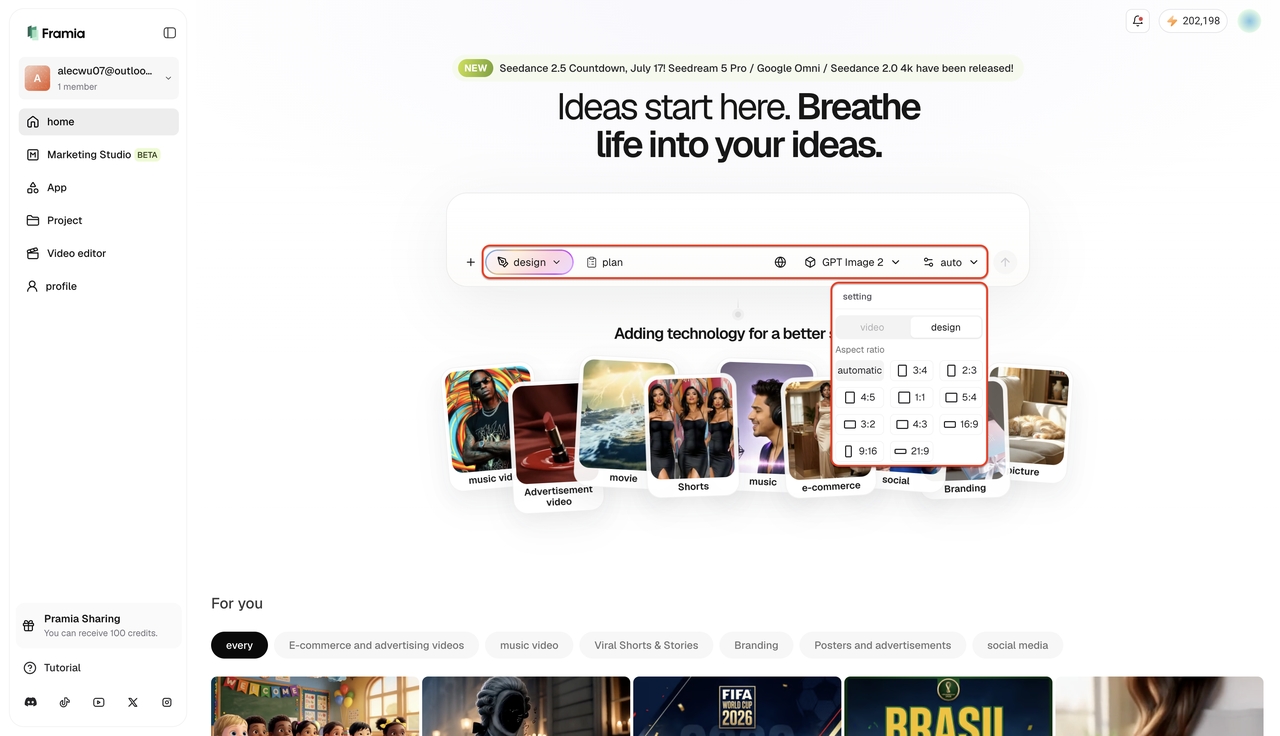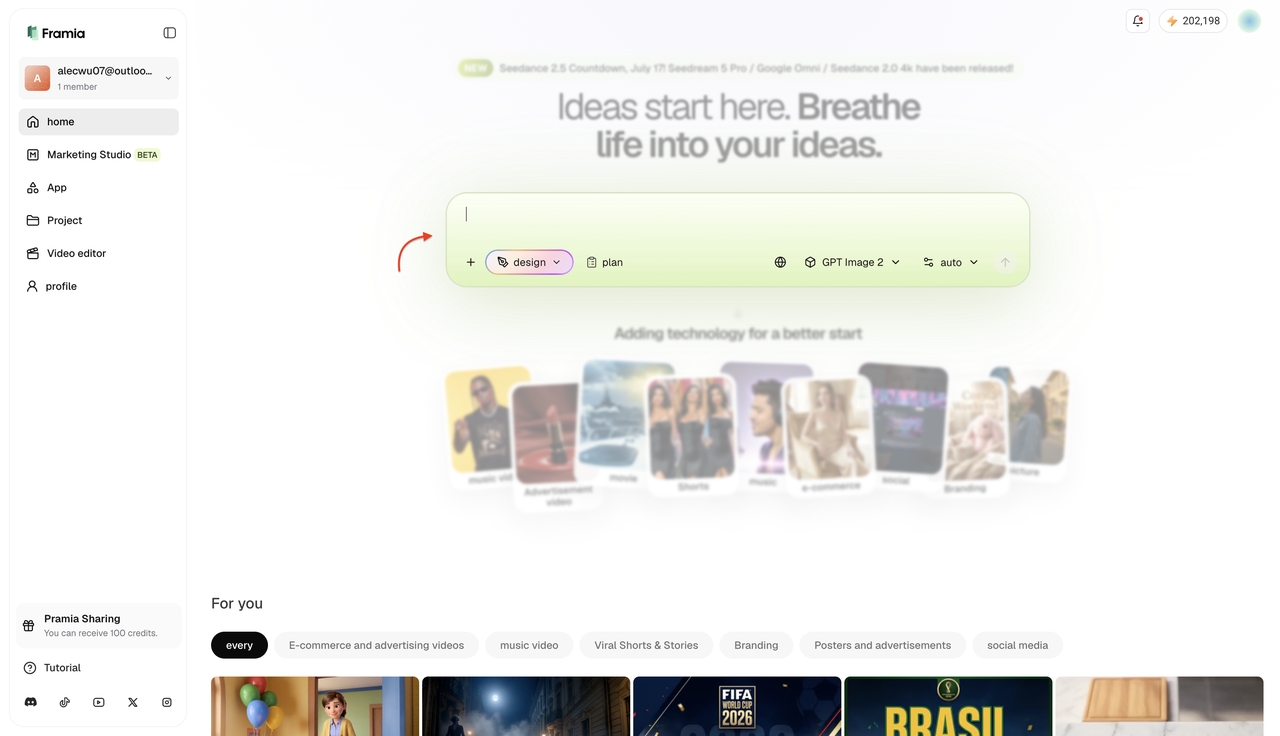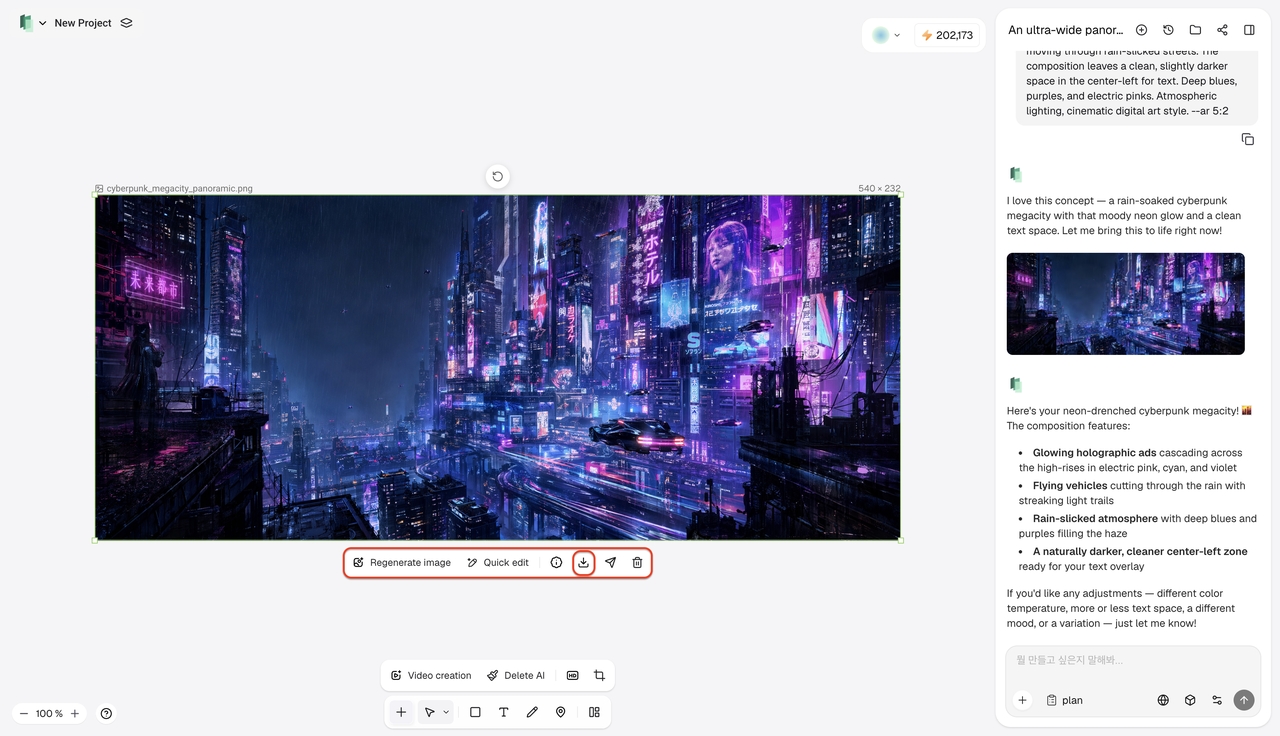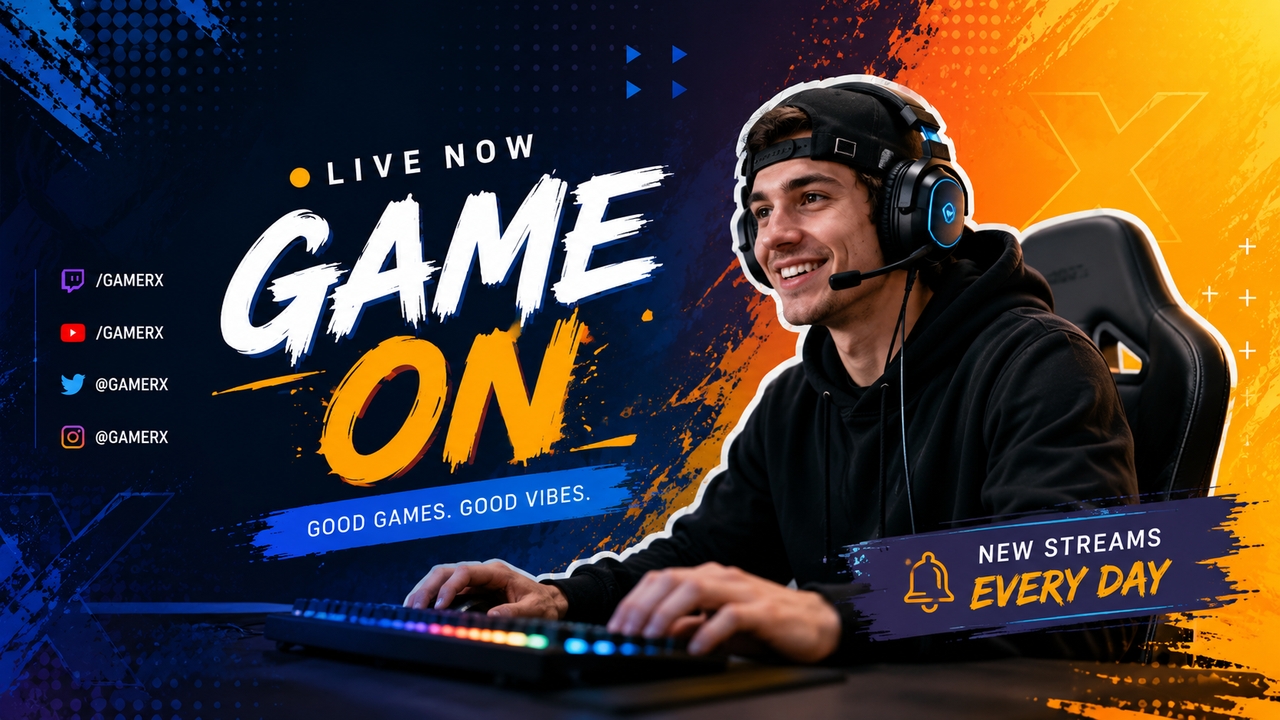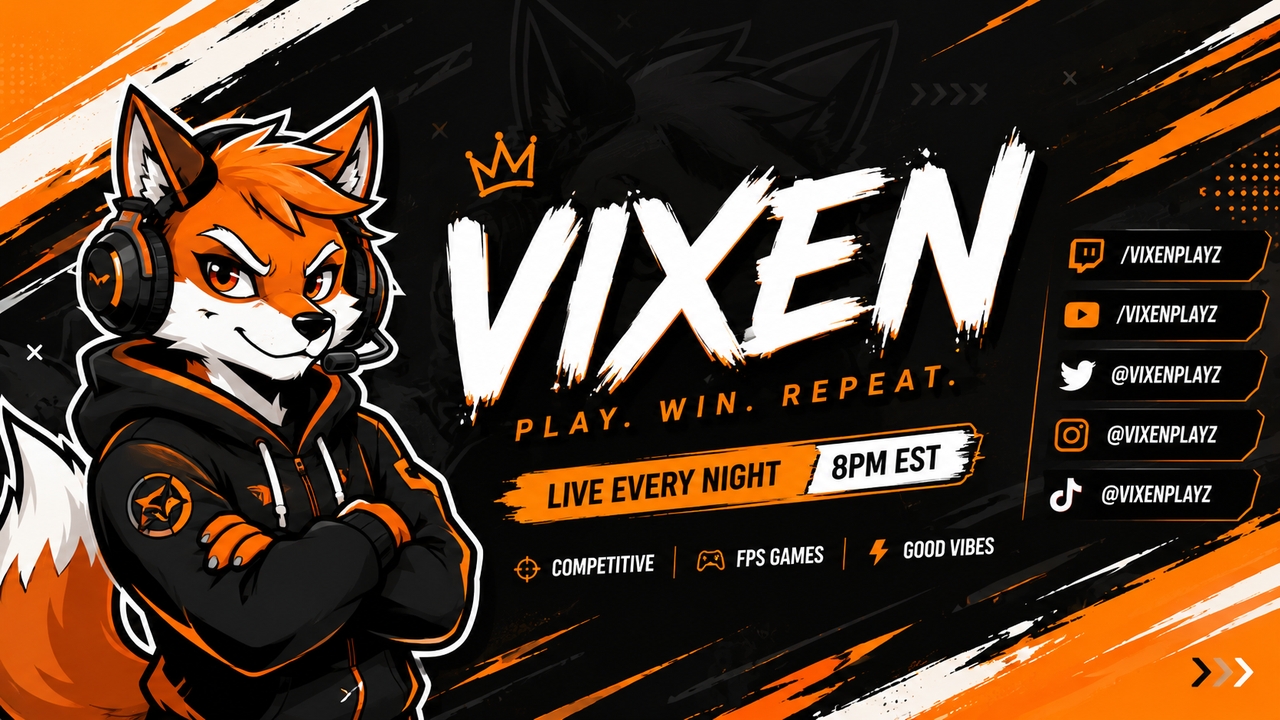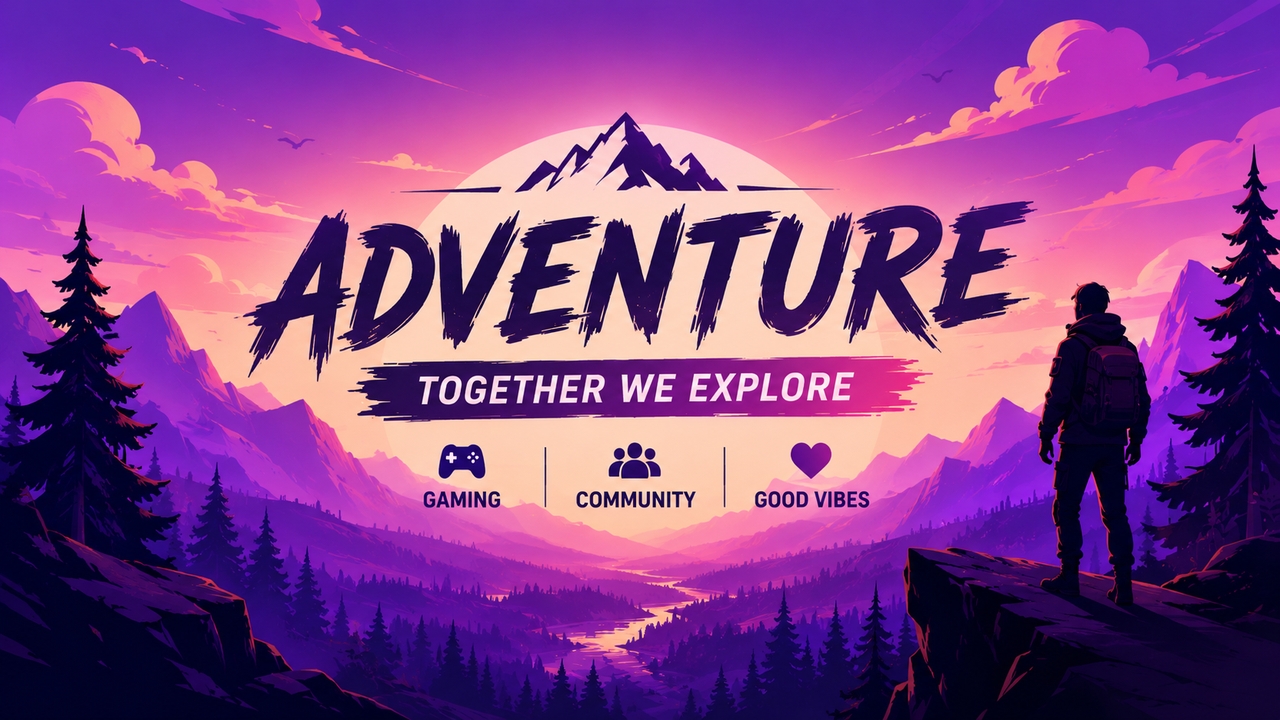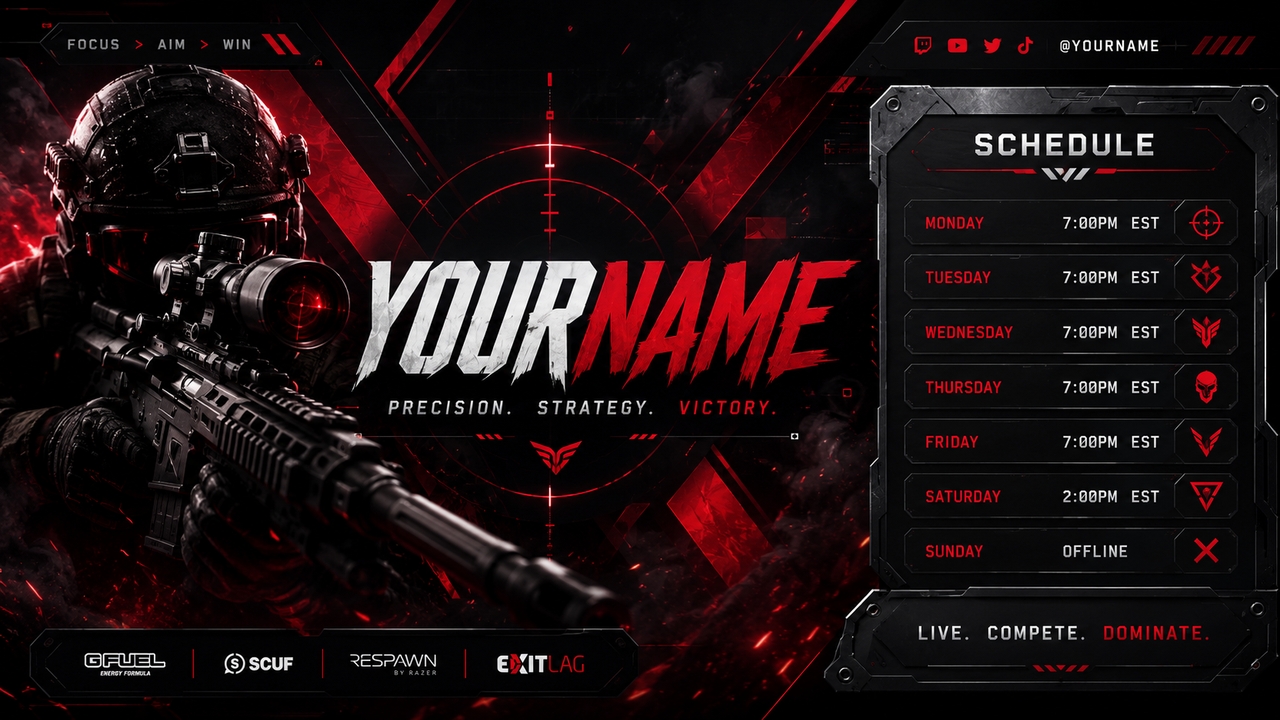
How to make a Twitch banner instantly with AI?
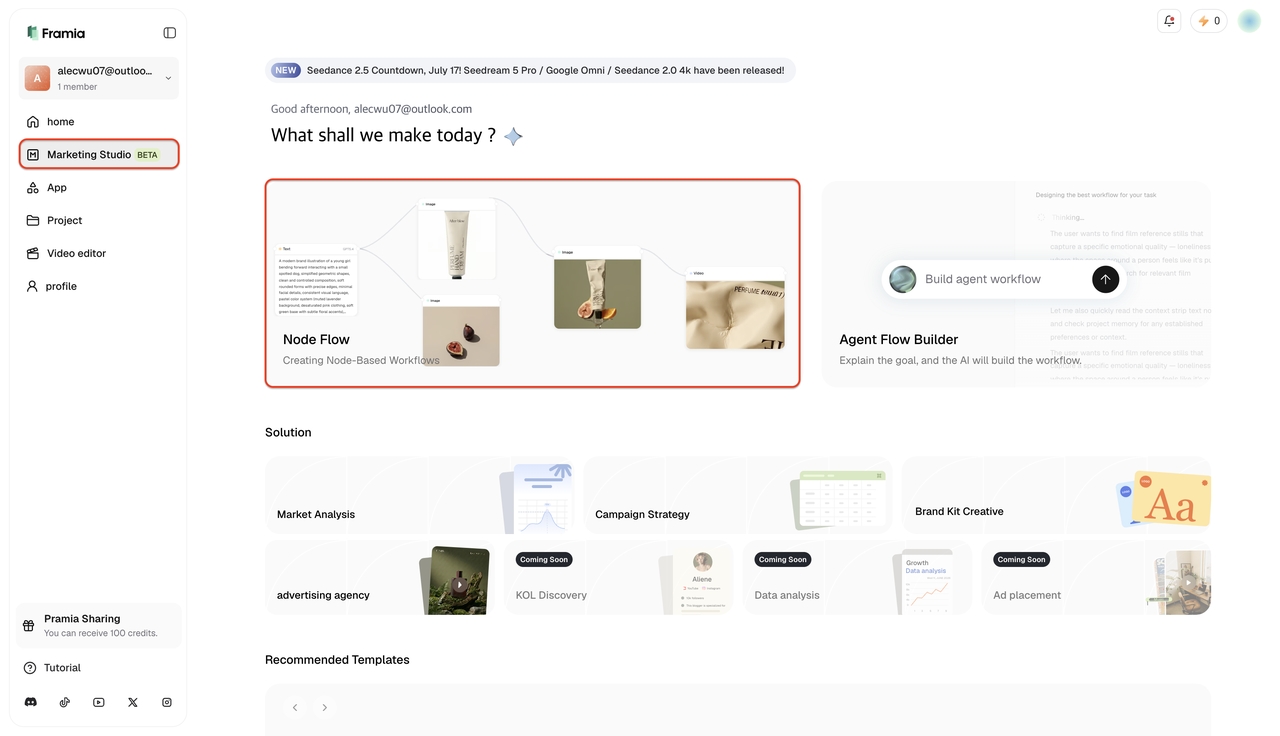
Scale your graphics with Marketing Studio's Node Flow
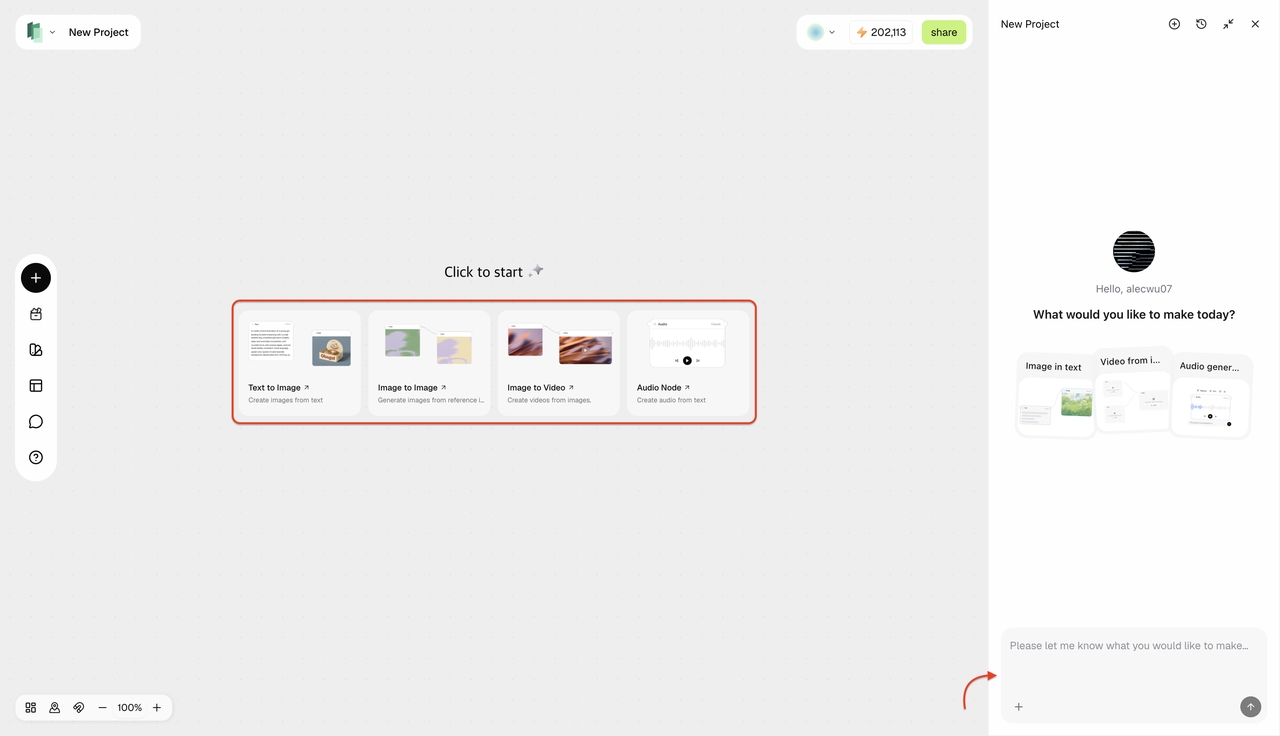
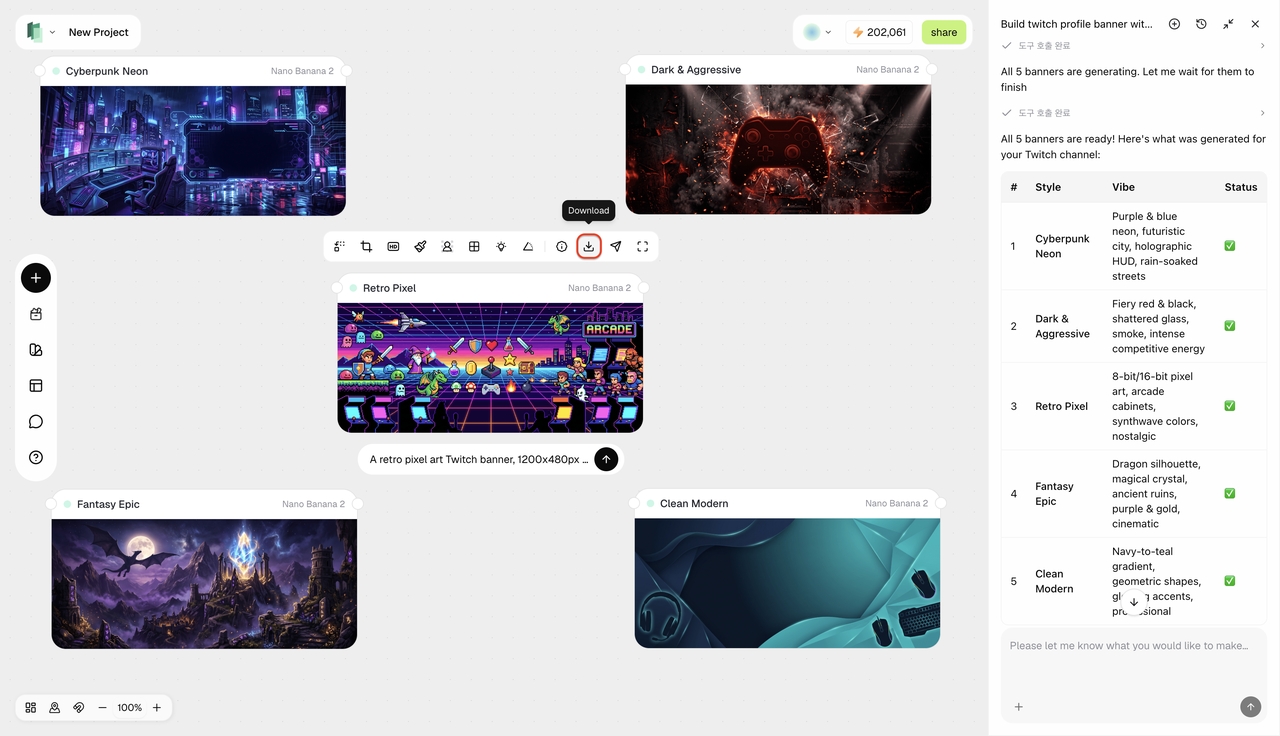
For advanced creators or esports teams managing multiple visual assets, the node-based workspace automates bulk graphics generation effortlessly.
Powerful features of our Twitch banner generator
Standing out in the crowded streaming directory in 2026 requires a specialized toolset. Here is exactly what you get when you start creating.
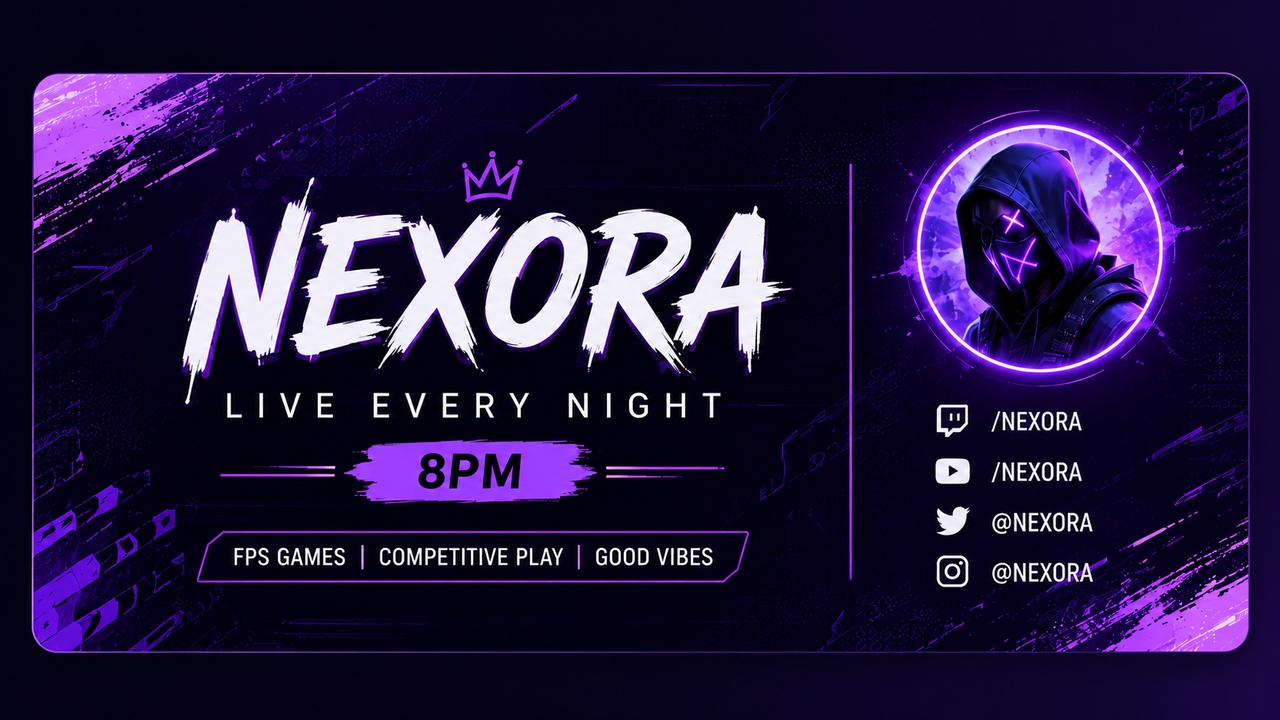
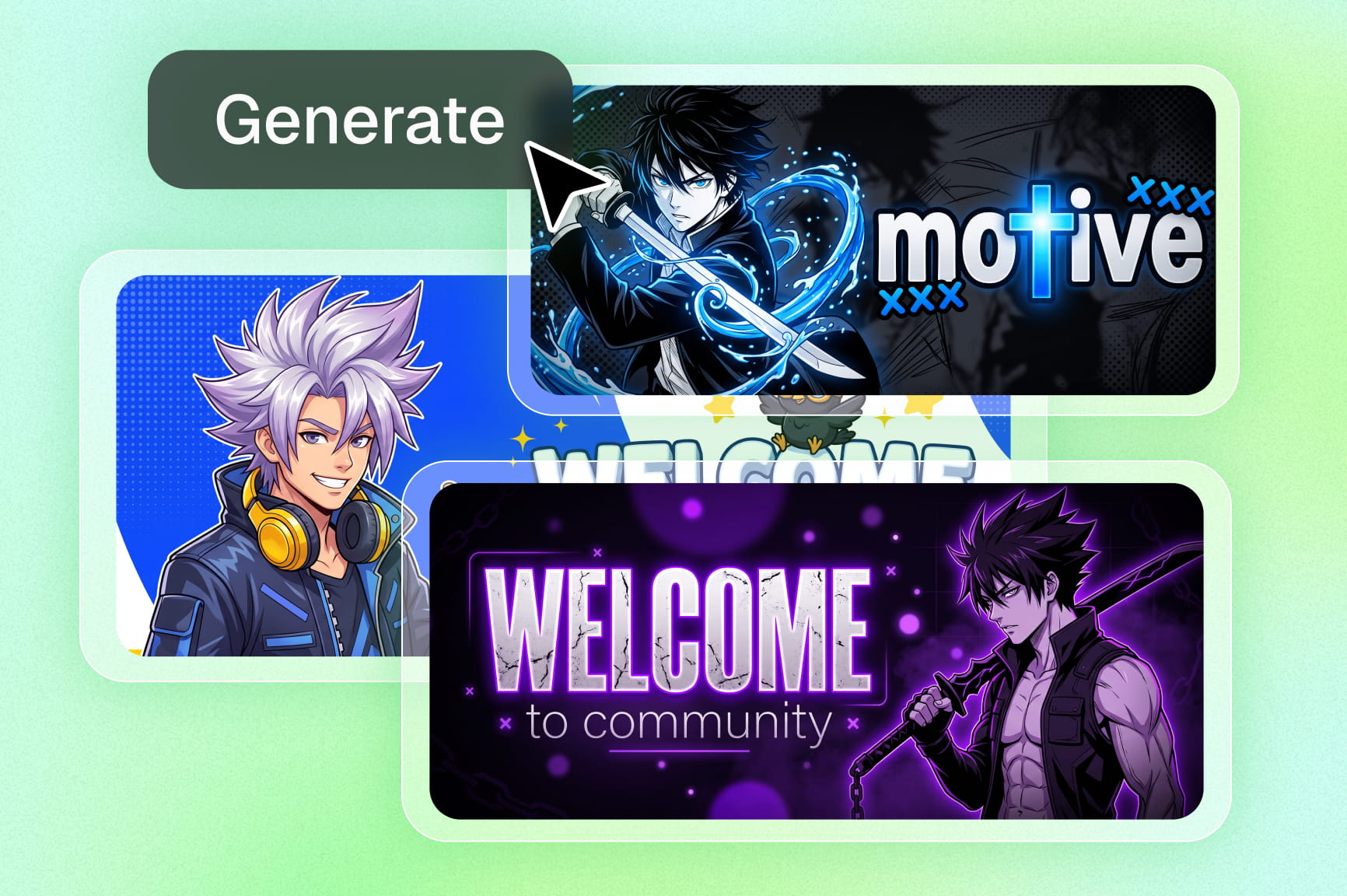
Smart layout generation from text
Skip the blank canvas stage altogether. When you type ideas into the engine, you automatically create fully structured layouts. The system knows how to compose, ensuring important text is never hidden behind a profile picture.
All-in-one Twitch panel maker
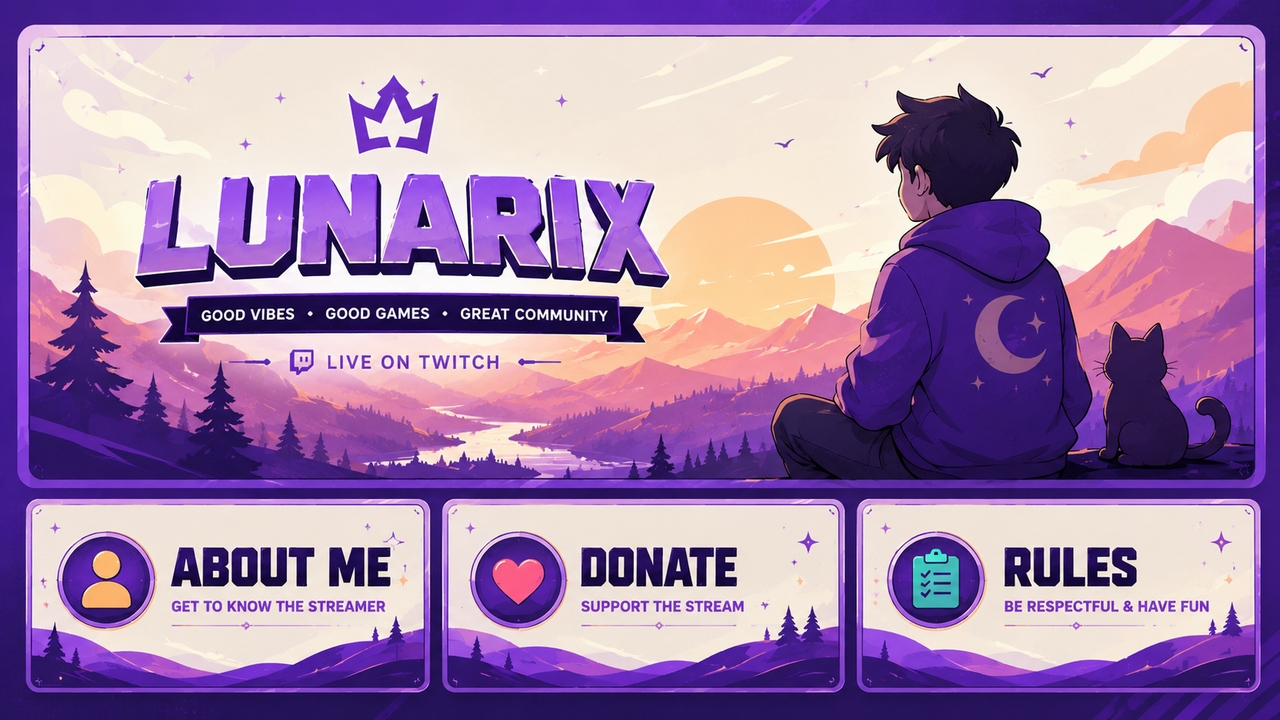
Visual consistency below the stream player really matters. Framia Pro doubles as a robust Twitch panel maker, so you can slice a main banner design into matching "About Me," "Donate," and "Rules" modules with one simple click.
Precision background removal
Incorporating real photos of a gaming setup into channel art is effortless. The automatic background remover isolates subjects instantly, allowing you to drop clean cutouts directly onto new streaming graphics.
Custom streaming avatars
If you are streaming without a facecam, having a digital persona is essential. When you pair your new channel art with graphics from an AI character generator, you establish a unique, recognizable mascot for your entire community.
Instant resizing for community servers
Audiences engage across multiple platforms. After you finalize your Twitch art, the automated resizing engine adapts graphics so you can carry that exact look over to a Discord banner maker for your subscriber servers.
Why top streamers choose Framia Pro as their Twitch banner maker
Automating your visual branding brings serious benefits to your daily content workflow.
Popular banner ideas for Twitch to design right now
Explore diverse gaming aesthetics matching the exact vibe you want.
High-Octane Competitive FPS Themes
High-contrast graphics bring an aggressive, high-energy feel to tactical shooters. These sharp visuals are an absolute must-have if you play Valorant or Call of Duty regularly. Prompt: Sleek, dark esports stream banner showcasing glowing crimson geometric accents, crisp sniper reticle elements, and heavy metallic panels built to hold schedule information.
Cozy and Relaxing Indie Aesthetics
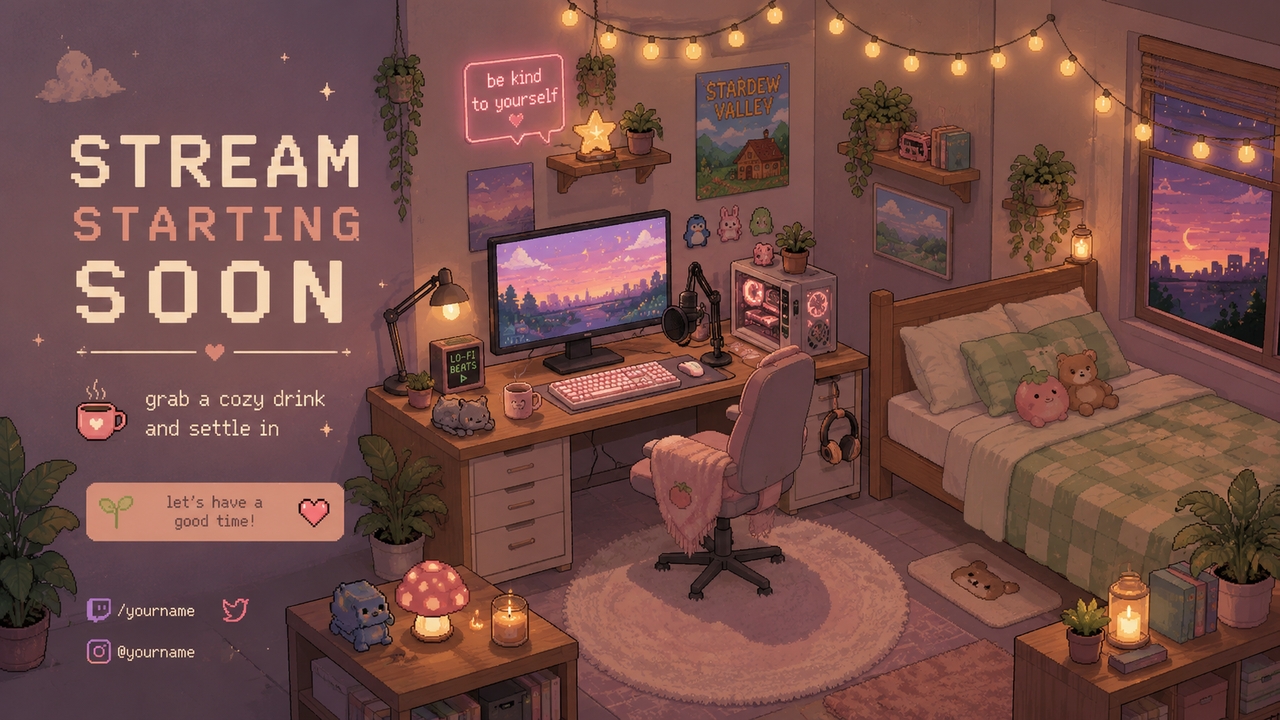
Warm, soothing layouts establish an incredibly inviting space for a community. Soft design choices fit beautifully for slower-paced playthroughs of Stardew Valley or any casual Just Chatting streams you host. Prompt: Lo-fi pastel stream cover showing a detailed isometric bedroom. Features a soft-lit computer setup, warm fairy string lights, and subtle retro pixel-art decor scattered across the backdrop.
Retro Arcade & Synthwave Style
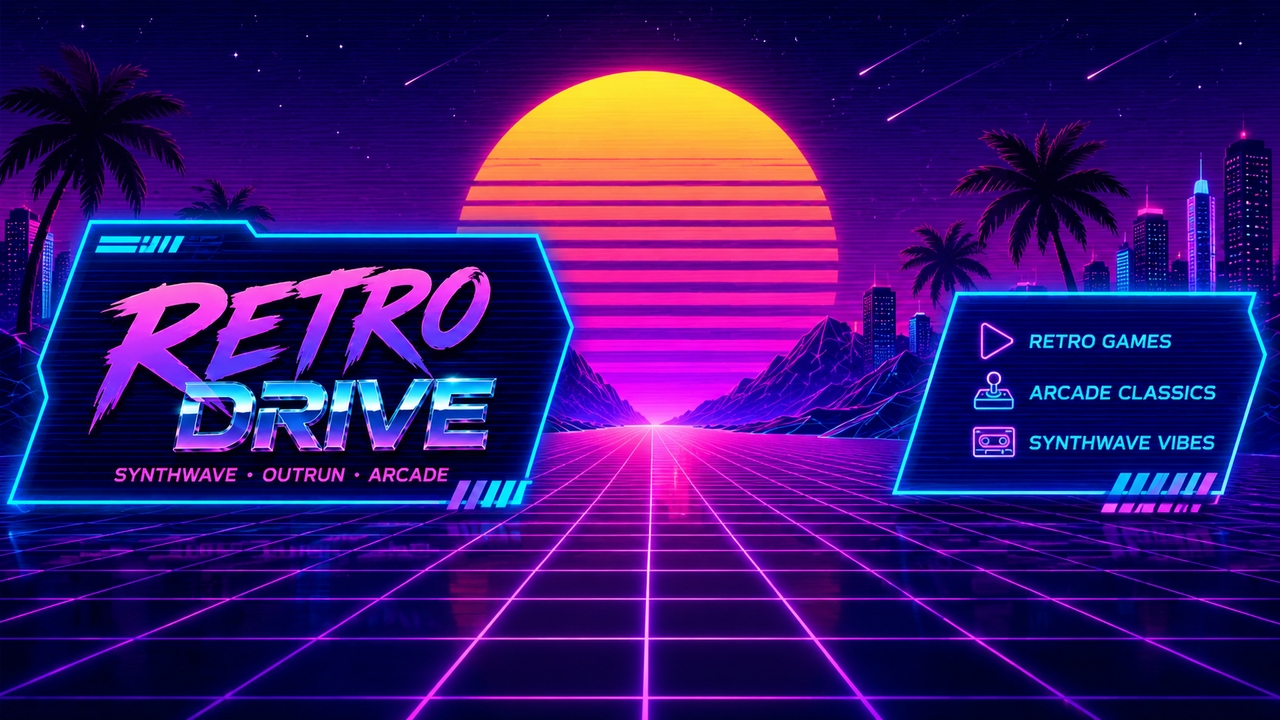
Outrun and vaporwave themes add an instant hit of nostalgic retro energy to the entire interface. If you love 80s aesthetics, these grid-heavy, neon looks pop cleanly on modern monitors. Prompt: 1980s synthwave channel banner containing a deep purple wireframe grid receding into the distance, a massive glowing digital sunset, and clean electric-blue typographic panel
Dark Fantasy and RPG Overlays
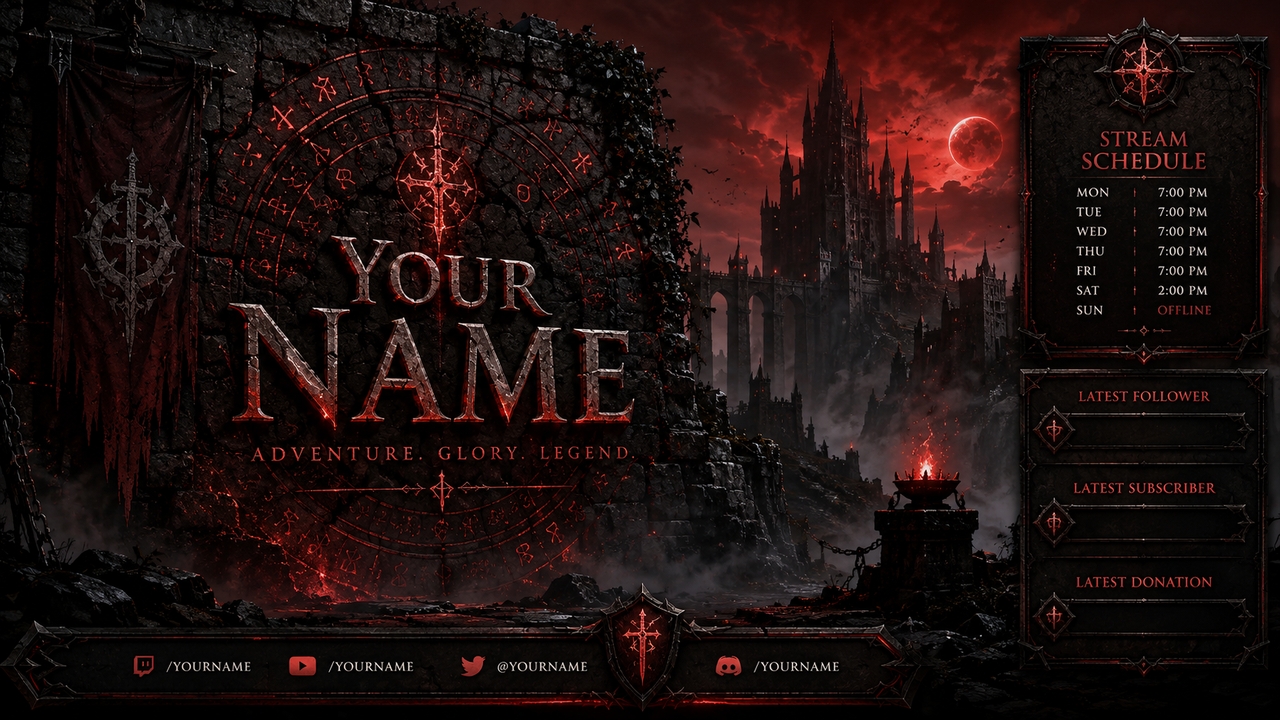
Grim, cinematic backdrops build intense atmospheric weight before a stream even kicks off. This style works wonders if you broadcast Elden Ring or World of Warcraft. Prompt: Grim dark fantasy banner styled around an ancient stone wall engraved with glowing magical runes, distant medieval tower silhouettes, and deep blood-red ambient light highlighting text blocks.
Minimalist IRL & Podcast Layouts
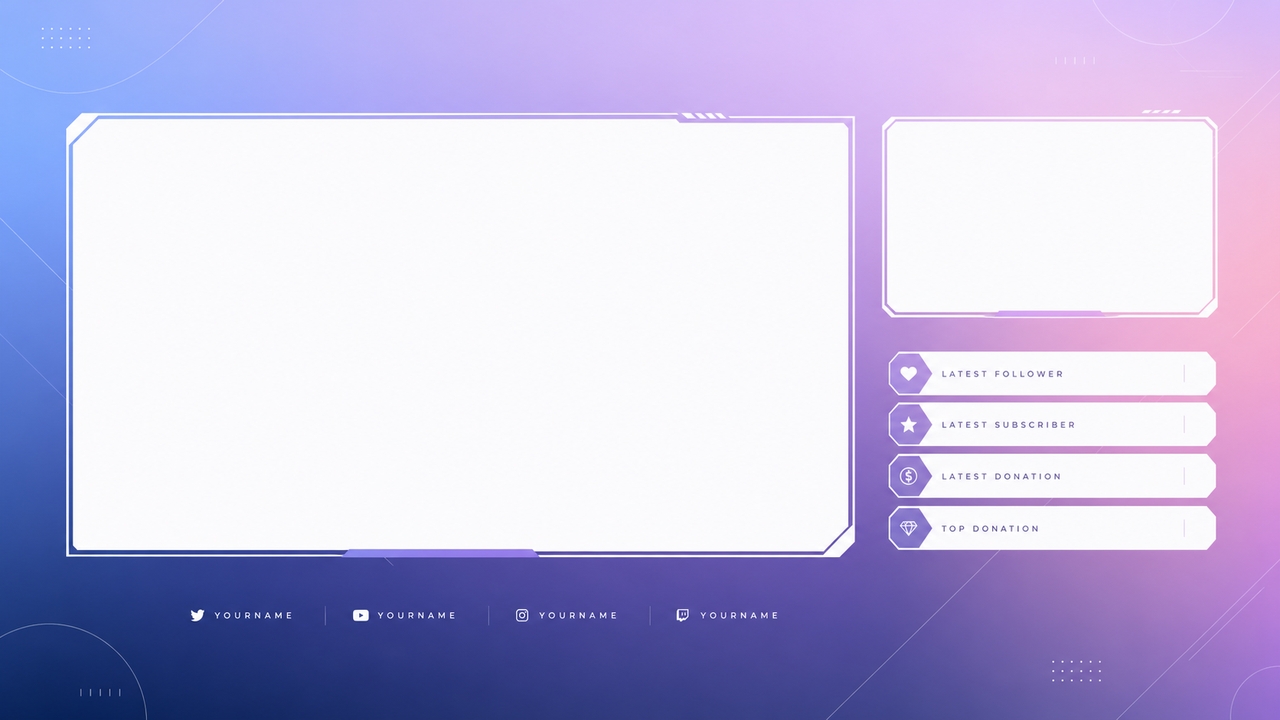
By stripping away the unnecessary clutter, the focus becomes solely on the creator's own individual branding. Clean, uncrowded panels are great for conversational chats, face-cam streams, or live panel shows. Prompt: Ultra modern minimalistic streaming graphic with smooth subtle gradient background, crisp white font spaces and very faint geometric linework overlays.
Anime & VTuber Wallpapers
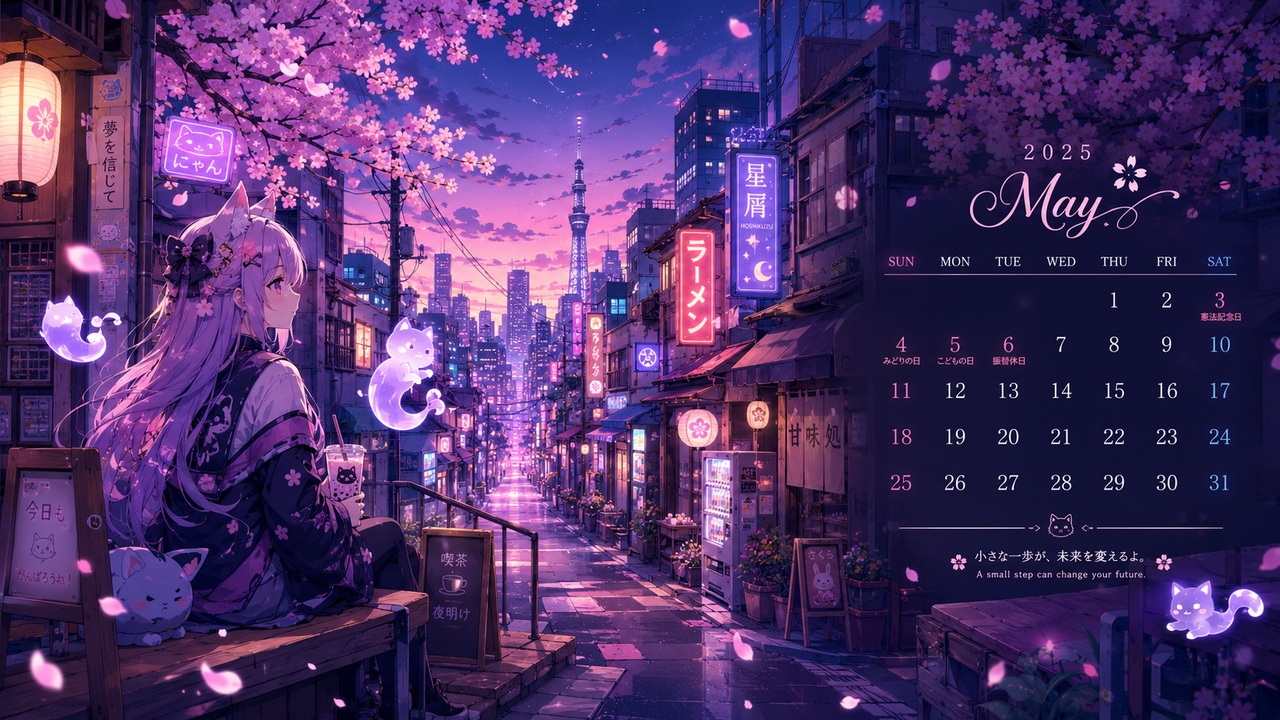
Brightly hand-drawn scenes blend beautifully with virtual models and elaborate lore of the channels. Right on the dashboard, plenty of illustrations give an avatar a consistent universe to live in. Prompt: Banner in anime art style of a Tokyo side-street at twilight. Cherry blossoms, wisps, float across pastel-colored storefront neon signs, calendar layout.
A Twitch banner generator made for every gaming content creator
From weekend hobbyists to full-time partnered broadcasters, everything scales to your specific needs.
New and affiliate streamers
Starting a broadcast journey often feels overwhelming. This platform offers a frictionless way for you to create a Twitch banner, helping you look like a professional on day one.
Esports organizations
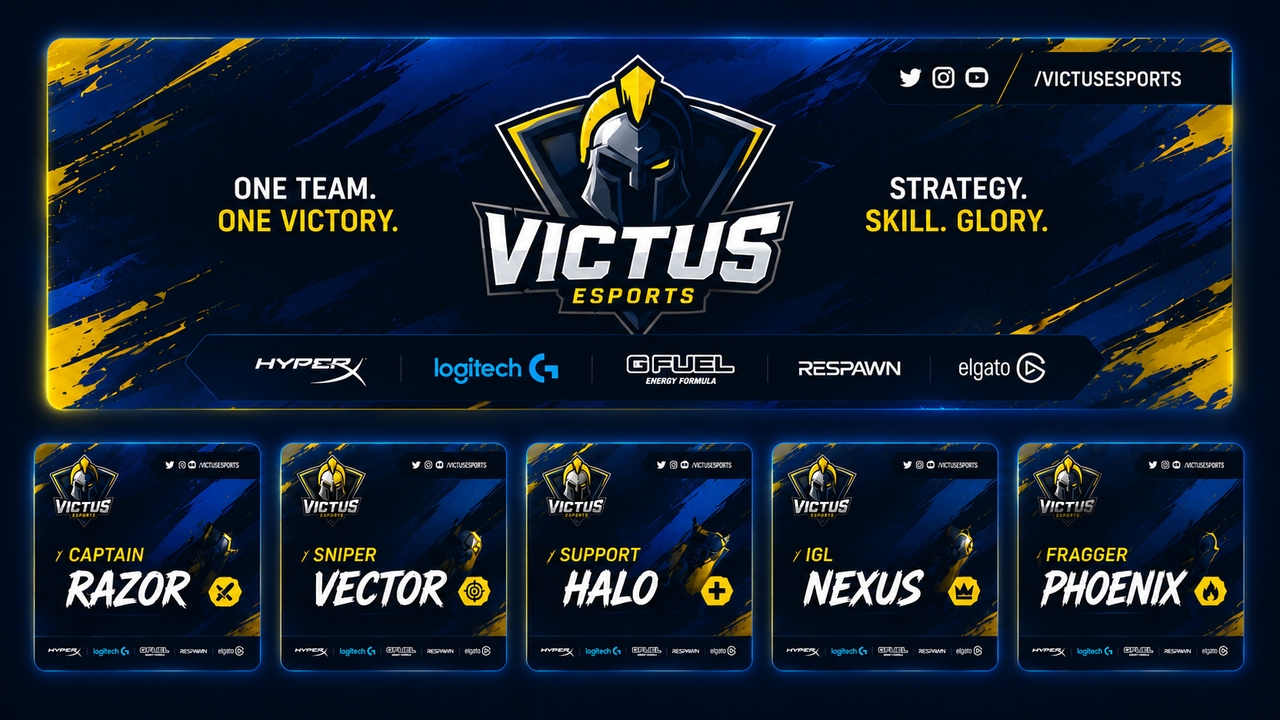
When you manage graphics for an entire roster of competitive players, the process becomes effortless. You can keep team colors, sponsor layouts, and typography consistent across dozens of channels simultaneously.
VTubers and digital avatars
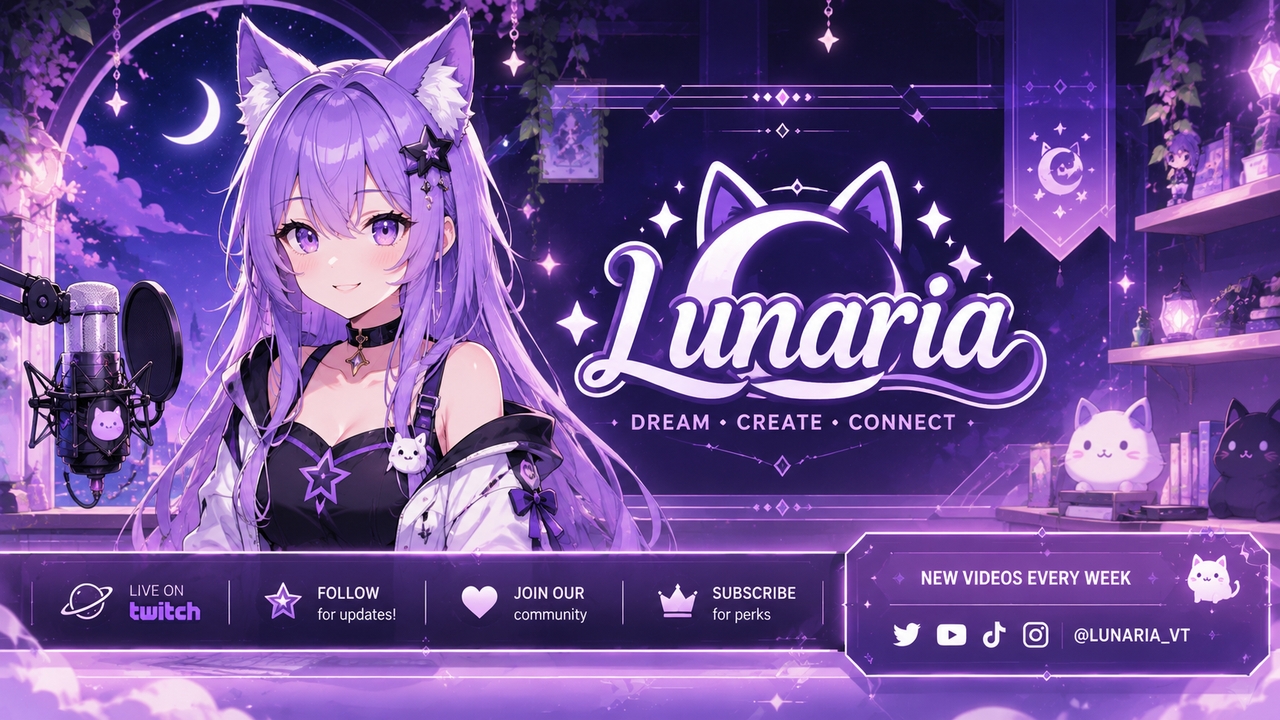
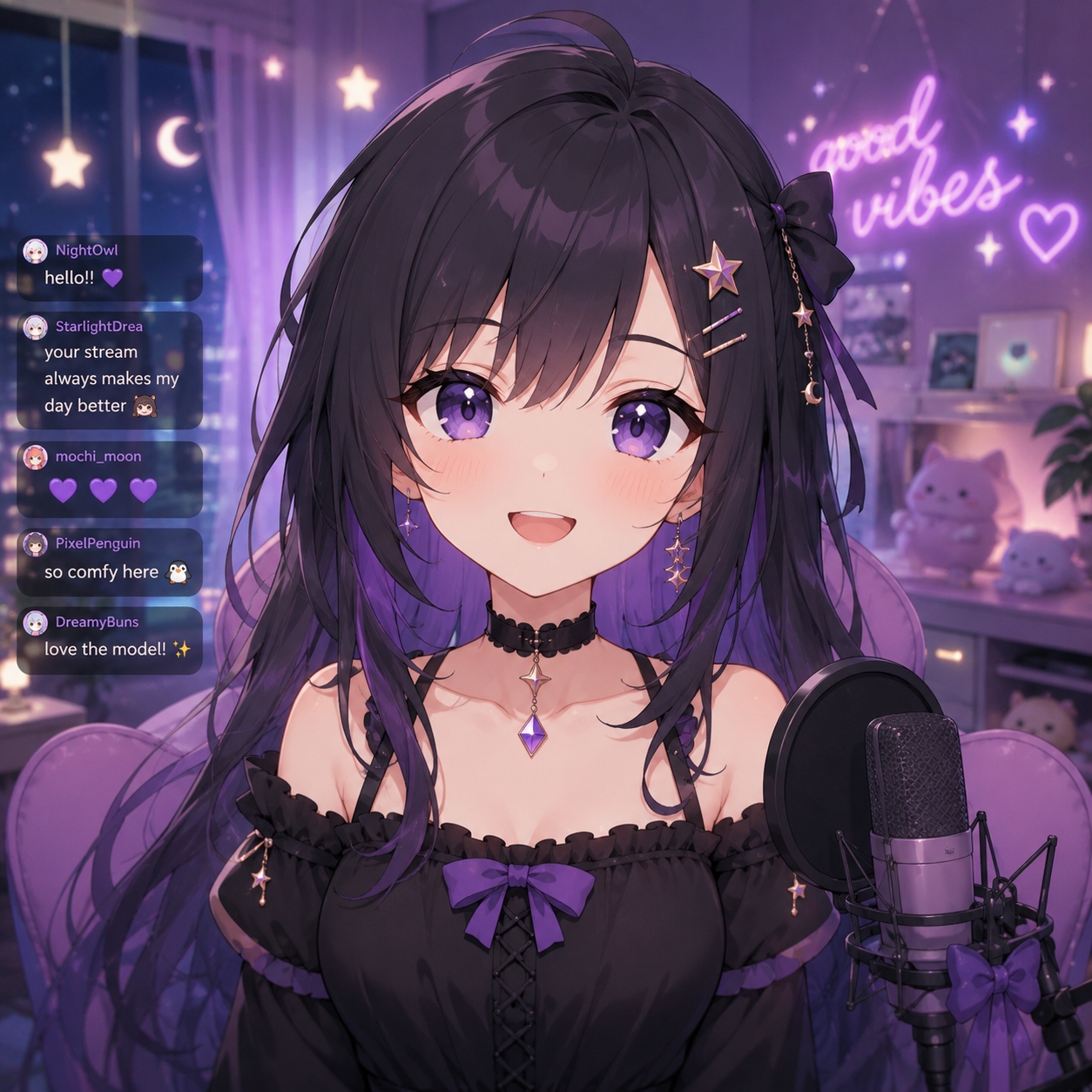
Ensure the channel background complements your digital models perfectly. By generating custom anime-style backgrounds, you help VTubers build immersive worlds matching their on-screen lore. Starting from scratch? A logo maker helps you finalize digital persona branding quickly.
Speedrunners and challenge runners
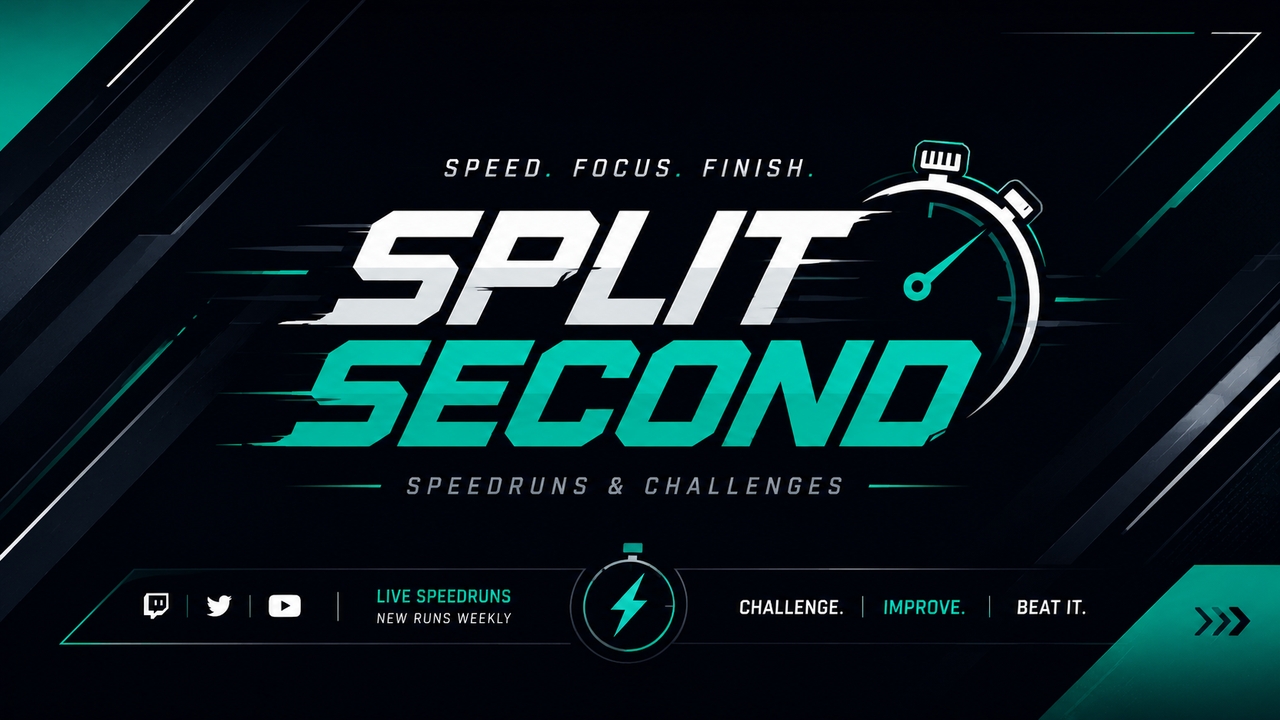
When you focus on timers and split-second gameplay, the background should never be distracting. You can easily generate clean, minimalist backdrops that frame gameplay captures without adding visual clutter.
Just Chatting and podcast hosts
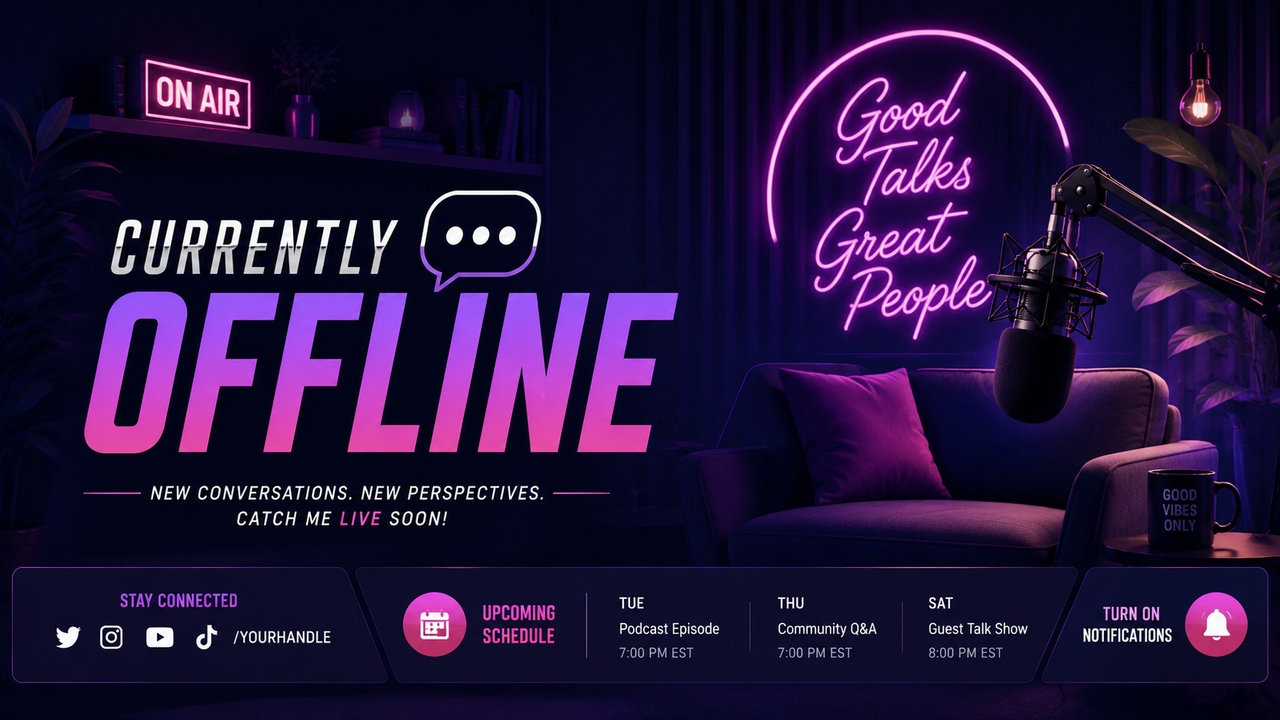
If you host talk shows or interview segments, a personal brand is the main attraction. You can quickly design sleek, modern offline screens that highlight social media links and upcoming guest schedules clearly.
MMO and RPG guild leaders
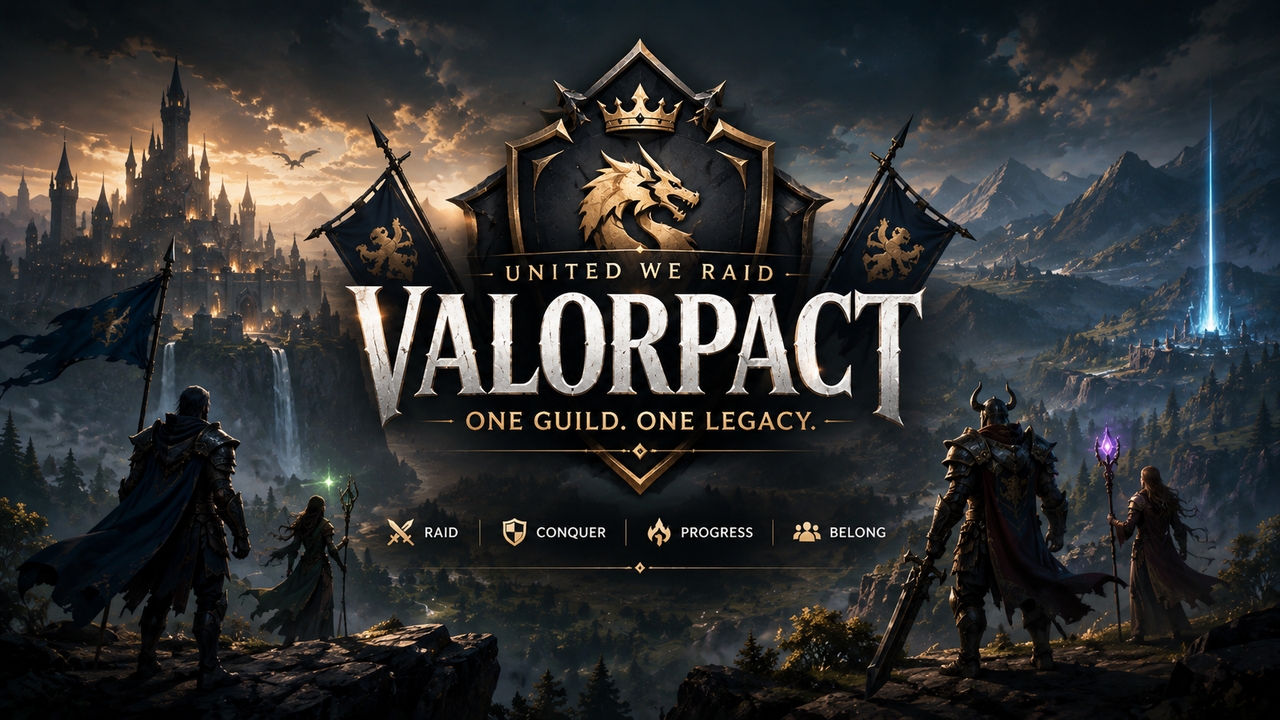
Broadcasting massive multiplayer raids requires an epic aesthetic. You can generate sweeping fantasy landscapes and medieval motifs that perfectly capture the scale of in-game adventures for the entire community.
What users are saying about our Twitch banner generator?
Read reviews from successful broadcasters and content creators who elevated their channel branding.
Frequently asked questions
What is the correct size for a Twitch profile banner?
Can I create matching offline screens and panels?
Do I retain the rights to the stream graphics I generate?
Do I need professional design experience to make a Twitch banner?
Can I include my existing streamer logo in the new design?
Is there any red eye remover online for free?
Still have questions?
Have questions or need assistance? Our team is here to help!
Build your best Twitch stream yet with Framia Pro!
With Framia Pro's AI Twitch banner maker, you can now create stunning profile banners and panels for your gaming channel.
Explore more AI features & models on Framia Pro
Discover more
- Lyric Video Generator
- Text To Voice
- Image To Video AI
- AI Music Video Generator
- AI Influencer Generator
- AI Animation Generator
- AI Character Generator
- AI Voice Generator
- AI Video Enhancer
- Faceless Video
- Remove Watermark From Video
- Photo Enhancer
- AI Script Generator
- Color Correction
- AI Face Swap
- Poster Maker
- AI Image Editor
- AI Video Editor
- AI Video Generator
- Content Creator
- Small Business
- Audio Visualizer
- Image Upscaler
- AI Video Upscaler
- Video Stabilizer
- Blur Image
- AI Expand Image
- Add Audio To Video
- Designer
- Agencies
- AI Anime Generator
- AI Image Generator
- AI Inpaint
- AI TikTok Video Generator
- Brand Ads
- Lip Sync AI
- Movie Maker
- Movie Trailer
- Photo To Cartoon
- Photo To Video
- Video Agent