Video-to-Video AI Generator Online

Turn any clip into a new style video using video-to-video AI. Create fresh edits from existing footage in a simple online tool.

Start for Free

Give your clip a direction: How to make a video from videos

Upload your video
Open Framia Pro, upload your clip, and then describe the new video style, mood, scene, or visual direction.. Click "Plan" to guide the tool.
Create video from video with AI
Click "Web" to enable online search and pick duration, aspect ratio, and AI model. Click "Generate" to create a fresh video.
Edit and save your result
Preview scenes, add captions or visuals, and refine timing. Click "Download" to export your video for sharing to your device.

Feel the moment: Features that bring your videos close to heart

Change simple clips into scenes that feel straight out of a movie. Watch every frame come alive.

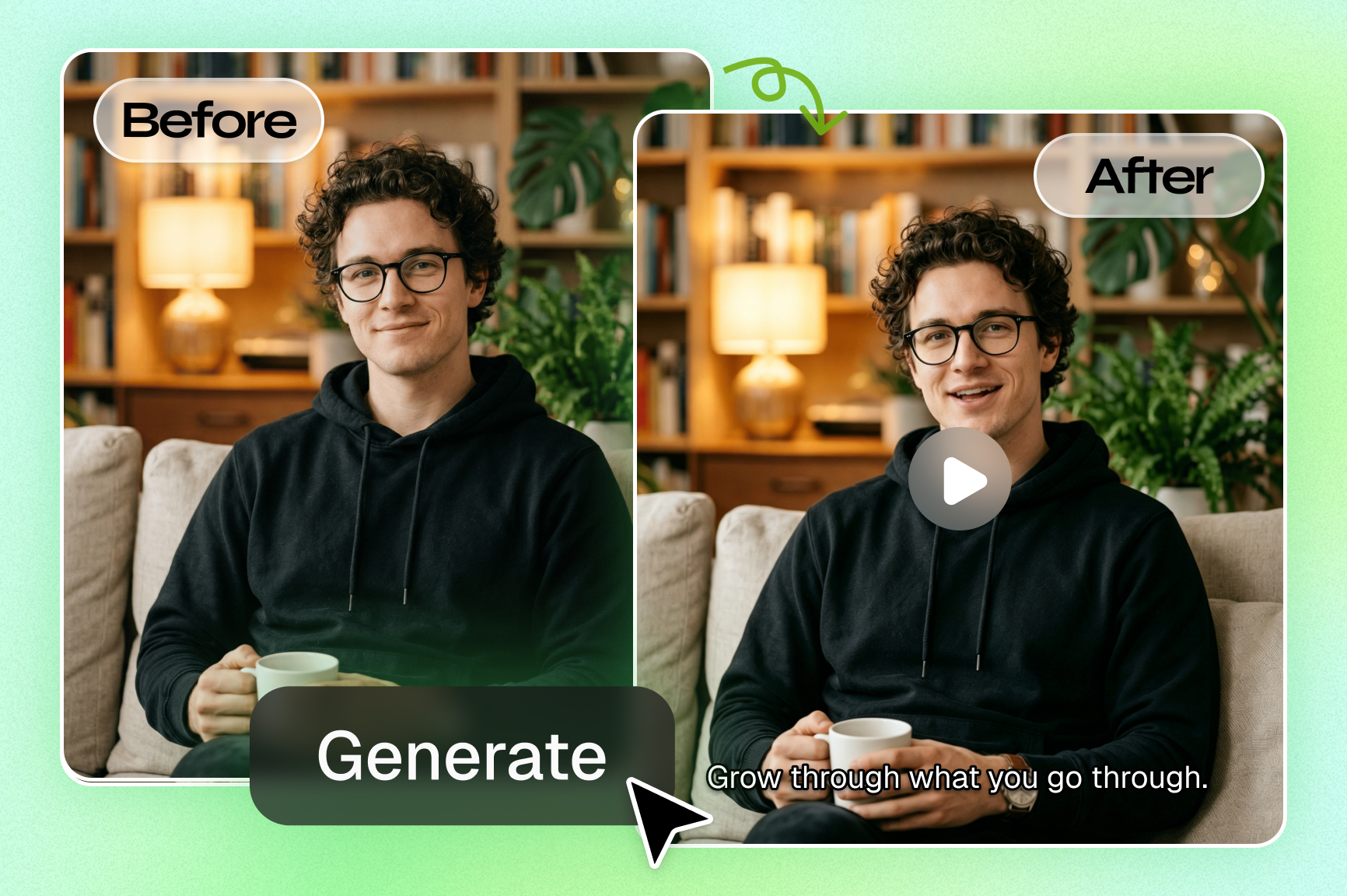
Turn any raw footage into a cinematic masterpiece

Upload a clip and generate a rich story scene with camera movement, better lighting, and natural action. Framia Pro supports Seedance 2.0, Kling 3.0. Veo 3.1, Wan 2.7, and Sora 2 Pro that create lifelike motion, realistic dialogue, and cleaner scenes.
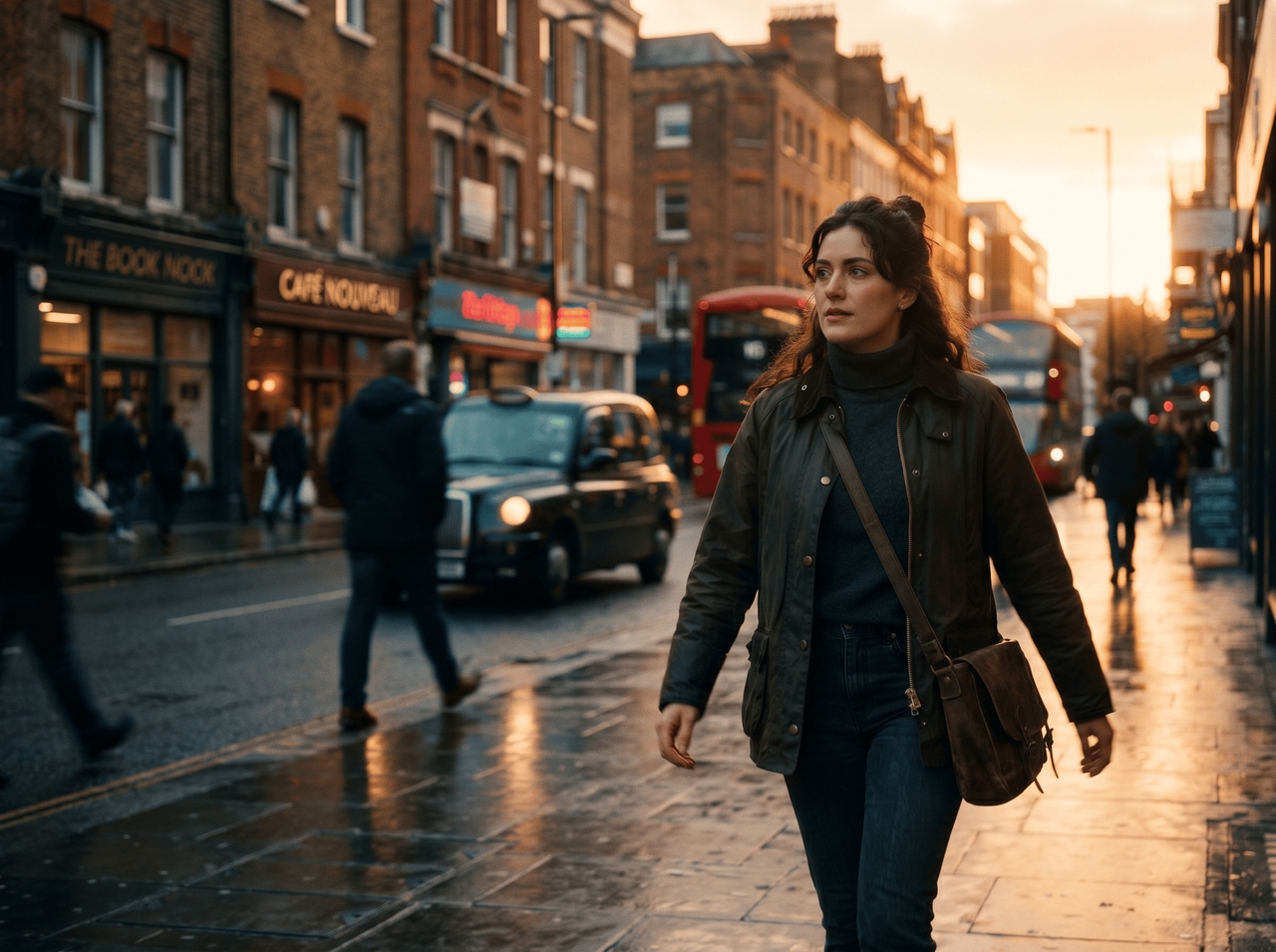
Turn any raw footage into a cinematic masterpiece
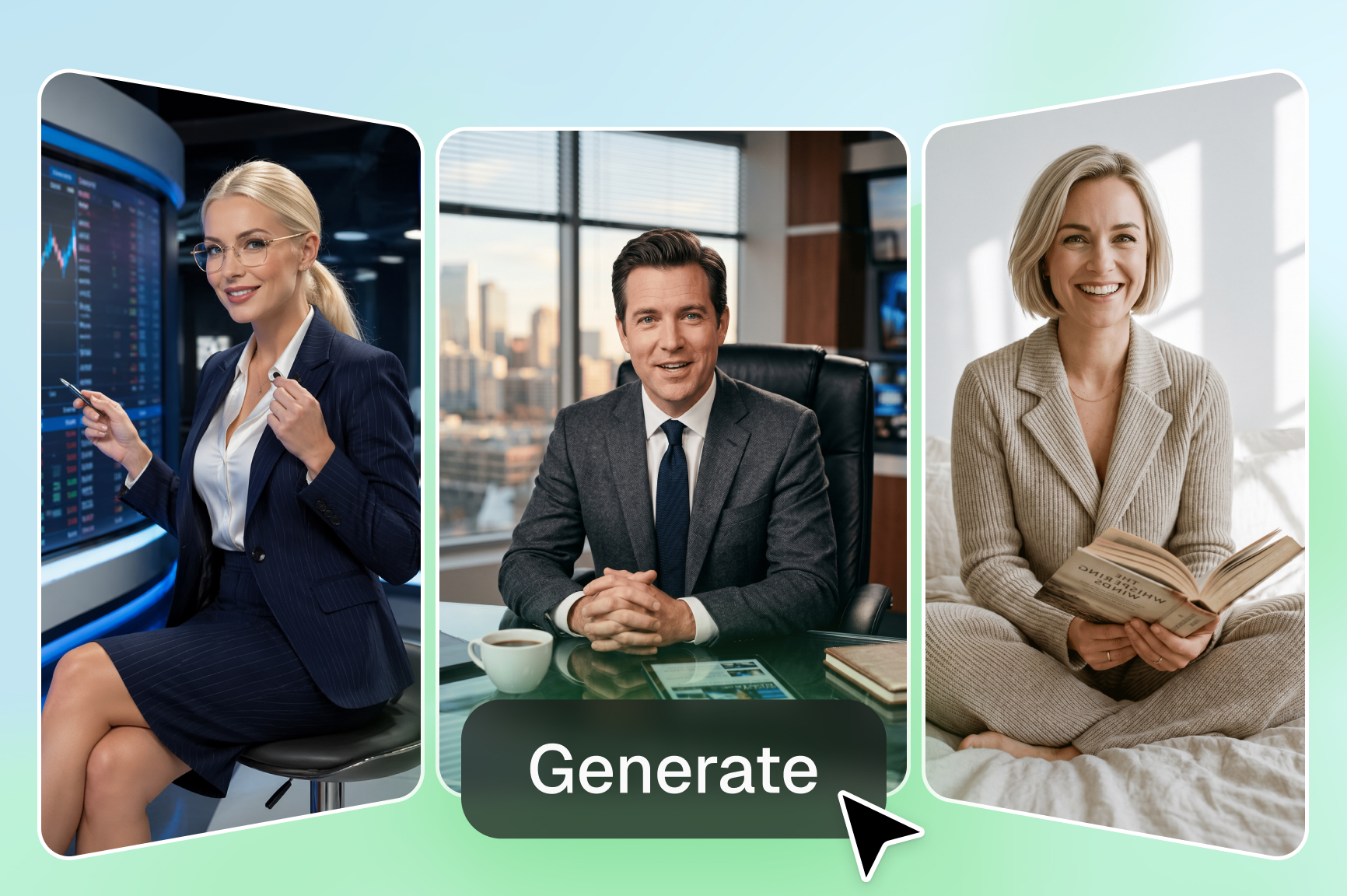
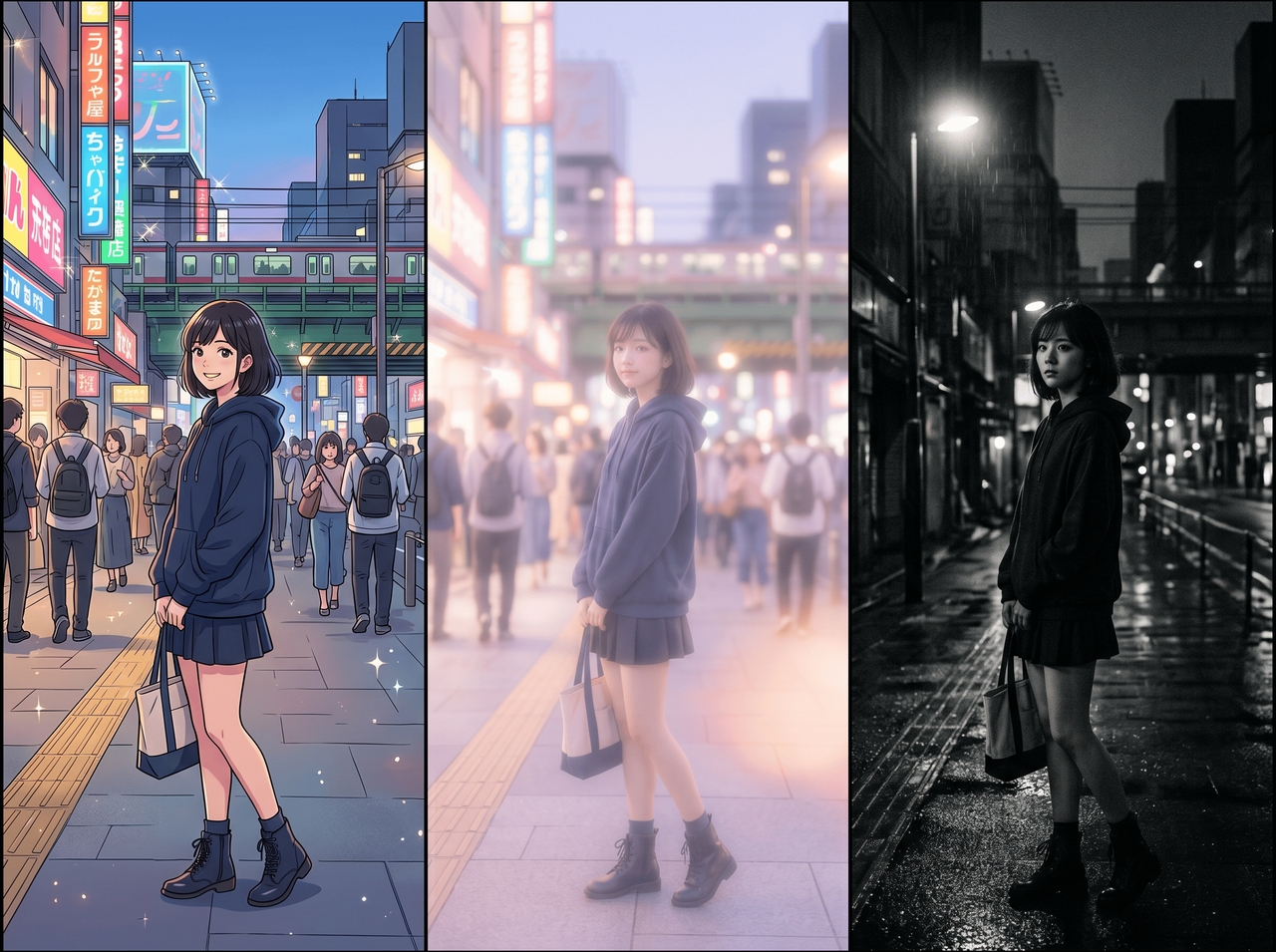
Apply any artistic style with a single sentence

Apply any artistic style with a single sentence

Describe a mood, art style, or scene idea, and see the video change into something fresh. Our AI video-to-video generator converts footage into anime scenes, dreamy edits, cinematic stories, or social media clips through simple text instructions.

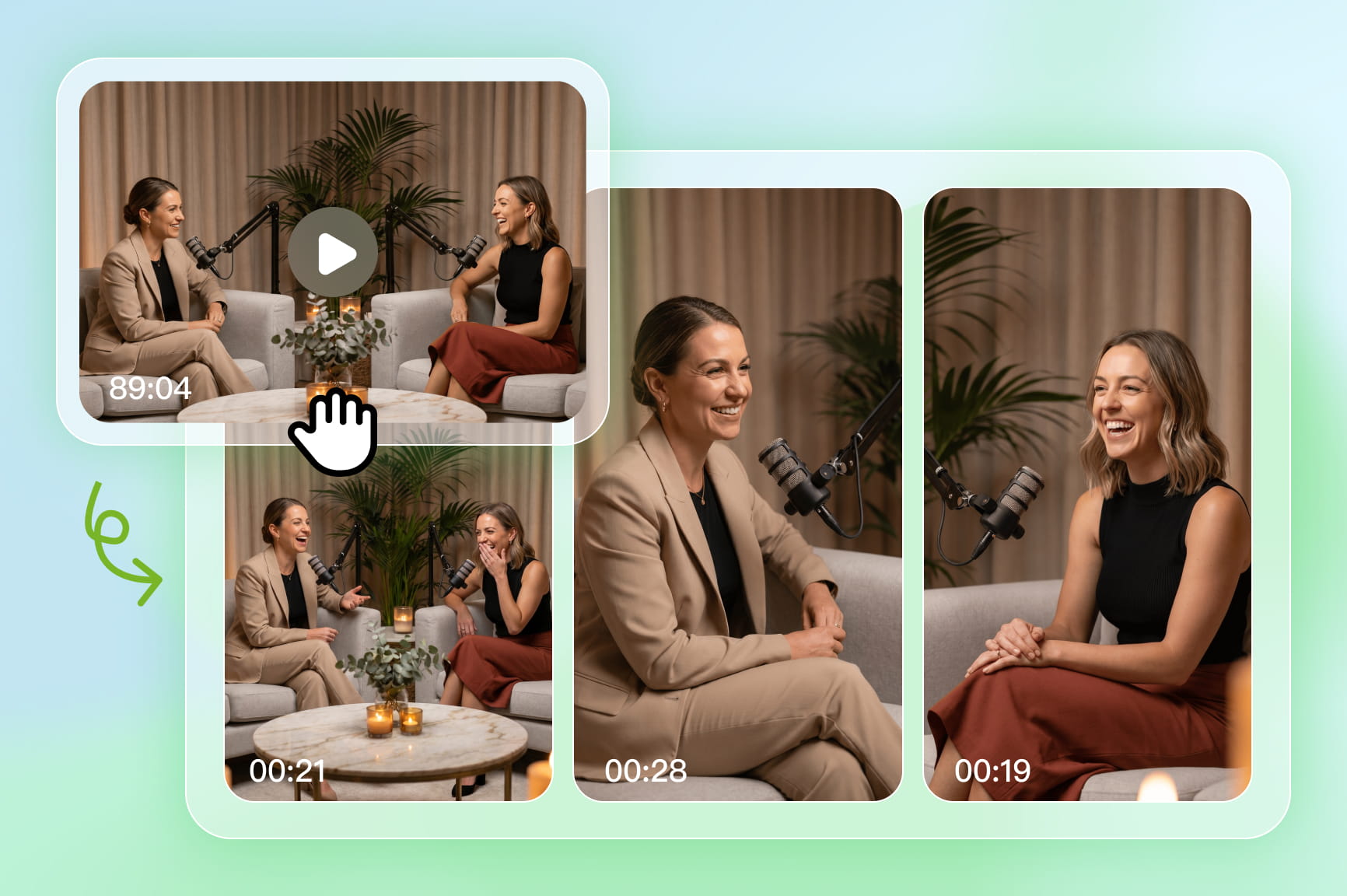
Go from long to short without losing the magic

Cut longer recordings into short clips of 15s to 6 minutes that still carry the key scenes from the original video with our video-to-video generator. Get scenes that flow smoothly till the end from your travel footage, podcasts, interviews, and vlogs.
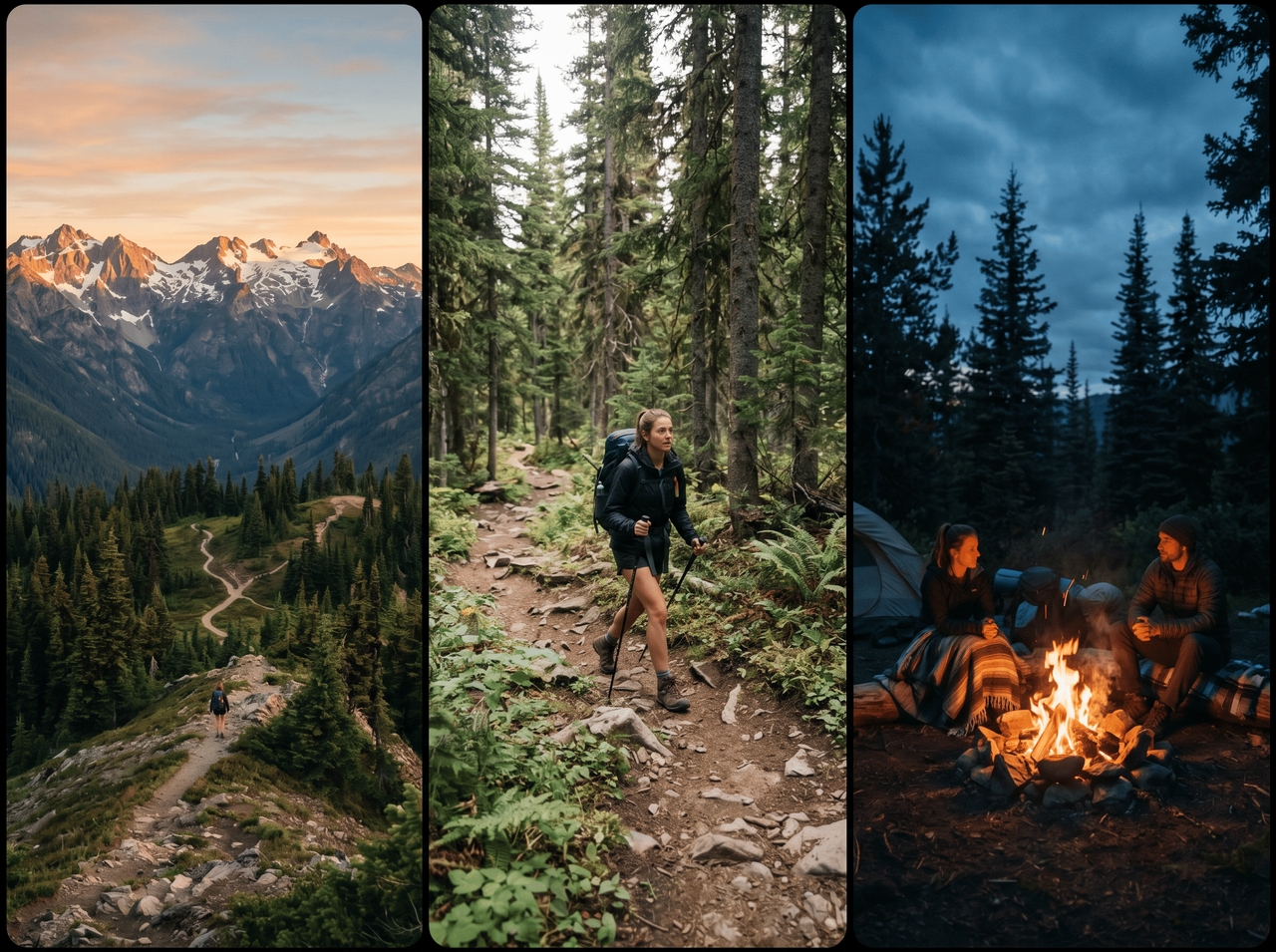
Go from long to short without losing the magic
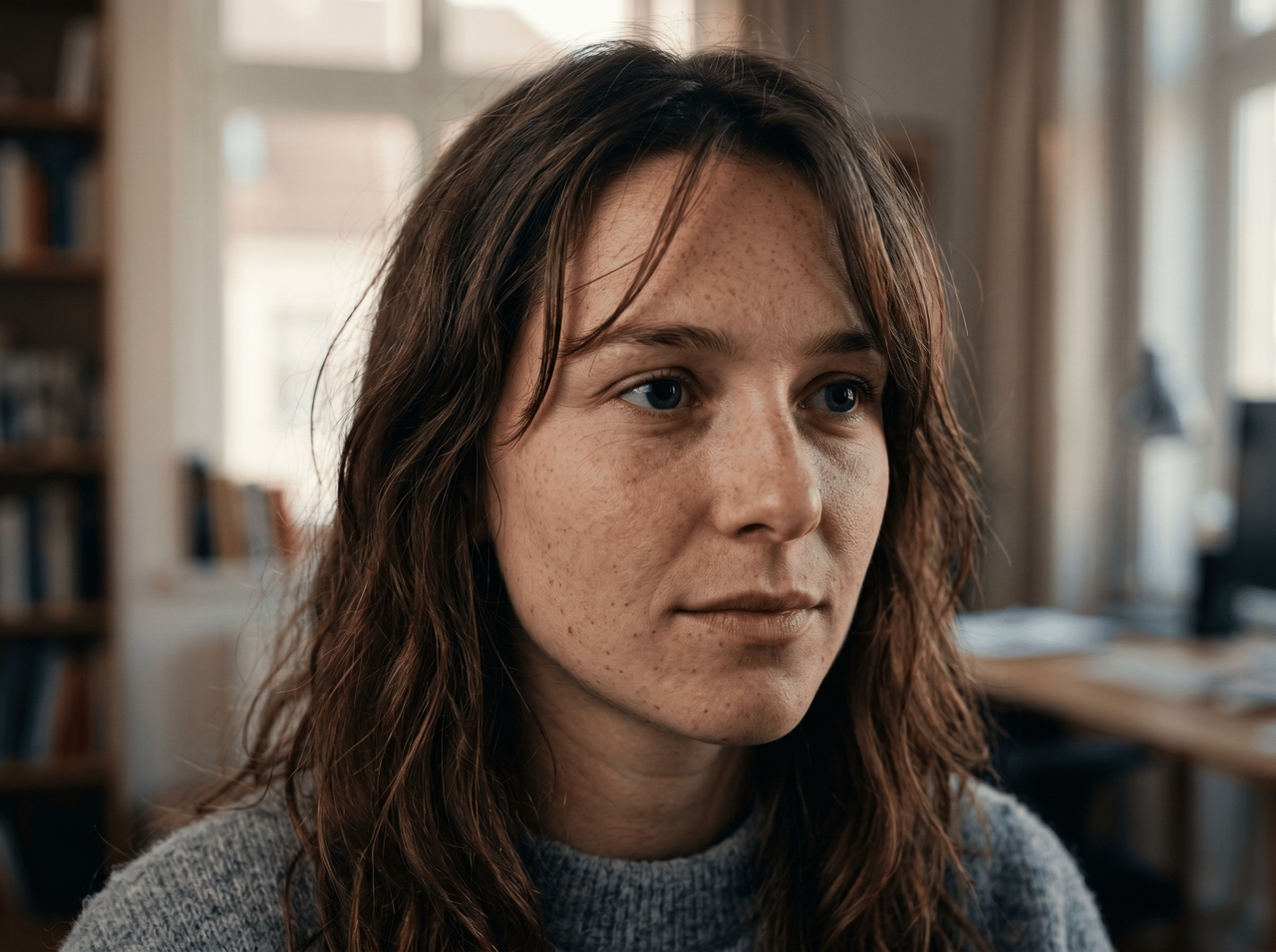
Improve video clarity up to 4K quality

Improve video clarity up to 4K quality

Raise soft or low-quality footage into sharper video with clearer faces and richer detail. Framia Pro works with Veo 3.1 and Kling 3.0, which support strong visual output for larger screens and social uploads.

Plan your video before you start creating

Describe your idea and receive scene suggestions before generation starts. Our free video to video AI generator includes an AI planning tool that outlines shots, camera angles, and transitions so your story follows a smoother direction from the opening frame.
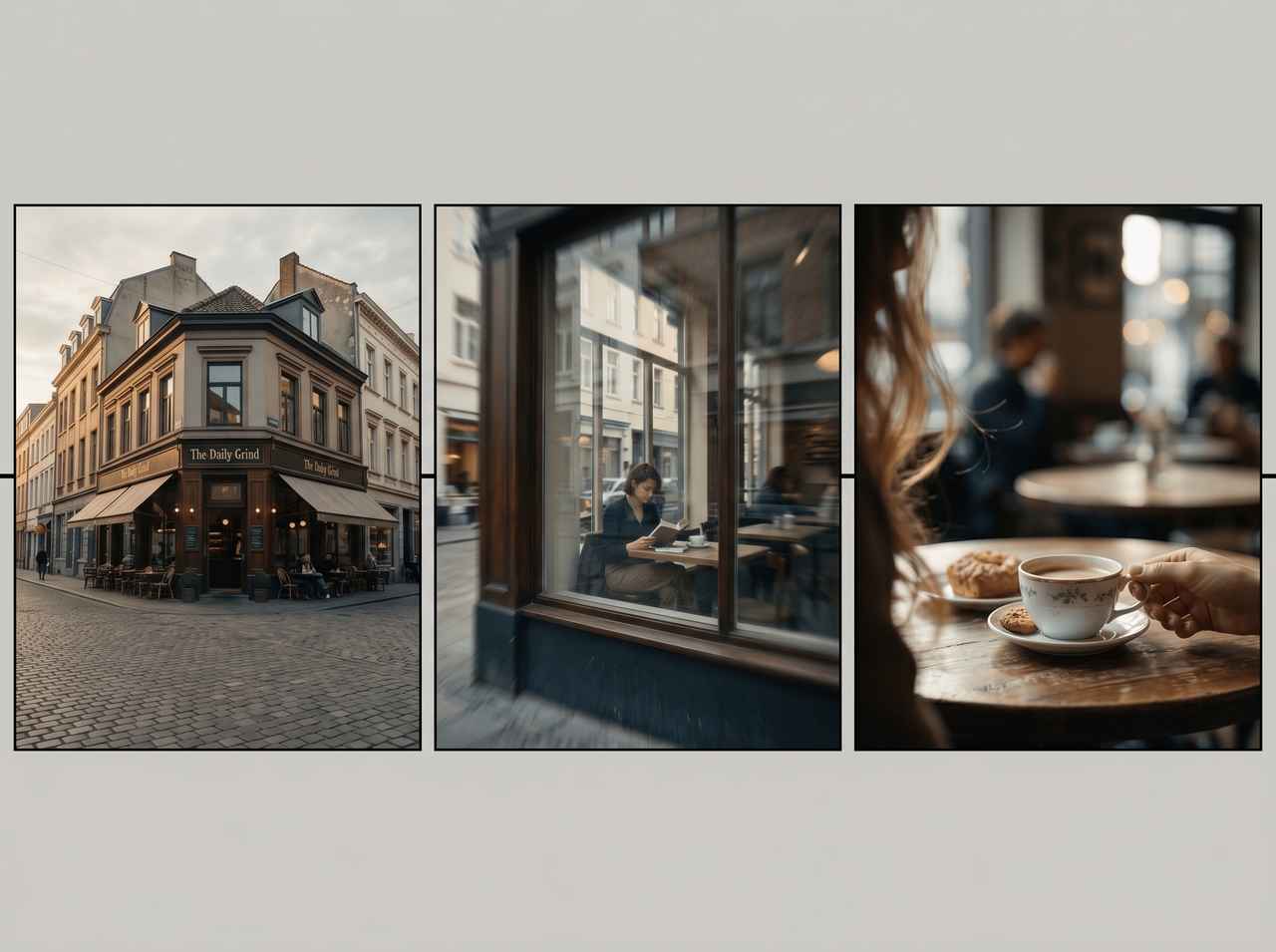

Plan your video before you start creating
Edit and adjust your video after generation

Edit and adjust your video after generation

Change scenes, rewrite sections, trim clips, or update visuals after the first result appears. Framia Pro includes video editing tools that let you continue shaping the story instead of starting the entire process again.

Preserve every face, every movement, every detail

Hold the same character appearance through different scenes while expressions and body language stay steady in each frame. Framia Pro uses reference guidance to carry clothing, facial features, and visual style through the entire video.
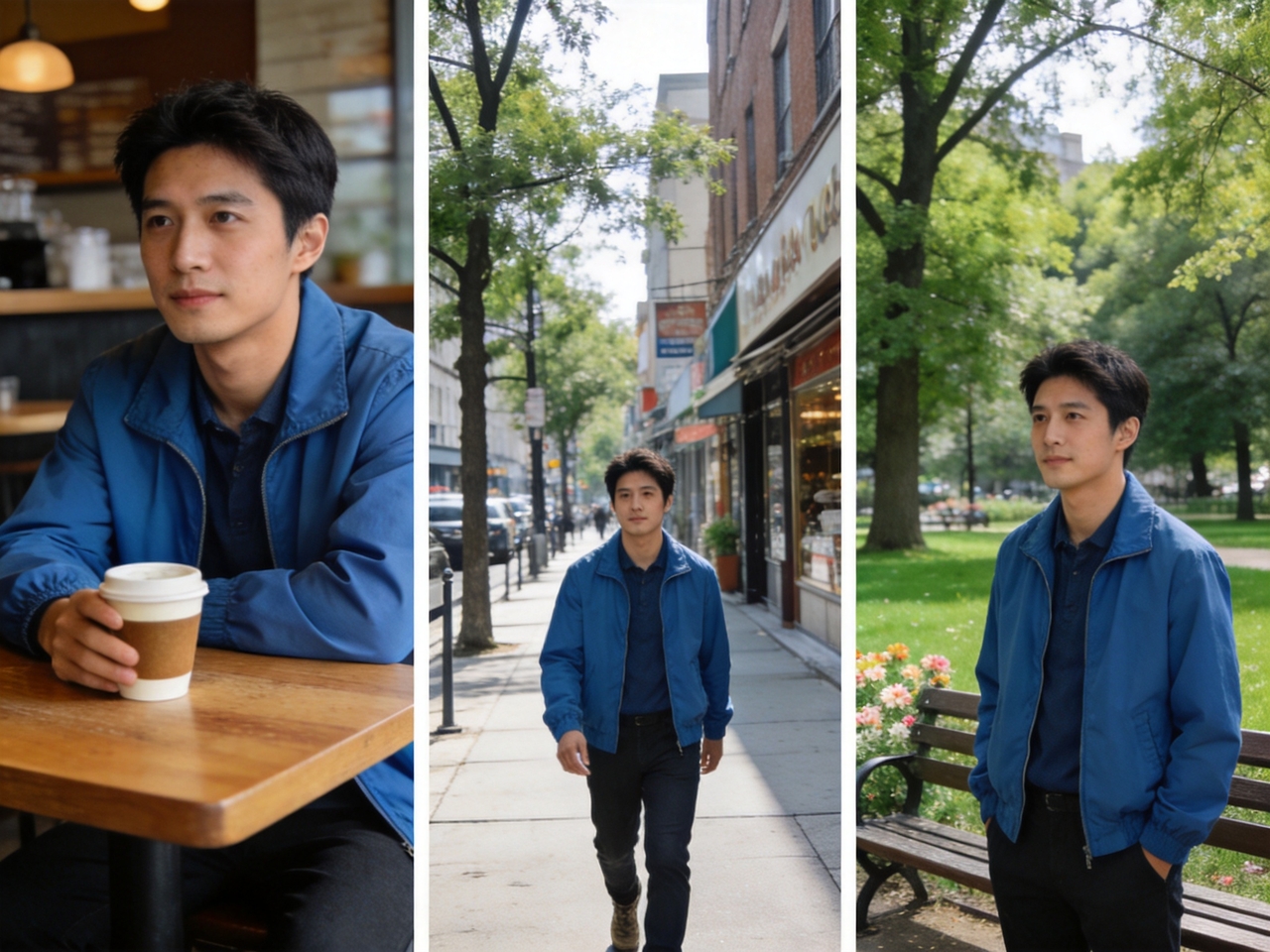
Preserve every face, every movement, every detail
Generate in multiple aspect ratios at once

Generate in multiple aspect ratios at once

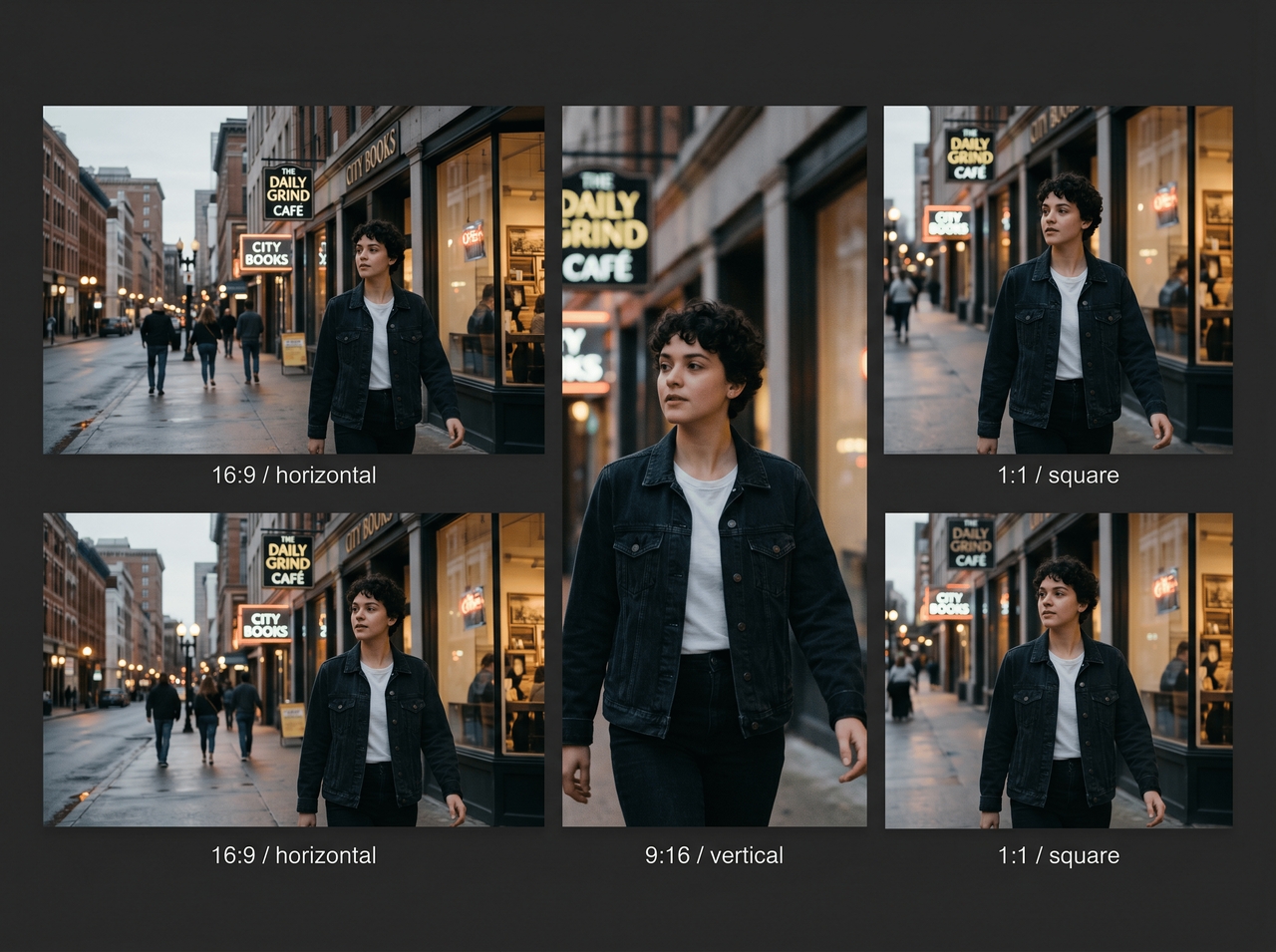
Create wide-screen videos for YouTube, vertical clips for TikTok, and square posts for social feeds during the same project. Framia Pro supports several screen formats through Veo 3.1, Sora 2, and other leading AI video models.

Find your perfect match: What Framia Pro can do for your unique stories

Explore different video styles using our AI video-to-video generator and convert your simple clips into story edits that match your idea.

Cinematic travel recaps
Convert travel clips into short story videos using our video-to-video AI tool. Each scene carries soft tones, steady flow, and a film-like feel that shows places, people, and moments in a simple story format that feels easy to watch.
Viral social media Reels
Create TikTok or Instagram reels with strong pacing using our free online video-to-video AI generator. Each edit fits social trends, clear cuts, and quick scenes that suit social content without complex editing steps or extra tools.
AI anime or cartoon clips
Change real videos or images into anime or cartoon-style scenes using Framia Pro's video-to-video AI tool. It redraws faces, places, and actions into illustrated form while keeping original expressions and movements readable for storytelling in a fun animated format.
Music video visual effects
Match visuals with beats and rhythm to form music-driven videos using our video-to-video AI generator for free. Align scene changes with sound, add motion effects, and blend clips with songs or AI-generated music for a more expressive viewing experience.
Short-form documentary cuts
Turn longer recordings into short, clear story videos. Framia Pro selects main points, trims extra parts, and arranges scenes in simple order so viewers can understand the content quickly without losing the main message or context.
Fantasy or sci-fi scene rewrites
Convert regular clips into fantasy or sci-fi styled scenes with our free video-to-video AI tool. Remove backgrounds, add imaginative settings, and reshape visual tone while keeping the core action intact for storytelling in new fictional environments.

Reasons creators trust Framia Pro for their videos

Follow real trends, keep characters steady across scenes, and get full creative control with our video to video AI generator!

Web search current trends
Enable web search before video generation to track rising styles, viral ideas, and popular video formats with our AI video-to-video generator for free. Find out what is trending and get scenes that match what viewers are already watching.
Keep characters perfectly true
Hold the same face, clothing, and identity across every frame of a video. Framia Pro uses advanced models that support strong character stability, so your people or brand figures stay the same even when scenes, angles, or backgrounds change during generation.
Absolute creative freedom
Get freedom to create your videos without limits on direction. Framia Pro lets you switch between cinematic, animated, realistic, or music-based formats while combining tools for video, sound, and editing in one place for full story control.

Sweet words from our growing creative family

Creators share how Framia Pro creates stories that feel alive, giving their ideas a new voice through video, sound, and style in one easy place.


Last month, I uploaded random train and street clips into Framia Pro just to test it. The result surprised me. My rough vacation footage suddenly felt like scenes from a quiet indie film. Friends actually thought I hired someone for editing afterward.
Evan Walker
Evan Walker
Travel Creator
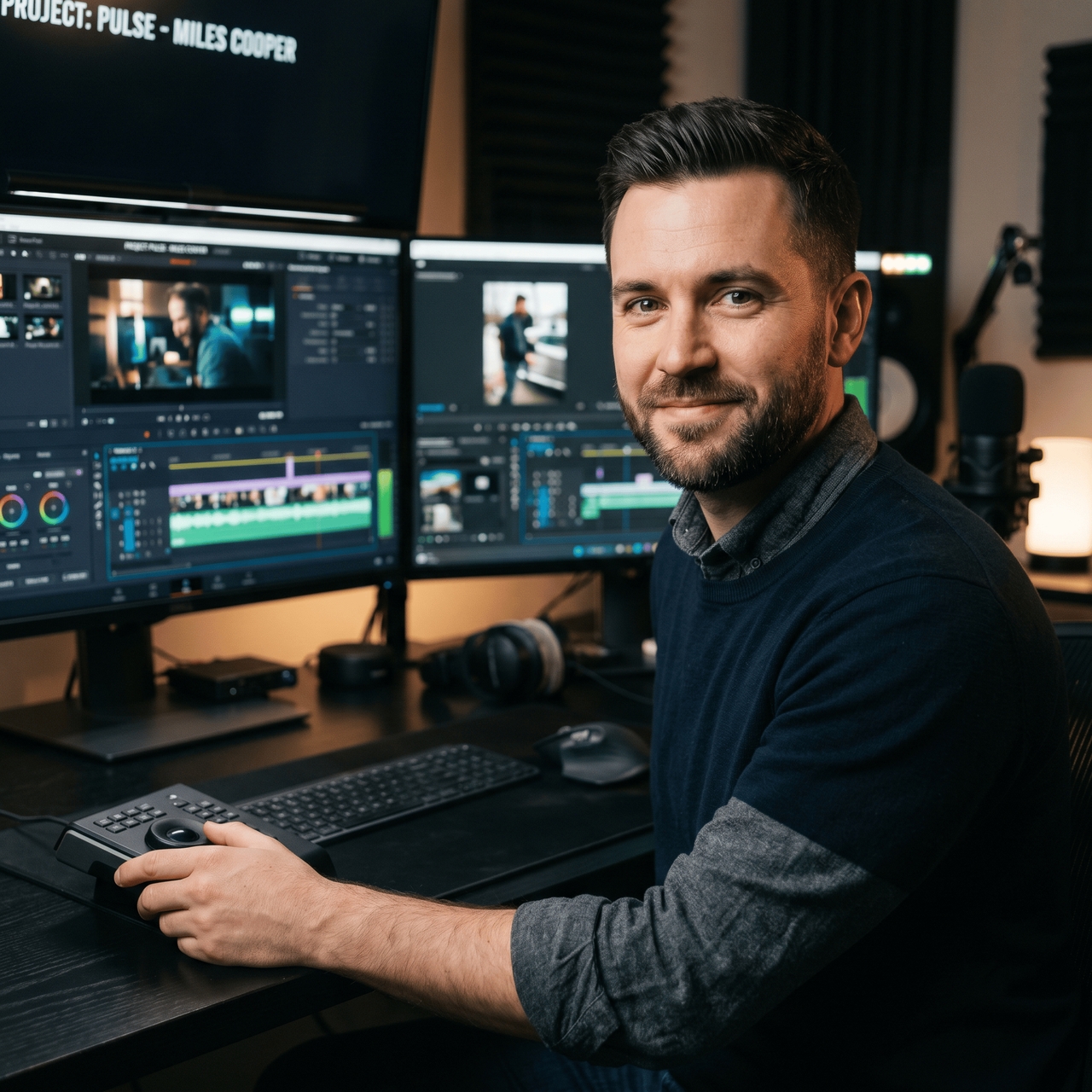
Most AI video tools gave me strange faces after scene cuts, but Framia Pro stayed far more stable during my reel projects. Kling 3.0 handled camera flow really well, and the final clips looked smooth enough for paid client content online.
Miles Cooper
Miles Cooper
Short Video Editor
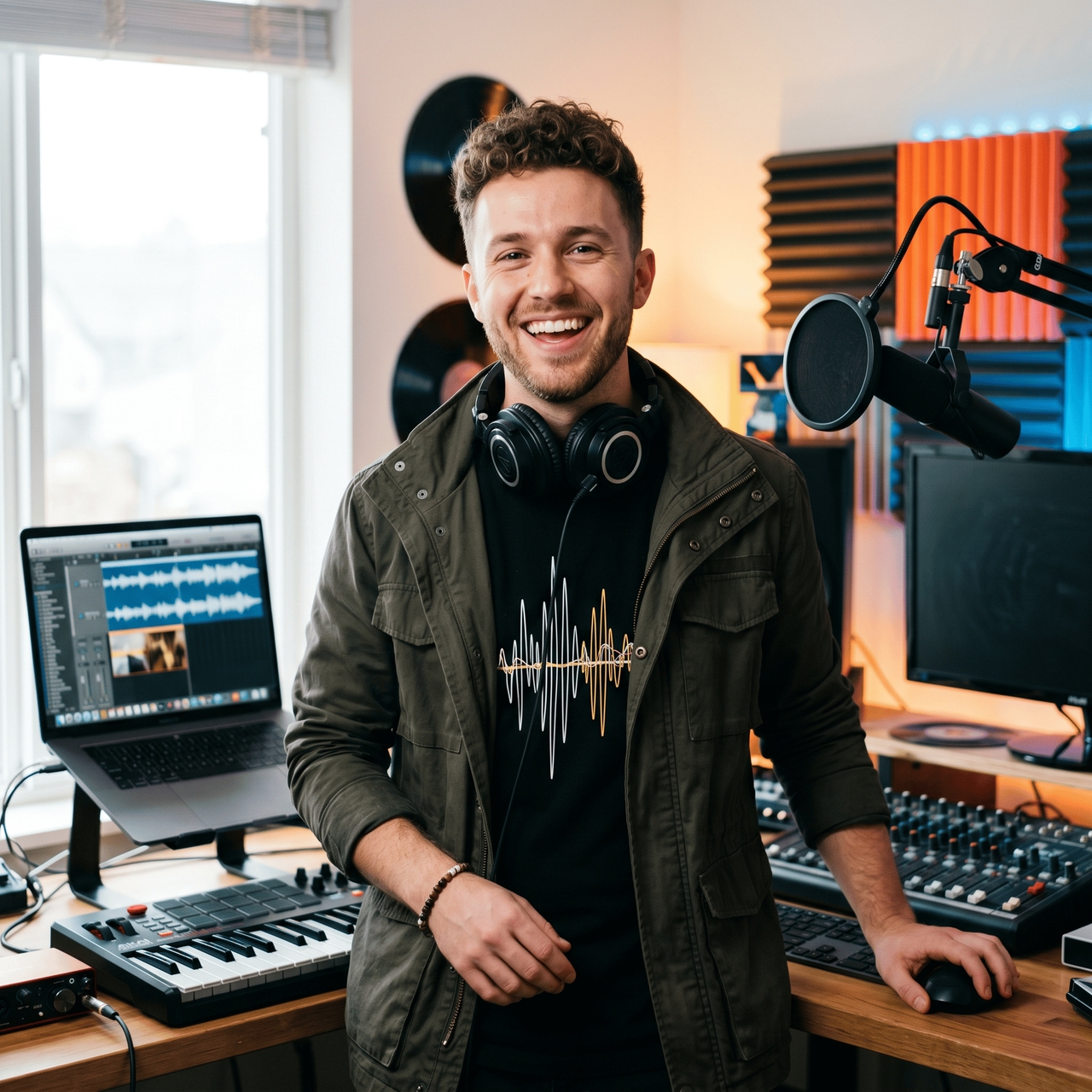
I tested Framia Pro for lyric videos after seeing people mention native audio and lip sync online. The beat timing actually matched my scenes properly. One simple prompt gave me a full sequence that felt ready for YouTube the same night.
Ryan Mitchell
Ryan Mitchell
Music Content Creator
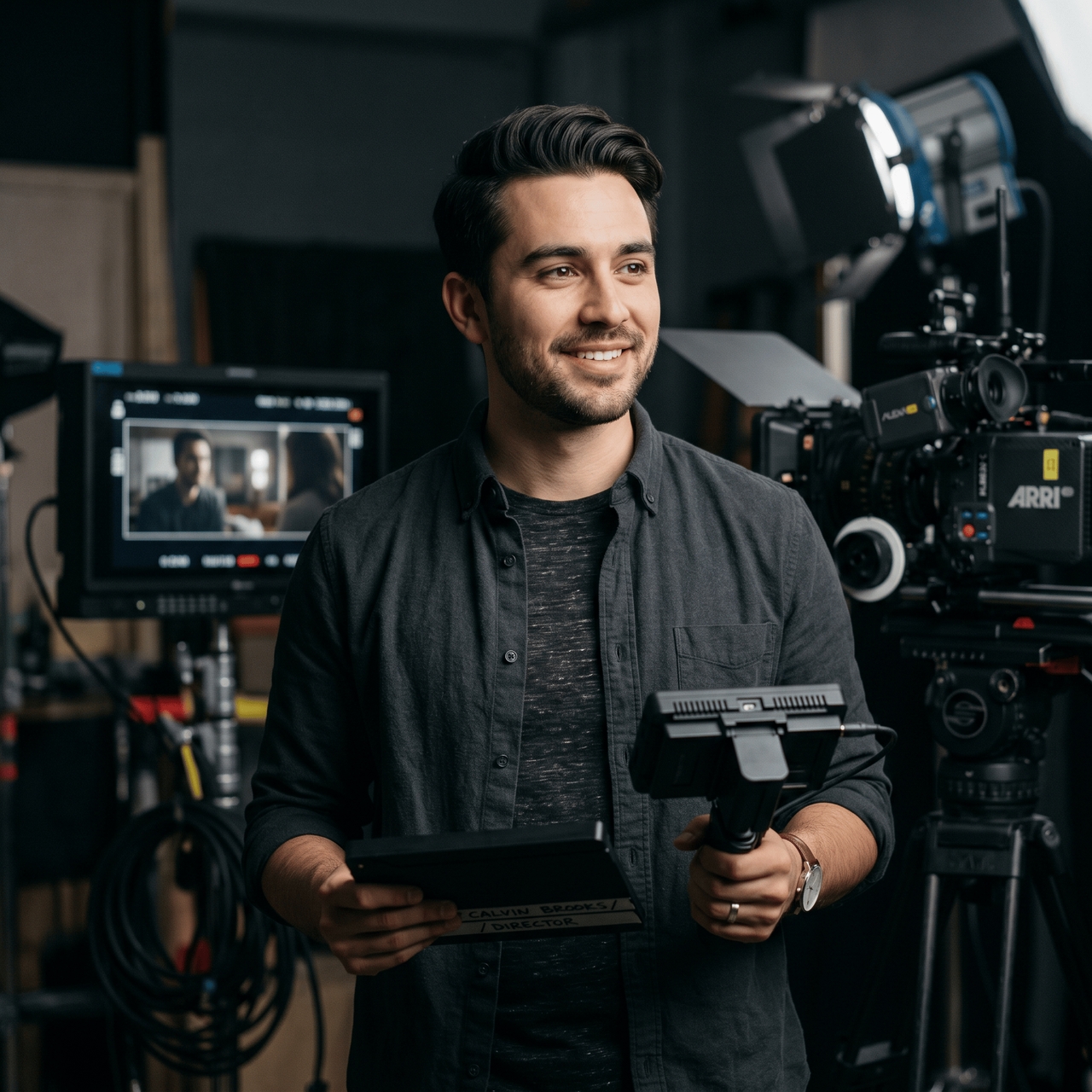
A short sci-fi clip I planned for weeks finally came together after using Framia Pro. It gave my story a stronger atmosphere and added cleaner cinematic detail. The whole workflow felt easier than jumping between different platforms.
Connor Reed
Connor Reed
Freelance Filmmaker
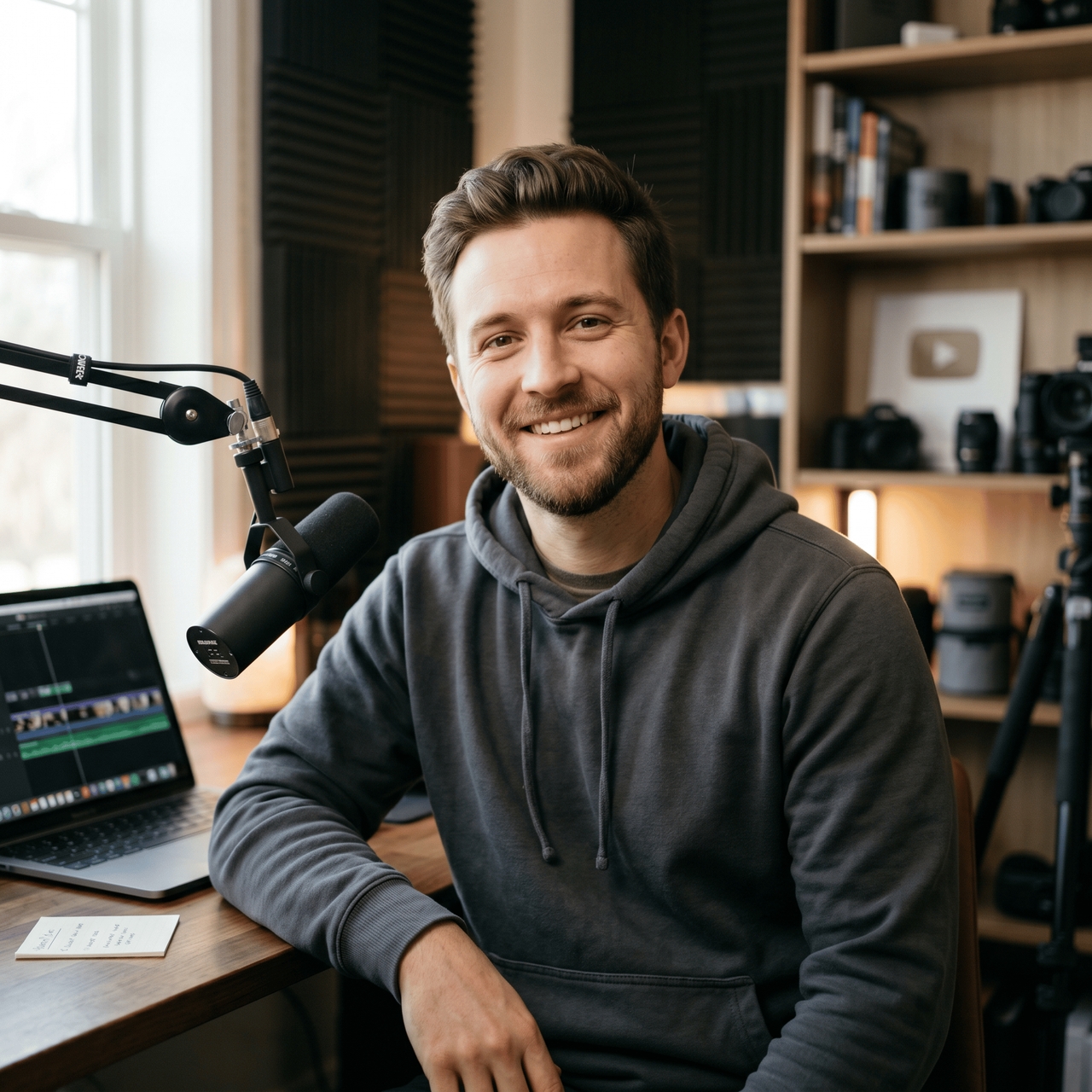
My old podcast recordings usually sat untouched because editing took forever. Framia Pro gave me shorter social clips with captions and better pacing in one session. I posted three videos that week, and each one pulled stronger watch time than older uploads.
Blake Hudson
Blake Hudson
YouTube Creator
Anime edits always looked stiff in other generators I tried before. Framia Pro handled expressions and scene flow much better through Seedance 2.0 and Kling 3.0. One fantasy clip gained thousands of views after I uploaded it to my short video page.
Cole Bennett
Cole Bennett
Digital Storyteller
We've compiled the most important information to help you get the most out of your experience. Can't find what you're looking for?Contact us

Frequently asked questions

Can I convert a video into an AI video?
Yes, you can convert a video into an AI video by uploading footage into Framia Pro and generating new scenes, styles, lighting, pacing, or cinematic visuals.
Can Framia Pro turn long videos into short clips using AI?
Framia Pro can turn long videos into short clips using AI for free by trimming key scenes, improving pacing, and creating shorter content for reels, shorts, or social media posting.
Is there any best video to video AI for beginners?
Framia Pro is a good video to video AI choice for beginners because it supports simple prompts, easy editing tools, scene planning, captions, and multiple AI models inside one workspace.
Can an AI video generator copy movements from a reference video?
Absolutely, an AI video generator can follow camera direction, pacing, and scene flow for a reference video. Framia Pro supports reference-based generation for more natural cinematic video results.
How to make a video with AI for free?
Simply upload clips, images, or prompts into AI video tools like Framia Pro and generate scenes through supported AI video generation models online.
Is there any AI video generator that supports video-to-video conversion in different styles?
Yes, video to video AI tools can create cinematic, anime, realistic, dreamy, or social media styles for any project you are working on.

Still have questions?

Have questions or need assistance? Our team is here to help!

Transform your footage with AI

Stop editing frame by frame. Upload your video, type your vision, and let Framia Pro generate cinematic results
Reimagine Footage with Next-Gen Video to Video AI