AI Motion Control: Animate from References

Transfer motion from any reference video onto a character with Framia Pro. Replicate expressions and movement precisely now for free.

Start for Free

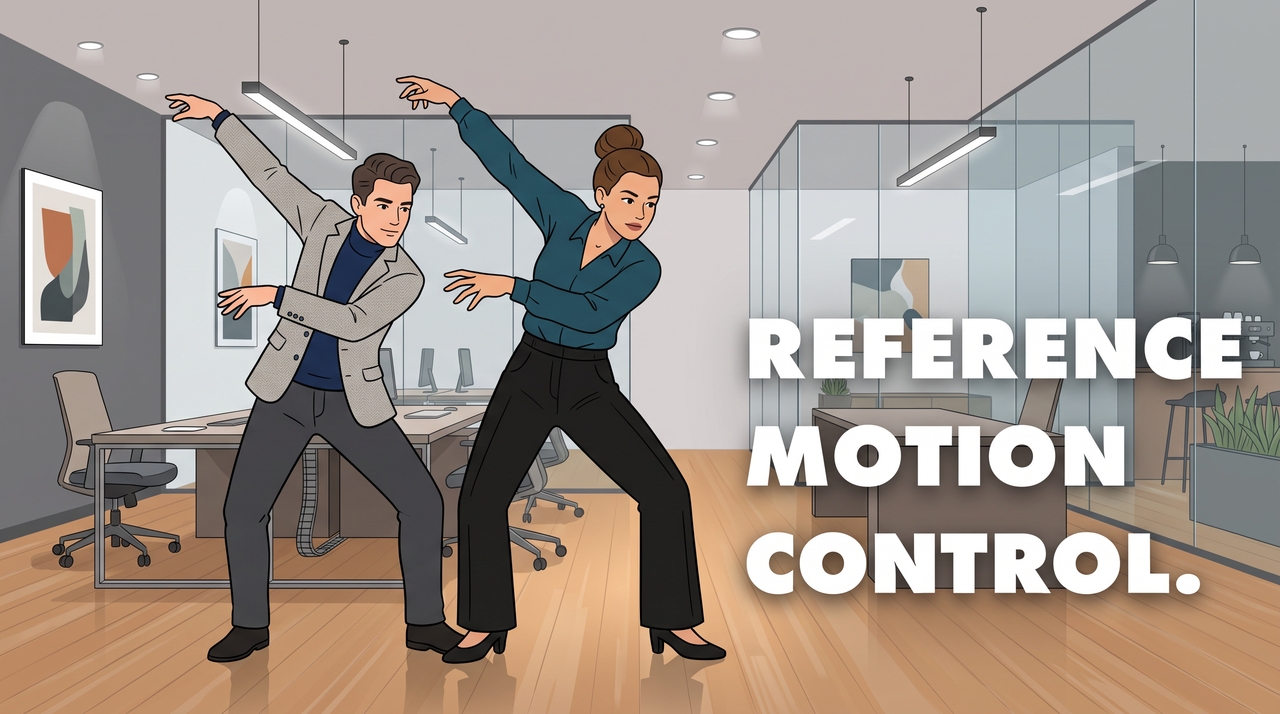
What is motion control?

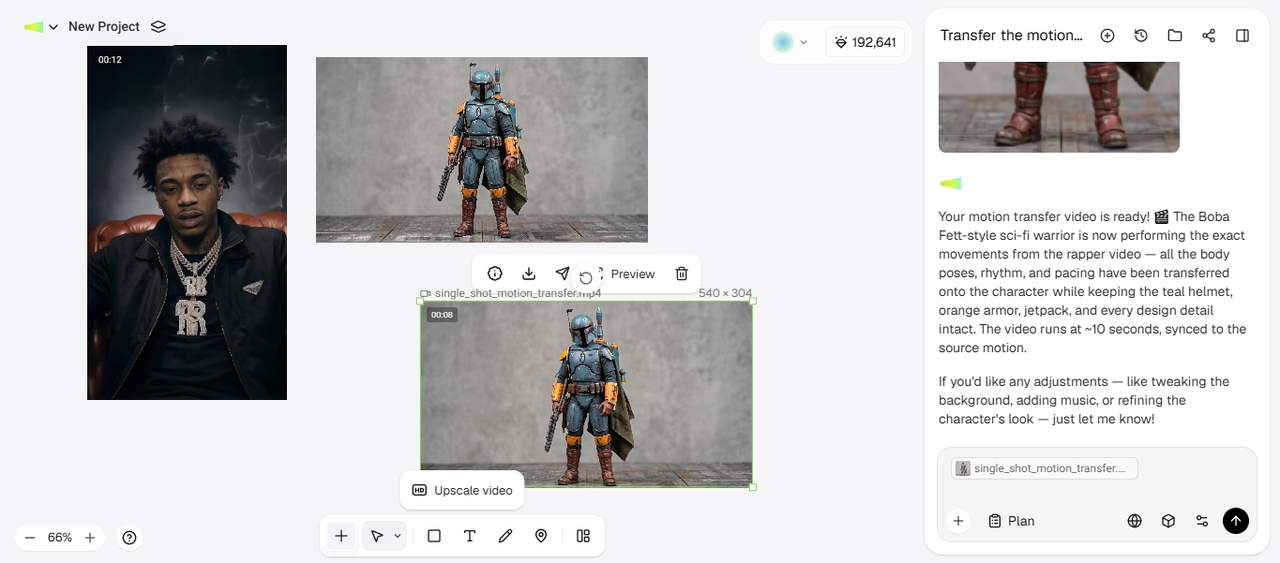
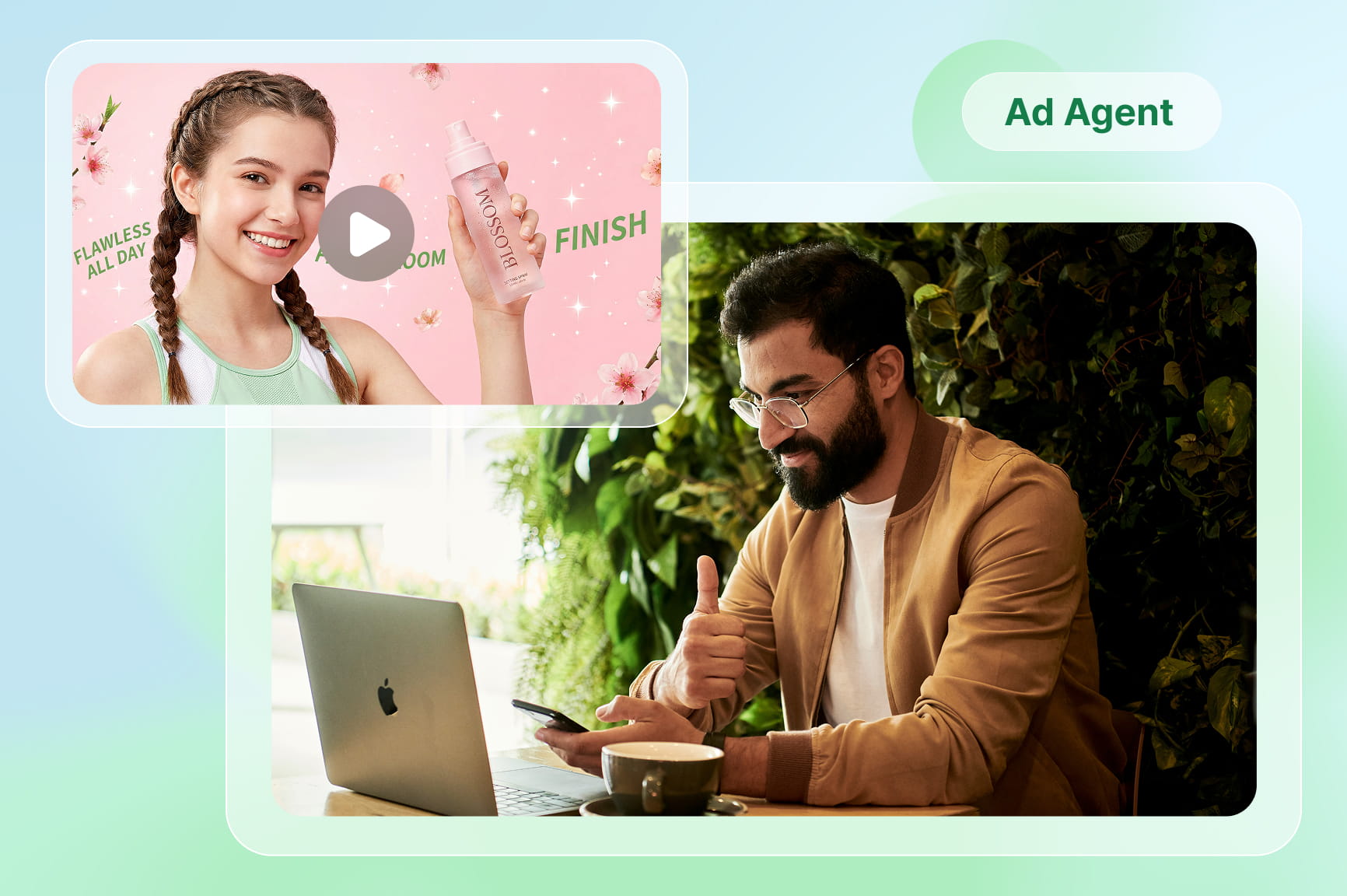
Motion control lets you guide how subjects, objects, or the camera move in an AI-generated video. Rather than relying only on a text prompt, you can provide a reference video or motion input to define actions such as walking, dancing, turning, waving, or changing facial expressions. The AI then applies that movement to your chosen character or image while generating a new video. You can use Kling 3.0, available on Framia Pro, to create videos with controlled movement. Upload a reference image, a video clip, and use motion guidance prompt to direct how the subject moves throughout the scene. This gives you more control over body movement, gestures, and camera actions, which makes it useful for character animation, product videos, social media content, and creative scenes.

What is motion control

How to master AI motion control in easy steps?

Transfer movements from reference videos and create character animations with Framia Pro in three steps.

Upload your reference video
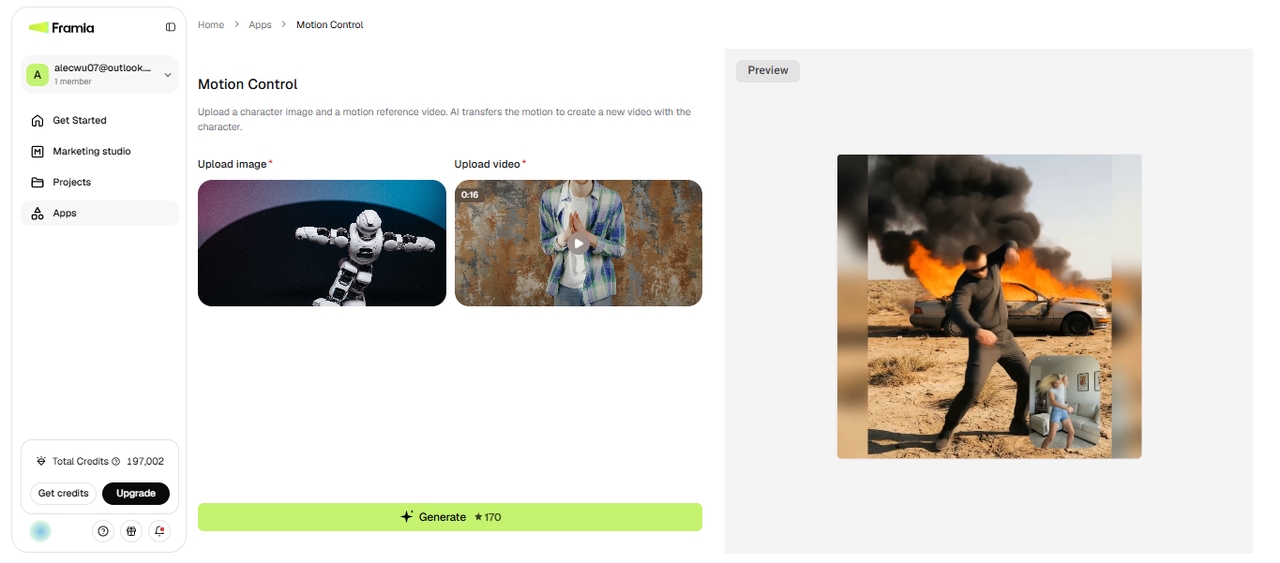
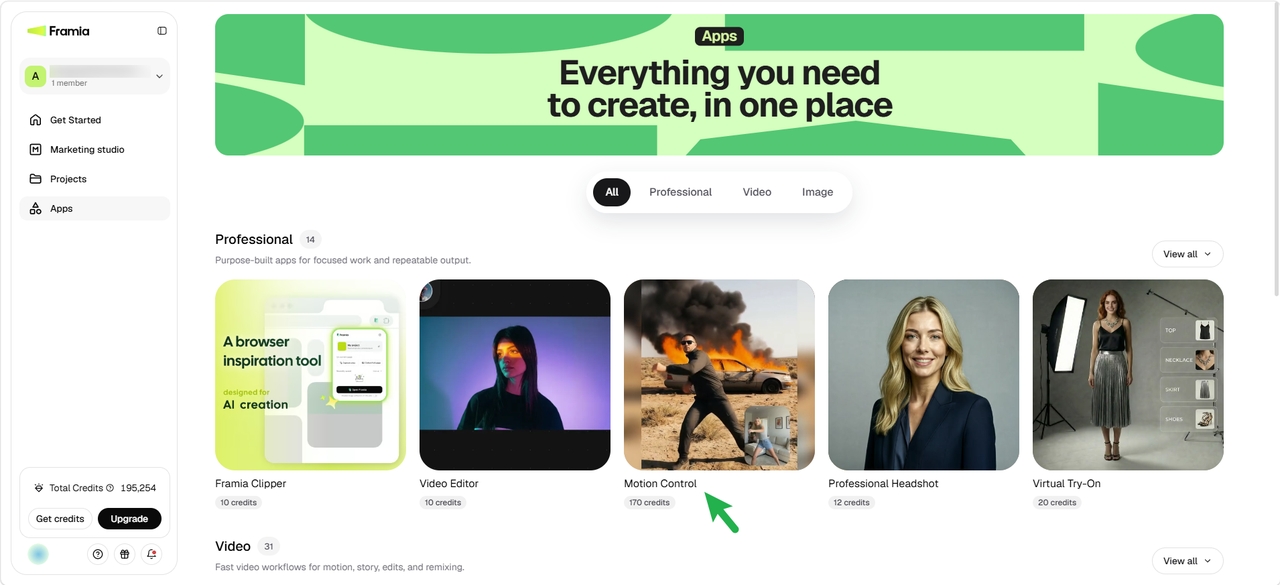
Open Apps from the left-side panel in Framia Pro and go to Professional or Video. Select Motion Control to open the tool. This gives you a workspace where you can upload your character image and reference video.
Upload your reference video
Create motion control AI video
Upload the character image you want to animate, then import your motion reference video from your PC. Framia Pro uses the movement from the reference to animate your character. Once your files are ready, click Generate to create the motion-controlled video.
Create motion control AI video
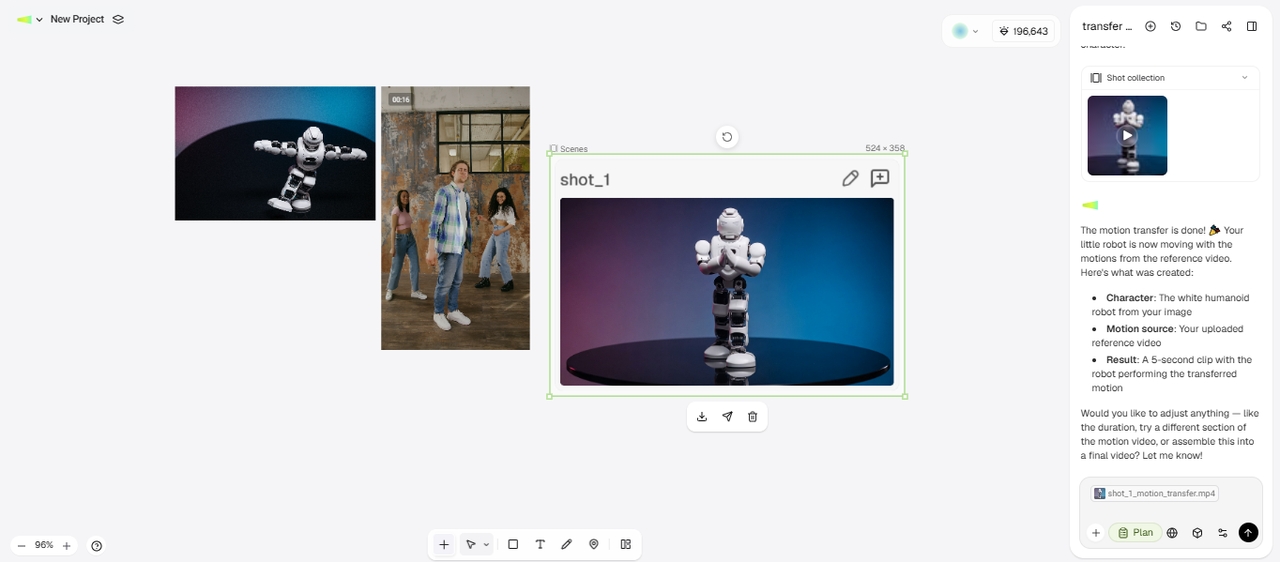
Review and export your video
Preview the generated video to check how well the character follows the reference movements. If the result looks right, export the finished motion-controlled video to your device. You can then use the clip for social media, creative projects, or other video content.
Review and export your video

How does Kling AI motion transfer work on Framia Pro?

Use Kling motion control models on Framia Pro to transfer movement from videos to characters.
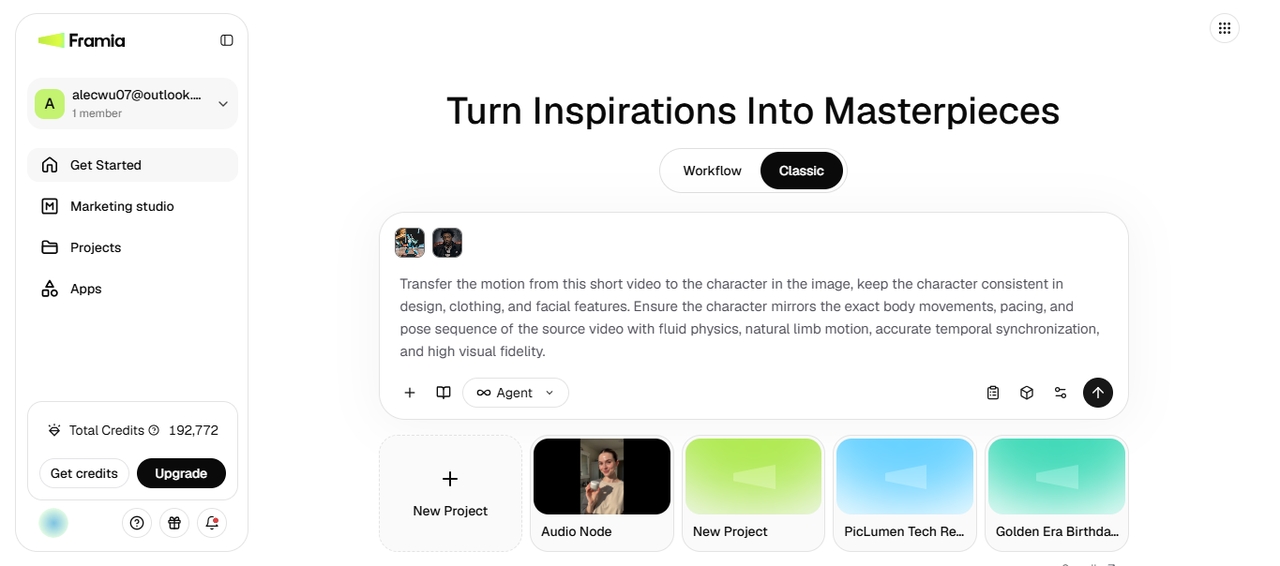
Open Classic canvas
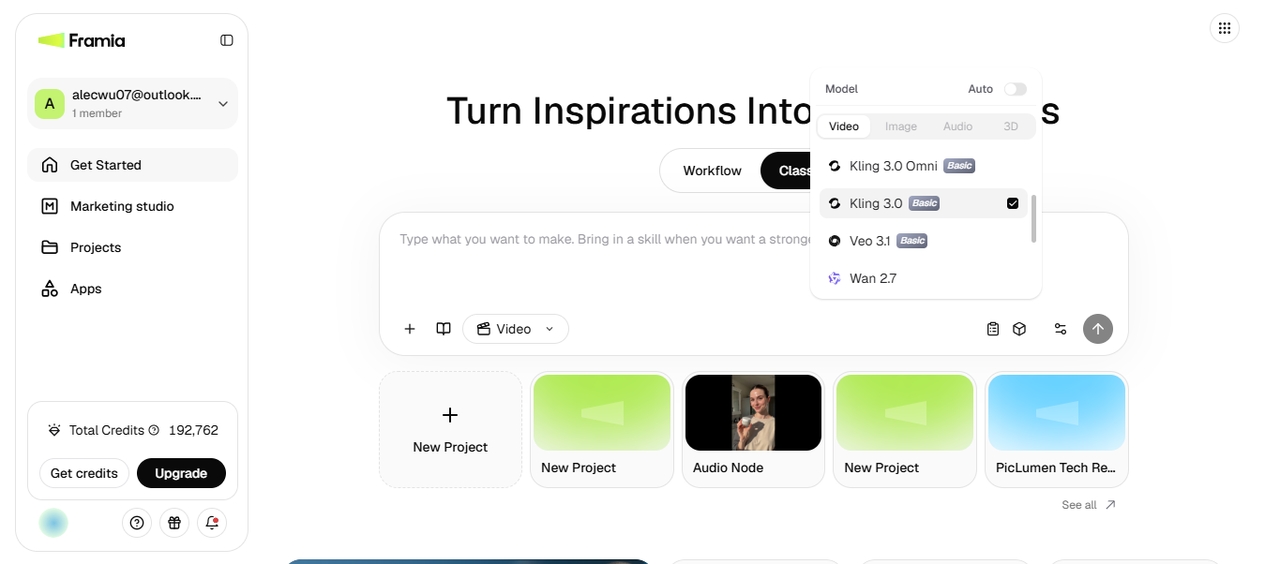
Launch Framia Pro and open Canvas. Choose Agent or Video mode, then select Kling 2.6 or Kling 3.0 for your motion transfer project. This sets up the canvas for creating an animation from your reference movement.
Open Classic canvas
Add your motion reference
Upload your motion reference video and import the character you want to animate. Kling uses the reference to guide the character's movements, including poses and actions. Check your uploaded files before starting the generation to make sure they match your project.
Add your motion reference
Generate your motion video
Start the generation and wait for Framia Pro to create the motion-controlled video. Review the result to see how closely the character follows the reference movement. Make any changes if needed, then export the final animation when the result is ready.
Generate your motion video

Everything you need for realistic motion transfer

Create natural character movements with motion transfer tools, flexible controls, and AI video models.

Transfer motion from any sample video

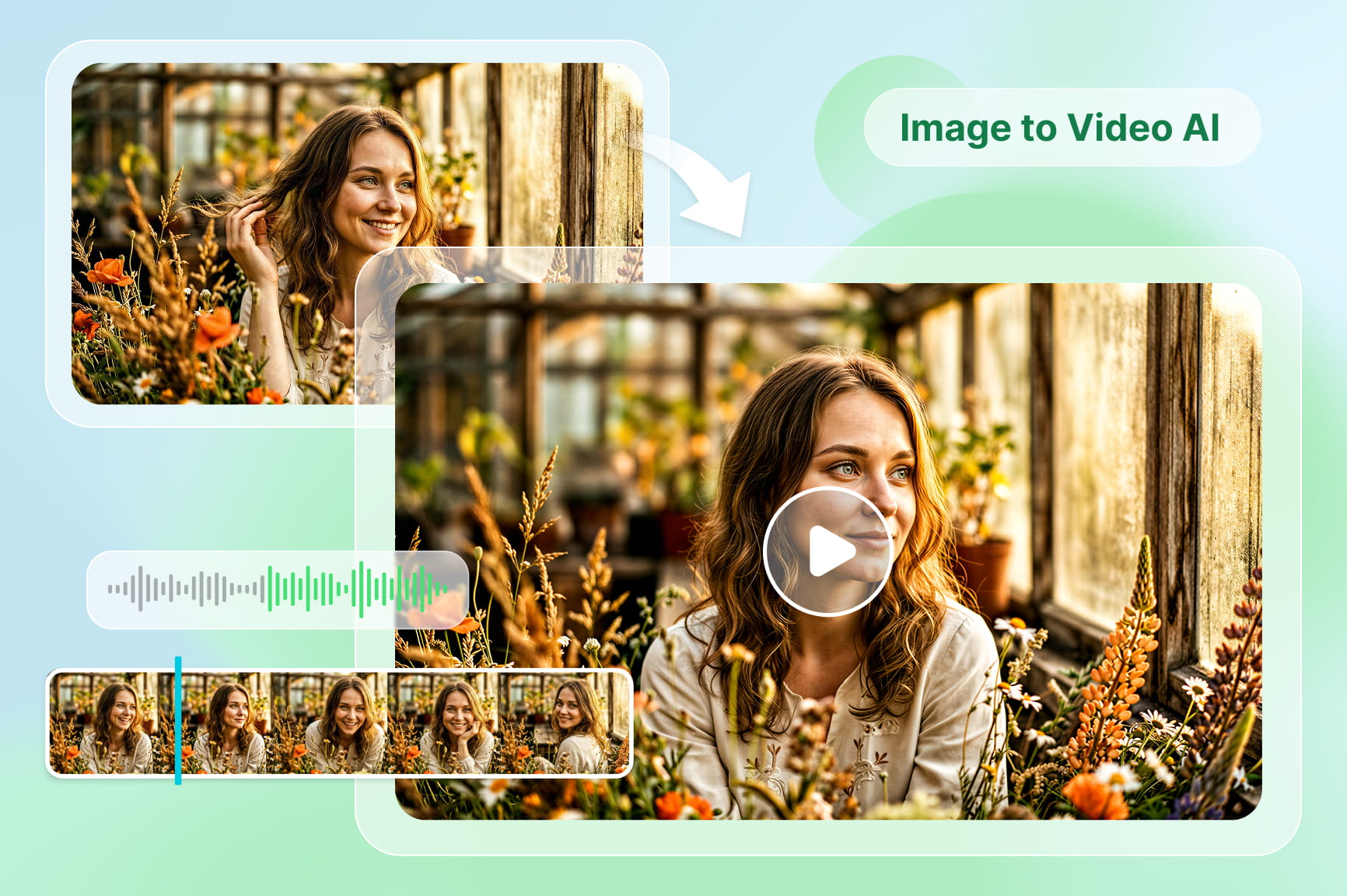
Upload a reference clip and apply its movements to your selected character. Our AI motion control video generator analyzes actions, expressions, and body movements to create videos that follow the original performance without recording new footage.
Keep the subject consistent at any angle

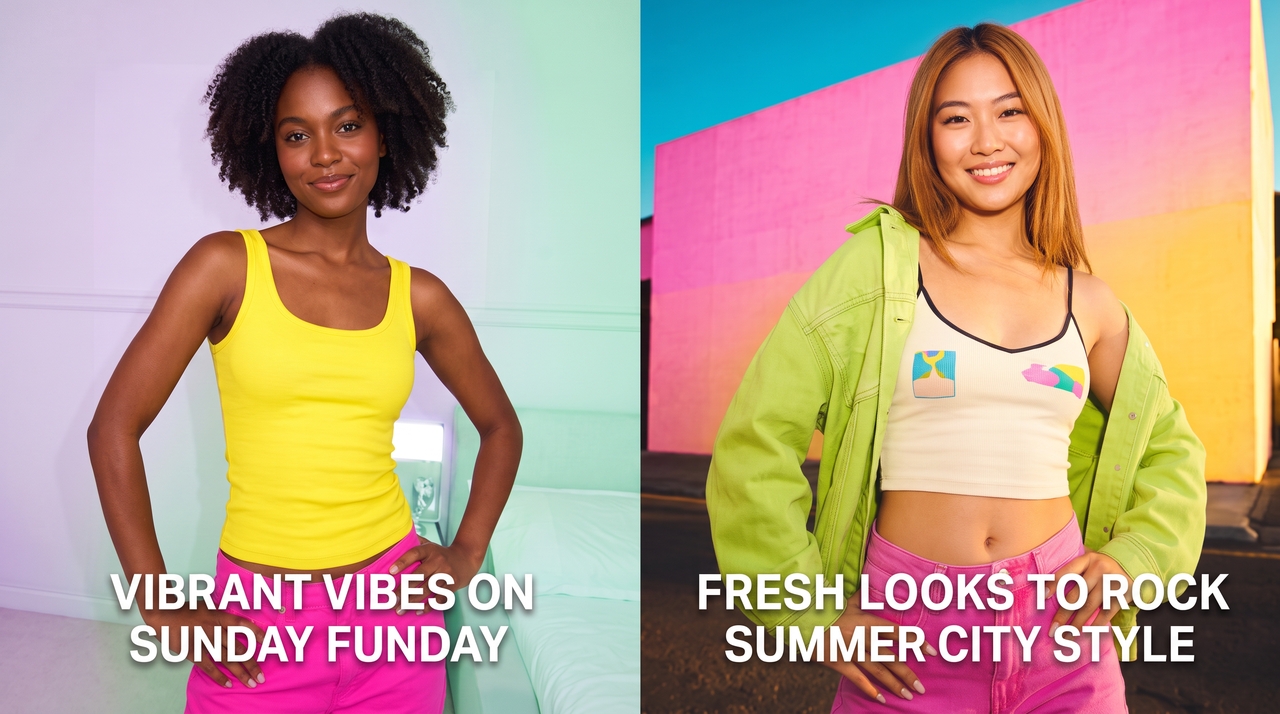
Keep the subject consistent at any angle

Maintain your character's appearance while applying different movements and camera views. Kling motion control keeps important details connected throughout the video, which makes it easier to create scenes with the same subject in different positions and actions.

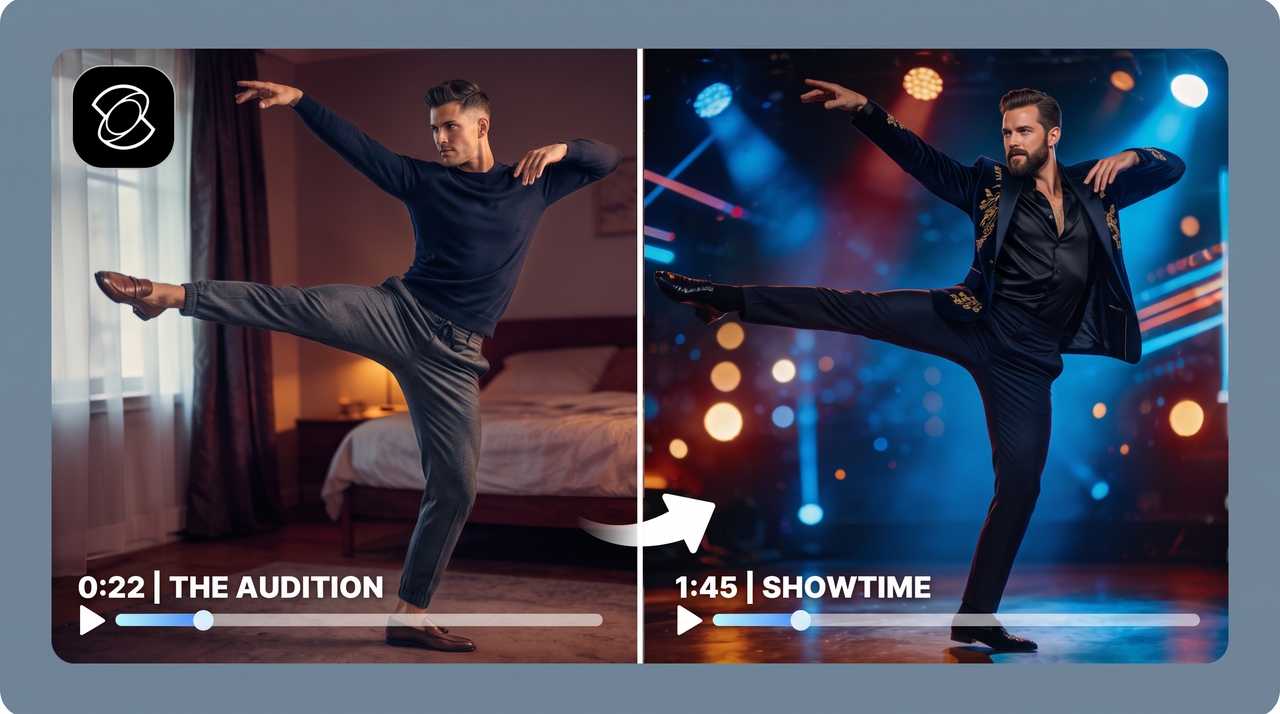
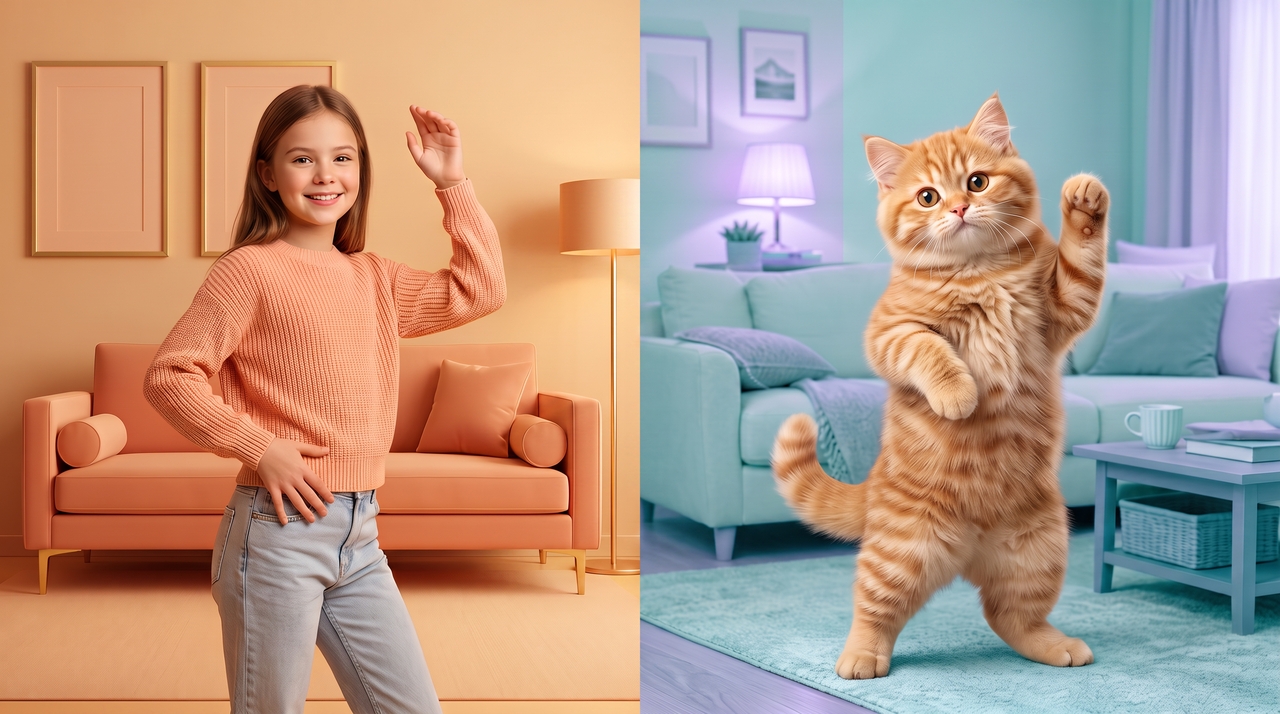
Control poses with greater precision

Adjust character positions, gestures, and movements by using reference actions as a guide. Fine-tune your results to match the intended performance, whether you are creating animations, demonstrations, or character-driven videos.
Control poses with greater precision
Generate videos for every format

Generate videos for every format

Create motion-controlled videos for vertical, square, and landscape platforms with our AI motion control video generator. Prepare content for TikTok, Reels, Shorts, websites, and presentations by selecting the format that matches your publishing needs before exporting.

Edit your final output through chat

Describe the changes you want and update parts of your generated video through text instructions. Modify scenes, movements, or visual details, remove the background, or add captions without rebuilding the entire project from the start.

Why choose Framia Pro for motion transfer using AI?

Create motion-based videos with flexible workflows, multiple models, and organized project tools.

An easy-to-use motion transfer app
Use Framia Pro's motion control app directly without switching between platforms. Upload your reference video and source image, then turn the movement into a new video within the same creative workflow.
Skip complicated prompt writing
You don't need to write a detailed prompt for every motion transfer. Let the reference video guide the movement while you focus on the character, scene, and creative direction you want to produce.
Start with viral remix templates
Use ready-made viral remix templates to recreate popular motion-based video formats faster. Pick a template, add your own visuals, and create a new version without building the workflow from scratch.
Reuse natural motion without filming again
Apply existing movements from reference videos to new characters or scenes. Create fresh animations from recorded actions instead of arranging another shoot for every idea, performance, or creative project.
Work with leading AI video models
Choose from different video models, including Kling 2.6, Kling O1, Kling 3.0, Veo 3.1, and others, to create varied animation styles. Match your project requirements with the model settings that fit your character, movement, and visual goals.
Organize creative projects visually
Manage your videos, references, and generated assets in one workspace. Arrange ideas, review outputs in nodes, and keep your motion transfer projects organized while developing multiple concepts or versions.

Create motion-controlled videos for every project

Use motion transfer for creative videos, marketing content, education, and digital storytelling.

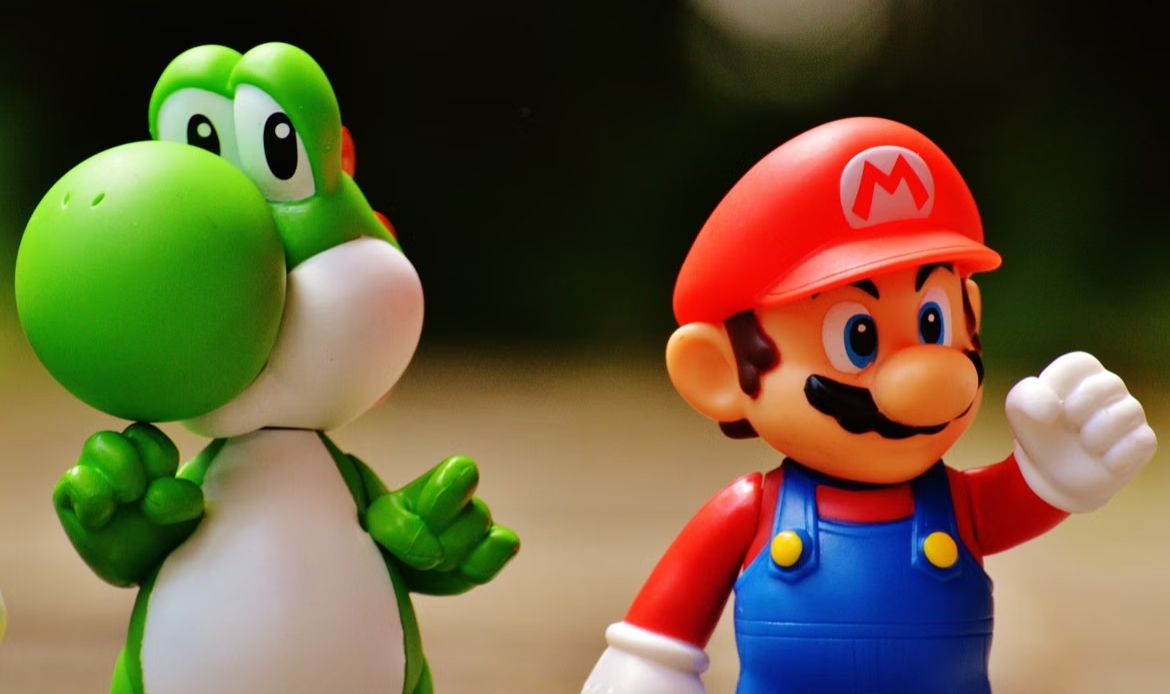
Dance performances

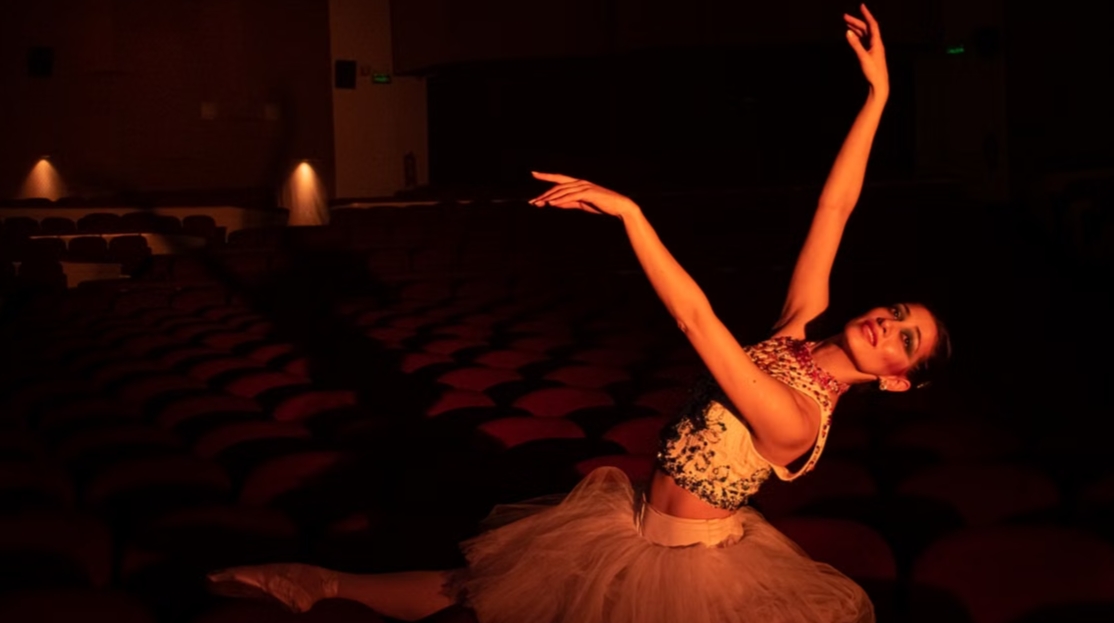
Create animated dance videos by transferring movements from reference clips to digital characters. Our AI motion control tool captures actions, poses, and timing to produce expressive performances for music videos, social content, and creative projects.
Dance performances
Character animation

Character animation

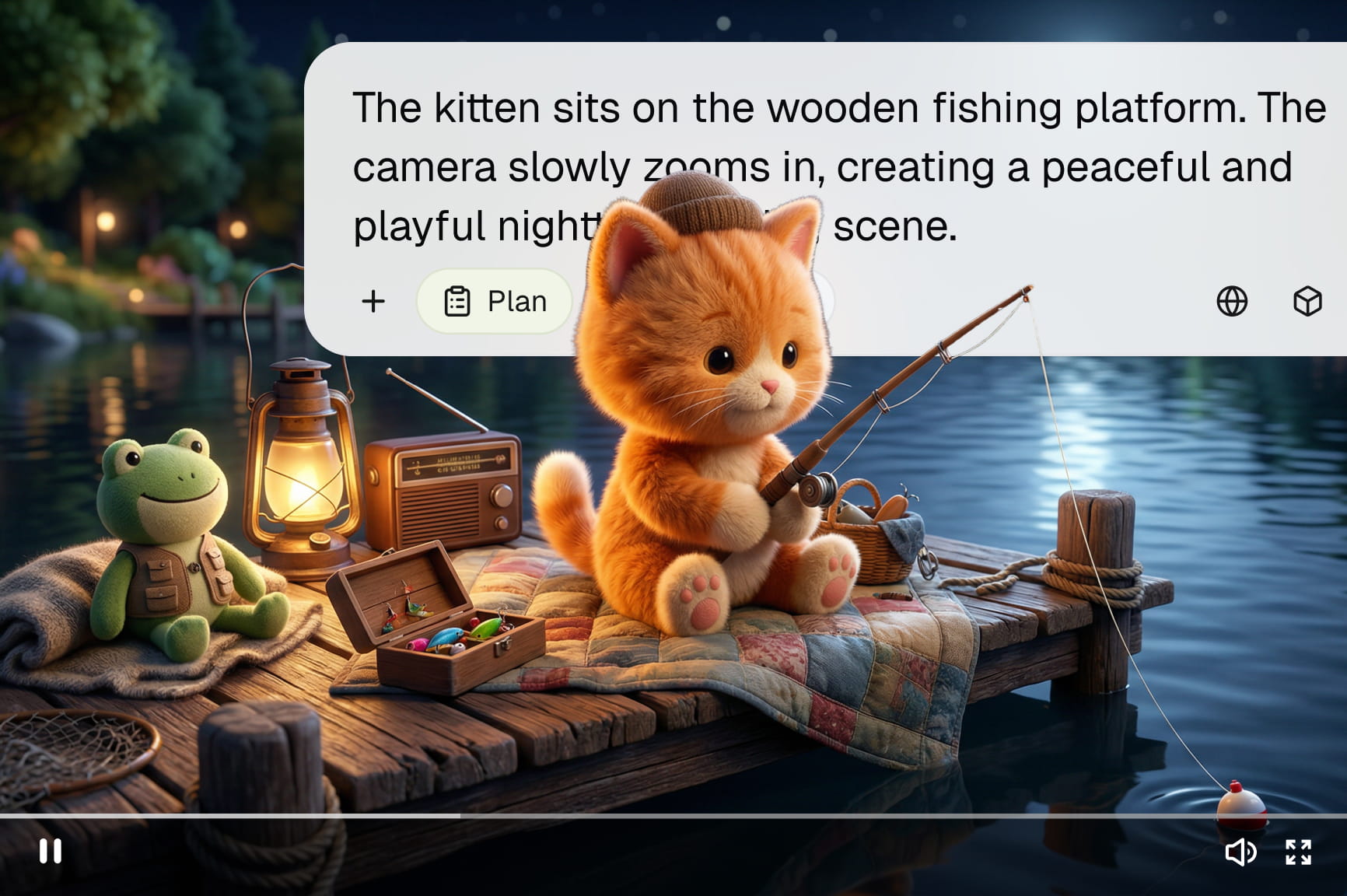
Bring characters to life by applying realistic movements from sample videos. Use motion transfer AI to create animated videos with natural gestures, body actions, and expressions for films, games, storytelling projects, and online content.

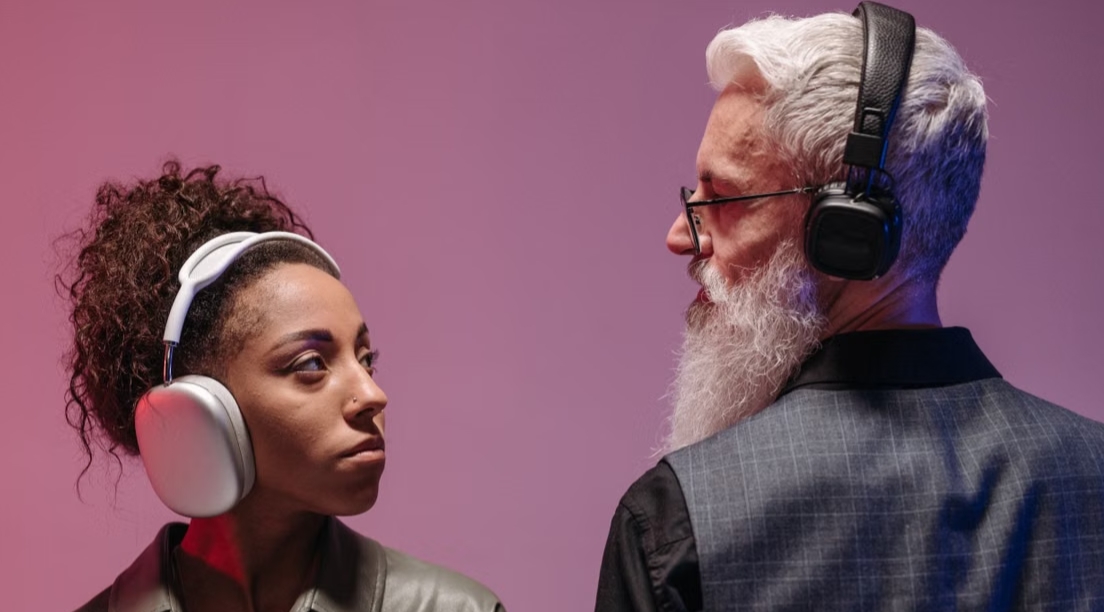
Product demonstrations

Show product features through character-led demonstrations and guided movements. Transfer actions from reference videos to create engaging presentations that explain usage, highlight details, and present products through clear visual storytelling
Product demonstrations
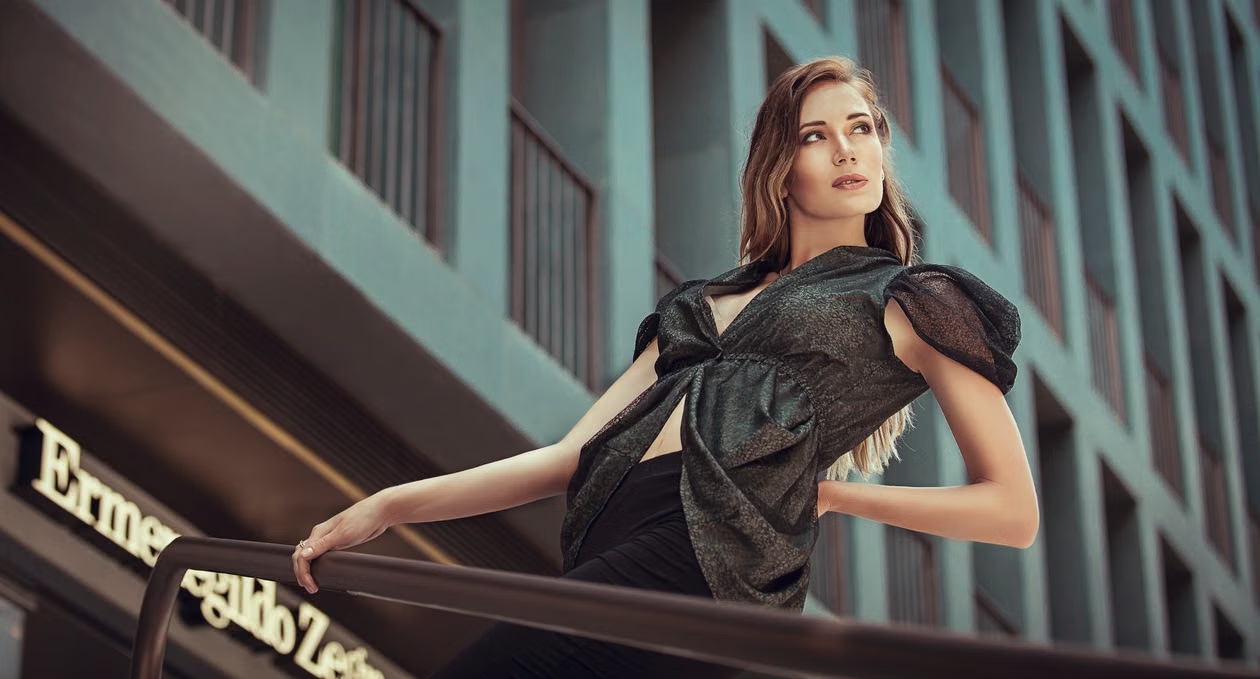
Fashion showcases

Fashion showcases

Create digital fashion presentations with models performing different poses, walks, and movements. Apply reference actions to showcase outfits, styles, and collections through animated videos made for campaigns, websites, and social media platforms.

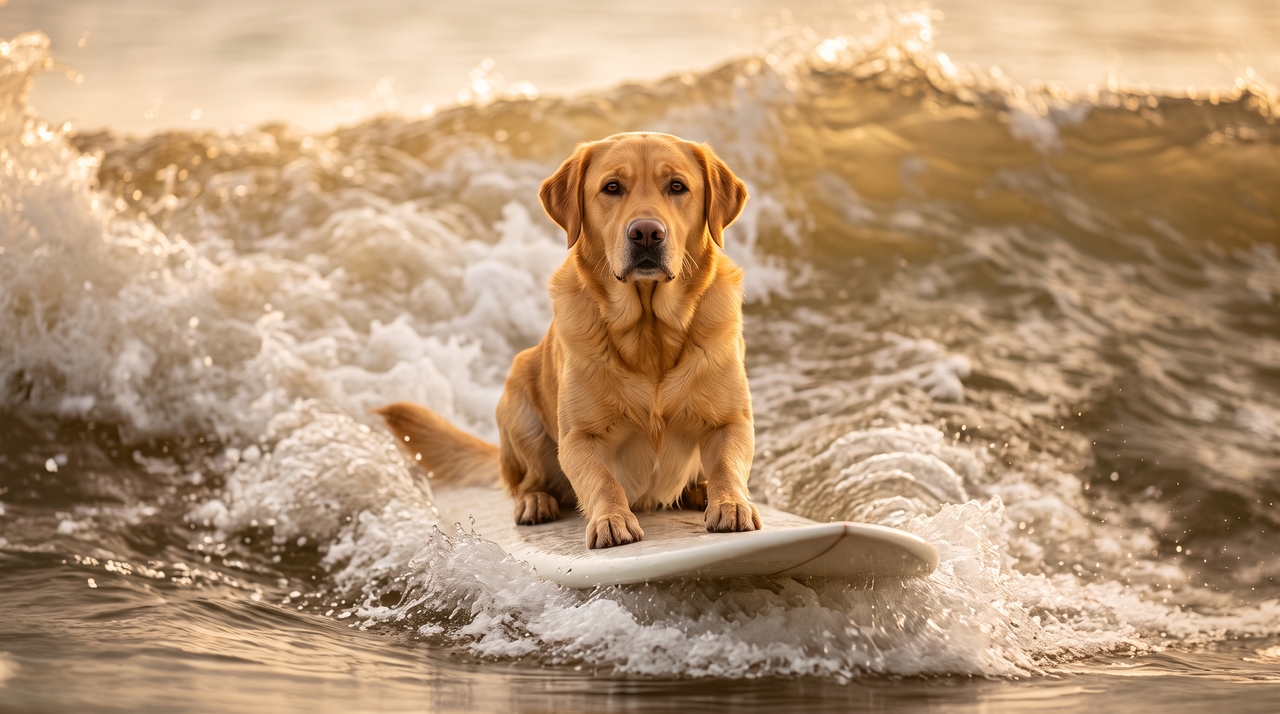
Social media videos

Generate short videos for TikTok, Reels, and Shorts using transferred movements from existing clips. Match trending actions, character performances, and creative ideas with motion-based content designed for mobile audiences.
Social media videos
Educational demonstrations

Educational demonstrations

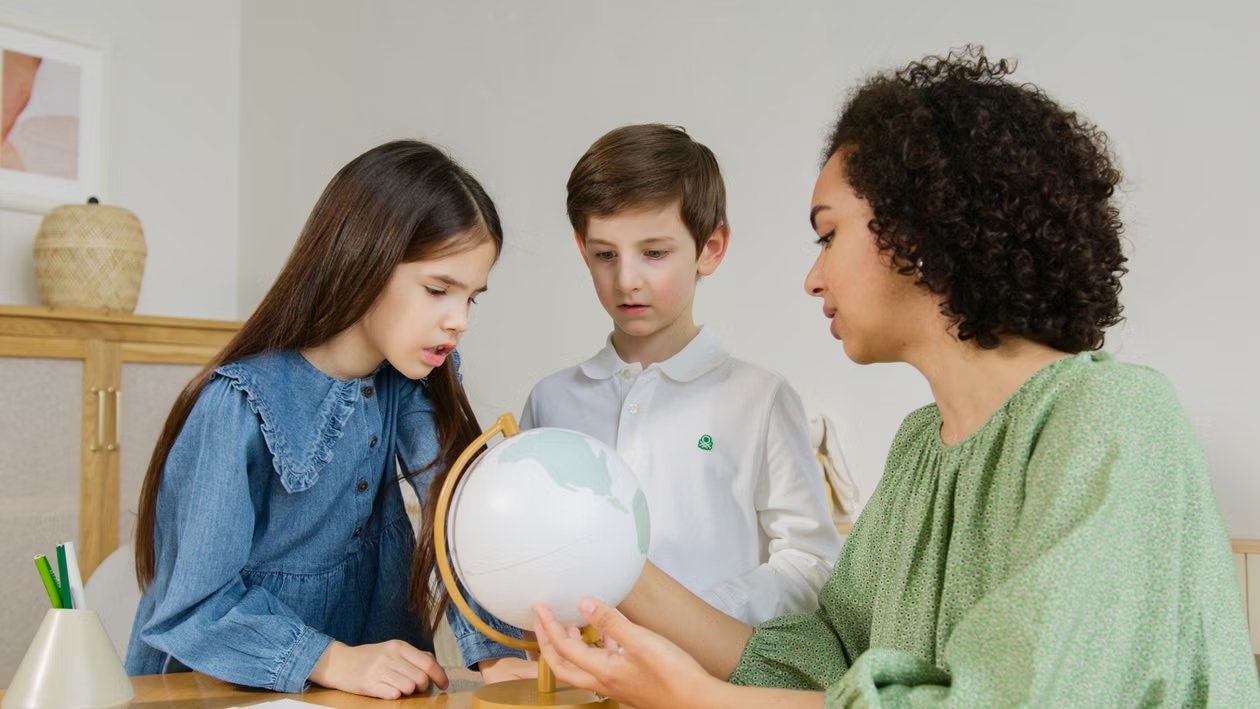
Explain lessons, processes, and activities through animated characters with realistic movements. Use motion-controlled videos to demonstrate actions, create tutorials, and present learning materials in a simple visual format.

See how creators use Motion Control AI

Learn how creators use Framia Pro to transfer movements and create motion-based videos.

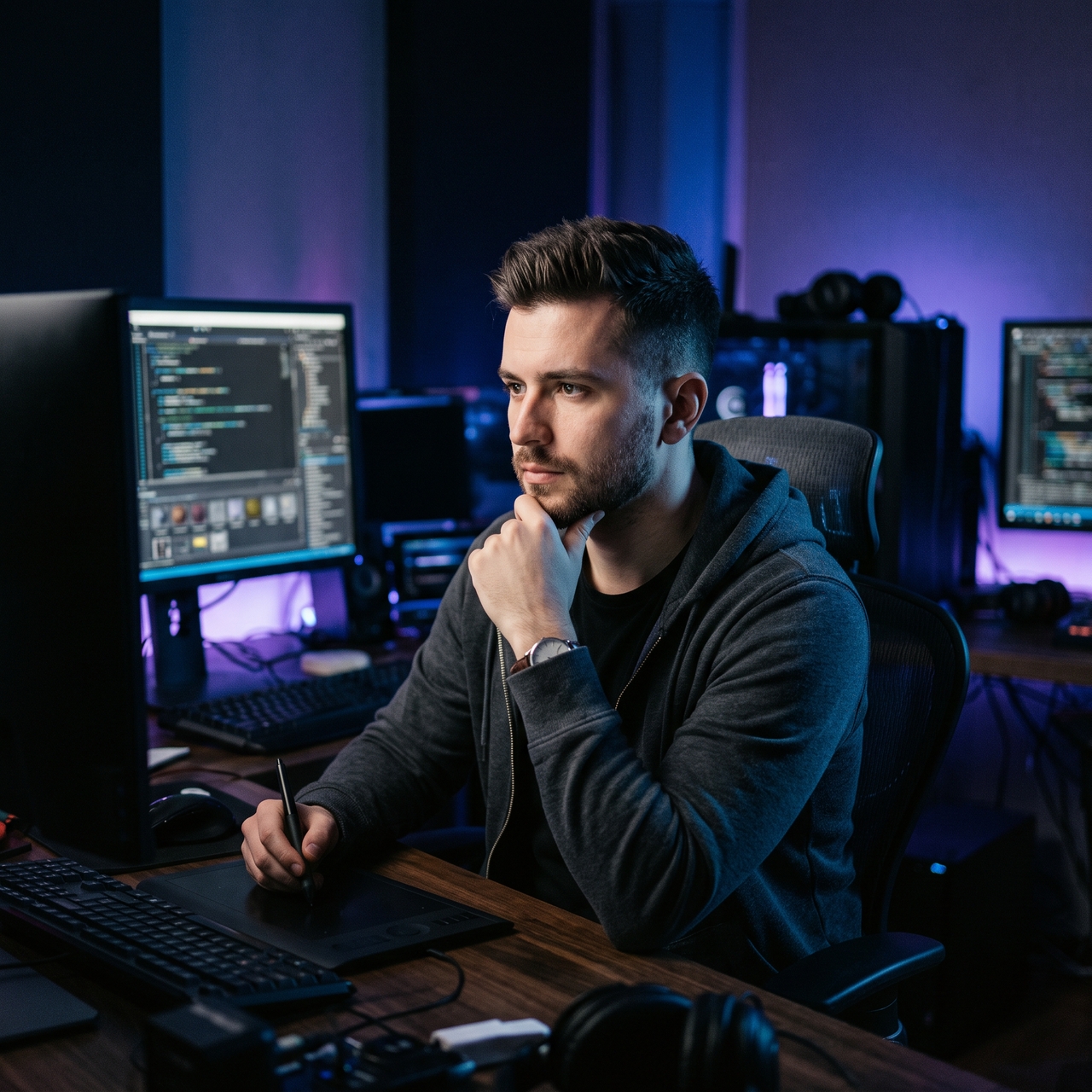
I used Framia Pro to transfer dance movements onto my original character. The process made it easier to test different actions, review scenes, and create short animations without recording every movement from scratch.
Mia Reynolds
Mia Reynolds
Animation Creator
My team creates social videos with animated characters. Framia Pro gives us a simple way to apply reference movements, adjust scenes, and prepare different versions for campaigns without arranging new shoots for every idea.
Lucas Bennet
Lucas Bennet
Content Producer
I created digital fashion showcases using motion transfer. Framia Pro helped me apply walking and posing movements to virtual models. This made it easier to present new collections through creative videos for online audiences.
Sophia Carter
Sophia Carter
Fashion Designer
I tested character movements from sample clips and applied them to my designs. Framia Pro made the animation process easier by giving me a starting point for building realistic actions in different scenes.
Ethan Brooks
Ethan Brooks
Game Developer
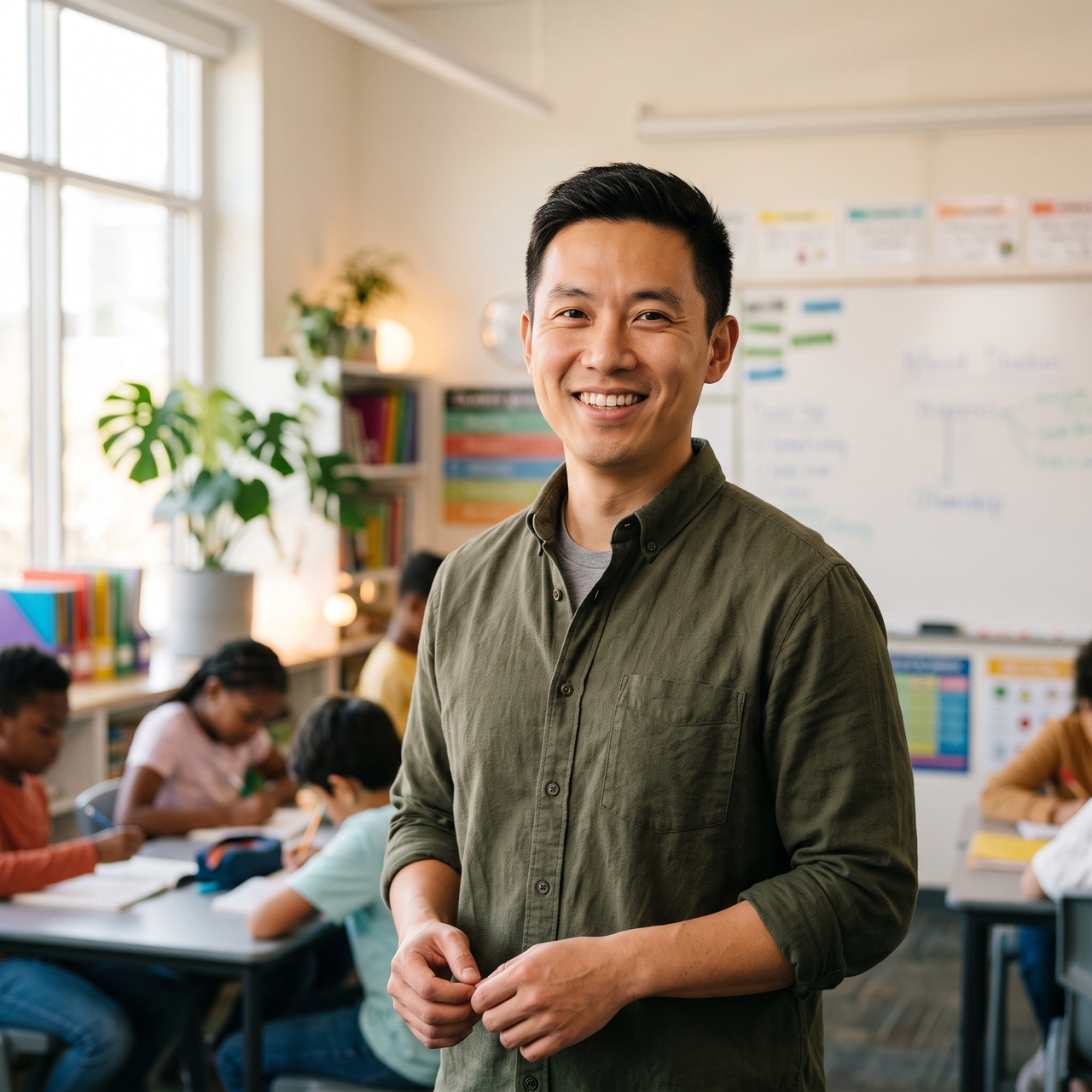
I create animated lessons with character demonstrations. AI motion control app on Framia Pro lets me show actions clearly, which makes educational videos more engaging for students while keeping the explanations simple and easy to follow.
Daniel Kim
Daniel Kim
Educator
Our product videos needed more engaging presentations. Framia Pro allowed us to transfer movements to characters, create demonstrations, and update scenes without filming new performances for every marketing concept.
Olivia Parker
Olivia Parker
Marketing Specialist
We've compiled the most important information to help you get the most out of your experience. Can't find what you're looking for?Contact us

Frequently asked questions

What is the meaning of motion control?
Motion control is a technique that transfers movement from a reference video to another character, person, or subject. In AI video generation, it lets you use actions such as walking, dancing, posing, or gestures to guide the movement of a new character.
Which AI has motion control?
Several AI video models offer motion-control or motion-transfer features, including Kling, Runway, and other specialized video-generation models. The exact controls vary by model. Framia Pro supports motion-control workflows with supported models such as Kling 2.6 and Kling 3.0.
How does AI motion transfer work?
AI motion transfer analyzes movement from a reference video and applies those actions to another character or subject. Framia Pro uses motion control tools to match poses, gestures, and body movements while creating new video outputs.
What makes a good reference video for motion transfer?
A good reference video has clear movements, visible subjects, steady framing, and enough space around the person. Framia Pro works better when the source clip shows complete actions without heavy obstructions or unclear motion details.
Can I use this on anime or 3D characters?
Yes. Framia Pro supports motion transfer for different character styles, that include animated and digital characters. Apply movements from reference videos to create scenes with unique designs, actions, and storytelling formats.
How do I keep the character's face from distorting?
Use clear character references, consistent designs, and suitable movement clips. Framia Pro keeps character details connected during generation, while choosing clean inputs improves facial results and overall video quality.
Can I transfer motion for free using AI?
Framia Pro offers free options depending on available plans and usage limits. You can test motion control features, use different AI video generation models, explore different settings, and choose a plan based on your video creation needs.
What types of motion can I transfer?
You can transfer many movements, including walking, dancing, gestures, poses, and performance actions. Framia Pro lets creators apply these motions to characters for animations, demonstrations, social media post videos, and creative projects.

Still have questions?

Have questions or need assistance? Our team is here to help!

Create motion-controlled videos with Framia Pro!

Transfer movements from reference videos to characters with Framia Pro. Create realistic motion videos with controlled poses, actions, and expressions.
Motion Control AI | Transfer Motion to Characters