AI Short Drama Maker Online

Turn a script, idea, or novel chapter into a short drama with AI. Build characters, scenes, and cliffhanger episodes for TikTok and Reels.

Start for Free

What is an AI short drama maker?

An AI short drama maker turns a story idea, script, or other written content into a short drama video. Depending on the workflow you choose, you can start with a template or use AI tools to plan scenes, create visuals, add dialogue and audio, and edit the final video. With Framia Pro, you can watch and share right away, all without picking up a camera, hiring actors, or opening an editing program.

How to create a short drama using templates on Framia Pro?

Follow these simple steps to create AI short dramas with preset templates on Framia Pro.

Choose an AI short drama template
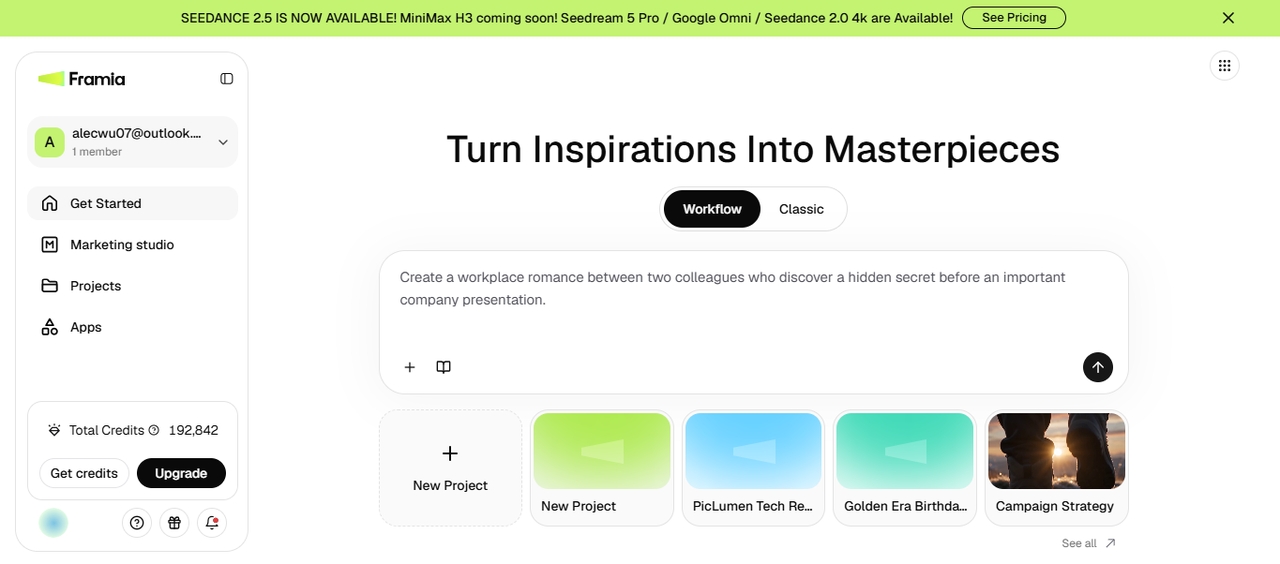
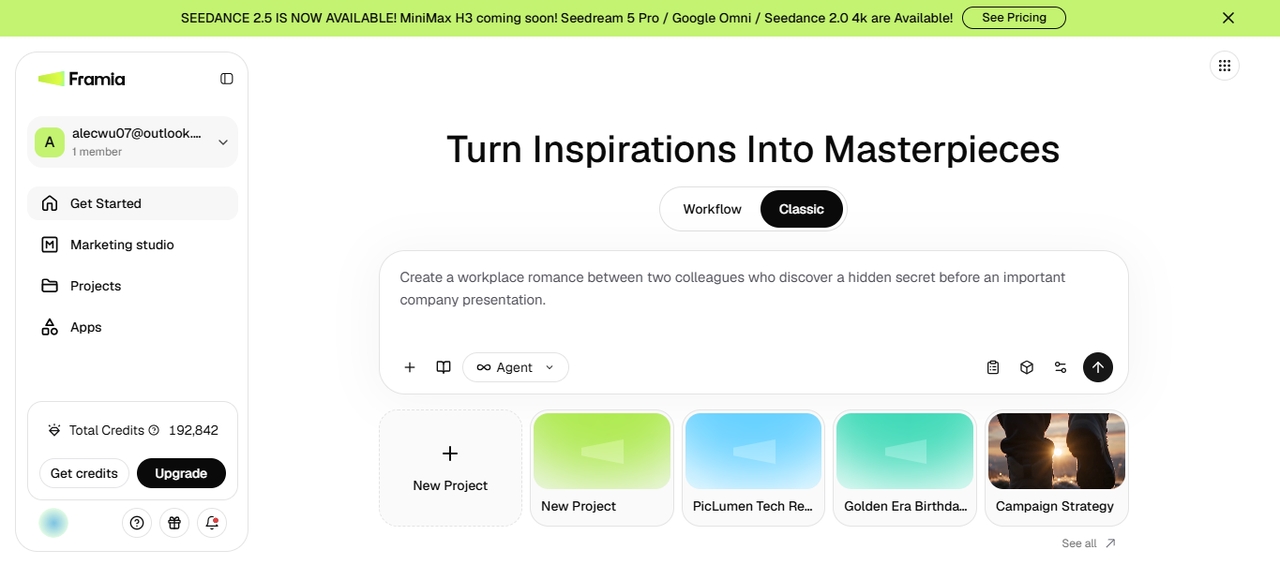
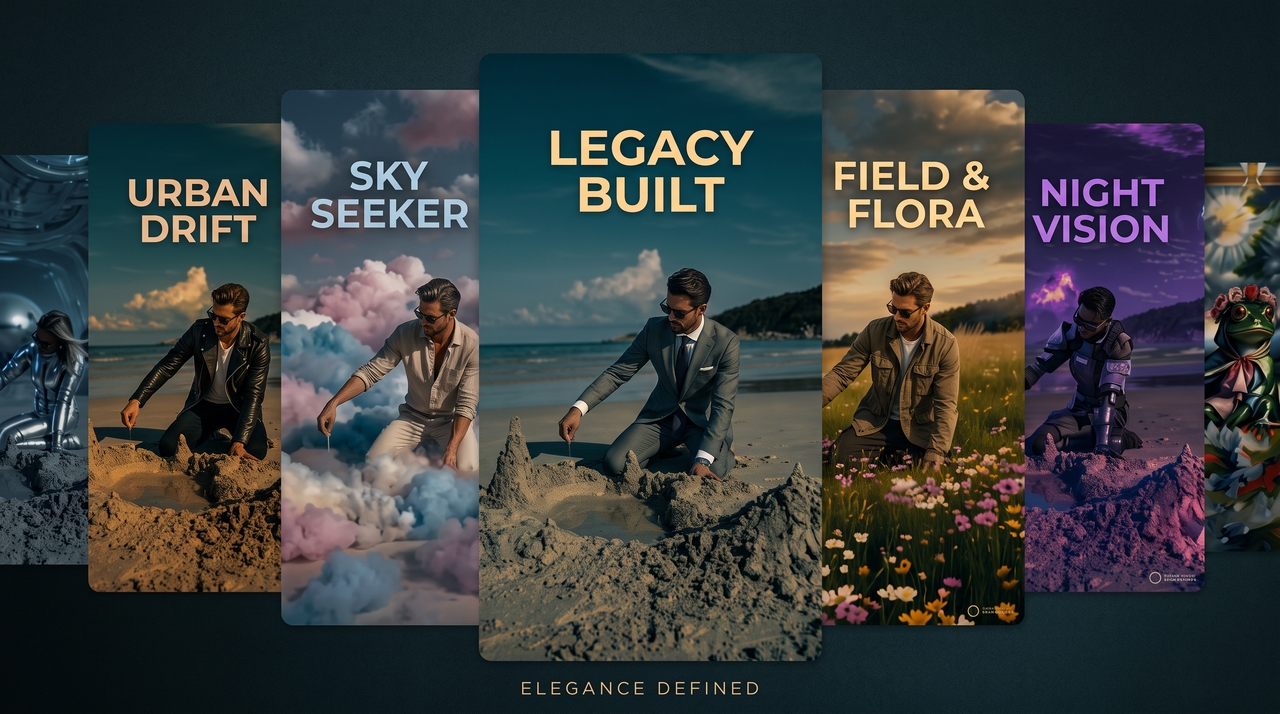
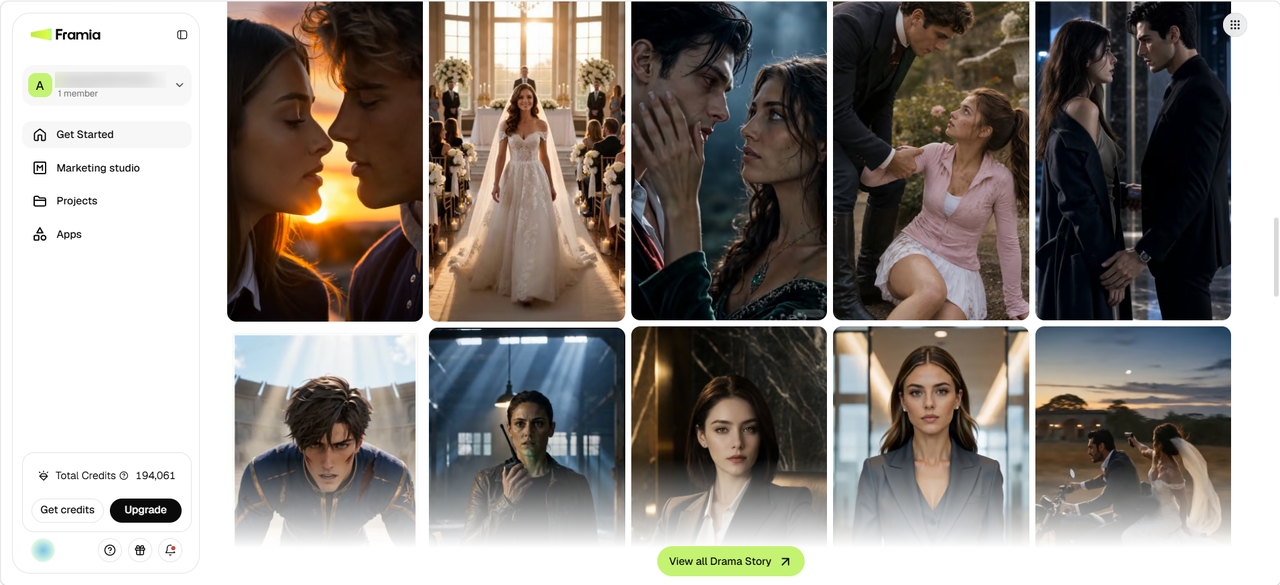
Sign in to Framia Pro and open the Get started page. Scroll down to the Drama Story section, click "See All" or "View all Drama Story" and browse the available templates. Select a short drama that matches your idea, then click it to open the template and start editing.
Customize your short drama
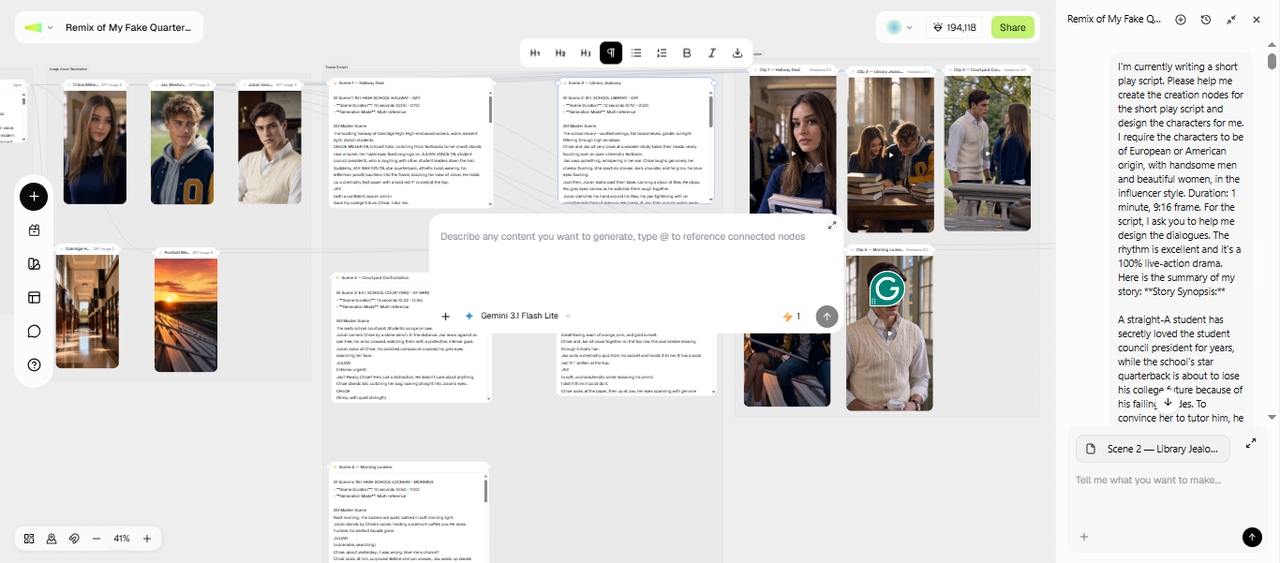
Click "Clone Project" to open the template in the Workflow. Now, edit individual text, image assets, audio, or video clip nodes and use prompts to change characters, settings, or background music. Framia Pro generates a connected storyboard that you can review and edit before production.
Generate, review, and export
Generate your AI short drama, then preview every scene to check pacing, dialogue, and character consistency. Make changes if needed, regenerate selected scenes, and download the finished video or publish it directly to your social media channels.

How to make a short drama on Framia Pro's Workflow Canvas?

Create short drama videos from ideas, scripts, or stories using AI tools in three simple steps.

Open Workflow
Open Workflow
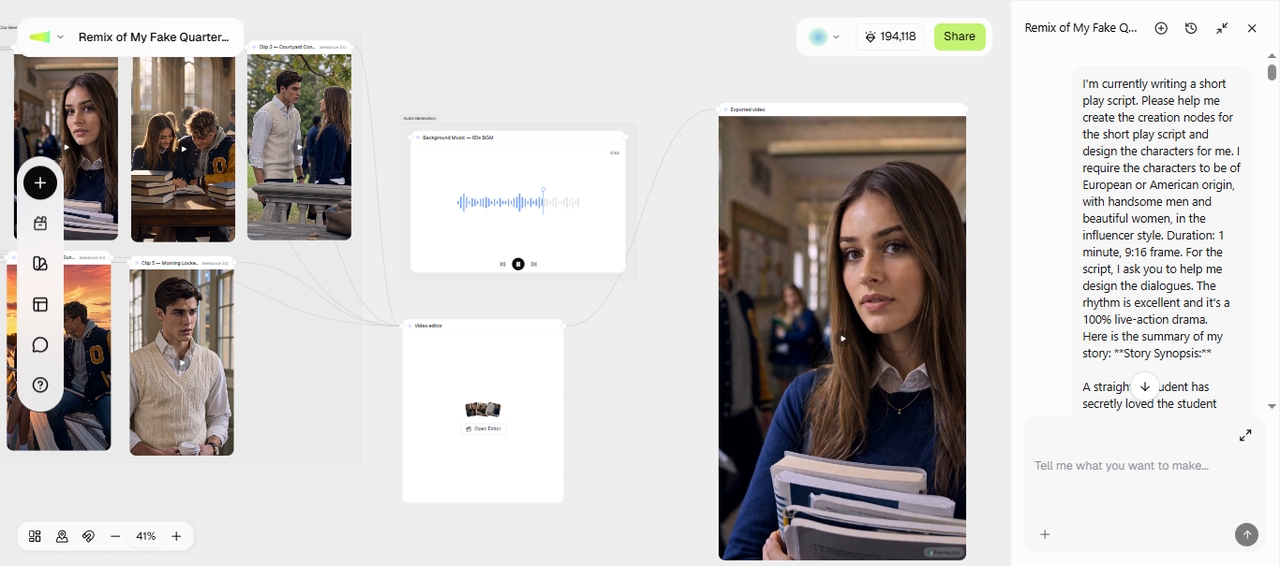
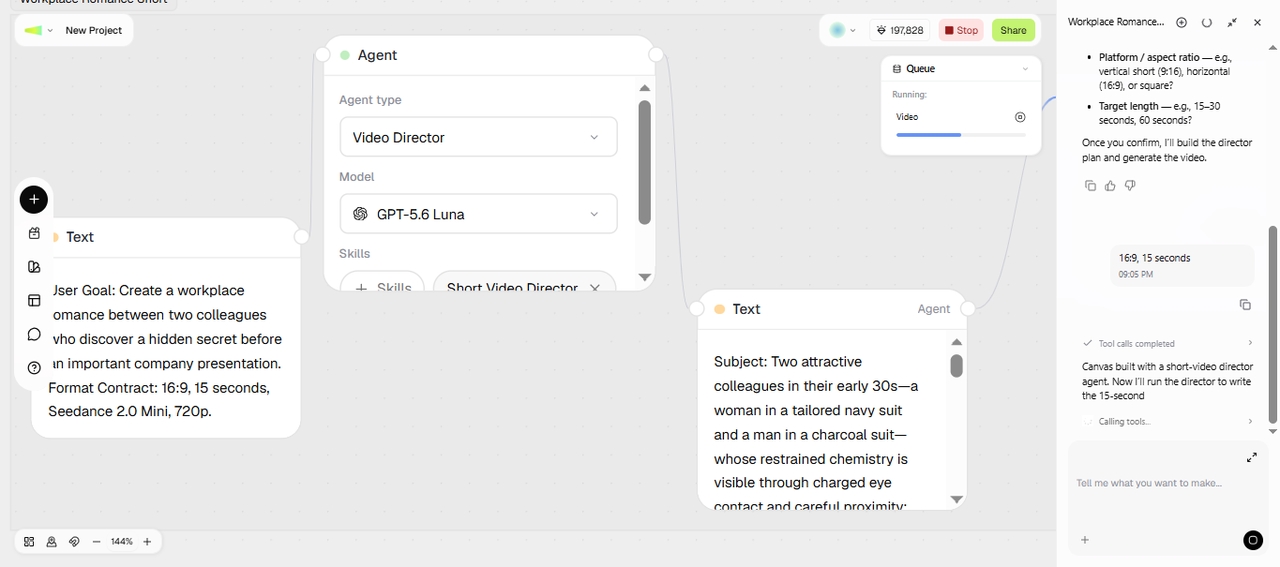
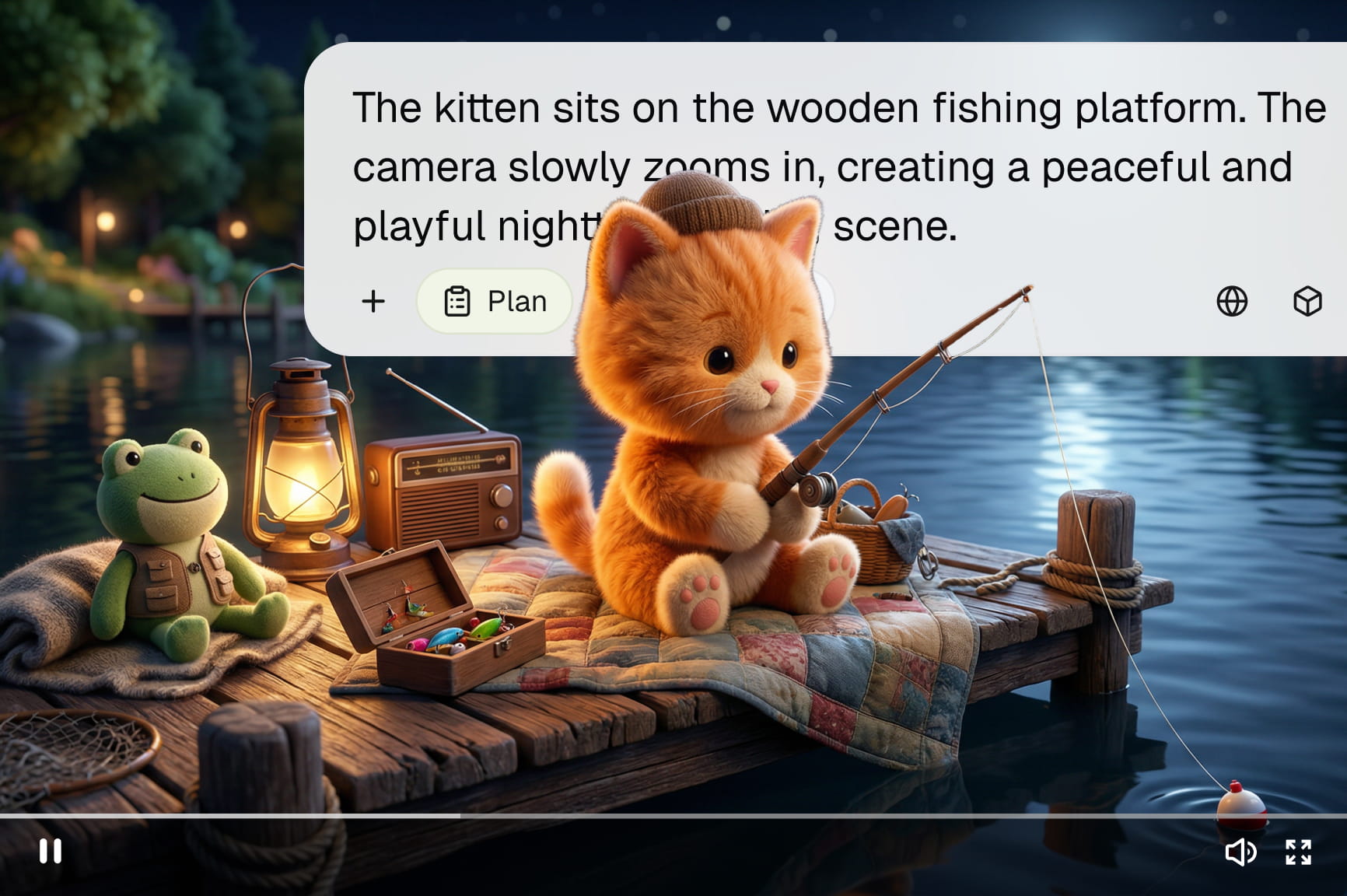
Open the Workflow canvas in Framia Pro and upload your reference images or clips. Enter your short drama idea with the key details. From Skills, select Short Video Director, then click Generate to let Framia Pro plan the video workflow.
Review the nodes
Review the nodes
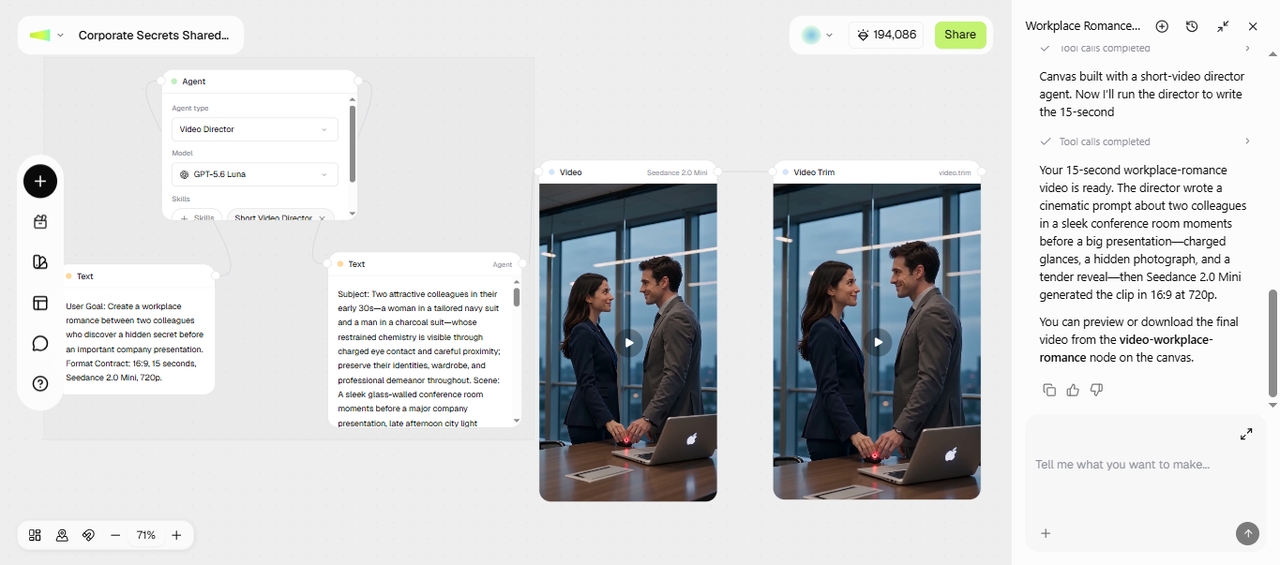
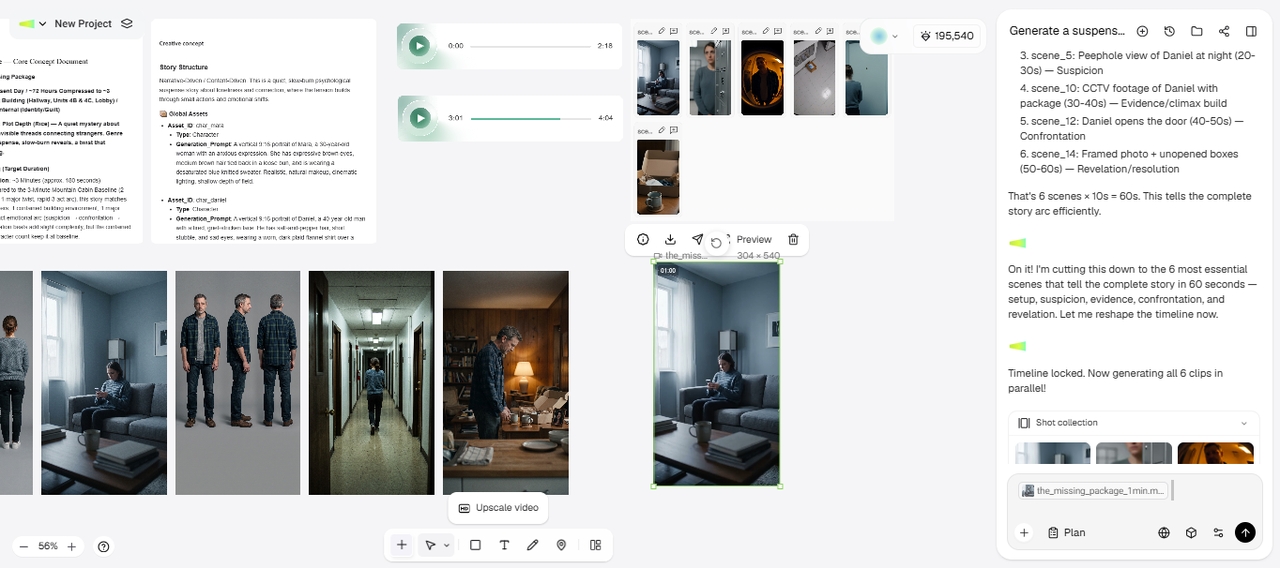
Wait while Framia Pro builds the workflow with separate text, video, and audio nodes. Review each node to check the script, visuals, and sound. When everything looks right, run the final video node to generate your short drama from the completed workflow.
Edit & export
Edit & export
Review the generated clip and make changes with a text prompt or open the video editor node for more control. Adjust the parts that need changes, then preview the final result. When you are happy with the video, export it or share it directly on social media.

How to make a short drama with Classic Canvas on Framia Pro

Generate AI short dramas step by step with Framia Pro's Classic Canvas.

Type your prompt
Type your prompt
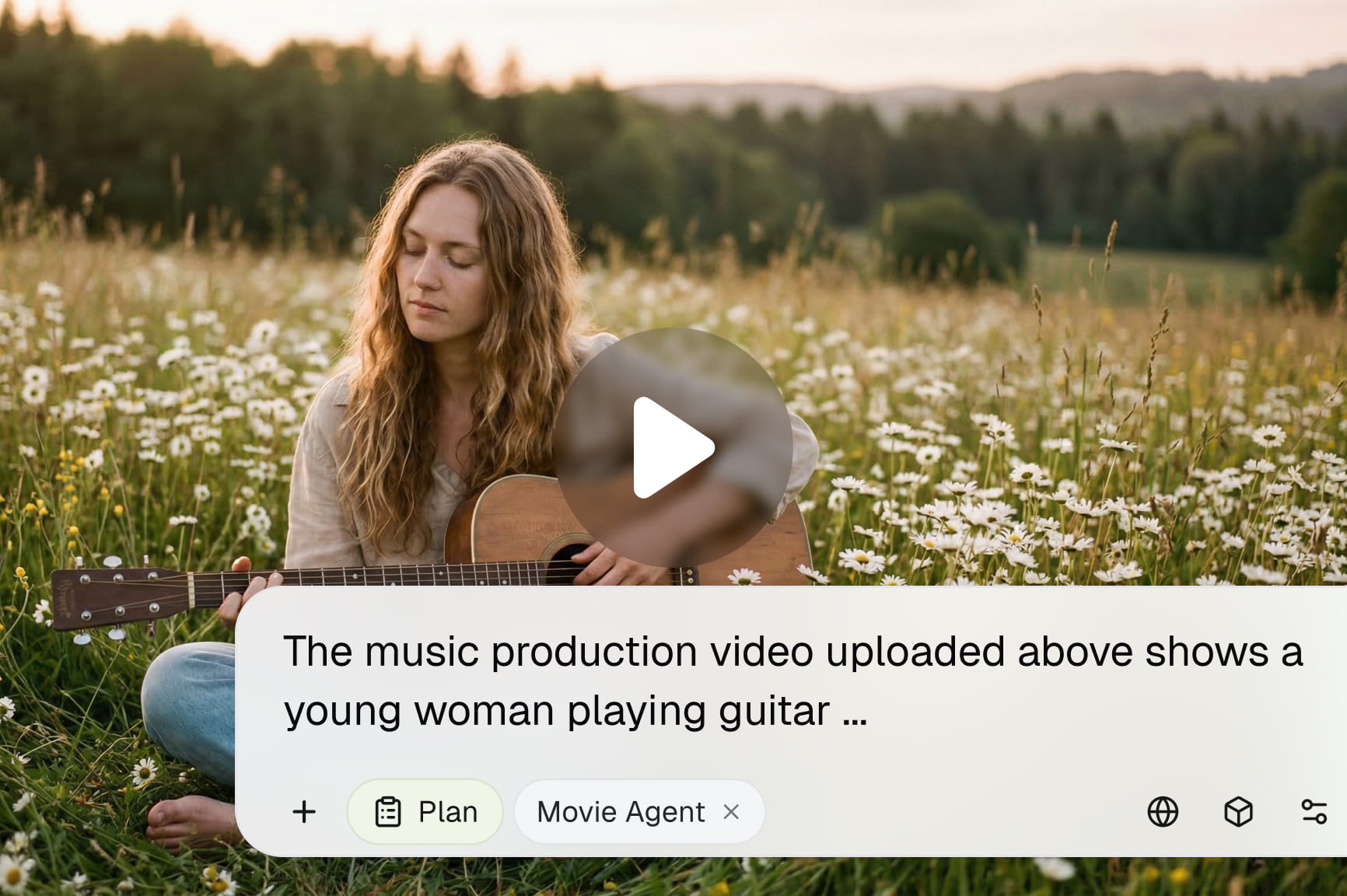
Sign up for Framia Pro and open the Canvas tab. Enter your short drama idea in the text box, including details about the characters, setting, and actions. Click the + button to upload a reference image or video clip for the generation.
Set the model & aspect ratio
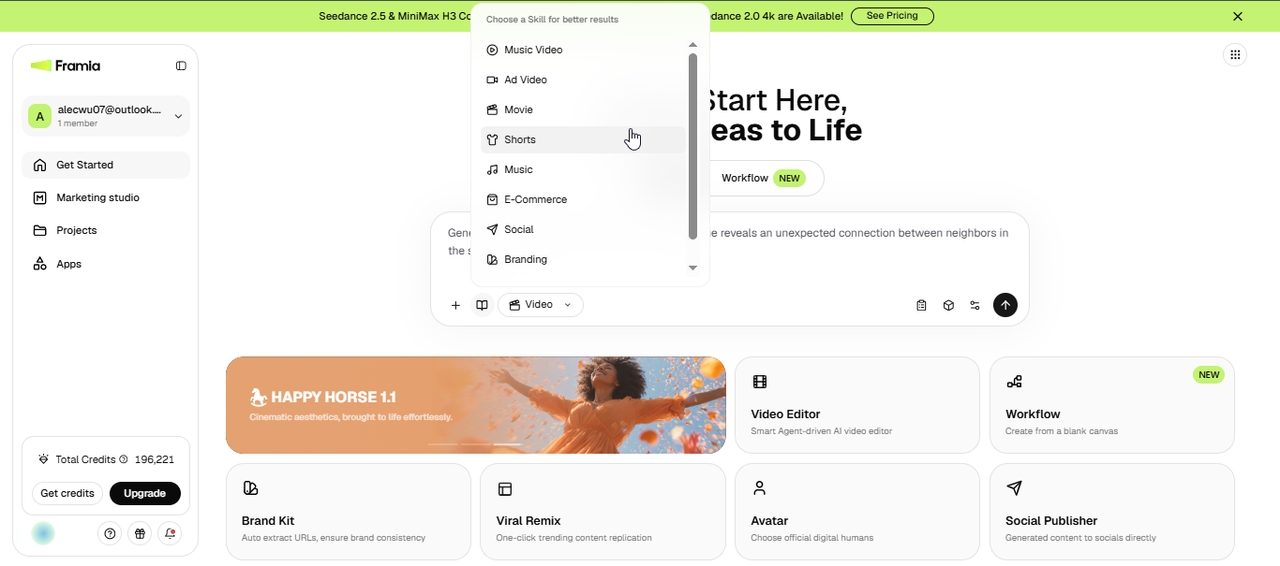
Select the Video agent, then choose Shorts under Skills to guide the generation toward short-form content. Upload viral music from your PC if needed. Click Select model to pick a video model, then use Settings to choose the aspect ratio, duration, and resolution.
Generate & export
Generate & export
Click Generate and wait for Framia Pro to craft a creative concept, write a script, and generate the video. Use text prompts to make changes or open it in the video editor. Then, download directly to your device or share on your connected socials.

Everything you need to create engaging AI short dramas

Create story-driven videos with AI planning, generation, editing, and publishing tools in one workspace.

Plan stories with AI before production

Create characters, scenes, and episode ideas before making your video. The Framia Pro AI micro drama maker lets you organize your storyline, generate a script, and prepare each part of your micro drama before creating scenes.

Plan stories with AI before production
Create every asset in one workspace

Create every asset in one workspace

Generate video captions, scenes, visuals, voices, and other elements in one place. Create complete AI micro-drama videos from your story idea or preset Drama Story templates and adjust each part before sharing the final episode with viewers.

Choose from leading AI video models

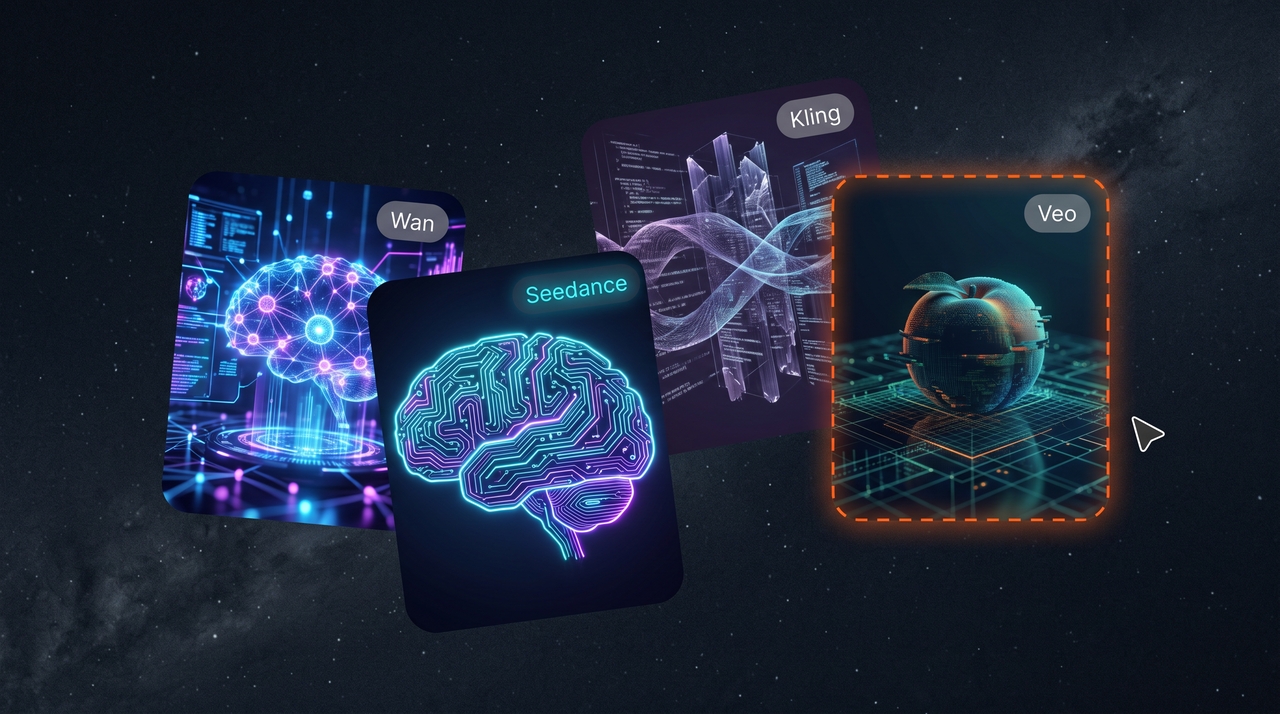
Select from multiple video generation models to create different styles, character movements, and scene formats. Match your chosen model with romance, comedy, mystery, or other story types when creating short drama episodes.

Choose from leading AI video models
Edit stories on an intelligent canvas

Edit stories on an intelligent canvas

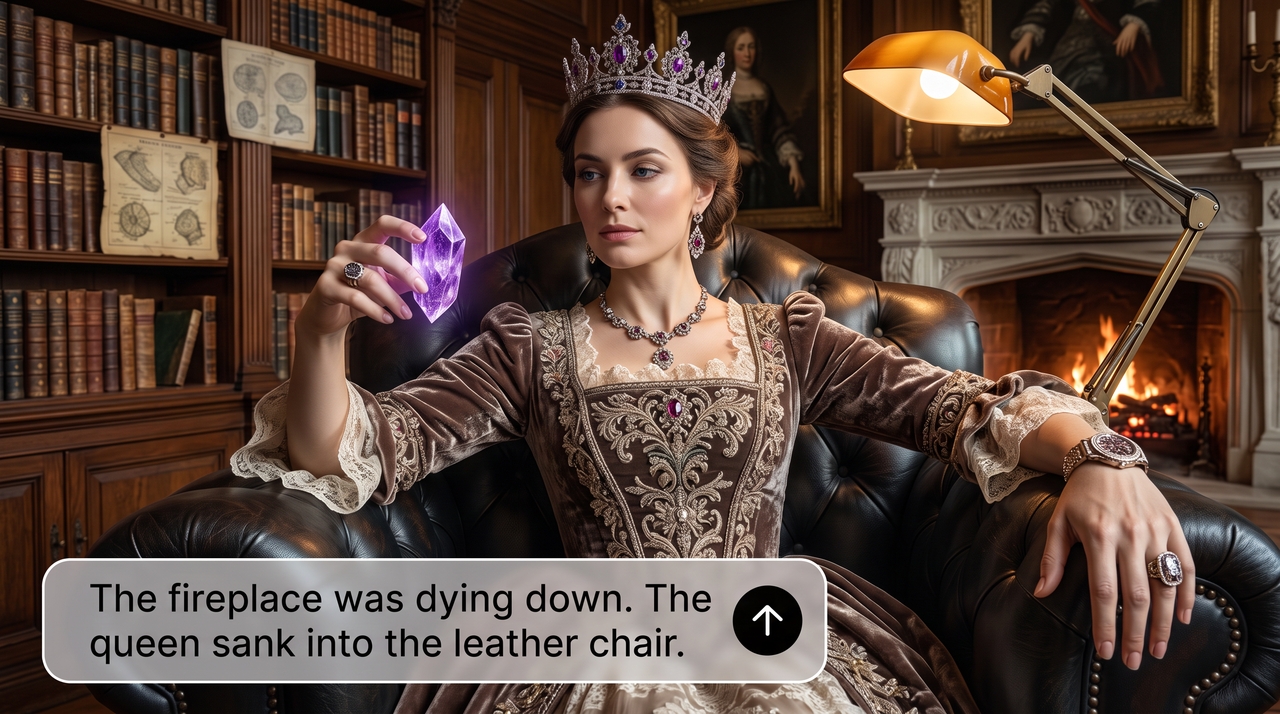
Change scenes, dialogue, visuals, and timing directly on the Classic canvas on Framia Pro. Type instructions to update parts of your micro drama instead of rebuilding the entire video from the start. Open in storyboard video editor to refine further.

Works from any format you already have

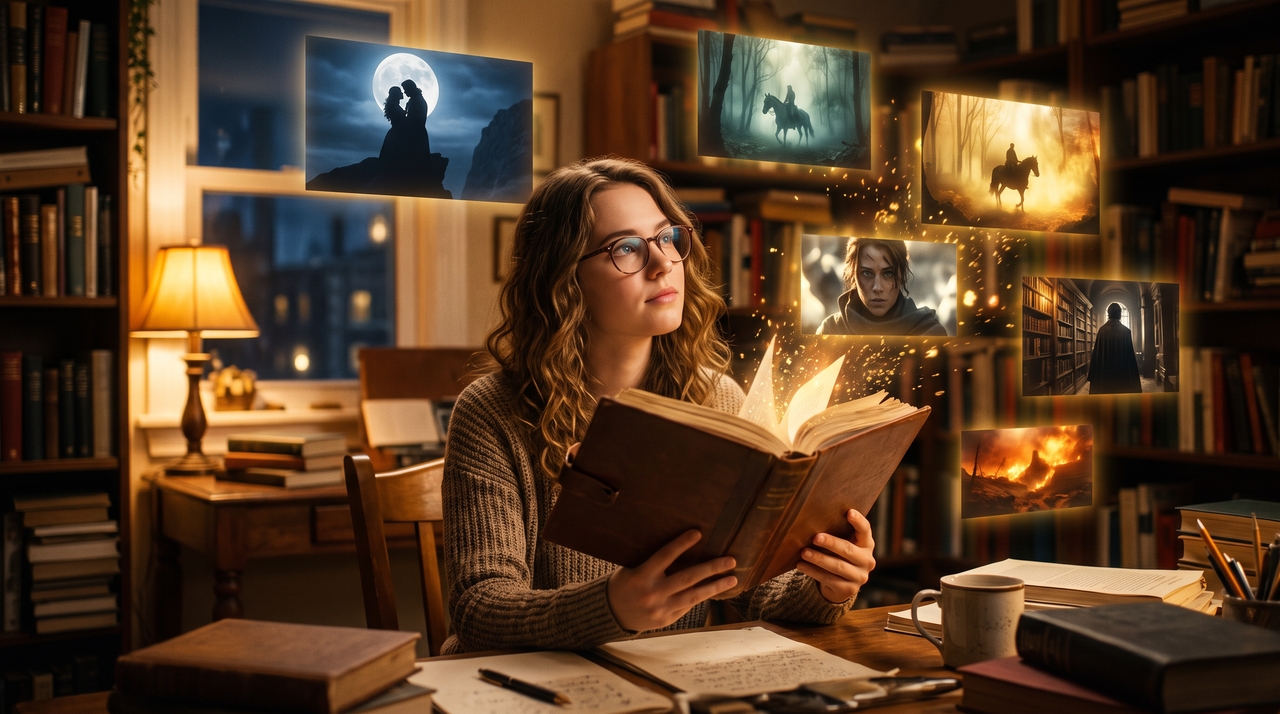
Start with a script, plot outline, novel excerpt, or simple story idea. Framia Pro turns your existing text into structured drama scenes with custom characters, dialogue, and visual elements. You don't have to add too many references to guide the tool.

Works from any format you already have

Create AI micro dramas for every type of story

Create short drama episodes for entertainment, marketing, education, and social media content with Framia Pro.

Romance stories
Create relationship-based stories with emotional moments, character conflicts, and unexpected endings. Build episodes around personal connections, changing situations, and memorable conversations that keep viewers interested from the first scene to the final moment.
Comedy skits
Turn funny concepts into short drama episodes with characters, dialogue, and visual scenes. Create relatable situations, quick interactions, and humorous moments that fit short-form platforms where viewers prefer simple stories with clear endings.
Suspense and mystery
Develop mystery-driven episodes with hidden details, character questions, and dramatic reveals. Create stories where each scene adds new information, which lets viewers follow the investigation and stay curious about what happens next.
Brand storytelling
Present products, services, and customer experiences through short drama formats. Create character-led stories that explain your message through situations and conversations instead of traditional promotional content.
Educational scenarios
Turn lessons, examples, and real situations into short drama videos. Create characters that demonstrate concepts, explain ideas, and present information through scenes that make topics easier for viewers to understand.
Social media series
Create connected drama episodes for TikTok, Reels, and Shorts with recurring characters and ongoing stories. Develop short chapters with clear endings so viewers can follow new episodes and continue watching your posts on social media.

Try these viral AI short drama prompts

Use these prompts to create short drama scenes with characters, dialogue, and storytelling ideas.

Office romance with an unexpected ending

Create a workplace romance between two colleagues who discover a hidden secret before an important company presentation.

Mystery surrounding a missing package

Generate a suspense story where a missing package reveals an unexpected connection between neighbors in the same building.

A startup founder racing against a product launch deadline

Create a business drama about a founder managing pressure, teamwork, and unexpected problems before releasing a new product.

A chef competing in a high-stakes cooking challenge

Generate a competition story featuring a chef facing rivals, personal challenges, and a surprising final result.

A fantasy adventure through a hidden kingdom

Create a fantasy drama featuring magical locations, brave characters, and a journey through an unknown hidden kingdom.

A customer success story presented as a short drama

Turn a customer journey into a short drama showing challenges, solutions, and the final outcome through relatable characters.

What do creators say about Framia Pro's AI short drama maker?

See how creators use Framia Pro to turn story ideas into short drama videos for different platforms.

Framia Pro turned my short story outline into a complete drama episode. I created characters, reviewed scenes, changed dialogue, and exported the final video. The process gave me a clear structure for building short episodes without managing every production detail alone.
Ava Mitchell
Ava Mitchell
Short Film Creator
I create short drama series for social platforms and use this AI short drama maker for early story development. It gives me scene ideas, character details, and dialogue options that make planning easier before I move into final video production.
Noah Ricketts
Noah Ricketts
Social Media Manager
My scripts often need visual planning before recording begins. Framia Pro turns my written concepts into organized scenes with characters and dialogue, which allows me to review the storyline and make changes before sharing the final drama video.
Lina Patel
Lina Patel
Content Creator
I created brand stories with a drama format instead of regular advertisements. Framia Pro helped me arrange scenes, add narration, and build short videos that presented customer experiences through characters, conversations, and situations people could relate to easily.
Ethan Walker
Ethan Walker
Marketing Specialist
Creating multiple drama episodes requires careful planning and editing. I use Framia Pro to work from scripts, adjust individual scenes, and maintain the same storytelling approach when developing a series with recurring characters and connected storylines.
Sofia Carter
Sofia Carter
Video Producer
I turned lesson ideas into short drama examples for my students. The characters and scenes made complex topics easier to explain, while the editing options allowed me to update dialogue and adjust each episode based on my teaching goals.
Daniel Kim
Daniel Kim
Online Educator
We've compiled the most important information to help you get the most out of your experience. Can't find what you're looking for?Contact us

Frequently asked questions

What is an AI drama generator?
An AI micro drama creator creates short drama videos from scripts, ideas, or story chapters. Framia Pro turns written concepts into scenes with characters, dialogue, voices, and subtitles. You can also explore the AI video generator to create different storytelling formats.
Can I edit scenes after generating a micro drama?
Yes. The AI video editor on Framia Pro lets you update scenes, dialogue, visuals, subtitles, and timing after generating a micro drama. You can adjust individual sections, use text prompts to generate a new background, and upscale the clips.
Does Framia Pro support AI voices and subtitles?
Yes. The Framia Pro AI short drama maker supports AI voices and subtitles for micro drama videos. Add character dialogue, narration, and captions to create complete episodes with audio and text.
Is the AI short drama maker suitable for commercial projects?
Yes. Framia Pro AI short drama maker works for commercial storytelling, including brand stories, product videos, customer experiences, and promotional content.
Can I publish AI micro drama videos directly to social media?
Yes. Framia Pro includes Social Publisher features for sharing videos on platforms like TikTok, Instagram, YouTube, and Facebook. Create short episodes, prepare your content, and use the social media post generator feature for additional formats.
What video format works best for micro dramas?
Vertical video works well for micro dramas because TikTok, Reels, and Shorts focus on mobile viewing. Framia Pro lets you create short-form videos and use the best AI video generator for different aspect ratios and storytelling styles.
Is micro-drama safe?
Micro-drama content is generally safe to create when you use original or properly licensed scripts, images, music, and other media. Avoid uploading copyrighted material without permission or creating content that violates applicable laws or platform rules.
How long is the average micro-drama?
Most AI micro-dramas run 1–3 minutes per episode to match the short-form format used on TikTok, Reels, and Shorts. You can generate a single standalone episode or build out a connected series of short episodes with Framia Pro.

Still have questions?

Have questions or need assistance? Our team is here to help!

Create AI short dramas with Framia Pro!

Turn scripts, ideas, and story chapters into micro drama videos with characters, scenes, voices, and subtitles using Framia Pro.

AI Short Drama Maker: Generate Viral Short Drama Videos