AI URL to Video Generator Online

Turn any webpage into a marketing video. Paste a product, article, or website link, and let AI create scripts, scenes, visuals, and videos.

Start for Free

Key features of Framia Pro's AI URL to video generator

Turn any URL into ready-to-share videos with AI tools built for content, products, and marketing.

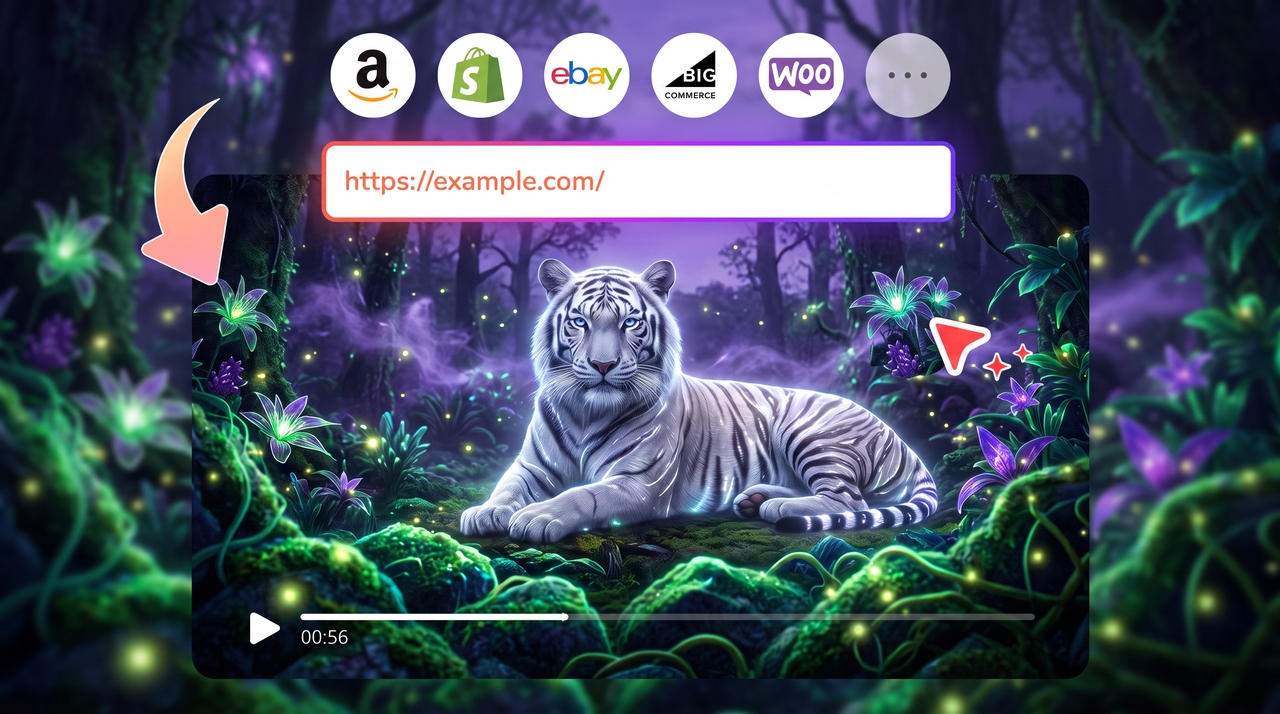
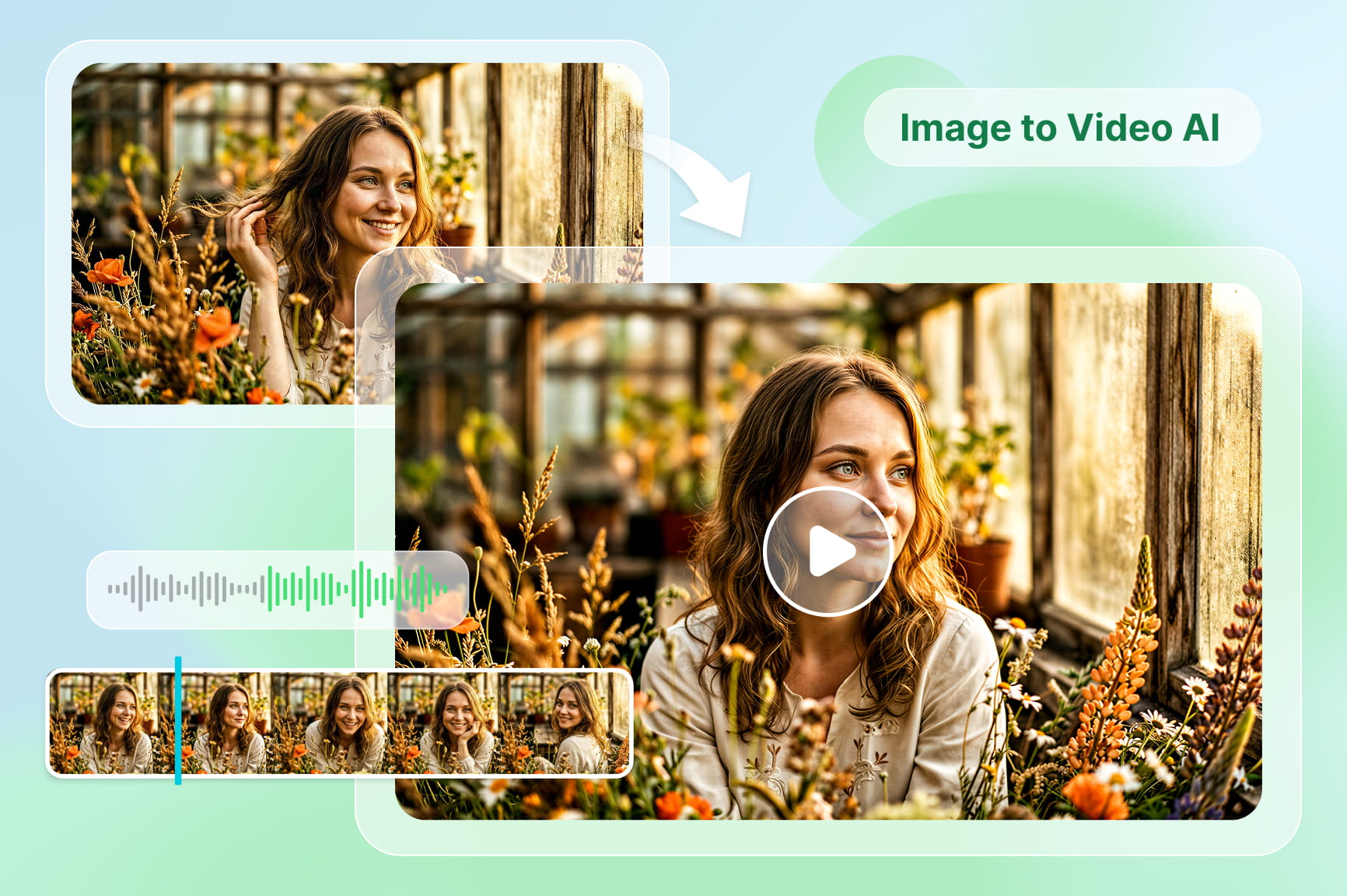
Turn web content into video content

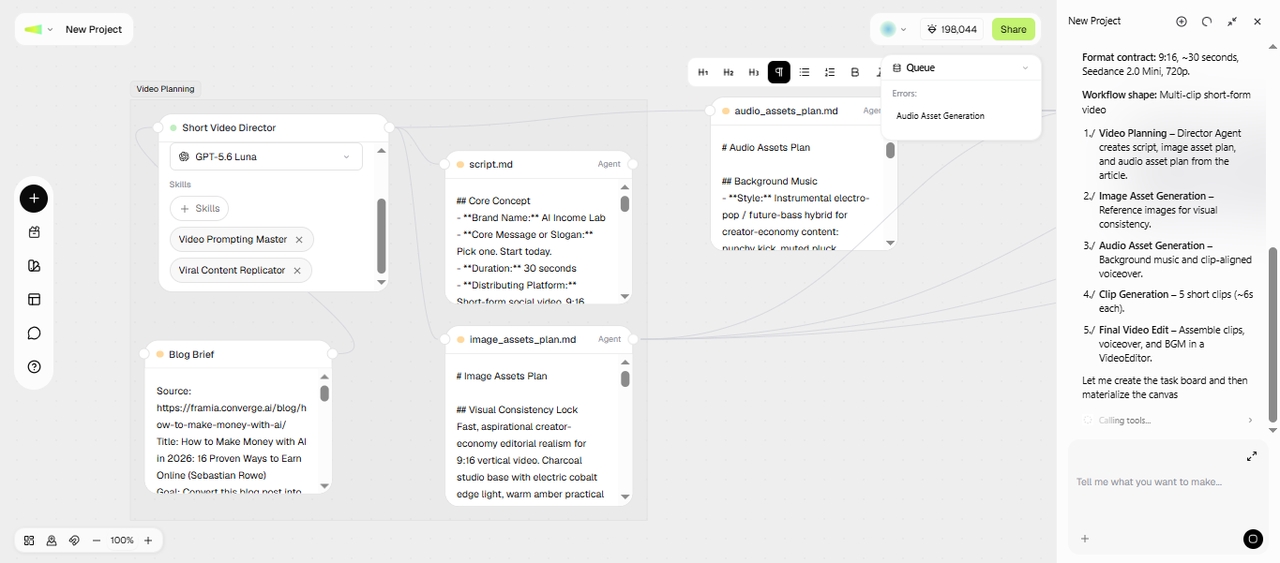
Paste any webpage and let our Video Agent extract key details, write a script, build scenes, and create a video. Skip copying text manually and move from web content to video in one workflow.

Turn web content into video content
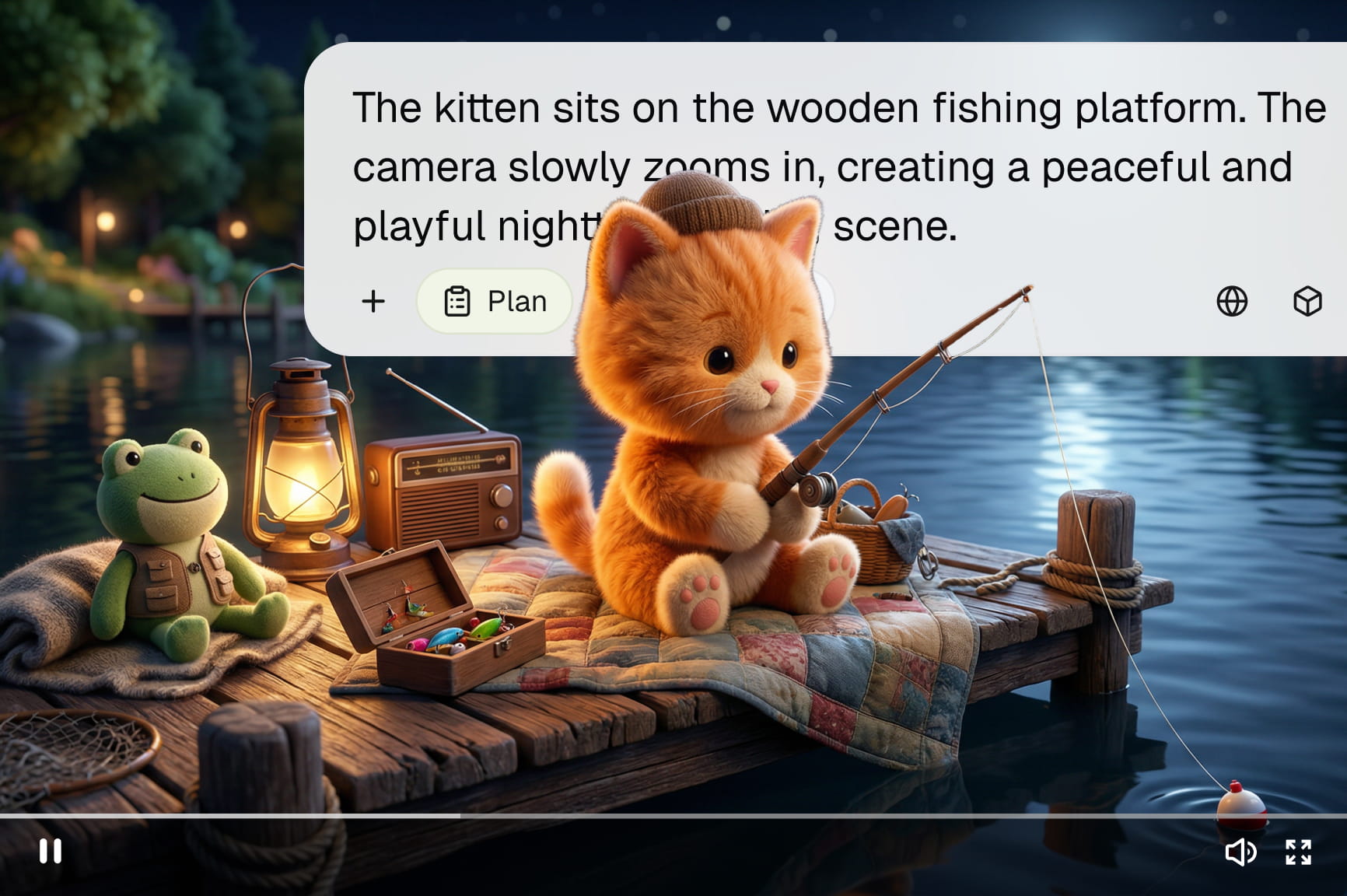
Use leading AI video generation models

Use leading AI video generation models

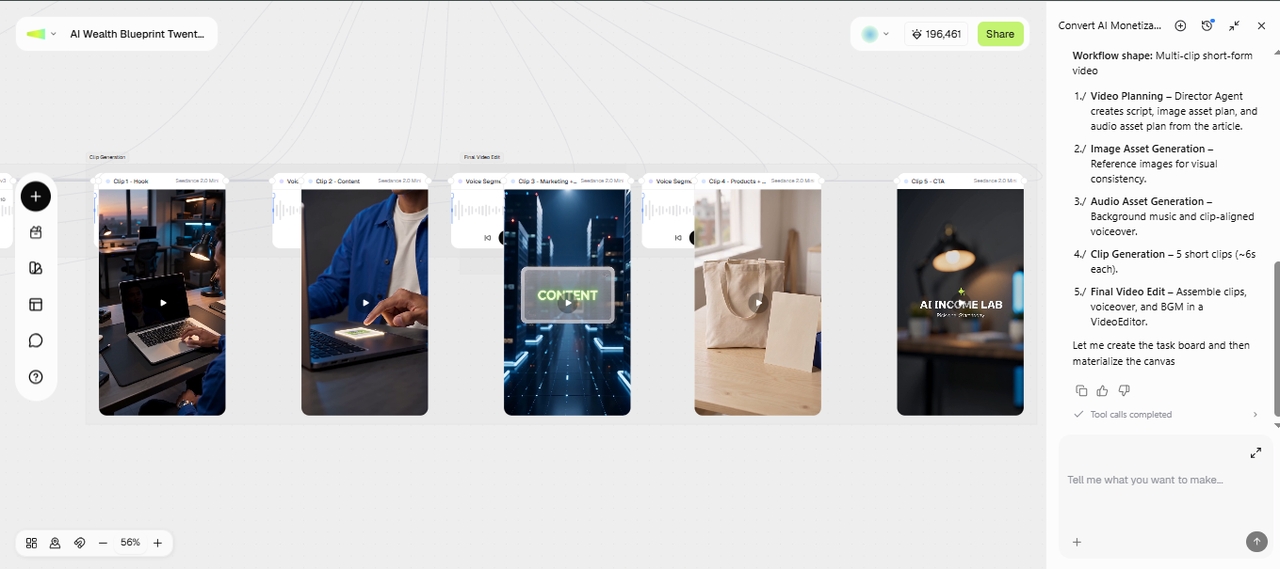
Generate videos that match visuals, pacing, and narration to your webpage with Seedance, Kling, Veo, and other models. The URL-to-AI video workflow gives you multiple styles, so you can easily create product demos, explainers, or social videos.

Plan your content with AI before generation

Review AI-generated outlines, scripts, scene sequences, and narration before creating your final video. Use our link to video maker to adjust messaging, replace sections, or rewrite content to match your audience. This ensures every project follows your marketing goals from the beginning.

Plan your content with AI before generation
Choose from different aspect ratios

Choose from different aspect ratios

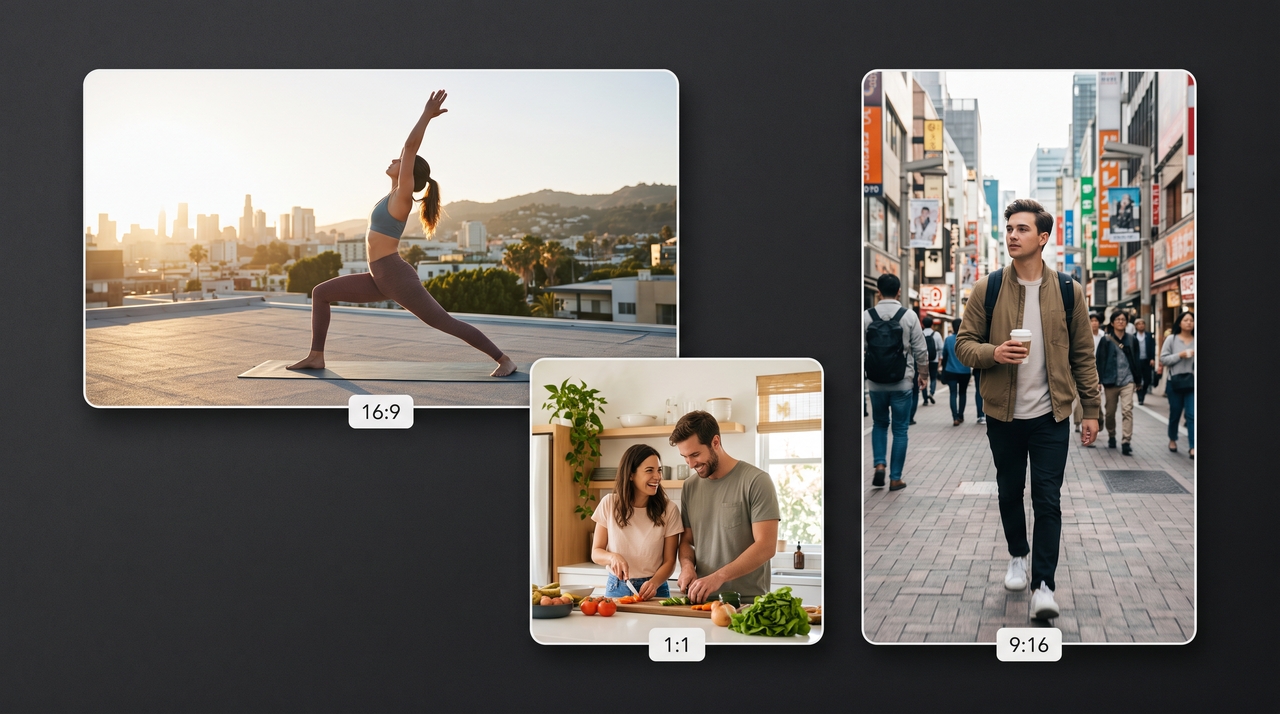
Create videos in vertical, square, or landscape formats for TikTok, Instagram Reels, YouTube Shorts, Facebook, and websites. Select the aspect ratio before generating your project to reduce extra editing work after the video is finished.

Edit every scene with natural language

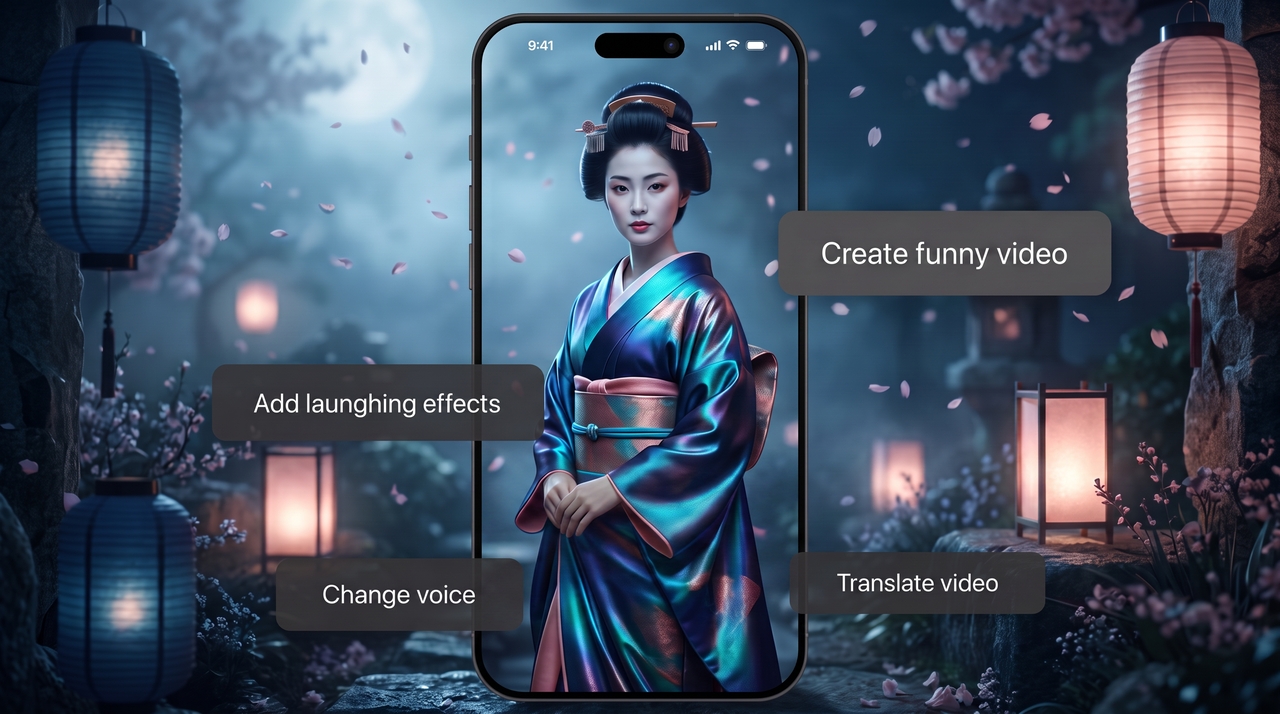
Type simple instructions to inpaint any visual element, rewrite narration, shorten scenes, or change styles without rebuilding your project. The URL-to-video AI generator updates every selected scene, so you can refine videos through plain text commands.

Edit every scene with natural language

How to turn a URL into an AI video using Workflow Canvas on Framia Pro?

Use the Workflow Canvas to create structured marketing videos from URLs with guided AI automation.

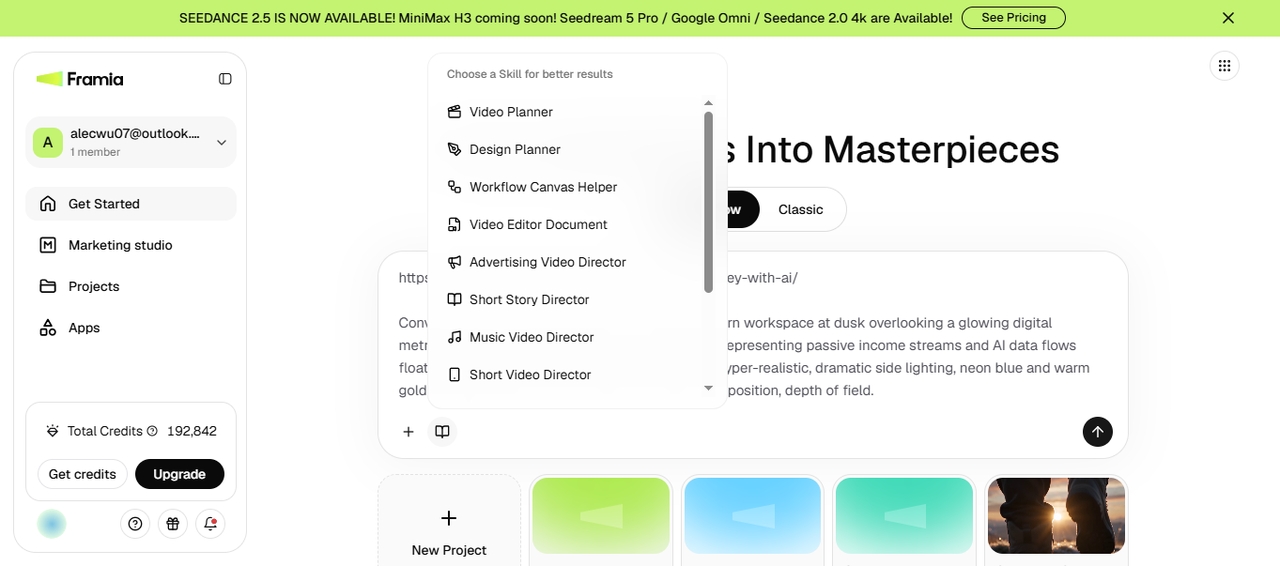
Paste your URL
Sign in to Framia Pro, open the Workflow canvas from the dashboard, select the Video Planner skill from the menu, and paste your URL. Describe the scene, subject, and other details, add a reference image, then click Generate.
Paste your URL
Choose your video model
Review the generated Text nodes to make any changes to the script, and click Generate. Framia Pro adds image, audio, and video nodes to the workflow to generate image assets, audio, and related shots based on your script and prompt.
Choose your video model
Generate and export
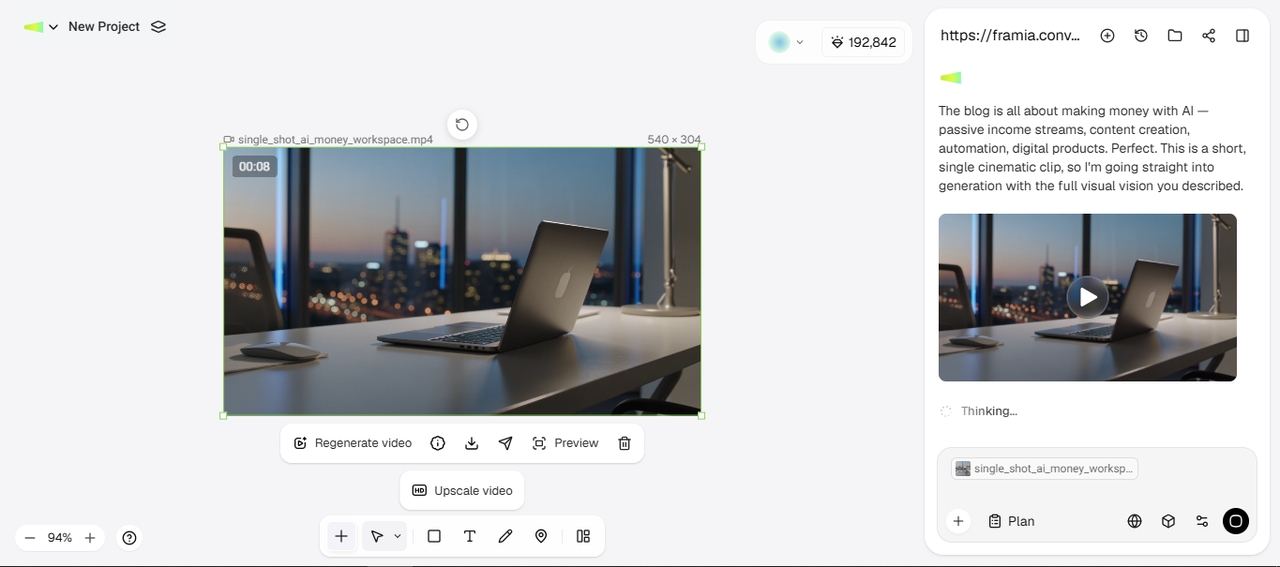
Adjust the prompt or add extra details to refine each generated visual. Add a Video node to combine your visuals and clips into a complete final video. You can also open the Video Editor to trim, enhance, or upscale your video before downloading the final result or sharing it directly on social media.
Generate and export

Create your first URL-to-video AI project easily on Classic Canvas

Generate your first marketing video from a webpage using Classic Canvas in only a few guided steps.
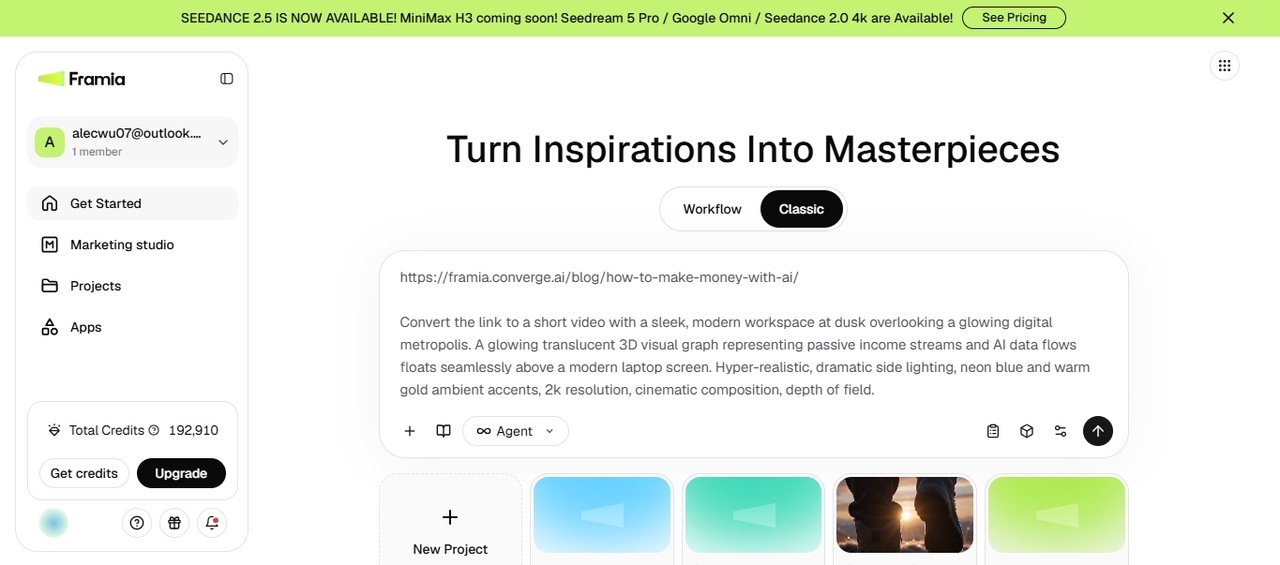
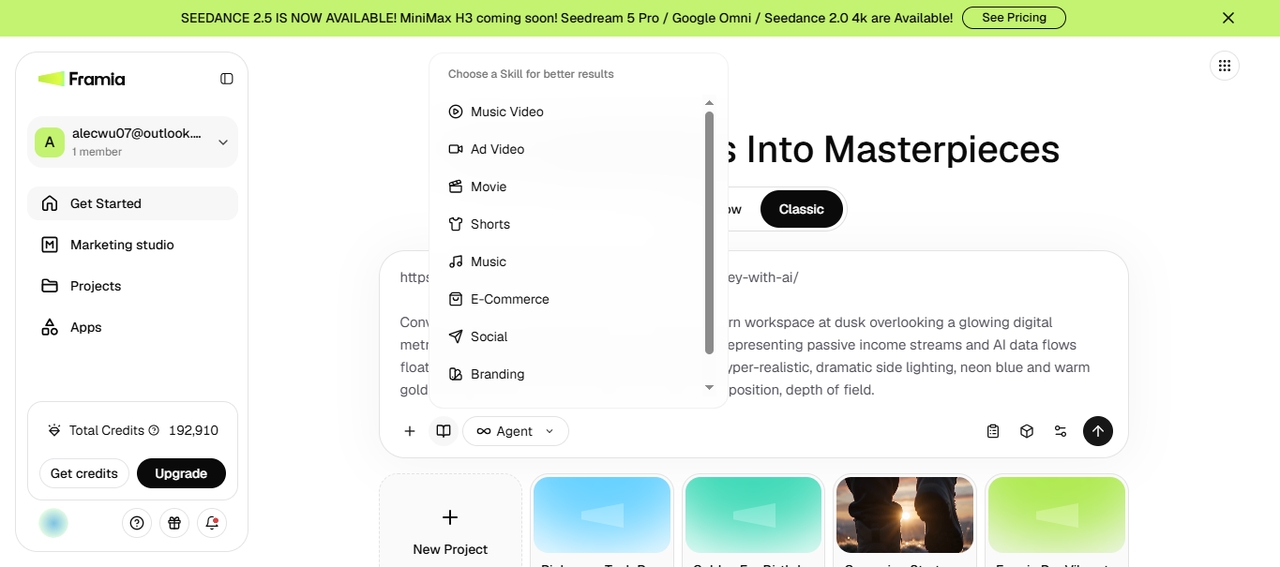
Open Classic Canvas
In the first step, sign up for Framia Pro and go to the Get Started page. From there, click "Classic" on the main screen to access the canvas. Paste your URL in the text field and type a prompt. Make sure to add the scene, resolution, and other info.
Open Classic Canvas
Set the settings
Select Video or Agent and choose the ad video, movie, shorts, or any other skill related to your link. Select the video model from the menu and go to "Settings" to choose the aspect ratio, duration, and resolution for the final output.
Set the settings
Generate & export
Click "Generate," and let Framia Pro create the video. You can then upscale the output, edit it using text prompts, or open it in the Storyboard editor to make changes. Finally, export it to your device or share directly on social platforms.
Generate & export

Benefits of turning a URL into a video with AI using Framia Pro

Create videos faster while keeping branding, messaging, and publishing formats organized.

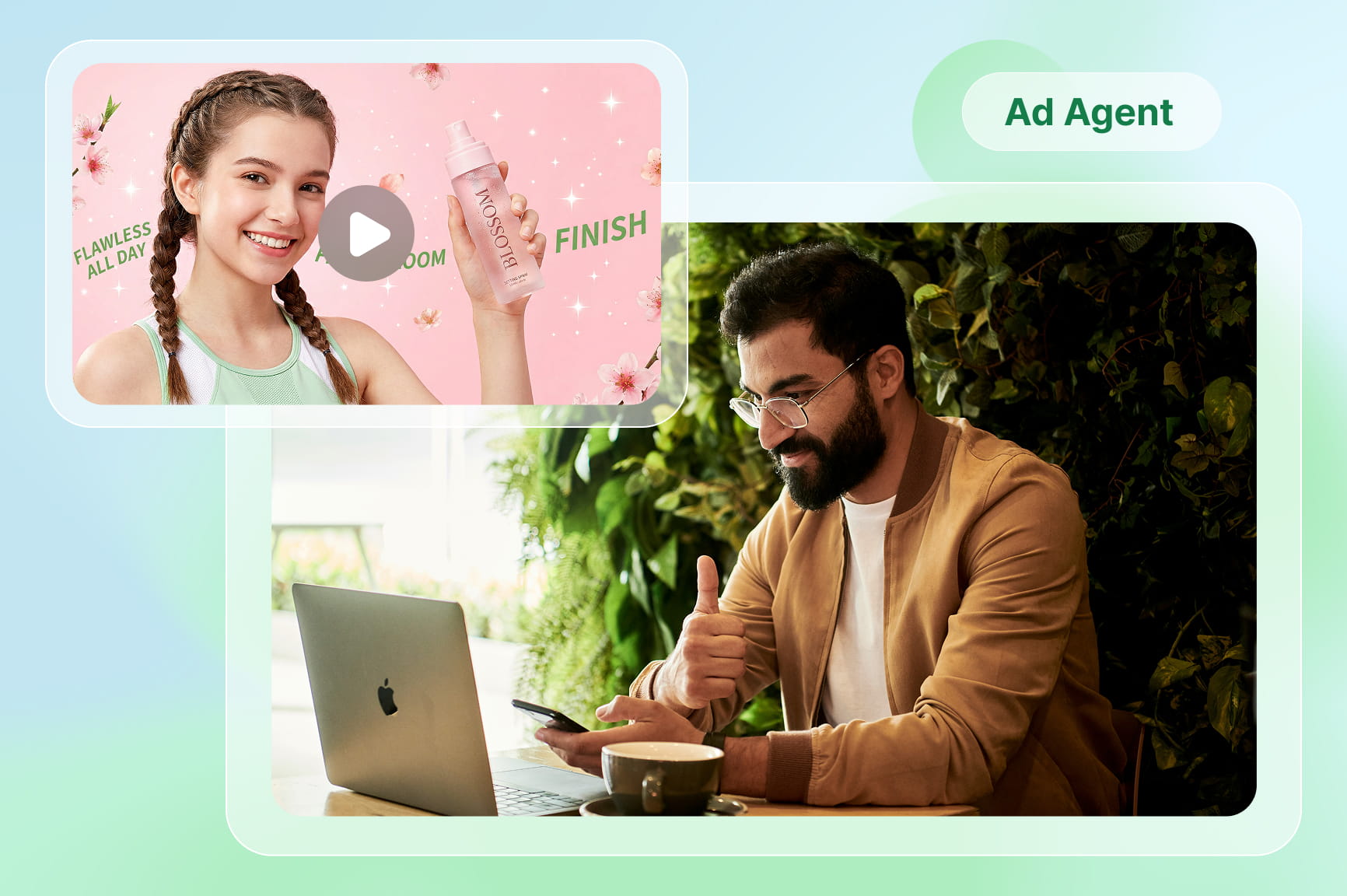
Publish content for every channel
Create marketing videos from one webpage, then publish them on multiple social platforms using the Framia Pro social publisher. Schedule posts, organize upcoming campaigns, and keep your publishing calendar active without switching between separate marketing tools.
Use a brand kit for your content
Create a brand kit from a link or logo, fonts, colors, and brand assets, and apply it to every generated video. Keep your marketing materials aligned while creating new projects with our AI URL-to-video generator for campaigns and product launches.
Generate script & visuals in one flow
Generate scripts, visuals, captions, and voiceovers in a single canvas. With our AI link-to-video generator, you can review every scene before rendering, so you can adjust content without starting over.

What do users say about Framia Pro's AI URL to video tool?

See how teams and creators turn webpages into videos faster for marketing, social media, and sales.


I pasted a product page into Framia Pro, and the first draft already included scenes, captions, and voiceovers. After replacing a few images and updating the ending, the video was ready to publish across our marketing channels.
Maya Sullivan
Maya Sullivan
E-commerce Store Owner
Our team regularly turns blog posts into short videos for social media. The generated script stays close to the original article, so we spend less time rewriting everything before reviewing the final version together.
Ethan Morales
Ethan Morales
Content Strategist
Framia Pro fits nicely into our campaign workflow. I start with a landing page, review the generated scenes, make small adjustments, and prepare different video versions for every platform without rebuilding the project each time.
Priya Desai
Priya Desai
Marketing Coordinator
Several clients ask for website videos with very little notice. Starting from their webpage gives me a usable draft immediately, which leaves more time for creative edits instead of writing scripts from the beginning.
Jordan Kim
Jordan Kim
Freelance Video Creator
My travel guides already contain everything needed for short videos. I review the generated scenes, replace a few visuals, and publish fresh content every week without reorganizing the entire story from scratch.
Natalie Brooks
Natalie Brooks
Travel Blogger
Property listings already include most selling details, and Framia Pro turns them into video drafts quickly. I review the script, update property photos, and share polished listing videos with buyers before every scheduled open house.
Carlos Bennett
Carlos Bennett
Real Estate Agent
We've compiled the most important information to help you get the most out of your experience. Can't find what you're looking for?Contact us

Frequently asked questions

What is a URL to video AI generator?
A URL-to-video AI tool analyzes a webpage and turns its content into a complete video. The AI video generator on Framia Pro extracts key information, builds scripts, generates scenes, adds captions and voiceovers, then lets you review and edit everything before exporting the finished project.
Can I turn a product page into a video ad?
Yes. Paste your product page into Framia Pro, and it creates a promotional video using product details, images, and descriptions from the webpage. You can rewrite the AI video prompt, replace visuals, adjust scenes, and export a video ready for marketing campaigns.
Is the AI URL-to-video generator free to try on Framia Pro?
Yes. Framia Pro lets you explore its URL-to-video AI agent before deciding whether additional features match your needs. You can generate projects, review AI-created scripts and scenes, then choose a plan based on your content creation requirements.
What happens if my page has little text or few images?
If your webpage contains limited content, Framia Pro still creates a draft using available information. You can expand the script, upload replacement visuals, rewrite scenes, and adjust narration before generating the final version of your marketing video.
Which types of URLs are supported?
The URL-to-Video AI maker on Framia Pro works with many publicly accessible webpages, including product listings, blogs, landing pages, articles, service pages, and online stores. Paste a supported URL, select the AI video model, and AI analyzes the available content before building your video project automatically.
Can I create videos for TikTok and YouTube Shorts?
Yes. The Framia Pro URL-to-video AI tool lets you generate videos in vertical formats for TikTok, YouTube Shorts, Instagram Reels, and similar platforms. Choose the appropriate aspect ratio before exporting, then publish platform-ready videos without manually resizing every project.
How fast can I generate a video ad from a product URL?
Framia Pro usually generates videos within a few minutes. Exact timing depends on video length, resolution, and how many scenes the AI builds from your page content.
Can I customize the videos generated from a product URL?
Yes. You can edit scenes with text prompts, swap visuals, adjust the script, or open the Storyboard editor to fine-tune pacing, captions, and transitions before exporting.

Still have questions?

Have questions or need assistance? Our team is here to help!

Turn URLs into videos with Framia Pro!

Paste any webpage URL and generate scripts, scenes, captions, and marketing videos with AI. Try Framia Pro now!
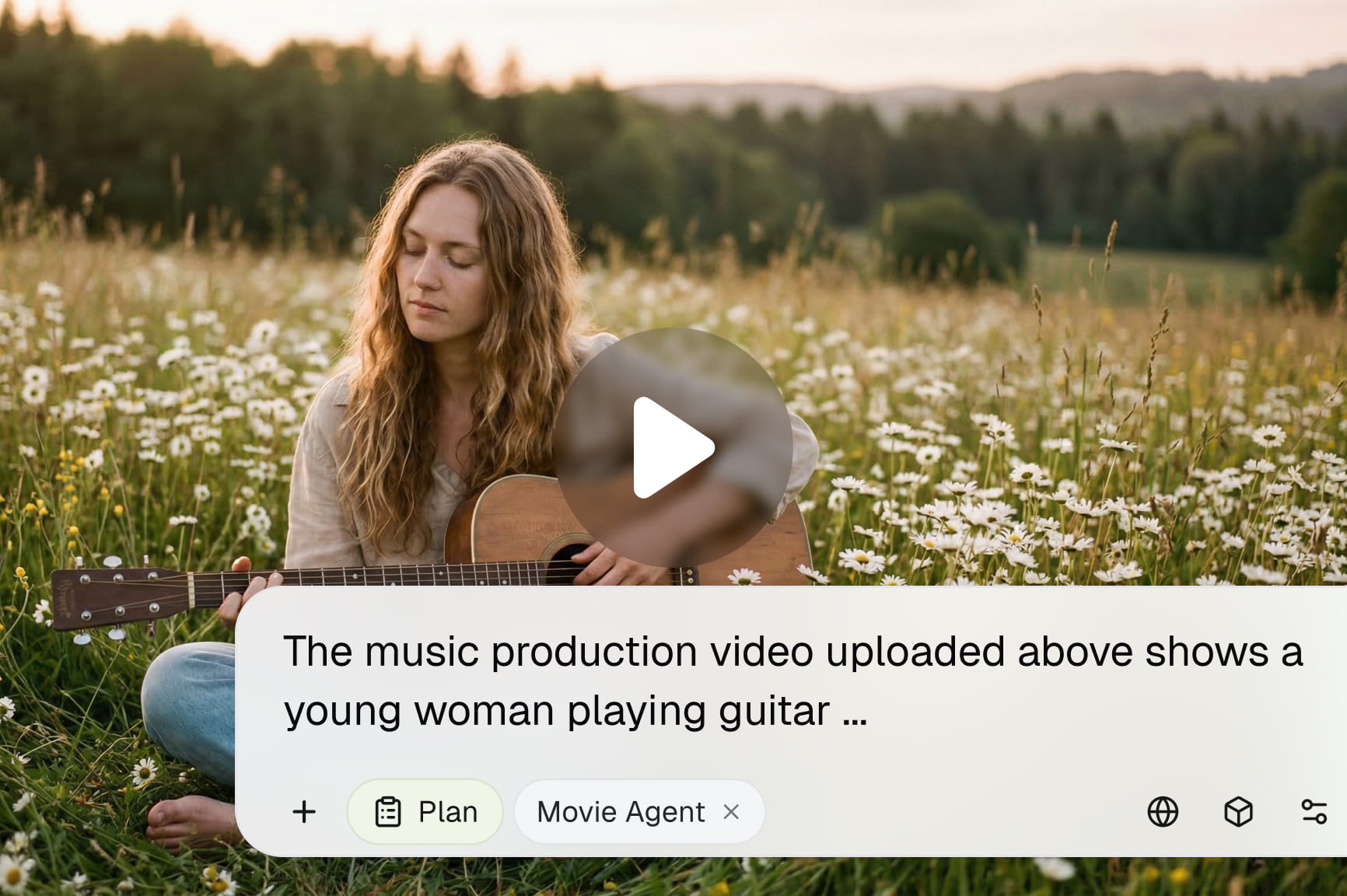
URL to Video AI | Turn Any Link into Marketing Videos