Free AI Comic Generator Online

Create comic strips, characters, and full stories in seconds with Framia Pro's AI comic generator—no drawing skills needed, just your ideas.

Start for Free

Preparing editor…

What is an AI comic generator?

An AI comic generator is a tool that uses artificial intelligence to turn text prompts, images, or story ideas into comic-style artwork. It can create characters, scenes, dialogue panels, and visual styles based on your instructions. You can use an AI comic book generator to create short comics, storyboards, webcomics, character scenes, and social media content without drawing each panel manually.

Powerful features of Framia Pro's AI comic maker

Unlock powerful AI tools to create stunning comic panels, design unique characters](https://framia.converge.ai/solutions/ai-character-generator), and build full stories faster with Framia Pro's AI comic generator.

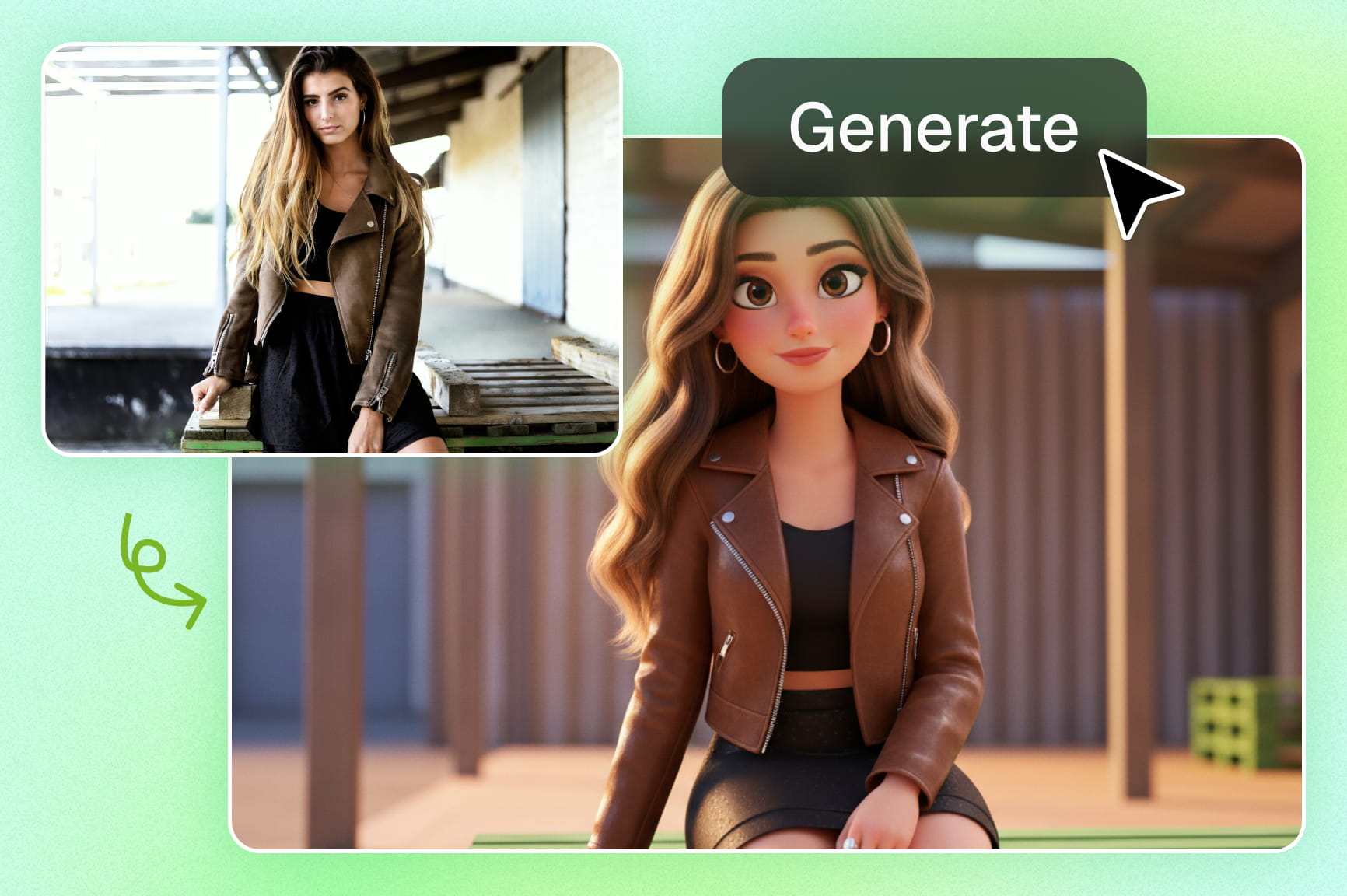
Transform text into stunning comic-style art

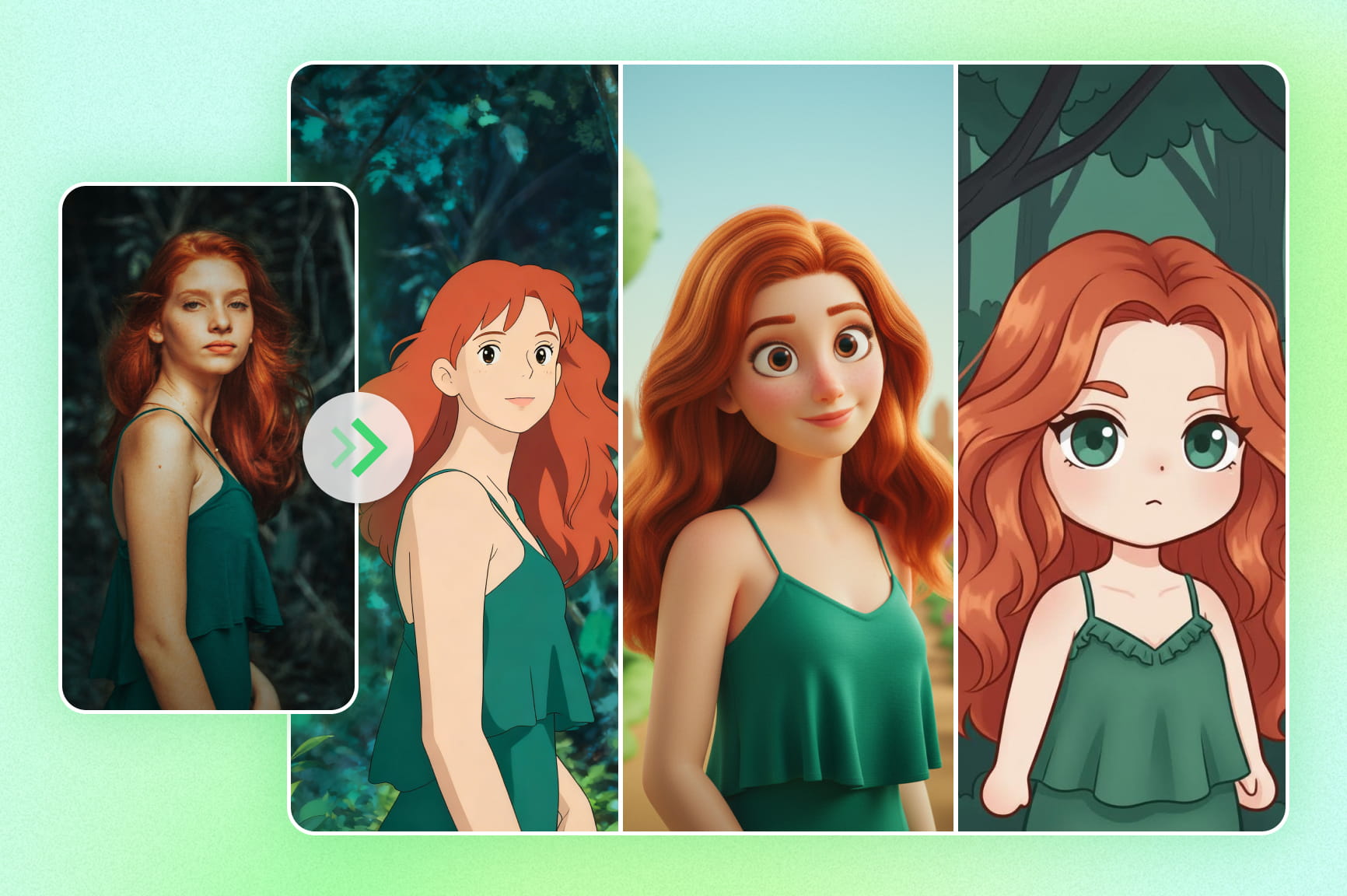
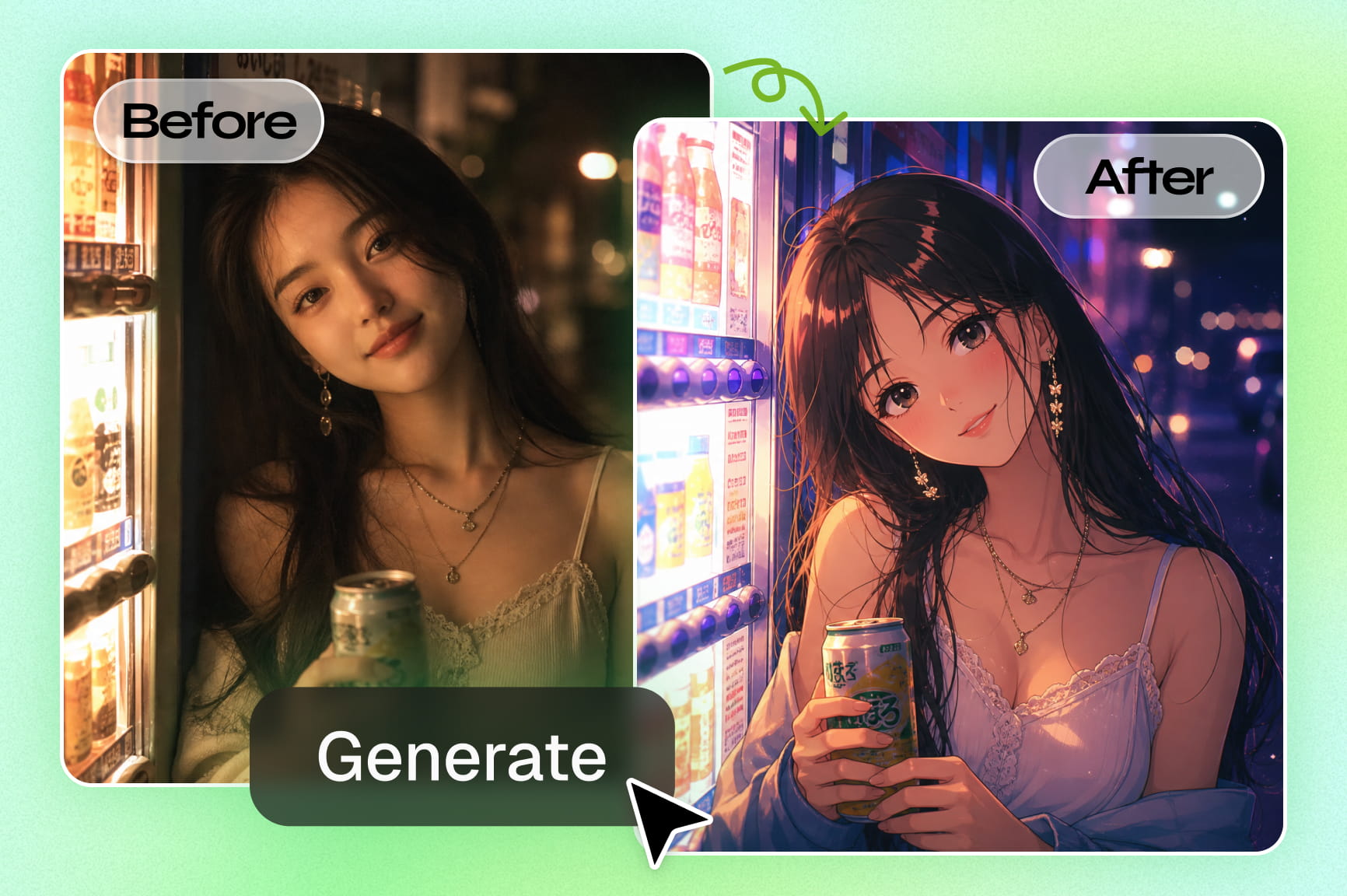
Transform prompts into detailed visuals with our AI comic book art generator. Describe scenes and characters to instantly create professional comic art without drawing skills. Powered by advanced models like Seedream 5.0 and Nano Banana 2, it streamlines your creative workflow.

Transform text into stunning comic-style art
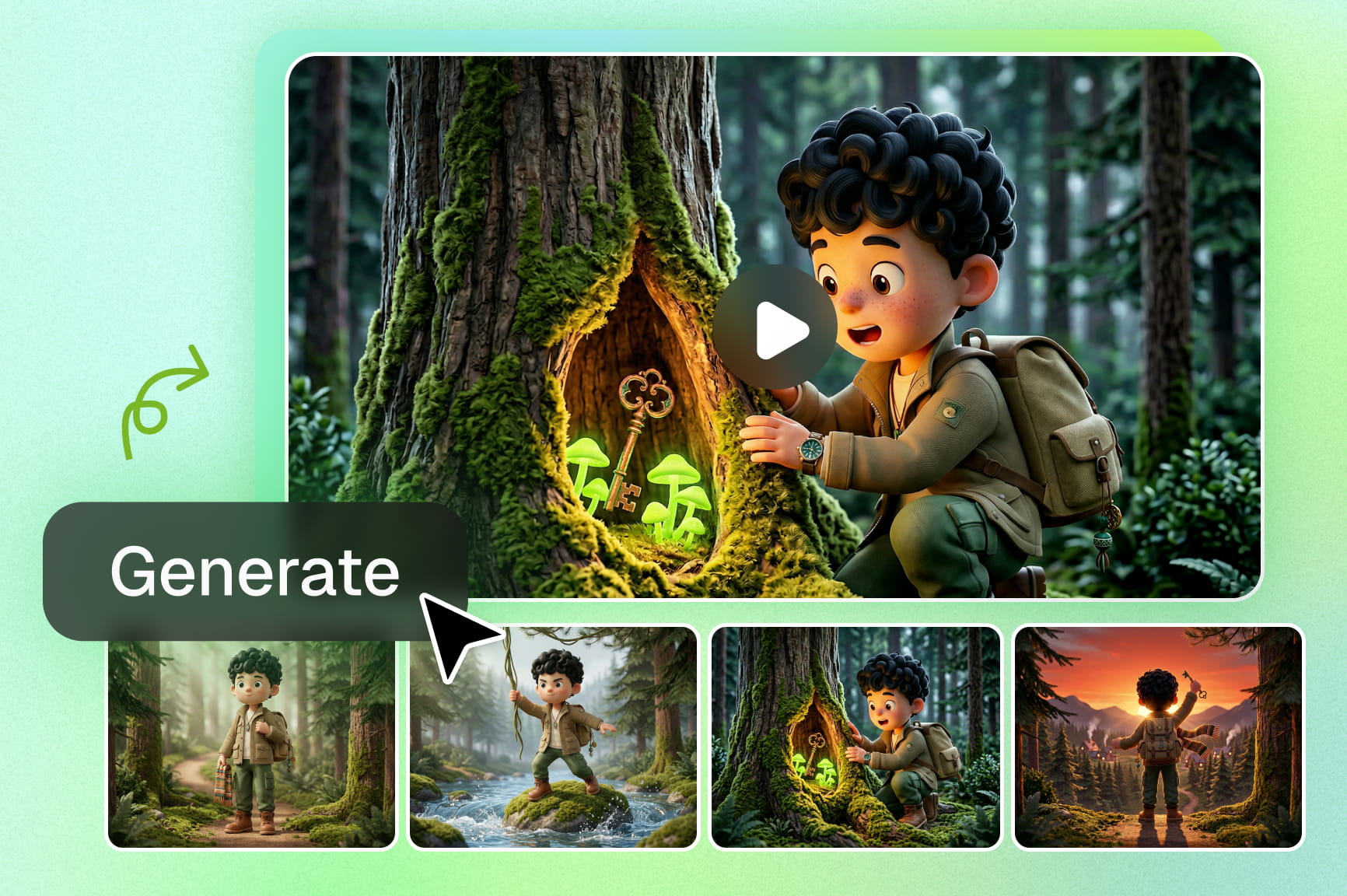
Consistent character design across panels

Consistent character design across panels

Maintain perfect consistency in character appearance, expressions, clothing, and proportions across every comic panel using our AI comic book character generator's advanced reference system and reusable assets—no more frustrating redraws or mismatched heroes ruining your story's flow.

Expand your comics into versatile formats

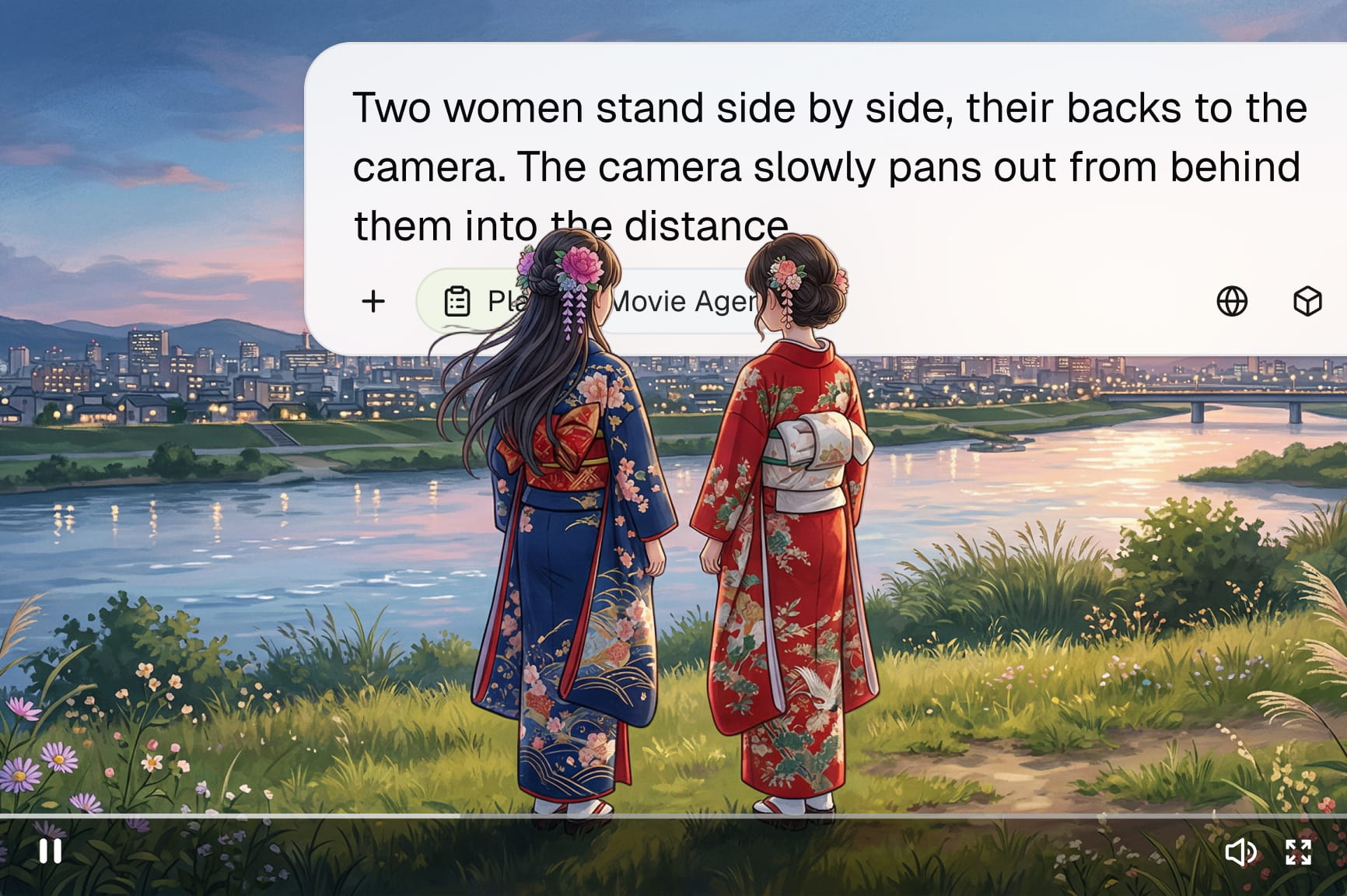
Transform your creations with Framia Pro's AI comic book maker by converting comic strips into storyboards, videos, or audio formats. Expand your creative possibilities and repurpose content easily across platforms for storytelling, marketing, or multimedia projects.

Generate comics in diverse visual styles

Generate comics in diverse visual styles

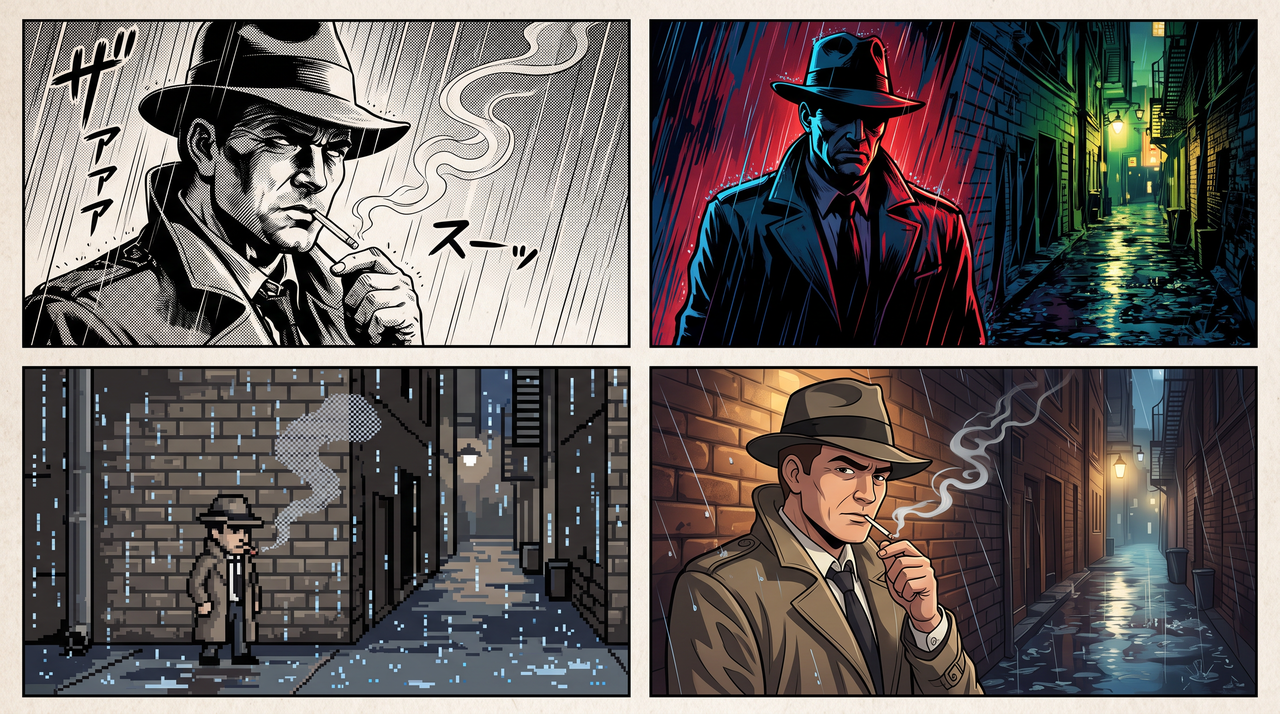
Produce stunning panels in diverse styles like manga, superhero, retro pixel art, or cartoon using our free AI comic book generator. Bring your creative vision to life instantly by switching between world-class AI models to find the perfect aesthetic for your story.

Turn your scripts into professional panels

Convert your full scripts into organized layouts with our AI comic strip maker. This feature intelligently interprets dialogue and action to generate cohesive panels throughout your entire graphic novel or short story, saving you hours of manual formatting.

Turn your scripts into professional panels
Design high-impact comic book covers

Design high-impact comic book covers

Capture your audience's attention immediately using Framia Pro's AI comic book cover generator. Create high-resolution, professional-grade front pages that combine dramatic lighting and bold typography to give your digital or print project a premium published look.

How to create comics with Framia Pro's comic book AI generator?

Follow these simple steps to turn your story ideas into stunning AI-powered comics using Framia Pro's AI comic generator.

Step 1: Describe your story
Open the Agent Canvas from the Framia Pro dashboard and start a new project. Describe your comic's story, characters, and art style, such as manga, superhero, or retro pixel, or upload a reference image for a character or cover. Pick a skill from the Skills menu, set the reasoning mode, and then hit Enter.
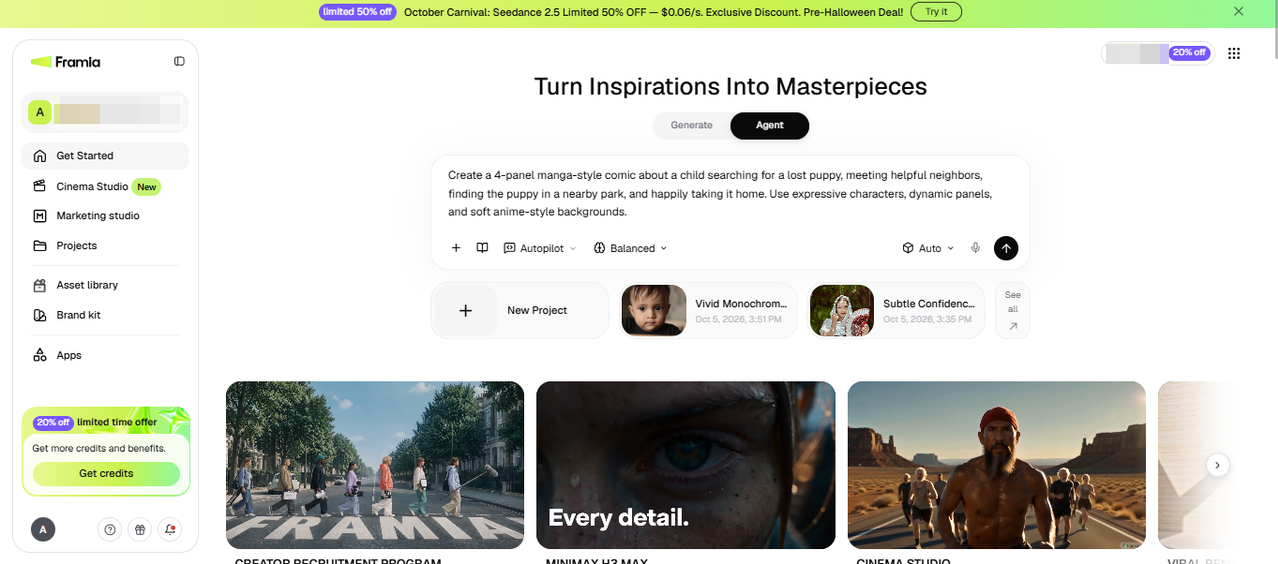
Step 1: Describe your story
Step 2: Shape each panel
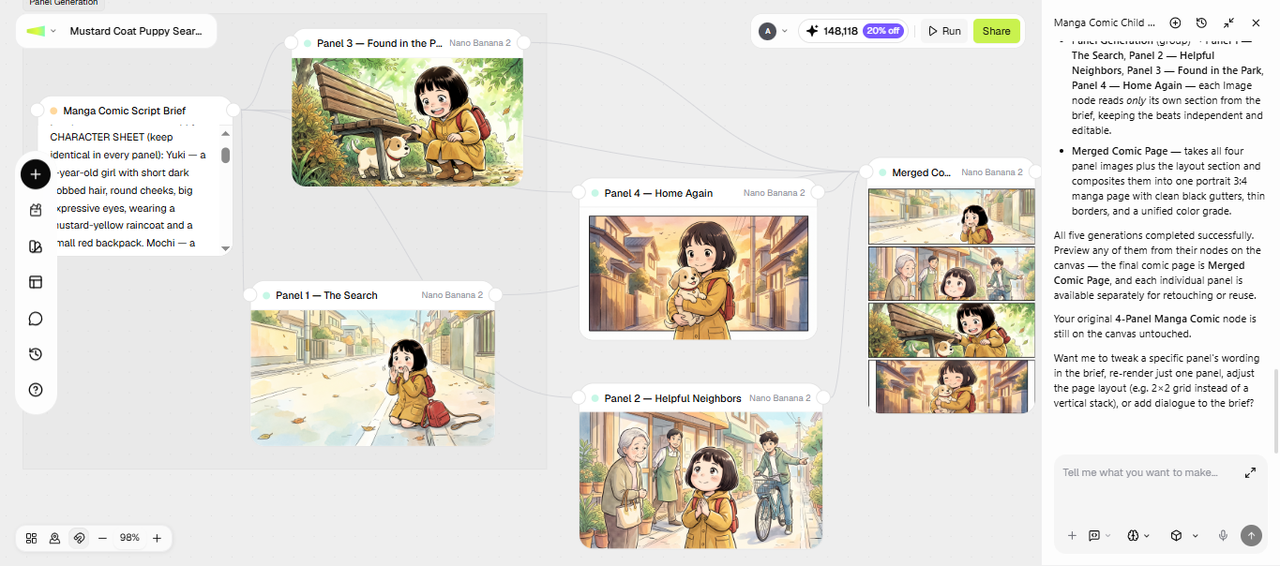
Framia Pro writes a script brief in the first Text node and connects Image nodes for each panel around it. Once the nodes appear, adjust them panel by panel. Edit the Text node if the dialogue or pacing needs work, and edit each Image node to lock in a character's look, background, or layout choice. Connect one character reference image to every panel that character appears in, so the same face, outfit, and proportions carry through the story.
Step 2: Shape each panel
Step 3: Export your comic
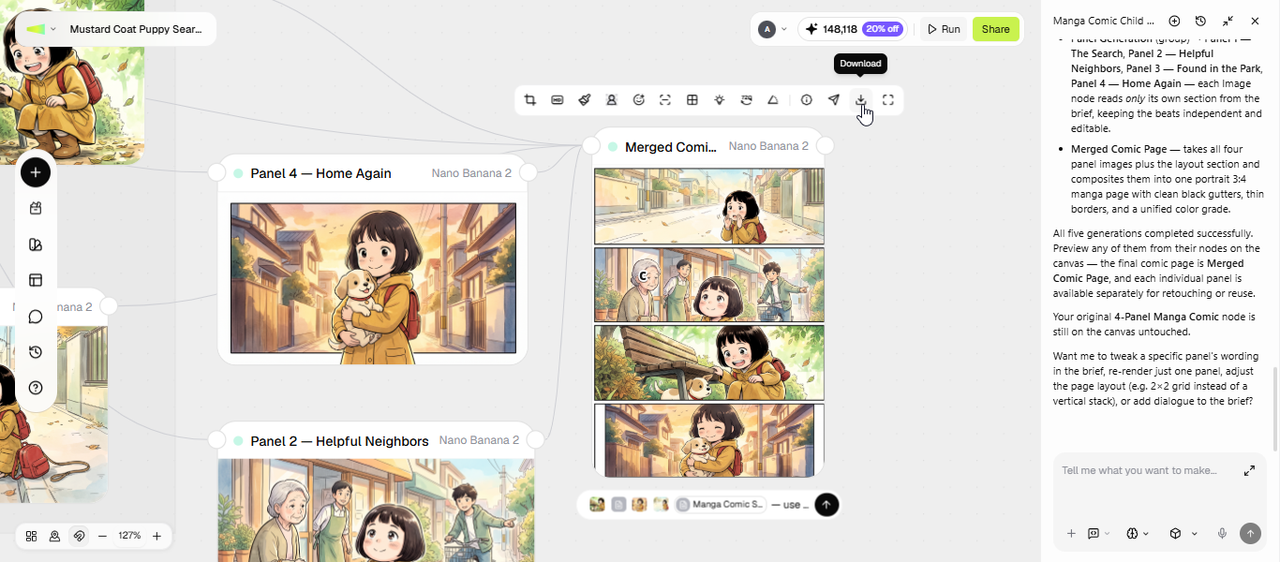
Use the toolbar to upscale a panel, adjust lighting, or change the angle. For a specific fix, select Local Edit, brush over the area, and describe the change. If you want the comic as a short clip instead of static panels, add a Video node to turn the sequence into a brief animated cut. When the comic is ready, click Download to save it or Share to post it directly.
Step 3: Export your comic

Why choose Framia Pro's AI comic generator

Experience the future of storytelling with our versatile, high-speed AI tools designed for creators.

Generate stunning 4K ultra HD comic imagery
Generate crystal-clear, professional-grade panels in 4K resolution using advanced models like [Nano Banana 2(https://framia.converge.ai/models/nano-banana-2). Our AI comic maker delivers sharp details, vibrant colors, and print-ready quality, ensuring your storytelling looks professional across every digital screen or physical page.
Consistent characters throughout all panels
Maintain perfect consistency in character appearance, expressions, clothing, and proportions across every comic panel using Framia Pro's advanced reference system and reusable assets—no more frustrating redraws or mismatched heroes ruining your story's flow.
Fast multi-model powered comic generator
Leverage 20+ leading AI models in one seamless platform for lightning-fast comic creation—switch between styles instantly with smart agents, delivering diverse, high-quality panels without any tool switching or delays.

Discover why people love Framia Pro's AI comic generator

See how creators use Framia Pro to turn ideas into comics faster with stunning quality and ease.

This tool is a complete game-changer! I can storyboard entire chapters in hours instead of weeks. The character consistency is better than anything else I've tried for my long-running weekly series.
Sarah Jenkins
Sarah Jenkins
Webcomic Creator
Super user-friendly interface for beginners like me. Prompts turn into professional comics quickly, with 4K imagery that's sharp and vibrant. Best tool for turning ideas into shareable strips fast.
Mike T.
Mike T.
Webtoon Enthusiast
As a writer, I always struggled with drawing. This platform allowed me to visualize my characters perfectly. I even designed a cinematic, high-impact front page that looks like it came from a major studio.
Elena Rodriguez
Elena Rodriguez
Indie Author
The speed of the generation engine is unmatched. I can iterate on different artistic aesthetics like Noir or Manga instantly, making it the perfect tool for rapid prototyping and pitching to my clients.
David Thompson
David Thompson
Storyboard Artist
Creating engaging comic posts has never been easier. I can produce eye-catching visuals quickly, and my audience responds really well to the content I share.
Aisha Khan
Aisha Khan
Social Media Manager
This tool lets me experiment with different ideas and styles quickly. I can test concepts faster and improve my work without spending too much time.
Priya Sharma
Priya Sharma
Illustrator

Who can benefit from Framia Pro's AI comic generator?

Explore how different creators can use Framia Pro to turn ideas into engaging comics quickly and easily.

Social media influencers and content creators
Boost your engagement by producing unique, eye-catching content for your followers. Use our AI comic strip maker to transform trending topics or personal anecdotes into vibrant visual stories that stand out in crowded feeds and encourage social sharing.
Indie comic creators and self-publishers
Perfect for solo artists and self-publishers who want consistent characters, fast storyboarding, and professional 4K panels without hiring illustrators or spending weeks on manual drawing.
Marketing professionals and brand teams
Suited for marketers and advertisers needing custom branded comics for campaigns, social ads, or product explainers—produce polished, on-brand visuals with multi-model styles, editable elements, and fast turnaround for professional results.
We've compiled the most important information to help you get the most out of your experience. Can't find what you're looking for?Contact us

FAQs about AI comic generator

Do I need drawing skills to use it?
No drawing skills are required. Simply describe your comic idea in prompts, and Framia Pro's AI agents handle generation, panels, and edits for professional results.
Can I create full comic books with AI?
Yes, you can create full comic books with Framia Pro, including multiple panels and consistent characters. It supports storytelling from short strips to long-form comics with flexible editing options.
Is there a free AI comic generator?
Yes, Framia Pro offers free credits after creating an account. You can explore the tools before deciding whether to purchase a subscription. For details about available plans, usage limits, and premium features, visit the Framia Pro pricing page.
Are AI-generated comics safe for commercial use?
Comics created with Framia Pro can be used commercially if you follow platform terms and avoid copyrighted characters. Always review the latest terms, as usage depends on licensed models and original prompts.
Can I generate a comic book cover separately from the interior panels?
Yes. You can run a separate prompt focused on a cover layout, title placement, and dramatic framing, then generate the interior panels in a different pass with their own style settings.
What comic art styles can I generate?
You can generate panels in a range of styles, including manga, superhero, retro pixel art, and cartoon, by naming the style directly in your prompt or switching between models suited to different looks.
Can I turn my finished comic into a video or trailer?
Yes. Once your panels are ready, you can add a Video node to turn the sequence into a short animated clip, which works well for a comic trailer or a social media teaser.
Can I edit a single panel after the comic is generated?
Yes. Select Local Edit, brush over the part of the panel you want to change, such as a character's expression or a background detail, and describe the change in a prompt without regenerating the whole panel.
Can I use a free AI comic image generator without signing up?
Framia Pro requires you to sign up to access its AI comic image generator. You can explore its features with free credits after signing up. For more usage, check the pricing page for available paid plans.

Still have questions?

Have questions or need assistance? Our team is here to help!

Design professional comics online with Framia Pro!

Turn your ideas into stunning comics with Framia Pro. Generate panels, design characters, and create stories instantly with powerful AI tools.

AI Comic Generator: Create Epic Comic Books Online with AI