AI Sprite Generator Online

Turn text or images into pixel-perfect sprite sheets, animated characters, and 2D assets using Framia Pro. Plus, turn your static character sprites into dynamic animations.

Upload imagesClick to browse or drag & drop file here
AI Sprite Generator Online

What is an AI sprite generator?

An AI sprite generator is a tool that uses artificial intelligence to create 2D sprite images from text prompts or reference images. Sprites are small visual assets used for characters, objects, animations, games, and digital scenes. For example, you can prompt it to create a pixel-art character with different poses, directions, or animation frames.

Showcase: What you can create with our AI sprite generator

Explore what's possible when you combine descriptive prompts with our advanced AI models. From retro 8-bit classics to modern high-definition assets, these examples demonstrate the versatility of our AI sprite generator.

Pixel hero walk cycle

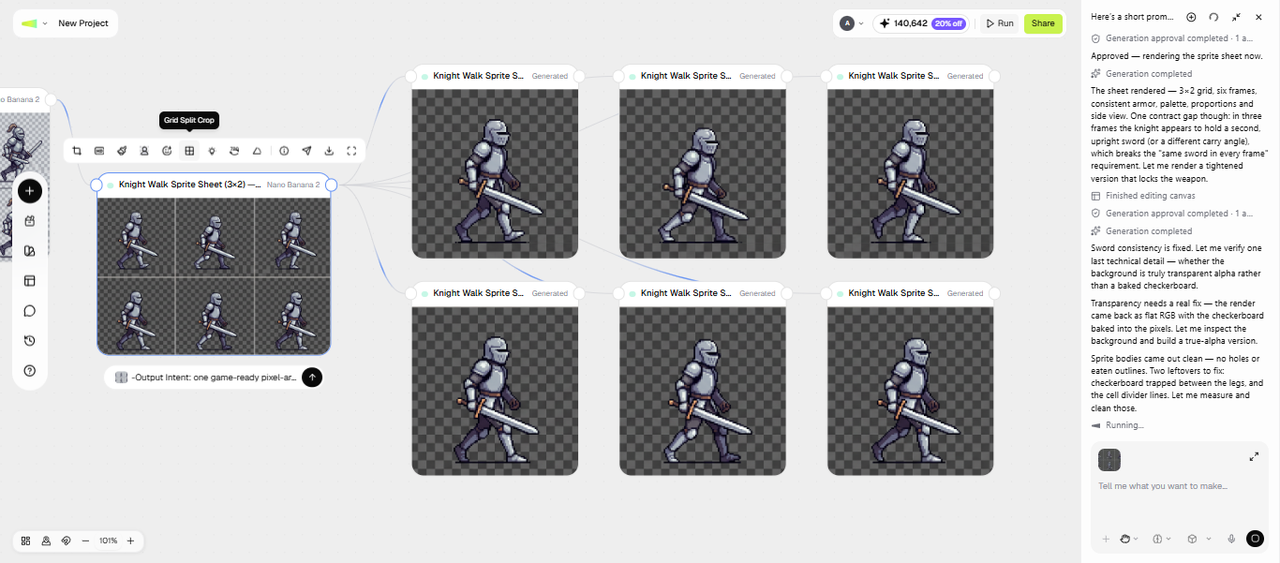
Create an 8-frame knight or warrior animation with smooth looping motion, ideal for platformers or RPG games needing polished character movement.

Pixel hero walk cycle
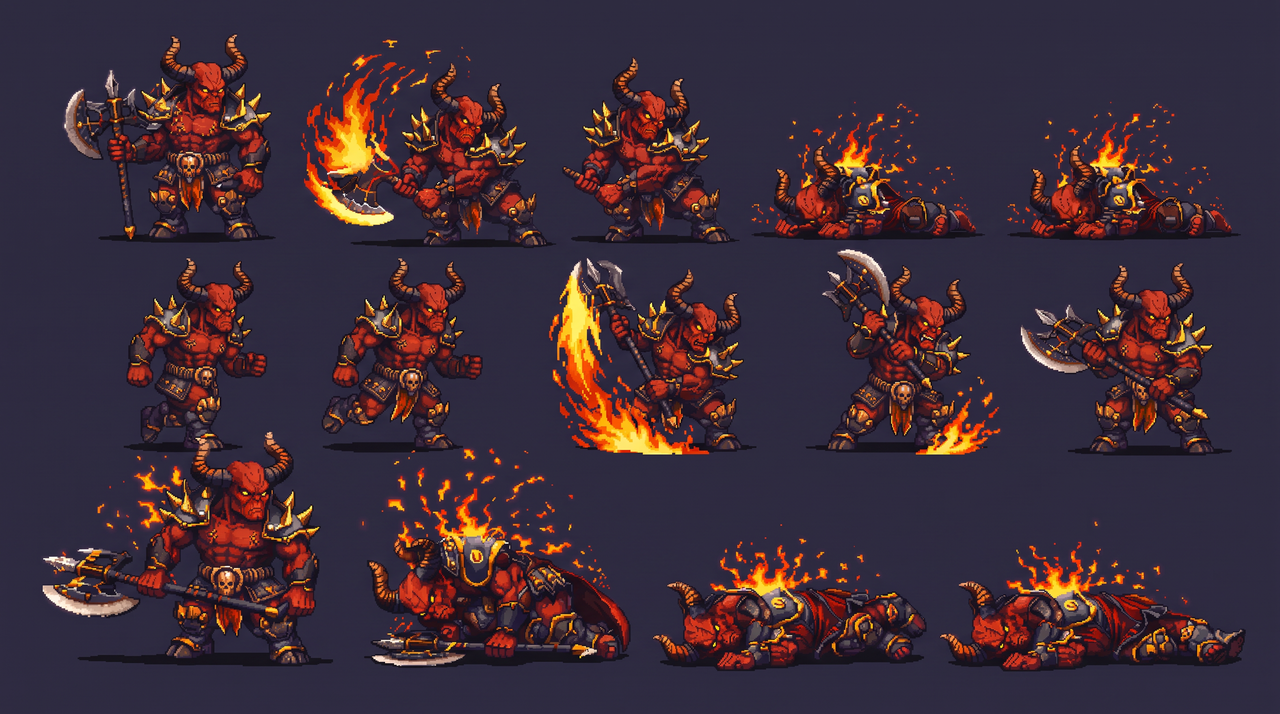
Enemy & boss sprite sheets

Enemy & boss sprite sheets

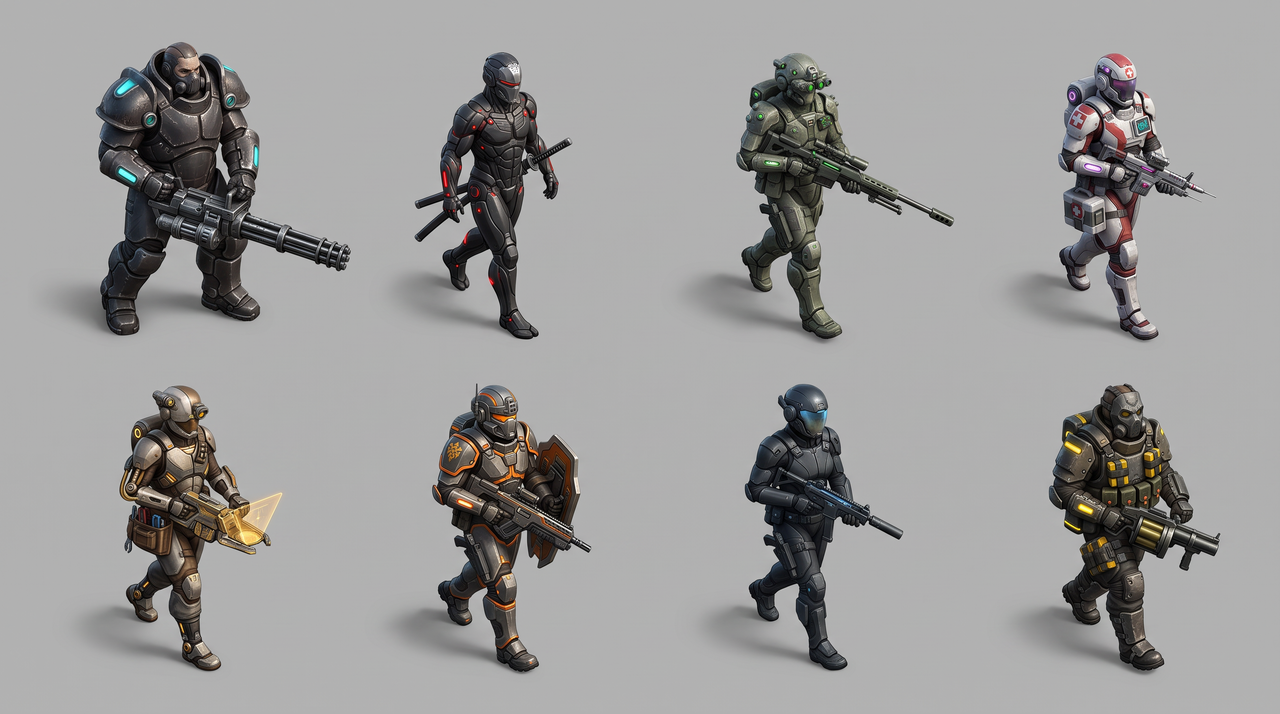
Design enemies with multiple poses, like idle, attack, and defeat states—perfect for adding depth and variation to game combat systems.

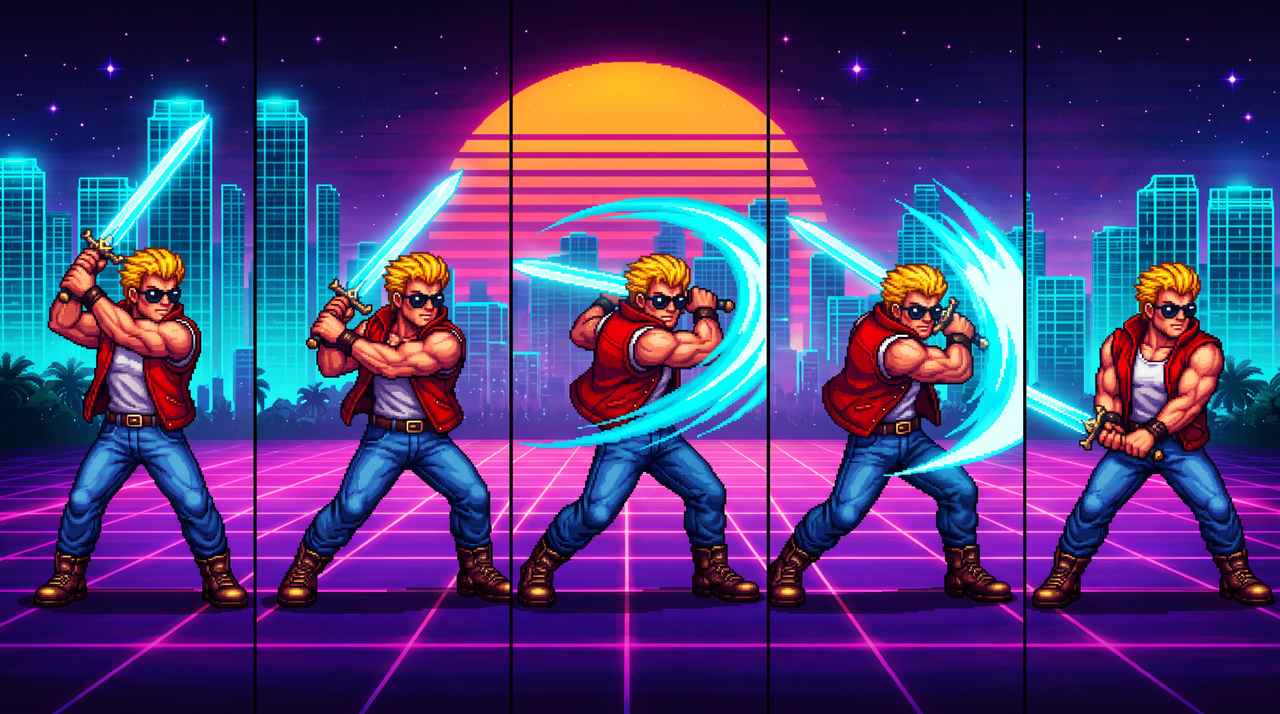
Retro 80s character sequences

Generate nostalgic visuals with an 80s sequence sprite maker, great for retro-style games, synthwave content, or themed social media campaigns.

Retro 80s character sequences
Pixel weapon

Pixel weapon

Retrotech energy weapon, orange and teal casing, 4-frame firing sequence (glowing muzzle, laser beam), isometric view, 64x64 sprite.

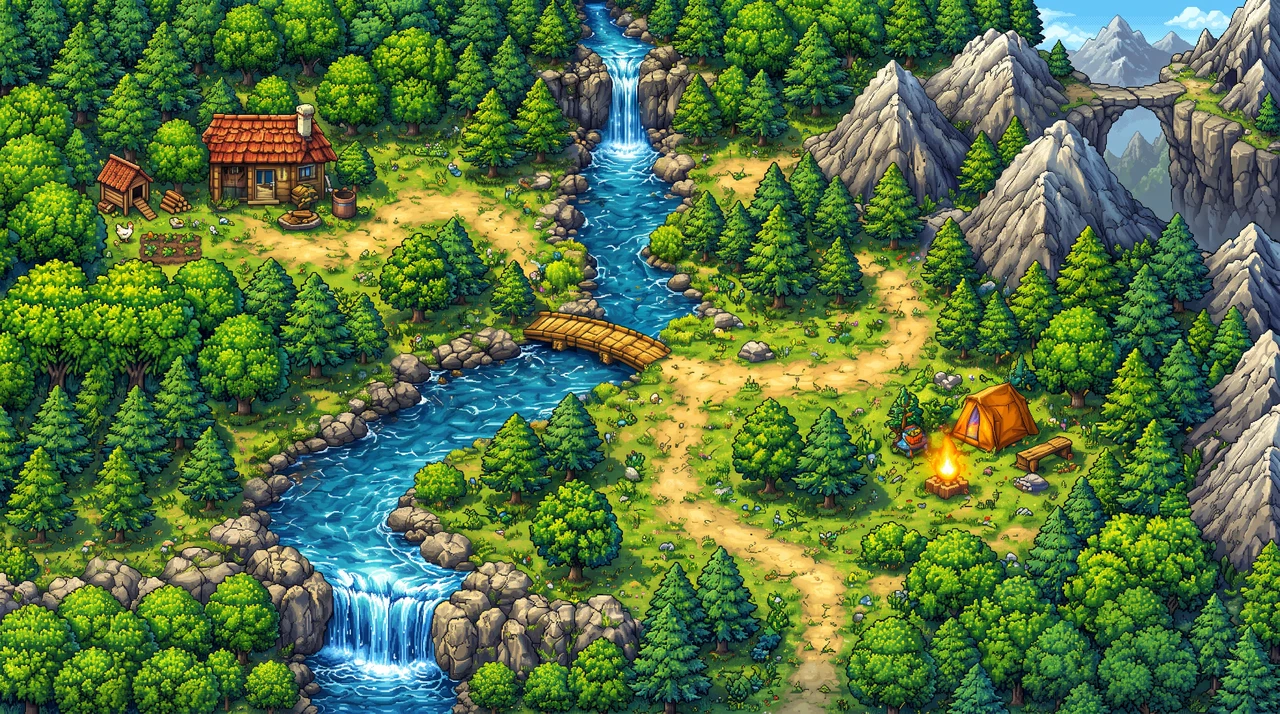
RPG map tile set

Design detailed RPG map tiles featuring terrains like forests, mountains, rivers, and paths.

RPG map tile set
Space explorer

Space explorer

Astronaut in a bulky white suit, jetpack thrust animation, top-down perspective, metallic textures, pixel-perfect.

How to create game sprites with Framia Pro for free?

Follow these simple steps to turn your ideas into fully designed, animated sprite sheets using our AI 2D sprite generator. No drawing skills or complex tools required.

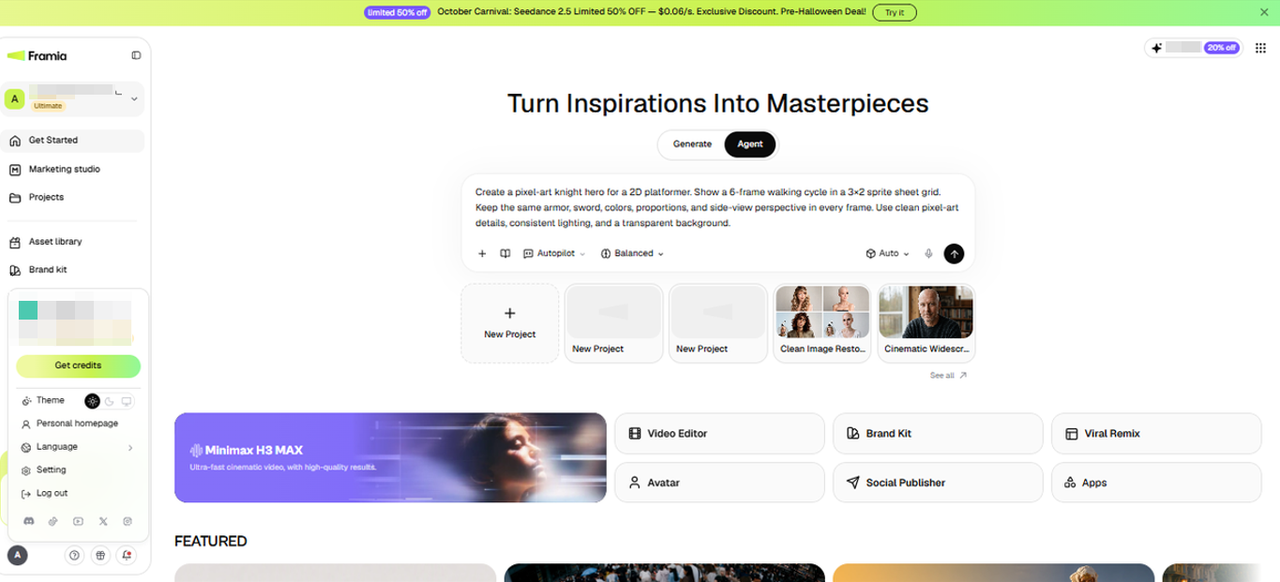
Step 1: Ask AI to make a sprite sheet
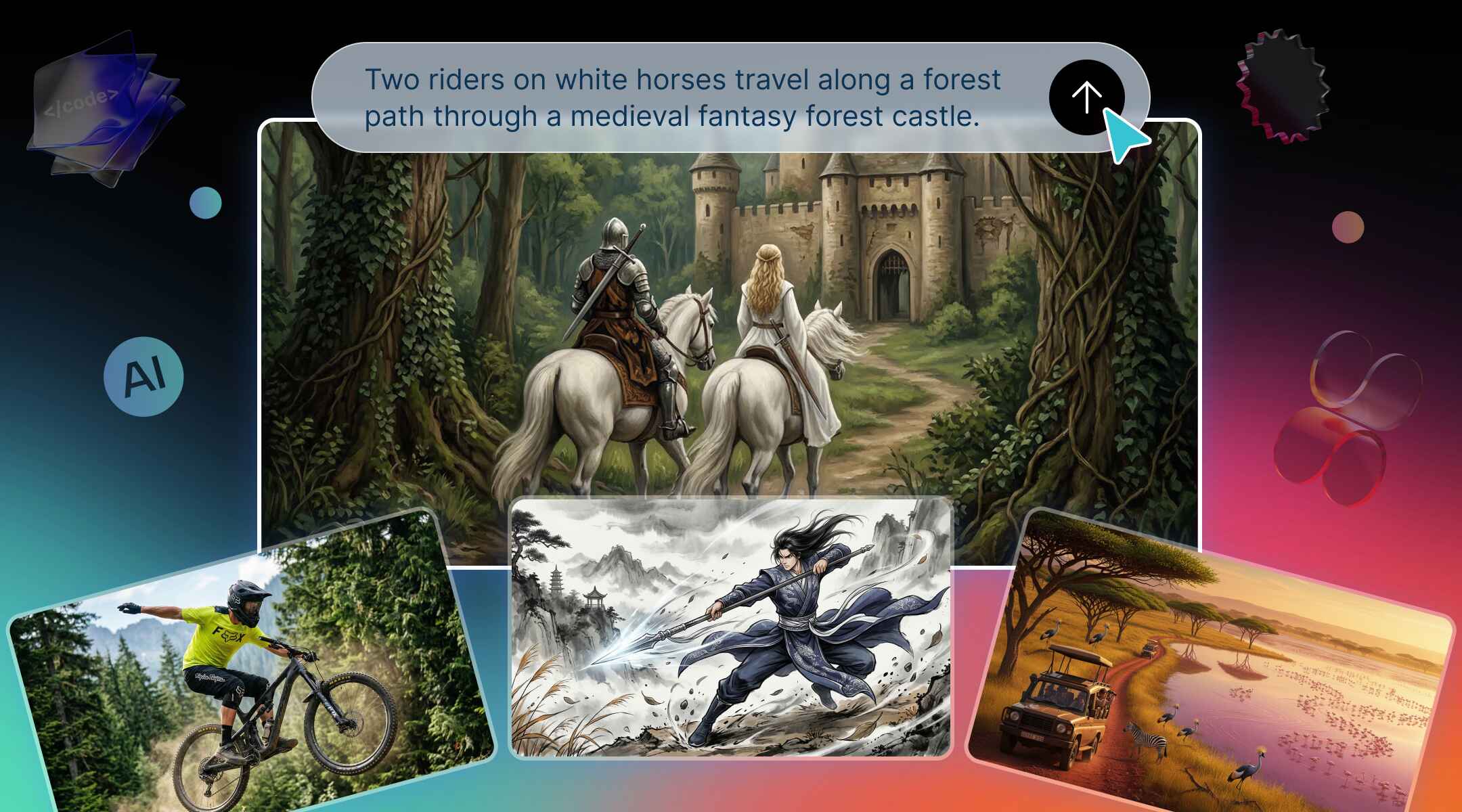
For example, you need a knight hero with a walk cycle for a platformer. After signing up, go to the Agent canvas from the Framia Pro dashboard and type a prompt with the art style, view, frame count, and grid size. You can add a reference sketch if you have one, pick an image model, set the reasoning mode, and press Enter.
Step 1: Ask AI to make a sprite sheet
Step 2: Check the poses and refine
Framia Pro creates the sprite sheet on an Image node. You check the poses for the same outfit, weapon, and color palette, then edit the prompt to fix any frame that drifts. You can crop in grid, upscale the sheet, or regenerate only that node, so the rest of your sheet stays as it is.
Step 2: Check the poses and refine
Step 3: Animate and download
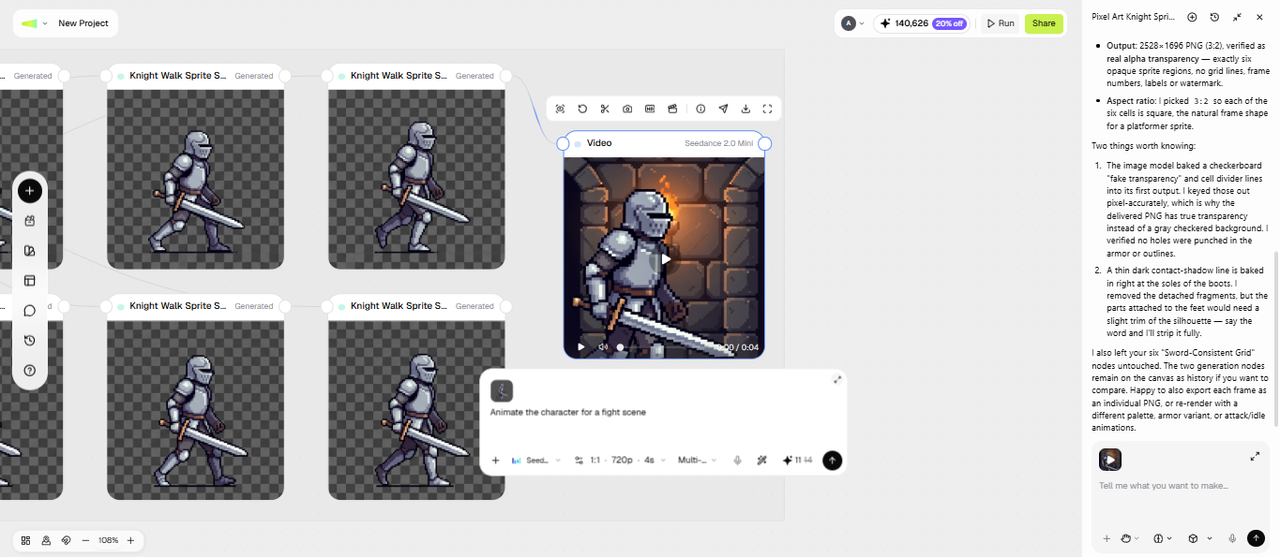
To animate the knight, add a Video node, connect the sprite, and describe the action, such as a sword swing or a jump. Preview the short clip and regenerate it if the motion misses. You can then download the sprite sheet as a PNG for your engine, and the animation as a video file.
Step 3: Animate and download

Key features of Framia Pro's AI sprite maker

Explore powerful tools of Framia Pro's sprite art maker to create, refine, and animate high-quality assets effortlessly in minutes.

Generate stunning sprites from text

Turn descriptions into high-quality 2D assets instantly. Detail appearance, style, and perspective for rapid results. Framia Pro's powerful sprite generator creates game-ready art from text—perfect for prototyping NPCs or heroes with just a few typed words, saving you hours of design.

Generate stunning sprites from text
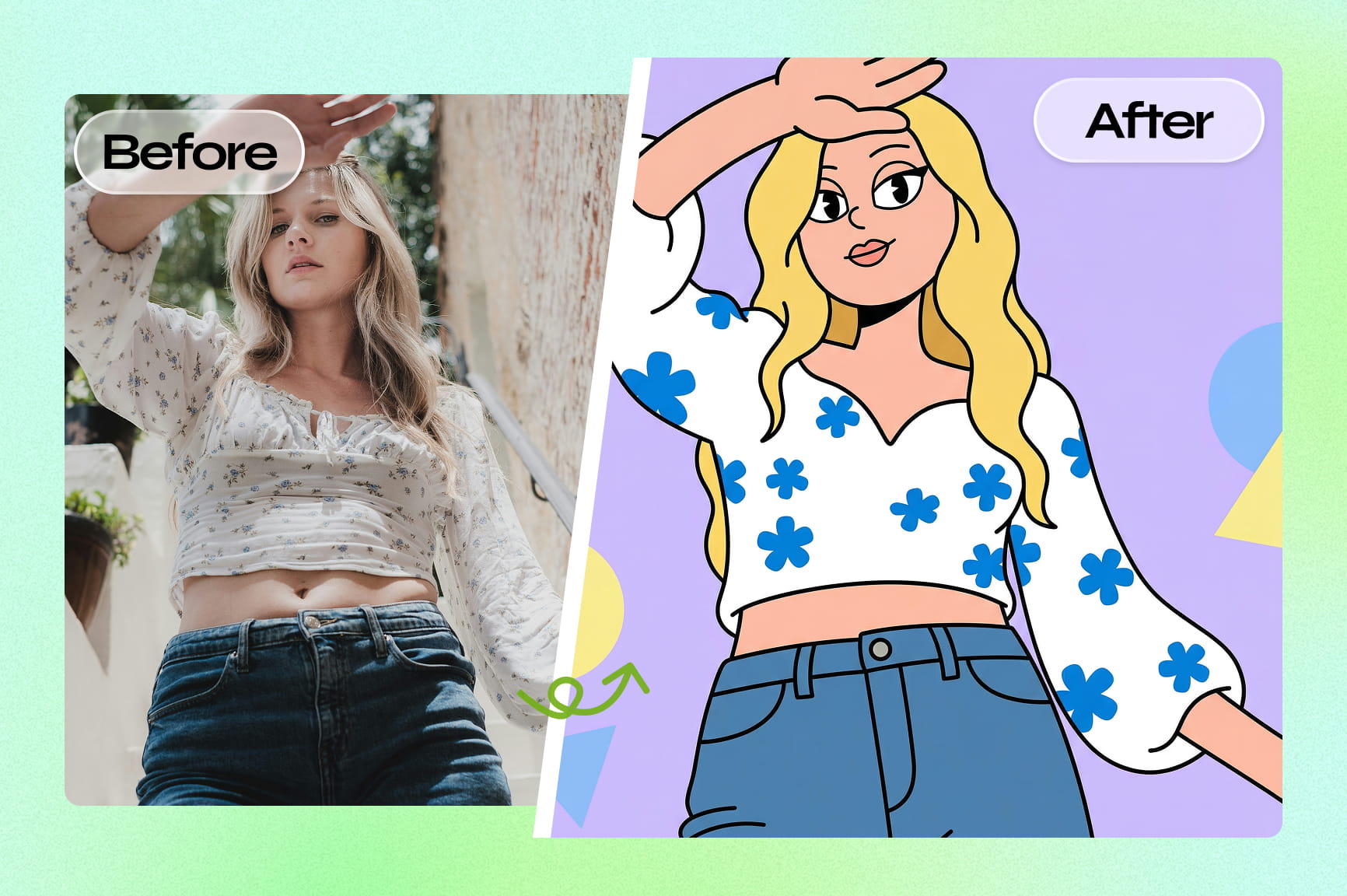
Transform real photos into sprites

Transform real photos into sprites

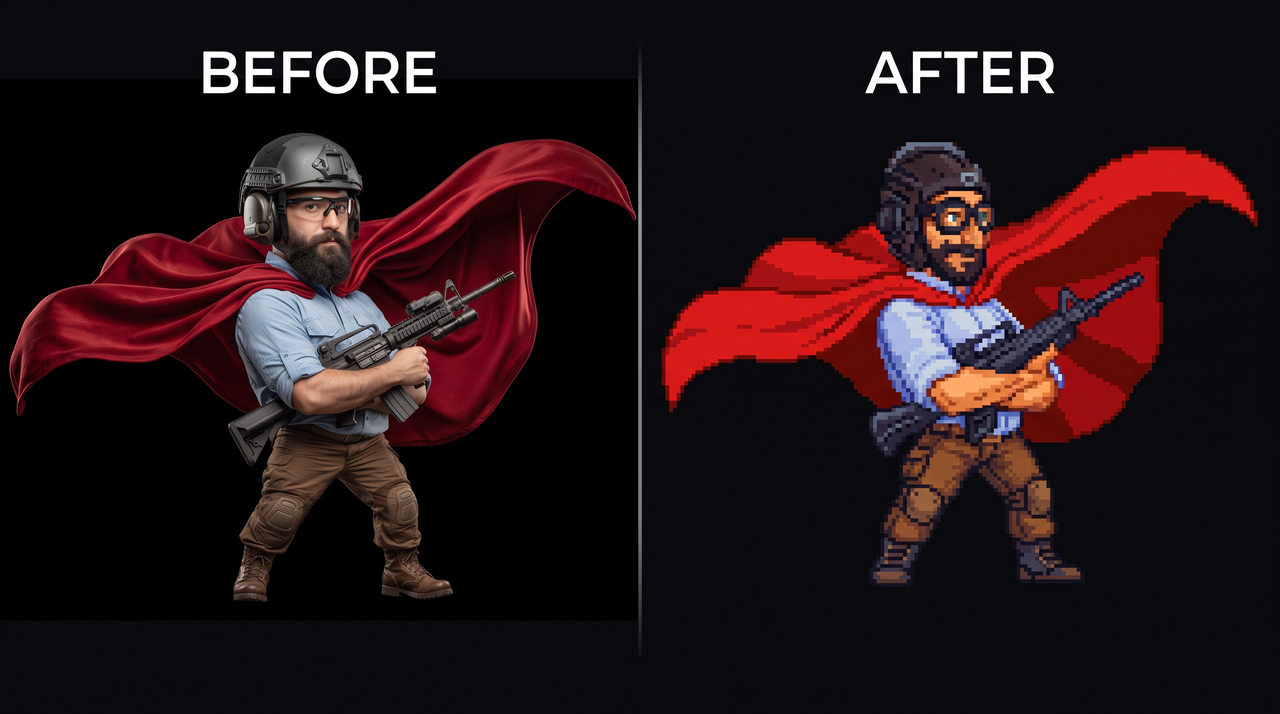
Upload any PNG, JPG, or concept image—Framia Pro's AI image to sprite sheet generator creates consistent pixel art sprites, full sheets, or animations. Whether creating a hero, villain, or NPC, it maintains style, color palette, and details for seamless game integration.

Design unique sprite characters with AI

Create original heroes and villains by detailing clothing, accessories and weapons. This sprite character generator leverages specialized models like Seedream 5.0 and Nano Banana 2 to ensure consistent designs across poses, maintaining a professional look throughout your entire game project.

Design unique sprite characters with AI

Animate static sprites with one click

Transform a single static sprite or uploaded character art into smooth, fluid animations in seconds with our AI video generator. Upload your image, describe the desired action (walk cycle, jump, attack combo, idle sway), and Framia Pro auto-generates perfect frame-by-frame sequences— no manual frame drawing required.

Why choose Framia Pro's free AI sprite generator?

Massive time & cost savings
Save weeks of work with Framia Pro's AI sprite generator that creates full sprite sheets and animations in minutes. Ideal for indie games, rapid prototyping, and marketing assets—no hiring artists, manual frame drawing, or expensive software required.
Download high-quality sprites
Generate high-resolution assets with support for multiple formats like JPG and PNG. Using our AI 2D sprite generator, your creations are immediately ready for major engines, perfect for social media marketing, app development, and professional game production workflows.
Character consistency
Maintain uniform style across frames with our AI sprite character generator. Ideal for RPGs, platformers, and storytelling games, ensuring heroes, villains, and NPCs stay visually consistent in every pose, animation, and scene throughout your project.

Level up your workflow: Top ways to use AI sprites

Boost your productivity and creativity by integrating AI-generated assets into your projects, from professional game design to interactive learning.

Indie game development
Speed up production with an AI sprite generator to create characters, enemies, heroes, and assets quickly. Perfect for indie developers building prototypes, platformers, or mobile games without large art teams or long development cycles.
RPG & tabletop gaming
Bring your Role-Playing Game sessions to life with custom tokens and portraits. Framia Pro's RPG sprite sheet generator lets GMs and players design unique characters that perfectly match their backstories, creating a more immersive experience for every digital campaign.
Social media & marketing
Create eye-catching 8-bit content with our sprite animation maker. Generate branded pixel art mascots or animated stickers to stand out in feeds, perfect for engaging younger audiences and adding a nostalgic, tech-savvy vibe to social media posts and marketing campaigns.

What real creators are saying about Framia Pro

See why thousands of real creators trust Framia Pro to power their creative pipelines and bring their pixel-perfect visions to life.

"Blown away by the results" "I created multiple character sprites and animations effortlessly. Everything looked polished right away, and the consistency across frames is amazing."
 Rahul Verma
Rahul Verma
Game Developer
"Super intuitive and fast" "I just typed a prompt and got exactly what I needed. The workflow is smooth, and it saves so much time compared to manual sprite creation."
Emily Chen
Emily Chen
UI/UX Designer
"Perfect for rapid prototyping" "As a solo developer, this tool helps me build assets quickly without sacrificing quality. It’s been a huge boost for my game development process."
Carlos Mendes
Carlos Mendes
Indie Game Creator
"Love the animation quality" "I uploaded a static sprite and instantly got smooth animations. It feels like having an animator built into the tool."
Aisha Khan
Aisha Khan
Content Creator
"Game changer for my workflow" "I can now go from idea to usable sprites in minutes. The speed and consistency Framia Pro's AI image generator offers have completely transformed how I build and iterate on my game assets."
Daniel Carter
Daniel Carter
Game Designer
"Perfect for creative content" "I use Framia Pro to create animated visuals for my content, and the results always stand out. It’s fast, easy, and gives me unique assets without needing advanced design skills."
Neha Sharma
Neha Sharma
Digital Creator
We've compiled the most important information to help you get the most out of your experience. Can't find what you're looking for?Contact us

FAQs about AI sprite generator

Can I use the AI sprite sheet generator for free?
Framia Pro offers free credits to try its AI sprite sheet creator. For details on available plans, features, and usage limits, visit the pricing page.
Can I turn my own photos into game assets with the AI sprite maker?
Yes, Framia Pro lets you upload photos or sketches and transforms them into consistent sprite sheets and animations, preserving details like color, pose, and style for game-ready assets.
What art styles are supported by the AI 2D sprite generator?
Framia Pro supports various styles including pixel art, 16-bit retro, anime,comic, vector, and stylized designs, allowing creators to generate sprites that match different game genres and visual themes.
How to animate sprites with AI?
Simply describe the desired action, like "walking" or "attacking," in a prompt. Our sprite animator generates the sequential frames and assembles them into a professional sprite sheet for your game engine.
Can I import AI-generated sprites into my game engine as PNG files?
Yes. You download your sprites as PNG or JPG files, which import into most game engines. You can also upload a PNG as a reference for a new sprite.
Is there an unlimited AI image-to-sprite sheet generator?
Framia Pro runs on credits, so the number of sprites you generate depends on your credits and plan. New users get free credits, and paid plans add more.
Why don't my AI-generated sprite poses match each other?
This usually happens when the prompt doesn't lock down one fixed character description. Name the frame count, grid size, view, and character details, then use a reference image so the outfit and colors stay consistent across the sheet.
What is a 2D asset sheet AI tool?
A 2D asset sheet holds several game assets, such as characters, items, or tiles, in one image grid. You describe the layout in your prompt, and the tool draws each asset in the same art style.

Still have questions?

Have questions or need assistance? Our team is here to help!

Create game-ready sprites online using Framia Pro!

Create high-quality 2D sprites, characters, and animations with Framia Pro. Turn your ideas into game-ready assets fast.

AI Sprite Generator: Generate and Animate Custom Sprites Online