Add Emoji to Video for Viral Clips

Add emoji to video easily with AI tools. Create viral clips using stickers, captions, and effects for engaging social media content easily.

Start for Free

Why Framia Pro is the best tool to add emoji to video?

Create engaging emojis for video content faster with AI-powered editing and smart workflows.

Automatic captions and emoji overlay support

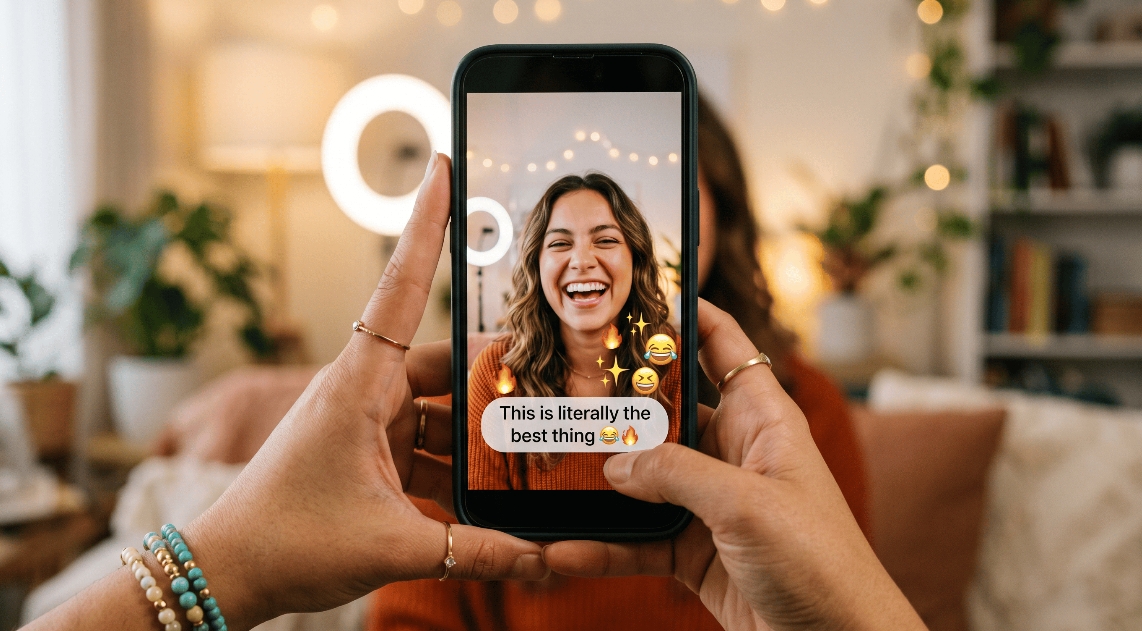
Automatic captions and subtitles are generated and synced with spoken audio after video upload or AI video generation. Creators can combine emojis on video overlays with animated captions to highlight reactions, improve accessibility, and create engaging shorts, tutorials, and viral clips.

Automatic captions and emoji overlay support
Multi-platform video resizing for social media

Multi-platform video resizing for social media

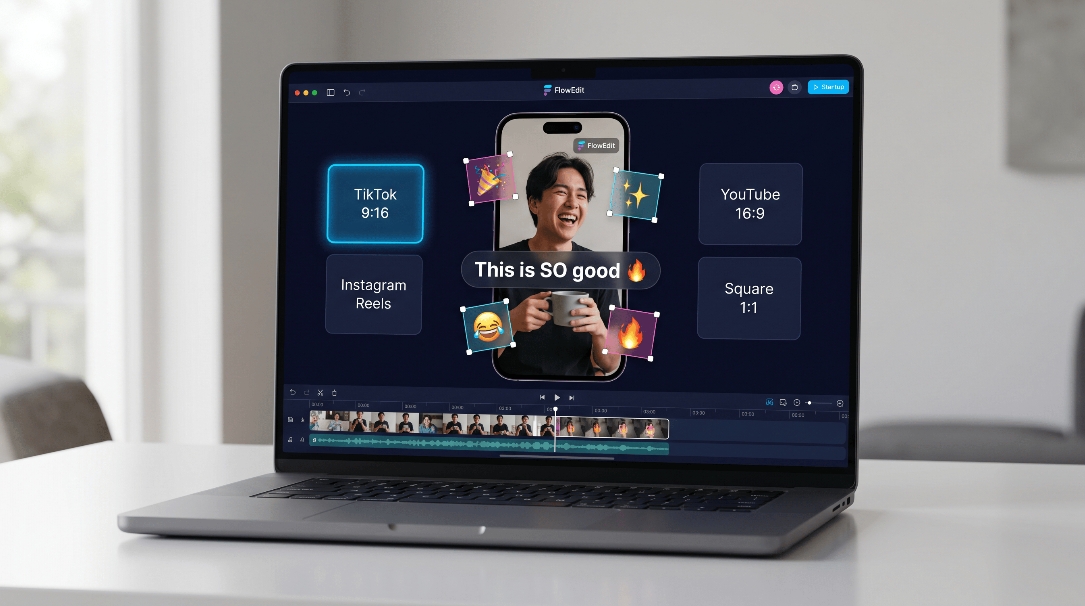
Video can be resized automatically to fit social media such as TikTok, Instagram Reels, YouTube, and square social videos by employing an optimal aspect ratio preset. The user can apply emojis to the video material without compromising its correct placement with regard to captions, overlays, stickers, and branding.

Storyboard editing for faster video creation

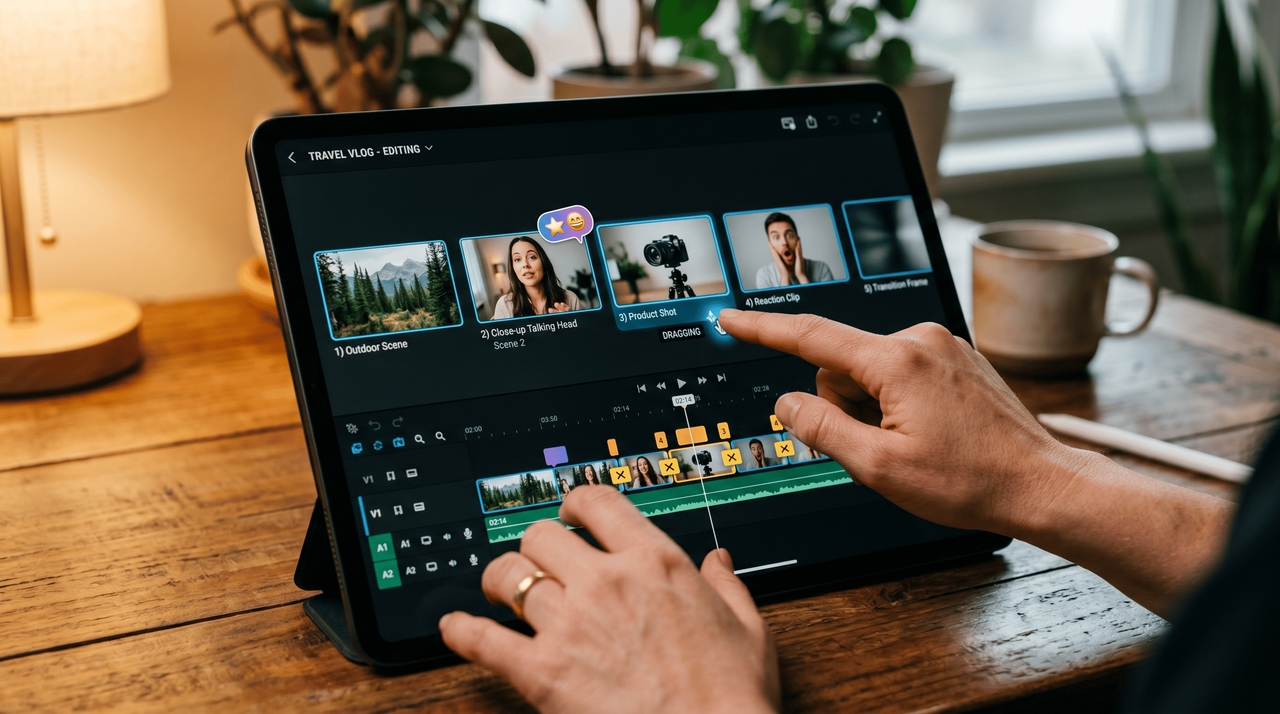
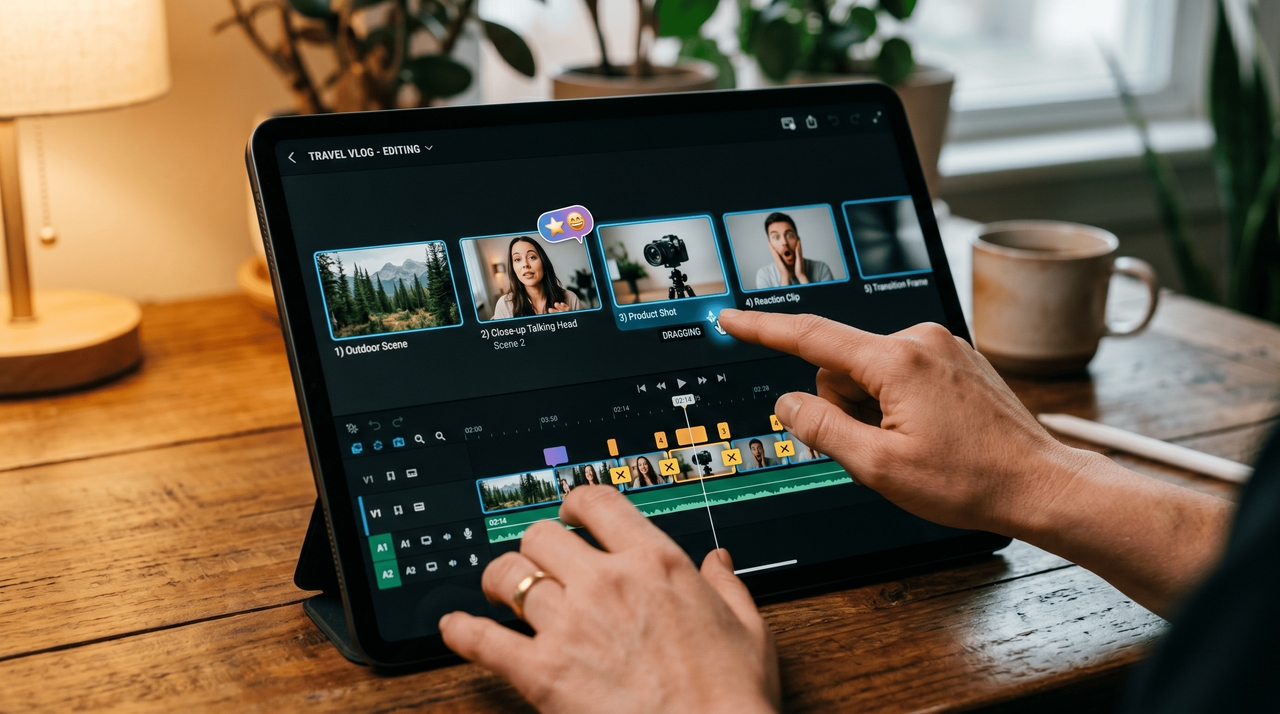
Storyboard editing allows creators to arrange scenes within the video, cut out unnecessary parts, enhance pacing, and organize the video story. This allows for better inclusion of stickers in the video editing process while maintaining smooth transitions between scenes.

Storyboard editing for faster video creation
1778828596585-20260515-150308

AI video generation with visual enhancements

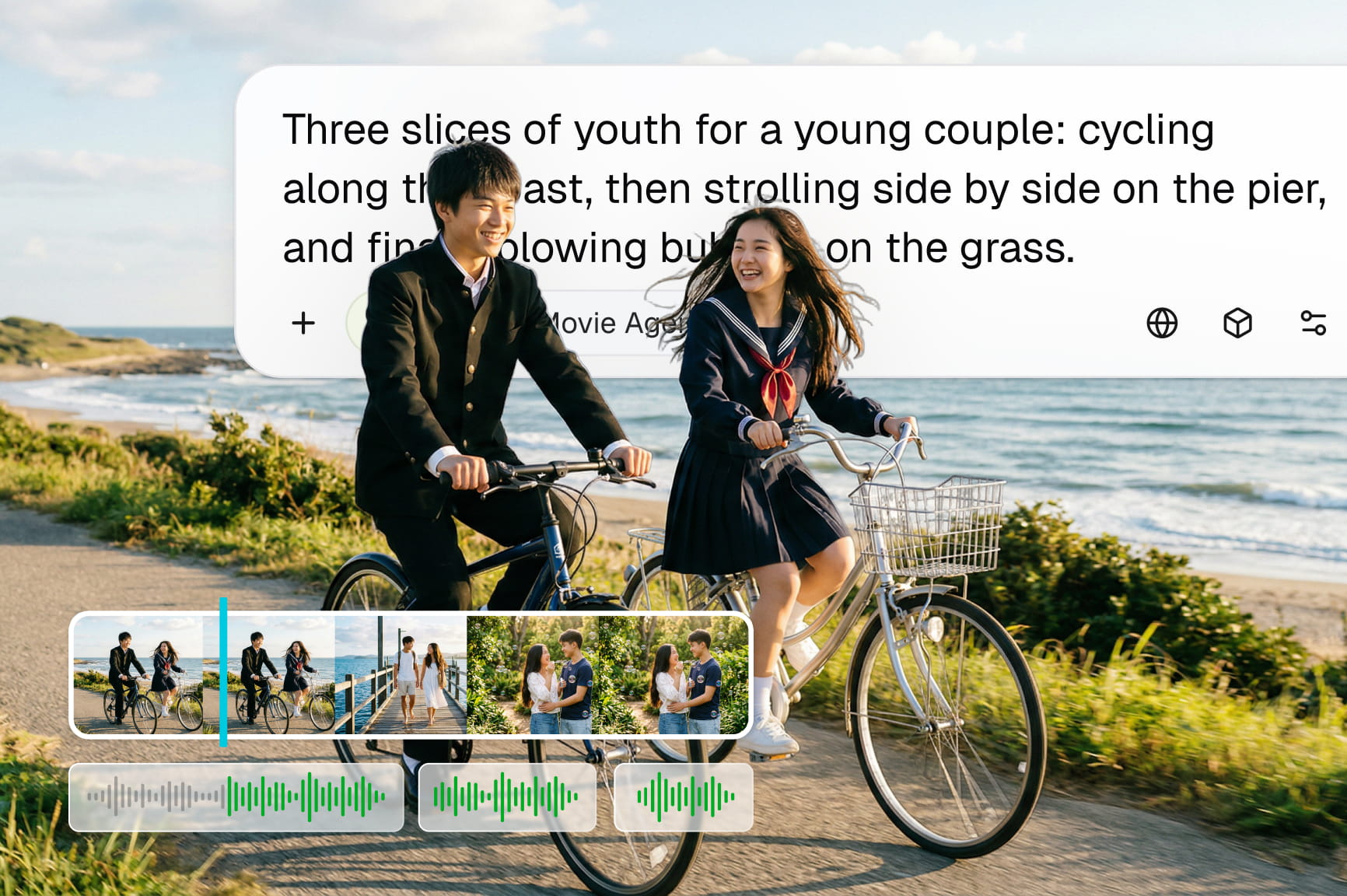
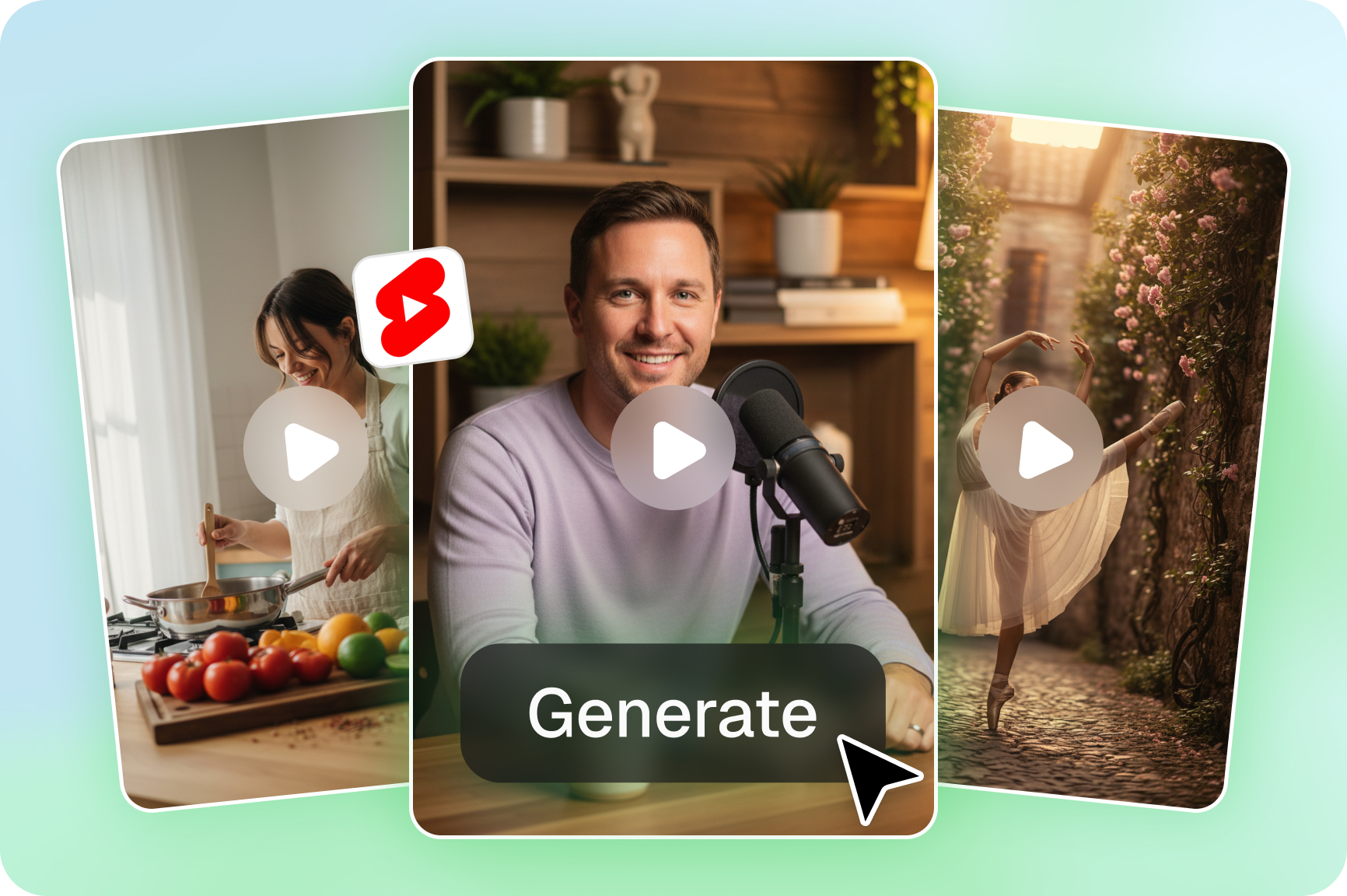
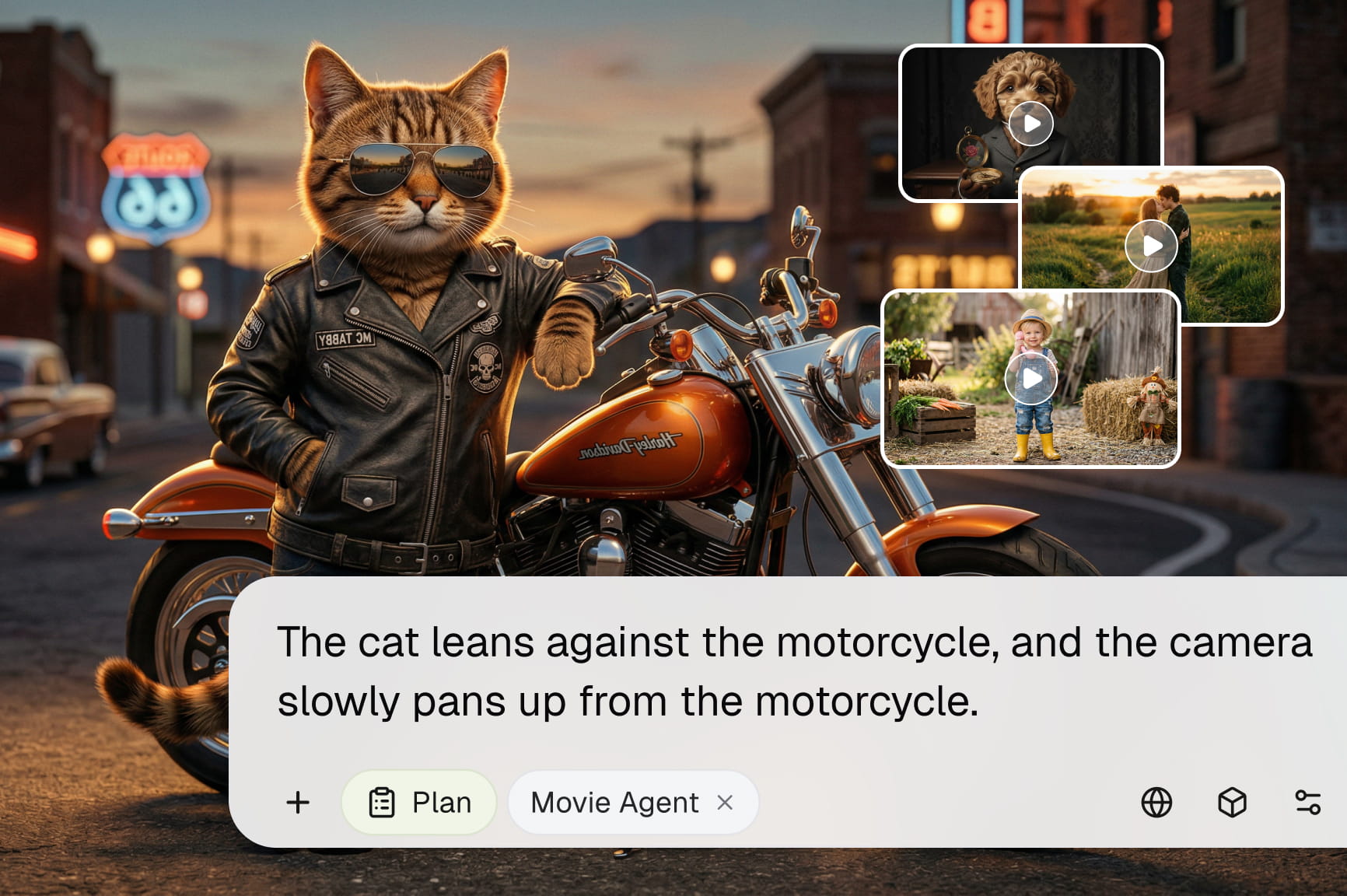
AI video creation technology transforms prompts or images into videos with visuals, subtitles, voiceovers, and background music, all automatically generated. Video creators will have the ability to apply emojis to enhance video content.

How to add emoji to video with Framia Pro?

Generate emojis for videos quickly and easily by using Framia Pro AI video editing tools.

Upload or generate your video
Open Framia Pro and click the "Video editor" option. Go to "Bring in fun Emojis" on AI chat. Upload your clip or generate a video using AI prompts. Choose format, style, and scene setup to begin editing your emoji for a video.
Add emoji, captions, and visual elements
With the help of the AI editor, incorporate emojis into your video scenes together with "captions", subtitles, and stickers. You can control the timing and positioning of your emoji video content.
Resize, export, and download
Select TikTok, Reels, YouTube Shorts, or Instagram format using automatic resizing tools. Preview your final emoji for video edit, click "Export", then download and publish instantly to any platform.

Top benefits of using Framia Pro for adding emoji to video

Discover the top Framia Pro benefits of creating emoji for video edits fast and easy.

AI video generation
AI video generation converts text prompts or ideas into complete videos with structured scenes, visuals, and flow. It helps creators build content fast and add emojis to videos to improve engagement and storytelling impact.
Smart editing tools:
Smart editing tools help trim clips, adjust pacing, and refine scenes using AI assistance for faster workflows. Creators can edit smoothly and add emojis to video content to produce polished social media-ready videos.
Social media formatting
The social media format tool is used for automatic resizing of videos for TikTok, Reels, YouTube, and Instagram. This feature offers precise formatting of the videos and allows users to use emojis in their videos for each social media platform.
Voiceovers
AI-driven voiceovers can improve the videos by adding voiceovers to the videos to explain the concept or make the video more understandable. The creators can use emojis in conjunction with the voiceovers to make short-form videos.
AI-powered workflows
AI-based workflows offer an integrated solution to video generation, editing, captioning, and exporting. The creators can easily manage and optimize their processes and use emojis in their video projects.

Best ways to use emoji on videos with Framia Pro

Explore the best emojis for video use in Framia Pro to boost engagement and edit fast.

Social media reels

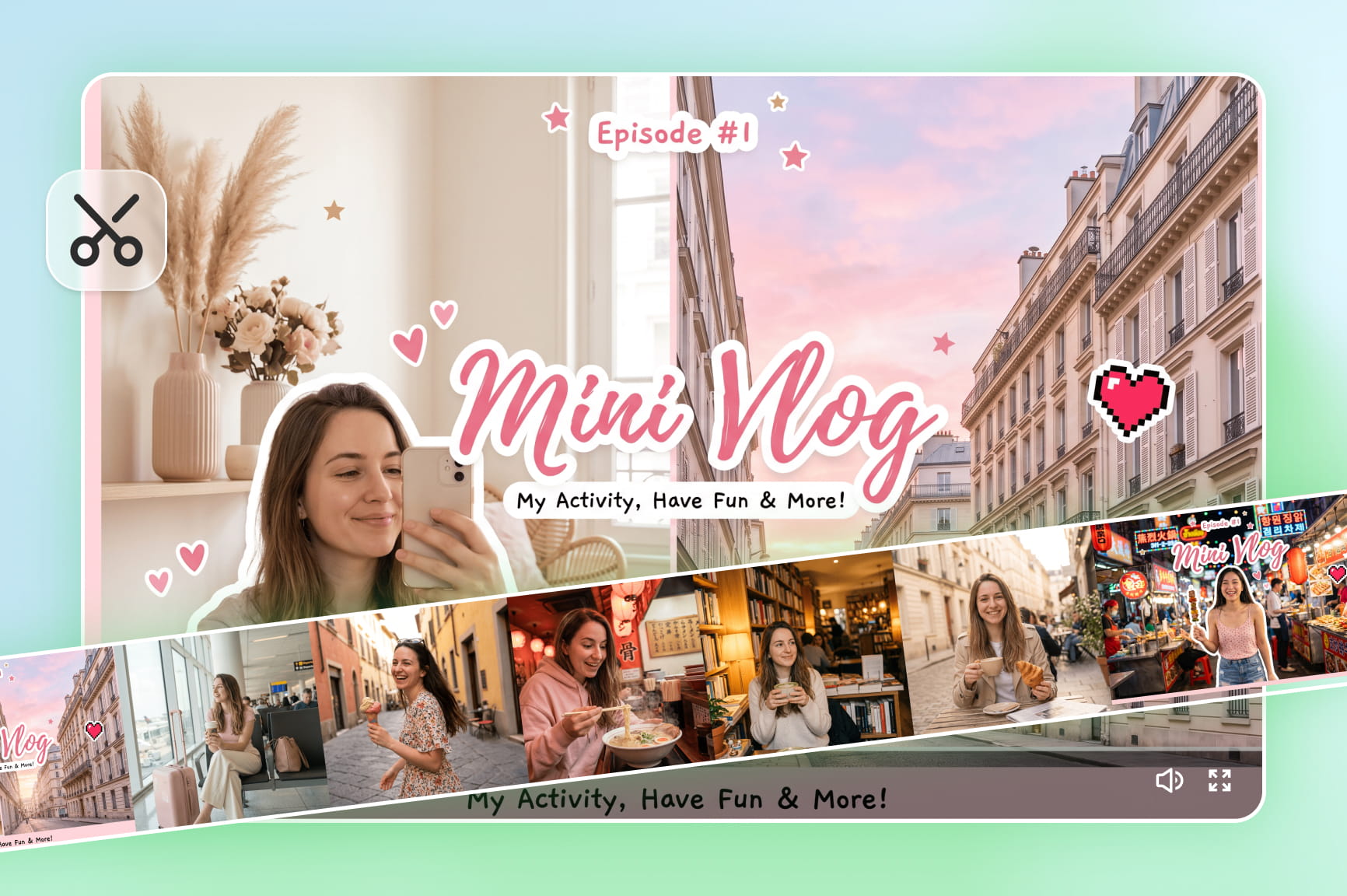
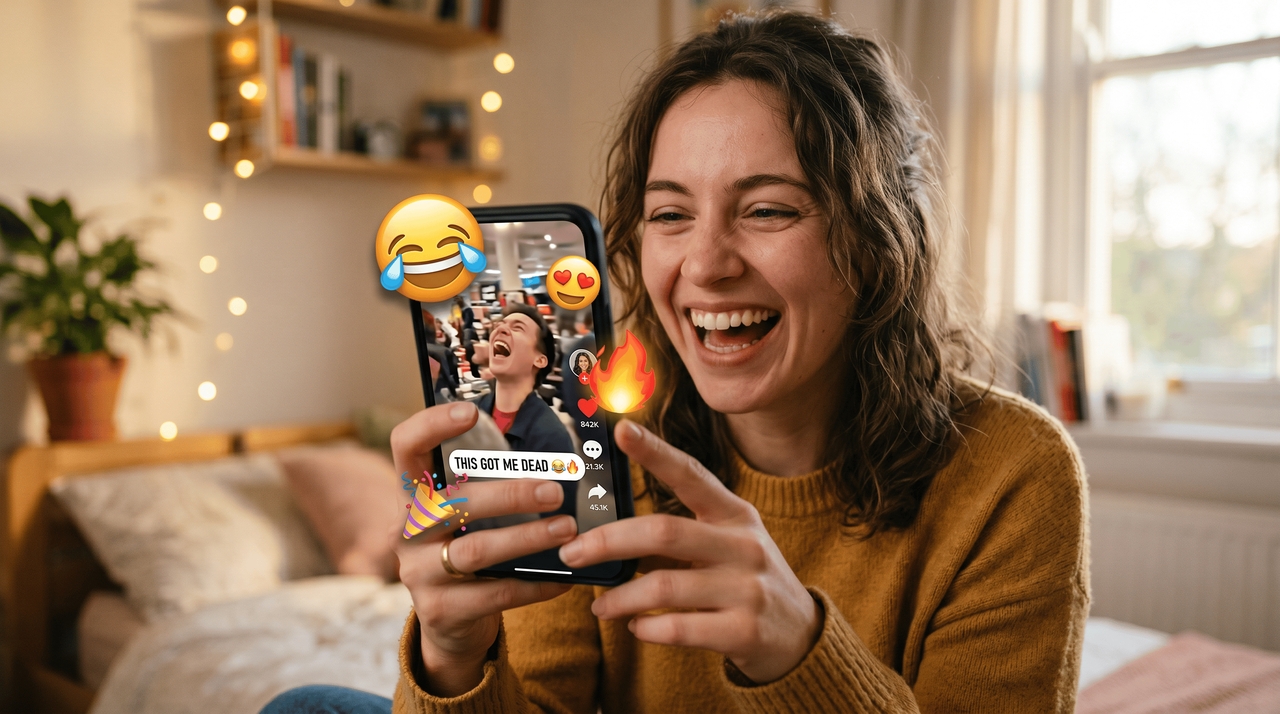
Emoji like ๐Ÿ˜‚, ๐Ÿ˜, ๐Ÿ”ฅ, and ๐ŸŽ‰ in reels help boost engagement by highlighting reactions, emotions, and key moments. Creators use emoji on video to make short-form content more eye-catching, relatable, and optimized for TikTok, Reels, and Shorts.

- Social media reels
- Tutorial videos

Tutorial videos

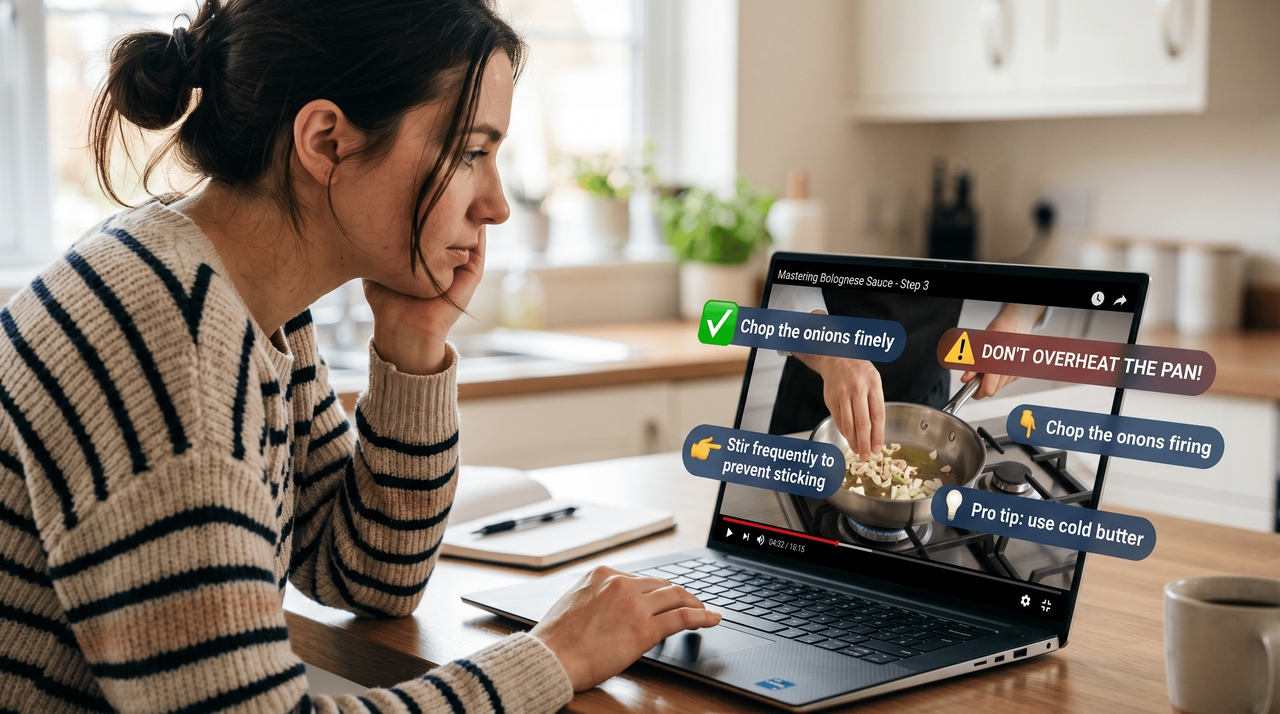
In tutorials, emojis for videos assist the viewer in understanding what needs to be done by visualizing instructions, hints, and warning signals in the form of video emojis. With the help of captions and emojis, instruction videos become easy to understand.

Gaming content

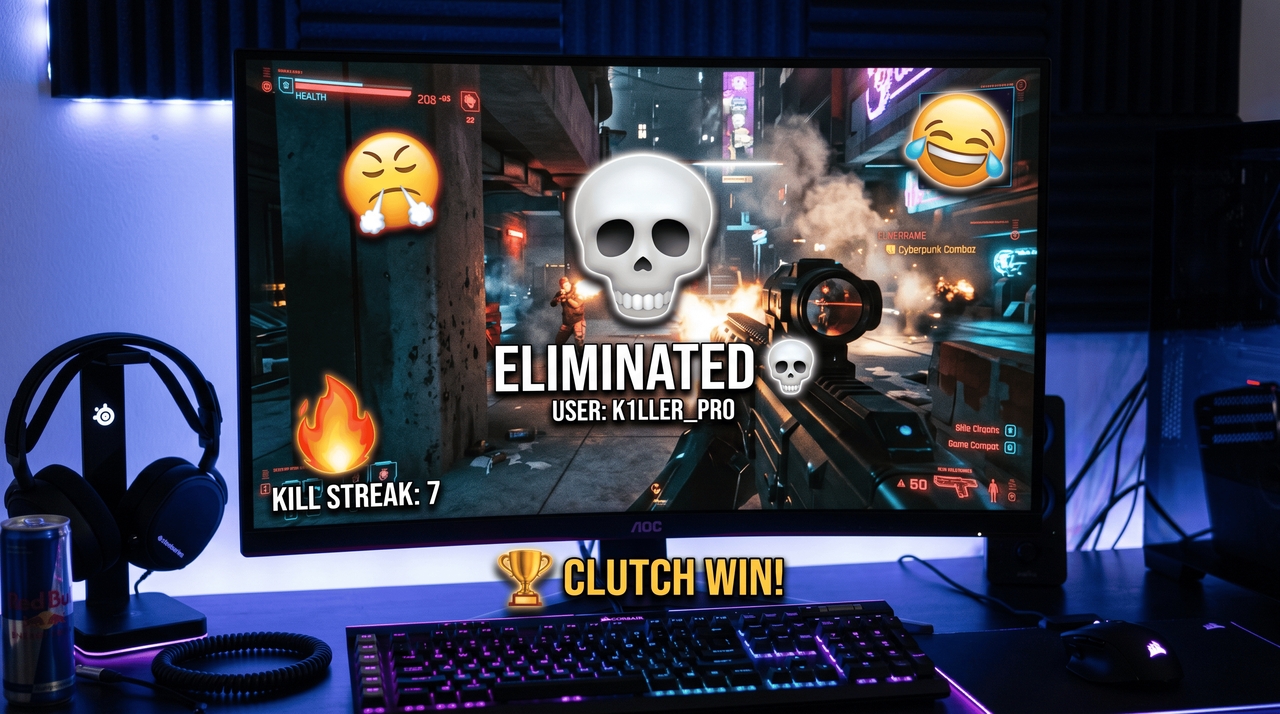
Gaming channels employ emojis in their videos when it comes to showing emotions, kills, memes, etc. With the help of emoji overlays, gameplay videos become more interesting and entertaining.

- Gaming content

Marketing videos

When it comes to marketing videos, emojis for videos can be used in advertisements to grab the attention of customers quickly. It will also allow marketers to emphasize different attributes of the product being advertised.

- Marketing videos

Why creators love using Framia Pro to add emojis for videos?

Discover why creators choose Framia Pro for fast AI video editing, captions, and emojis for video content.

Using Framia Pro, Sarah manages to create daily posts more quickly. Thanks to AI video editing, adding captions, and emojis for videos, she can transform her ideas into posts on TikTok and Reels quickly.
Sarah Kim
Sarah Kim
Social media manager
David is fond of using Framia Pro in editing videos and generating AI videos. He incorporates emojis into video scenes to increase viewer engagement, which makes his YouTube Shorts more attractive and audience-oriented.
David Lopez
David Lopez
Content creator
Emily uses Framia Pro to generate branded videos. She uses smart editing and social media editing features to place emojis within videos in marketing campaigns for consistency.
Emily Chen
Emily Chen
Digital marketer
Michael works faster with clients by utilizing Framia Pro AI workflow in editing videos. He trims videos, edits video speed, and includes emojis in videos.
Michael Brown
Michael Brown
Freelance editor
Aisha creates viral content using Framia Pro technology. She uses AI captions, voiceovers, and emojis to create relatable and highly engaging videos.
Aisha Khan
Aisha Khan
Influencer
Jason uses Framia Pro to generate product videos. He produces videos with captions and emojis to create marketing videos.
Jason Lee
Jason Lee
Startup founder
We've compiled the most important information to help you get the most out of your experience. Can't find what you're looking for?Contact us

Frequently asked questions

Why use emoji on video content?
Emoji for video content helps express emotions quickly, highlight reactions, and improve viewer engagement. It makes clips more visually appealing and increases retention on social media platforms like TikTok and Reels..
What tools help add emojis to videos easily?
Tools like online video editors and AI platforms help add emojis to videos quickly using drag-and-drop or AI overlays. Framia Pro also enables emojis for video with smart editing and captions.
Can I resize emojis on video in Framia Pro editor?
It is possible to resize emojis on videos with Framia Pro through the AI editing capabilities of the software. The user can edit the scale and position of the emojis in line with the scene in order to improve them for video
How to animate emojis on video content?
An emoji for video animation can be created by adding movement or animating the emojis in editing software. Framia Pro supports emoji for video animations.
Why do influencers use emojis for video editing?
Emojis are used for video editing by influencers in order to improve engagement, express emotions, and make content more relatable. Emoji for video content creation increases views and interaction with the video.
Is there any red eye remover online for free?
Open your photo in Framia, type a prompt to correct the red eye, and the AI restores a natural eye color that matches the subject's original appearance at no cost.

Still have questions?

Have questions or need assistance? Our team is here to help!

Create viral emoji for video content with Framia Pro

Boost creativity with emojis for video using Framia Pro AI. Edit, enhance, and add emoji overlays to videos easily, then export optimized content for all social platforms.

Add Emojis for Video Online in One Click