


Seed Audio 1.0 AI Audio Generator

Create complete AI audio scenes with Seed Audio 1.0. Get voices, music, ambiance, and sound effects from one prompt inside Framia Pro

Start for Free

What is Seed Audio 1.0?

Meet Seed Audio 1.0, ByteDance's newest audio generation model, now live on Framia Pro alongside other audio and video generation models. Developed by the ByteDance Seed team, it generates speech, sound effects, ambiance, and music from a single prompt, while treating each request as one connected audio scene instead of separate files. It also lets you create conversations with multiple speakers, control emotions and accents, and reuse reference voices for consistent results.

What does Seed Audio in Framia Pro offer?

Create realistic dialogue, music, and sound scenes from one prompt inside Framia Pro.

Generate complete dialogue, music & audio scenes

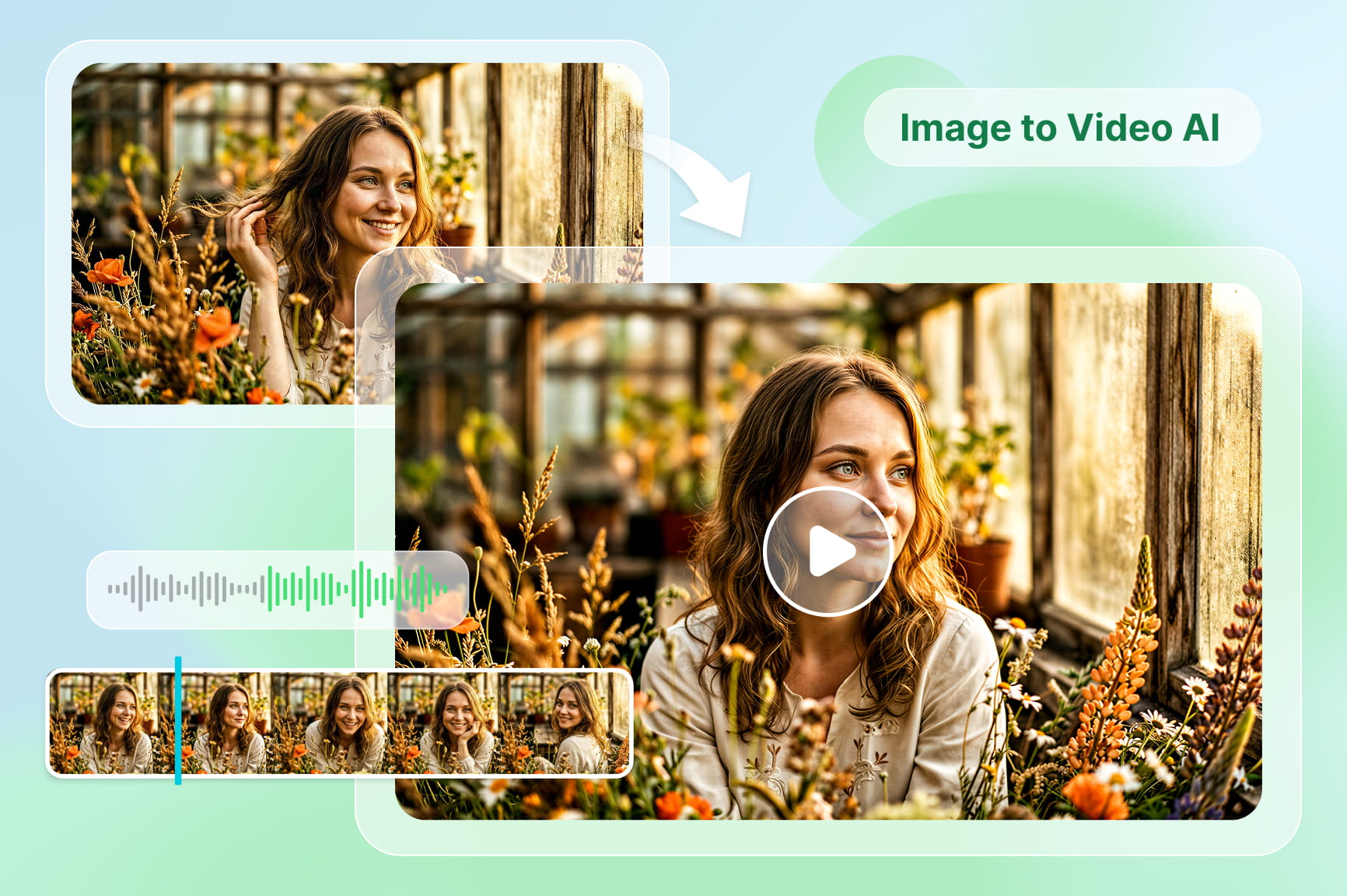
Describe a complete scene once and generate dialogue, background music, ambiance, and sound effects together. Seed Audio 1.0 creates synchronized audio layers in one generation, which reduces manual editing and keeps every element aligned from beginning to end.

Generate complete dialogue, music & audio scenes
Build realistic multi-speaker conversations

Build realistic multi-speaker conversations

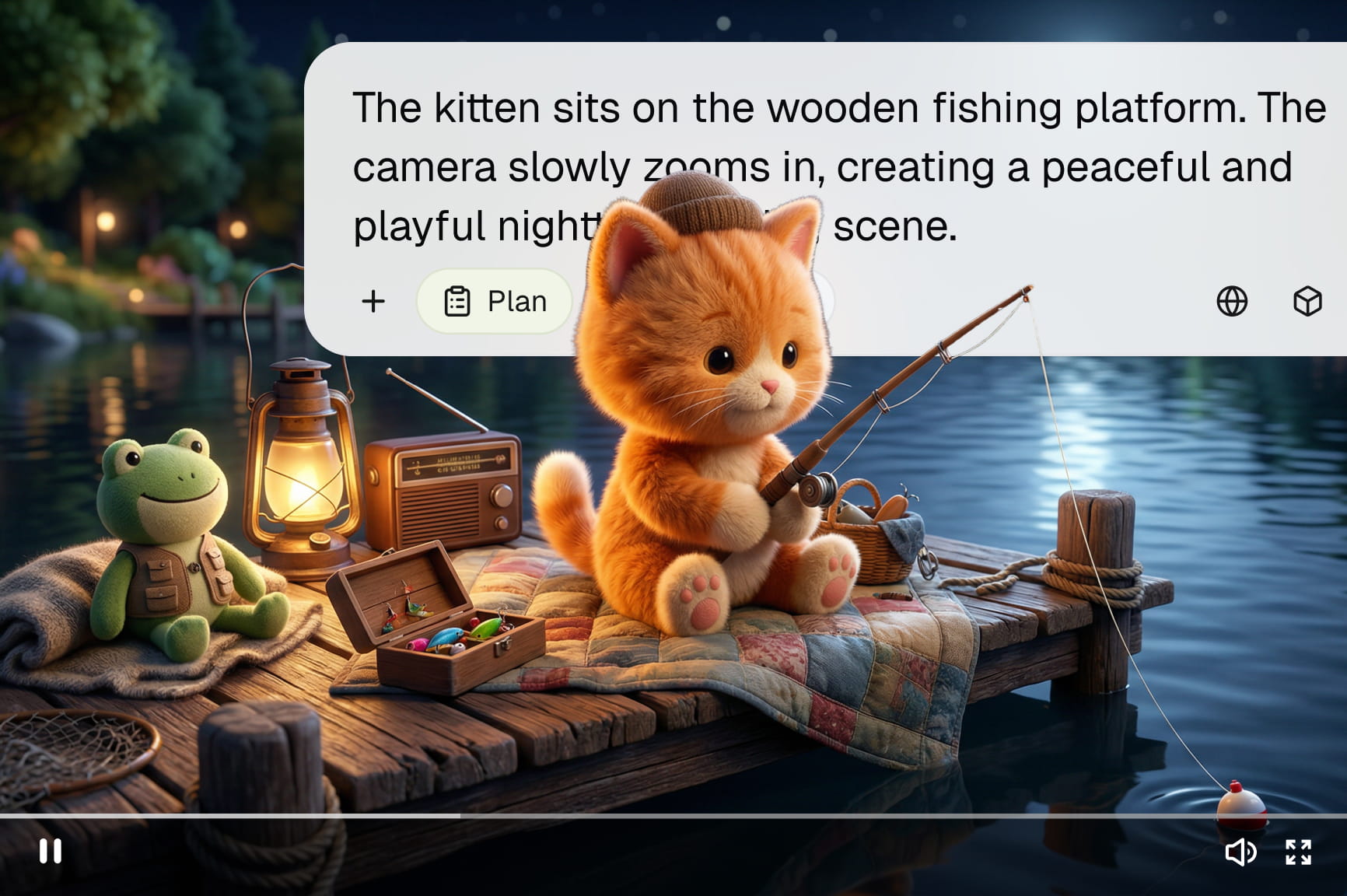
Assign distinct voices to different characters and let the model handle where each line begins. The audio model on Framia Pro tracks speaker identity and delivery within a shared scene, so exchanges follow natural pacing.

Control emotion, accents, and speaking style

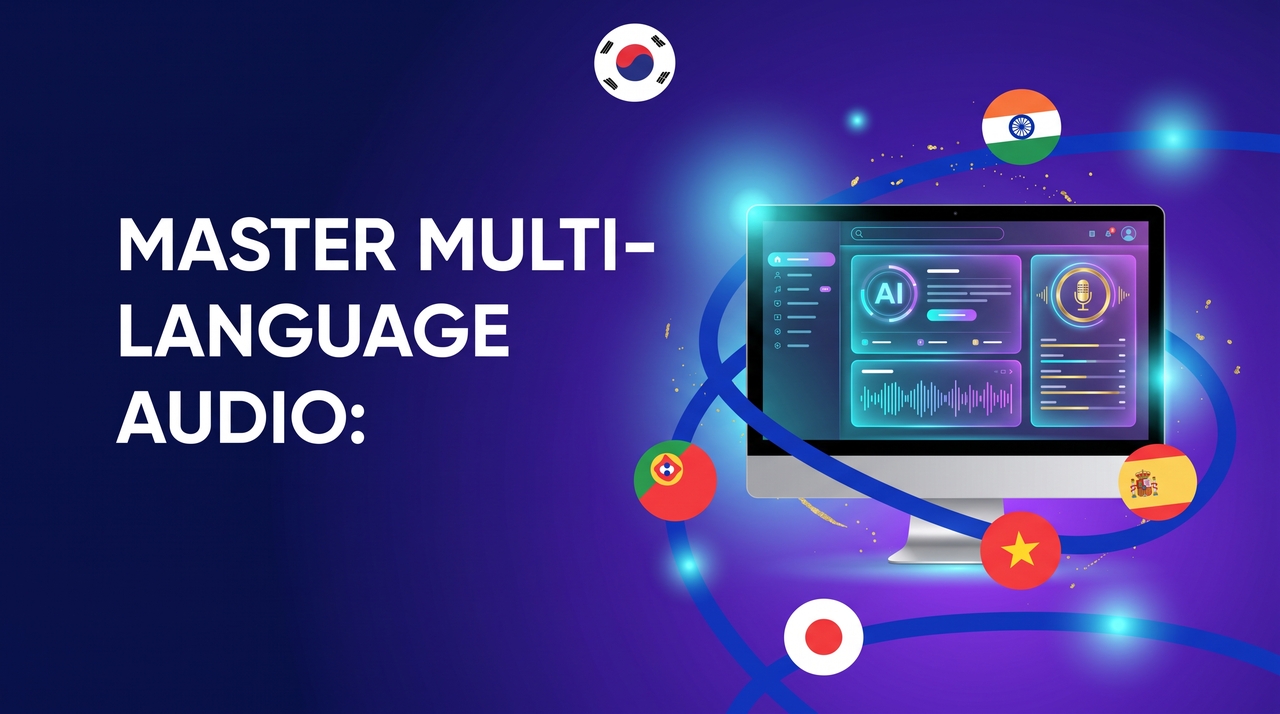
Control how every speaker sounds by describing emotions, accents, and speaking styles in your prompt. Seed Audio produces expressive speech in more than 50 languages with regional accents that match different characters, audiences, and storytelling styles.

Control emotion, accents, and speaking style
Use reference voices for greater consistency

Use reference voices for greater consistency

Guide the voice with text, an image, or three reference audio clips, and Seed Audio 1.0 shapes the delivery around that context. Pick from six preset voices such as Jake, Marcus, and Nora to match a project's tone from the start.

Create expressive multilingual audio content

Produce dialogue in native regional accents for audiobooks, podcasts, game narration, and video projects from one model. Each language carries its own rhythm and pronunciation, so it sounds quite native.

Create expressive multilingual audio content

Use Seed Audio 1.0 on Framia Pro's Classic Canvas for free

Create complete audio scenes with Seed Audio on Framia Pro's Classic Canvas in three steps.

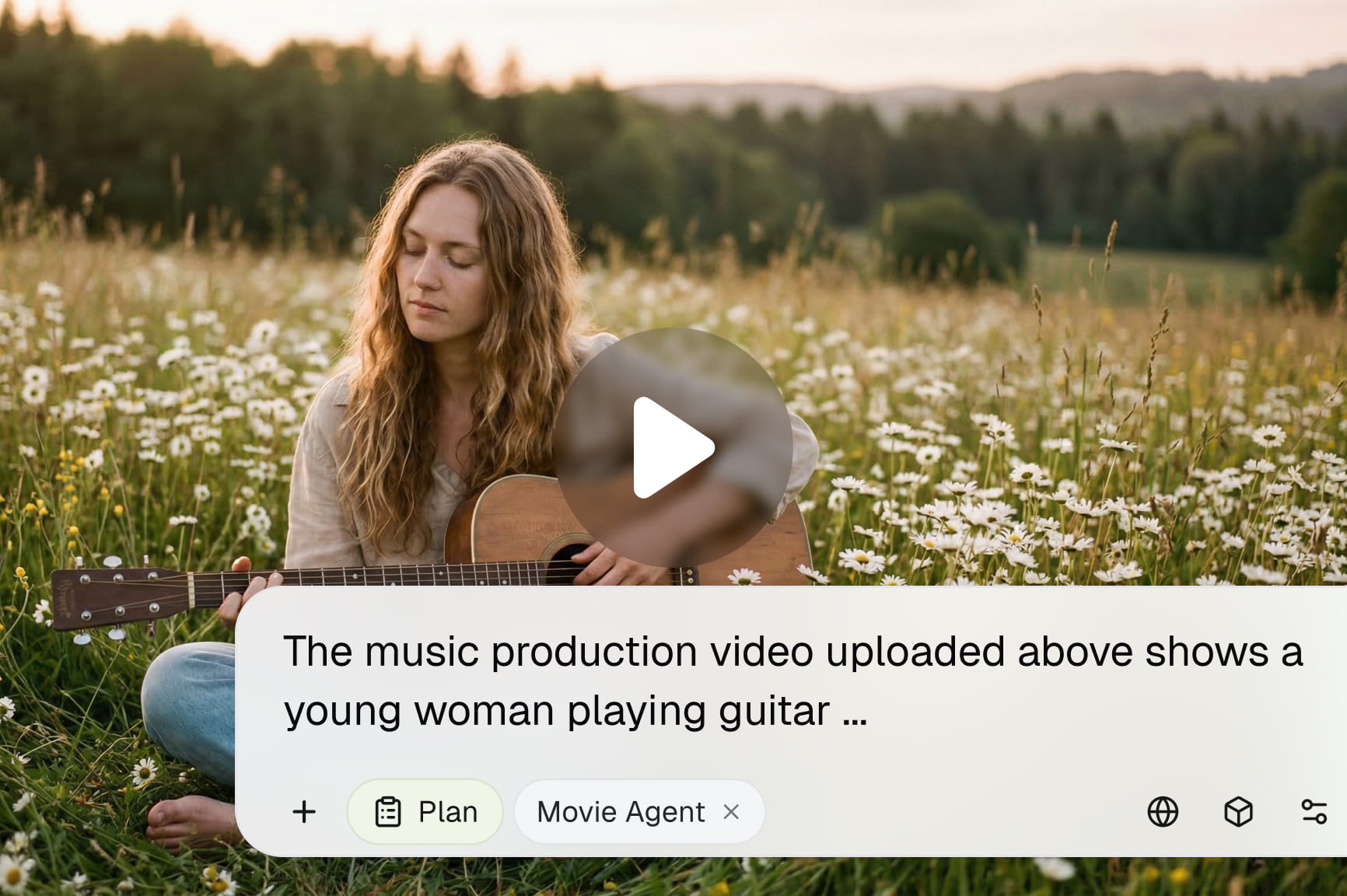
Enter your prompt
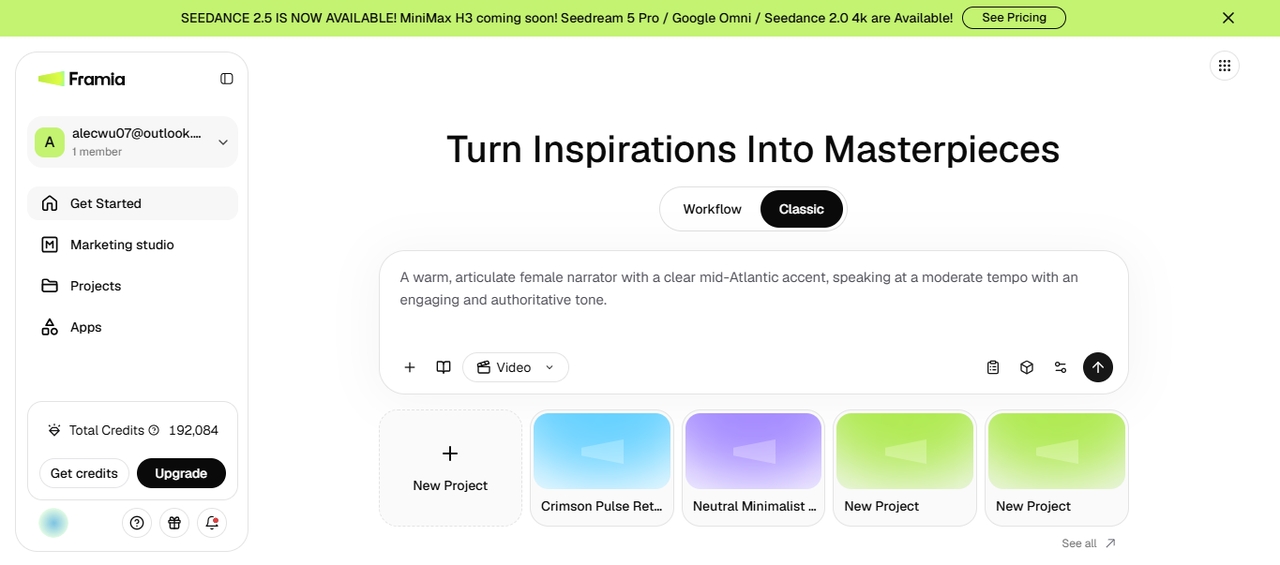
Sign up for Framia Pro to access the home page, then go to the Canvas from the dashboard. Type a clear prompt describing the sound effect, music, or dialogue you need, and upload up to three reference clips or an image from your device.
Enter your prompt
Select the model
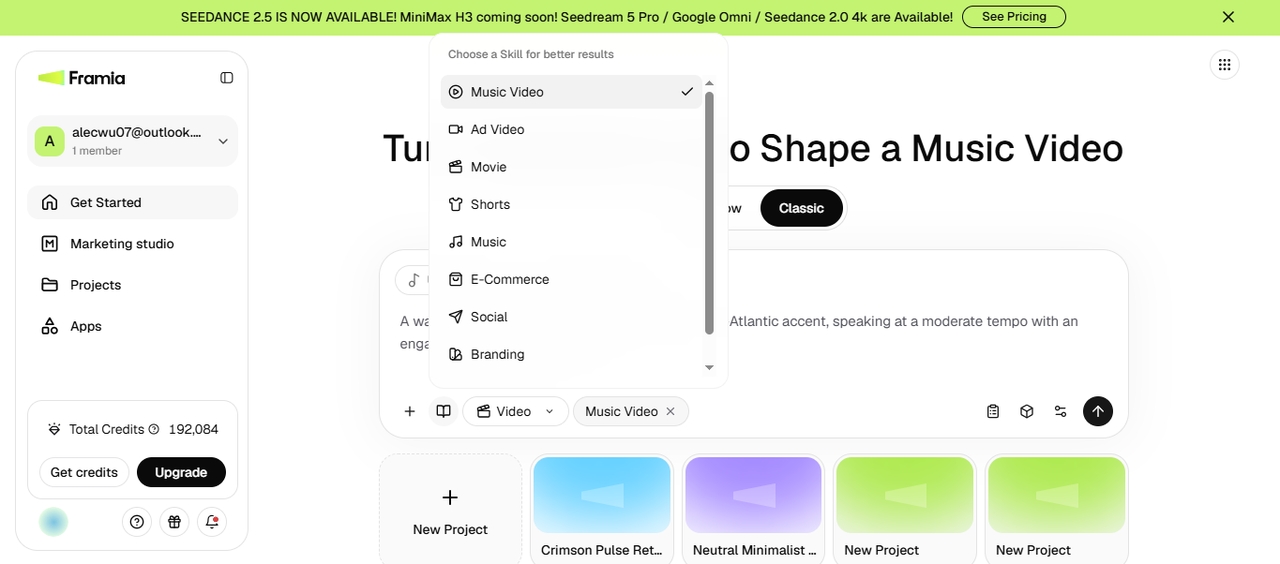
Select the Agent mode and pick "Music" or "Music Video" under the Skills menu, depending on your project. Next up, click "Select model," go to the Audio tab, and choose the Seed Audio model from the menu to generate dialogues, soundtracks, or background music.
Select the model
Generate & export
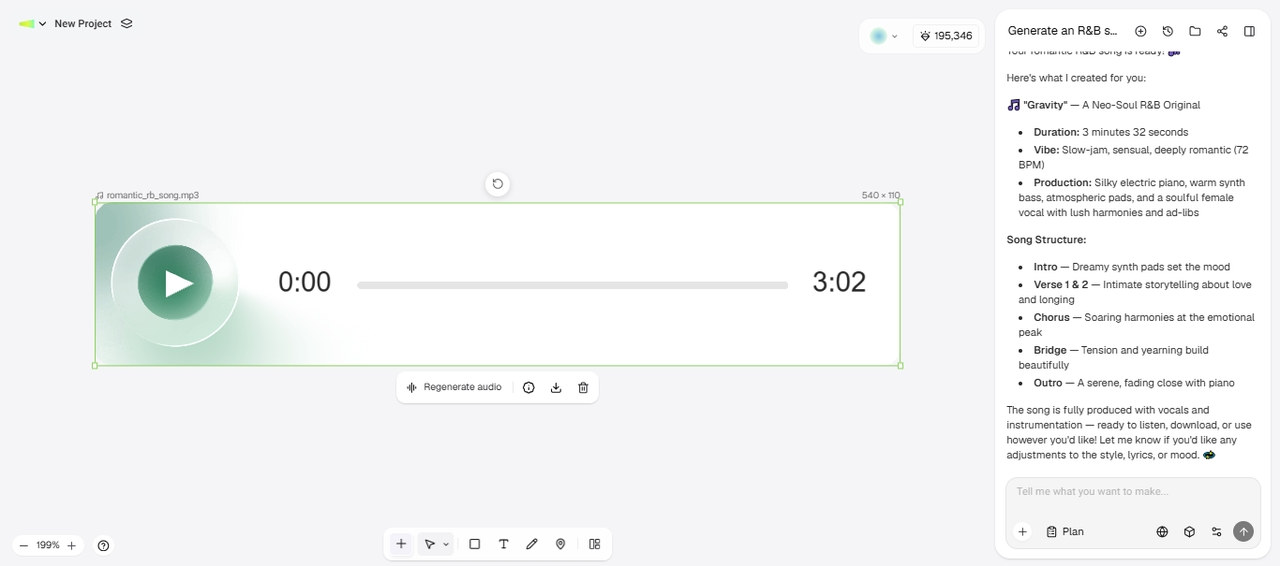
Click Generate to create your audio clip. Review the output and regenerate it if you want a different result. You can also continue using the same canvas to turn the audio into a video. When you're satisfied, export and download the final file.
Generate & export

Generate AI audio with Seed Audio 1.0 and create video projects

Turn generated audio into complete video projects with Framia Pro's Workflow Canvas.

Open Workflow
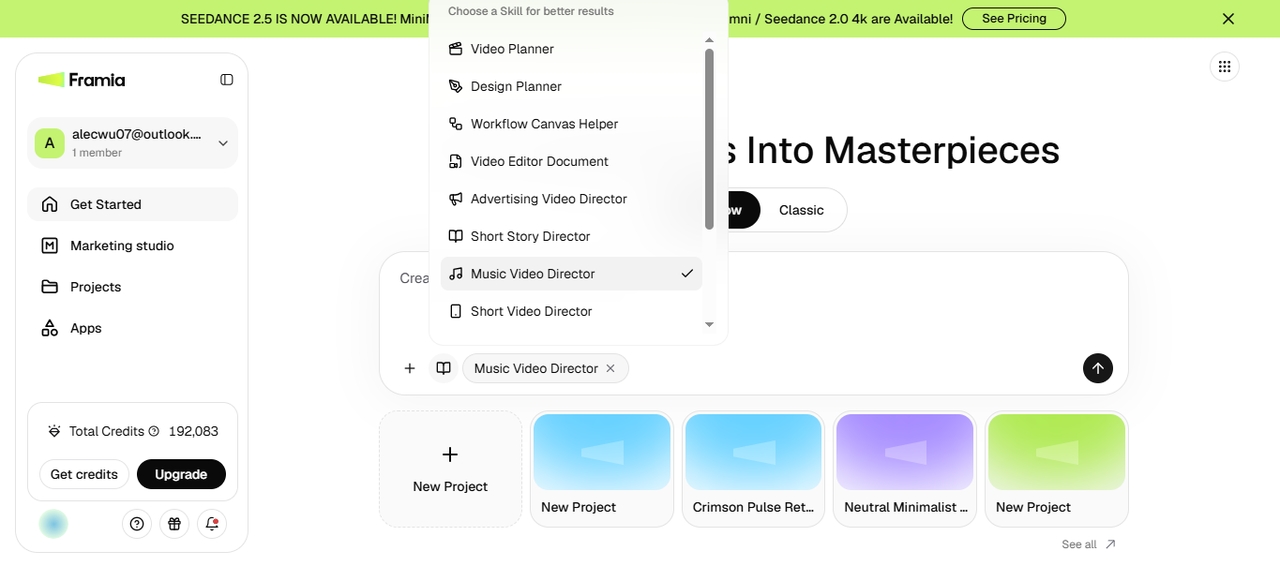
Go to the Workflow tab from the Framia Pro home page. Type a prompt describing the music video you want, select "Music Video Director" from the skills, and upload your reference audio tracks or an image. Click Generate to let Framia Pro call for the tools.
Open Workflow
Review the nodes
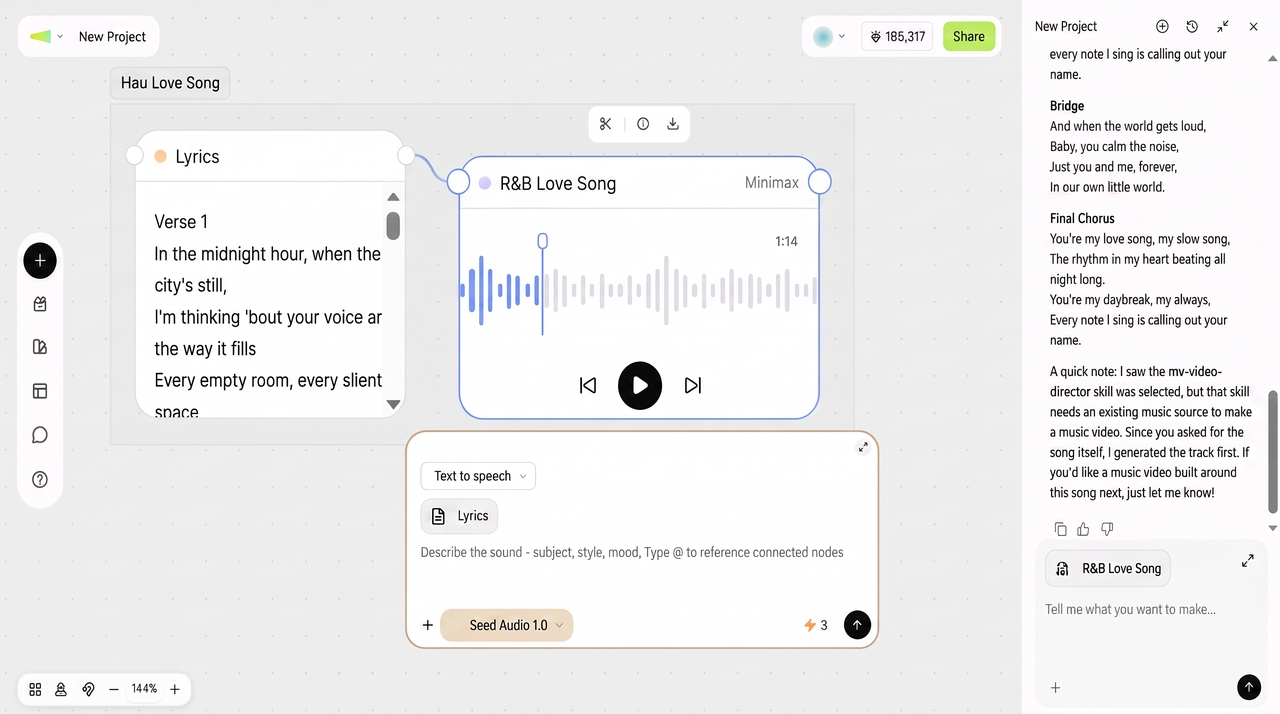
Framia Pro connects Lyric Director, Lyrics, and the final output node in one flow. Edit the Lyric Director node to change the song idea or style and update the Lyrics node to rewrite verses or choruses. Then run the Audio node to generate the audio clip.
Review the nodes
Generate video & export
Connect a Video node and enter your prompt. Choose the video model, aspect ratio, and duration, then run the workflow. Add a Video Editor node to trim scenes, adjust timing, and refine the output. You can also add subtitles before exporting or sharing the finished video.

Why create audio with Seed Audio 1.0 on Framia Pro?

Create, manage, and publish audio projects from one workspace with Framia Pro.

Access leading AI audio models in one workspace

Use ElevenLabs, Sonu v5.5, Mureka, and the latest Seed Audio 1.0 audio scene generation model in one workspace. Switch between generation tools for different projects while keeping your prompts, assets, and outputs organized inside Framia Pro.

Access leading AI audio models in one workspace
Combine research, planning, and audio generation

Combine research, planning, and audio generation

Research topics, organize ideas, write scripts, and generate audio without switching between separate tools. Build podcasts, educational lessons, or marketing content from planning to the finished recording inside one connected workflow.

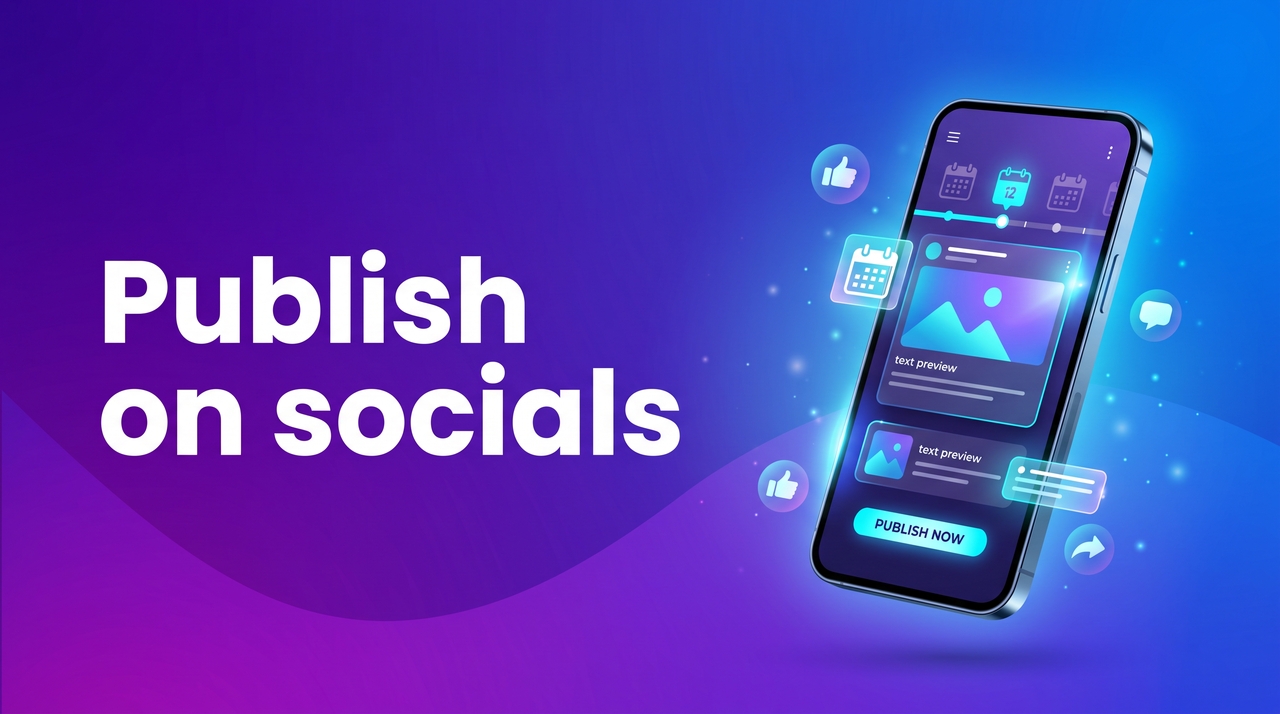
Share the content directly to social media platforms

Prepare your social media posts for publishing, then schedule or share them through Framia Pro's Social Publisher. Keep your content pipeline moving by managing creation and publishing from the same workspace.

Share the content directly to social media platforms

Best use cases for Seed Audio 1.0 on Framia Pro

Create realistic audio for podcasts, videos, education, marketing, and storytelling projects.

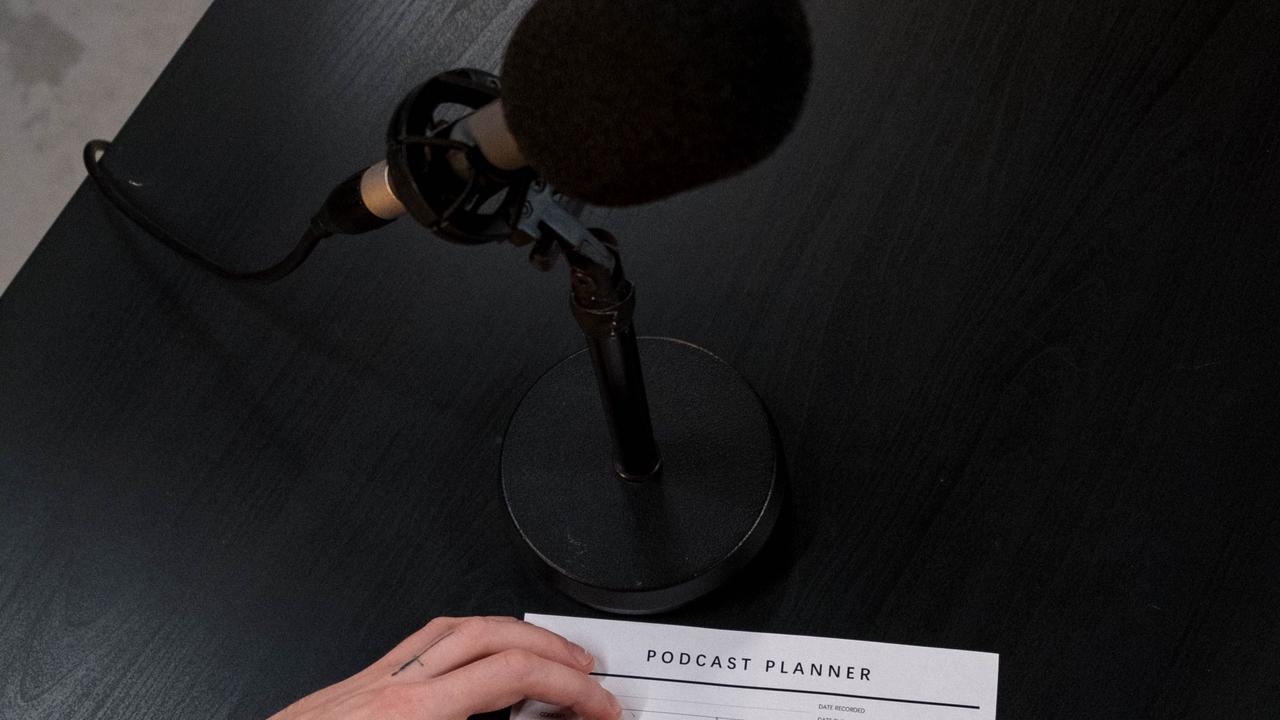
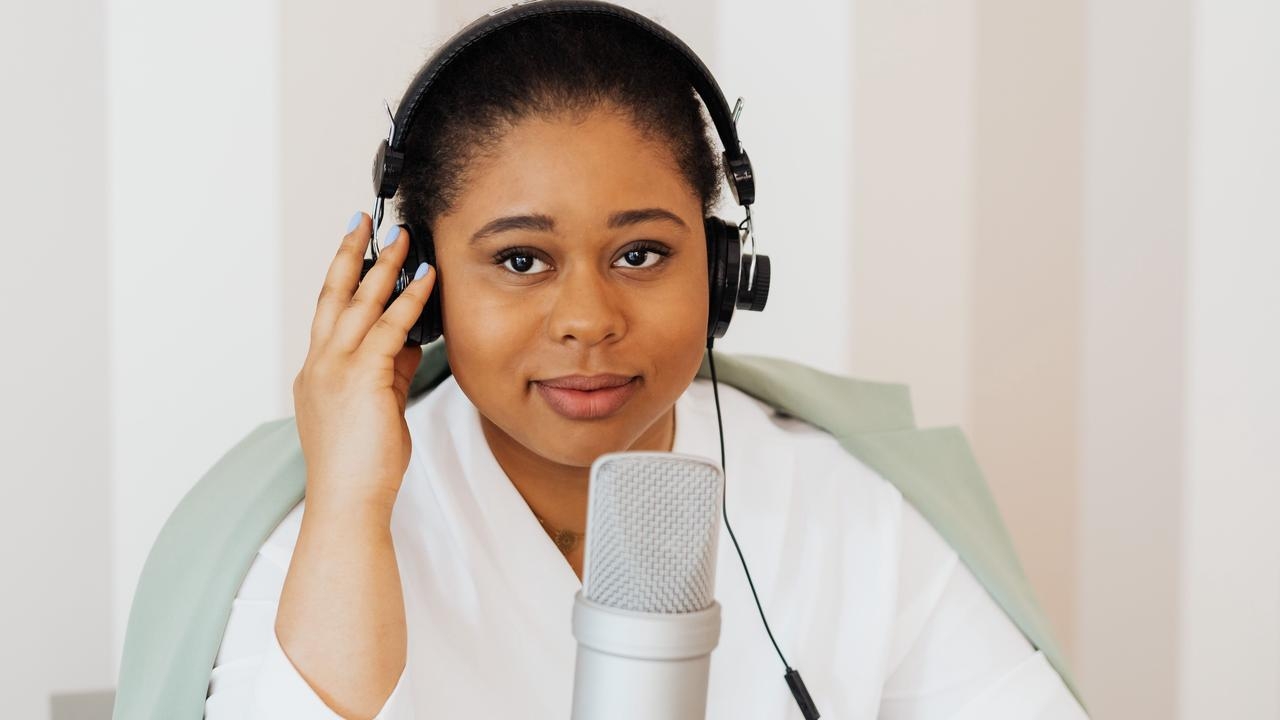
Podcast

Podcasts

Cast two or more hosts into one scene, each with a distinct voice and natural pacing. Seed Audio holds the back-and-forth flow of a real conversation, so an episode sounds recorded rather than generated line by line.

Product demos

Match a narration track to product visuals with a calm, clear tone. The audio seeder model on Framia Pro controls delivery and pacing in one pass, so a demo script goes from text to a finished voiceover the same day.

Product demos
Audiobooks

Audiobooks

Voice a narrator and several characters within the same audiobook chapter. The model generates a scene up to two minutes per pass and continues it further, so a voice carries its identity through long recordings.

Educational content

Create lessons with narration, examples, and supporting background audio that fit the topic. Produce learning materials for online courses, explainer videos, and classroom presentations with clear speech and natural pacing.

Educational content
Character dialogue

Character dialogue

Generate conversations between multiple custom characters with unique voices, emotions, and accents. Build realistic dialogue for animations, games, dramas, and storytelling projects from one prompt

Social media videos

Generate complete audio tracks for TikTok, Reels, Shorts, and other short-form videos using the Seed Audio 1.0 model. Add dialogue, music, ambiance, and sound effects that match your visuals before publishing through Framia Pro.

Social media videos

What do people say about the Seed Audio model on Framia Pro?

See how creators use Seed Audio on Framia Pro for podcasts, videos, and storytelling projects.

Seed Audio 1.0 on Framia Pro made my interview episodes sound more natural. I generated two speakers, background music, and café ambiance from one prompt, then adjusted the script before exporting the final recording.
Rachel Adams
Rachel Adams
Podcast Producer
I use Framia Pro to create voice tracks before editing my videos. The conversations sound natural, and matching music and sound effects save time when building complete scenes for social media projects.
Jason Miller
Jason Miller
Content Strategist
My audiobook chapters needed different voices for each character. The audio model kept every conversation clear while adding background sounds that matched each scene, making the final recording feel much more immersive.
Prakriti Shah
Prakriti Shah
Audiobook Creator
Framia Pro helped our team create product videos with narration, music, and sound effects in one workflow. We spent more time improving the message instead of managing separate audio files for every campaign.
Ryan Cooper
Ryan Cooper
Ryan Cooper
I create online lessons with Framia Pro because I can generate narration and supporting background audio together. My recordings sound more engaging, and students stay focused throughout longer lessons and demonstrations.
Melissa Grant
Melissa Grant
Online Course Instructor
Seed Audio gave my game characters distinct voices and realistic background sounds from one prompt. Building dialogue for different scenes became much faster because every audio layer matched the story automatically.
Micheal Romero
Micheal Romero
Game Writer
We've compiled the most important information to help you get the most out of your experience. Can't find what you're looking for?Contact us

Frequently asked questions

What is Seed Audio 1.0?
Seed Audio 1.0 is ByteDance's audio generation model, available on Framia Pro. It produces speech, sound effects, ambiance, and music from one prompt, in a single generation.
Can Seed Audio 1.0 generate music and sound effects together?
Yes. On Framia Pro's music generator, you can select the Seed Music AI model and enter a prompt to generate dialogue, sound effects, and background music at once. You can then add nodes for video generation and create your content.
Does Seed Audio 1.0 support voice conversion?
Not as a dedicated feature. On Framia Pro, Seed Audio 1.0 clones a voice from a short reference clip and generates new speech from text, rather than converting an existing recording into another voice.
Can I create multi-speaker conversations?
Yes. Audio Seed model on Framia Pro creates conversations with multiple speakers, each having different voices, emotions, and accents. This makes it easy to generate podcasts, interviews, dramas, and storytelling projects from one prompt in a single workflow.
Is Seed Audio 1.0 suitable for commercial projects?
Yes. You can use Seed Audio 1.0 on Framia Pro to create podcasts, marketing videos, product demonstrations, educational content, and branded storytelling. Review the current licensing terms before publishing commercial projects or client work.
How much does Seed Audio 1.0 cost?
Seed Audio 1.0 pricing depends on where you access the model. Framia Pro includes it within its available model library, while ByteDance may offer different plans or credit limits through its own services.
Can I edit the generated audio after it's created?
Yes. Regenerate the full clip with a new prompt, or continue in the same canvas to fine-tune specific lines, music, or effects before exporting.
What languages does Audio Seed support?
Audio Seed generates expressive speech in more than 50 languages, with regional accents that match different characters and audiences.

Still have questions?

Have questions or need assistance? Our team is here to help!

Create your audio clips with Seed Audio!

Generate dialogue, music, ambiance, and sound effects with Seed Audio 1.0 on Framia Pro. Create complete audio scenes from one prompt.

Seed Audio 1.0 (Text to Audio) | Framia by Converge AI