WAN 2.7: The Future of AI Video

Unlock the power of WAN 2.7 on Framia Pro. Create high-quality AI videos with absolute subject consistency and precise motion control.

Start for Free

What is WAN 2.7?

WAN 2.7 is the state-of-the-art twenty-seven billion parameter AI video model from Alibaba. Built for unparalleled control, it introduces Thinking Mode reasoning to plan complex motion dynamics before rendering. With native audio synchronization, first and last frame control, multi-reference subject consistency, and text-based video editing, it delivers cinematic quality outputs seamlessly on our platform.

Unleash unmatched video power with WAN AI video generator

Unlock premium AI capabilities and quickly generate stunning cinematic footage in seconds.

Plan smart video layouts effortlessly

Analyze complex user prompts deeply before generating high-quality cinematic visuals. This advanced step always ensures perfect motion logic, accurate scene composition, and realistic physical interactions. Use this great feature to prevent bad drafts, save rendering time, and obtain better results.

Generate smooth cinematic camera movements

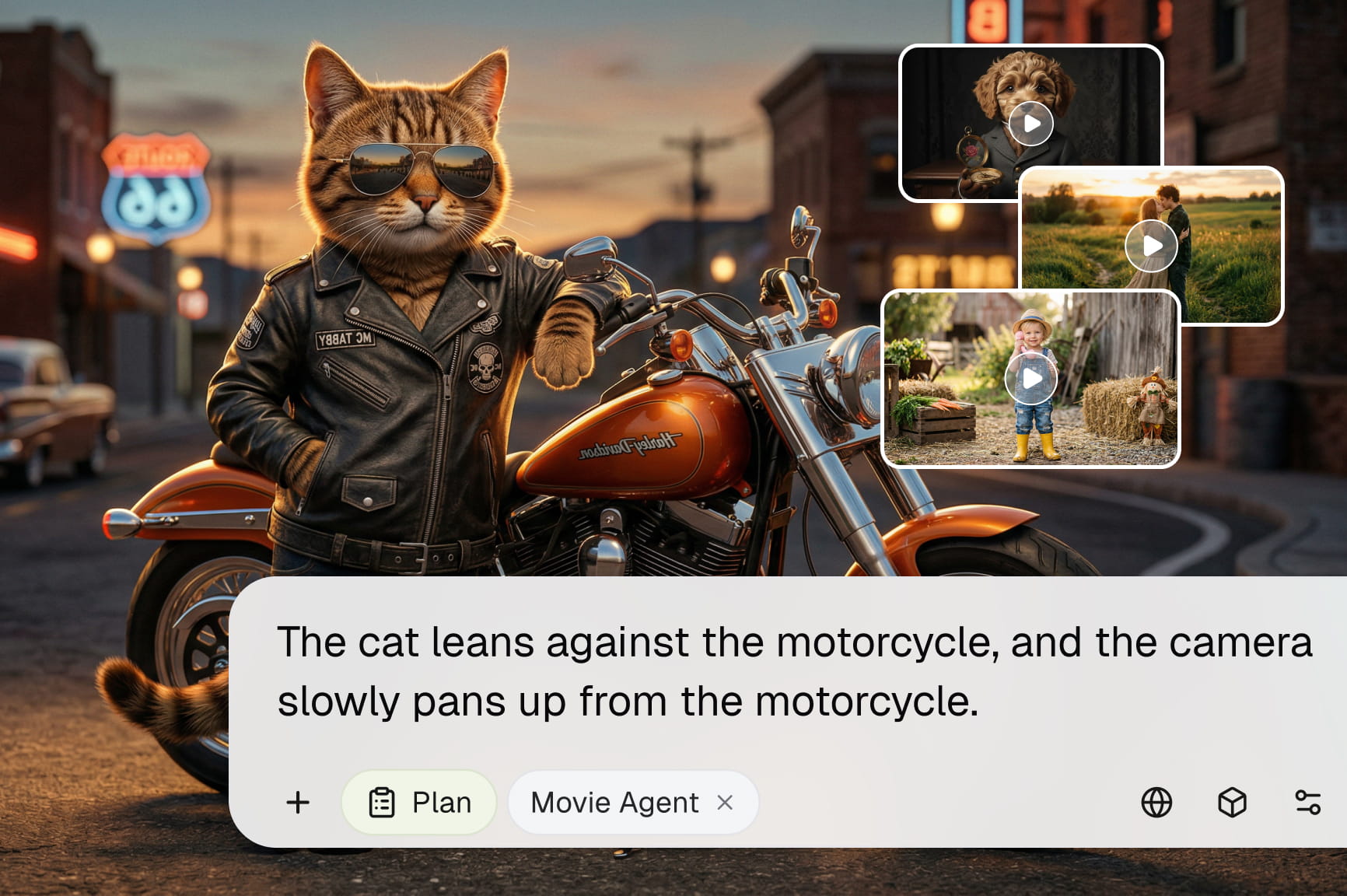
Create videos with natural camera pans, zooms, tracking shots, and dynamic perspectives that enhance storytelling. WAN AI produces fluid motion between scenes, making every generated video feel more immersive, professional, and visually engaging without requiring manual animation.

Understand complex prompts with greater accuracy

Turn detailed creative ideas into compelling videos using WAN AI's advanced prompt comprehension. Generate multiple characters, environments, actions, and cinematic sequences while maintaining logical relationships throughout each scene for more predictable and controllable results.

Lock character details across shots

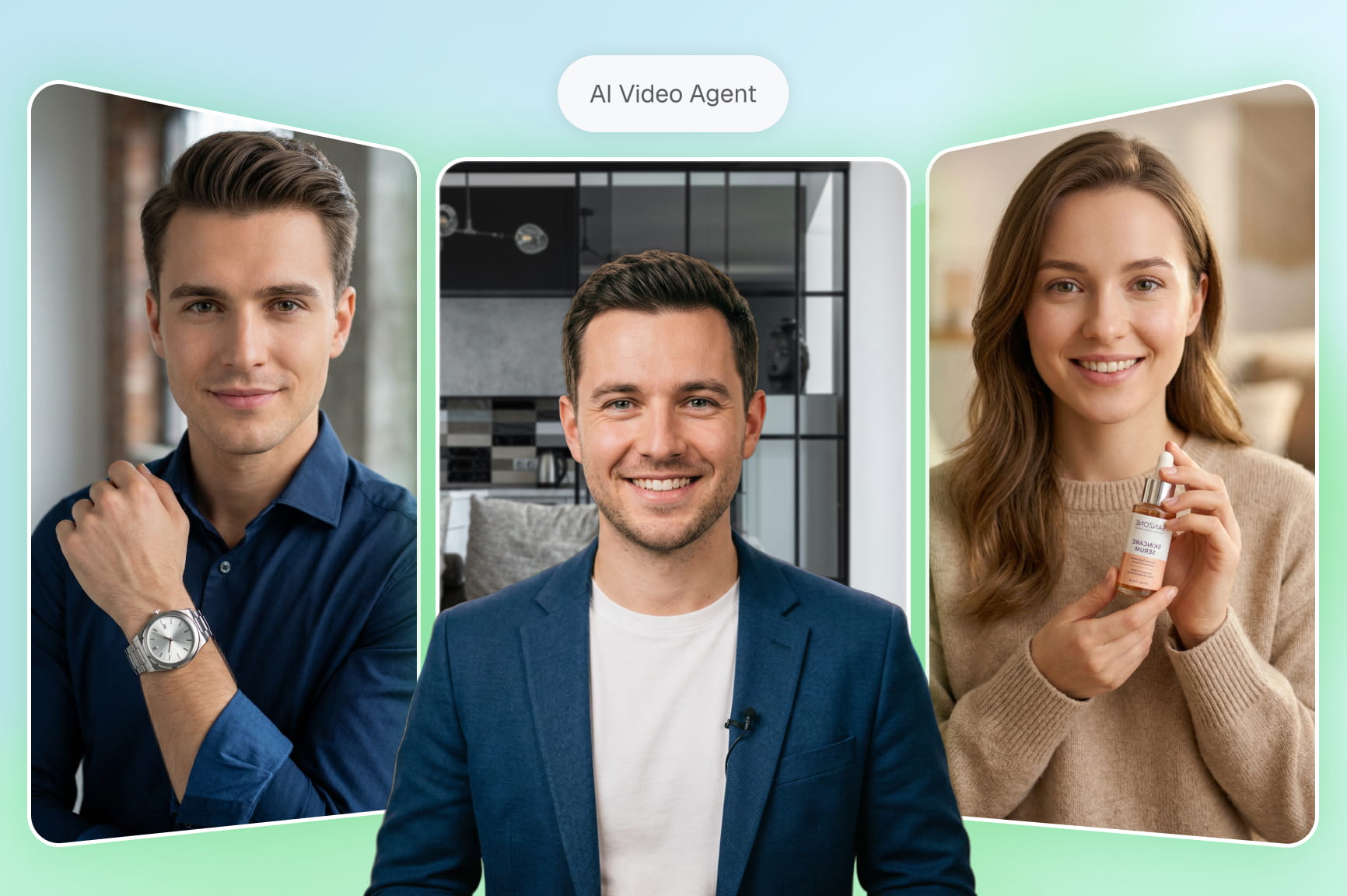
Preserve subject details and visual consistency across multiple generations using up to 5 reference images. This advanced utility anchors specific facial traits, clothing items, branded products, and background styles. You will maintain strict brand identity across your entire video project.

Modify existing videos using text

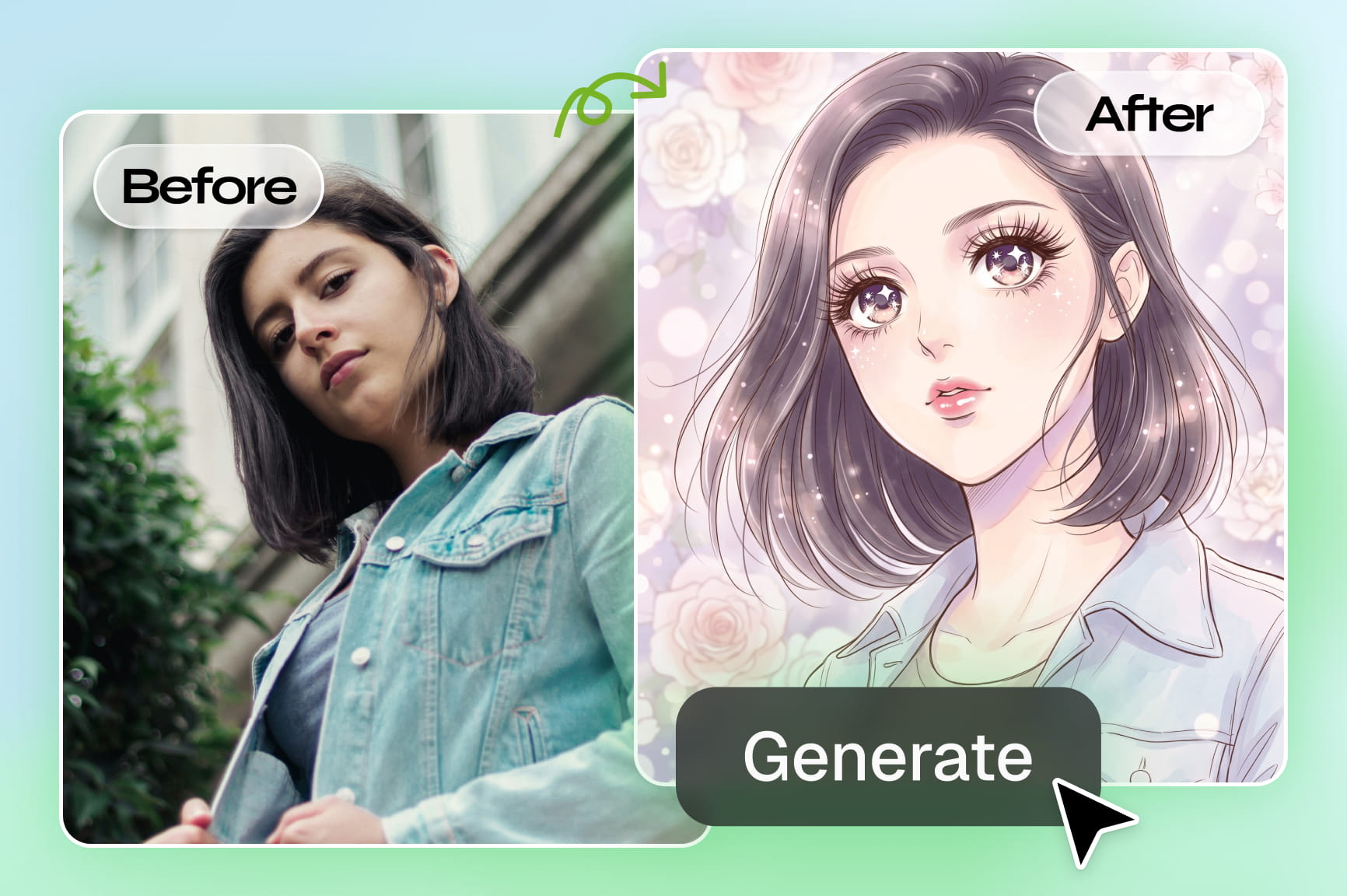
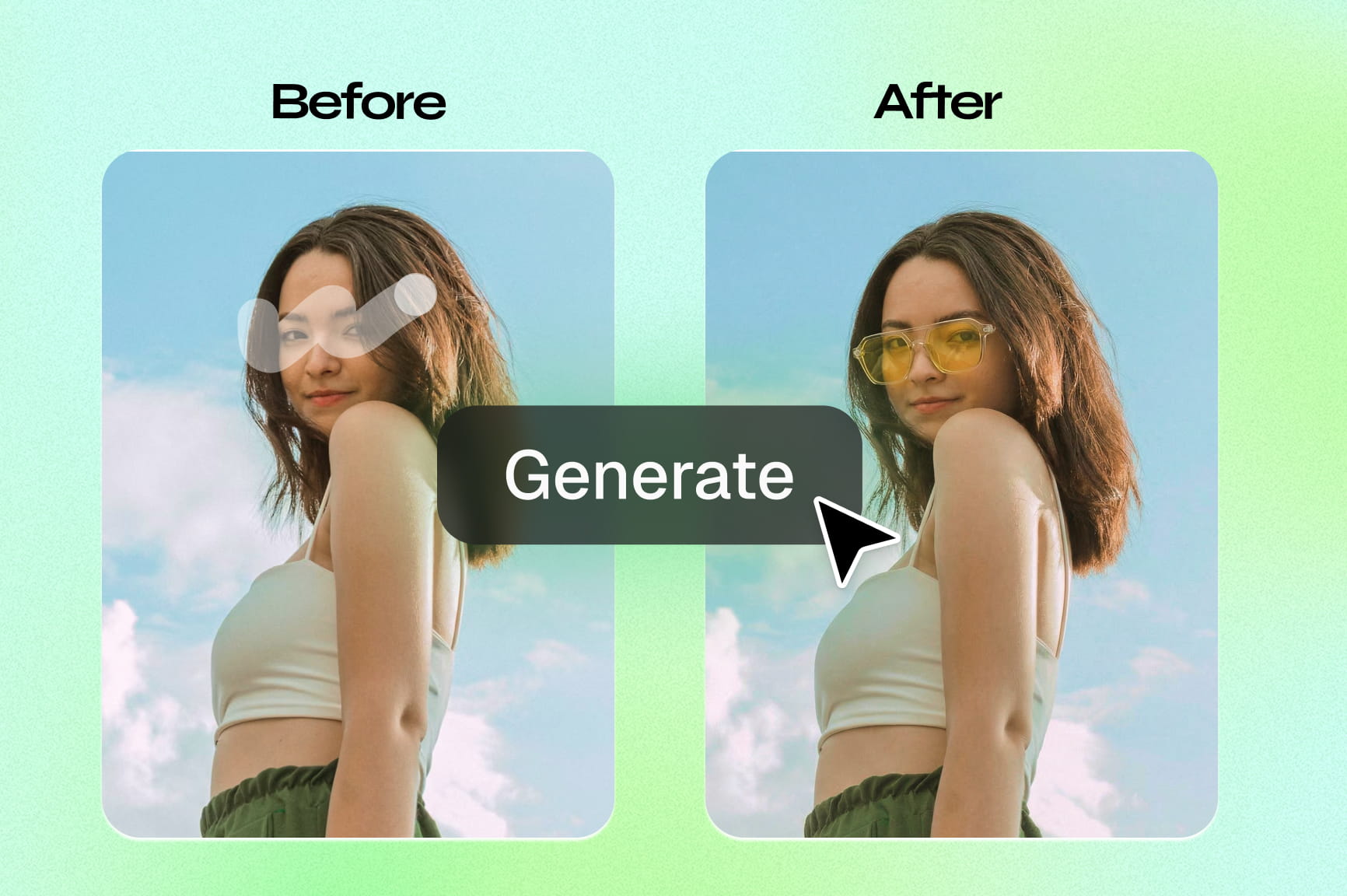
Revise original footage effortlessly by typing simple natural language instructions inside our dedicated video editing workflow. This intuitive capability lets you swap background environments, modify character outfits, alter lighting setups, and apply stylized elements. You can iterate projects faster than ever.

Produce realistic motion with cinematic quality

Generate videos featuring natural human movement, realistic physics, detailed lighting, and rich visual effects. WAN AI delivers high-quality cinematic output suitable for advertisements, product showcases, storytelling, social media content, and professional creative projects.

How to use WAN 2.7 AI video model via node flow Framia Pro?

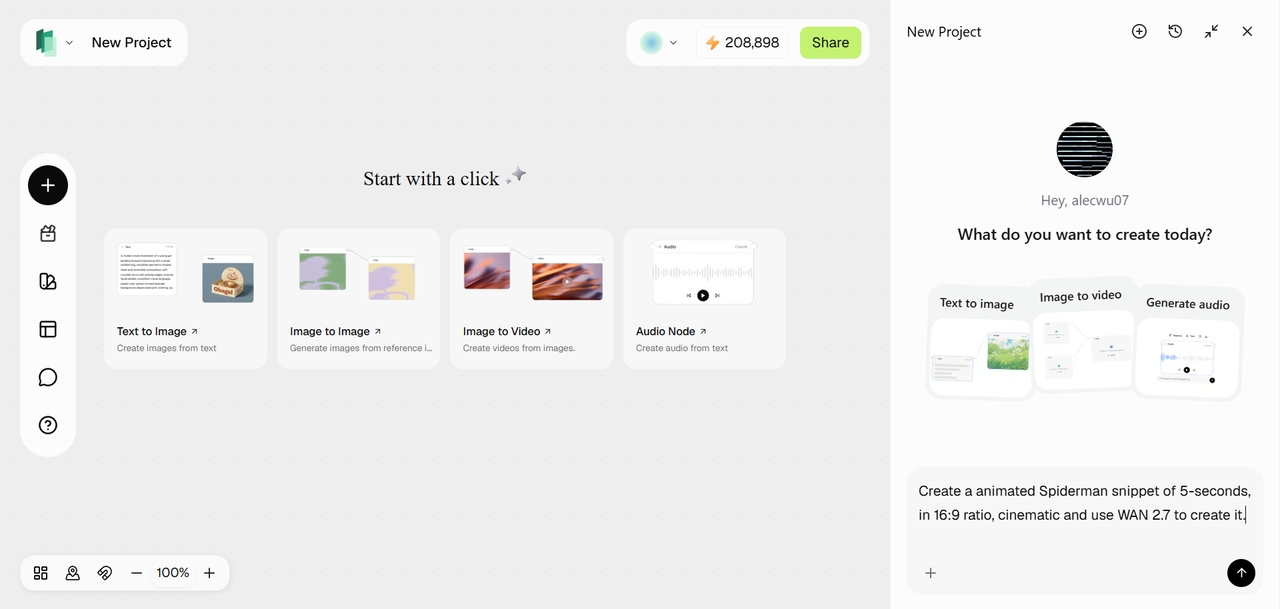
Select Framia Pro's "Agent flow builder"
From Framia Pro's dashboard, you need to first select the "Marketing studio" option. From there, choose the "Agent flow builder" option, to get access to Framia Pro's design agent, video agent, or audio agent.
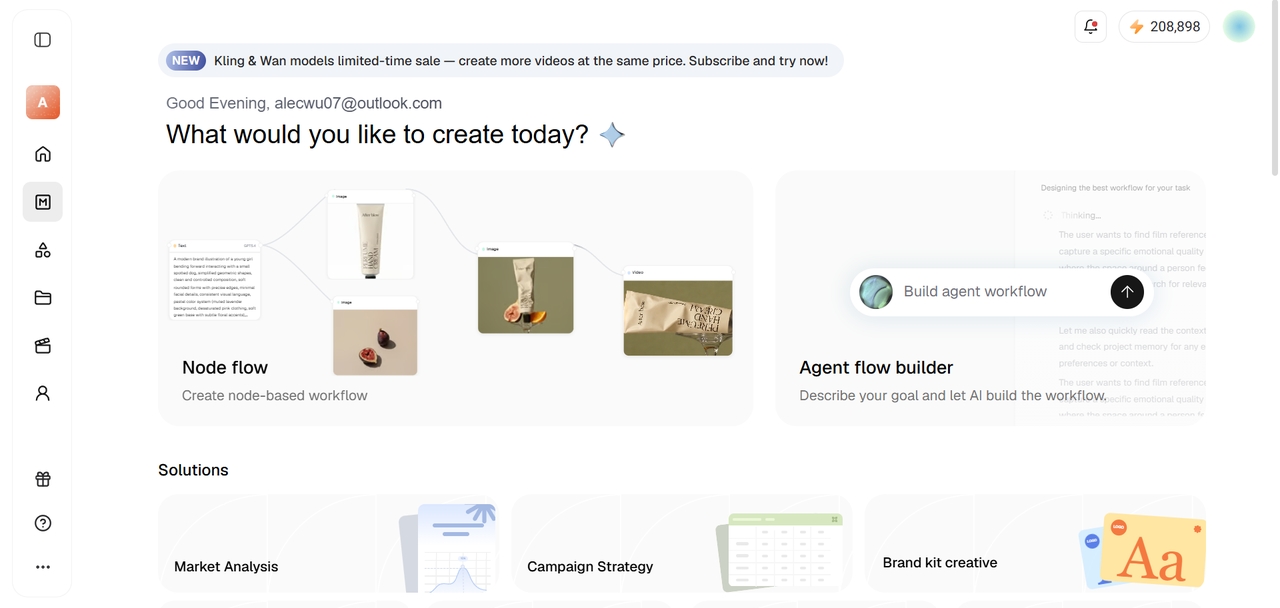
Select Framia Pro's "Agent flow builder"
Provide your detailed prompt
Next, you need to provide a detailed prompt, including details of the scenes, characters, etc. Also, you can upload any reference media for the AI to take cues from, via the new "Node flow" feature. Additionally, make sure to mention the model name, which is WAN 2.7, in the prompt description. If no model is mentioned, then Framia Pro will use what is best for that specific situation.
 Provide your detailed prompt
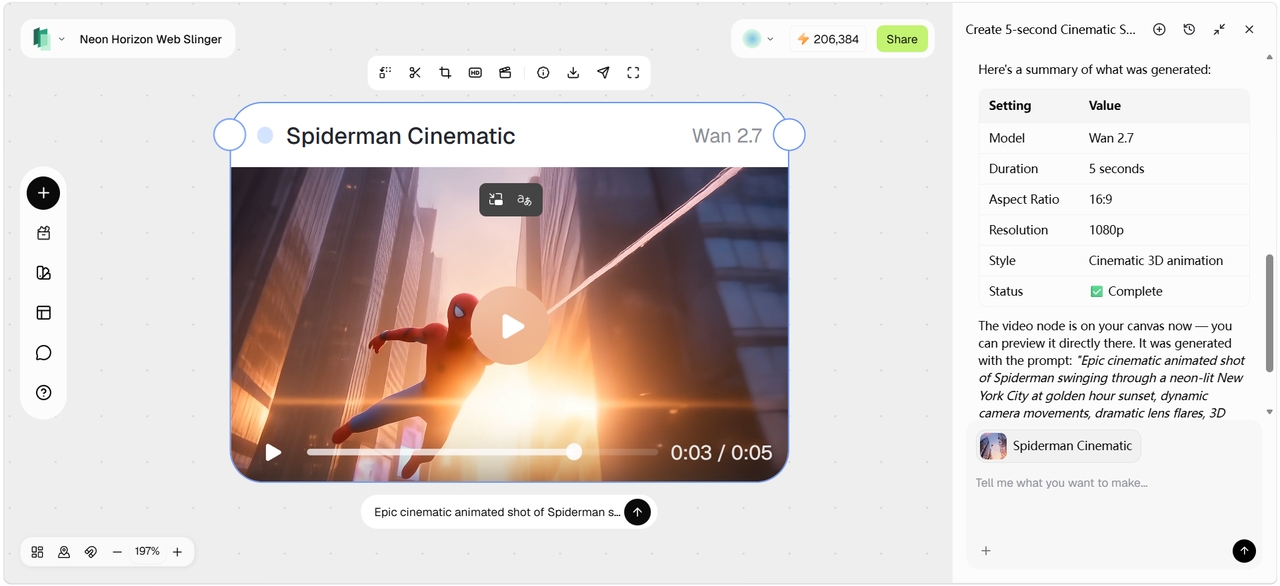
Export your AI-generated video by WAN 2.7
Framia Pro will start generating your video and once that is completed, you can further tweak or edit it, using the in-built tools or the chat interface. Users can also connect the video node, audio node or image node for further editing or regeneration. Once done, download the video for sharing.
Export your AI-generated video by WAN 2.7

How to use WAN 2.7 via video agent in Framia Pro?

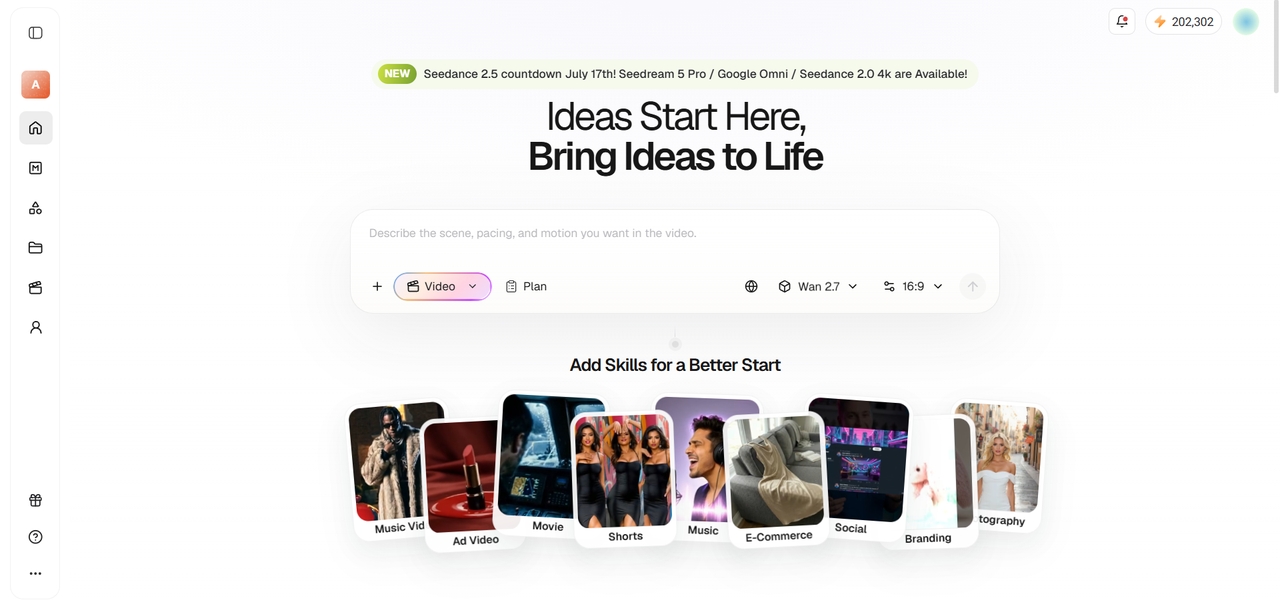
Select "Video" agent and choose WAN 2.7
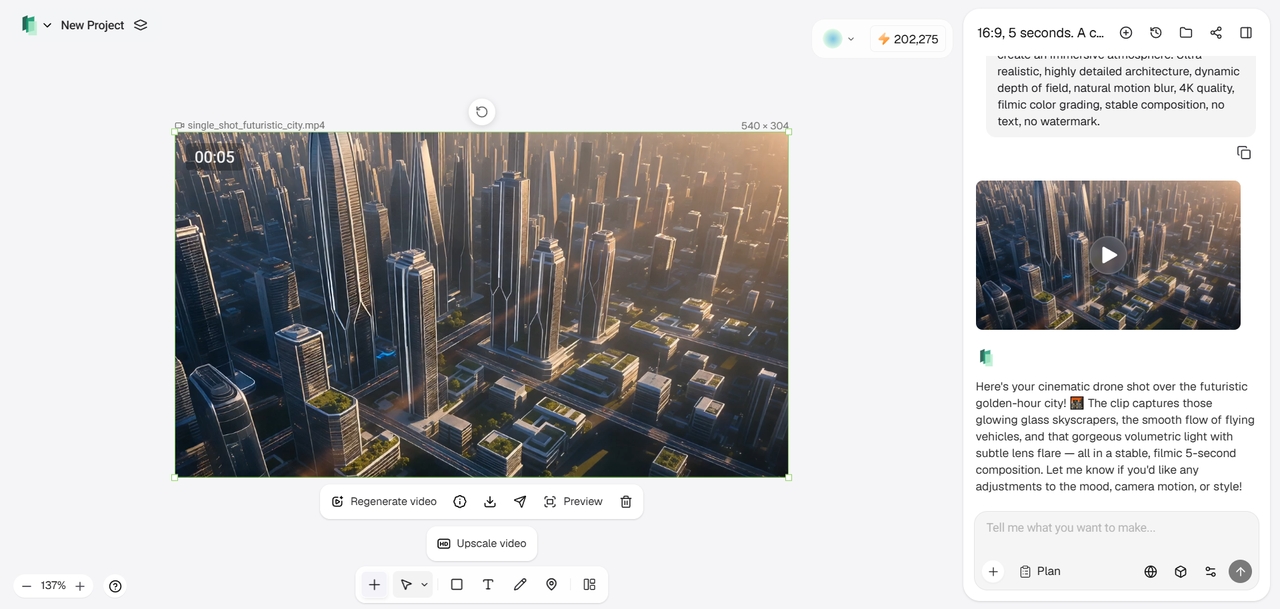
From Framia Pro's dashboard, you need to first select the "Video" agent. After that, choose "WAN 2.7" as the AI video model from the list of options. Additionally, select your desired aspect ratio.
Select "Video" agent and choose WAN 2.7
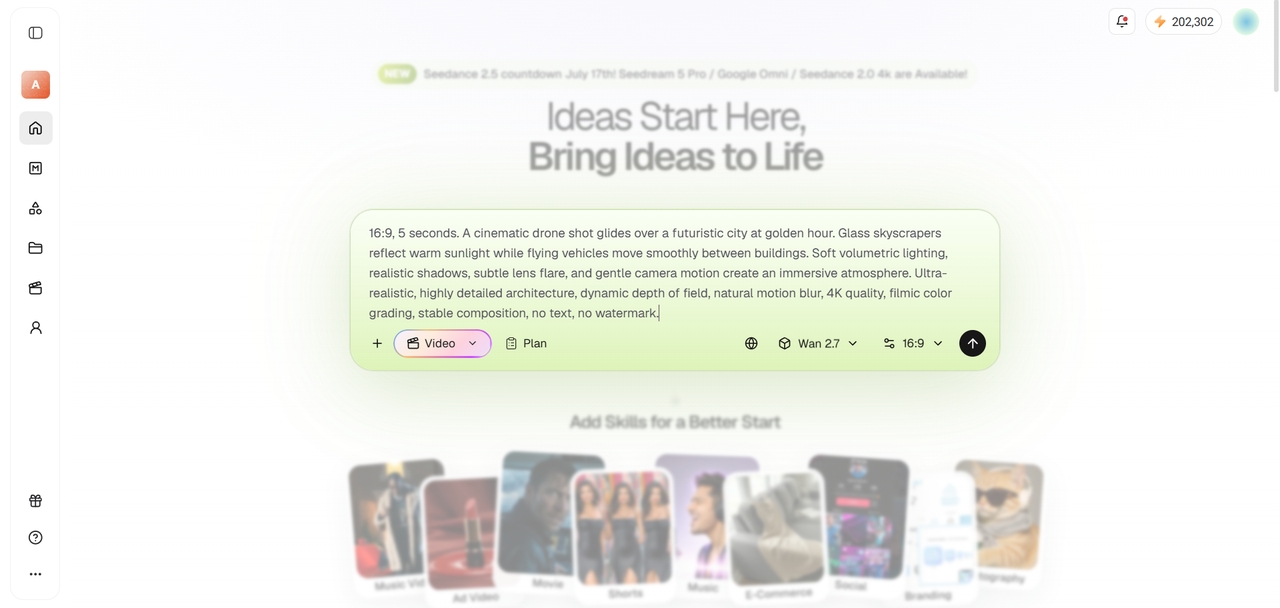
Provide your detailed prompt
Next, you need to provide a detailed prompt, including details of the scenes, characters, etc. Also, you can upload any reference media for the AI to take cues from.
Provide your detailed prompt
Export your AI-generated video
Framia Pro will start generating your video and once that is completed, you can further tweak or edit it, using the in-built tools or the chat interface. Once done, download the video for sharing.
Export your AI-generated video

Why choose Framia Pro to access WAN 2.7?

Enhance your creative workflows with our specialized platform built for high-speed output.

No local hardware setup needed
Eliminate the need for expensive graphics cards or complex local software configurations. Our cloud platform runs WAN 2.7 seamlessly in your browser, saving you valuable time and money. You can start creating beautiful professional videos instantly from any basic laptop.
Experience lightning-fast generation speeds
Generate high-quality cinematic clips in record time using our optimized serverless infrastructure. This powerful cloud backend schedules your video rendering tasks dynamically to maximize throughput. You will get results in minutes without suffering from slow queues or processing delays.
Affordable, flexible pay-as-you-use
Maximize your creative budget with our transparent, flexible payment options. This model eliminates expensive recurring subscriptions, letting you pay strictly per second of generated video footage. You will save money while exploring and scaling up your massive commercial video projects.
Access varying pre-made template designs
Enhance your productivity and make good use of your time by trying out our pre-made video creation templates, using WAN 2.7. With these templates, you can create ads, social media content, and much more, without having to search for viral content ideas.
Collaborate with your team seamlessly
Share your projects, video prompts, and reference images with team members in real time. This unified dashboard allows multiple users to edit video creations, manage assets, and review drafts together. You can streamline your agency's client feedback and creative production pipelines.
Access comprehensive built-in editing tools
Polish your generated clips without switching platforms. Our integrated workspace includes advanced tools like AI upscaling, voiceover generation, clip trimming, and background music addition. You will experience a truly complete and unified video production suite from a single browser window.

Inspire your next video creation with WAN 2.7

See how our top creators utilize these outstanding tools to craft highly engaging stories.

Generate futuristic sci-fi scene sequences

Prompt: A sleek chrome spaceship enters a vibrant blue nebula with glowing cosmic dust. The model ensures realistic lighting reflections, smooth flight mechanics, and incredible celestial depth throughout your finished cinematic video clips.

Create premium product advertisements

Prompt: A radiant summer commercial filled with pure joy, golden sunlight, and irresistible ice cream moments. Every frame is designed to feel warm, playful, and instantly craveable.

Animate lively city street scenes

Prompt: Drone flyover of neon lit streets in Tokyo at night, camera panning smoothly down towards busy pedestrian crossings. The model always provides flawless motion coherence, highly realistic night lighting, and incredible scene depth.

Learn the advanced model parameters powering WAN 2.7

Understand the technical limits and structural features of WAN's advanced video generation.

Model Architecture
Employs advanced twenty-seven billion parameter MoE technology.
Output Resolution
Generates stunning cinematic footage up to 4K quality.
Clip Duration
Produces motion ranging from 2 to 15 seconds.
Aspect Ratios
Supports 16:9 vertical, square, and landscape formats.
Frame Rate
Renders ultra-smooth clips up to 60 fps.
Reference Slots
Accepts up to 5 different source reference images.

WAN 2.7 vs Veo 3.1 vs Kling 3.0

Compare different top AI video generation systems with our excellent flagship video platform.

WAN 2.7
Veo 3.1
Kling 3.0
Prompt Reasoning
SOTA (Thinking Mode)
Standard
Advanced
Subject Consistency
Ultra High (Up to 5 refs)
Moderate
High (Director mode)
Video Editing
Instruction-Based (Text)
Basic
None
Max Resolution
Cinematic 1080p to 4K
Native 4K
1080p
Native Audio Sync
Integrated
None
Basic

How professionals use WAN 2.7 AI model?

Discover how our great platform serves diverse creative industries and global brands today.

1785073688814-20260726-214802

Scale social media content production

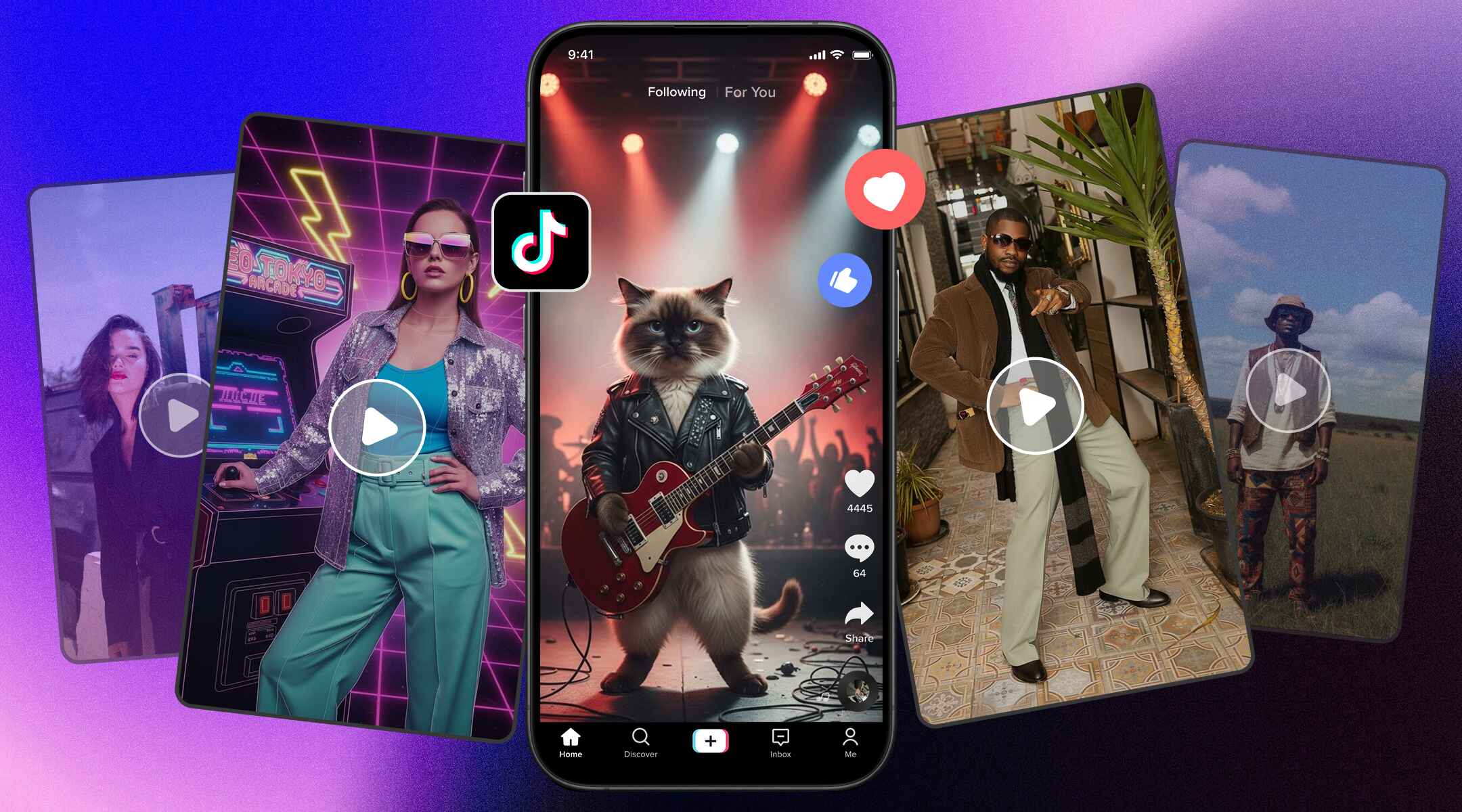
Empower your creative social teams to produce highly engaging, high-quality shorts, Instagram Reels, and promo clips effortlessly. Our platform eliminates long rendering delays, helping you maintain a consistent publishing calendar, react to hot trends quickly, and boost total viewer engagement.

Drive rapid growth marketing campaigns

Create high-converting video advertisements, localized promo clips, and personalized landing page videos with complete creative freedom. The advanced model parameters always enable you to test multiple visual angles rapidly, optimize production costs, and scale your global brand identity effortlessly.

1785073707586-20260726-214822
1785073688814-20260726-214802

Streamline professional video agency workflows

Deliver client-ready visual concepts, detailed movie storyboards, and high-fidelity promotional assets in record time. Our team collaboration tools, combined with instruction-based editing, always ensure flawless project iterations and rapid turnaround times for your highly demanding studio clients.

What our users have to say about WAN AI video generator?

Read real reviews from creative professionals who love WAN 2.7's impressive capabilities.

Using this platform transformed our character design process completely. The multi-reference feature always allows us to keep faces and outfits identical across various generations. This is the first time an AI tool has delivered such great professional cinematic reliability.
Arthur Miller
Arthur Miller
Director
Generating high quality marketing ads used to take weeks of coordination and design. Now, we produce gorgeous promotional spots in minutes with unmatched visual detail and natural lighting. Our return on investment has exploded since we started using this service.
Helen Harrison
Helen Harrison
Producer
Editing existing videos with simple text prompts feels like pure magic to our creative team. We can effortlessly change clothing styles, update backgrounds, or tweak ambient lighting in seconds. This unique tool saves our studio hundreds of valuable production hours.
Douglas Finch
Douglas Finch
Animator
Planning scenes is incredibly easy now that AI reasons through composition prompts before generating. This Thinking Mode reduces odd movement artifacts and produces physically realistic camera pans. I can finally create coherent short form films directly on my laptop.
Clara Vance
Clara Vance
Filmmakert
Synchronizing dynamic dialogue is no longer a multi-step nightmare for our social campaigns. The integrated native audio sync ensures realistic lip movements and flawless body language rhythms. We can scale our video outputs dramatically without sacrificing overall professional quality.
Theodore Cross
Theodore Cross
Marketer
Controlling the exact beginning and ending frames of our product transitions is a truly absolute game changer. We no longer rely on unpredictable AI outputs to end our visual loops. This system delivers perfect, polished product showcases every single time.
Evelyn Sterling
Evelyn Sterling
Designer
We've compiled the most important information to help you get the most out of your experience. Can't find what you're looking for?Contact us

Frequently asked questions

What is WAN 2.7?
WAN 2.7 is Alibaba's latest 27-billion-parameter Mixture-of-Experts (MoE) video generation model. It delivers high-quality video generation with efficient computing by activating only the parameters needed for each task. You can access its advanced reasoning capabilities seamlessly inside Framia Pro.
What is WAN's "Thinking Mode"?
Thinking Mode is a smart planning step where the AI reasons through composition and movement before generation. It is fully supported to minimize unwanted visual errors on the Framia Pro platform.
Is WAN 2.7 open source?
Yes. WAN 2.7 is an open-source AI video model released by Alibaba. You can download and deploy it yourself if you have the required technical expertise. Alternatively, Framia Pro provides instant browser-based access to WAN 2.7, so you can generate AI videos without installation or GPU configuration.
How does first and last frame control work?
This feature allows users to provide starting and ending images to guide smooth transitions between scenes. You can easily manage these visual paths without any coding using our Framia Pro dashboard.
Can WAN 2.7 generate videos from images?
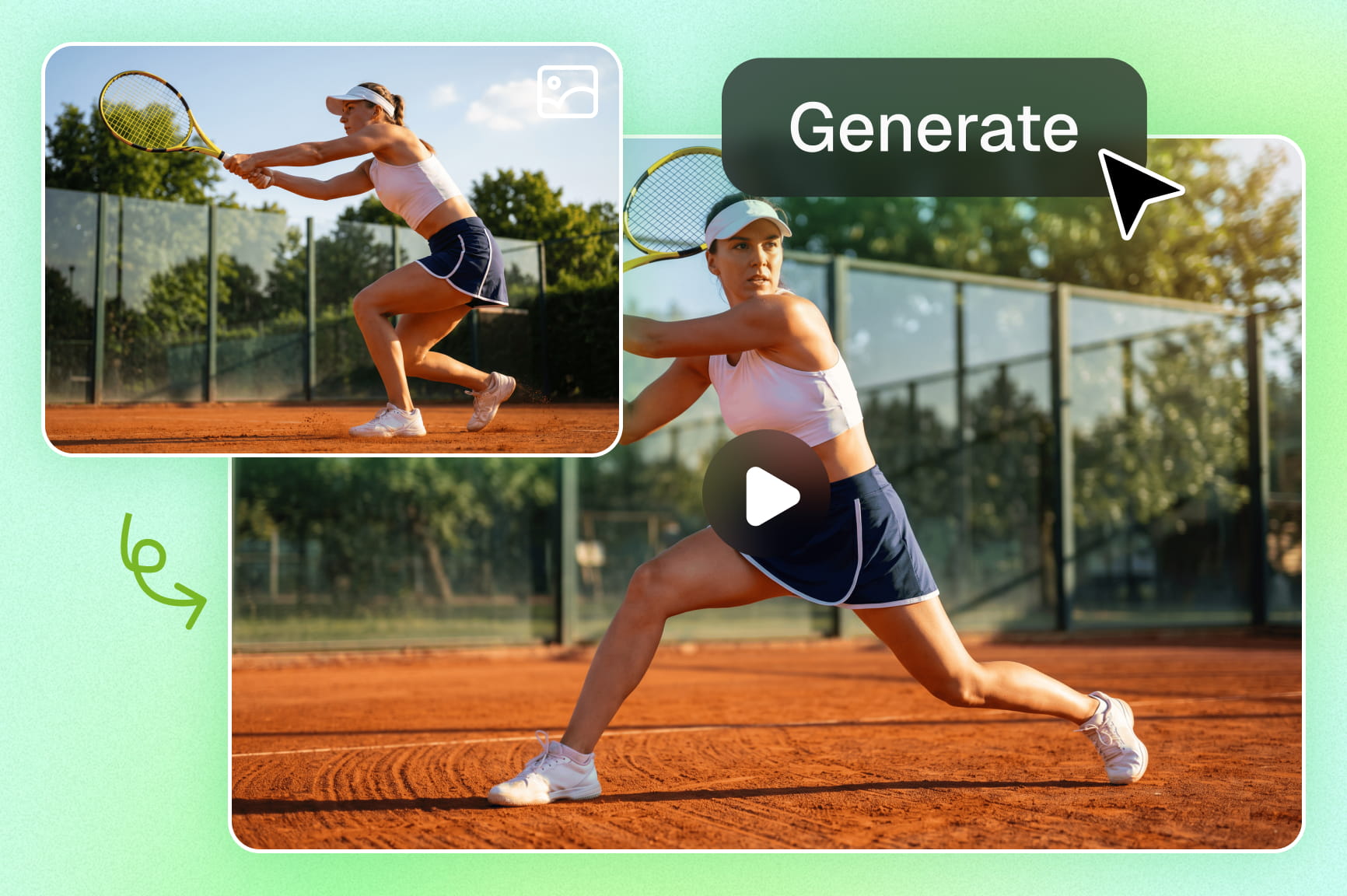
Yes. WAN 2.7 image-to-video generation lets you animate a single image or multiple reference images into cinematic videos with realistic motion and consistent subjects. On Framia Pro, simply upload your image, describe the desired movement or scene, and let WAN 2.7 generate the video directly in your browser.
Does WAN 2.7 support native audio sync?
Yes, the model coordinates character lip syncing and body movements with your audio track during generation. You can leverage this integrated feature to build realistic talking videos easily with Framia Pro.

Still have questions?

Have questions or need assistance? Our team is here to help!

Framia Pro - the ultimate WAN 2.7 video platform

With Framia Pro and WAN 2.7, you now have endless ways to create the ideal stunning video for your needs.

WAN 2.7 Cinematic AI Video Generator | Framia by Converge AI