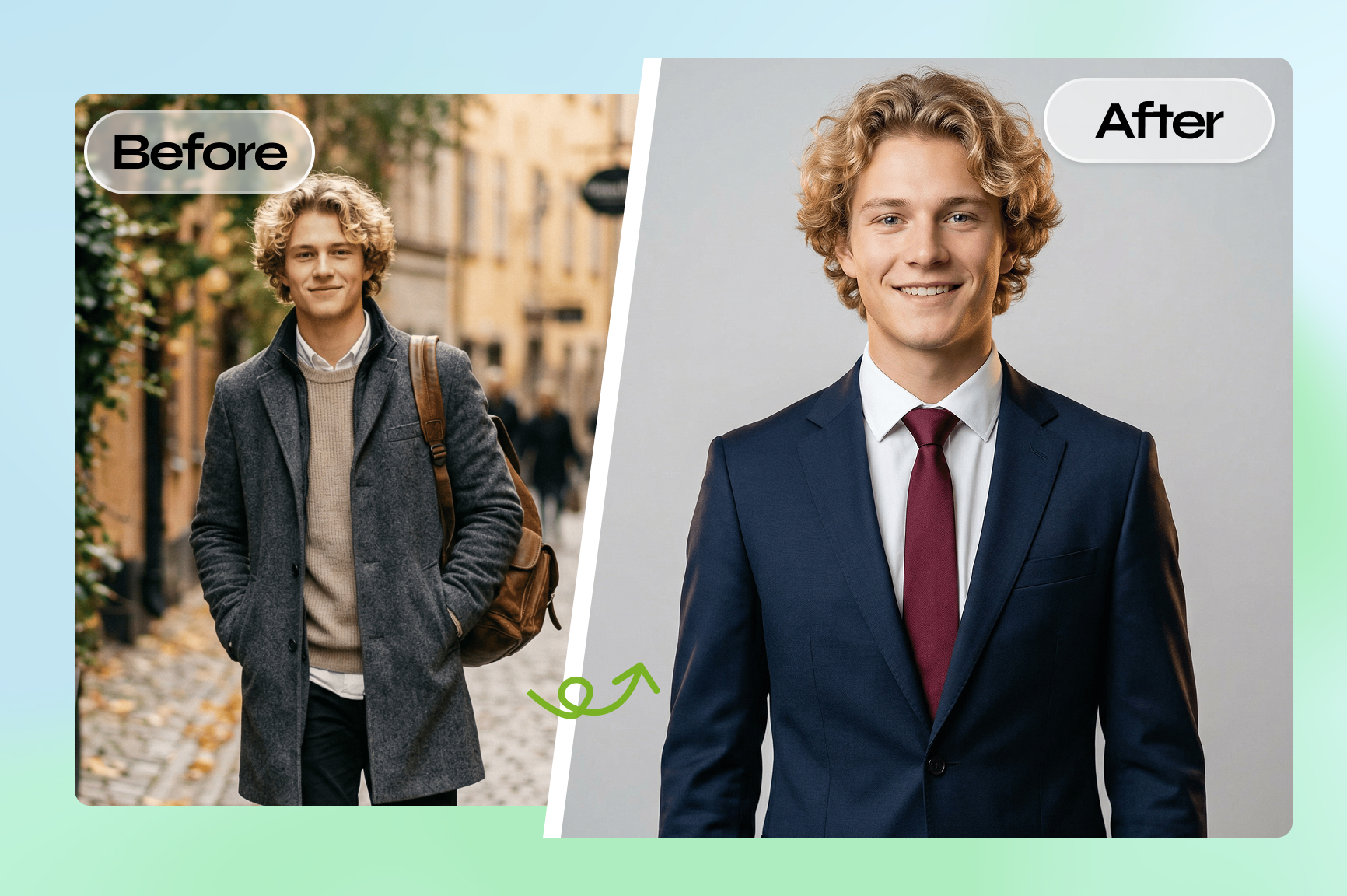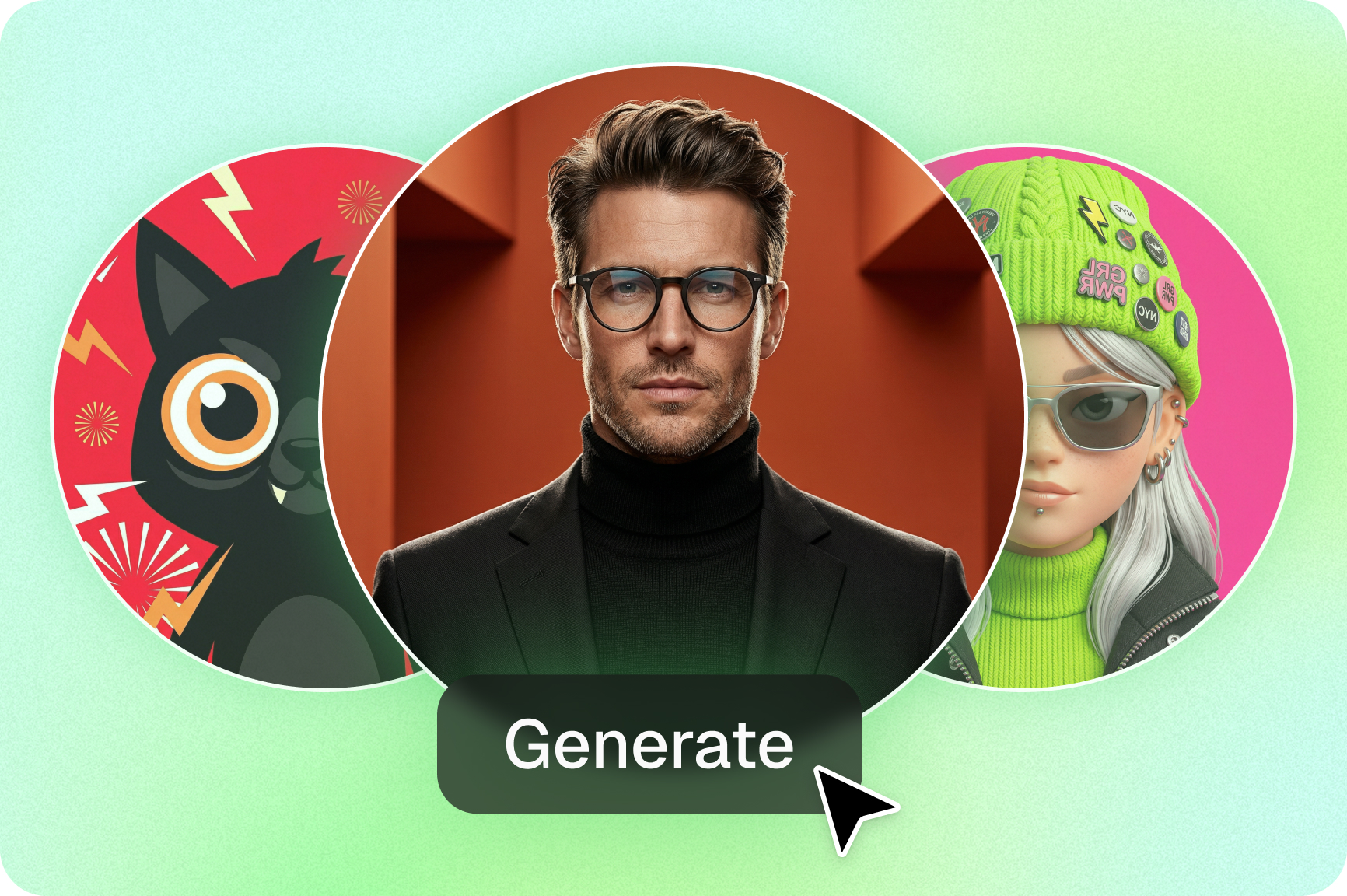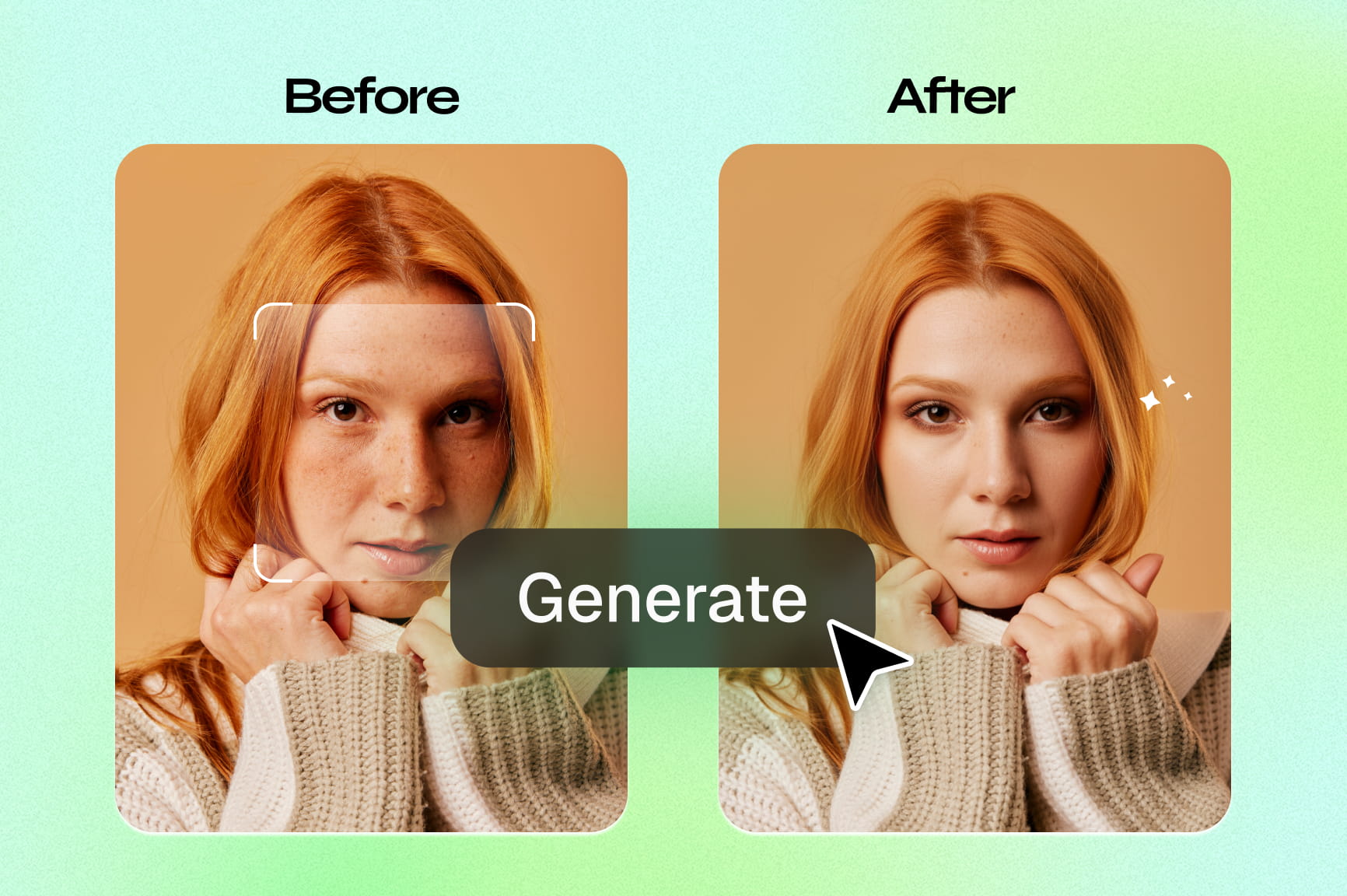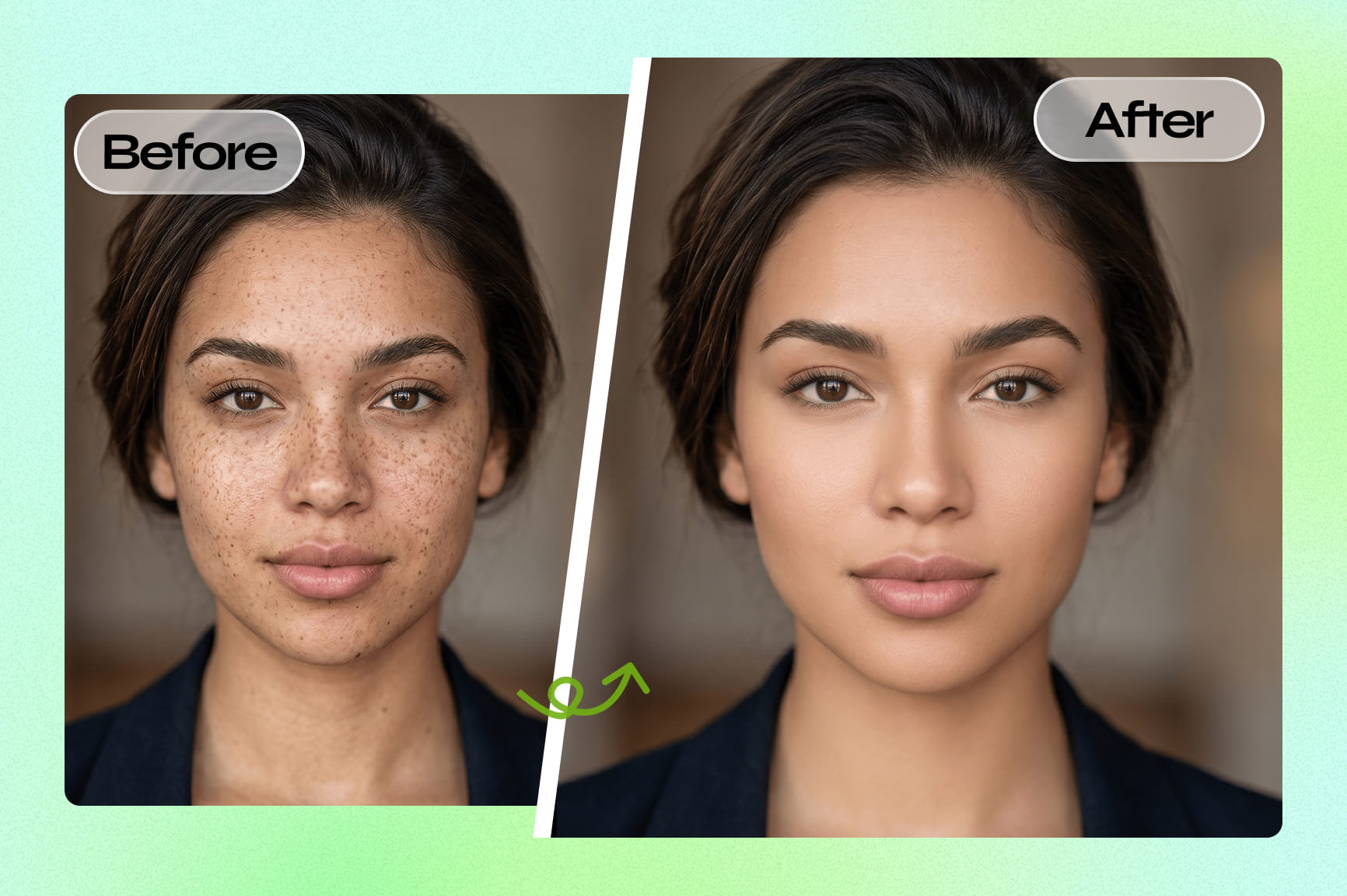
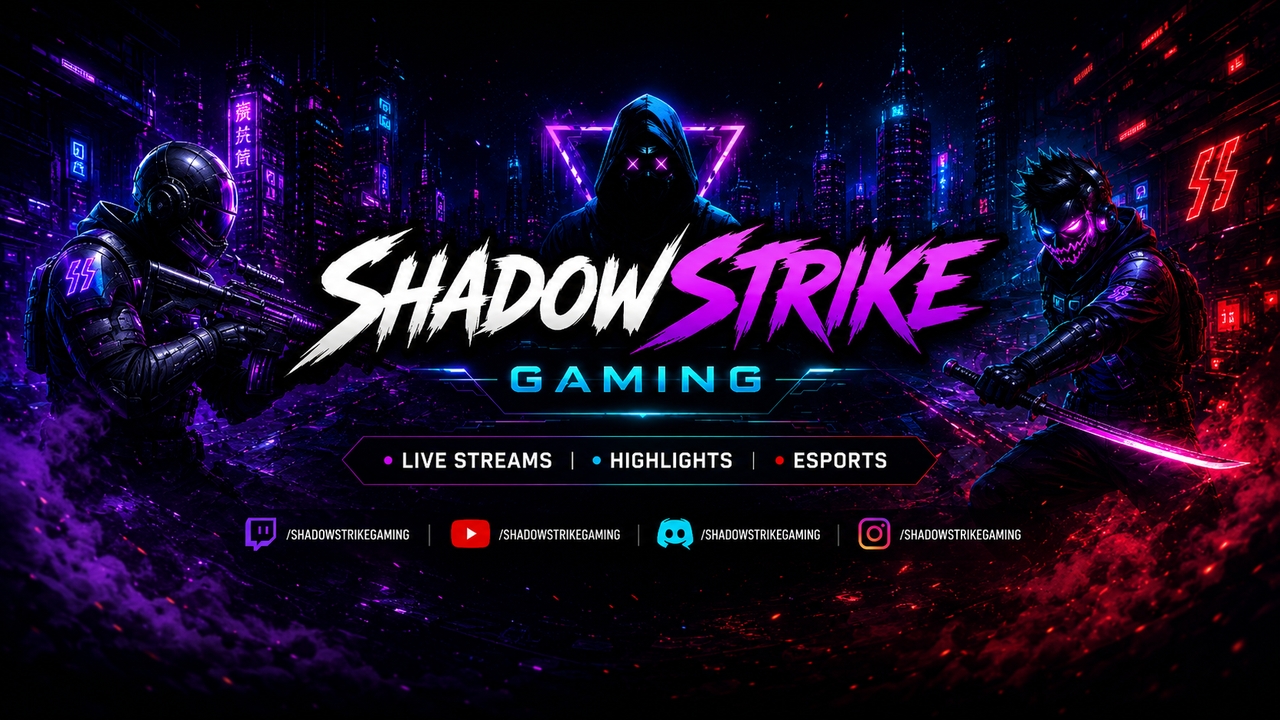
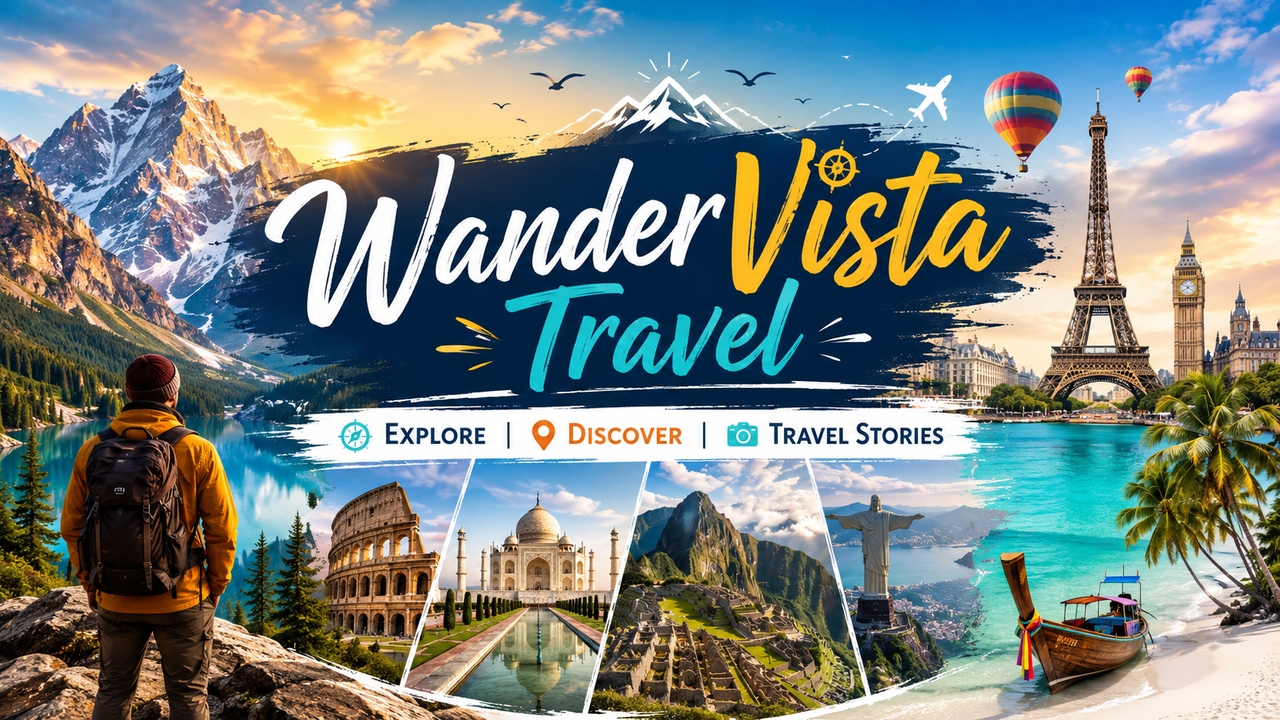
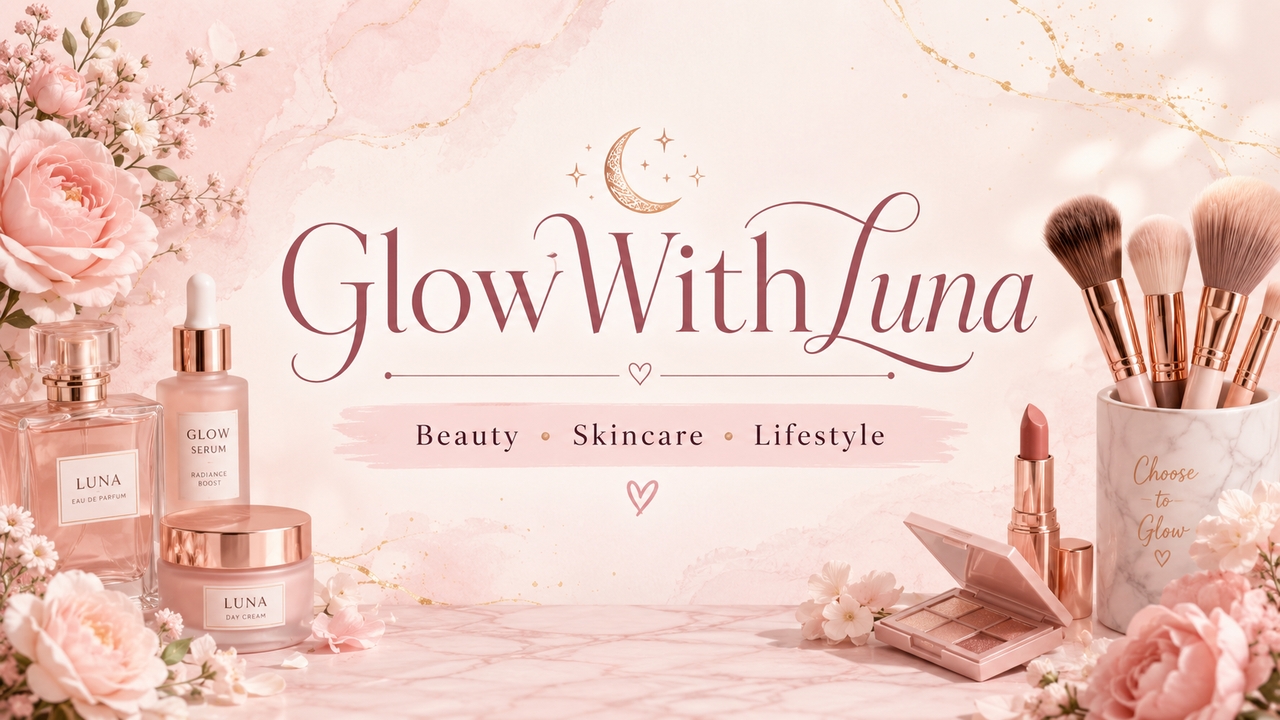

Discover the smart features of our YouTube banner creator
Transform channel branding instantly with Framia Pro YouTube banner maker, powered by AI tools for fast, creative, and professional designs today.
Generate custom banners with AI to hook viewers
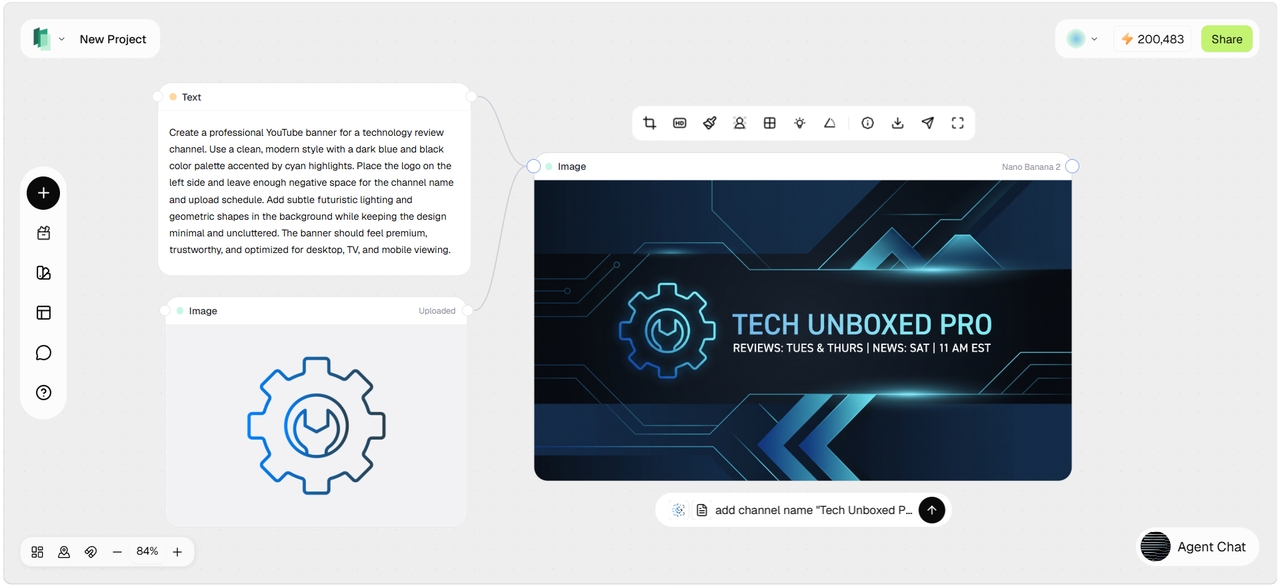
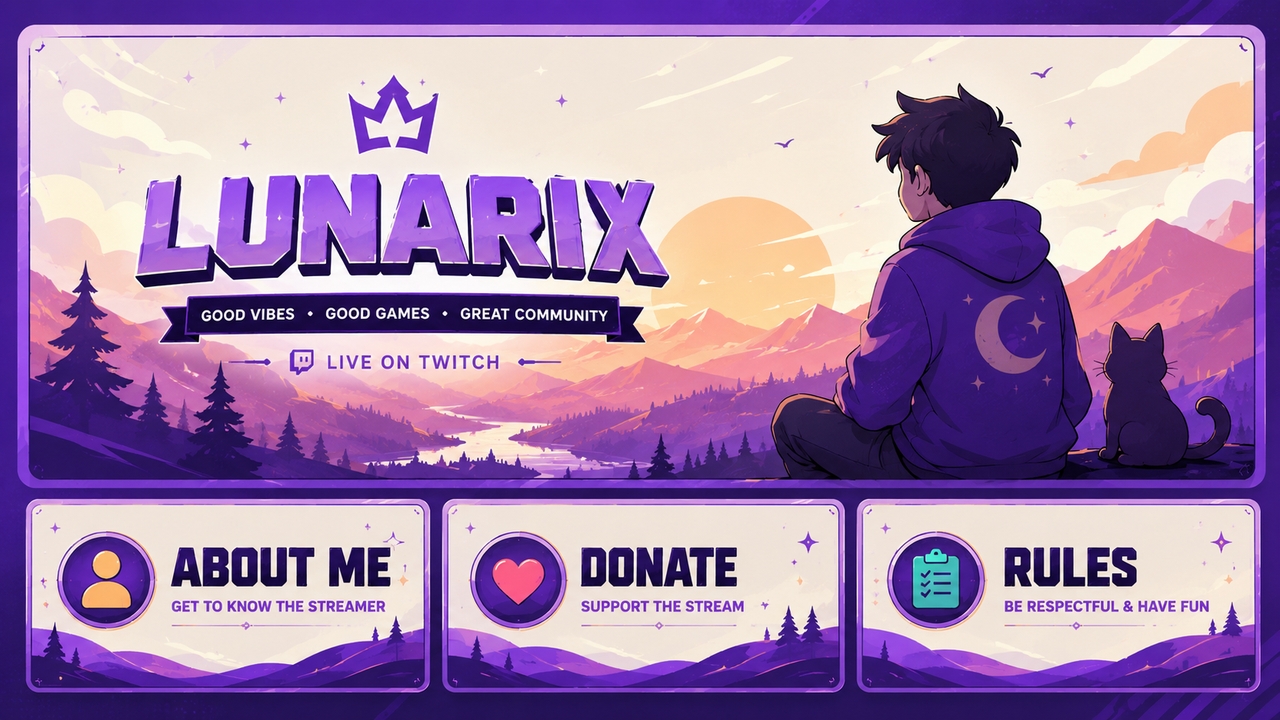
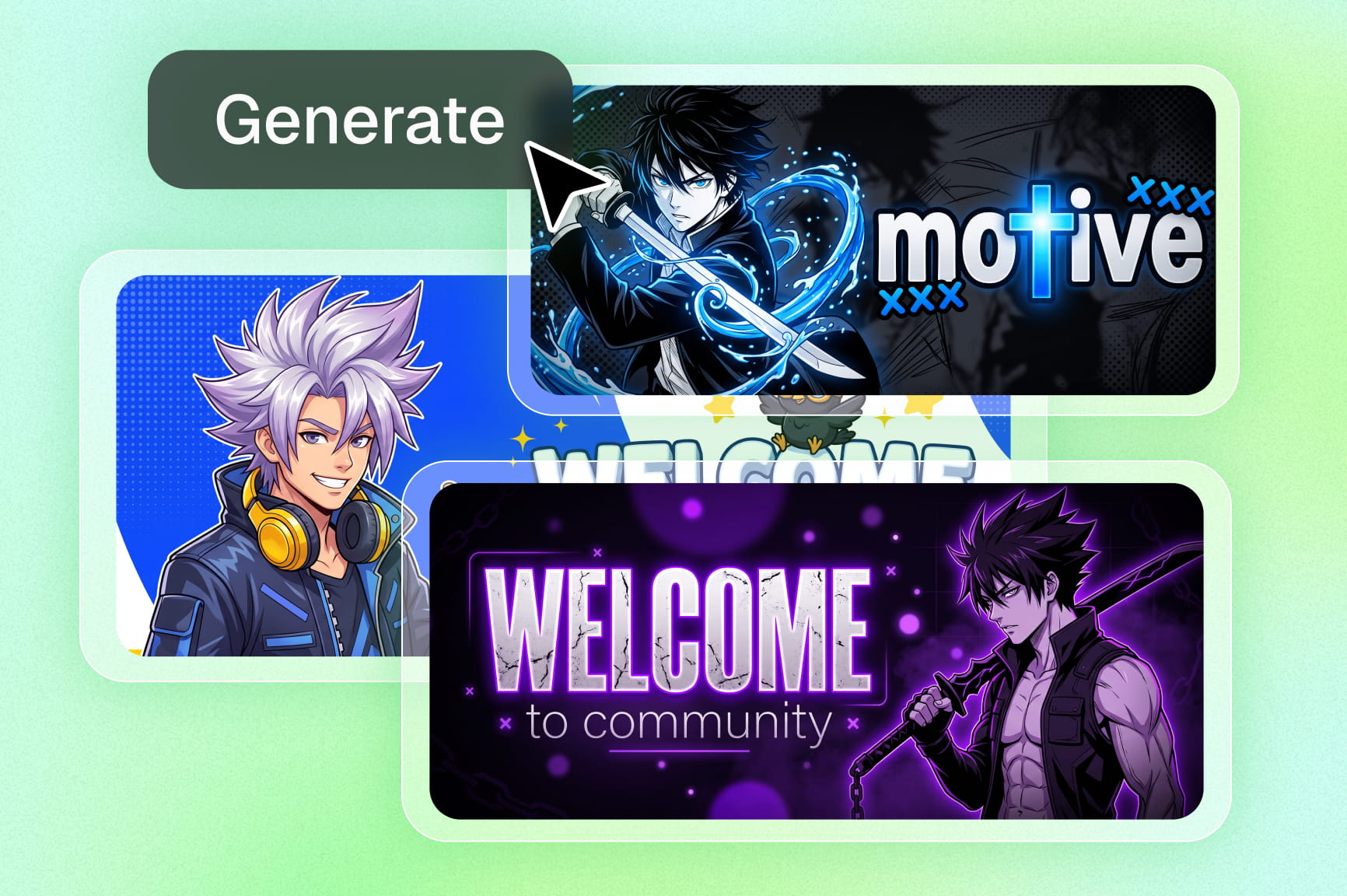
Framia Pro turns your text prompt into a fully customized, high-resolution YouTube banner in moments. Describe your vision, and the AI builds professional designs with perfect composition, colors, and branding elements using premium models like Nano Banana Pro and Seedream 5.0. Pair your visuals with a winning AI prompt for YouTube videos to hook viewers from the moment they land on your page.
Brand kit integration for consistent identity
Upload your logo, brand colors, fonts, and style guidelines once into Framia Pro. The AI automatically applies your complete brand kit to every YouTube banner, ensuring perfect visual consistency across all designs while maintaining professional quality and strong brand recognition.
Real-time customization and editing
Fine-tune every detail of your YouTube banner instantly with Framia Pro's AI image editor. Adjust text, colors, layout, elements, or regenerate specific sections using natural language prompts. Preview changes in real-time while maintaining perfect composition and YouTube-optimized dimensions for professional results.
High-resolution asset optimization
Create YouTube banners in crisp 2560x1440 resolution with Framia Pro's advanced optimization. The AI ensures sharp details, perfect text rendering, and balanced composition that looks stunning across all devices. Export multiple formats, including web-optimized, print-ready, and social variants without losing quality.
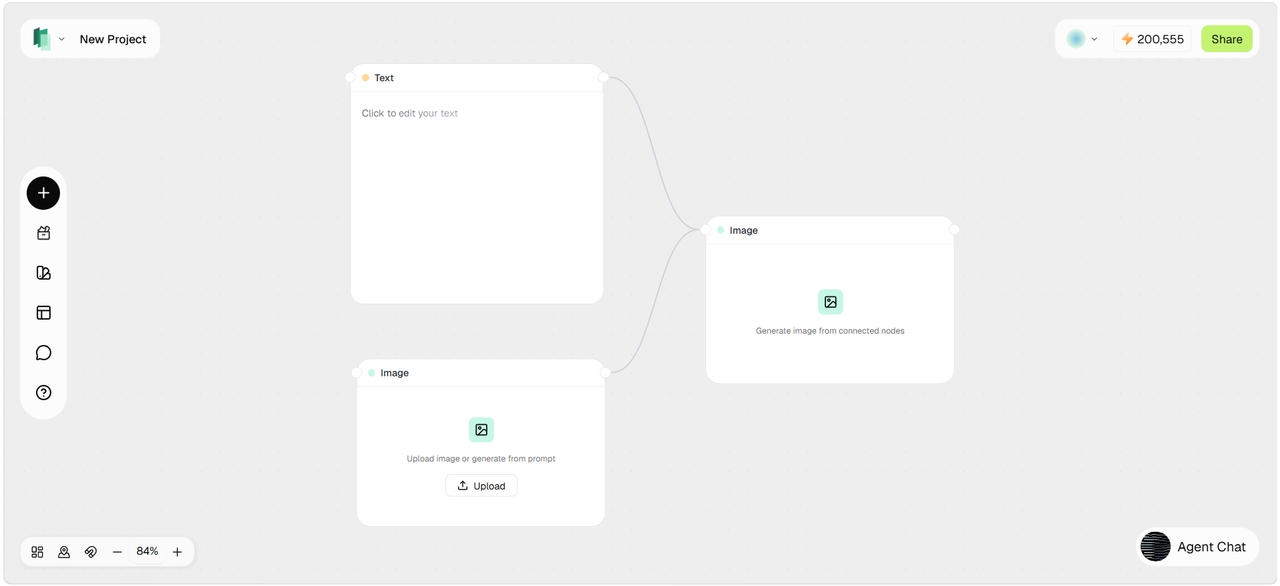
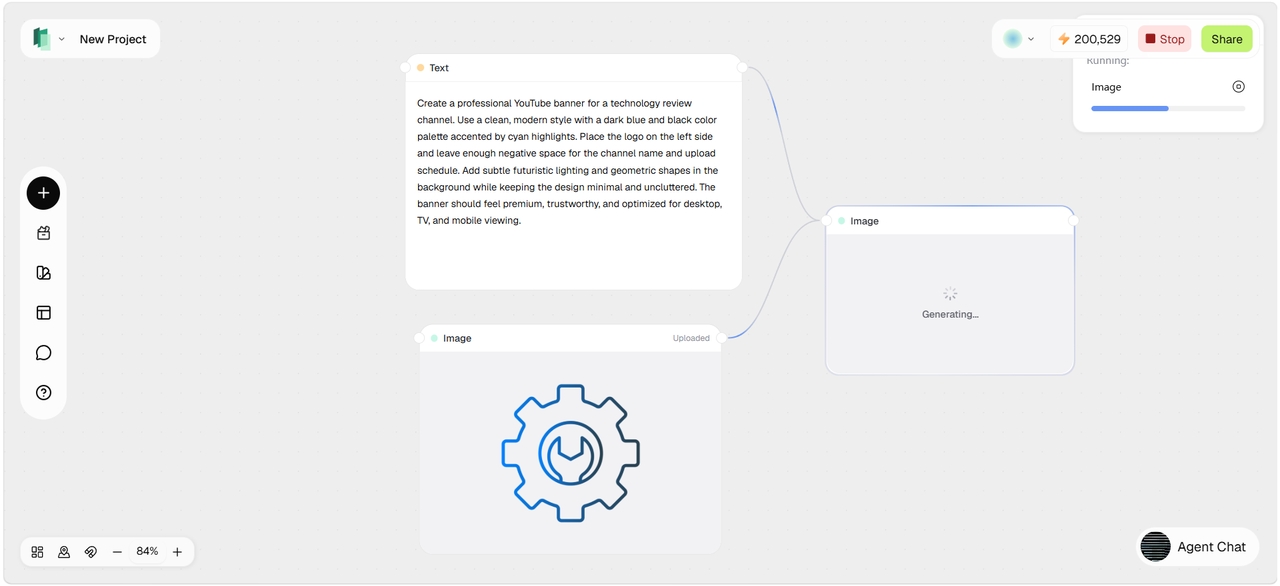
How to make a YouTube banner from text and image references?
What makes Framia Pro's YouTube banner maker stand out?
See why creators choose Framia Pro over manual tools. These are the real advantages of building your YouTube banner with AI from day one.
Create YouTube banners for any niche
Whether you are crafting channel visuals or leveraging our YouTube Shorts maker and discovering how to make a YouTube Short, Framia Pro simplifies design across all YouTube formats.
What users are saying about our YouTube banner maker
Hear from creators who used Framia Pro to make their YouTube banners. Real results from real channels across every niche and audience size.
Frequently asked questions
What is the recommended YouTube banner size?
Do I need design skills to create a banner for YouTube?
Can I upload my own logo and brand colors?
How often should I update my YouTube banner?
Is the YouTube banner maker free to use?
Still have questions?
Have questions or need assistance? Our team is here to help!
Ready to level up your YouTube channel?
Upgrade your YouTube channel instantly with Framia Pro. Create stunning banners in seconds and boost your brand identity with AI-powered design tools.
Explore more AI features & models on Framia Pro
Discover more
- Lyric Video Generator
- Text To Voice
- Image To Video AI
- AI Music Video Generator
- AI Influencer Generator
- AI Animation Generator
- AI Character Generator
- AI Voice Generator
- AI Video Enhancer
- Faceless Video
- Remove Watermark From Video
- Photo Enhancer
- AI Script Generator
- Color Correction
- AI Face Swap
- Poster Maker
- AI Image Editor
- AI Video Editor
- AI Video Generator
- Content Creator
- Small Business
- Audio Visualizer
- Image Upscaler
- AI Video Upscaler
- Video Stabilizer
- Blur Image
- AI Expand Image
- Add Audio To Video
- Designer
- Agencies
- AI Anime Generator
- AI Image Generator
- AI Inpaint
- AI TikTok Video Generator
- Brand Ads
- Lip Sync AI
- Movie Maker
- Movie Trailer
- Photo To Cartoon
- Photo To Video
- Video Agent